Video Marketing
ChatCut
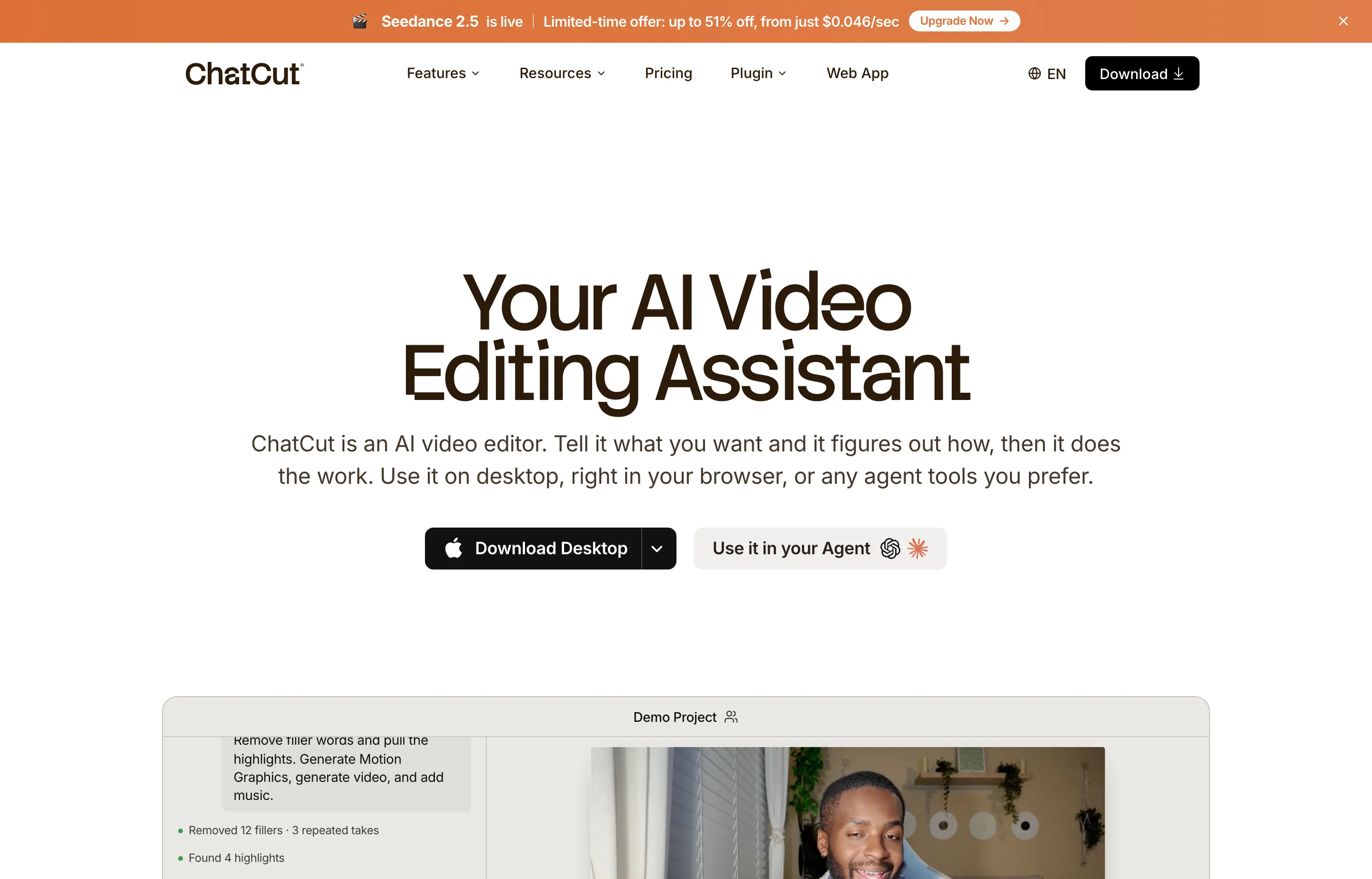
ChatCut is an AI video editor you direct by talking to: describe the edit you want and the agent reorders clips, cuts repeated takes, adds motion graphics and captions, and leaves the result on a real timeline you can still adjust by hand. It ships as a desktop app (macOS, Apple Silicon and Intel), a browser version, and plugins that let agent tools like ChatGPT or Claude Code drive it. It launched on 26 August 2026 and finished #4 of the day on Product Hunt with 289 points and 22 comments.
The non-obvious part is the pricing model: like Topview, it sells credits, not seats or exports, and the pricing page we read displayed limited-time discounts ("up to 51% off") stacked on the monthly tiers. A free plan exists — the site's FAQ references one — but its limits were not stated on the page we read, so confirm them before planning around it.
- Website
- chatcut.io
- Category
- Video Marketing
- Pricing
- Free plan + paid tiers
- Starts at
- Free plan; paid from $25/month
- Best for
- Creators and small marketing teams sitting on talking-head and product footage who want an assembled first cut without learning a timeline.
- Profile updated
- September 1, 2026
Independent profile — no affiliate links or sponsored placement.
Key features
- Prompt-based structural editing: the agent watches footage, finds highlights, and assembles a first cut
- Text-based editing via transcript — delete filler words or sentences and the timeline follows
- AI motion graphics from a sentence: chapter cards, charts, timelines, emphasis effects without keyframing
- Auto captions in 100+ languages with 20+ styles
- AI image generation inside the edit for thumbnails, references, and missing B-roll
- AI video generation for shots you couldn't film, using a reference image for consistency
- Royalty-free AI music generated to the exact length you need
- Runs on desktop, in the browser, or through plugins for ChatGPT and Claude Code
Pricing
Read from ChatCut's homepage on 1 September 2026 (verify current before purchase). Monthly tiers with the discounts displayed at the time:
- Free — $0: a free plan is referenced in the site's FAQ; its limits were not published on the page we read. Confirm before relying on it.
- $25/month — 100 credits: roughly 263 seconds of the entry video model, 500 motion-graphics clips, or 454 images per month, plus all agent editing capabilities.
- $50/month — 200 credits (displayed as $45 with a limited-time discount): doubles the monthly allowance.
- $100/month — 400 credits (displayed as $88 with a discount).
- $200/month — 800 credits (displayed as $160 with a discount).
An annual billing toggle exists on the page; the discount framing changed while we read it, so treat every figure above as promotional. Credits are consumed differently by each model — video seconds cost far more than images — and the vendor can change those rates.
Pros and cons
Pros
- The agent-plus-timeline design means AI speed without giving up manual control — every change stays editable
- Motion graphics from plain-English descriptions replaces the most common After Effects busywork
- Text-based editing (cut a sentence in the transcript, the video follows) is the fastest way to clean up talking-head footage
Cons
- Young product with no third-party reviews and a thin public company identity — the site lists a contact address but no named team
- Credit pricing with stacked limited-time discounts makes real monthly cost hard to pin down
- The free plan's limits are unpublished, so the free-to-paid cliff is unknown until you sign up
- The agent-plugin angle (ChatGPT, Claude Code) is aimed at technical users; a non-technical owner may never touch that half of the product
Who should use ChatCut?
ChatCut fits a podcaster, course creator, or small brand that records real footage — interviews, tutorials, product demos — and dreads the edit. Its strongest single feature for that audience is transcript editing: strip filler words and dead air by deleting text. A one-person marketing team making weekly YouTube or short-form content is the center of the target.
If you don't have footage and need ads generated from a product link, Topview is the closer fit; if you only need captions on finished videos, SubtitleGenerator does that one job for less. ChatCut's Product Hunt standing (#4 of 26 August 2026, 289 points, 22 comments) is launch-day community interest, not reviews — we found no independent review history to cite this run.
FAQs
Is ChatCut free?+
A free plan exists, but its limits were not stated on the site when we read it on 1 September 2026. Confirm the current free-tier caps on the pricing page before planning around it.
How much does ChatCut cost per month?+
Paid tiers started at $25/month for 100 credits and ran to $200/month for 800 credits, with limited-time discounts displayed at $45, $88, and $160 on the middle tiers as of 1 September 2026.
What does ChatCut run on?+
A macOS desktop app (Apple Silicon and Intel builds), a browser version, and plugins that let ChatGPT or Claude Code drive the editor. A Windows build was not offered when we read the site.
ChatCut or a traditional editor like Premiere?+
If you already edit fluently in Premiere or Resolve, ChatCut's value is mainly the motion-graphics and first-cut automation. If you don't edit at all, ChatCut is built for you — the agent does the structural work and you refine the result on a simple timeline.
Similar tools in the directory
Video Marketing
Topview
E-commerce and DTC small brands that need product and ad videos every week without hiring an editor or learning After Effects.
Video Marketing
SubtitleGenerator
Podcasters, short-form creators, and course makers who need accurate captions without uploading their video or installing anything.
Social Media Management
VIDEO AI ME
Ecommerce and agency teams already buying paid social who want AI video creation and multi-platform scheduling on one bill.
Free tools to try
YouTube Script Generator
Hook, sections, and outro for your next video — Shorts get a full script.
YouTube Title & Description Generator
8 honest title options under 70 characters plus a ready-to-paste description.
Instagram Caption Generator
3 caption options with hooks, CTAs, and hashtags — ready to post.
Keep reading
Guide
The Small Business AI Stack: Tools for Every Job in 2026
A practical AI stack for small businesses — the tools that actually save time on marketing, content, SEO, and admin, organized by the job they do. Free where it counts.
Guide
14 Best Social Media Scheduling Tools for Small Business (2026)
14 social media schedulers ranked for small businesses — real 2026 pricing, free-plan caps, and X support for PosterMyWall, Buffer, Statusbrew, Metricool and more.