Guide
14 Best Social Media Scheduling Tools for Small Business (2026)
It's 8:47 a.m. and you're rewriting the same caption for the third time, in the fourth app you've opened today. Somewhere along the way, posting to social stopped being marketing and became an unpaid part-time job — one you can't quit, because your customers are scrolling whether you show up or not: Pew Research Center's 2025 Social Media Fact Sheet puts 84% of US adults on YouTube and 71% on Facebook. A scheduler is how you show up without living in the apps — batch a week of posts in one Monday sitting and take your evenings back.
Picking one in 2026, though, is a minefield. This category quietly repriced itself while nobody was looking: entry prices roughly doubled at Vista Social, X/Twitter support became a paid add-on or vanished entirely at several tools, and free plans shrink every year. So we ranked fourteen schedulers on what they *actually* cost — exactly where each free tier stops, how each pricing model works (per channel, per brand, per user, or per workspace — that difference alone can triple your bill), and which paid plan is genuinely worth the money. Three of them cost under $15 a month; one of them is quietly the best deal in the category.
Quick comparison
| Tool | Best for | Free plan | Paid from | Priced by |
|---|---|---|---|---|
| PosterMyWall | Designing and posting from one place | Yes (1 channel) | $13/mo | account |
| Buffer | Most small businesses | Yes (3 channels) | $6/channel/mo | channel |
| Statusbrew | Teams outgrowing a basic scheduler | Trial only | $69/mo | plan |
| Metricool | Scheduling + analytics in one | Yes (1 brand, 20 posts/mo) | $25/mo | brand |
| Zoho Social | Cheapest paid entry | Yes (1 brand) | $15/mo | brand |
| Publer | À-la-carte budgets | Yes (3 accounts) | $5/mo + $4/account | account |
| SocialBee | Evergreen recycling | Trial only | $29/mo | profile bundle |
| Pallyy | Cheap unlimited posting | Yes (15 posts/mo) | $15/mo | social set |
| Planable | Client approvals | 50 posts (one-time) | $39/workspace/mo | workspace |
| Later | Instagram/TikTok visuals | Trial only | $25/mo | social set |
| SocialPilot | Most accounts per dollar | Trial only | $30/mo | account bundle |
| Sendible | Small agencies | Trial only | $35/mo | workspace |
| Vista Social | Widest platform list | Trial only | $79/mo | profile bundle |
| Hootsuite | Teams that outgrew all of these | Trial only | $99/user/mo | user |
How we ranked these
"Best scheduler" lists are usually affiliate leaderboards. We ranked for an owner-operator who wants their evenings back, weighing six things:
- Cost at small-business scale — what 3–5 profiles and one or two users actually cost per month, on the pricing model that fits (per-channel beats per-user for solos; per-workspace beats per-profile for agencies).
- What the free tier really allows — exact caps in plain numbers, and which platforms are excluded (X and LinkedIn are the usual missing pieces).
- Platform coverage in 2026 — including the messy X situation: dropped at Later, a $29/month add-on at Vista Social, paid-tier-only at Metricool and Publer.
- Scheduling depth — queues, evergreen recycling, bulk upload, best-time suggestions, approval flows.
- Beyond publishing — analytics, inbox, and reporting included rather than sold as add-ons.
- Track record — 2025–2026 price and free-plan changes, called out per tool.
Star ratings below are real, sourced from G2 and Capterra (linked and dated), and omitted where the review base is too small to trust. Where a vendor's site blocked our automated pricing check, we say so and name the source we used instead.
The best social media scheduling tools
1. PosterMyWall — best all-in-one for design and scheduling
PosterMyWall is the one tool on this list that lets you actually build the post, not just schedule it: pick a template, tweak it with a few AI-assisted touches, and push it out across every major platform, all for one flat monthly price. At $13/month for the whole thing, it's a solid deal once design is part of your job too.
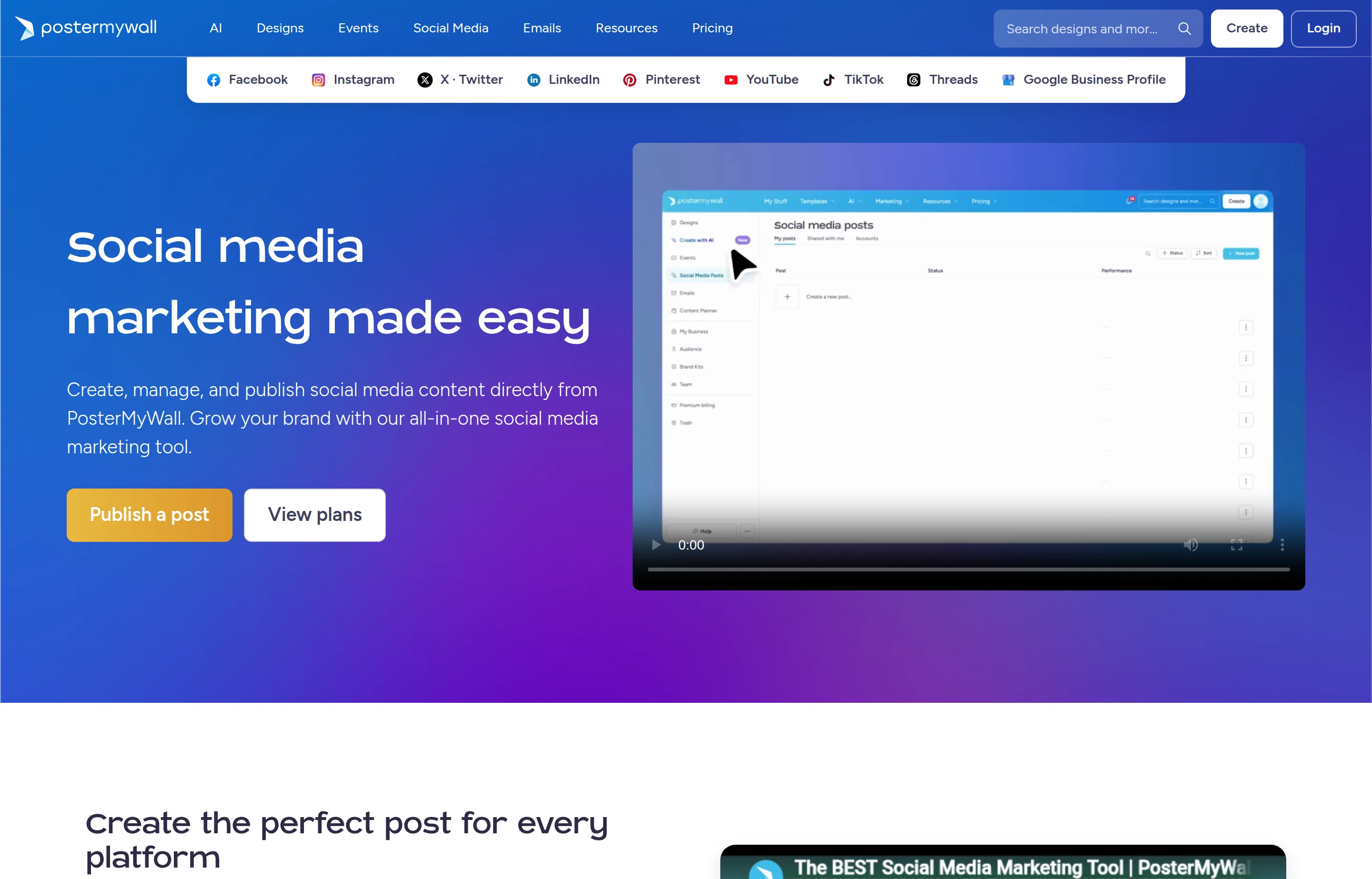
- Key features: design tools built right into the composer, so you can put a post together, write the caption, and clean up a photo without leaving the app; publishing across Facebook, Instagram, TikTok, X, YouTube Shorts, Threads, LinkedIn, Pinterest and Google Business Profile; a content calendar, brand kits, and background removal on paid tiers.
- Pricing: Free — 1 connected account, watermarked exports. Premium $13/month — unlimited watermark-free downloads, unlimited connected accounts, full AI toolset; Premium Plus $30/month — more AI credits, unlimited Brand Kits, higher email-sending limits. See PosterMyWall's pricing page for current tiers.
- The free cap: one connected social account and watermarked exports — enough to try the AI tools, tight the moment you're posting to more than one platform.
- Pros: design and scheduling live in the same workspace, so you're not paying for Canva and a scheduler separately; flat pricing regardless of how many channels you connect; large free template library for non-designers.
- Cons: scheduling analytics and reporting are lighter than dedicated tools like Metricool; no unified social inbox; approval workflows aren't built for larger teams.
- Reviews: 4.8/5 on G2 (~70 reviews) and 4.8/5 on Capterra (~183) — as of July 2026.
2. Buffer — best overall for most small businesses
Buffer is the tool this list keeps coming back to: per-channel pricing that scales down to tiny businesses, the most generous free plan among the big names, and a queue-based workflow you'll actually keep using. Paying $6/channel to lift the caps is the single best money-for-time trade in this category.
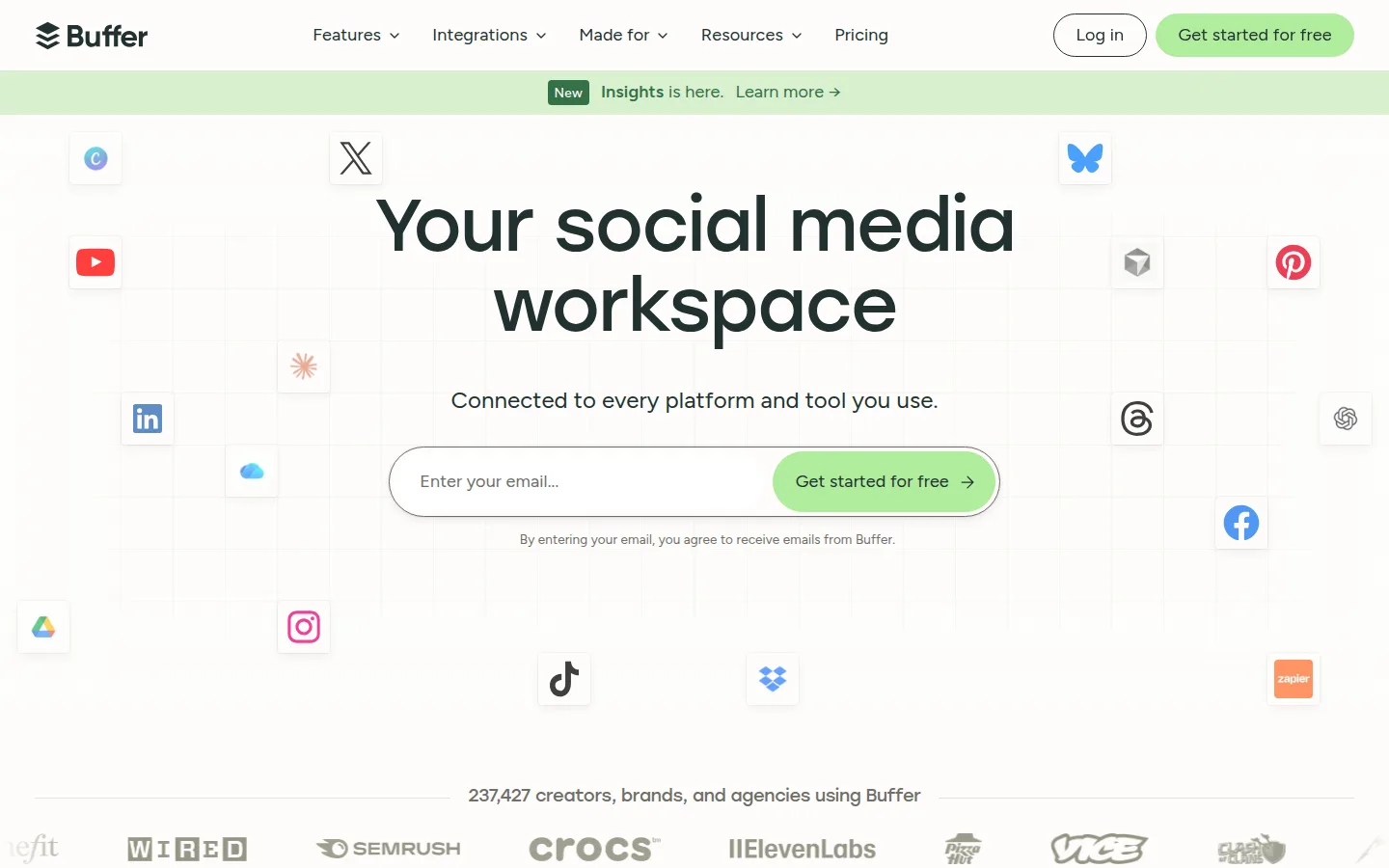
- Key features: queue-based scheduling across Instagram, Facebook, TikTok, X, LinkedIn, Pinterest, YouTube Shorts, Google Business Profile, Threads, Bluesky and Mastodon; AI assistant; analytics and engagement on paid tiers.
- Pricing: Free — 3 channels, 10 queued posts per channel, 1 user. Essentials $6/channel/month (or $5/channel on annual billing); Team $12/channel/month ($10 annual) with unlimited users; channels beyond 10 cost less — read from Buffer's pricing page (annual rates shown by the vendor; monthly rates corroborated by third-party trackers).
- The free cap: 10 queued posts per channel at a time (refillable, not monthly) and three channels — enough for a real posting habit on a small footprint.
- Pros: pay only for channels you use; free plan is genuinely usable; clean, fast, hard to outgrow accidentally.
- Cons: analytics are lighter than Metricool's; no unified inbox on lower tiers; per-channel pricing adds up past ~6–8 channels.
- Reviews: 4.3/5 on G2 (~1,070 reviews) and 4.5/5 on Capterra (~1,490) — as of July 2026.
3. Statusbrew — best for small teams that will outgrow a basic scheduler
Most tools on this list are just scheduling. Statusbrew runs the whole operation once posting becomes a team sport — the step up for a growing small business juggling several brands or clients, where a post now needs an approval, a reply, and a report, not just a slot in the queue. It earns a spot this high despite a higher entry price because it charges per plan, not per channel, per profile, or per seat, so the bill doesn't creep up every time you add an account or a teammate.
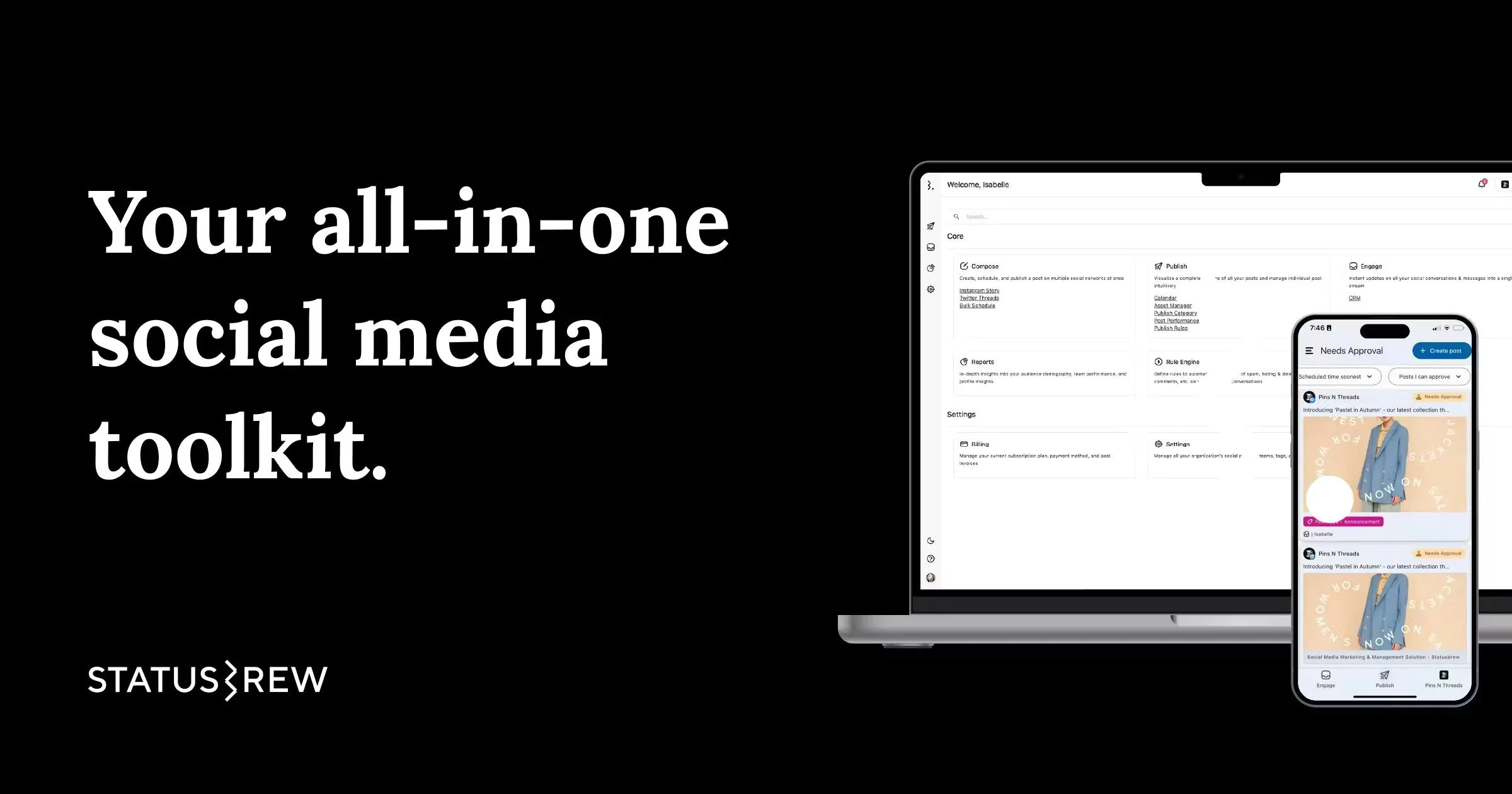
- Key features: a drag-and-drop planning calendar with bulk CSV scheduling (up to ~400 posts at once), best-time posting, publish rules to keep content on-brand, and trending audio for Reels and TikTok; no-login shareable calendars so clients approve without a seat; a unified inbox for comments, DMs, mentions and reviews; 270+ reporting metrics across 20+ templates; separate Workspaces per brand; and a Statusbrew MCP that runs publishing, approvals and reports from ChatGPT or Claude. Covers Facebook, Instagram, TikTok, X, LinkedIn, YouTube, Pinterest, Google Business Profile and Threads.
- Pricing: no free plan (14-day trial). Paid plans from $69/month, full reporting from $129/month, and custom pricing for agencies running many profiles or users — priced per plan, so extra profiles and teammates don't add per-seat or per-channel fees. Read from Statusbrew's pricing page.
- The catch: no free tier, and a higher entry price than the budget picks — worth it once approvals, inbox and reporting are daily work, not before.
- Pros: flat per-plan pricing that doesn't punish extra profiles or users; approvals, unified inbox and 270+ metric reporting included rather than sold as add-ons; real agency features (Workspaces, client-approval calendars) at a small-business price.
- Cons: no free plan, only a trial; entry price sits above budget schedulers like Buffer, Zoho and Publer; the depth is overkill for a solo poster who only needs a queue.
- Reviews: 4.8/5 on G2 (~251 reviews) · 4.8/5 on Capterra (~86) — as of July 2026.
4. Metricool — best scheduling and analytics in one tool
Metricool bundles what others sell separately: scheduling, deep analytics, competitor benchmarking, and ad reporting in one dashboard, priced per brand rather than per channel. For a data-inclined owner it's the most tool per dollar on this list.
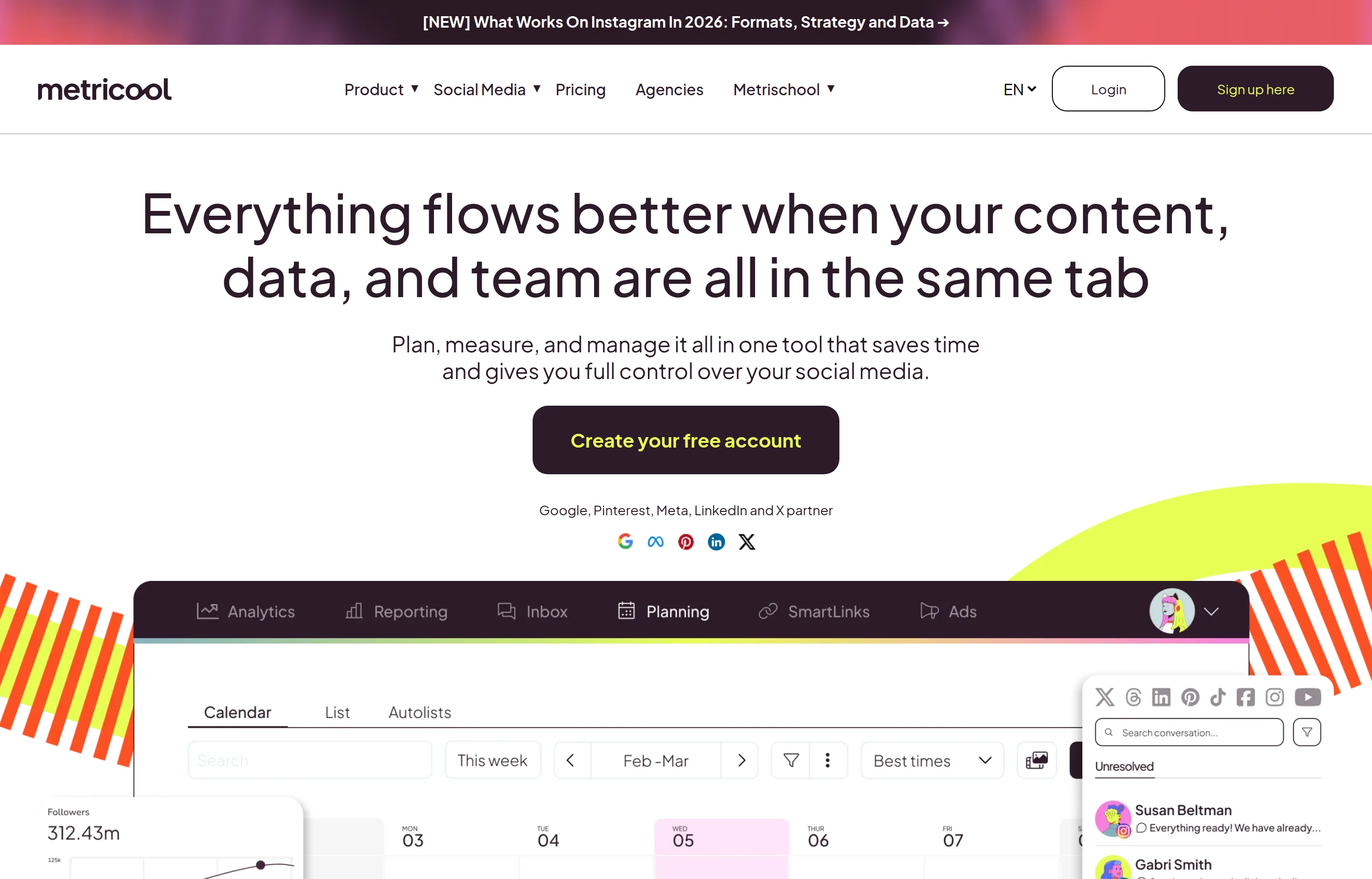
- Key features: planner plus analytics for Instagram, Facebook, TikTok, Pinterest, YouTube, Google Business Profile, Threads, Bluesky and Twitch, with X and full LinkedIn coverage on paid tiers; competitor tracking; Google/Meta/TikTok ads reporting; Looker Studio connector on Advanced.
- Pricing: Free — 1 brand, 20 posts/month, 30-day analytics, 5 competitors — without LinkedIn or X. Starter from $25/month (~$20 on annual billing); Advanced from $67/month (~$53 annual) with approvals and team features — read from Metricool's pricing page (a brand-count slider moves exact figures; third-party trackers also report X/LinkedIn sold as small add-ons on lower tiers — verify at signup).
- The free cap: one brand, 20 posts a month, and the two business-critical networks (LinkedIn, X) excluded — a real trial, not a real plan, for service businesses.
- Pros: analytics depth nothing else here matches at the price; per-brand pricing is cheap for multi-network presences; raised prices only modestly in mid-2025.
- Cons: free plan's LinkedIn/X exclusion; the pricing slider makes costs harder to predict; interface is dense on first contact.
- Reviews: 4.5/5 on G2 (~83 reviews) · 4.8/5 on Capterra (~100) — as of July 2026.
5. Zoho Social — cheapest real paid plan
Zoho Social is the value anchor of this list: a genuine free plan, and paid plans from $10–15/month — the lowest paid entry here — with best-time predictions and a clean calendar. If you already run Zoho for CRM or books, it's the obvious pick.
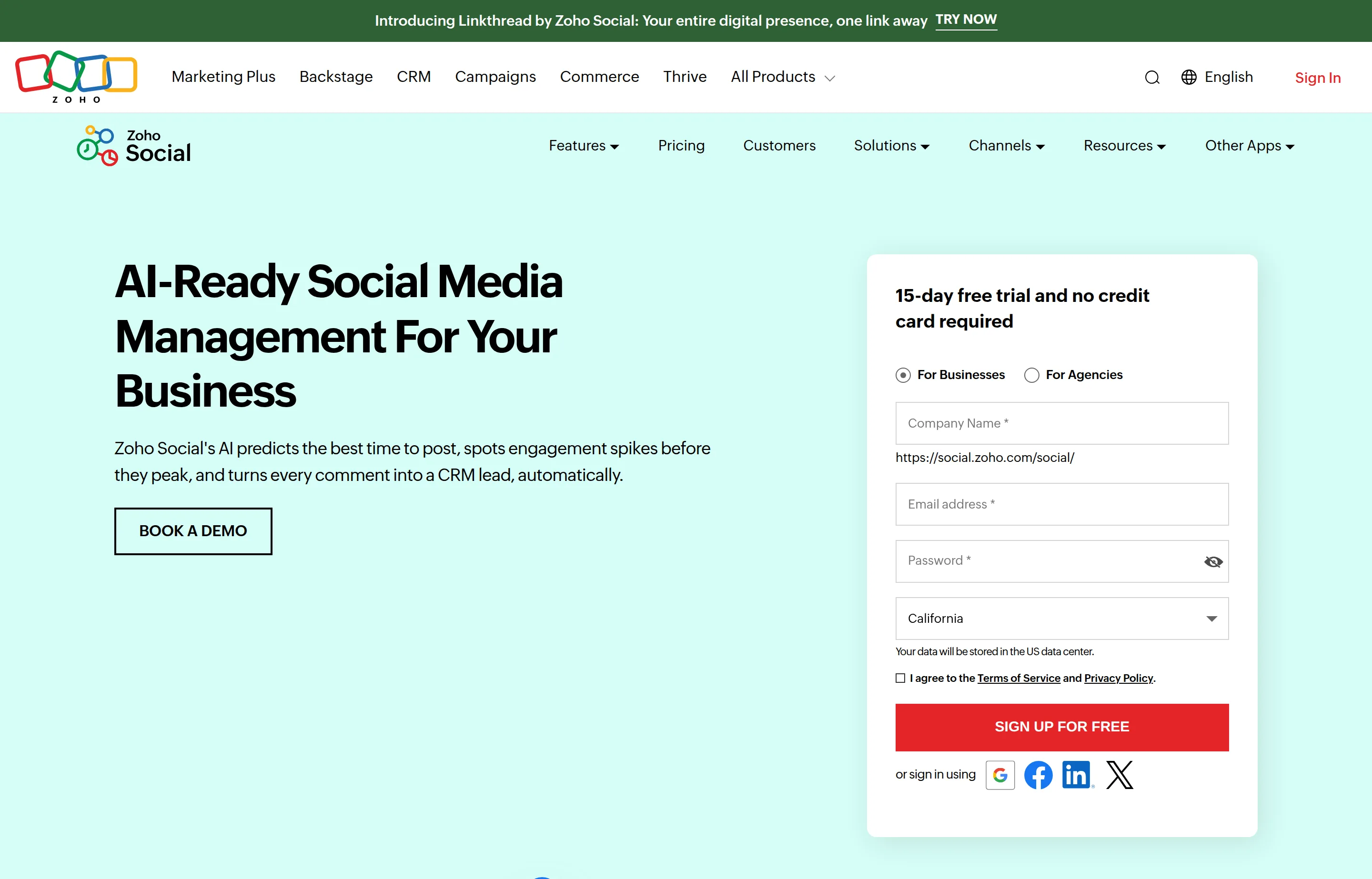
- Key features: scheduling calendar and bulk scheduler, SmartQ best-time predictions, monitoring dashboards and inbox on higher tiers, deep Zoho CRM/Desk integration, AI credits.
- Pricing: Free — 1 brand, 1 user, basic publishing to Facebook, X, Instagram, LinkedIn and Google Business Profile. Standard $15/month ($10 on annual billing) adds YouTube, Pinterest, TikTok, Threads and Bluesky; Professional $40 ($30 annual); Premium $65 ($40 annual, 3 users, inbox and approvals); agency plans from $320 — vendor-verified from Zoho's own pricing data (the page renders prices by script, so re-check the pricing page at signup).
- The free cap: one brand and one user with basic publishing only — but unusually, the free plan *includes* X.
- Pros: lowest paid entry price here; real free plan including X; Zoho-suite integration; approvals and inbox exist at prices agencies elsewhere pay triple for.
- Cons: single-user until Premium; less polished than Buffer; strongest inside the Zoho ecosystem.
- Reviews: 4.6/5 on G2 (~2,890 reviews) · 4.7/5 on Capterra (~3,360) — as of July 2026.
6. Publer — best à-la-carte budget pick
Publer prices like a market stall: from $5/month for one account, plus $4/month for each extra. For one or two profiles it's the cheapest paid scheduling on this list, with bulk tools and recycling that punch above the price.
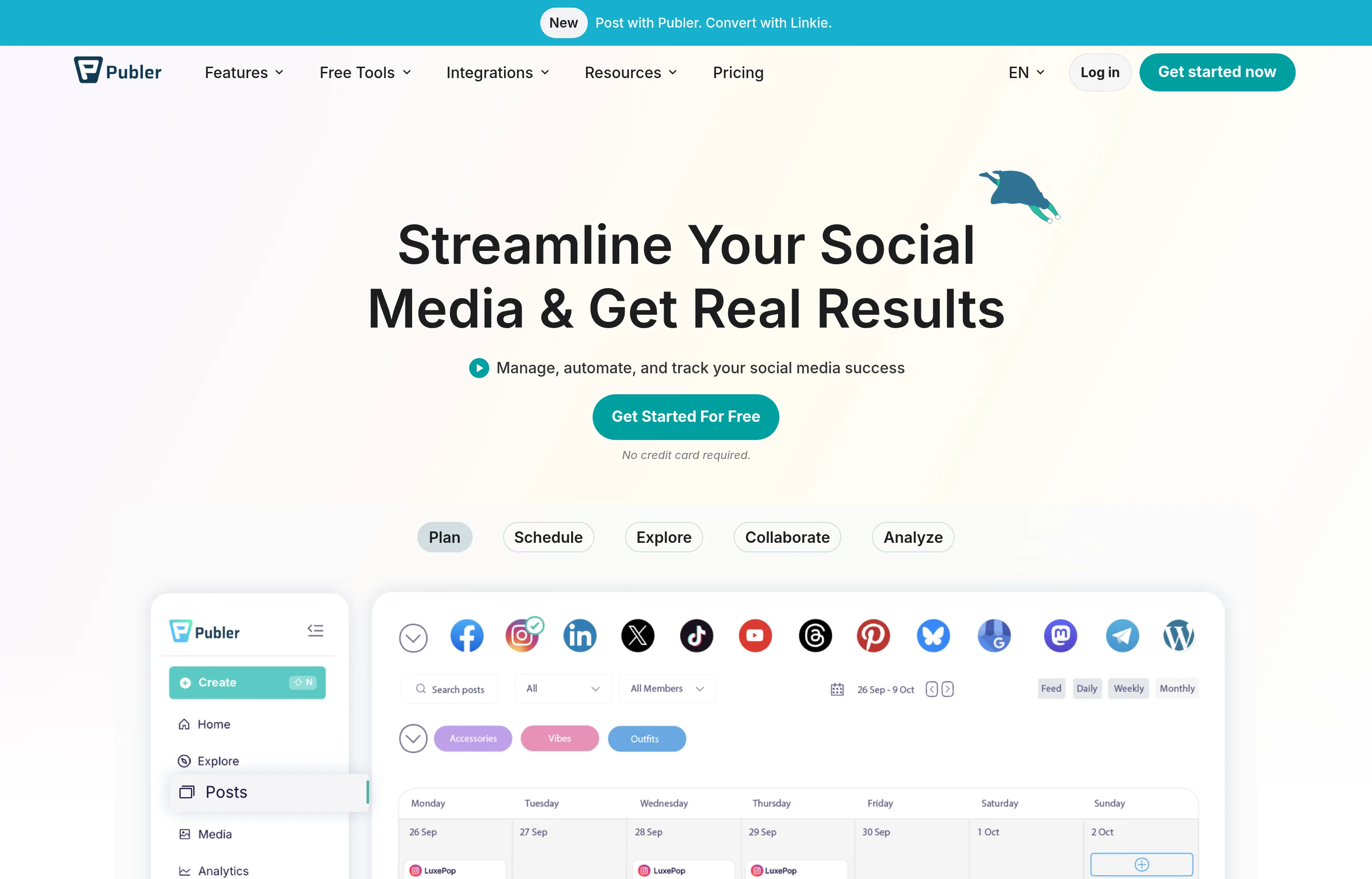
- Key features: scheduling for Facebook, Instagram, TikTok, LinkedIn, Pinterest, YouTube, Google Business Profile, Threads, Bluesky, Mastodon, Telegram and WordPress (X on paid plans only); bulk scheduling, post recycling, RSS automation; AI Assist on Business.
- Pricing: Free — 3 accounts (X excluded), 10 pending posts per account, 24-hour history. Professional from $5/month for one account, +$4/month per extra account (+$2 per extra member); Business from $10/month (+$7 per account) adds analytics and unlimited AI; every 10th account free. Publer's site blocked our automated check — figures are from Publer's own help center; its advertised annual discount varies by source, so verify at checkout.
- The free cap: 10 pending posts per account, a 24-hour post history, and no X or analytics — built to demo, not to run on.
- Pros: cheapest paid entry for 1–2 accounts; pay exactly for what you connect; strong bulk/recycling tooling.
- Cons: X requires a paid plan; analytics gated to Business; pricing page itself is hard to read (we had to use their help docs).
- Reviews: 4.7/5 on G2 (~520 reviews) — as of July 2026 (Capterra shows a large base but we couldn't verify its current star value).
7. SocialBee — best for evergreen content on autopilot
SocialBee is built around category queues: sort content into buckets (tips, offers, testimonials), set a posting schedule per bucket, and let it recycle evergreen posts indefinitely. For a service business whose advice doesn't expire, that's the closest thing to posting while you sleep.
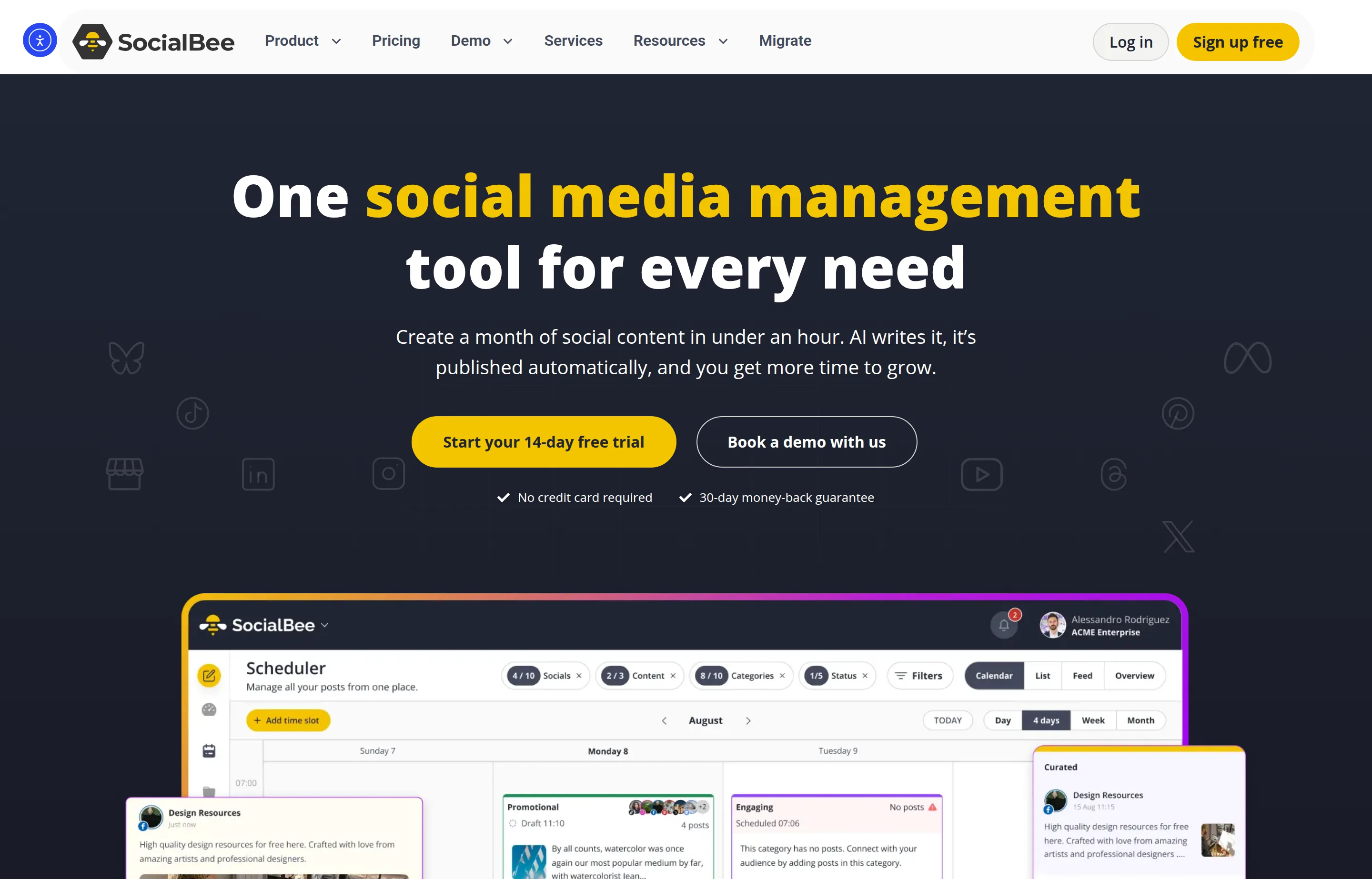
- Key features: category-based queues with evergreen recycling, AI copilot for strategy and post generation, approvals, analytics; covers Facebook, Instagram, X, LinkedIn, Pinterest, TikTok, YouTube, Google Business Profile, Threads and Bluesky.
- Pricing: no free plan (14-day trial). Bootstrap $29/month ($290/year) for 5 profiles; Accelerate $49 ($490/year) for 10; Pro $99 ($990/year) for 25 profiles and 3 users — read from SocialBee's pricing page. Extra users/workspaces $10/month each.
- The catch: the highest entry price of the non-enterprise tools here — the recycling engine is the thing you're paying for, so it's only worth it if evergreen content is your strategy.
- Pros: recycling queues genuinely reduce weekly effort; concierge services available; stable pricing (no 2025–26 increase we could find).
- Cons: $29 entry vs $5–15 elsewhere; single user until Pro; analytics thinner than Metricool.
- Reviews: 4.7/5 on G2 (~480 reviews) — as of July 2026 (Capterra's base is too small to cite).
8. Pallyy — best cheap unlimited posting
Pallyy undercuts the mid-market: $25/month buys *unlimited* posting for one brand, with an inbox and client-approval flows that agencies twice the price would recognize. It's the quiet bargain of this list.
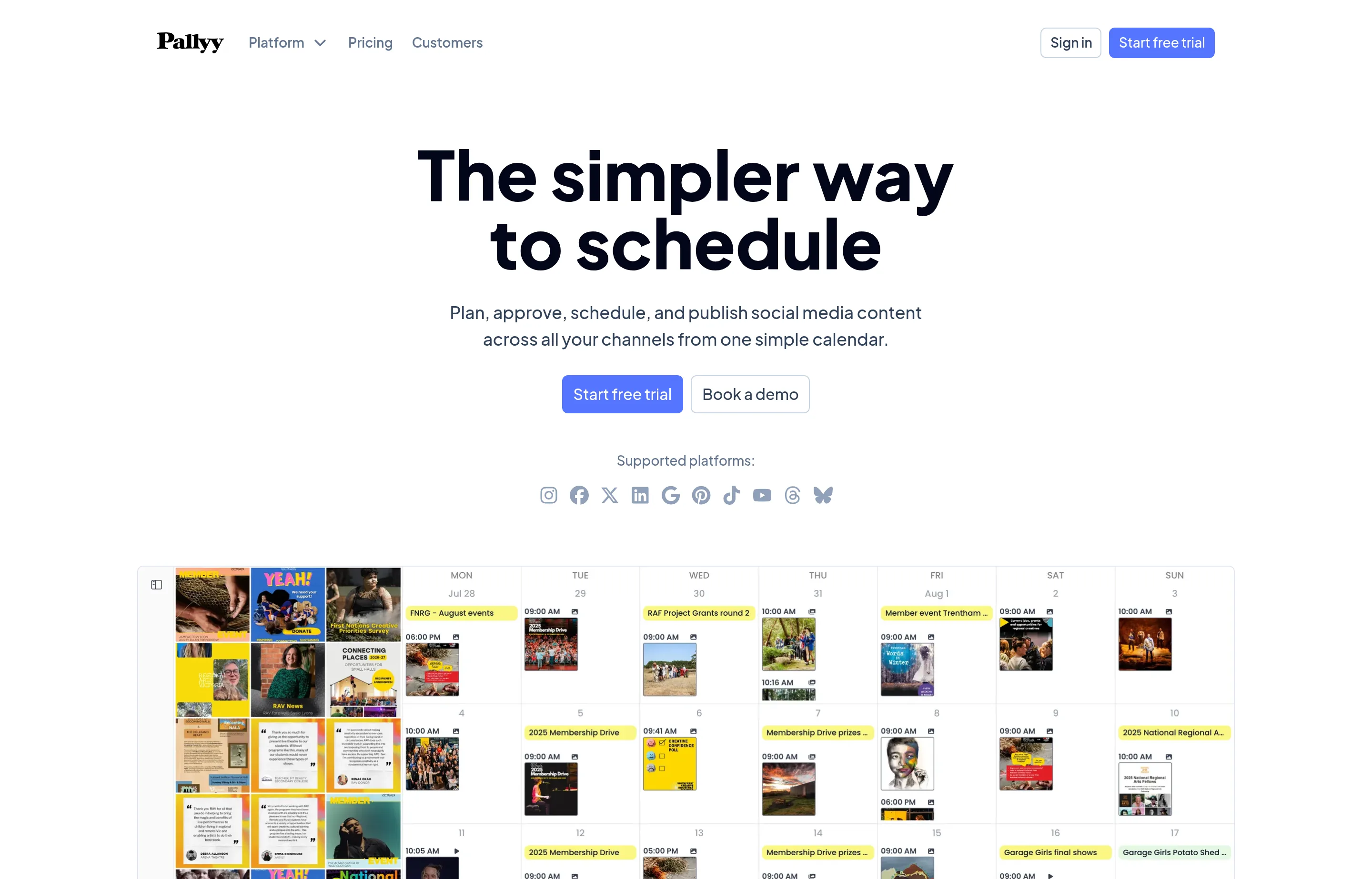
- Key features: scheduling for Instagram, Facebook, LinkedIn, TikTok, Pinterest, Google Business Profile, YouTube, X, Threads and Bluesky; unified inbox with comments, DMs and reviews; client approval links; link-in-bio.
- Pricing: Free — 15 posts/month, one social set, image posts only. Starter $15/month (20 posts); Pro $25/month, unlimited posts; Agency $99/month (10 social sets, 3 users) — read from Pallyy's pricing page. Annual billing advertises "up to 25% off" but the page doesn't display annual dollar amounts — check at checkout.
- The free cap: 15 image-only posts a month on one account — effectively a live demo.
- Pros: cheapest unlimited-posting plan here; includes X at no extra charge; approval links clients don't need accounts for.
- Cons: one brand until the $99 Agency tier; analytics are serviceable, not deep; no G2 presence at all yet.
- Reviews: 4.7/5 on Capterra (~68 reviews) — as of July 2026 (zero reviews on G2 — noted, not hidden).
9. Planable — best for client and team approvals
Planable is the approval-workflow specialist: pixel-perfect post previews, comments beside the content, and multi-level sign-off — priced per workspace with unlimited users on every tier, which flips the economics for teams.
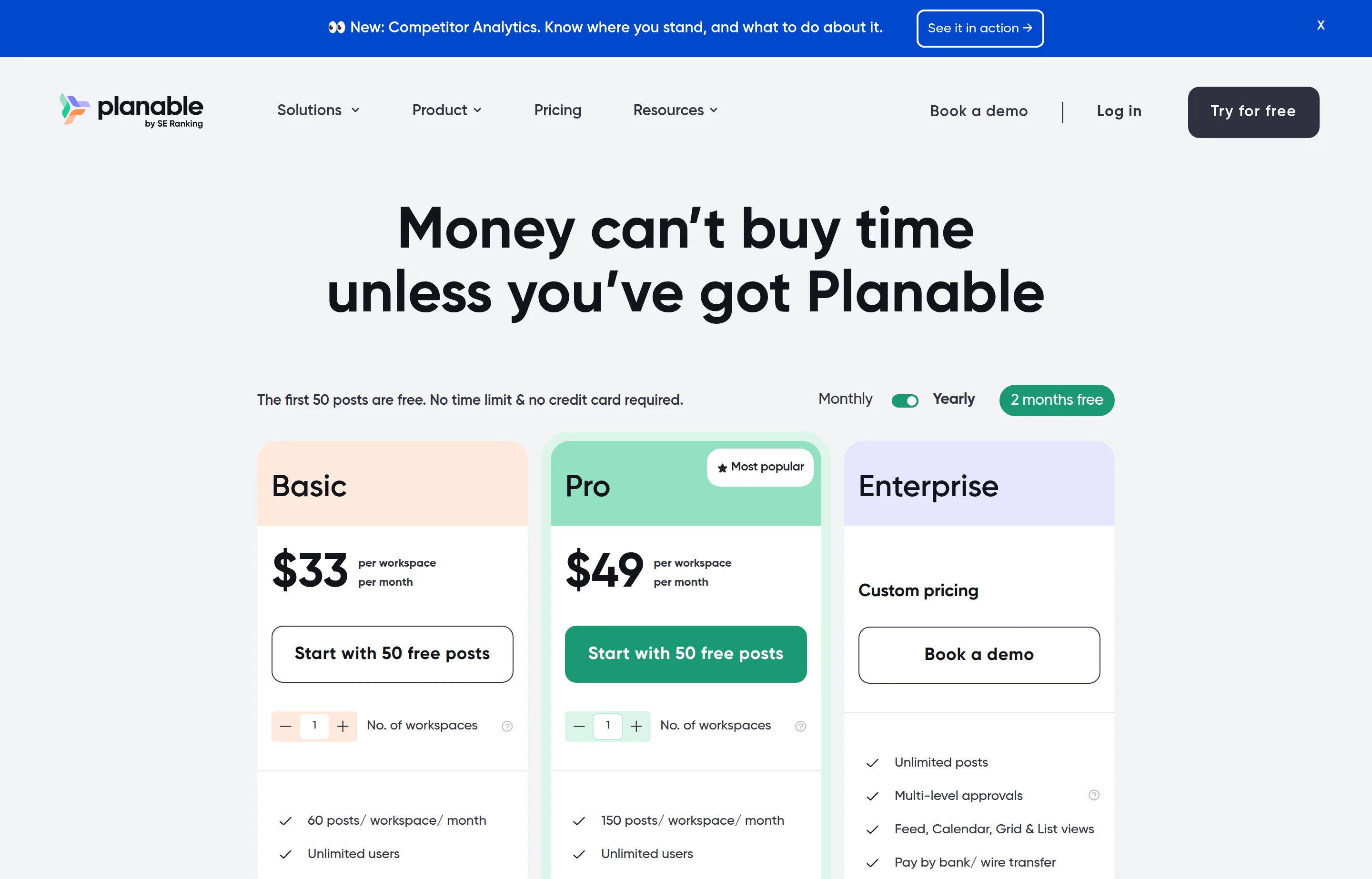
- Key features: approval types from optional to required (multi-level on Enterprise), feed/calendar/grid/list views, exact post previews, comments and annotations next to each post.
- Pricing: Free — your first 50 posts (a one-time allowance, not monthly), unlimited users, no card. Basic $39/workspace/month ($33 on annual billing) for 60 posts and 4 pages per workspace; Pro $59 ($49 annual) for 150 posts and 10 pages; analytics +$14 and inbox +$9 per workspace — plan figures read from Planable's pricing page (monthly-billing figures corroborated via G2's pricing listing).
- The free cap: 50 posts total, ever — designed to sell the workflow, and it usually does.
- Pros: the best client-review experience in this list; unlimited seats every tier; per-workspace pricing suits agencies.
- Cons: analytics and inbox cost extra; posts-per-month caps on paid tiers; X publishing not included on the free plan.
- Reviews: 4.6/5 on G2 (~940 reviews) · 4.5/5 on Capterra (~330) — as of July 2026.
10. Later — best visual planner for Instagram and TikTok
Later built its name on the visual Instagram grid planner, and that's still the reason to pick it: if your business is aesthetic-first (food, fashion, interiors, fitness), planning the *look* of your feed matters as much as the calendar.
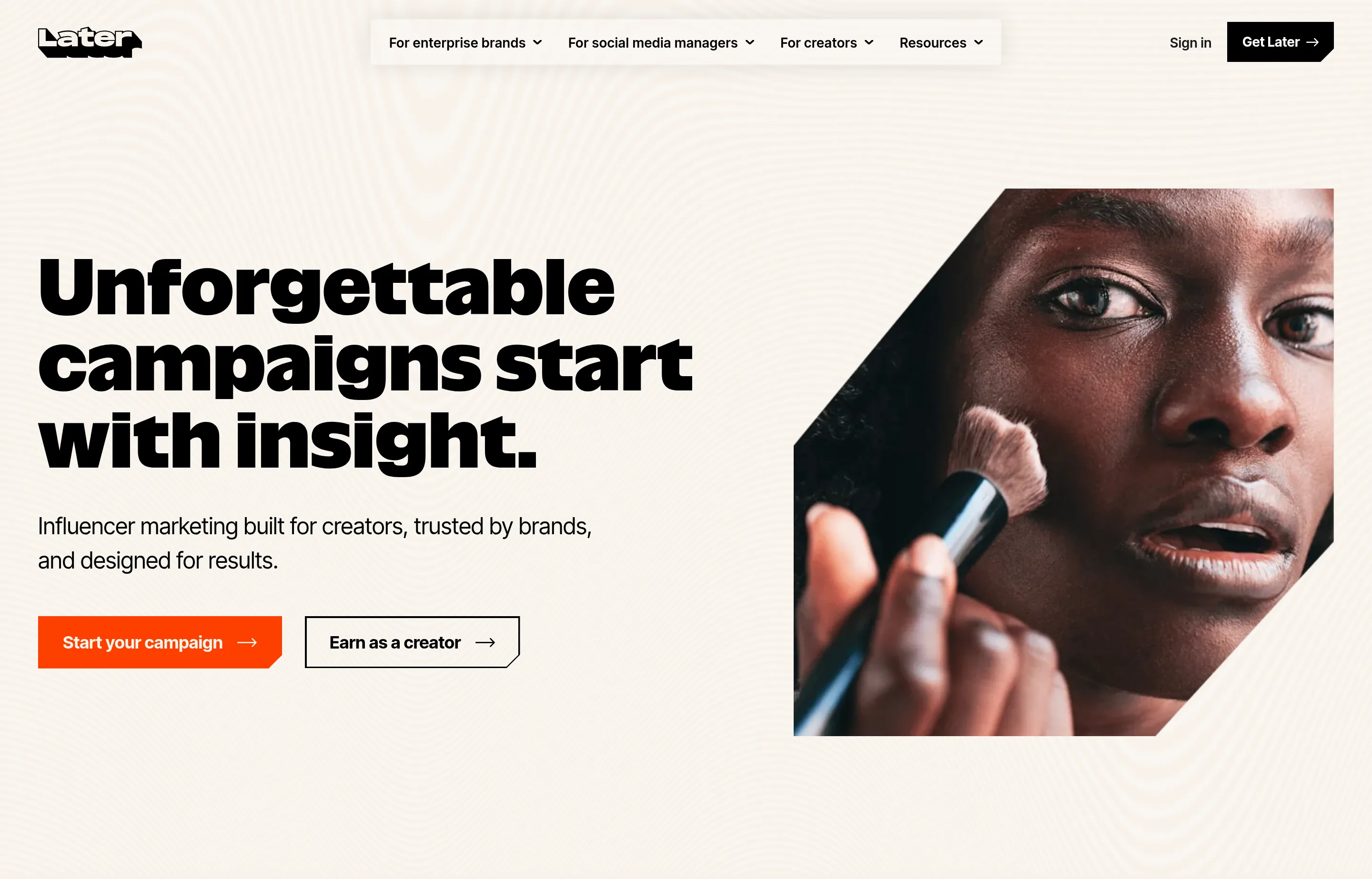
- Key features: drag-and-drop visual feed planner, Link in Bio, best-time suggestions, creator/influencer tooling; covers Instagram, Facebook, TikTok, LinkedIn, Pinterest, Threads, YouTube Shorts and Snapchat.
- Pricing: no free plan (14-day trial). Starter $25/month ($18.75 on annual billing) — 1 social set, 30 posts per profile/month; Growth $50 ($37.50); Scale $110 ($82.50) — read from Later's pricing page.
- The catch: no X/Twitter support at all (dropped August 2025), and the once-loved free plan is gone. Its homepage now leads with influencer marketing — scheduling is no longer the whole company.
- Pros: the best visual grid planning anywhere; strong Link in Bio; TikTok-native features.
- Cons: no free plan; no X; per-profile post caps on lower tiers; AI features metered by credits.
- Reviews: 4.5/5 on G2 (~350 reviews; count varies by listing) — as of July 2026.
11. SocialPilot — most accounts per dollar
SocialPilot is the volume pick: $30/month covers 7 accounts, and $50 covers 15 — pricing per account bundle that undercuts Buffer's per-channel model the moment you manage many profiles.
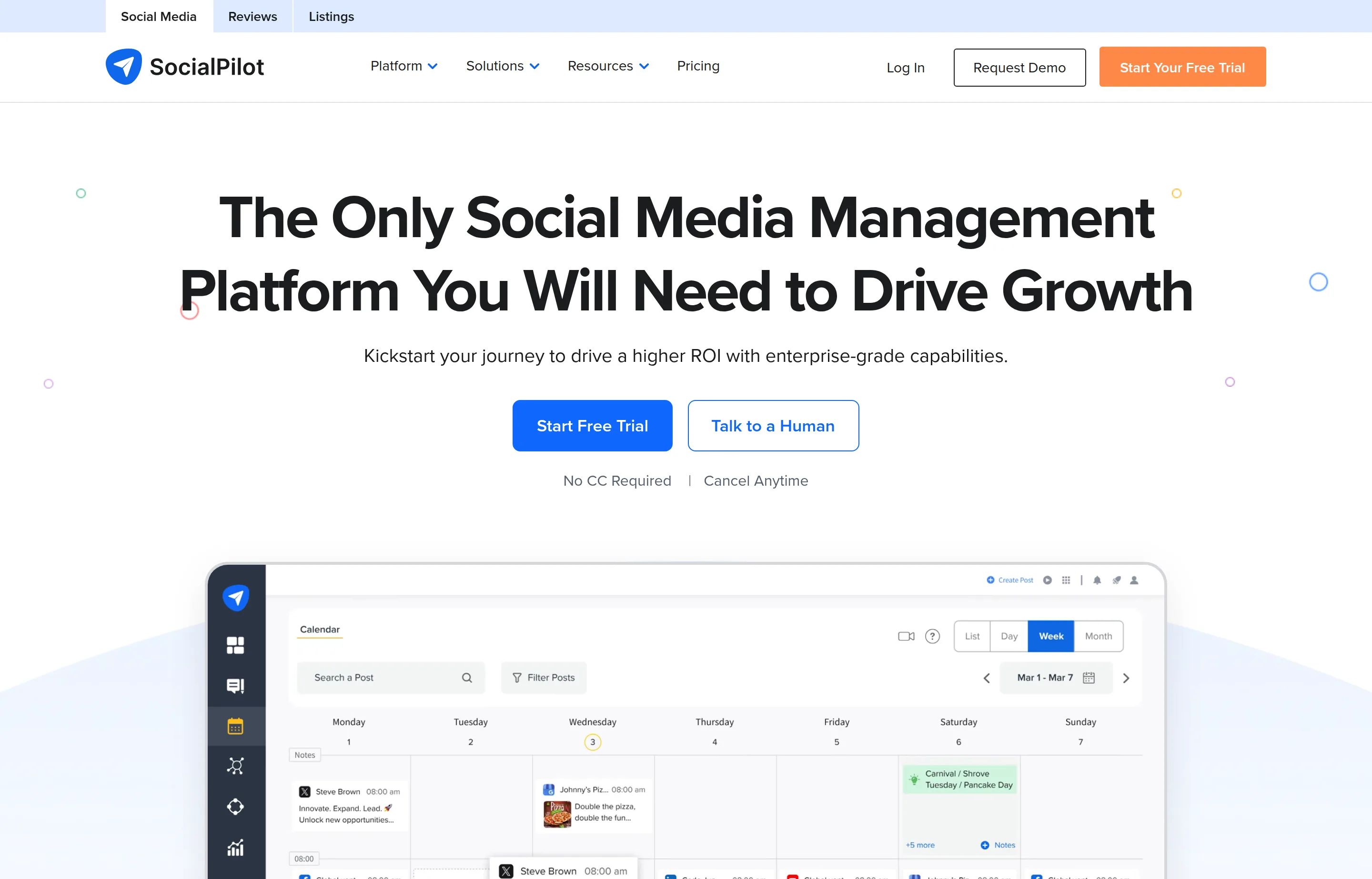
- Key features: bulk scheduling (CSV import), content calendar and library, AI credits, approval workflows, white-label reports; covers Facebook, Instagram, X, LinkedIn, YouTube, TikTok, Pinterest and Google Business Profile.
- Pricing: no free plan (14-day trial). Essentials $30/month for 7 accounts; Standard $50 for 15; Premium $100 for 25; Ultimate $200 for 50 (annual billing ~15% less; extra account $4/month). Caveat: as of July 2026 SocialPilot's own site shows two different price lists — an older $20/5-account set on one page and this $30/7-account set on another, mid-rollout — so confirm what checkout actually charges.
- The catch: that pricing ambiguity, and an entry price that has been climbing ($20 → $30).
- Pros: cheapest per-account at 7+ profiles; bulk CSV scheduling; solid approval flows for the price.
- Cons: analytics are basic; interface is functional rather than pleasant; the vendor's own pricing conflict.
- Reviews: 4.5/5 on G2 (~840 reviews) · 4.4/5 on Capterra (~375) — as of July 2026.
12. Sendible — best for small agencies with clients
Sendible organizes everything into client-ready workspaces — each with its own profiles, queues and reports — with unlimited users on every plan. For a freelancer or small agency managing other people's social, that structure is the product.
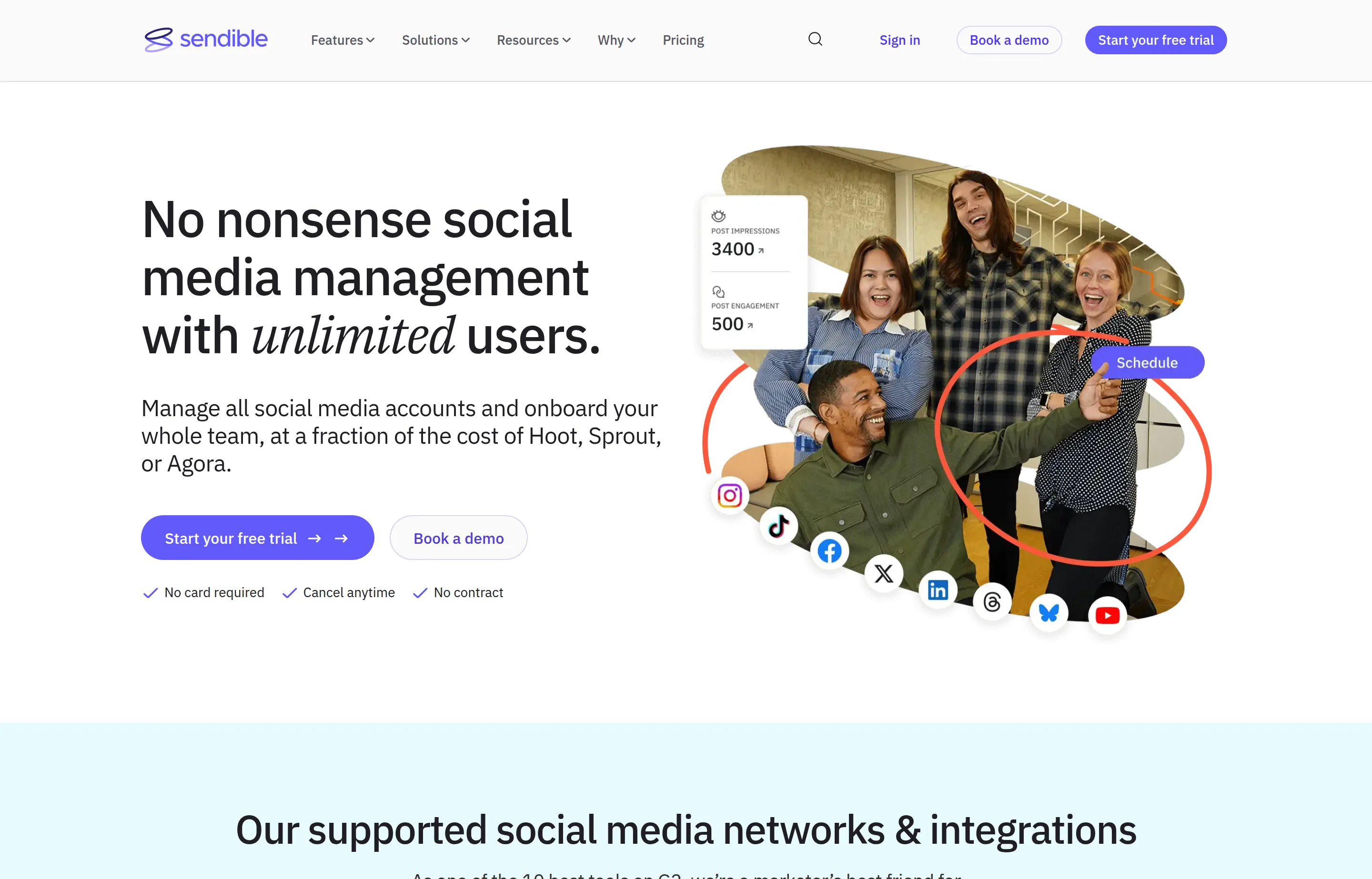
- Key features: workspace-per-client model, assignment and approval workflows, automated reports, white-label options at higher tiers, AI assist; covers Facebook, Instagram, LinkedIn, X, TikTok, YouTube and Google Business Profile.
- Pricing: no free plan (14-day trial). Core $35/month ($29.75 on annual billing) — 1 workspace, 6 profiles, unlimited users; Plus $99 (3 workspaces); Premium $199 (7); Elite $299 (15) — read from Sendible's pricing page. Extra workspaces $20–35/month by tier.
- The catch: recently repackaged — the old $29 Creator entry became the $35 Core, and much of the web still quotes the outdated lineup.
- Pros: unlimited seats at every price; the cleanest client-workspace model here; solid reports.
- Cons: 6 profiles per workspace is tight; jumps steeply from $35 to $99; analytics behind Metricool's.
- Reviews: 4.5/5 on G2 (~900 reviews) · ~4.5/5 on Capterra (~130; count varies by listing) — as of July 2026.
13. Vista Social — widest platform coverage, at a new price
Vista Social covers more platforms than anyone here — including Reddit, Snapchat, and review sites like Google and Yelp — with an inbox and analytics that read near-enterprise. The honesty check: its entry price roughly doubled in the last year, and X now costs extra.
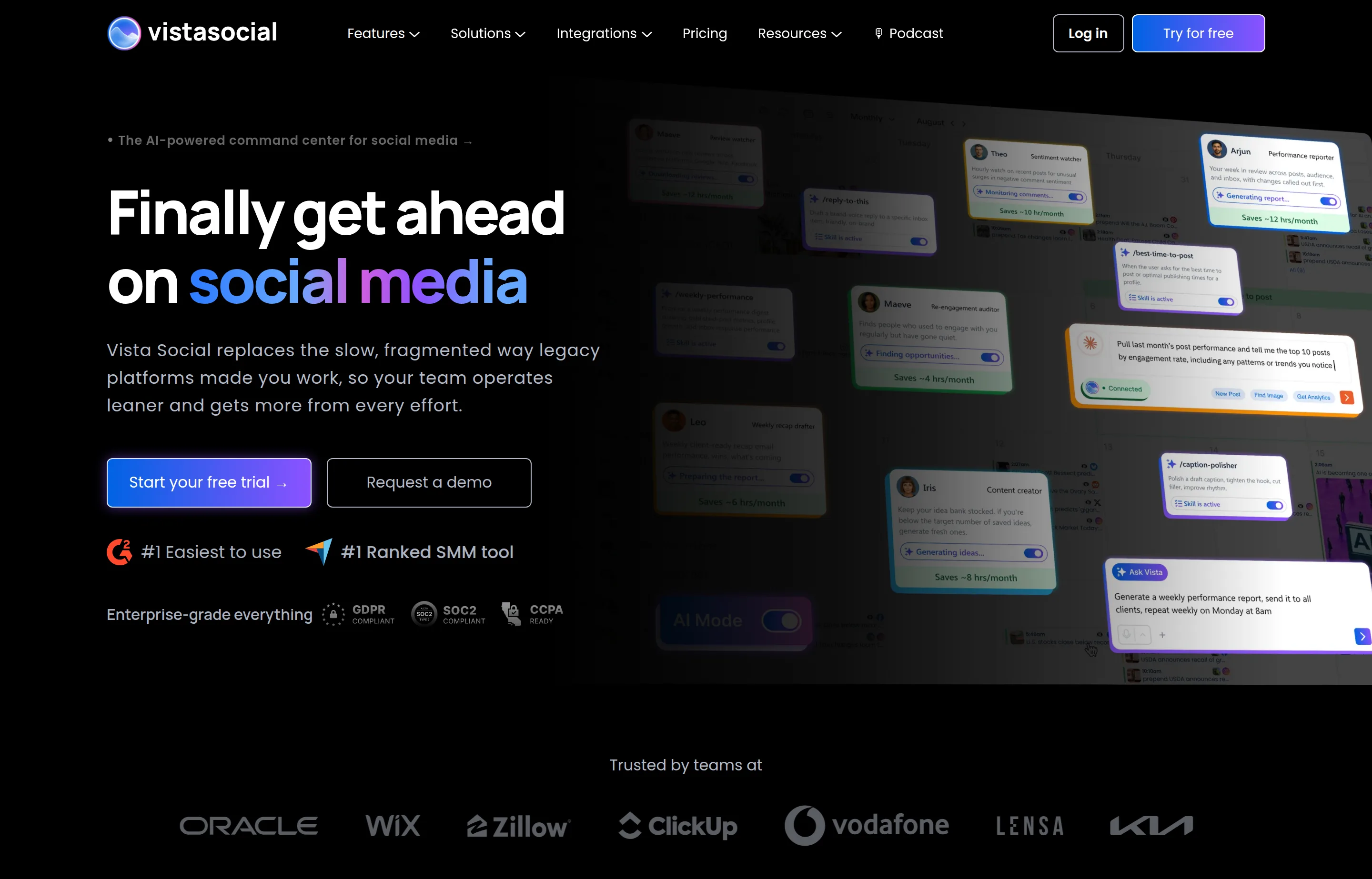
- Key features: Facebook, Instagram, X, LinkedIn, TikTok, YouTube, Pinterest, Reddit, Snapchat, Threads, Bluesky, Google Business Profile and review platforms; unified inbox and review management; approvals; AI assistant.
- Pricing: no free plan (14-day trial). Professional $79/month (or $758/year ≈ $63/month) — 15 profiles, 3 users; Advanced $149; Scale $349. X/Twitter is a $29/month add-on (moved out of base plans in late 2025, citing X's API costs); social listening +$75 — read from Vista Social's pricing page.
- The catch: the Professional tier was widely sold at ~$39/month as recently as 2025 — budget for today's price, not the reviews-era one, and add the X fee if you need it.
- Pros: unmatched platform breadth including reviews and Reddit; 15 profiles at entry is generous; strong inbox.
- Cons: entry price doubled; X costs extra; overkill for a single-brand shop.
- Reviews: 4.8/5 on G2 (~1,080 reviews) — as of July 2026 (Capterra's count couldn't be verified).
14. Hootsuite — the enterprise suite you probably don't need yet
Hootsuite is the category's original heavyweight, and for larger teams its listening, trend forecasting and governance tools are real. For an owner-operator, $99 *per user per month* — with no free plan since 2023 — is the definition of paying for runway you won't use.
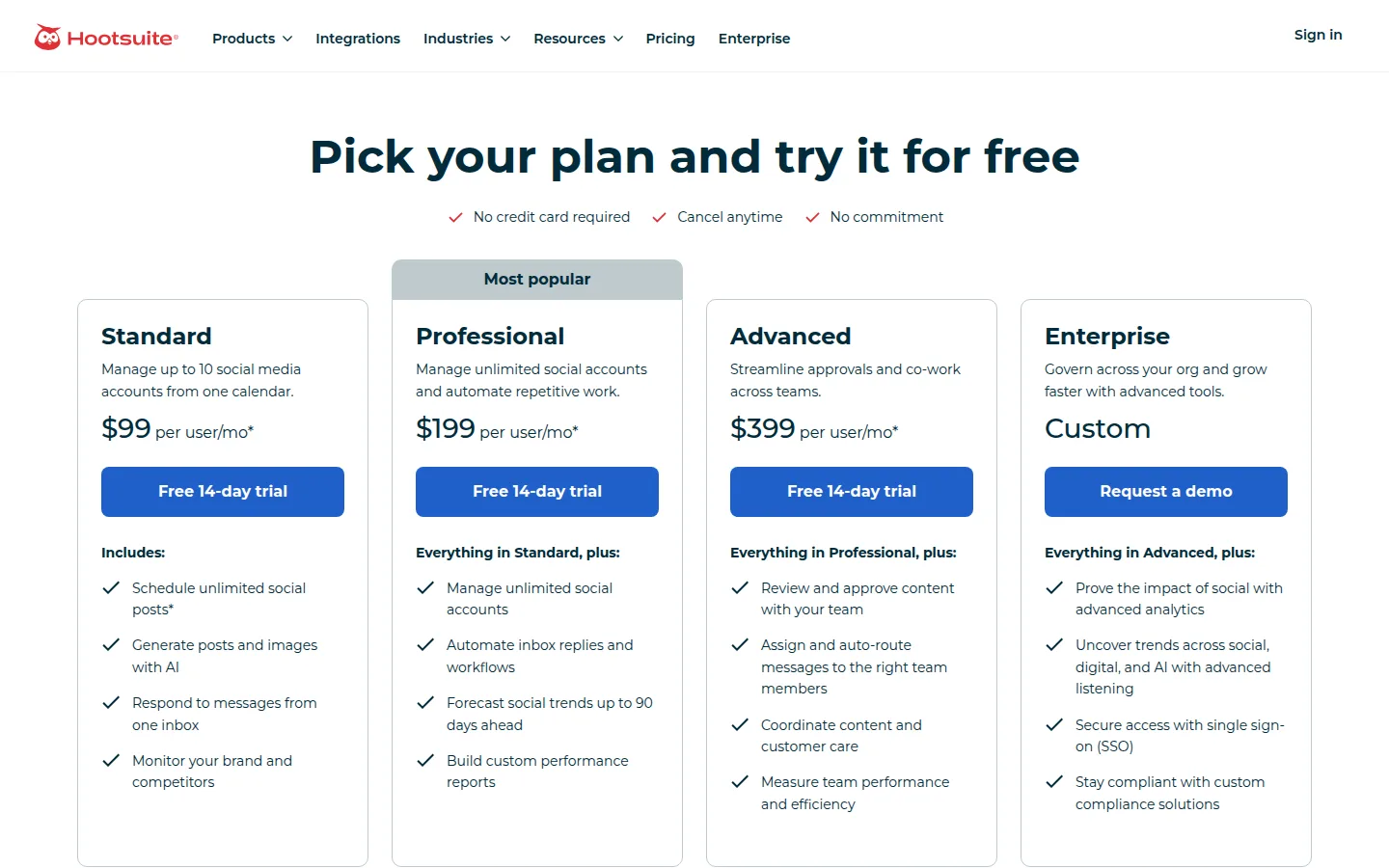
- Key features: scheduling across all major platforms, social listening and brand monitoring, "Wisdom" AI teammate, automated inbox routing, deep approvals and governance, 90-day trend forecasts on Advanced.
- Pricing: no free plan (14-day trial). Standard $99/user/month (annual billing; ~10 social accounts); Professional $199/user/month (unlimited accounts); Advanced $399/user/month; Enterprise custom — read from Hootsuite's plans page. Monthly-billing rates aren't displayed by the vendor; third parties report Standard around $149 billed monthly.
- The catch: per-user pricing multiplied by a team gets enterprise-expensive fast, and the lineup has been repackaged repeatedly since the free plan died in 2023.
- Pros: genuine listening/monitoring depth nothing cheaper matches; mature approvals and security; one throat to choke for big teams.
- Cons: costs 4–16× the tools above for a solo user; entry tier still caps accounts; buying it "to be safe" is the classic overspend.
- Reviews: 4.3/5 on G2 (~6,700 reviews) · 4.4/5 on Capterra (~3,800) — as of July 2026.
Write the posts free, then schedule them: Small Business Tools
A scheduler solves *when*; the daily grind is *what*. These free generators handle the writing side in your browser — no signup, nothing stored — and pair with any scheduler above:
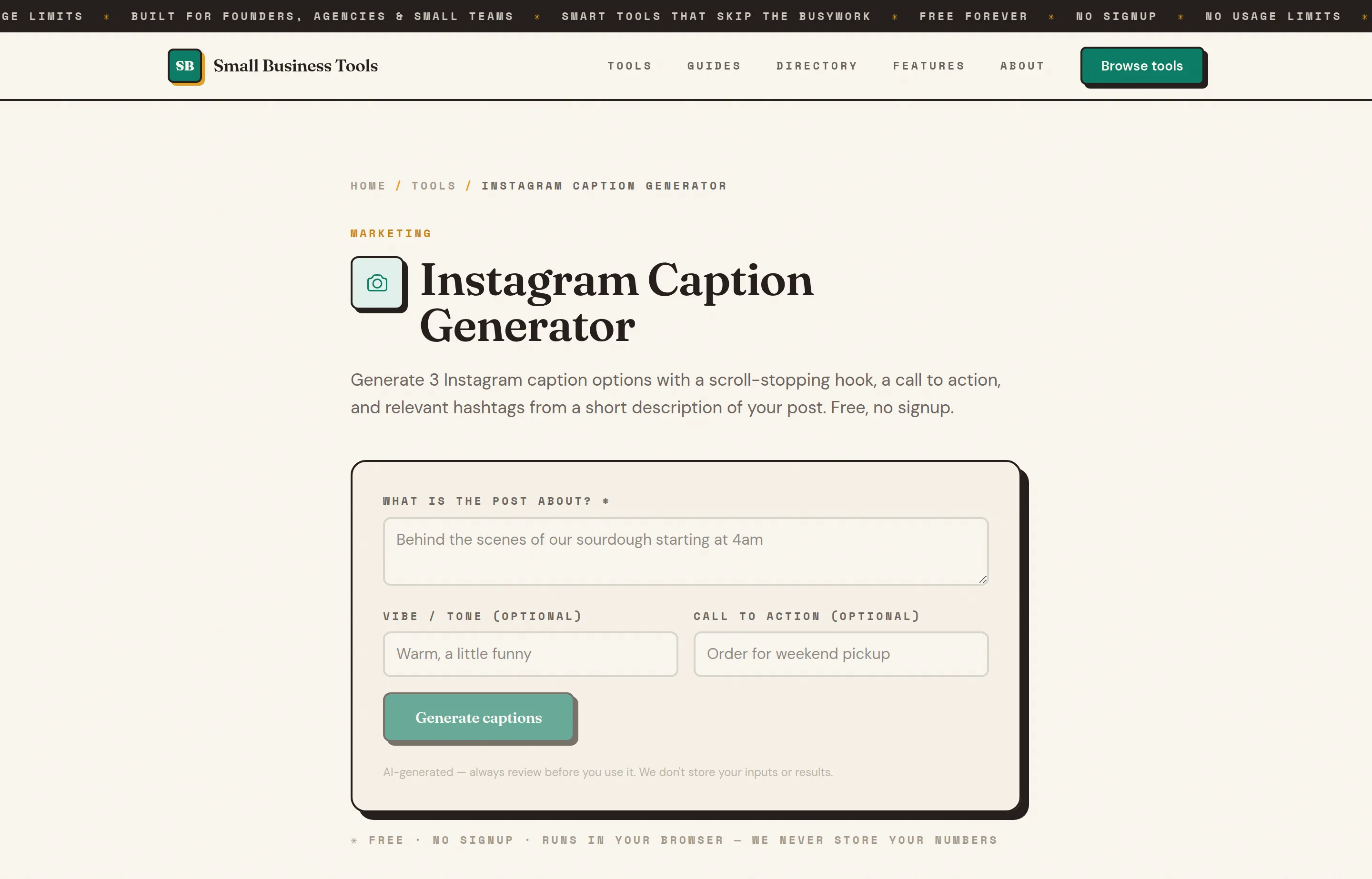
- Instagram Caption Generator — three caption options with a scroll-stopping hook, CTA and hashtags from a one-line description; the Instagram Bio Generator handles the profile itself.
- LinkedIn Post Generator — turns an idea into a structured post; pair with the Tweet Generator to repurpose it for X.
- YouTube Title & Description Generator — for the platform 84% of US adults are on.
- UTM Link Builder — tag every link you schedule so analytics shows which platform actually sends traffic, not just likes.
Batch it: generate a week of captions in one sitting, load them into Buffer or Metricool's queue, and social becomes a Monday-morning task instead of a daily one. The free small business tools hub lists the rest by job.
Which should you choose?
- You design your own posts and want one flat price: PosterMyWall — $13/month covers the design tools and every channel you connect.
- You want the safe default: Buffer — start free on 3 channels, pay $6/channel when the caps pinch.
- **You want scheduling *and* real analytics without two subscriptions: Metricool**.
- Your team needs approvals, a shared inbox and real reporting in one flat bill: Statusbrew — priced per plan, so extra profiles and seats don't inflate the cost.
- You want the cheapest paid plan that covers everything: Zoho Social Standard at $10–15/month.
- You have one or two accounts and a tight budget: Publer at $5 + $4/account.
- Your content is evergreen and you want it recycled automatically: SocialBee.
- You post constantly for one brand: Pallyy Pro — $25/month, unlimited posts.
- Clients or a boss must approve every post: Planable (or Sendible for many clients).
- Your business is visual and lives on Instagram/TikTok: Later — accepting no X and no free plan.
- You juggle 10+ profiles cheaply: SocialPilot.
- You need Reddit, Snapchat and review sites too: Vista Social.
- You have a real marketing team and need listening/governance: that's when Hootsuite earns its $99/user.
Cost reality check from the published prices above: three channels for a year costs a flat $156 on PosterMyWall Premium (design tools included), $180–216 on Buffer Essentials, $300 on Metricool Starter (with far deeper analytics), $120–180 on Zoho Standard — and $1,188+ for one seat on Hootsuite. Match the pricing model to your shape before comparing features.
FAQs
What is the best free social media scheduler?+
Buffer — three channels, ten queued posts per channel, and all major platforms including X. PosterMyWall's free plan takes a different trade: one connected account with watermarked exports, but the design tools come with it. Metricool's free plan (one brand, 20 posts/month) is better if you want analytics, but excludes LinkedIn and X. Zoho Social's free plan is the rare one that includes X, at one brand and basic publishing. Publer, Pallyy and Planable have free tiers tight enough that they're really trials.
How much do social media scheduling tools cost in 2026?+
Realistically $5–30/month for a solo business: Publer from $5 plus $4 per account, Zoho Social from $10–15, PosterMyWall flat at $13 with design included, Pallyy unlimited at $25, Buffer at $6 per channel, Metricool and Later around $25. Agency-shaped tools run $35–99 (Sendible, SocialBee, Pallyy Agency, Statusbrew at $69, Vista Social at $79), and Hootsuite starts at $99 per user. Most bill 15–25% less on annual plans — and note that several tools raised prices in 2025–2026.
Which scheduling tools still have free plans in 2026?+
Fewer each year. PosterMyWall, Buffer, Metricool, Zoho Social, Publer and Pallyy still have forever-free tiers; Planable gives a one-time 50 posts. Later, SocialBee, SocialPilot, Sendible, Statusbrew and Vista Social are trial-only, and Hootsuite hasn't had a free plan since 2023. Vista Social's free tier disappeared with its 2025–26 repricing — the direction of travel is clear, so don't build a workflow on a free plan you couldn't afford to pay for.
Do social media schedulers support X (Twitter)?+
Unevenly, since X started charging for API access. Later dropped X entirely in 2025. Vista Social sells it as a $29/month add-on. Metricool and Publer exclude X from free plans. PosterMyWall, Buffer, Statusbrew, SocialBee, SocialPilot, Sendible, Pallyy and Hootsuite include it on paid plans — and Zoho Social even includes it free. If X matters to your business, check this line item first; it's the most common surprise at checkout.
Is Hootsuite worth it for a small business?+
Usually not at first. At $99 per user per month, Hootsuite costs more than four Buffer channels, Metricool and Zoho Social combined, and its advantages — social listening, trend forecasting, governance, inbox automation — matter most to teams managing brands at scale. If you're a solo owner or a two-person marketing effort, start with Buffer, Metricool or Zoho Social and revisit Hootsuite when approvals and monitoring become daily problems.
Can these tools post to Instagram automatically?+
Yes — auto-publishing to Instagram business and creator accounts is standard across every tool here for feed posts and Reels, with no phone-notification step. Some formats (certain Stories and collaborative posts) still fall back to a mobile reminder flow depending on the tool and Instagram's API of the moment. You'll need your Instagram account connected as a business/creator profile, usually via a linked Facebook page.
Final take
The scheduling category quietly repriced itself in 2025–2026 — free plans shrank, X became a surcharge, and entry tiers crept up — which makes picking by *pricing model* more important than picking by feature list. For most small businesses the answer is PosterMyWall (flat $13/month with design built in), Buffer (per channel, scales with you), Metricool (per brand, analytics included), or Zoho Social (cheapest paid entry) — with Publer and Pallyy as the budget picks and Planable or Sendible once clients approve your posts.
Whichever you choose, the tool only removes the scheduling. The writing is yours — and that part we can make free: draft with the Instagram Caption Generator and LinkedIn Post Generator, tag links with the UTM Link Builder, and load the queue once a week.
Free tools to try
Keep reading
Guide
The Small Business AI Stack: Tools for Every Job in 2026
A practical AI stack for small businesses — the tools that actually save time on marketing, content, SEO, and admin, organized by the job they do. Free where it counts.
Guide
Best Free Email Marketing Tools for Small Business (2026)
13 free email marketing tools ranked by what you really get free after 2026's big plan cuts — PosterMyWall, Kit, Sender, Brevo and more, with real limits.
Guide
Free Small Business Tools (No Signup): The Complete List
A directory of free small business tools — pricing calculators, invoicing, marketing, SEO, and writing. No signup, no paywall, and they explain the math.