Guide
Best Ecommerce Platforms for Small Business (2026)
Most ecommerce "best platform" lists rank the sticker: Basic $29, Core $39, Growth $79. The number that decides whether your store makes money is a different one — the year-one total after subscription, card processing, the fee you pay for using a processor the platform doesn't own, and the two or three apps a real store needs. Online is now the majority-adjacent channel: the U.S. Census Bureau's Quarterly Retail E-Commerce Sales report put U.S. ecommerce at $340.2 billion in Q2 2026, up 12.2% year over year and 17.1% of all retail sales. With roughly a sixth of retail spending moving through a checkout you have to choose, build, and operate, the platform you pick is a cost structure, not a template.
This guide ranks fifteen ways to sell — thirteen store platforms, from Shopify to Gumroad, plus Etsy and Amazon as the "sell without a store" options — by the total cost of ownership, not the starter price. Every dollar figure is as of October 2026, read from the vendor's own pricing page where it served US pricing, and labeled third-party-reported or flagged where a page geo-locked, hid the number, or refused to load.
The single most useful decoder here is the one most lists skip: if you sell digital products, the percent-of-sale platforms are often the most expensive line on your P&L — and the ones that bundle sales-tax filing can still be the better buy. Read the worked example in "How we ranked these" before you pick.
?country=us request — so their USD figures are cross-checked against the vendor's US page and flagged. Confirm the current price and the current fee schedule at checkout before you commit.Quick comparison
Year-one cost assumes an online store doing $5,000/month (≈$60,000/year) in card sales, ~100 orders/month (≈1,200 orders at ~$50), the platform's own/native processor at its published rate, and — where not included — a modest $30/month app stack (email, reviews, shipping). It is a modeling convention, not a quote.
| Platform | Best for | Entry price (billed annually) | Transaction / app fees | Year-one cost at $5k/mo |
|---|---|---|---|---|
| Shopify | Selling physical products at volume | Basic $29/mo | 2% fee if you use a non-Shopify processor; apps extra | ≈$2,800 |
| BigCommerce | Big catalogs and B2B | Core $29/mo | 0% on "embedded" processors; 1–2% on others | ≈$2,800 (≈$3,400 on an open processor) |
| WooCommerce | Owning your files; cheapest at scale | Free (plugin) | $0 platform fee; you buy hosting | ≈$2,400 |
| Squarespace Commerce | Design-led stores | Core $29/mo | 0% store fee from Core up | ≈$2,450 |
| Square Online | Selling in person and online | Free ($0/mo) | 3.3% + 30¢ online on Free | ≈$2,350 |
| Wix eCommerce | Beginners who want one dashboard | Core (price not readable — see entry) | No store transaction fee stated | Not modeled (unverified) |
| Ecwid by Lightspeed | Bolting a store onto an existing site | Venture $29/mo | 0% transaction fee | ≈$2,450 (Venture) |
| Shift4Shop | Flat-fee, feature-heavy hosting | $41/mo (unlimited plan) | No platform transaction fee | ≈$2,600 |
| Big Cartel | Cheap, honest indie shop | Free (5 products) | 0% platform fee; bring PayPal/Stripe | ≈$2,450 (Diamond) |
| Sellfy | Creators selling downloads + merch | Starter $22/mo | 0% transaction fee; 2% over cap | ≈$3,500 (Premium, over cap) |
| Lemon Squeezy | Software/digital with tax handled | $0/mo | 5% + 50¢ per sale (merchant of record) | ≈$3,600 |
| Volusion | Legacy catalog stores | Personal $35/mo | Extra fees off preferred gateway | ≈$3,050 (Professional) |
| Gumroad | Simplest creator storefront | $0/mo | 10% + 50¢ direct; 30% via Discover | ≈$6,600 |
| Etsy (marketplace) | Starting with an audience | $0.20 per listing | 6.5% + 3% + 25¢ processing (+ads) | ≈$6,100 |
| Amazon (marketplace) | Maximum reach | $39.99/mo (Pro) | Referral fees ~8–20% (15% typical) | ≈$9,500 |
How we ranked these
Every listicle says "real pricing." Here is how the ranking actually works — and it is not the sticker:
- Total year-one cost, not the plan price. Subscription + card processing + the third-party-processor penalty + the app/theme stack a working store needs. A $29/month plan and a $79/month plan can end up within $100 of each other on a $60,000 store.
- Who takes the payment. Whether the platform owns the processor (Shopify Payments, Square, Squarespace Payments) or routes you to Stripe/PayPal — and, critically, whether it charges you a fee for using an outside processor.
- Sales-tax reality. Whether tax is calculated, collected, and — the expensive part — *filed* for you (the merchant-of-record model at Lemon Squeezy and Gumroad), or whether you own nexus and remittance.
- Digital vs physical fit. A downloads-and-licenses business has different best answers than a store shipping boxes.
- Ownership, export, and migration lock-in. Can you take the products, customers, and content with you, or is leaving a rebuild?
- Honest, dated reputation. Trustpilot and app-store ratings where a real sample exists, paired with what the product actually does — never a single flattering score.
Ratings below are dated and linked. Trustpilot in particular skews toward complaint-driven reviews (merchants review a platform when a payment is held), so we show the score *and* the split rather than pretending it is a verdict.
Worked example — the TCO decoder. A store doing $5,000/month takes in $60,000 a year. On Shopify Basic (billed annually, $29/month = $348) using Shopify Payments at 2.9% + 30¢, the processor takes ≈$2,100 (2.9% of $60,000 plus 30¢ on ~1,200 orders), plus ≈$360 for a lean app stack — about $2,800 all in. On WooCommerce, the plugin is free and you buy ~$300/year of hosting, with WooPayments at 2.9% + 30¢ taking the same ≈$2,100 — about $2,400. On Gumroad, there is no monthly fee at all, but 10% + 50¢ per sale costs ≈$6,600 on the same volume — more than double the WooCommerce stack, and more than ten times the *implied* monthly cost if you only read the sticker. The percentage you pay the platform is the real price.
The best ecommerce platforms
1. Shopify — best all-around platform for selling physical products
Shopify is the default for a reason: the checkout converts, the app ecosystem is the largest in commerce, and inventory, shipping, payments, and point-of-sale are native rather than bolted on. For a product business that intends to grow, it is the safest single bet — provided you accept that the platform is where the margin quietly moves.

- Key features: drag-and-drop store builder with Sidekick AI; the highest-converting checkout in the category; Shopify Payments; multi-channel selling (social, marketplaces, AI chats); POS; automated sales-tax calculation and tracking; 24/7 support.
- Pricing: read from Shopify's US pricing page, as of October 2026: Basic $29/mo annual ($39 monthly), Grow $79/$105, Advanced $299/$399, Plus from $2,300/mo. Shopify Payments card rates: Basic 2.9% + 30¢, Grow 2.7% + 30¢, Advanced 2.5% + 30¢, Plus 2.25% + 30¢; in-person 2.6% + 10¢. Using a third-party processor instead of Shopify Payments adds a 2% (Basic), 1% (Grow), or 0.6% (Advanced) fee. POS Pro is $89/mo per location. Automated sales-tax calculation is included.
- The catch: the 2% third-party-processor fee is the trap for anyone who wants Stripe or a negotiated rate — it makes leaving Shopify Payments expensive, and it is the single most common complaint about cost. The app store is powerful and priced accordingly: a reviews app, an email app, and a subscription app can add $30–$100/month before you have written a product page. Shopify's pricing page served non-US currency (INR) to our direct fetch; the USD figures above come from the US-rendered page and are flagged accordingly.
- Pros: best checkout and the deepest ecosystem; strong omnichannel and in-person; scales from one product to retail; automated tax calculation included.
- Cons: the third-party-processor fee; apps add real recurring cost; more expensive than a simple builder and overkill for a brochure-plus-a-few-products site.
- Reviews: 1.3/5 on Trustpilot (company-wide) — as of October 2026. The low score skews to billing, account holds, and support complaints; the product's technical reputation is far stronger, so read both sides.
2. BigCommerce — best for large catalogs and B2B
BigCommerce is the platform you graduate *into*: more SKUs, customer groups, price lists, and B2B features than the drag-and-drop tools, with no native-processor lock-in. It is honest about its economics in a way few rivals are — the fee you pay is published, tiered, and tied to which processor you choose.
- Key features: multi-storefront, customer groups and price lists (B2B), real-time shipping quotes, built-in blog, 1,200+ apps, POS integrations, Amazon/eBay/Walmart channels, free Feedonomics product-feed tooling, 24/7 support from Growth up.
- Pricing: read from BigCommerce's US pricing page, as of October 2026: Core $29/mo annual ($39 monthly, up to $30K trailing-12-month GMV), Growth $79/$105 (up to $100K), Scale $299/$399 ($33,333/mo GMV, 0.9% overage), Performance from $1,499/mo annual. The Open Payment Provider Fee is 2.0% (Core), 1.0% (Growth), 0.6% (Scale) on orders processed by a provider outside BigCommerce's "embedded" list — and $0 if you use an embedded provider (its list includes Stripe, PayPal Braintree, Adyen, Klarna, Affirm, and others). Card processing "begins at 2.89% + $0.29." 15-day free trial.
- The catch: plans are capped by trailing-12-month GMV and auto-upgrade — cross $30K on Core and you are moved to Growth, priced and all. That is exactly the behavior the Trustpilot reviews below are furious about; the platform's defense is that the fee is published and tiered rather than a surprise. Sales tax is not included the way it is on Shopify — you add a tax service.
- Pros: the strongest B2B and multi-store features here; 0% on embedded processors; transparent, published fee tiers; genuinely capable for a big catalog.
- Cons: auto-upgrades on GMV thresholds; tax handled by third parties; overkill for a five-product shop; a company-wide reputation problem on billing and support.
- Reviews: 1.3/5 on Trustpilot (company-wide) — as of October 2026, with detailed complaints about automatic plan increases and the third-party-processor fee. Treat it as a warning to model the year-two number, not as a product verdict.
3. WooCommerce — best for owners who want to own the store
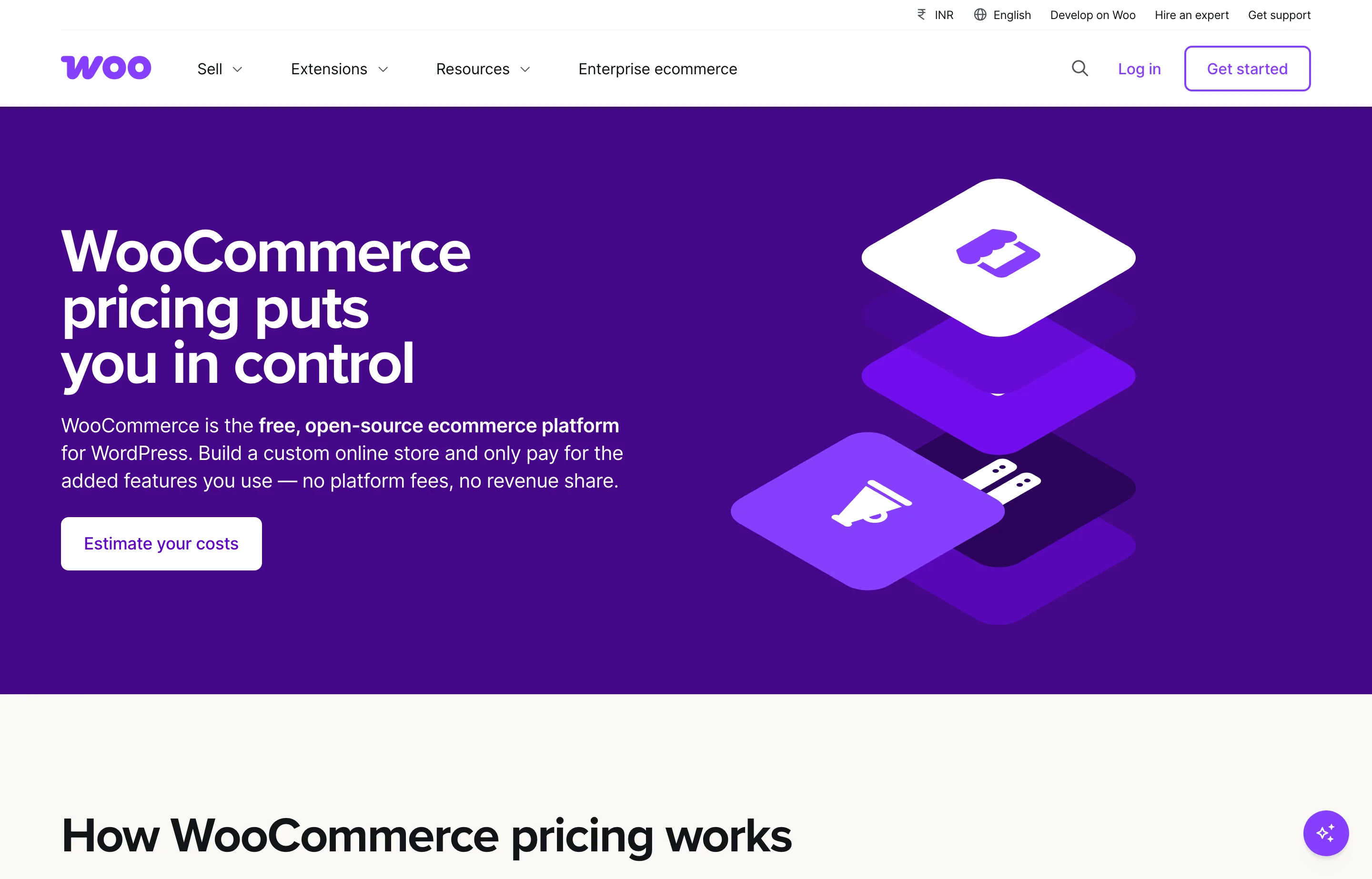
WooCommerce is the free, open-source plugin for WordPress, and it is the cheapest option on this list at scale — because you are not paying a platform, you are paying a host. You own the files, the database, and the customer list, and no one can charge you a percentage of your sales. The trade is that you also own the security, updates, and the consequences of a plugin conflict.
- Key features: unlimited products and orders, WordPress plugins ecosystem, WooPayments (native), subscriptions, bookings, tax and shipping extensions, deep SEO control via WordPress, and a store you can move to any host.
- Pricing: read from WooCommerce's own pricing and fees pages, as of October 2026: core platform free, no monthly subscription, no revenue share. Hosting is $25–$350/month for most stores; extensions are $29–$299/year each. WooPayments US rates: cards 2.90% + $0.30; in-person 2.70% + $0.10; disputes $15; international cards +1.50%; currency conversion +1.00%. No fee for choosing another gateway.
- The catch: "free" means *you* are the platform team. Hosting, SSL, backups, and security are your job (or your host's), and a conflicting plugin can take a checkout down at 11pm. Sales tax is configurable but you own nexus and filing — Woo gives you the calculator, not the accountant.
- Pros: the lowest TCO at volume and the most portable option on the list — you can change hosts without rebuilding; no transaction fee and no percentage cut; unlimited products.
- Cons: you maintain it; setup is the least beginner-friendly here; plugin sprawl costs money and stability; needs a developer-or-confident-owner mindset.
- Reviews: 2.2/5 on Trustpilot (145 reviews) — as of October 2026. The split is telling: reviewers love the cost and flexibility, and review it low when a plugin issue meets slow support.
4. Squarespace Commerce — best for design-led stores
Squarespace is where a boutique or a maker goes when the look carries the sale. The templates are the best-designed of the hosted builders, and the store economics are genuinely good from the second tier up: 0% transaction fees from Core, and card rates that improve as you climb. Acuity scheduling, email campaigns, and invoicing come along for the ride.

- Key features: designer templates and the Fluid Engine editor; unlimited products and services; Squarespace Payments (cards, Apple Pay, Klarna, Afterpay, ACH); automated global tax-rate calculation; scheduling (Acuity), email campaigns, invoicing, and donations built in.
- Pricing: read from Squarespace's US pricing page, as of October 2026: Basic $19/mo annual ($25 monthly), Core $29/$39, Plus $49/$65, Advanced $99/$139. Card rates with Squarespace Payments: Basic and Core 2.9% + 30¢, Plus 2.7% + 30¢, Advanced 2.5% + 30¢ (premium cards 3.2% + 30¢). Online-store transaction fee: 2% on Basic, 0% from Core up; digital content and memberships 7%/5%/1%/0%. Automated tax calculation costs 0.15%/0.10%/0.05% (max $0.99) by tier. 14-day trial, no free plan.
- The catch: no free tier and the highest entry cost of the hosted group; the biggest savings (lowest card rates) sit behind the $99/month Advanced plan; and leaving is a rebuild — Squarespace has no clean full-site export. Conflict flagged: a direct fetch in October 2026 rendered only three tiers (Basic/Core/Advanced, 30% off), while the US-rendered page showed four tiers (Basic/Core/Plus/Advanced, 20% off) — treat the plan names as current and verify the promo at checkout.
- Pros: the best design quality in the hosted group; 0% store fees from Core; tax calculation and the assortment of business tools included.
- Cons: real lock-in on the site itself; the cheapest card rates need the top plan; no free plan to test.
- Reviews: 3.5/5 on Trustpilot — as of October 2026, with the usual support-model and account-security complaints alongside genuinely positive reviews.
5. Square Online — best if you sell in person and online
Square wins when the store and the counter are the same business. The online store, the POS, the inventory, and the payments all sit in one account, and the entry plan is genuinely $0/month — you only pay when you take a payment. For a market stall, a café with retail shelves, or a salon selling products, that alignment beats a lower headline rate.
- Key features: free online store and ordering site; POS app on any device; item library and inventory; invoicing and payment links; bookings; loyalty; email and text marketing; automated catalog sync with Square's other tools.
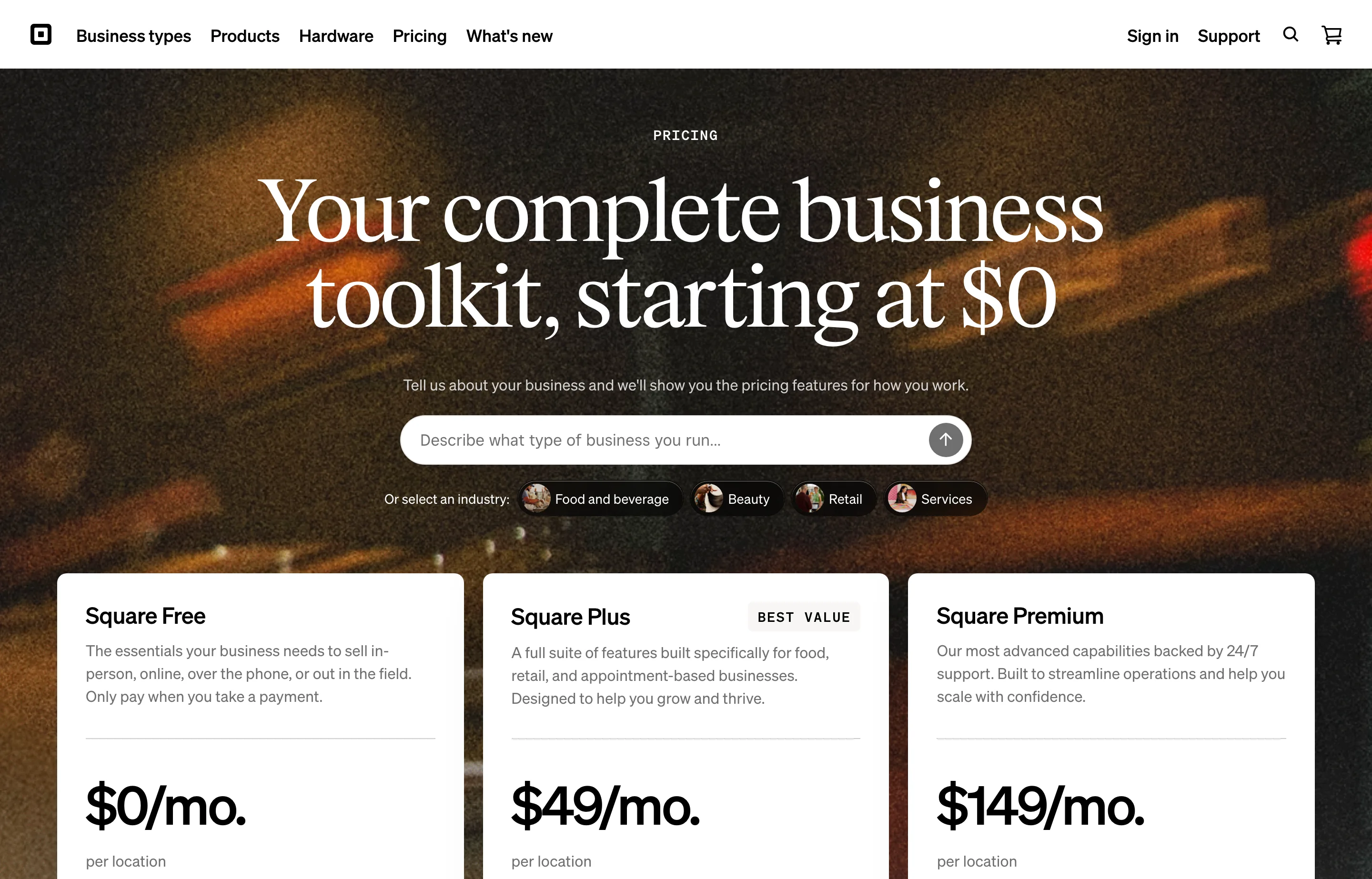
- Pricing: read from Square's US pricing page, as of October 2026: Square Free $0/mo per location; Square Plus $49/mo per location; Square Premium $149/mo per location (Plus and Premium include a 30-day free trial). Processing on Free: tap/dip/swipe 2.6% + 15¢; online/invoices 3.3% + 30¢; online API 2.9% + 30¢; manual/card-on-file 3.5% + 15¢. On Plus and Premium: 2.5% / 2.4% in person and 2.9% + 30¢ online. International cards +1.5%; Afterpay 6% + 30¢. Custom pricing above $250K/year.
- The catch: the Free plan's 3.3% + 30¢ online rate is high — the reason to move to Plus is the processing discount, not the features, so model the crossover. The new plans are priced per location, and the 2026 consolidation from legacy plans is exactly what the Trustpilot complaints below are about (merchants reported being moved onto Plus with no opt-out).
- Pros: genuinely $0 to start; effortless online-plus-POS inventory; invoicing and booking included; strong if Square is already your counter.
- Cons: online rate on Free is steep; pricey and per-location above Free; the plan-change friction.
- Reviews: 3.6/5 on Trustpilot — as of October 2026, with disputes over funds holds and the plan migration balancing praise for the POS.
6. Wix eCommerce — best all-in-one for a beginner
Wix bundles the store, the website, booking, email marketing, and payments into one dashboard a non-technical owner can actually operate. The store is capable for a small catalog, and the surrounding business tools are the broadest of any drag-and-drop builder. It belongs on the list; the price is the one caveat.

- Key features: drag-and-drop and AI site creation; Wix Stores (physical and digital); Wix Bookings; email marketing; SEO tools; analytics; a genuine free plan to build on.
- Pricing: we could not verify a US dollar figure. Wix's own plans page geo-locks currency (it rendered "Price includes GST" and no readable amounts) even through a US reader, and the note on the page says "USD prices displayed for reference only" while showing none. From the verified feature list, eCommerce starts at the Core plan ("Basic eCommerce") and deepens at Business ("Standard eCommerce") and Business Elite ("Advanced eCommerce"); the entry Light plan does not include a store. Wix states that prices and currency vary by location — check the plans page at checkout.
- The catch: the ecommerce features that matter (advanced store tools, marketplaces) sit on the higher tiers; there is no clean full-site export, so leaving means rebuilding; and, as here, the pricing is location-gated in a way that makes budgeting harder than it should be.
- Pros: the broadest all-in-one for a first store; a real free plan; easy for a non-technical owner.
- Cons: US price unverifiable at the time of writing; store features gated to higher tiers; no clean export.
- Reviews: left unrated — Trustpilot's Wix page did not load for our check, and we will not print a score we could not read.
7. Ecwid by Lightspeed — best store to bolt onto an existing site
Ecwid is the platform you add *to* a website you already have. It drops a store into WordPress, Wix, Squarespace, or a hand-coded site, and manages every sale from one dashboard. Zero transaction fees on every plan is the appeal, and the free-tier ceiling is higher than you would expect.

- Key features: add a store to any site; sell on social and marketplaces; sell digital goods (25GB per file); automated tax calculation; a built-in Instant Site builder; staff accounts; POS integrations; mobile management app.
- Pricing: read from Ecwid's pricing page, as of October 2026 (USD): Starter $5/mo (10 products), Venture $35/mo or $29/mo annual (100 products), Business $65/$49 (2,500 products), Unlimited $149/$119 (unlimited products, POS). Transaction fees: 0% on every plan. Annual billing saves 16%. Ecwid collects US sales tax in required states automatically.
- The catch: it is a store module, not a website — you still need (and pay for) the site it sits on, and higher tiers gate features like marketplace selling and subscriptions. The product caps (10/100/2,500) force upgrades as you grow.
- Pros: 0% transaction fees; works with the site you already own; generous free-tier capability; good social selling.
- Cons: you pay for the host site as well; product caps; not a standalone brand experience.
- Reviews: left unrated — no high-volume Trustpilot base for the product specifically (the site's own "reviews" page is vendor-curated).
8. Shift4Shop — best flat-fee, feature-heavy hosted store
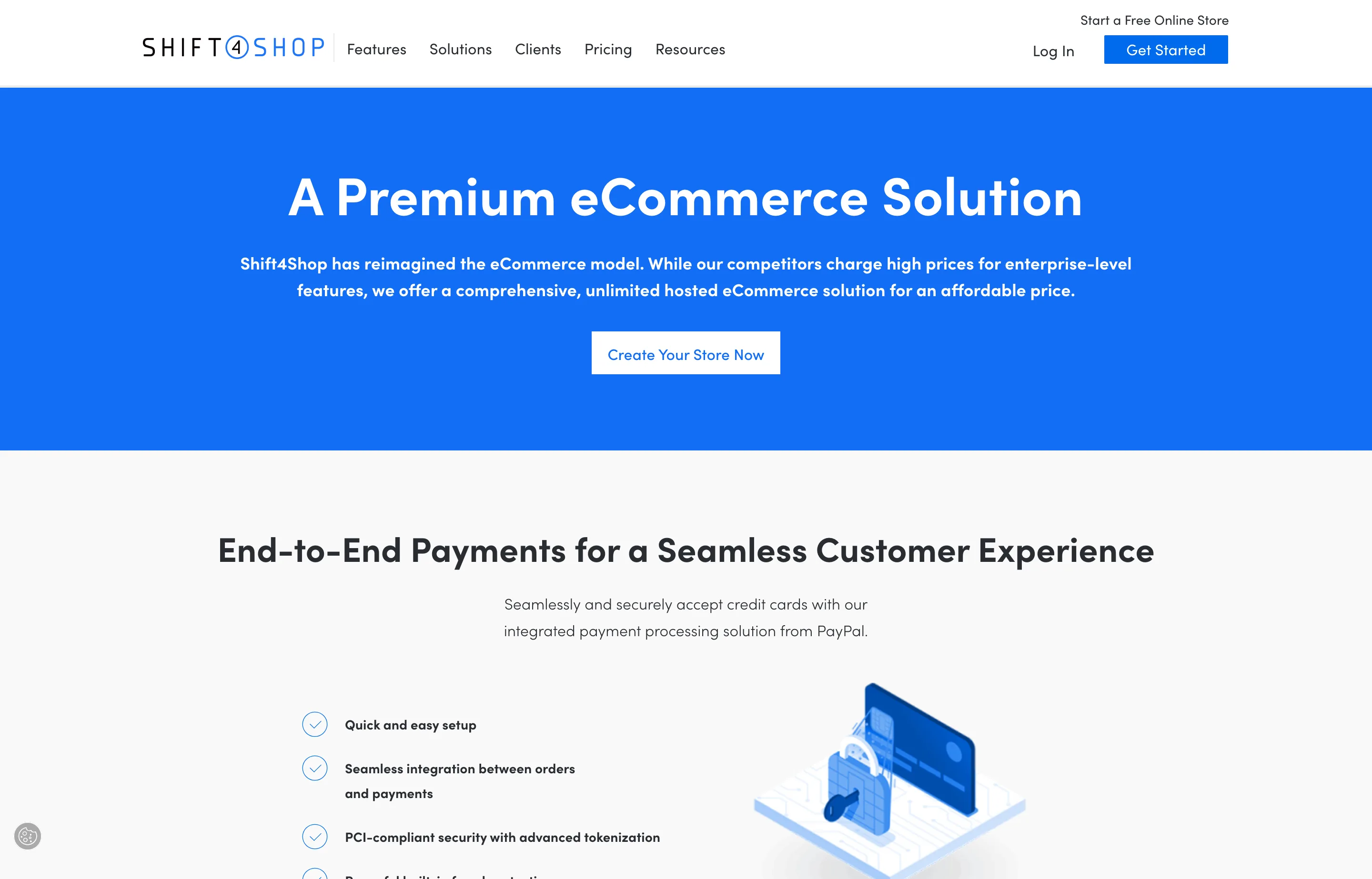
Shift4Shop takes the opposite approach to the percent-of-sale platforms: a single unlimited plan with the features built in, no revenue share, no transaction fees, and free hosting, domain, SSL, and 100+ themes. For a store that wants everything included and a predictable bill, it is the honest flat-fee pick.
- Key features: unlimited products, bandwidth, and staff; built-in SEO and marketing tools; abandoned-cart recovery; real-time shipping with labels; digital downloads; PCI-certified hosting; 100+ free themes; AI fraud protection (Kount); free domain and SSL.
- Pricing: from Shift4Shop's own site, as of October 2026: the unlimited, enterprise-grade plan is $41/month (marketed against a claimed $229/month value). The FAQ states "no setup fees or transaction fees. You only pay the normal fees required by your payment processor. A monthly SaaS fee may be charged depending on your plan and monthly processing amount." Payments run through its integrated processor or your own gateway.
- The catch: that "monthly SaaS fee may be charged depending on your plan and monthly processing amount" is the fine print — the headline $41 can carry a processing-linked fee, so read the terms for your volume. Its separate
/pricingpage did not render plan-by-plan figures to our check; the plan price comes from the vendor's own marketing and checkout pages (flagged). - Pros: everything included at one flat price; no revenue share or transaction fee; free domain and SSL; deep built-in feature set.
- Cons: a possible processing-linked SaaS fee; less modern ecosystem and app store than Shopify; heavier and older interface.
- Reviews: left unrated — no reliable public rating base at volume for the product.
9. Big Cartel — best cheap, honest indie store
Big Cartel is the store for a maker who wants to start today for free and pay $15–$30 a month later, not a percentage. It has been independent since 2005, it does not charge a transaction fee, and its support has the best reputation on this list by a wide margin. There are limits — and you feel them — but for a small catalog it is the friendliest economics here.
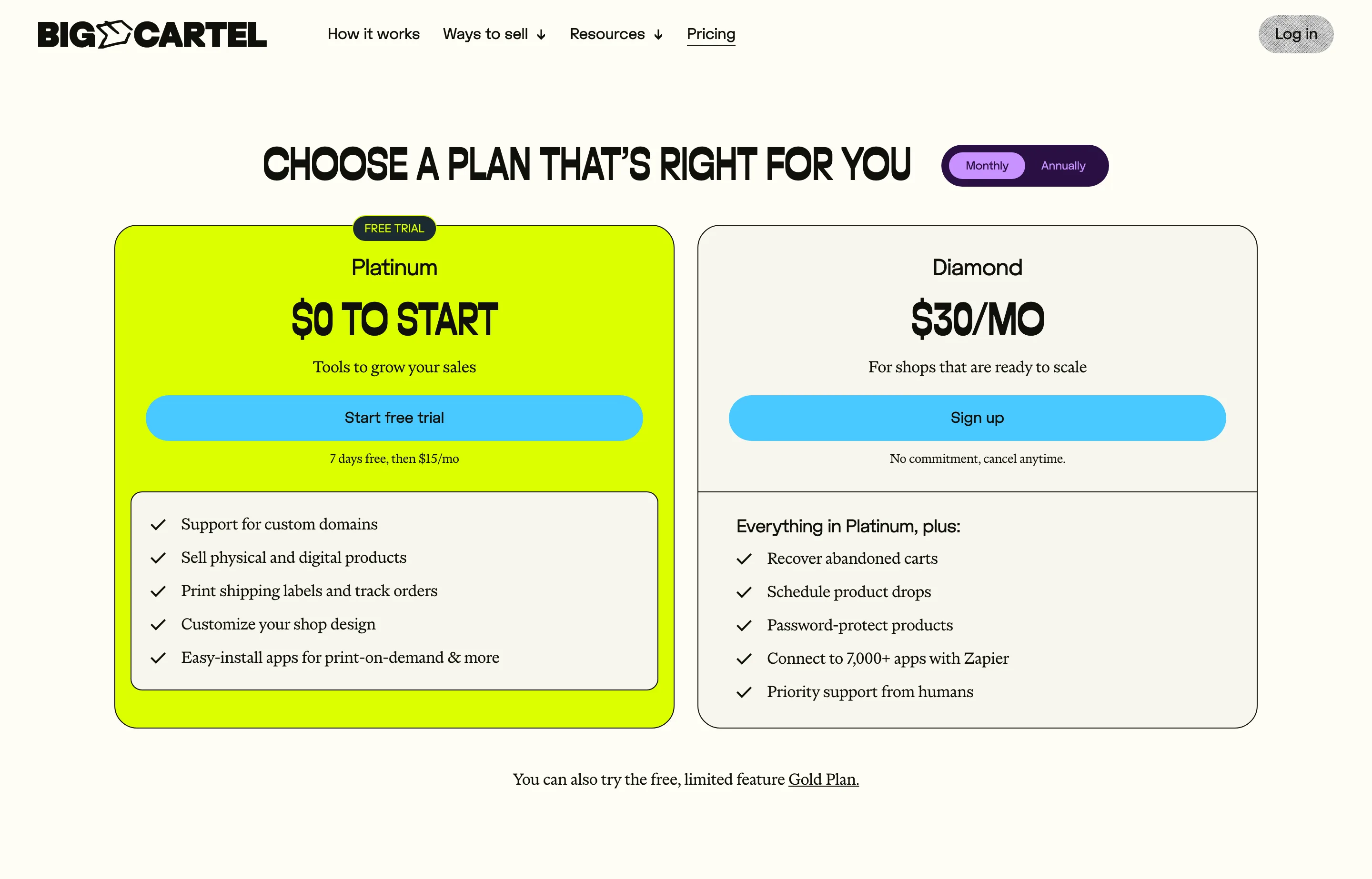
- Key features: free Gold plan (5 products, one template); physical and digital products; cards, PayPal, and Afterpay; print-on-demand apps; sales-tax autopilot; import from Etsy, Squarespace, and Shopify; unlimited shipping-label printing; abandon-cart recovery and product drops on Diamond.
- Pricing: read from Big Cartel's own pricing pages, as of October 2026: Gold free (5 products), Platinum $15/mo (7-day free trial), Diamond $30/mo. No platform transaction fee — you pay your processor (PayPal/Stripe, typically ~2.9% + 30¢).
- The catch: $30/month buys far fewer features than BigCommerce's $29 — there is no real marketplace channel, fewer integrations, and a low ceiling for a scaling catalog. It is a deliberately small platform.
- Pros: best-rated support of any platform here; genuinely free to start; no transaction fee; imports from the big competitors.
- Cons: low feature ceiling; not built for large catalogs or B2B; limited marketing tooling.
- Reviews: 4.7/5 on Trustpilot (430 reviews) — as of October 2026, by far the strongest score on this list.
10. Sellfy — best for creators selling downloads and merch
Sellfy is built for creators who sell a mix of digital files and physical merch: unlimited products, 0% transaction fees, and a storefront you can also drop as "buy" buttons into your existing site. It is the pragmatic middle between a full store builder and a creator checkout.
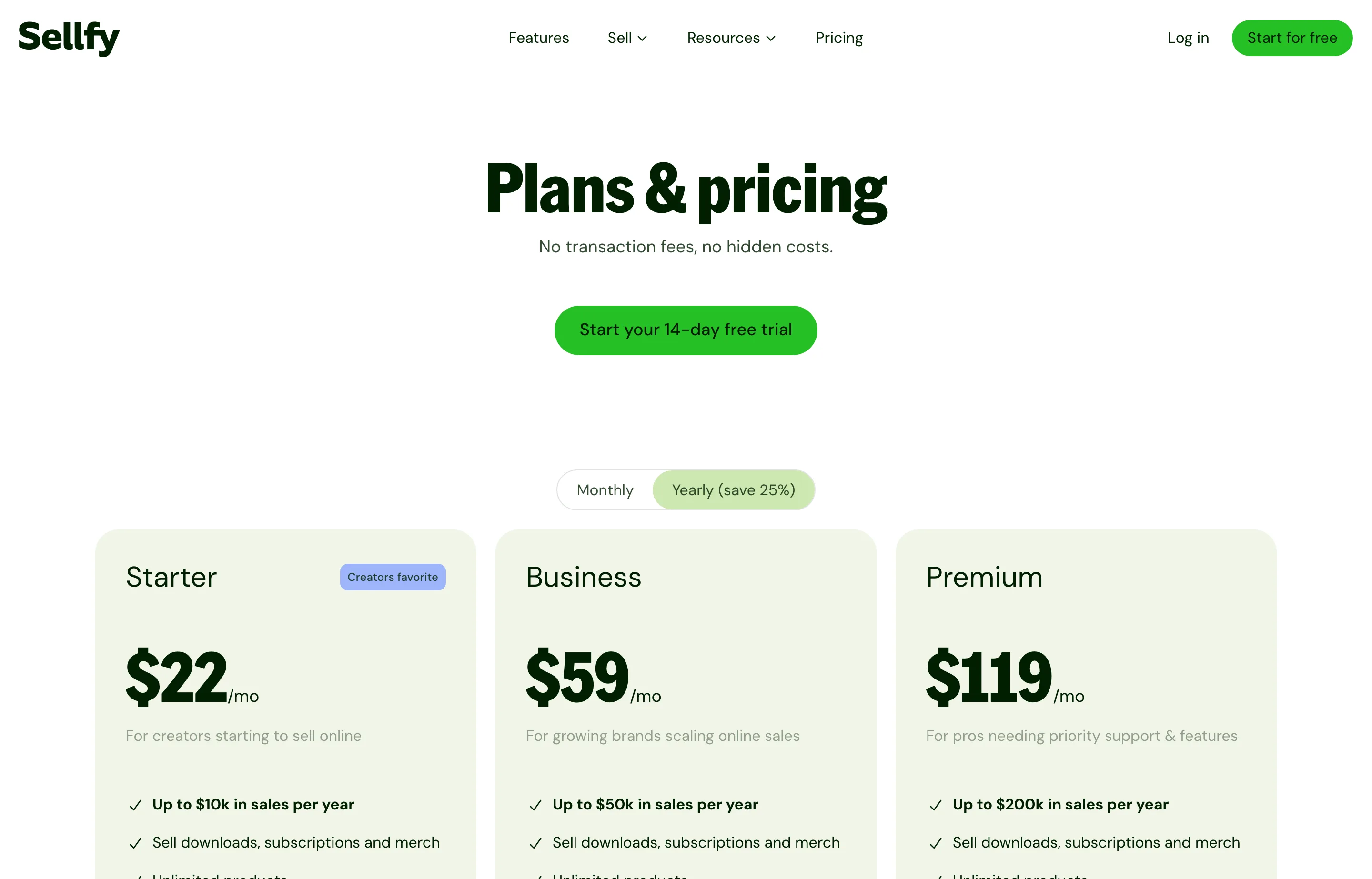
- Key features: unlimited digital and physical products, subscriptions, and print-on-demand; built-in email marketing with credits; coupons, upselling, cart abandonment, and an affiliate program; custom domain; apply custom code; product and design migration on higher tiers.
- Pricing: read from Sellfy's own pricing page, as of October 2026: Starter $29/mo monthly or $22/mo annual (up to $10K sales/yr), Business $79/$59 (up to $50K), Premium $159/$119 (up to $200K). 0% transaction fee; exceed your plan's annual sales cap and Sellfy may charge a 2% overage fee. Payments via Stripe or PayPal, typically ~2.9% + 30¢. 14-day trial.
- The catch: the annual sales caps are the real gate — a $60,000/year store that starts on Business ($50K cap) must move to Premium, which is why the modeled year-one cost sits higher than its sticker suggests. There is also no native sales-tax filing; you configure VAT/tax settings yourself.
- Pros: 0% transaction fee; sell downloads and merch from one place; email marketing included; easy for a non-technical creator.
- Cons: sales caps force upgrades; no tax filing; payment processing on top.
- Reviews: left unrated — no reliable public rating base at volume.
11. Lemon Squeezy — best for software and digital products with tax handled
Lemon Squeezy (now part of Stripe) is the checkout for software, fonts, courses, and other digital products — and its real feature is what it *removes*: as your merchant of record, it handles global VAT and sales-tax calculation, collection, filing, and remittance, and takes on the liability. For an indie founder selling to 50 countries, that alone can be worth the fee.
- Key features: merchant of record (tax handled); subscriptions and license-key management; hosted checkouts and checkout overlays for any site; secure signed download links; discounts, bundles, upsells; affiliate tools; email marketing free to 500 subscribers; A.I. fraud protection; 16+ payment methods including PayPal.
- Pricing: read from Lemon Squeezy's own pricing page, as of October 2026: $0/month platform fee; 5% + 50¢ per transaction on ecommerce (a footnote notes "some payments may be subject to additional fees"). Email marketing is free up to 500 subscribers, then tiered. Volume pricing available on request. In 2026 the platform began moving to "Lemon Squeezy + Stripe Managed Payments" — the fee model above is the published one at the time of writing.
- The catch: 5% + 50¢ is a lot per sale — it is the cost of the merchant-of-record tax service folded into the transaction. At the $5,000/month example that is ≈$3,600/year in platform fees alone, versus ≈$2,100 of processing on Shopify. It is aimed at digital products, not a physical-goods catalog.
- Pros: global tax filing and liability handled; excellent for software and downloads; $0 to start; strong checkout and license tooling.
- Cons: the highest per-sale rate of the non-marketplace options; digital-first, not built for shipping boxes; the 2026 Stripe migration changes the model over time.
- Reviews: left unrated — no meaningful public rating base at volume (its site shows curated quotes).
12. Volusion — the legacy catalog platform
Volusion has been selling since 1999 and still does one thing well: a hosted store for a real product catalog with phone orders, CRM, and batch processing built in. It is no longer the value leader it once was, and its tiering is aggressive, but for a store that wants an old-school, all-in hosted catalog with support, it remains an option.
- Key features: site designer, native checkout, mobile-first themes, phone orders, CRM, ratings/reviews, abandoned-cart reports, API access, batch order processing, free hosting and SSL, PCI compliance.
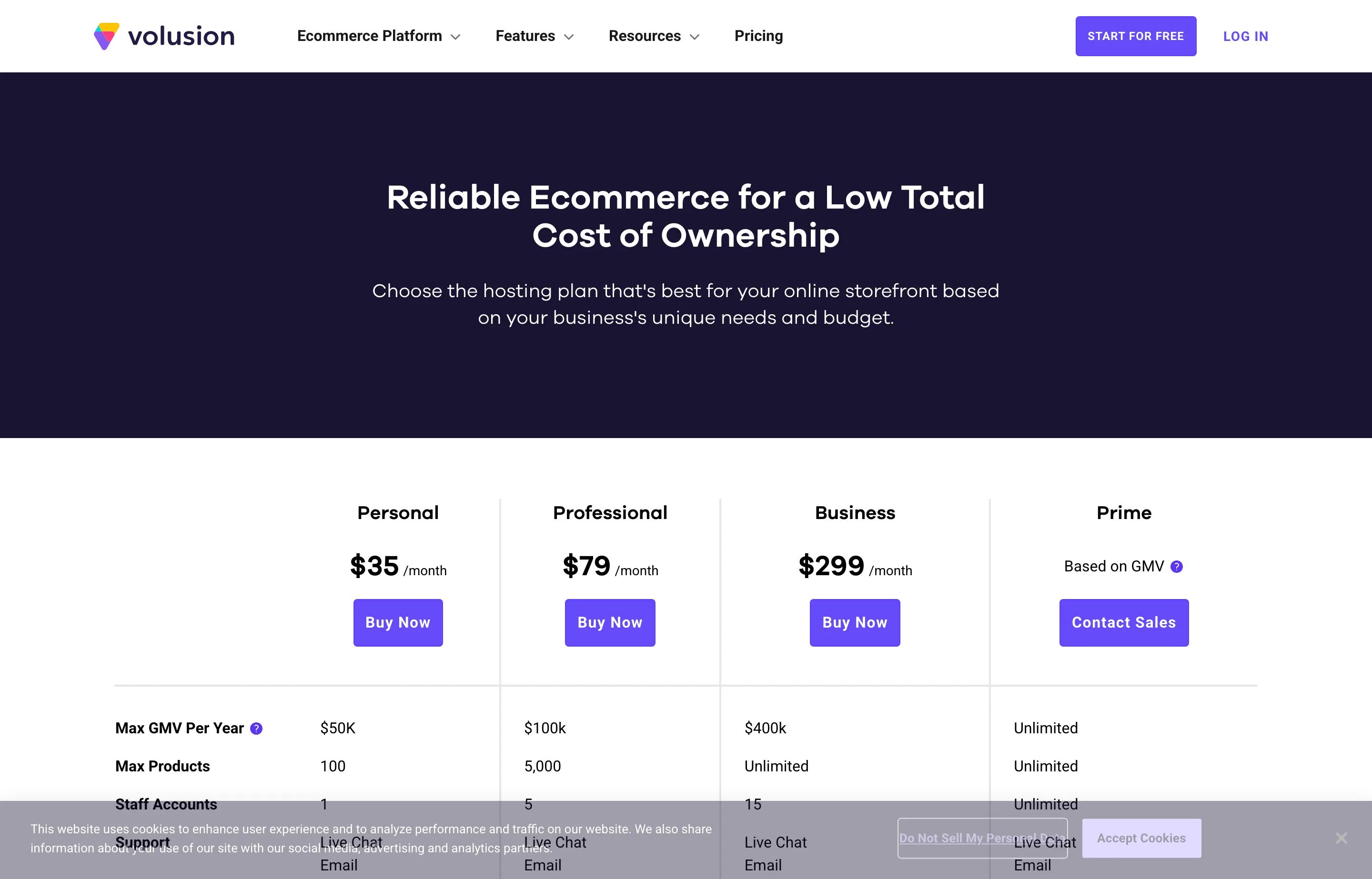
- Pricing: read from Volusion's own pricing page, as of October 2026: Personal $35/mo ($50K GMV/yr, 100 products, 1 staff), Professional $79/mo ($100K, 5,000 products, 5 staff), Business $299/mo billed annually — $399 monthly ($400K, unlimited products, 15 staff), Prime custom by GMV. "Additional fees may apply if you are not on a preferred payment gateway."
- The catch: the GMV caps and the off-gateway fee both bite a growing store — at $60,000/year you have already outgrown Personal, and the payment-gateway penalty is a lock-in by another name. The pricing page is thinner on fee detail than the modern platforms.
- Pros: long track record; phone orders and CRM for catalog merchants; tiered support up to VIP; Business tier holds unlimited products.
- Cons: GMV caps; extra fees off the preferred gateway; dated ecosystem; not the value leader it markets itself as.
- Reviews: left unrated — no reliable public rating base at volume.
13. Gumroad — simplest creator storefront, highest per-sale cost
Gumroad is the fastest path from "I made a thing" to a checkout link. No monthly fee, a storefront in minutes, and — since January 2025 — it is your merchant of record, handling sales tax worldwide. It is also, at any real volume, the most expensive platform on this list by a wide margin. Choose it for zero-overhead simplicity, not for scale.
- Key features: instant storefront and checkout links; digital products, memberships, and courses; merchant of record for global tax; Discover marketplace for demand; payouts by direct deposit or PayPal.
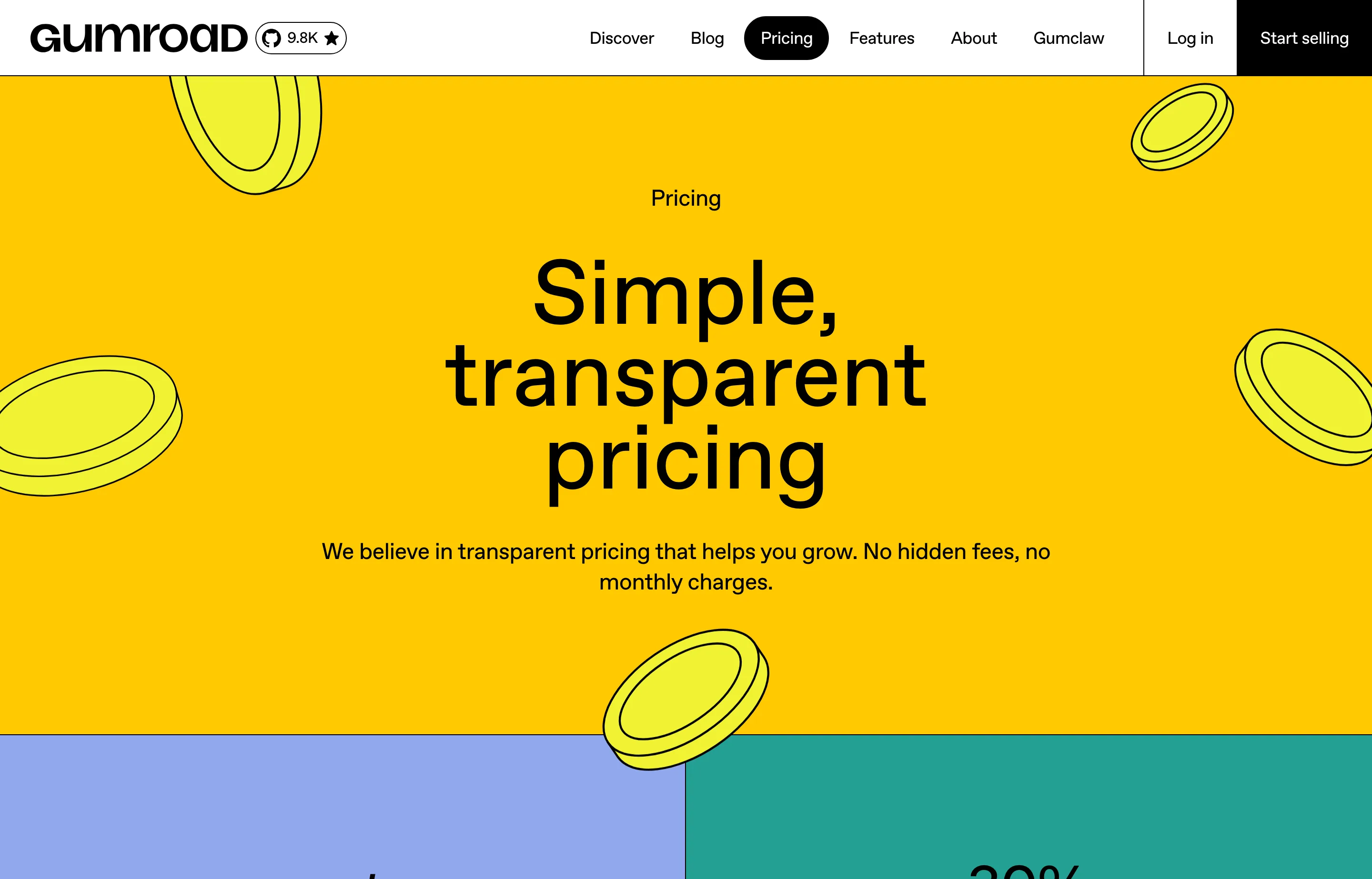
- Pricing: read from Gumroad's own pricing page, as of October 2026: 10% + $0.50 per transaction for sales through your profile or direct links; 30% per transaction when new customers find you through the Discover marketplace. No monthly fee. Physical goods are not permitted.
- The catch: 10% of every sale is the cost of never thinking about checkout — at $5,000/month that is ≈$6,600/year, more than double a WooCommerce or Squarespace stack. The 30% Discover rate is steep even by marketplace standards. It is not a place to build a brand.
- Pros: zero monthly cost; fastest possible launch; global tax handled; Discover can bring demand.
- Cons: the highest per-sale fee here; no physical goods; 30% through Discover; little brand control.
- Reviews: left unrated — Trustpilot's Gumroad page did not load for our check, and we will not cite a score we could not read.
14. Etsy — best marketplace to start (not your own store)
Etsy is not a store builder; it is a marketplace with an audience — which for a maker is the hardest thing to buy. Start here to validate demand and get first reviews, but understand the deal: you pay for every sale *and* you are renting the customers. Pair it with a store you own rather than replacing one with it.
- Key features: built-in shopper traffic and search; Etsy Payments; shipping labels; ads and Offsite Ads; listings that auto-renew; a brand where buyers already browse.
- Pricing: read from Etsy's own seller fee documentation (US), as of October 2026: listing $0.20 each (4-month term); transaction fee 6.5% of the total order (including shipping and gift wrap); US payment processing 3% + $0.25 per order; currency conversion 2.5% if applicable. Offsite Ads add 15% of the order (12% once you have made $10,000 in 365 days), capped at $100 per order. Optional Etsy Ads and Etsy Plus subscription are extra.
- The catch: the fees stack — 6.5% + 3% + $0.25 plus listings plus any Offsite Ads lands near 10–15% of revenue before you have bought a single ad. And you never own the customer list or the storefront: Etsy owns the relationship, the ranking, and the rules.
- Pros: real, built-in demand; no store to build; trusted checkout and buyer protection; fast to start.
- Cons: high effective fees; no ownership of customers or brand; policies and ranking can change under you; hard to leave with your audience.
- Reviews: left unrated — a consumer marketplace rating would not measure the seller experience.
15. Amazon — maximum reach, maximum fees and rules
Amazon sells more than any other channel on earth, and for a physical product with real demand, that reach is worth a lot. It is also the most expensive and the most rule-bound place to sell — you are a supplier in someone else's store, competing on the same page as everyone else. Use it as a channel, not as your brand.
- Key features: access to Amazon's shopper base; Fulfilled by Merchant or Fulfillment by Amazon (FBA); advertising; Brand Registry; global marketplaces; Seller Central tools.
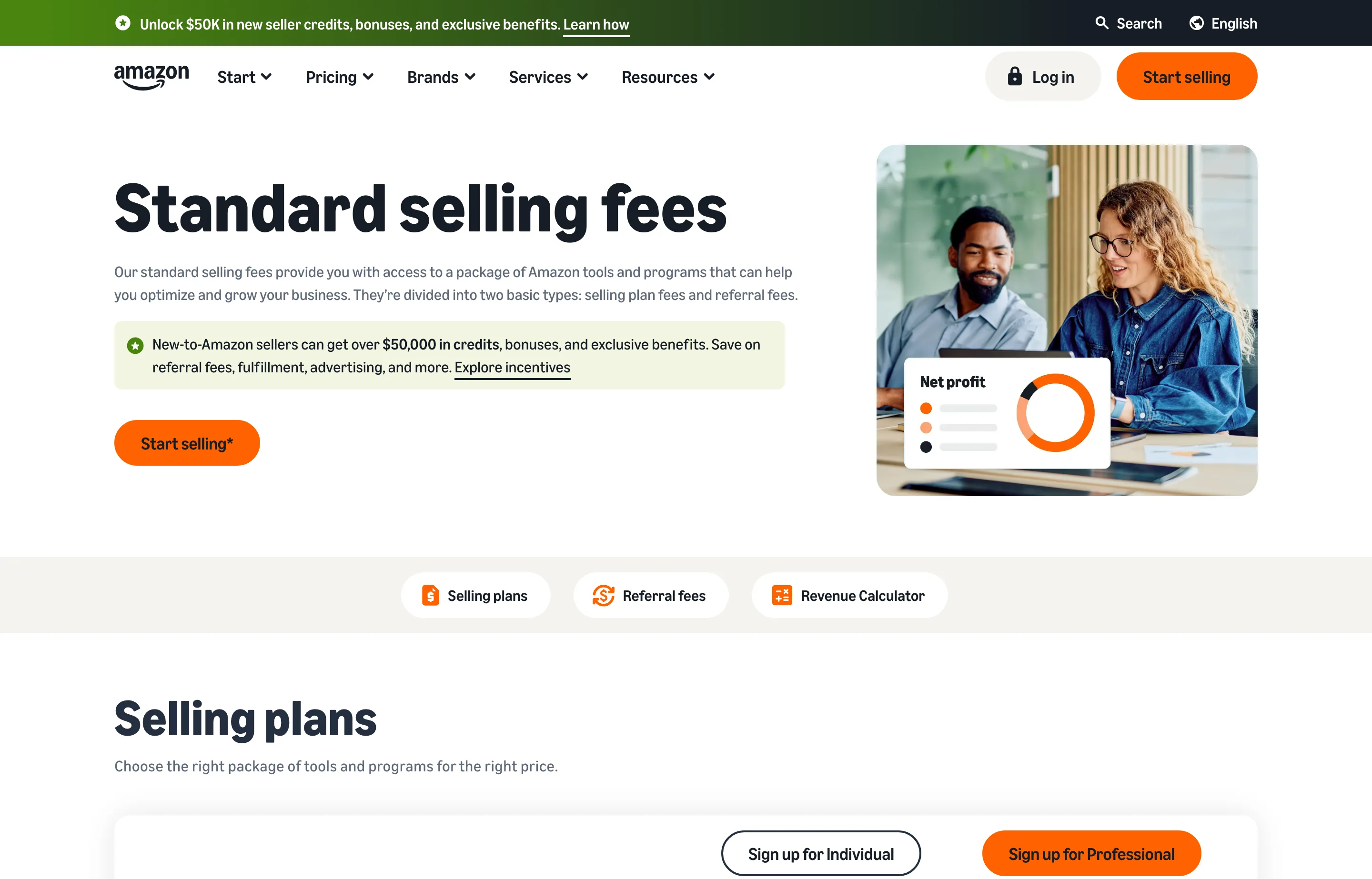
- Pricing: read from Amazon's own pricing page (US), as of October 2026: Individual plan $0.99 per item sold; Professional plan $39.99/month. Referral fees are charged per sale as a percentage of the total price with a minimum, and vary by category — e.g. 15% (Home & Kitchen, Furniture to $200, most categories), 17% on clothing over $20, 8% on computers and consumer electronics, 20% on jewelry up to $250, with a $0.30 minimum in most categories. FBA fulfillment fees apply if you use them; advertising is extra.
- The catch: add it up — at $5,000/month a 15% referral fee is ≈$9,000 a year, plus $39.99/month, plus any FBA or ad spend. You do not own the customer, the listing page, or the relationship, and you can be suspended with limited appeal. Sellers frequently discover that the "reach" is the most expensive customer acquisition they have.
- Pros: unmatched shopper traffic for physical goods; FBA lets you outsource fulfilment and returns; Prime shipping expectations met for you; scales if the product fits.
- Cons: the highest total take-rate here; no customer ownership; heavy competition on your own listing; suspension and policy risk.
- Reviews: left unrated — a marketplace rating would not measure the seller experience.
The math the platform assumes: free Small Business Tools
Whichever platform you choose, the store's profitability lives in numbers the pricing pages do not show. These free tools do the arithmetic:
- Profit Margin Calculator — the platform's 2%, 5%, or 15% comes straight out of margin. Enter cost, price, and the fee to see what is actually left per unit.
- Sales Tax Calculator — for the platforms that do not file for you, work out what you owe by state before the marketplace or platform adds its own tax-calculation fee on top.
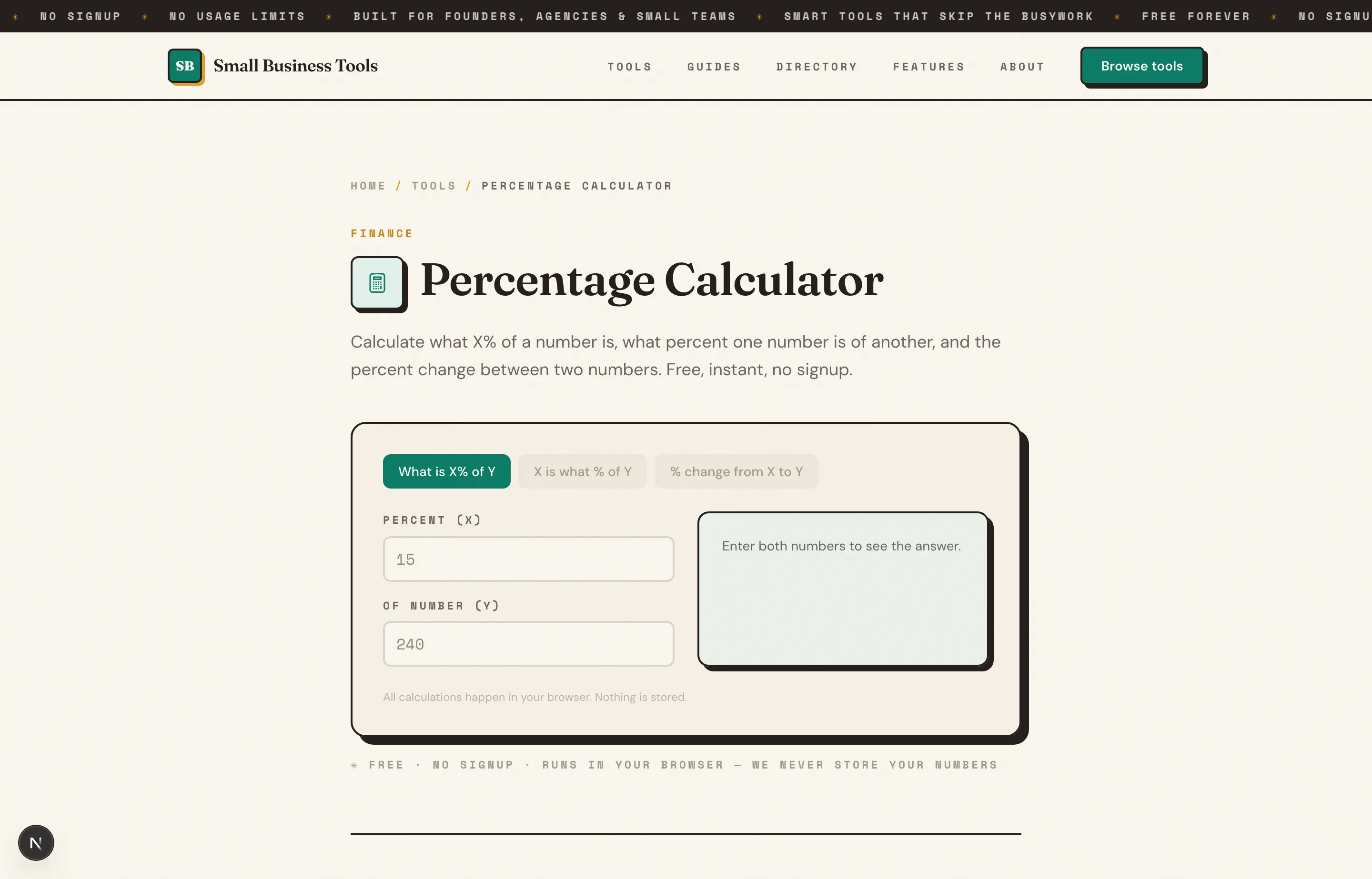
- Percentage Calculator — the fee decoder this whole guide leans on: what 2.9% + 30¢, or 5% + 50¢, or 15% referral actually costs on your monthly volume.
The free small business tools hub lists the rest by job. For the pieces around the store, read the payment processors guide for what card acceptance costs off-platform, the POS guide if you also sell in person, the website builders guide if you need the site that the store sits on, and where to sell a small business for the exit.
Which should you choose?
- You sell physical products and want the safest default: Shopify — best checkout, deepest ecosystem, and you can move it. Budget for apps and avoid the third-party-processor fee by using Shopify Payments.
- You have a big catalog or sell B2B: BigCommerce — the strongest multi-store and B2B features, with 0% fees if you stay on an embedded processor.
- You want the lowest cost at volume and to own everything: WooCommerce — free core, ~$300/year hosting, no percentage cut. Accept that you maintain it.
- Design carries the sale: Squarespace Commerce — 0% store fees from Core up and the best templates.
- You sell in person and online: Square Online — one account for the counter and the store, and a genuinely free start.
- You already have a website: Ecwid — bolt a 0%-transaction-fee store onto the site you own.
- You want a flat, predictable bill with everything included: Shift4Shop.
- You are a maker with a small catalog: Big Cartel — free to start, $15–$30/month later, and the best-rated support here.
- You sell downloads, courses, or software: Sellfy for merch-and-downloads, Lemon Squeezy when global tax filing is the thing you most want gone.
- You want to validate demand this weekend: Etsy (or Gumroad for digital) — then move the winners onto a store you own.
FAQs
What is the best ecommerce platform for a small business?+
For most product businesses, Shopify is the safest default — the best checkout, the largest app ecosystem, and the easiest to scale — as long as you use Shopify Payments and watch app costs. BigCommerce wins for large catalogs and B2B, WooCommerce is the cheapest at volume if you will maintain it, Squarespace and Square win on design and in-person selling respectively, and Big Cartel is the cheapest honest start for a small catalog.
What's the cheapest ecommerce platform to run?+
WooCommerce has the lowest total cost at volume — the plugin is free, hosting runs about $25–$350/month, and there is no transaction fee. Big Cartel's free Gold plan and Square's Free plan are the cheapest ways to *start*; Gumroad is free to start but the most expensive per sale. Remember that "cheap sticker" and "cheap store" are different questions — see the worked example above.
Do ecommerce platforms charge transaction fees?+
It depends on the model. The hosted platforms mostly do not charge a transaction fee when you use their own processor (Shopify, Squarespace, Square, BigCommerce on embedded processors, Ecwid, Big Cartel), but charge one when you bring an outside processor (Shopify's 2%, BigCommerce's 1–2% Open Payment Provider fee). The percent-of-sale platforms — Lemon Squeezy (5% + 50¢) and Gumroad (10% + 50¢) — make the cut their entire business model.
Who collects and files sales tax?+
The merchant-of-record platforms — **Lemon Squeezy and Gumroad** — calculate, collect, file, and remit sales tax worldwide and take on the liability. Marketplaces (**Etsy and Amazon**) collect sales tax on your behalf for many jurisdictions. Store platforms mostly calculate tax at checkout but leave nexus and filing to you: **Shopify** includes automated calculation and liability tracking; **Squarespace** charges a small calculation fee (0.15%/0.10%/0.05%); **BigCommerce and Volusion** lean on third-party tax services. Whichever you pick, confirm who files before your first multi-state month.
Should I sell on Etsy or Amazon, or build my own store?+
Treat marketplaces as a demand channel and your own store as the asset. Etsy and Amazon deliver shoppers you have not earned — that is the whole value — but you pay 10–15% (Etsy, with ads) or ~15% in referral fees (Amazon), and you never own the customer, the ranking, or the rules. The durable play is to start where the audience is and move repeat buyers onto a store you control.
Which platform is best for selling digital products?+
For downloads, courses, and software, **Lemon Squeezy** (5% + 50¢, tax handled) and **Sellfy** (0% transaction fee, up to a sales cap) are purpose-built, and **Gumroad** is the simplest storefront — at the highest per-sale cost. If you already run WordPress, **WooCommerce** plus a downloads extension is the cheapest at volume, and **Shopify** now handles digital goods well as part of a broader store.
Final take
Pick by what you sell and who takes the money, then check the year-two number. A physical-goods business that intends to grow starts at Shopify (and stays there if it uses Shopify Payments) or BigCommerce for catalog and B2B. A cost-conscious owner who will maintain the store starts at WooCommerce and pays no percentage at all. A design-led brand starts at Squarespace; an in-person business starts at Square; a maker with five products starts free at Big Cartel. Digital creators should weigh the tax service against the rate: Lemon Squeezy and Sellfy when the filing matters, Gumroad only for the simplest possible link.
Then run the numbers before you commit: the platform takes its cut at the top of the month, so price with the Profit Margin Calculator, check the state bill with the Sales Tax Calculator, and decode every fee with the Percentage Calculator. Free, no signup, nothing stored — the same standard we hold these platforms to.
Free tools to try
Invoice Generator
Create a professional invoice and download it as a PDF in 30 seconds.
Sales Tax Calculator
Add or remove sales tax at any rate — get the net, tax, and gross totals.
Percentage Calculator
What is X% of Y, X is what % of Y, and percent change — answered in plain words.
Profit Margin Calculator
Find your margin, markup, and profit from cost and revenue — instantly.
Keep reading
Guide
Best Website Builders for Small Business (2026)
The best website builders for small business, compared by the job they do, the real annual cost, and whether you can leave — with current 2026 pricing.
Guide
Best Payment Processors for Small Business (2026)
11 payment processors compared for small businesses — real 2026 fees for Square, Stripe, PayPal, Helcim and more, plus when interchange-plus saves money.
Guide
Best POS Systems for Small Business (2026)
10 POS systems compared for small businesses — real 2026 pricing for Square, Toast, Clover, Lightspeed and more, plus the rates that actually matter.
Guide
Where to Sell a Small Business: 13 Marketplaces Compared
BizBuySell, Flippa, Acquire, Empire Flippers, brokers and more compared — real listing fees, commissions, and which fits your business type and size.