Guide
Best Website Builders for Small Business (2026)
Most small businesses do not need the prettiest website builder. They need one that fits the job — booking customers, selling products, showing a portfolio, or ranking in local search — and that they can still afford and edit in year two. The platform choice matters more than the template: roughly half of all websites now run on a content management system or hosted builder (51% of sites in the 2024 Web Almanac's CMS chapter, from HTTP Archive), and WordPress alone powers about a third of them. Whichever you pick, you are choosing an operating system for your online presence, not just a design.
This guide is the general builder buyer's guide — hosted builders, WordPress, and the budget options. If you specifically want an AI that generates the site from a prompt, we cover that separately in Best AI Website Builders. Here we rank thirteen builders for the questions that decide the next two years: what the site must do, what it really costs per year, and how hard it is to leave.
Quick comparison
| Builder | Best for | Entry price (annual) | Watch before choosing |
|---|---|---|---|
| Wix | Best all-around for most small businesses | Free; paid from $17/mo | Ecommerce needs the $29/mo Core plan; no full site export |
| Squarespace | Best for design-led and professional-services sites | From $19/mo (no free plan) | Highest entry cost here; 14-day trial only |
| Shopify | Best if you sell products | From $29/mo | App subscriptions add up; overkill for a brochure site |
| WordPress.com | Best managed WordPress | Free; paid from $4/mo | Plugins and commerce gated to higher tiers |
| Webflow | Best for a marketing site you will grow | Free; from $15/mo | Steeper learning curve than the drag-and-drop tools |
| GoDaddy | Best cheap AI-assisted launch with a domain | Free (50 credits); from $9.99/mo | Credit-based AI; branding removal gated higher |
| Hostinger | Cheapest first site with hosting bundled | From $2.99/mo (48-mo term) | Renewal jumps sharply (e.g. $2.99 → $10.99) |
| Framer | Best for a polished landing or marketing page | Free; from $10/mo | CMS and collaborator limits; adds up with editors |
| Duda | Best if an agency builds your site | From $19/mo | Priced per account, not per site; add-ons cost extra |
| IONOS | Best cheap domain + email + site bundle | From $1–$6/mo (1-yr promo) | Big renewal jump; heavy upsells |
| Jimdo | Simplest brochure site | Free; from $11/mo | Low SEO/feature ceiling; contract and renewal complaints |
| Carrd | Best single-page site or link hub | From $9/yr | One page only; no native ecommerce |
| Google Sites | Best free, simple informational site | Free | Very limited design, SEO, and no ecommerce |
How we chose
We evaluated each builder the way an owner actually experiences it — not by the first five-minute demo:
- Business fit: can it do the job you have (bookings, products, a portfolio, a local listing, a blog) without bolting on three other subscriptions?
- True annual cost: the price after the promotional term ends, plus transaction fees, apps, extra seats, and email.
- Editing and ownership: can you change the copy, layout, and pages yourself — and can you export or move the business later?
- Search fundamentals: custom titles and descriptions, clean URLs, redirects, image alt text, and a sitemap.
- Reliability: real-world performance, not just a marketing claim. The Web Almanac's Core Web Vitals pass rates per platform (mobile, 2024) are a useful independent signal — Duda (73%) and Squarespace (60%) passed the most often that year; WordPress (40%) and the older drag-and-drop sites trailed.
- Support and reputation: the vendor's own help resources plus dated third-party review data where it exists.
We did not rank any builder by affiliate payout. A builder earns its place on the list by being the honest best answer for a segment, and every price below links to the vendor's own page (or, where a page hides its numbers, a named third-party source with the caveat stated). Review-site scores are dated and linked; Trustpilot in particular skews toward complaint-driven reviews, so we pair it with what the product actually does rather than treating it as a verdict.
The test most builder lists skip: year two, and the exit
The standard roundup ranks the first ten minutes: how fast the AI drafts a homepage, how good the templates look. The decisions that cost real money show up later. Before you commit to any builder, run three checks.
1. The renewal price, not the intro price. Several builders advertise a first-term price that roughly triples or quadruples at renewal. Hostinger's Premium plan is advertised at $2.99/month on a 48-month term and renews at $10.99. IONOS's Plus plan runs as low as $1/month for the first year against a $24 list price and renews at $20. Neither is a scam — it is a commitment in exchange for a low entry cost — but you should decide whether you will still be happy at the renewal number.
2. The all-in cost. The subscription is rarely the whole bill. Add transaction fees (Squarespace charges 2% on store sales at the entry tier until you move up; Shopify charges 0.6–2% when you use a payment provider other than Shopify Payments), paid apps, extra collaborators, and a separate email or booking tool if the builder does not include one. A $29/month plan can behave like a $70/month stack.
3. The exit. Ask a blunt question: if this platform stops fitting in two years, what happens to the business? Wix and Squarespace do not offer a clean, full-site export — leaving means rebuilding elsewhere, even though you keep your content and domain. GoDaddy lets you download your generated code. Self-hosted WordPress is the most portable of all, because the files are yours. You do not have to plan to leave, but choose your lock-in deliberately rather than discovering it.
| Check | Pass looks like | Why it matters |
|---|---|---|
| Renewal cost | You know the year-two price and can live with it | The cheapest headline is often the most expensive in year two |
| All-in cost | Plan + fees + apps + email are added up honestly | Subscriptions hide behind transaction fees and add-ons |
| Editing | You can rewrite every claim and reorder pages yourself | A site you cannot maintain goes stale |
| Search basics | Titles, descriptions, redirects, alt text, sitemap are editable | A beautiful site that cannot be found is a brochure |
| Exit | You can export the content you need and move your domain | Cancelling should not strand the business |
Match the builder to the job
Most "best builder" confusion comes from asking one product to do five different jobs. Start with the job, then read the matching entries.
| The job | Start with | Also consider |
|---|---|---|
| Local service business with bookings | Wix | Squarespace, GoDaddy |
| Selling physical or digital products | Shopify | Squarespace, Wix (Core+) |
| Professional services / portfolio | Squarespace | Framer, WordPress.com |
| Content marketing and SEO | WordPress.com or Webflow | WordPress (self-hosted) |
| One-page site or link hub | Carrd | Google Sites |
| Cheapest legitimate first site | Hostinger | IONOS, Carrd |
| An agency is building it for you | Duda | Webflow |
1. Wix — best all-around builder for most small businesses
Wix (wix.com) is the most complete single product here for an owner who wants a website plus the tools around it — an online store, appointment booking, email marketing, and basic SEO — in one dashboard. It has a genuine free plan, the largest template library, and a drag-and-drop editor that a non-technical owner can actually operate.
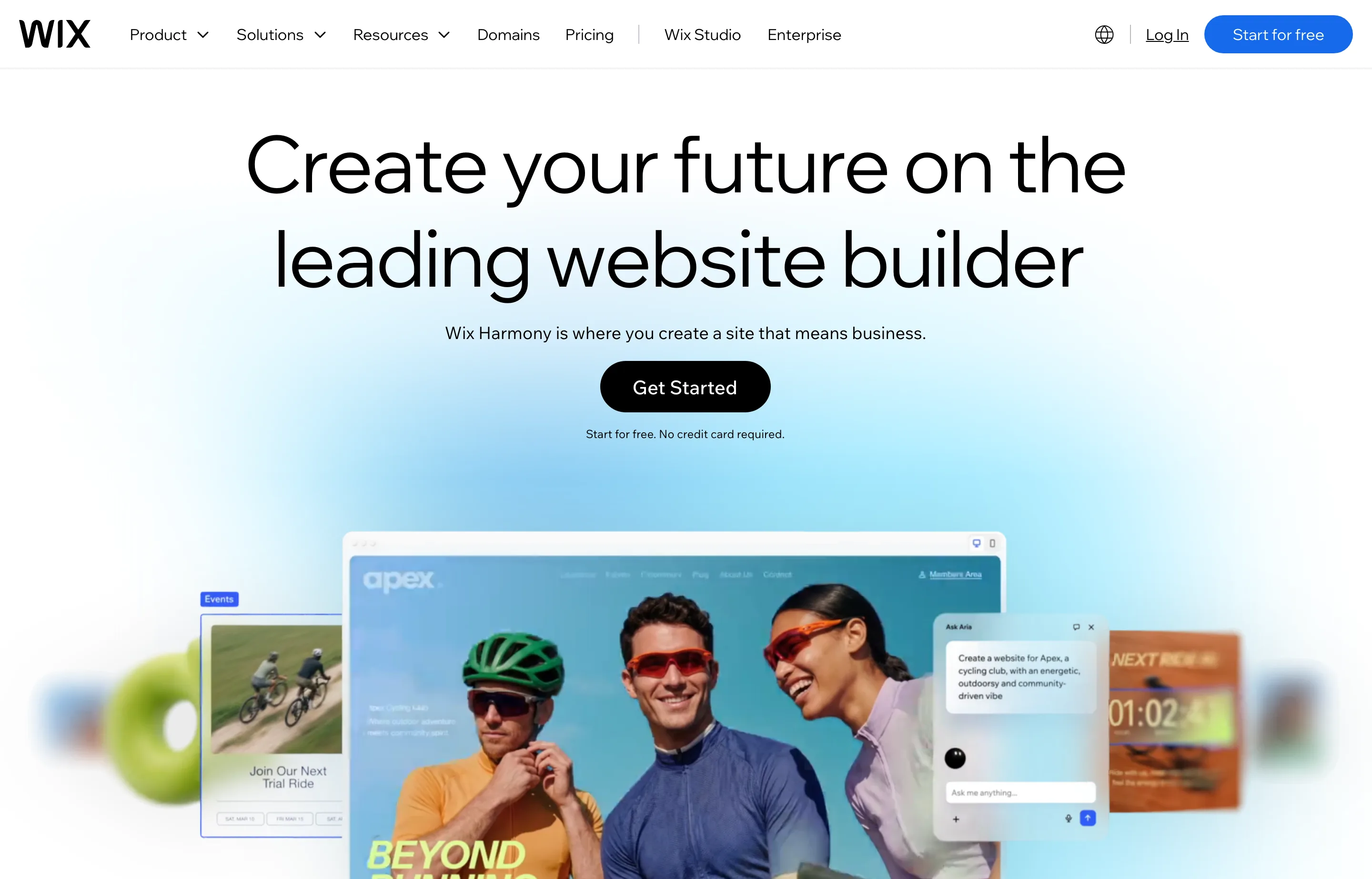
- Key features: AI-assisted site creation, drag-and-drop and code (Velo) editors, Wix Stores, Wix Bookings, events, email marketing, SEO tools, and analytics.
- Pricing: Free plan available (Wix ads,
wixsite.comURL). Paid website plans are advertised from $17/month (Light) billed annually, rising through Core ($29), Business ($39), and Business Elite ($159). Wix's own plans page renders prices by location ("prices and currency vary by location") and returned no readable USD figures, so these are from a named third-party pricing tracker (Website Builder Expert, updated 15 September 2026). Payments run about 2.9% + $0.30. - Pros: broadest all-in-one feature set; real free plan to test with; the strongest template and AI-creation library.
- Cons: the $17 Light plan cannot sell products — you need Core ($29) to run a store; there is no full-site export, so leaving means rebuilding; Trustpilot sits at 3.5/5 with recurring billing and support complaints.
2. Squarespace — best for design-led and professional-services sites
Squarespace (squarespace.com) is the pick when presentation is part of the product — photographers, consultants, studios, restaurants, and boutique retail. Its templates are the most considered of the group, and the built-in commerce, scheduling, invoicing, and email tools mean a one-person business can run a credible operation without three other subscriptions.
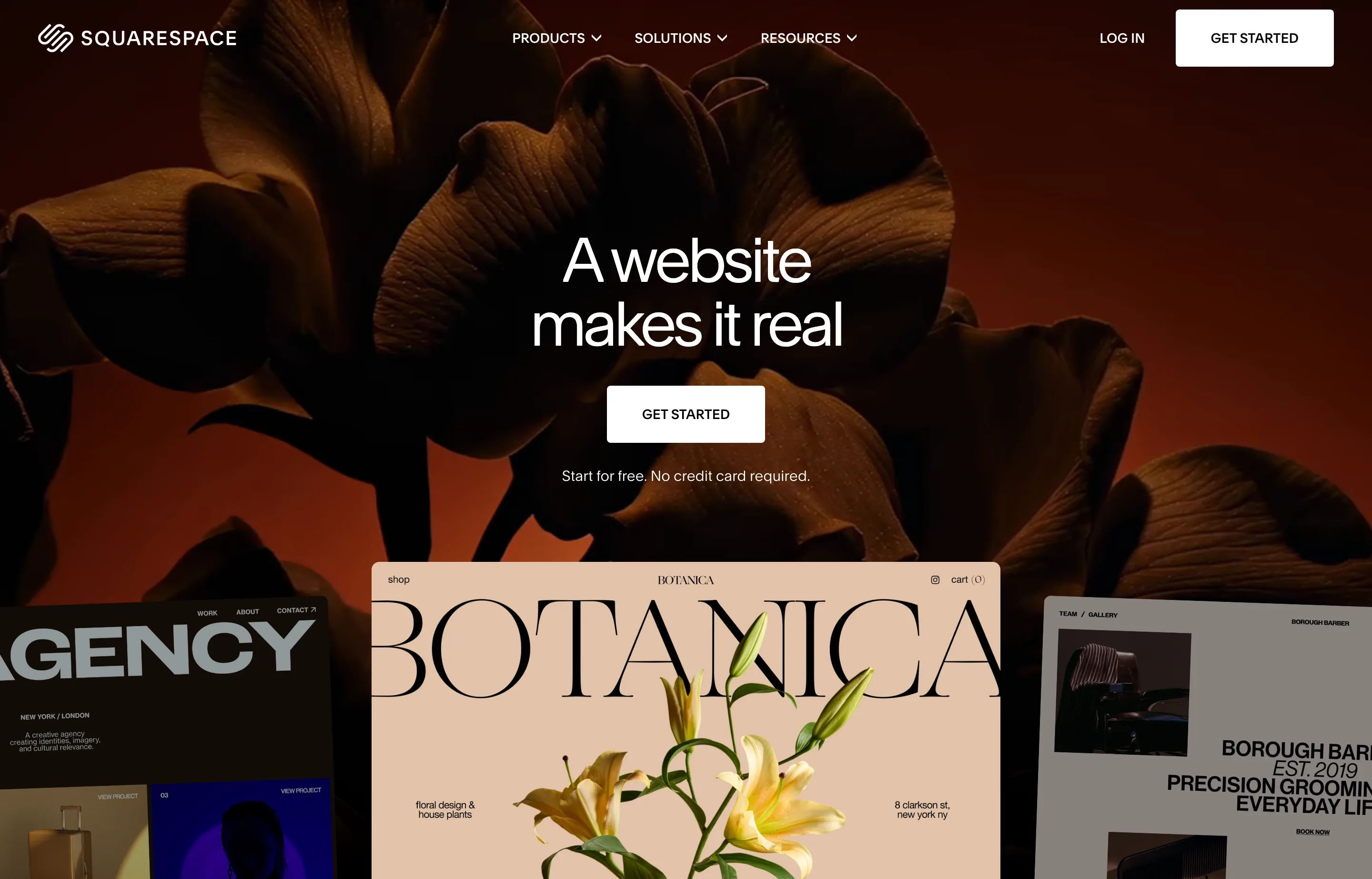
- Key features: designer templates and the Fluid Engine editor, ecommerce with unlimited products and digital goods, scheduling (Acuity), invoicing, donations, email campaigns, and SEO controls.
- Pricing: no free plan — a 14-day trial only. Plans run Basic $19/month, Core $29/month, Plus $49/month, and Advanced $99/month, all billed annually (monthly billing is $25–$139). Online-store transaction fees are 2% on Basic and 0% from Core up; card rates with Squarespace Payments are 2.9% + $0.30 (Basic/Core) down to 2.5% + $0.30 (Advanced). Note that these are the *raised* 2026 prices — Squarespace increased annual plans by up to 26% in July 2026 (Core $23→$29, Plus $39→$49), so older reviews that cite $16–$39 are out of date.
- Pros: the best default design quality here; 0% store fees from Core upward and lower card rates as you upgrade; scheduling and email included.
- Cons: no free tier and the highest entry cost of the budget group; the low payment rates require the $99/month Advanced plan; Trustpilot is 3.5/5 with complaints about the AI-first support, lack of phone support, and the July 2026 price increase.
3. Shopify — best if you sell products
Shopify (shopify.com) belongs on a website-builder list because, for a product business, the store is the website. Checkout, inventory, shipping, payments, and point-of-sale are all native, and the app ecosystem is the largest in commerce. Choose it when products, not appointments, are the core of the business.

- Key features: drag-and-drop store builder, Sidekick AI assistant, a high-converting checkout, Shopify Payments, social and marketplace sales channels, POS, multi-channel inventory, and 24/7 support.
- Pricing: no free plan; 3-day trial. Plans are Basic $39/month (or $29 billed annually), Grow $105/$79, and Advanced $399/$299, with a 0.6–2% fee when you use a third-party payment provider instead of Shopify Payments. Shopify's own pricing page served non-US currency during our check, so these USD figures come from multiple agreeing third-party sources (September 2026) — verify on the pricing page at checkout.
- Pros: the best checkout and the deepest commerce app ecosystem; strong omnichannel and in-person POS; scales from one product to a real retail operation.
- Cons: apps add recurring monthly cost on top of the plan; more expensive than a simple builder and overkill for a brochure site; Trustpilot sits at 1.3/5 (company-wide) — far below Shopify's ratings on G2 and Capterra, and the low score skews to billing and support complaints, so read both sides.
4. WordPress.com — best managed WordPress
WordPress.com (wordpress.com) gives you the world's most-used publishing platform without running your own server: hosting, SSL, CDN, security, and backups are handled for you. It is the strongest choice for content and SEO-heavy sites, and the one with the least lock-in of the hosted options, because the content model is portable.
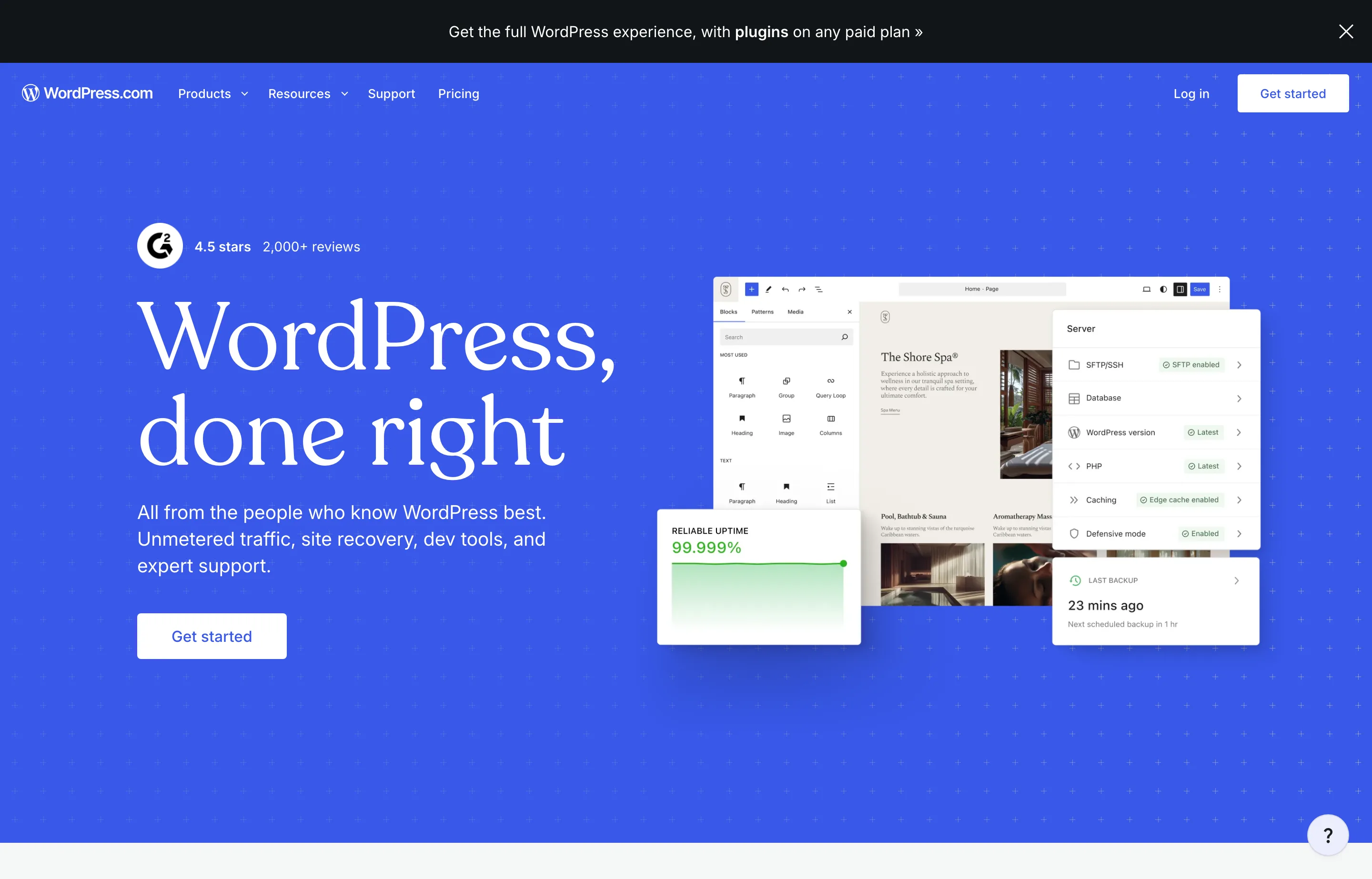
- Key features: managed hosting with SSL, CDN, and malware protection; the block editor and a guided AI builder; unlimited pages, posts, users, and traffic; Jetpack stats and forms; SEO tools; and commerce on the top tier.
- Pricing: Free (1 GB storage, WordPress.com ads). Personal $4/month ($9 monthly), Premium $8/$18, Business $25/$40, and Commerce $45/$70, all billed annually; multi-year terms discount further.
- Pros: true managed WordPress with no server maintenance; a real free tier; the most portable content of the hosted builders.
- Cons: advanced plugins, staging, and store tools are gated to Business ($25) and Commerce ($45); you do not get full self-hosted WordPress flexibility, and some plugin and theme limits apply; Trustpilot is a middling 3.8/5 (4,164 reviews).
5. Webflow — best for a marketing site you will grow
Webflow (webflow.com) is the builder for a business that treats the website as a marketing asset — case studies, landing pages, a resource library, a CMS — rather than a digital business card. It asks more of you up front and gives back more design and structure control, without needing a developer for every page.
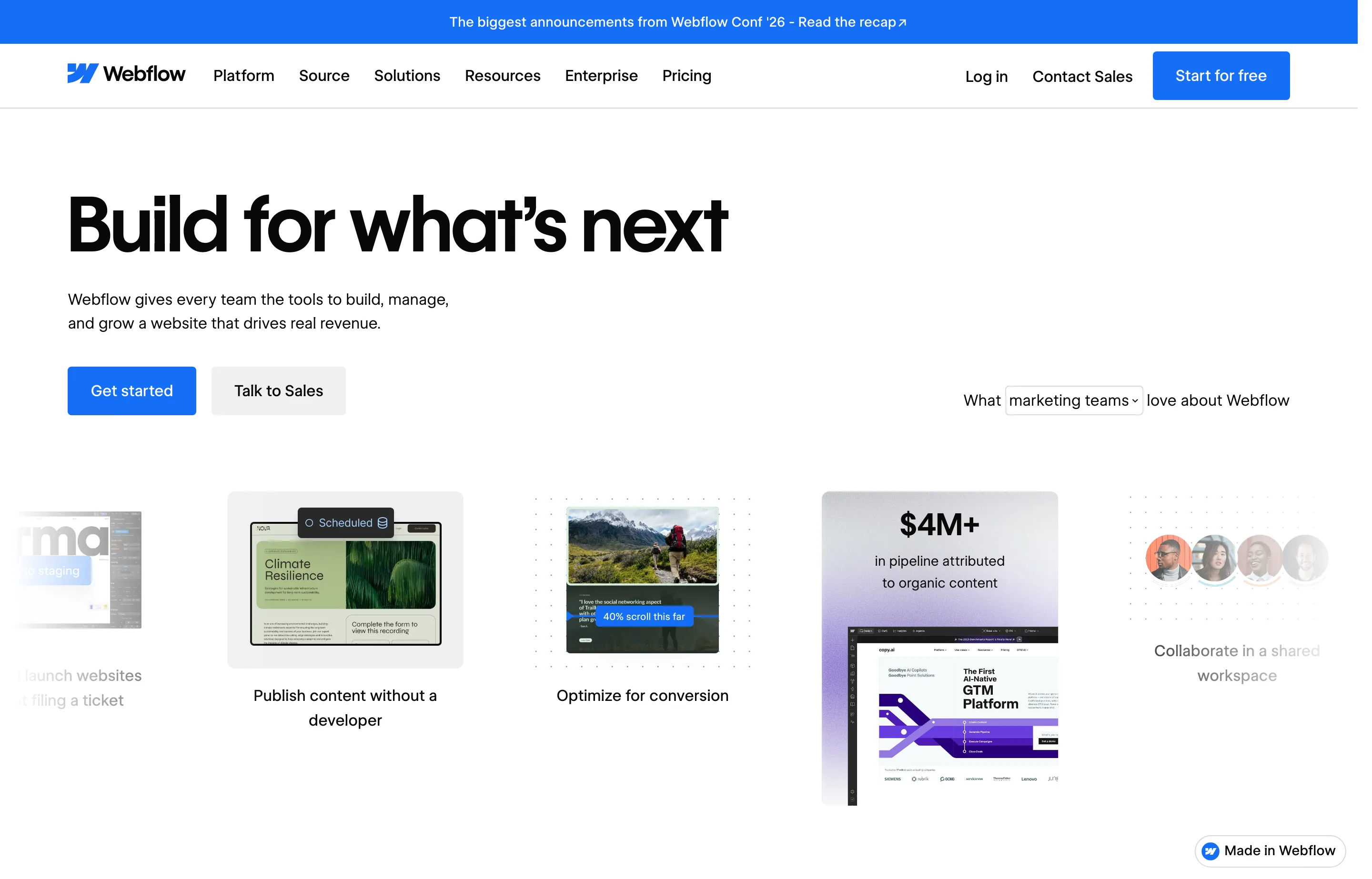
- Key features: visual design system, CMS collections, hosting, redirects, forms, staged publishing, and a built-in AI site builder for the first draft.
- Pricing: Free Starter to experiment; site plans from $15/month (Basic) and $25/month (Premium) billed annually. Workspace, collaborator, and CMS limits vary by plan.
- Pros: serious design and CMS control; good for SEO-driven content; a strong publishing workflow.
- Cons: a steeper learning curve than the drag-and-drop builders; workspace and CMS needs can raise the price; Trustpilot is low at 1.5/5 (238 reviews), driven mainly by support and billing complaints — weigh it against the product quality; not the simplest choice for a five-page local site.
6. GoDaddy Website Builder — best cheap AI-assisted launch with a domain
GoDaddy (godaddy.com) replaced its classic builder with the AI-driven Airo builder: describe the business and it generates a site, with an online store, GoDaddy Payments, and bookings available. The free tier and a free domain with paid plans make it the lowest-friction way to get online with one brand you already know.
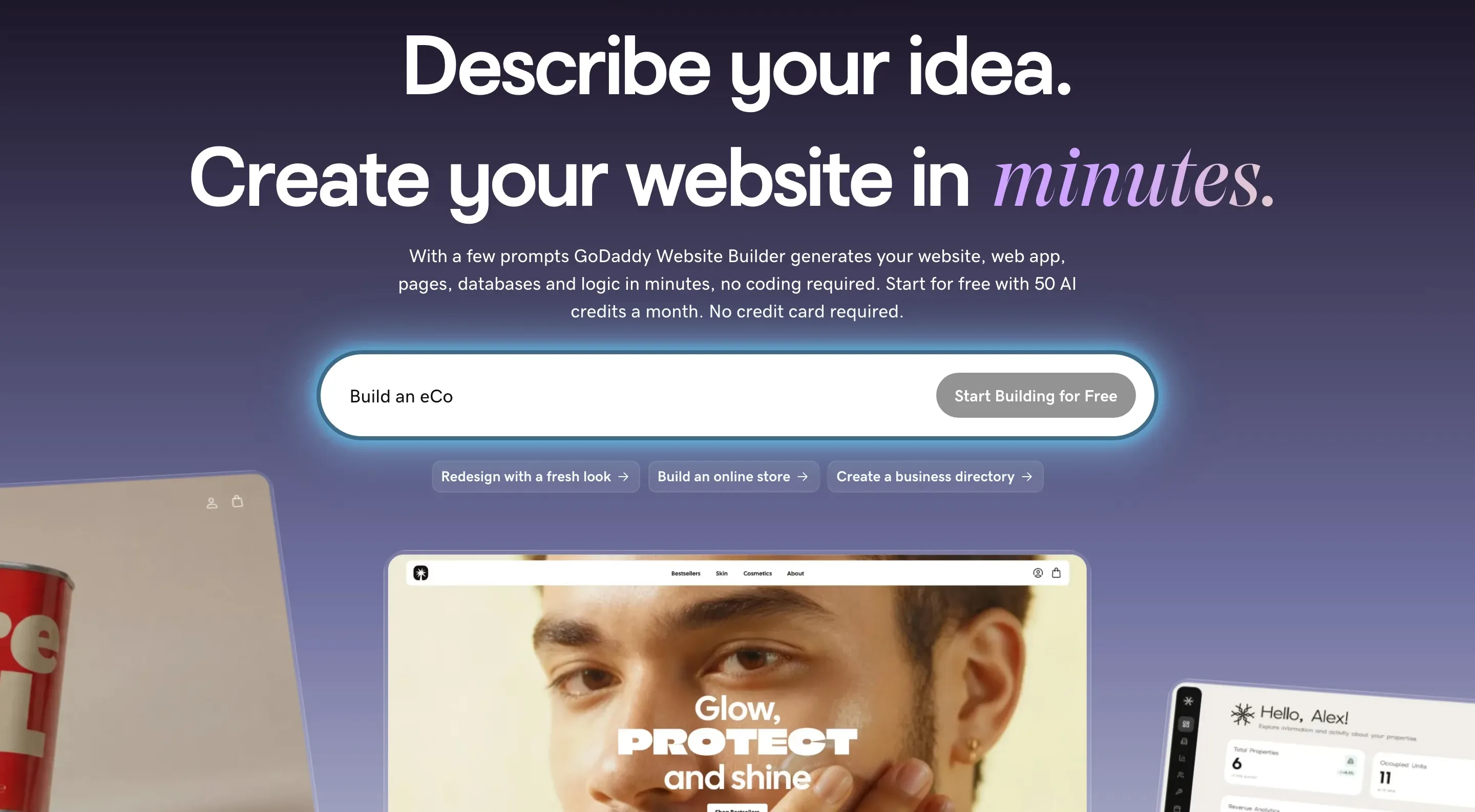
- Key features: prompt-to-site AI generation, built-in store and payments, appointment bookings, third-party connectors, analytics, and the ability to export your code.
- Pricing: Free with 50 AI credits/month. Starter $9.99/month, Professional $24.99/month, and Ultimate $99.99/month billed annually (150/300/750 AI credits). Credits reset monthly and do not roll over; a free domain is included with paid plans.
- Pros: cheapest paid entry here at $9.99/month with a free domain and hosting; code export reduces lock-in; a familiar one-stop shop for domain, email, and site.
- Cons: the credit model means heavy AI use needs paid top-ups; removing the Airo branding is listed as "coming soon"; Trustpilot's 4.4/5 is for GoDaddy overall (domains and hosting included), not this builder specifically.
7. Hostinger Website Builder — cheapest first site with hosting bundled
Hostinger (hostinger.com/website-builder) bundles the builder with hosting, a free domain for the first year, email, and ecommerce tools at the lowest advertised entry price of any builder here. It is a sensible choice for a new contractor, side business, or anyone validating demand before spending more.
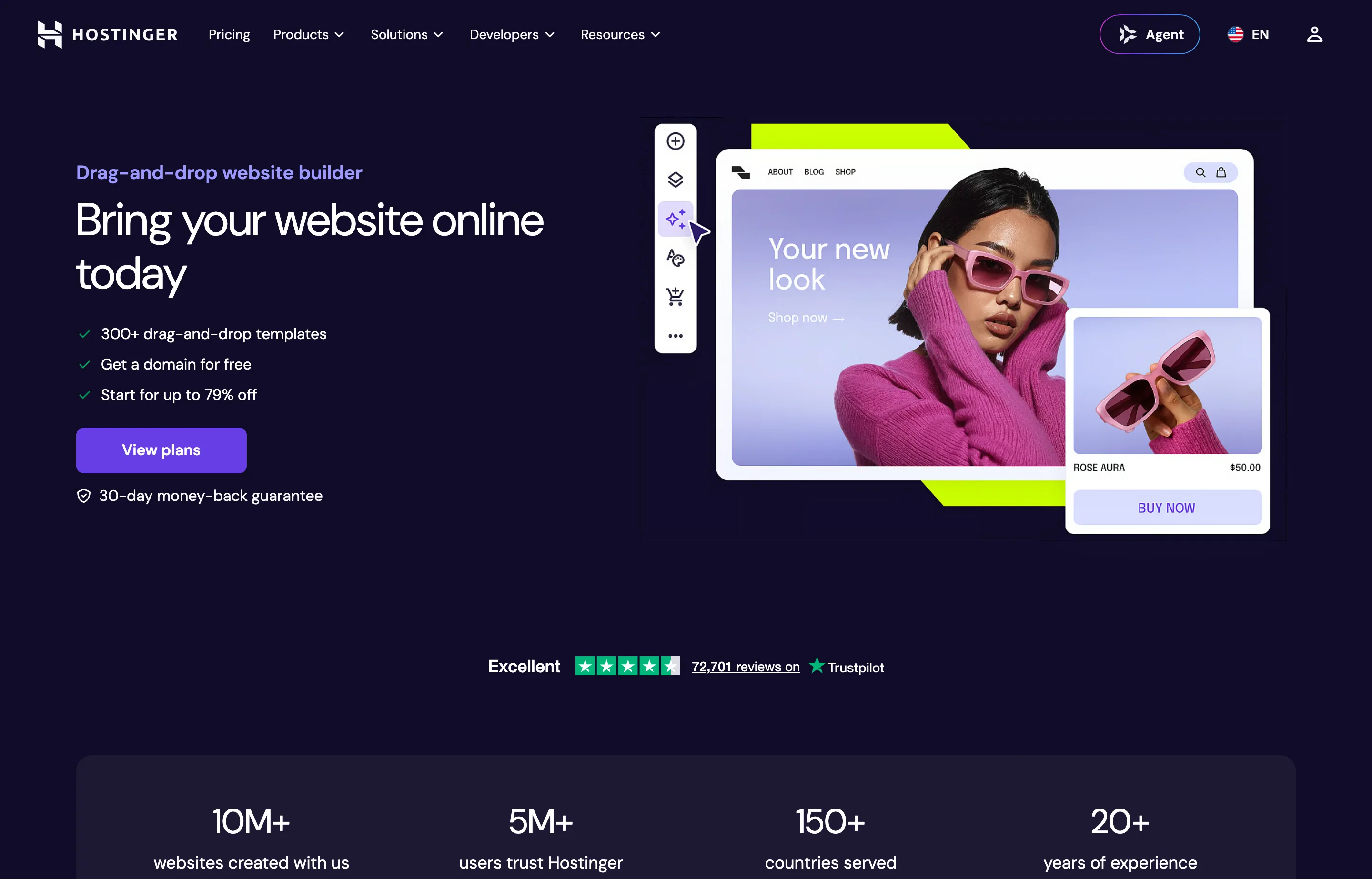
- Key features: AI builder in manual and agentic modes, 600+ templates, AI logo and copy tools, an SEO assistant, hosting and SSL included, and ecommerce with 0% transaction fees.
- Pricing: Premium $2.99/month and Unlimited $3.99/month on a 48-month prepaid term, and Cloud Startup $7.99/month — renewing at $10.99, $16.99, and $25.99/month respectively. Month-to-month rates are $11.99–$27.99.
- Pros: the lowest entry price with domain, hosting, SSL, and email bundled; genuinely easy builder; no transaction fees; Trustpilot is a strong 4.6/5 across a large sample (72,703 reviews).
- Cons: the steep renewal jump is the platform's most common complaint; the lowest prices require a 48-month upfront commitment; no free tier (a 14-day trial only).
8. Framer — best for a polished landing or marketing page
Framer (framer.com) pairs an AI generator with a fast, design-oriented canvas. It is compelling for a consultant, agency, or SaaS-adjacent business that wants a custom-feeling landing page without hiring a developer for every campaign. It is less natural than Shopify for a large product catalog and less of an all-in-one than Wix.
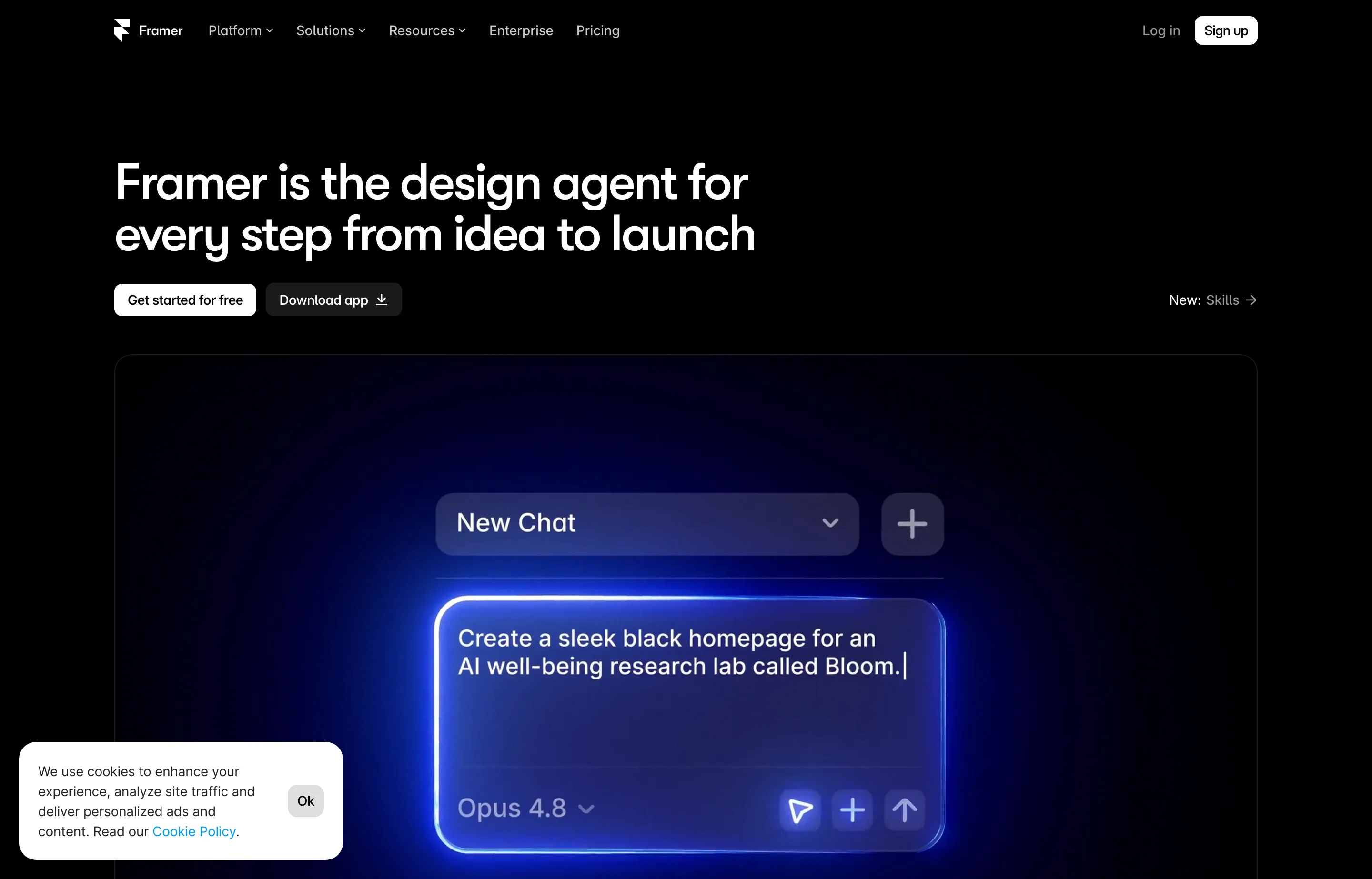
- Key features: AI agents, a visual canvas, CMS, built-in SEO, localization, staging, and custom-domain hosting.
- Pricing: Free to try; Basic $10/month and Pro $30/month billed annually. AI credits and extra editors have separate limits or costs.
- Pros: strong design control and responsive output; excellent for landing pages and campaigns; fast to publish.
- Cons: collaboration and CMS needs raise the price; AI credits and collaborators are metered; Trustpilot is low at 1.6/5 (142 reviews); not the simplest local-business all-in-one.
9. Duda — best if an agency builds your site
Duda (duda.co) is built for people who build websites for others: multi-site dashboards, white-label branding, client permissions, and reusable sections. If you run an agency — or your web person does — Duda is the most purpose-built tool here. It is not aimed at a DIY owner running a single site.
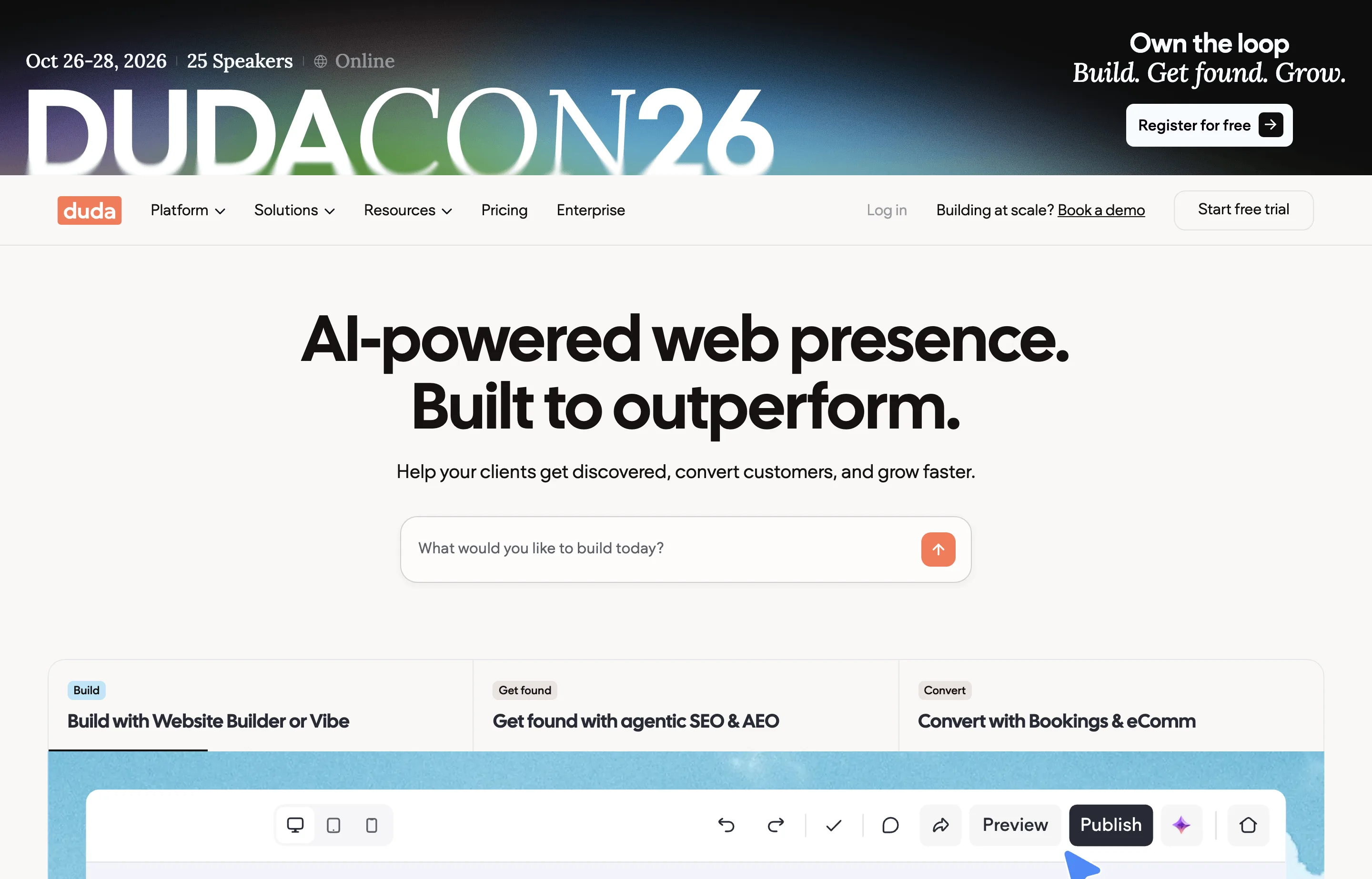
- Key features: drag-and-drop builder with AI ("Vibe") generation, multi-site management, white-label options, client access controls, SEO tools, and REST/Zapier/MCP access.
- Pricing: no free plan; 14-day trial. Basic $19/month, Team $29/month, Agency $52/month, and White Label $149/month billed annually. Plans include one to four published sites, with extra sites billed monthly or yearly; ecommerce and bookings are separate add-ons.
- Pros: purpose-built agency tooling; among the highest third-party ratings here (Trustpilot 4.6/5); transparent per-account pricing.
- Cons: priced per account, not per site, so it is expensive for a single business; ecommerce and bookings cost extra; not aimed at a DIY owner running one site.
10. IONOS Website Builder — best cheap domain + email + site bundle
IONOS (ionos.com/websites/website-builder) leans on a low introductory price with a domain, professional email, AI tools, and online booking bundled in. It suits a local service business that wants the base layer — site, address, inbox — in one place.
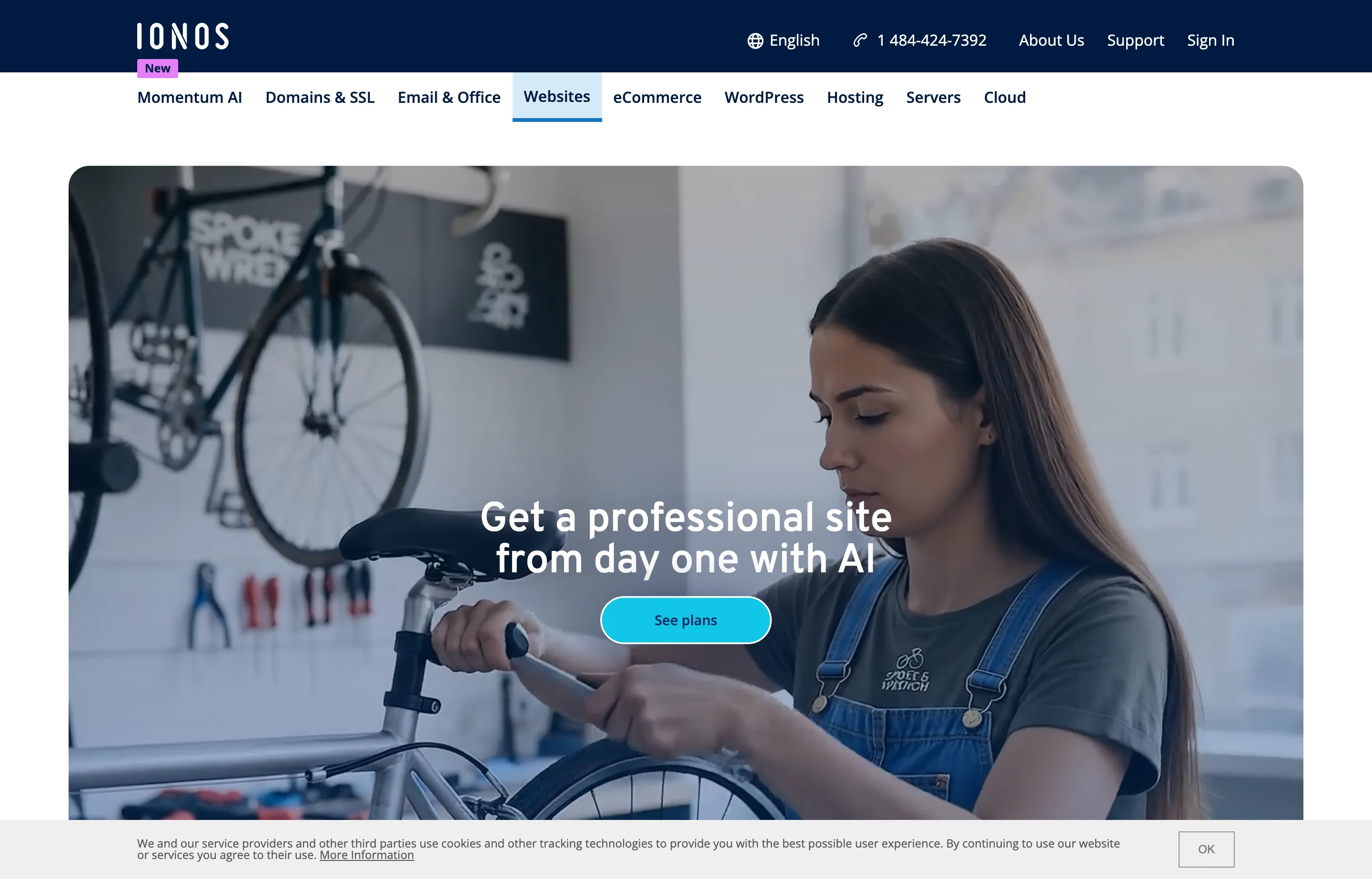
- Key features: AI website builder with templates and AI text/image generation, AI SEO, site analytics, an AI logo maker, booking tools, and a free domain and mailbox for the first year.
- Pricing: Starter $6/month (list $18) and Plus $1/month (list $24) on a one-year term, renewing at $14 and $20/month; Pro $17/month (list $32). A 30-day money-back guarantee applies.
- Pros: very low first-term price with domain and email included; AI tools and booking built in; 24/7 support and a 30-day guarantee; Trustpilot is 4.6/5 (45,186 reviews).
- Cons: steep renewal jump (Plus from $1 to $20/month); the builder and store are less powerful than Shopify; add-on AI products are aggressively upsold.
11. Jimdo — simplest brochure site
Jimdo (jimdo.com) is the easiest builder here for a first-time owner who wants an ad-free, five-page brochure site with contact forms and basic booking. It includes a small store with 0% commission. It is a low-ceiling choice: good enough for presence, not for growth.
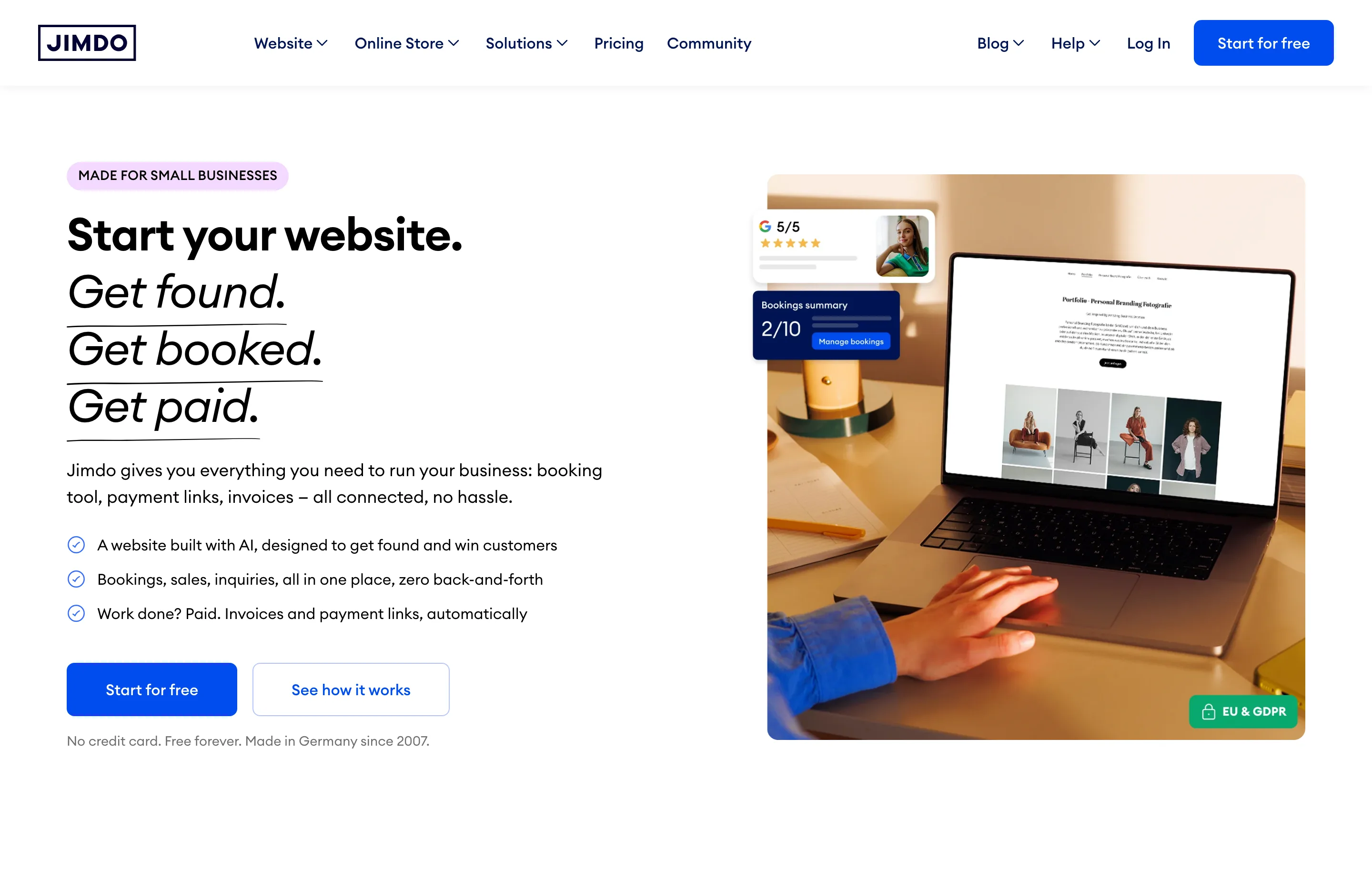
- Key features: AI-assisted editor, 40+ templates, ad-free paid plans, contact and smart forms, booking, visitor stats, and a small store with no commission.
- Pricing: Free (Jimdo subdomain, 5 pages). Start $11/month, Grow $17/month, and Unlimited $49.50/month on a 12-month contract, with a free domain for the first year.
- Pros: genuinely easy for non-technical owners; no transaction commission on the store; a free tier to test.
- Cons: low SEO and feature ceiling compared with Shopify or WordPress; contract and renewal complaints online; the store is only for small catalogs.
12. Carrd — best single-page site or link hub
Carrd (carrd.co) does one thing extremely well: a fast, responsive one-page site. For a freelancer, a "link in bio" hub, or a micro-business landing page, it is the best value here by a wide margin — Pro starts under $20 for a whole year, with a custom domain and no branding.
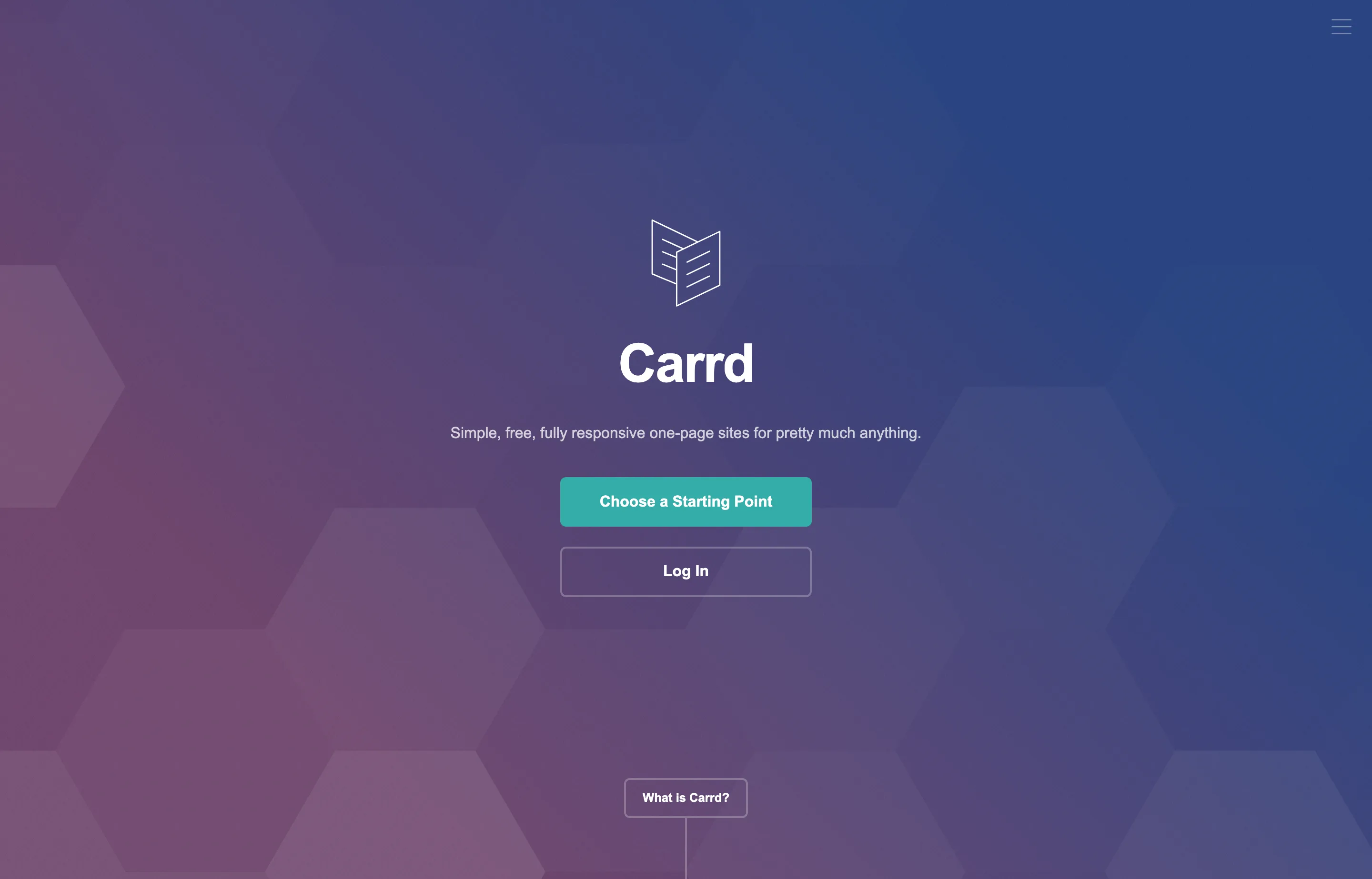
- Key features: one-page builder with 75+ templates, contact and payment-enabled forms, widgets, custom domains with free SSL, analytics, and fast static pages.
- Pricing: Free (three sites, Carrd subdomain). Pro Lite $9/year, Pro Standard $19/year (custom domains, forms, widgets), and Pro Plus $49/year. Domains are sold separately and stay yours.
- Pros: unbeatable price (about $1.58/month at $19/year); fast and simple; custom domains and forms at the entry paid tier.
- Cons: one page only — no true multi-page site; no native checkout (third-party embeds only); user complaints about the lack of auto-save.
13. Google Sites — best free, simple informational site
Google Sites (workspace.google.com/products/sites) is the zero-cost option for a simple informational site or team page, especially if the business already lives in Google Workspace. It will not win a design award or sell products, but it is free, reliable, and collaborative.
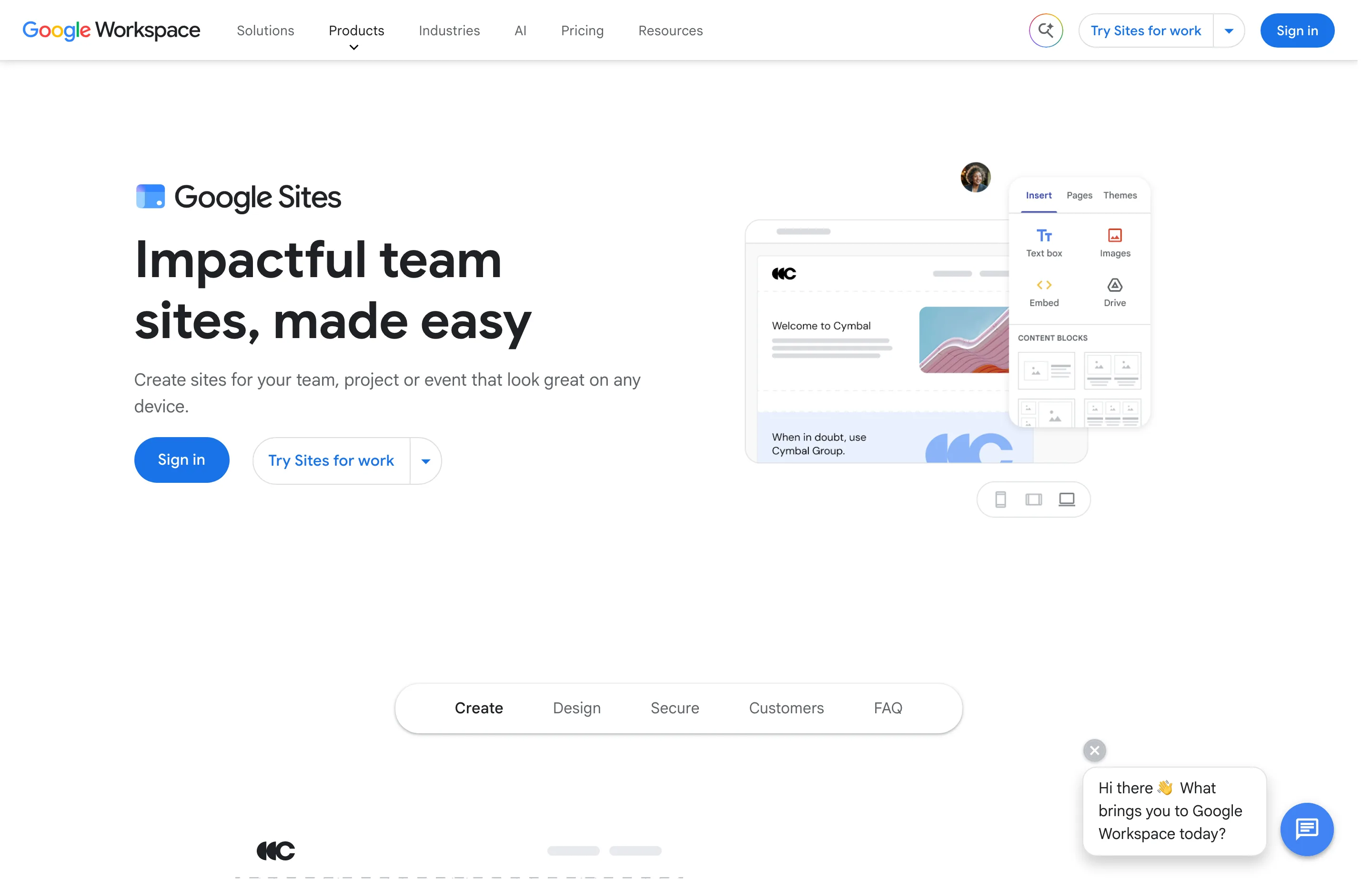
- Key features: free with any Google account, drag-and-drop editor with automatic grid layout, Google Docs/Sheets/Calendar embeds, real-time collaboration, templates, and granular sharing controls.
- Pricing: $0 with a Google account. Custom domains connect separately (bought through a partner); Google Workspace is $7/user/month and up if you also want branded email.
- Pros: genuinely free with no hosting bill; dead-simple and collaborative; tight integration with Workspace tools.
- Cons: very limited design, SEO, and analytics; no ecommerce; custom-domain setup is clunkier than the paid builders.
If you would rather run WordPress yourself
Self-hosted WordPress is the most powerful and most portable option — you own the files and can move hosts — but you also own updates, security, and backups. Two pieces make it practical:
- Elementor is the most popular WordPress page builder. The core plugin is free; paid plans run $60/year (Essential) to $204/year (Expert), and the newer One tier is $180/year promotional (renews at $228). It adds drag-and-drop design, ecommerce widgets, and popups. Hosting is not included. Trustpilot is 4.4/5 (4,302 reviews).
- SiteGround is a well-regarded managed WordPress host. Its StartUp plan is $3.99/month (renews at $17.99), GrowBig $6.69/month (renews at $29.99), and GoGeek $10.69/month (renews at $44.99), each prepaid for 12 months, with free SSL, CDN, backups, and migrations.
One to skip: older owners often ask about Weebly (weebly.com), and the honest answer is not to start there in 2026. Now owned by Square/Block, Weebly was de-prioritized after the acquisition, has the lowest rating here (Trustpilot 1.2/5, 796 reviews), and is shutting down in 65+ countries — including the UAE and Saudi Arabia — from September 2026. A budget pick like Hostinger or Carrd is a better 2026 decision.
Which builder should you choose?
- You run a local service business and want one dashboard for site, bookings, and email: Wix. Build the service pages, keep the contact details accurate, then apply the Local SEO guide.
- Your brand and portfolio carry the sale: Squarespace for the all-in-one, or Framer for a design-forward landing page.
- You sell physical or digital products: Shopify. Do not bolt a store onto a general builder unless its checkout is demonstrably enough.
- You publish content and want to rank: WordPress.com, or self-hosted WordPress if you will maintain it. Webflow is the middle path.
- You need anything live this week on a tight budget: Hostinger or Carrd, then replace the filler with your real services, photos, and proof.
- An agency or web pro is building and maintaining it: Duda or Webflow.
- You just need a free informational page: Google Sites.
Whatever you pick, do these three things before launch:
- Run the finished site through the free Website SEO Checker, then work through the SEO audit template.
- Write a unique, specific title and meta description with the Meta Tags Generator and preview how it looks with the SERP Snippet Preview. Add business schema with the Schema Markup Generator if you want a local listing to be understood.
- Test the site on a phone — form, booking or checkout, and page speed — and make sure the business can actually receive the lead.
FAQs
What is the best website builder for a small business?+
For most small businesses, Wix is the most balanced default: a real free plan, broad all-in-one tools, and an easy editor. Squarespace is the better choice when design and presentation matter most, Shopify when you sell products, and WordPress.com when content and SEO are the priority.
What is the cheapest website builder for a small business?+
Carrd is the cheapest legitimate paid option at $9–$19 per year for a one-page site. For a full multi-page site, Hostinger and IONOS have the lowest advertised entry prices, but both jump sharply at renewal, so check the year-two number before committing.
Do I need a free website builder or a paid one?+
Use a free plan (Wix, WordPress.com, Jimdo, Carrd, or Google Sites) to test the workflow, but plan to pay before you rely on the site commercially. Free tiers typically add vendor ads or branding, limit storage and pages, and block custom domains or ecommerce.
Can I move my website to another builder later?+
It depends on the builder, and it is worth checking before you commit. Wix and Squarespace do not offer a clean full-site export, so leaving means rebuilding even though you keep your content and domain. GoDaddy lets you download your generated code, and self-hosted WordPress is the most portable because you own the files.
Is Squarespace better than Wix?+
Neither wins outright. Squarespace has stronger design templates and 0% store transaction fees from its Core plan; Wix has a free plan, a larger template library, and a wider set of built-in business tools. Choose Squarespace when the look carries the sale and Wix when you want the most features in one dashboard.
What is the best website builder for SEO?+
The builder matters less than what you do with it: unique titles and descriptions, clean URLs, fast pages, and real content. WordPress.com is the strongest publishing platform here, and the Web Almanac's per-platform Core Web Vitals data is a useful independent performance signal. Any builder on this list can host a well-optimized small-business site.
Do I still need a website if I have a Google Business Profile or social pages?+
Yes. A Business Profile and social pages are discovery surfaces you rent; a website is an asset you own and control. For a local business the two work together — a credible site plus an accurate profile is what turns a search result into a customer.
Conclusion
The right builder is the one that fits the job, survives the second year's invoice, and lets you leave without losing the business. Start with the job table above, check the renewal price and the exit terms for your two or three finalists, and launch only when the site passes the free SEO tools. If you want the prompt-to-site version of this comparison, read Best AI Website Builders for Small Business next.
Free tools to try
Website SEO Checker
A 20-point technical SEO check of any page — clear pass/fix results, honest limits.
Meta Tags Generator
Title, description, Open Graph, and Twitter tags as one copy-paste snippet.
Schema Markup Generator
Generate FAQ, Local Business, and Product JSON-LD you can paste into any page.
SERP Snippet Preview
See your title and description exactly as Google shows them — before you publish.
QR Code Generator
QR codes for links, WiFi, phone, and email — download as PNG or SVG, no expiry.
Keep reading
Guide
Best AI Website Builders for Small Business (2026)
The best AI website builders for small businesses, compared by launch speed, editing control, SEO basics, booking and commerce fit, and real entry pricing.
Guide
Local SEO for Small Business: Guide + Best Tools
How Google ranks local businesses, the Business Profile rules that get you suspended, and which local SEO tools are worth paying for in 2026.
Guide
Small Business SEO Audit Template (Free, Copy-Paste)
A free SEO audit template where every check cites Google's own documentation — no signup, no download, and honest limits on every free tool it uses.
Guide
Best SEO Tools for Small Business (2026)
The SEO tools small businesses should actually use: free Search Console and Bing data, paid research suites, crawlers, WordPress plugins, and fast on-page fixes.