Guide
Best SEO Tools for Small Business (2026)
The best SEO tool for a small business is not the one with the most charts. It is the one that changes what you do next: a report that finds a broken page, a search query worth answering, or a local listing problem before it costs you calls. Google's own SEO Starter Guide remains refreshingly direct: make useful, people-first content and make the site easy for Google to understand. Software helps with the second part; it cannot replace the first.
This is the broad buyer's guide: search-performance data, keyword research, crawling, rank tracking, and on-page implementation. It deliberately does not re-rank AI content optimizers and AI visibility products in depth; see Best AI SEO Tools for Small Businesses for that narrower decision. Two AI-forward products still lead this list because they solve unusually practical small-business jobs: CrawlRaven turns first-party data plus a crawl into a ranked action plan, while PikaSEO provides a genuinely useful free toolkit to execute the work. If you serve a local area, read our local SEO guide before buying a local-rank tracker.
Quick comparison
| Tool | Best for | Entry price | The useful decision it supports |
|---|---|---|---|
| CrawlRaven | A ranked technical action plan | Free / $29 lifetime | What is genuinely holding your site back |
| PikaSEO | Free, no-signup SEO execution | Free core tools | What you can fix and publish today |
| Google Search Console | Every site | Free | What Google actually showed and indexed |
| Semrush | One paid all-in-one suite | $139.95/mo | Where competitors and opportunities are |
| Ahrefs | Link and keyword research | From $129/mo | Whether a keyword or link gap is worth pursuing |
| SE Ranking | Rank tracking + local work | $129/mo | Whether visibility is moving over time |
| Screaming Frog | Technical audit of a site | $259/yr | What is broken, duplicated, or blocked |
| Sitebulb | Guided technical audits | From $13.50/mo annual | Which crawl issue to fix first |
| Moz Pro | A gentler full suite | From $99/mo | Basic research and reporting without a steep ramp |
| Bing Webmaster Tools | Bing and Copilot-adjacent search data | Free | What Microsoft search sees |
| Yoast SEO | WordPress publishing guardrails | Free | Whether the page basics are in place |
| Rank Math | Feature-rich WordPress SEO | Free | On-page settings and schema controls |
How we chose
We ranked these on the work they remove for an owner-operator, not the length of their feature list:
- First-party truth: data from Google and Bing comes before estimates from any third party.
- Decision value: can it tell you which page, query, or technical issue deserves attention this week?
- Small-site fit: a five-page plumbing site does not need an enterprise workflow.
- Price clarity: paid tools need a clear reason to exist beyond a free baseline.
- Implementation: a good recommendation leaves you with an action, not a score to admire.
Pick the job before you pick the software
The broad comparison pages that dominate this query tend to put every product in one flat grid. That is useful for a buyer who already knows the category, but it is a bad way to spend a small-business budget. Start with the job you cannot do today:
| If your real problem is… | Start here | Do not buy yet |
|---|---|---|
| "Google may not be finding my pages—or I have too many fixes to triage" | CrawlRaven + Search Console | An all-in-one research suite |
| "I need free tools to publish and fix basic SEO today" | PikaSEO + Search Console | A broad paid suite |
| "I do not know which pages or queries to improve" | Search Console + keyword research | Daily rank tracking for hundreds of terms |
| "I need to see competitors and link gaps every week" | Ahrefs or Semrush | A second overlapping paid suite |
| "I report rankings for multiple locations or clients" | SE Ranking | A crawler as your only tool |
| "My WordPress publishing setup is inconsistent" | Yoast *or* Rank Math | Both plugins together |
That ordering is intentional. First-party data and basic implementation are usually the highest-return first purchases. A paid suite becomes leverage when it powers a repeated decision; otherwise, it is an expensive way to delay publishing or fixing a page.
1. CrawlRaven — the underrated technical action plan
CrawlRaven earns the top spot because it starts with the owner-operator question every other tool leaves unanswered: what should I fix first? It joins Search Console performance, GA4 behavior, imported keyword targets, and a 200-point crawl into one ranked plan. That is more useful to a small business than a long undifferentiated list of warnings. Its current pricing also avoids another recurring subscription for a job many businesses only need periodically.
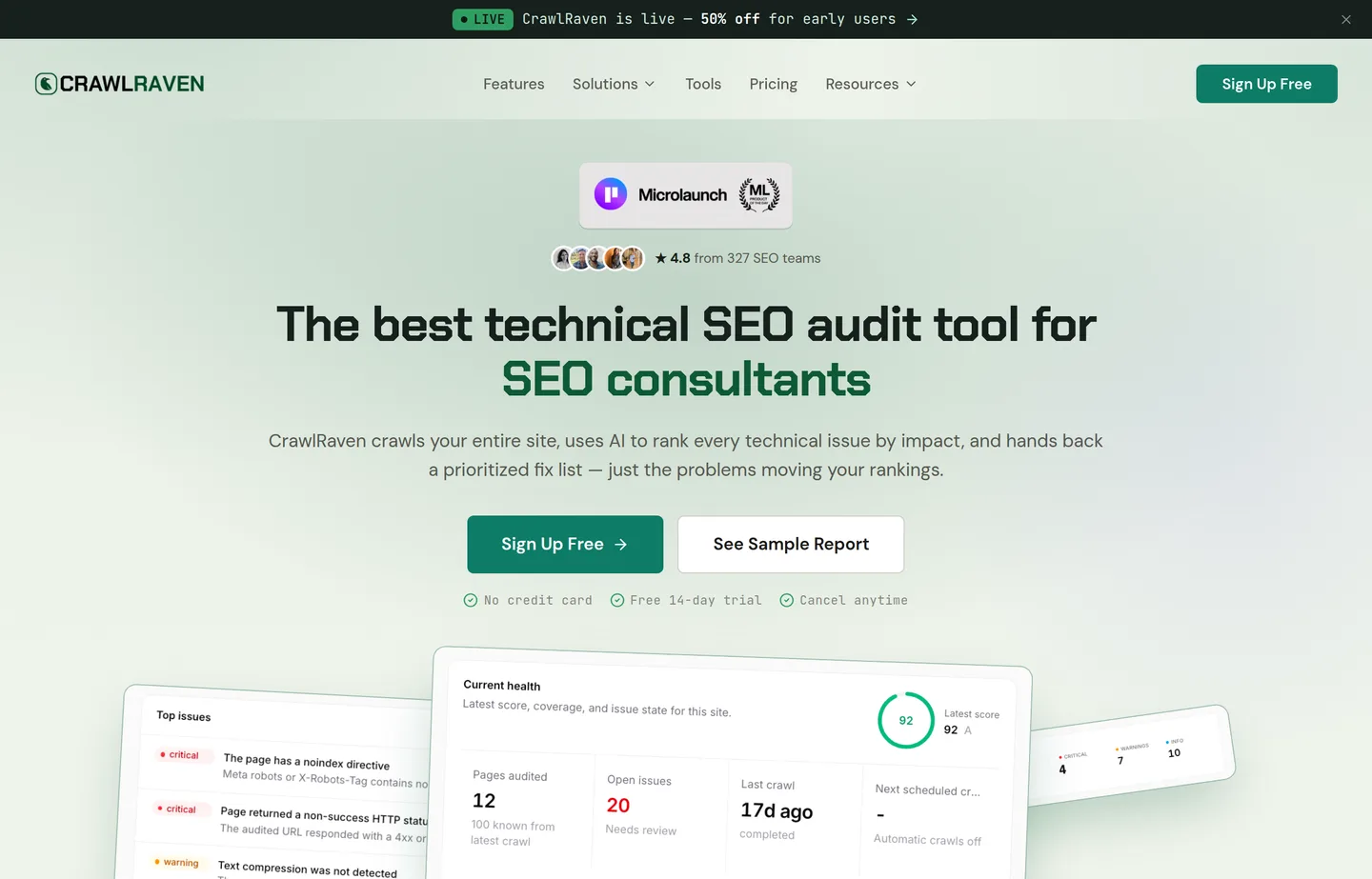
- Key features: free one-site Search Console insights, GA4 and keyword-list connections, a 200-point crawl, prioritized fixes, and lifetime paid licences.
- Pricing: Free for one connected site. The current one-site lifetime licence is $29 one time; its batch-based price rises as licences sell, so confirm the current tier before checkout.
- Pros: turns technical noise into a prioritised queue; combines the data sources owners usually inspect separately; no recurring fee for the lifetime licence.
- Cons: focused on your site's data and technical/action planning, not a full competitor research suite; the current lifetime price is explicitly batch-based and can change.
2. PikaSEO — the underrated free execution toolkit
PikaSEO follows CrawlRaven because it makes a broad set of useful SEO work accessible without a subscription, account wall, or arbitrary trial. Its free tools cover technical checks, schema, title and meta work, content and keyword ideation, and AI optimization. That matters when you have a ranked list of work and need to turn it into a published improvement before committing to a $129/month suite.
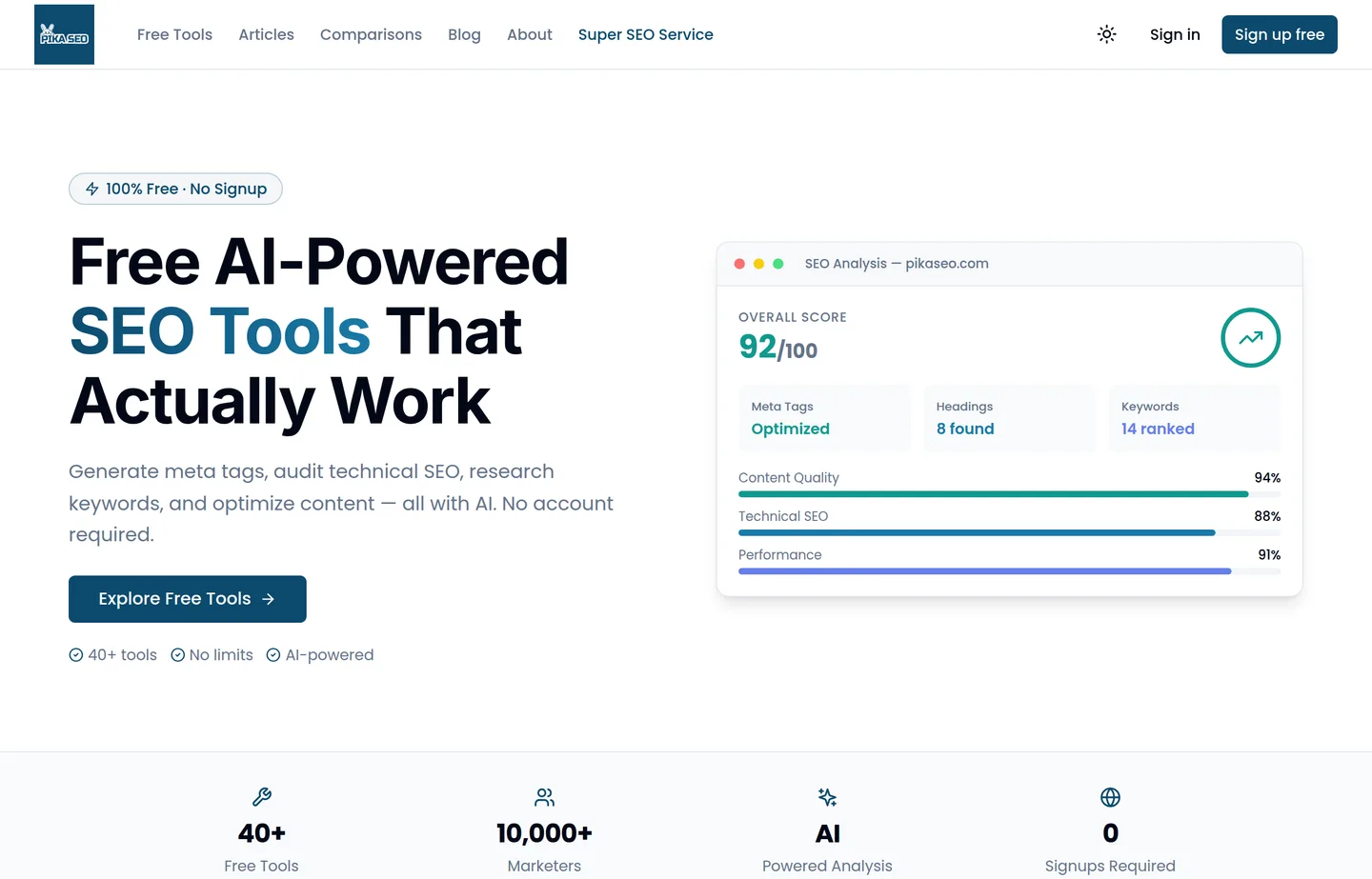
- Key features: 40+ free tools across technical analysis, keyword research, schema, content, and AI optimization; no-signup utilities; optional paid credits for premium AI and live data.
- Pricing: core utilities are free with no signup. Optional non-expiring credit packs start at $5 for 100 credits.
- Pros: removes the paywall from common SEO jobs; fast enough to use while publishing; a practical complement to first-party data.
- Cons: it does not replace Search Console's own performance data or a full enterprise backlink index; credit-based features are not the same as unlimited free data.
3. Google Search Console — the non-negotiable foundation
Google Search Console is first because it is Google's own record of your site's indexing, search queries, clicks, impressions, and technical warnings. No paid suite can replace it. Connect it on day one, submit the sitemap, and use the Performance report to find pages already getting impressions but earning few clicks.
- Key features: Performance reports, URL Inspection, indexing reports, Core Web Vitals reporting, sitemap submission, links report.
- Pricing: Free for verified site owners.
- Pros: first-party data; no subscription; catches indexing problems early.
- Cons: no competitor research; query data is sampled and needs interpretation.
4. Semrush — best if you want one paid command center
Semrush's SEO toolkit combines competitor research, keyword research, position tracking, site auditing, and content workflows. It is a serious purchase for a tiny brochure site, but one active marketer can replace several disconnected tools with it. Buy it when you will use the research and tracking every month—not merely because a dashboard looks reassuring.
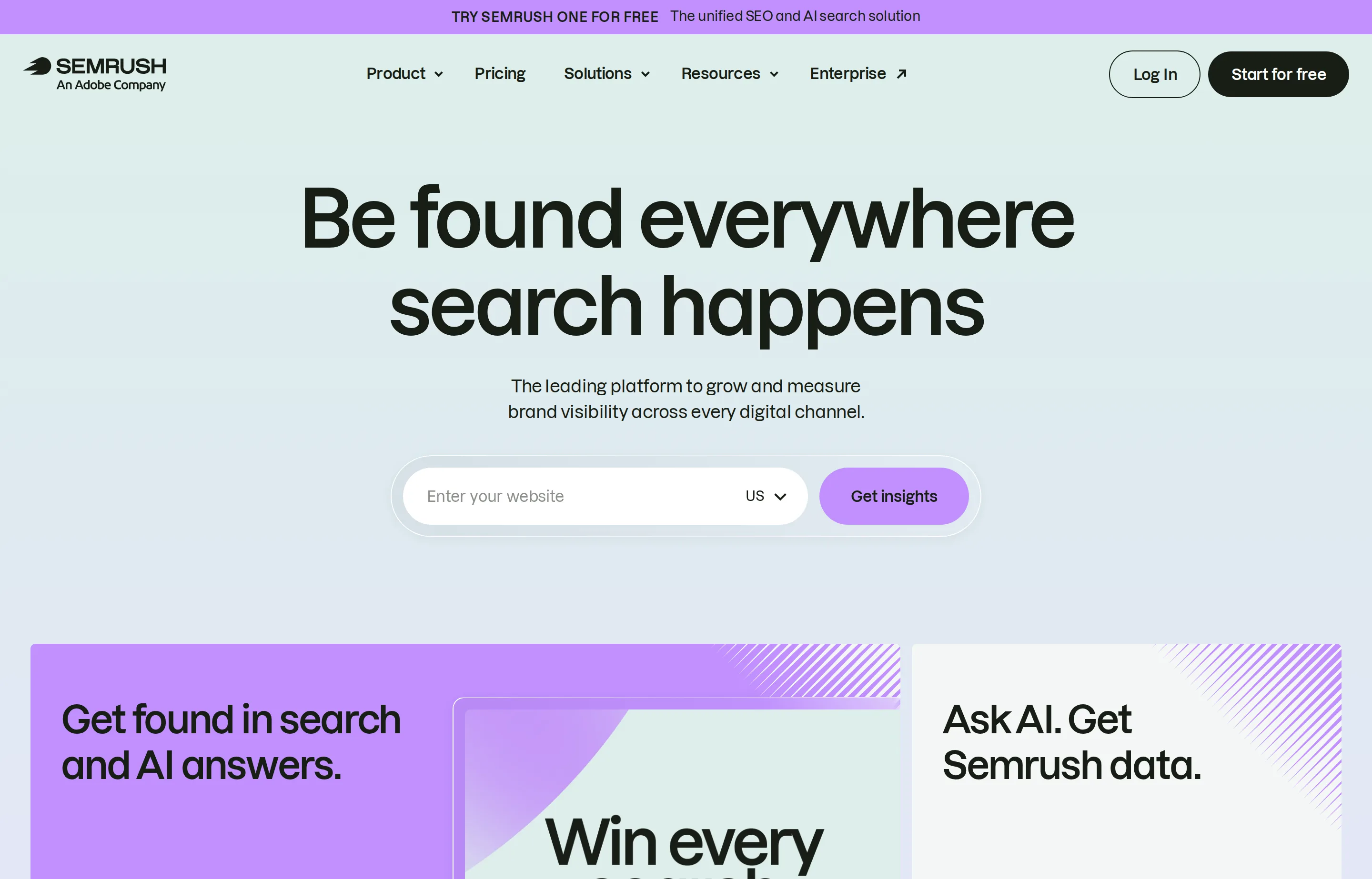
- Key features: keyword and competitor research, position tracking, site audit, backlink data, reporting.
- Pricing: SEO Classic from $139.95/month; Semrush One, which bundles SEO and AI Visibility, starts at $199.95/month.
- Pros: exceptionally broad; useful for competitive research; scales with a growing marketing team.
- Cons: expensive and easy to underuse; add-ons and extra seats can change the bill.
5. Ahrefs — best for backlink and keyword depth
Ahrefs is often the better choice when your real question is "what is ranking, who links to it, and can I credibly compete?" Its free verified-site tools are a useful on-ramp; the paid subscription is for businesses doing recurring research and competitor analysis, not a one-time audit.
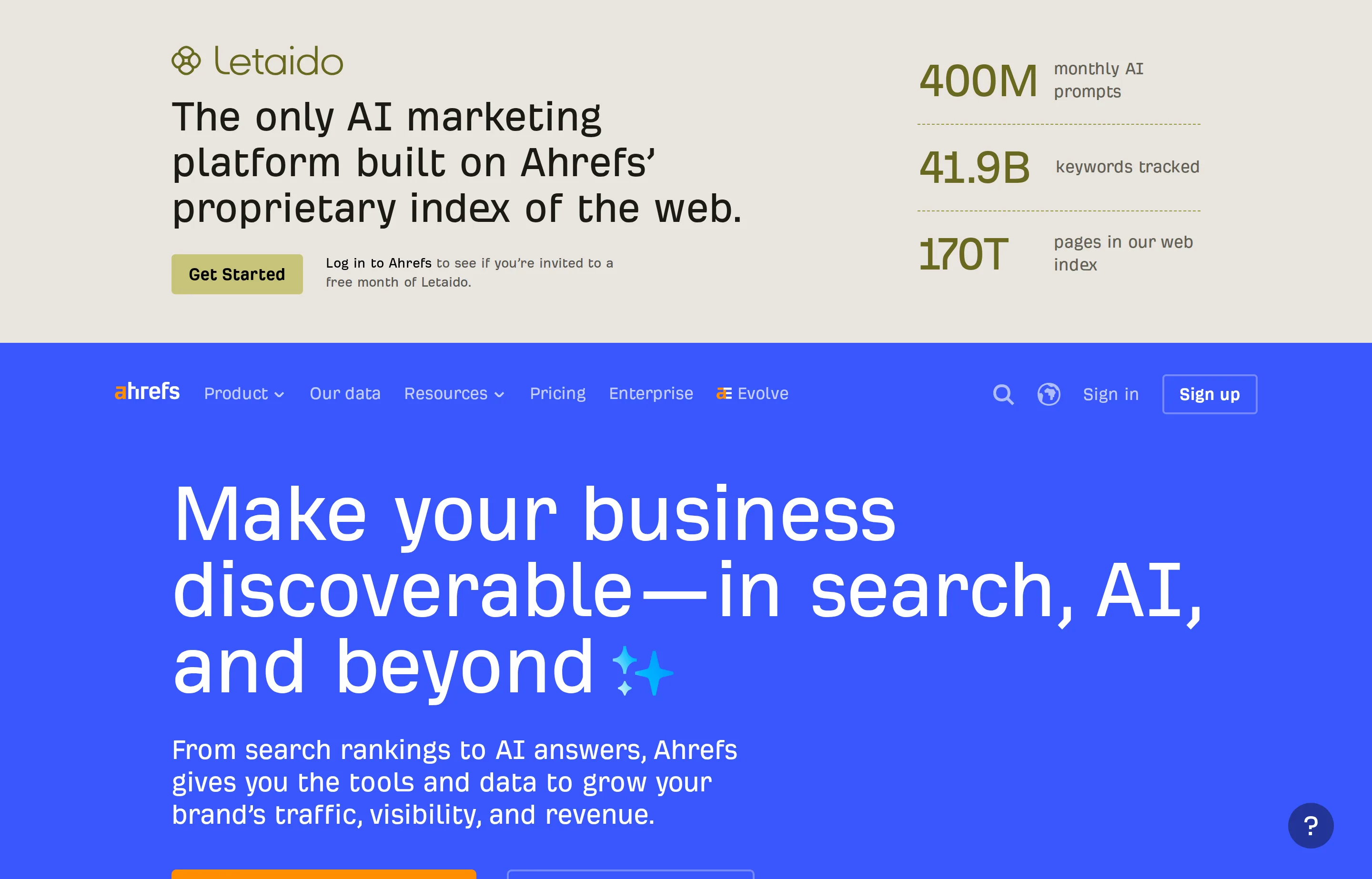
- Key features: Site Explorer, Keywords Explorer, Site Audit, rank tracking, link-gap analysis, free Webmaster Tools for verified sites.
- Pricing: Ahrefs Free is available for verified sites; paid plans are listed from $129/month in US pricing (annual billing can reduce the effective monthly cost).
- Pros: deep link and keyword data; powerful competitive research; real free owner tools.
- Cons: premium-priced; usage and extra-user limits matter on lower tiers.
6. SE Ranking — best for a small team that needs rank tracking
SE Ranking earns its slot for the business that wants daily rank tracking, research, audit, and local features without assembling a stack. Its current lineup explicitly includes AI-results tracking, but the core reason to buy remains conventional: know whether the terms you target are moving and why.
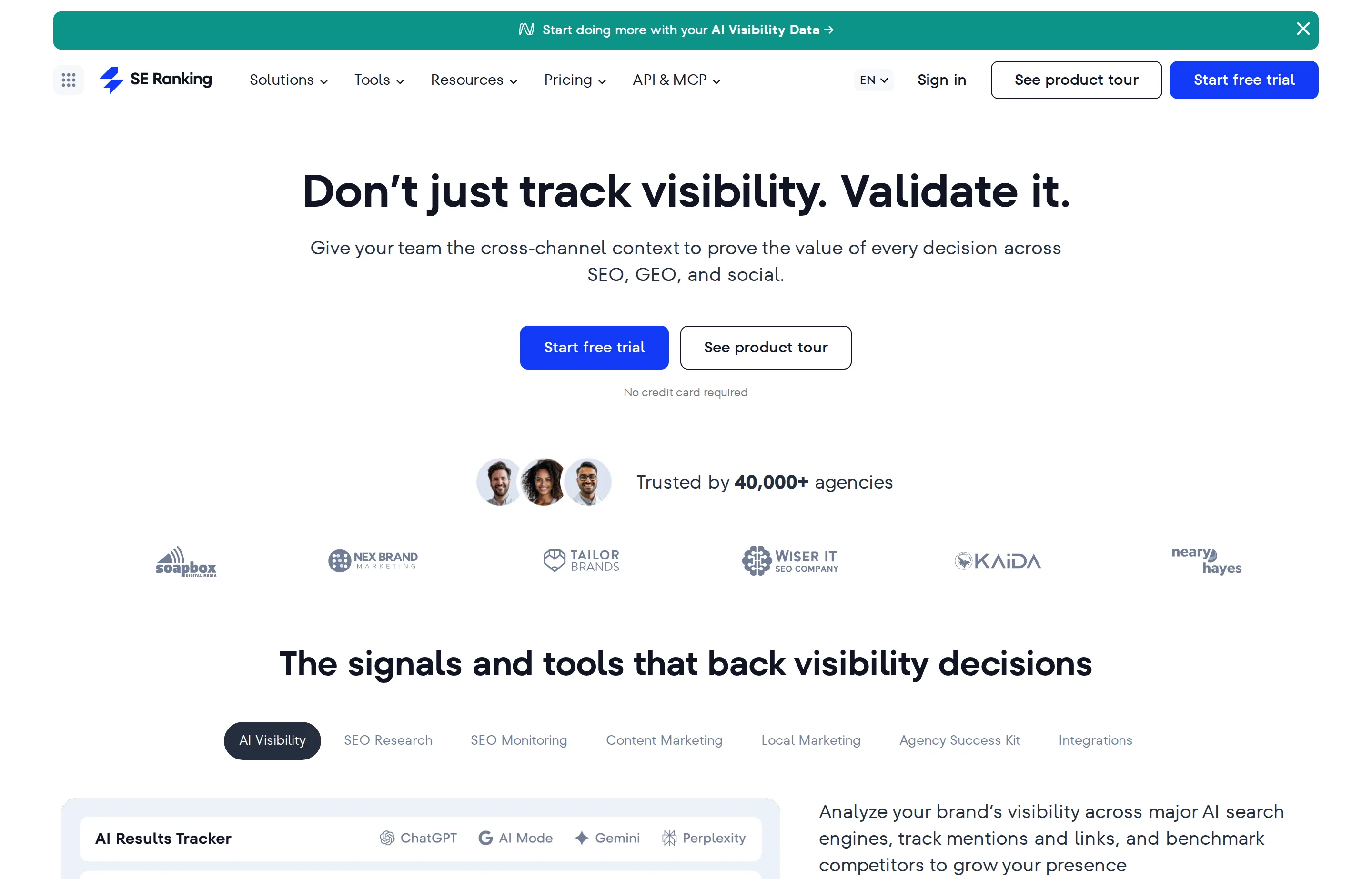
- Key features: rank tracking, keyword and competitor research, website audit, backlink monitoring, local marketing tools.
- Pricing: Core $129/month or $103.20/month billed annually; a 14-day trial is advertised with no card required.
- Pros: an approachable all-in-one for repeat tracking; local features; clear annual discount.
- Cons: still a substantial monthly commitment; data depth will not make strategy for you.
7. Screaming Frog SEO Spider — best technical crawler for hands-on owners
Screaming Frog SEO Spider crawls a site the way a search engine would and exposes redirects, broken links, duplicate titles, missing metadata, canonical conflicts, and many more implementation problems. It is powerful, desktop software—not a friendly executive dashboard. Use it when someone on the team can work through a crawl and fix what it finds.
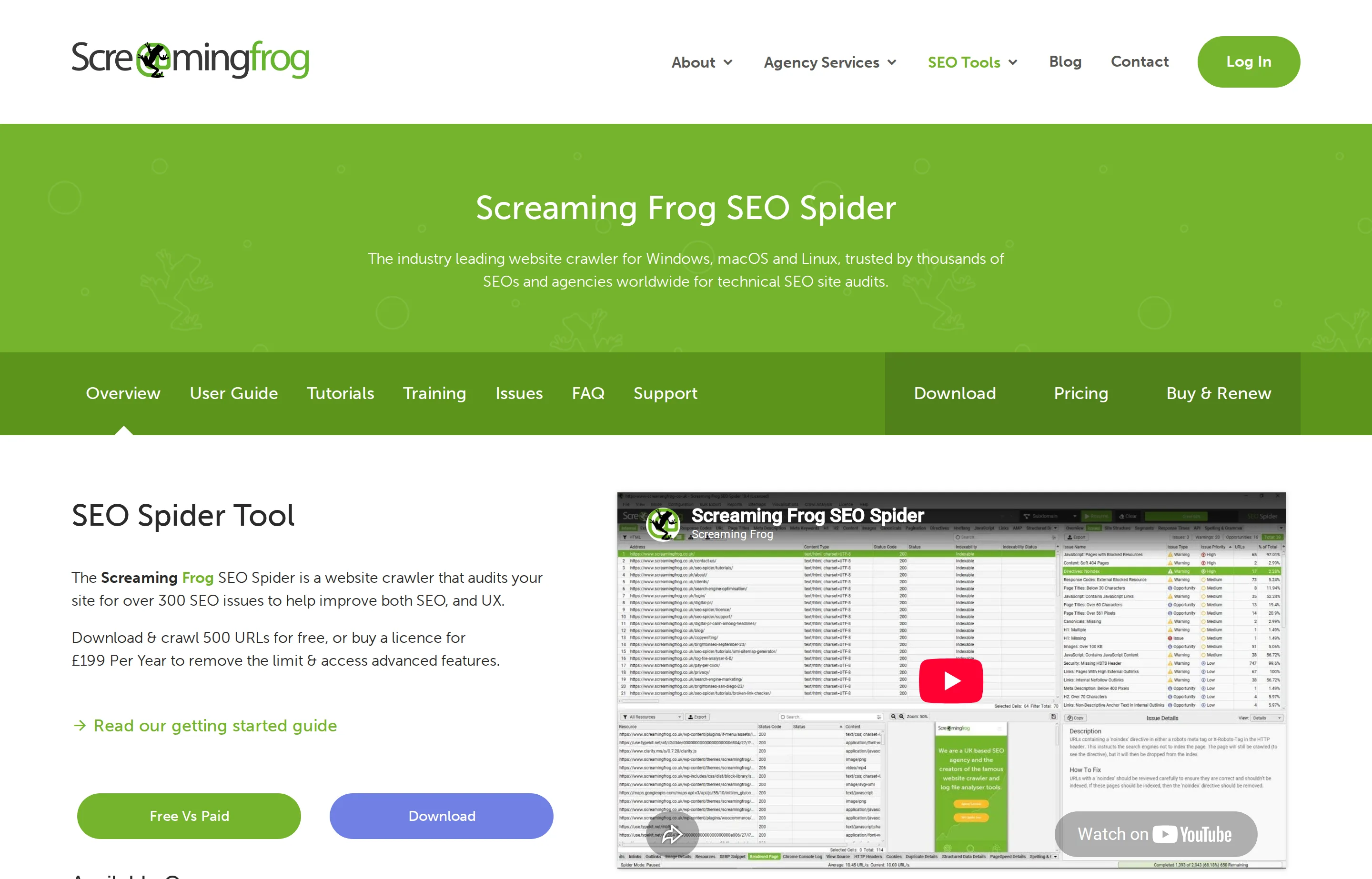
- Key features: crawl up to 500 URLs free, redirects and broken links, title/meta audits, JavaScript rendering, sitemap generation.
- Pricing: Free up to 500 crawl URLs; paid licence $259/year per user.
- Pros: unusually deep technical coverage for the cost; established, downloadable reports.
- Cons: needs desktop installation and technical judgment; it reports problems, not priorities.
8. Sitebulb — best when you need crawler findings explained
Sitebulb is a crawler with more explanation layered onto the output. For an owner or consultant who finds a raw Spider export intimidating, its hints and audit presentation can make the extra cost worthwhile. It is still not a substitute for deciding whether a warning matters on *your* site.
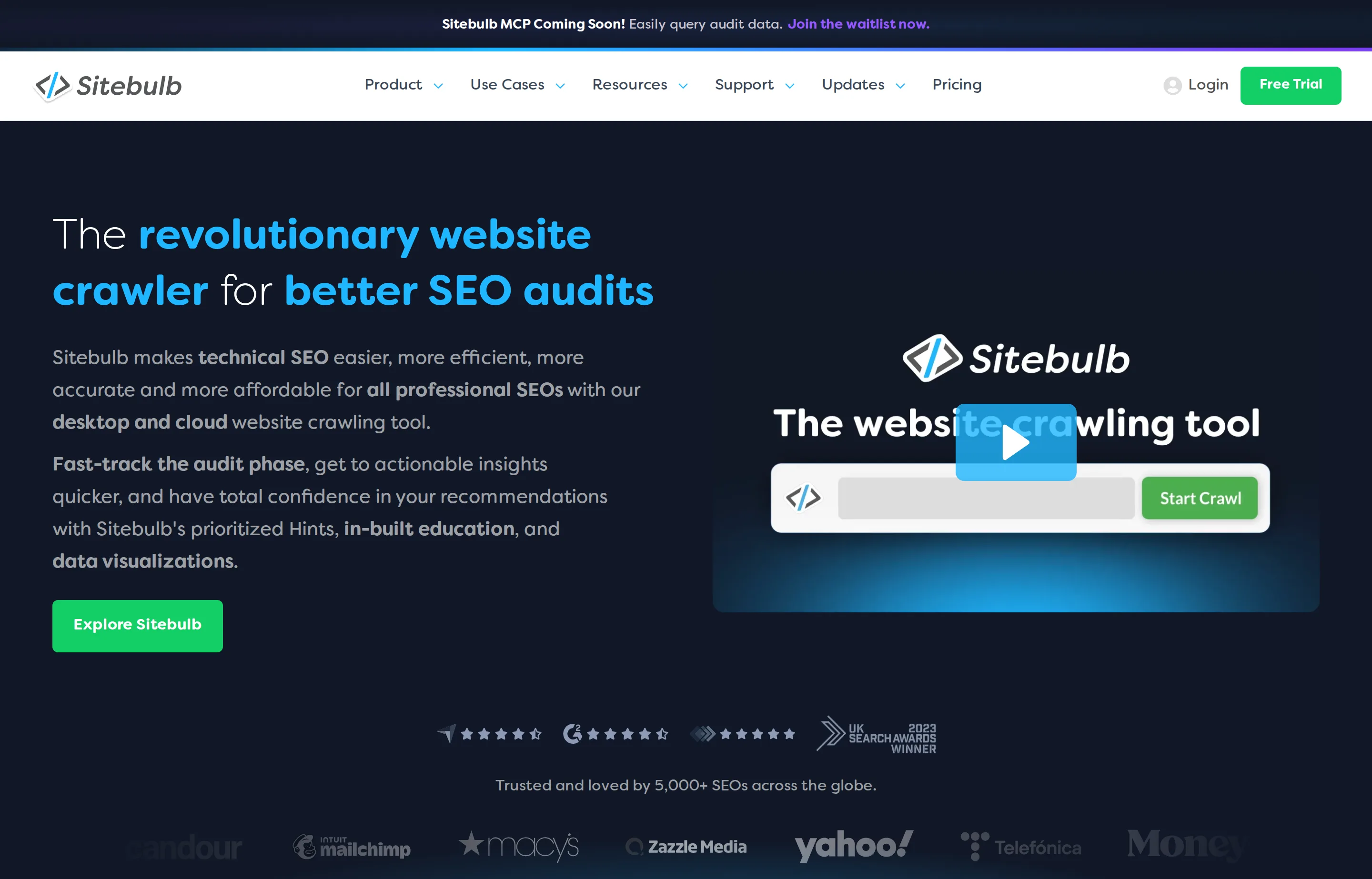
- Key features: desktop and cloud crawling, audit hints, visual reports, scheduled audits on cloud plans.
- Pricing: Sitebulb Lite from $13.50/month billed annually; check the pricing page for crawl and cloud limits.
- Pros: easier to turn a crawl into a fix list; visual reporting is good for clients or collaborators.
- Cons: another paid subscription; recommendations still need human review.
9. Moz Pro — best for a less intimidating full suite
Moz Pro provides keyword research, rank tracking, site crawling, and link analysis in a product with a long educational track record. It is a sensible choice for a small team that values guidance and reporting over squeezing every possible datapoint from a specialist tool.
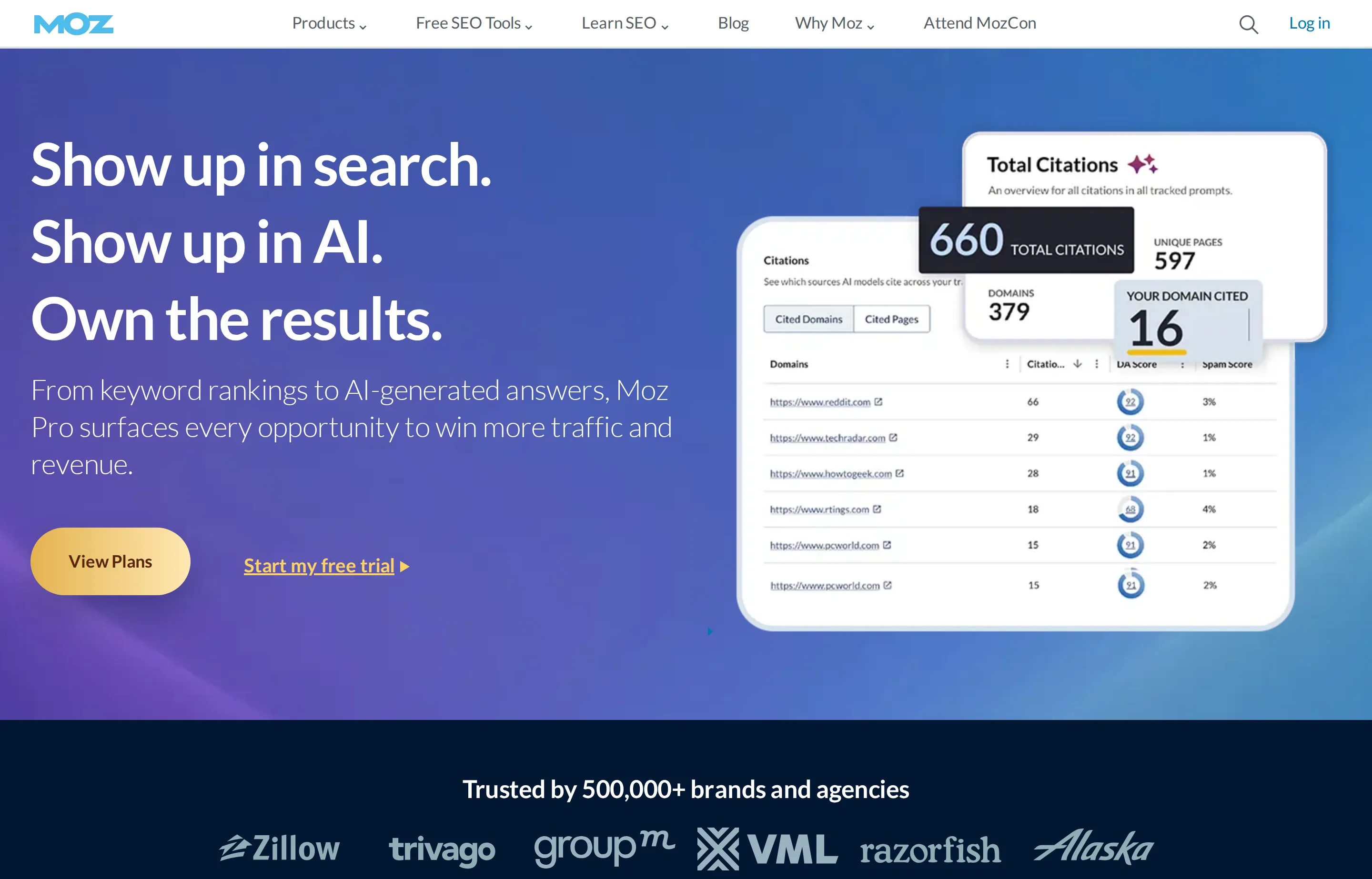
- Key features: Keyword Explorer, Link Explorer, rank tracking, site crawl, custom reports.
- Pricing: Standard from $99/month; annual billing is lower and a free trial is offered.
- Pros: approachable learning resources; clear core workflows; established metrics.
- Cons: paid plans add up; metrics are directional estimates, not Google ranking factors.
10. Bing Webmaster Tools — the free second opinion
Bing Webmaster Tools should be connected alongside Search Console. It gives you Bing-specific search data and crawling feedback, and it can import verified sites from Search Console. It will not replace Google data; it is free coverage for a search ecosystem many small businesses ignore.
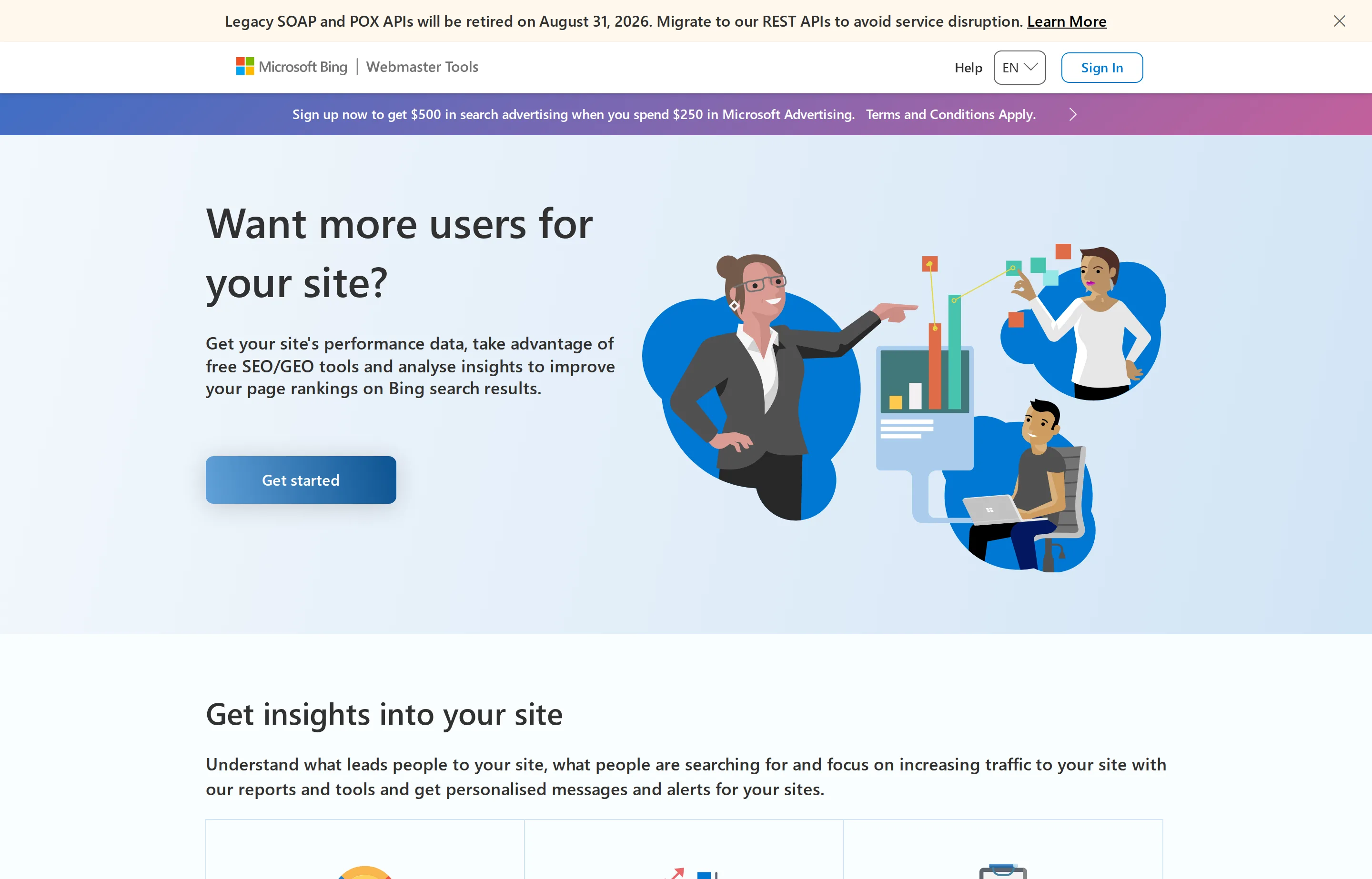
- Key features: search performance, URL inspection, site scan, sitemap management, keyword research.
- Pricing: Free.
- Pros: no-cost second source of first-party search data; quick setup from Search Console.
- Cons: smaller audience for many businesses; do not assume Bing reports mirror Google's.
11. Yoast SEO — best WordPress publishing baseline
Yoast SEO is a practical WordPress baseline: it helps editors set titles, descriptions, canonical URLs, and structured-data defaults inside the CMS. Its traffic-light analysis is a prompt to review a page, not a score to blindly optimize toward.
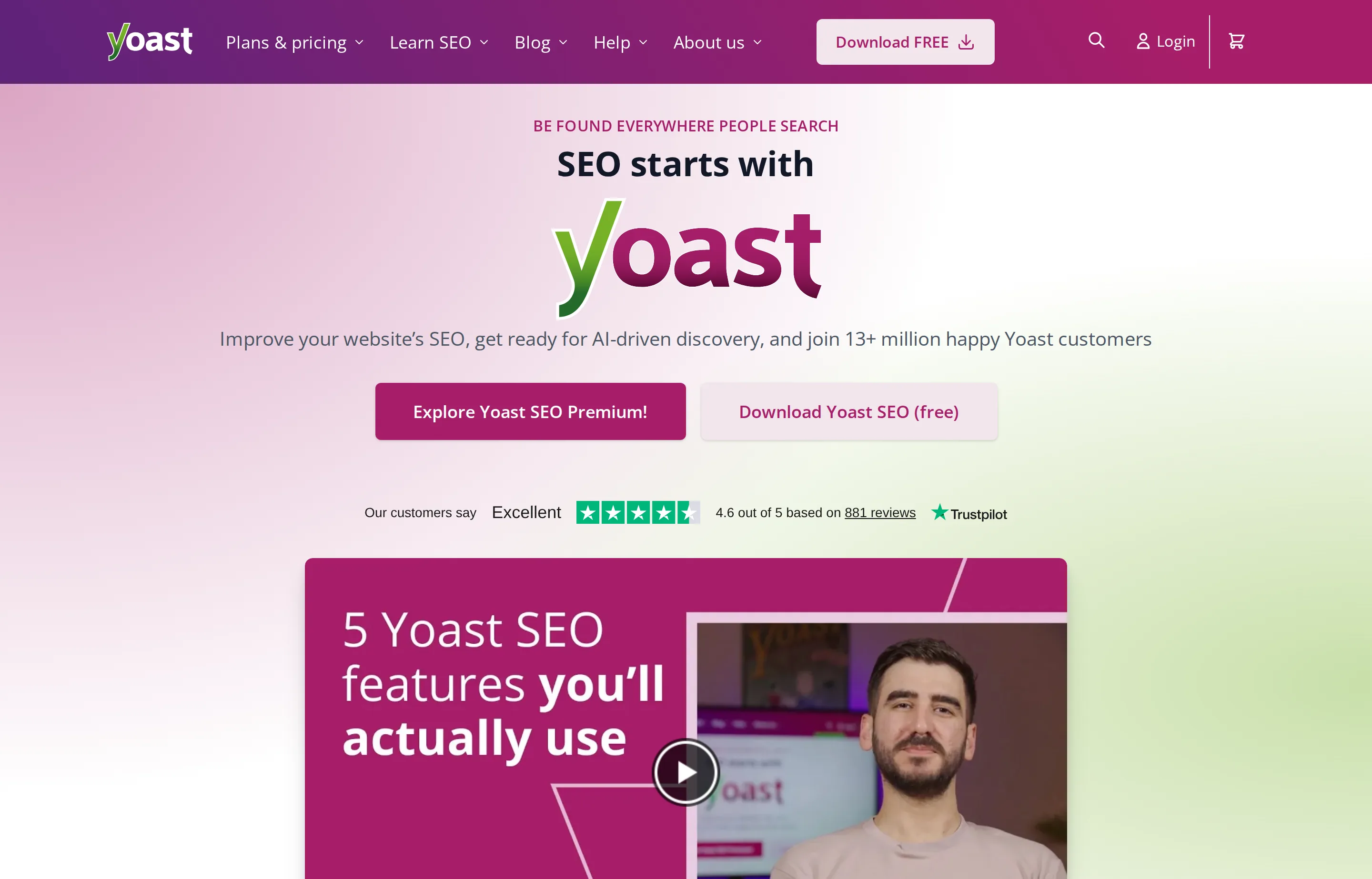
- Key features: title and meta controls, XML sitemaps, canonical controls, content checks, schema defaults.
- Pricing: Free core plugin; premium products are sold separately on Yoast's site.
- Pros: familiar WordPress workflow; covers important publishing basics; easy free start.
- Cons: a green indicator does not mean a page deserves to rank; WordPress-only.
12. Rank Math — best WordPress option for more controls in the free tier
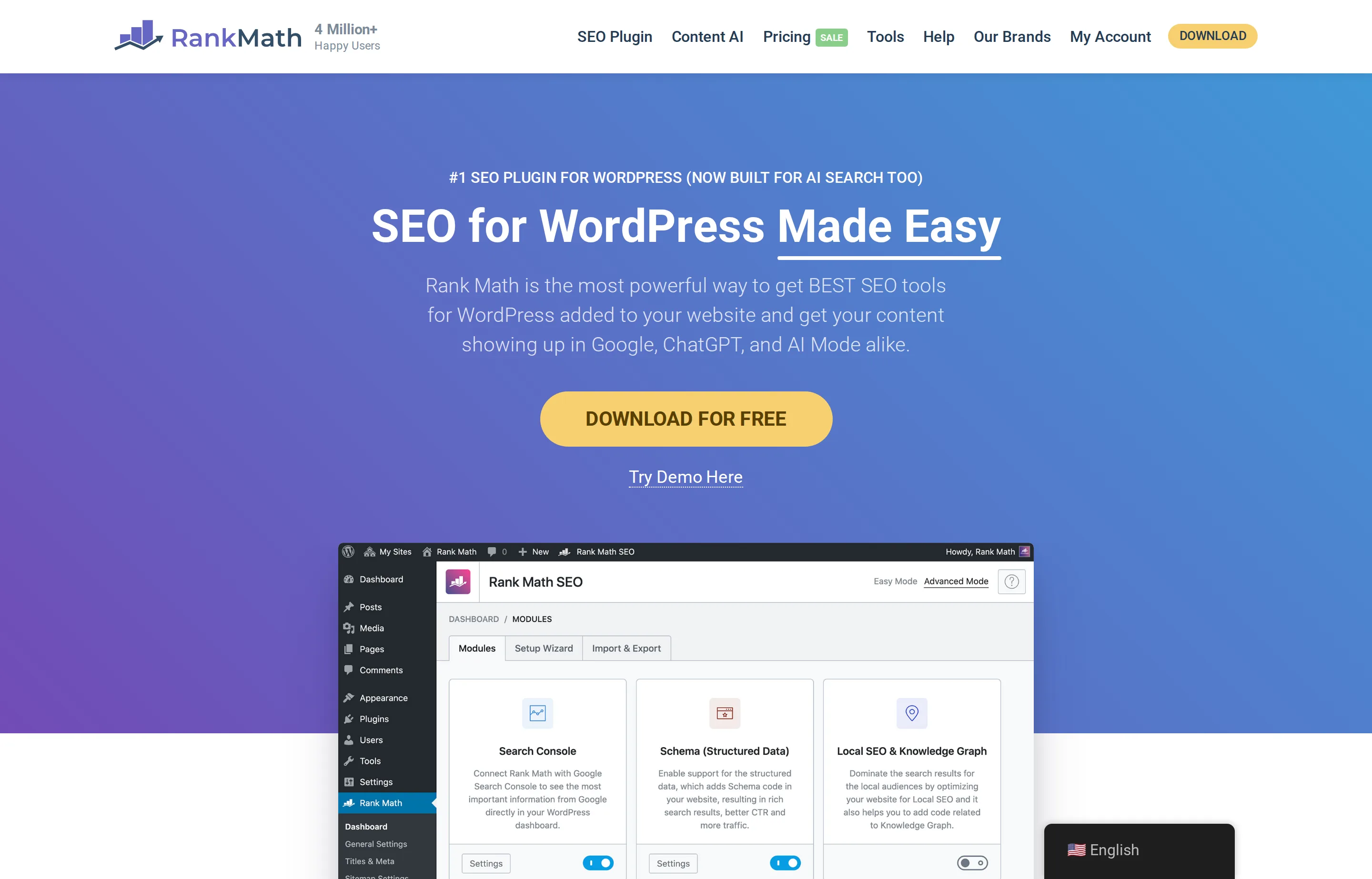
Rank Math is another WordPress SEO plugin, notable for packing more configuration and schema options into its free edition. Choose one main SEO plugin—do not run it alongside Yoast on the same site—and configure it deliberately rather than enabling every module because it is available.
- Key features: title/meta controls, schema templates, sitemap generation, 404 monitoring, redirects on paid plans.
- Pricing: Free core plugin; paid plans are available from $7.99/month billed annually.
- Pros: generous free controls; broad schema and settings coverage; good for a confident WordPress owner.
- Cons: more switches create more ways to misconfigure a site; WordPress-only.
A free small-business stack before you subscribe
Start here before paying a monthly fee:
- Verify Google Search Console and Bing Webmaster Tools; submit your sitemap.
- Use PikaSEO for the free implementation jobs you can complete today, then run each important page through our free Website SEO Checker.
- Use CrawlRaven when you need the technical work ranked into an action plan; use the SEO audit template to keep ownership of the queue.
- Write the title, description, canonical, and structured data correctly with the Meta Tags Generator and Schema Markup Generator.
- Only then add one paid product for the bottleneck you actually have: competitor research, ongoing rank tracking, or a crawl too complex to manage manually.
For a local business, the first paid SEO tool may be unnecessary: a complete Business Profile, accurate service pages, and a technically sound site usually beat an unexamined subscription. For AI-search-specific tools, use the separate AI SEO tools roundup.
The 30-day paid-tool rule
Before starting a trial, write down the output you will produce in the next 30 days. A legitimate reason to subscribe looks like this: "find 20 competitor keywords, choose three service pages to build, monitor 25 revenue terms, and resolve every crawl error that blocks indexing." "See what the tool says" is not a reason.
At the end of the trial, keep the tool only if it led to a specific page, fix, or opportunity that you would otherwise have missed. This rule is the simplest defense against overlapping subscriptions—and it is more useful than another feature comparison.
FAQs
What is the best free SEO tool for a small business?+
Google Search Console is the best source of first-party Google data, while PikaSEO gives you a free, no-signup toolkit for actually implementing common SEO improvements. Use both before spending money on a large suite.
Is Semrush or Ahrefs better for a small business?+
Choose the one whose recurring work you will actually use. Semrush is broad when you want research, audit, and tracking in one place. Ahrefs is especially strong when backlink and keyword competitor research is your main job. Neither replaces Search Console.
Do I need a paid SEO tool to rank locally?+
No. A verified, accurate Business Profile; helpful service pages; solid technical basics; and real customer service come first. Start with Search Console, PikaSEO, and CrawlRaven's free one-site plan; a paid tool is useful when it helps you monitor a growing workload or exposes a specific opportunity you can act on.
Can WordPress SEO plugins improve rankings automatically?+
No. Yoast and Rank Math can help you publish sound technical basics, but they cannot create useful content, earn trust, or overcome a weak local offering. Treat their checks as a review aid, not a ranking guarantee.
Free tools to try
Website SEO Checker
A 20-point technical SEO check of any page — clear pass/fix results, honest limits.
Meta Tags Generator
Title, description, Open Graph, and Twitter tags as one copy-paste snippet.
Schema Markup Generator
Generate FAQ, Local Business, and Product JSON-LD you can paste into any page.
Image Alt Text Checker
Scan a page and see every image's alt text — missing, weak, and good, itemized.
Keyword Ideas Generator
Turn one seed keyword into ideas grouped by search intent.
Keep reading
Guide
Best AI SEO Tools for Small Businesses in 2026
The SEO tools that give small businesses a real edge in AI search — paid data suites, AI audits like CrawlRaven, PikaSEO's free suite, and the free essentials.
Guide
Local SEO for Small Business: Guide + Best Tools
How Google ranks local businesses, the Business Profile rules that get you suspended, and which local SEO tools are worth paying for in 2026.
Guide
Small Business SEO Audit Template (Free, Copy-Paste)
A free SEO audit template where every check cites Google's own documentation — no signup, no download, and honest limits on every free tool it uses.
Guide
How to Get Recommended by ChatGPT & AI Search
What makes AI assistants recommend your business: which crawlers to allow, what the evidence says about schema and llms.txt, and how to measure it.