Template
Small Business SEO Audit Template (Free, Copy-Paste)
Most SEO audit templates are a spreadsheet behind an email form, written by someone selling the tool the spreadsheet tells you to buy. This one is on the page, copy-paste, and every check names the Google documentation it comes from.
That last part isn't a stylistic choice. It's Google's own advice for evaluating SEO help: in its guidance on whether you need an SEO, Google suggests checking whether they will "cite official Google documentation as supporting evidence for their recommendations" — and warns that "no one can guarantee a #1 ranking on Google. Beware of SEOs that claim to guarantee rankings, allege a 'special relationship' with Google, or advertise a 'priority submit' to Google."
Apply that test to any audit you're handed, including this one. Every claim below links to the source.
The free toolkit, with honest limits
You can run a complete small-business audit for nothing. What matters is knowing where each free tool stops, because several popular templates assume capabilities the free versions don't have.
| Tool | Cost | What it actually gives you | The limit nobody mentions |
|---|---|---|---|
| Google Search Console | Free | Indexation, queries, links, Core Web Vitals | UI exports cap at 1,000 rows; data window is 16 months |
| Bing Webmaster Tools | Free | Second index, plus backlink data | Smaller sample than Google |
| Screaming Frog | Free tier | Crawl up to 500 URLs, titles, meta, broken links, redirects | Free version cannot render JavaScript, validate structured data, or connect to Search Console |
| PageSpeed Insights | Free | Field data (real users) + lab data | Field data needs enough traffic to exist at all |
| Rich Results Test | Free | Whether Google can read your markup | Only validates types Google renders |
| Schema Markup Validator | Free | Generic schema.org syntax | Doesn't tell you what Google supports |
| Ahrefs Webmaster Tools | Free | Site audit, 5,000 crawl credits/month, 170+ issue types | Verified sites only — you cannot audit competitors |
| Our Website SEO Checker | Free | 20-point page audit, no signup | Single page, not a site crawl |
What each one looks like
Ratings below are from GetApp, read on 2 August 2026. G2, Capterra, and Trustpilot block automated reads, so nothing here is sourced from them.
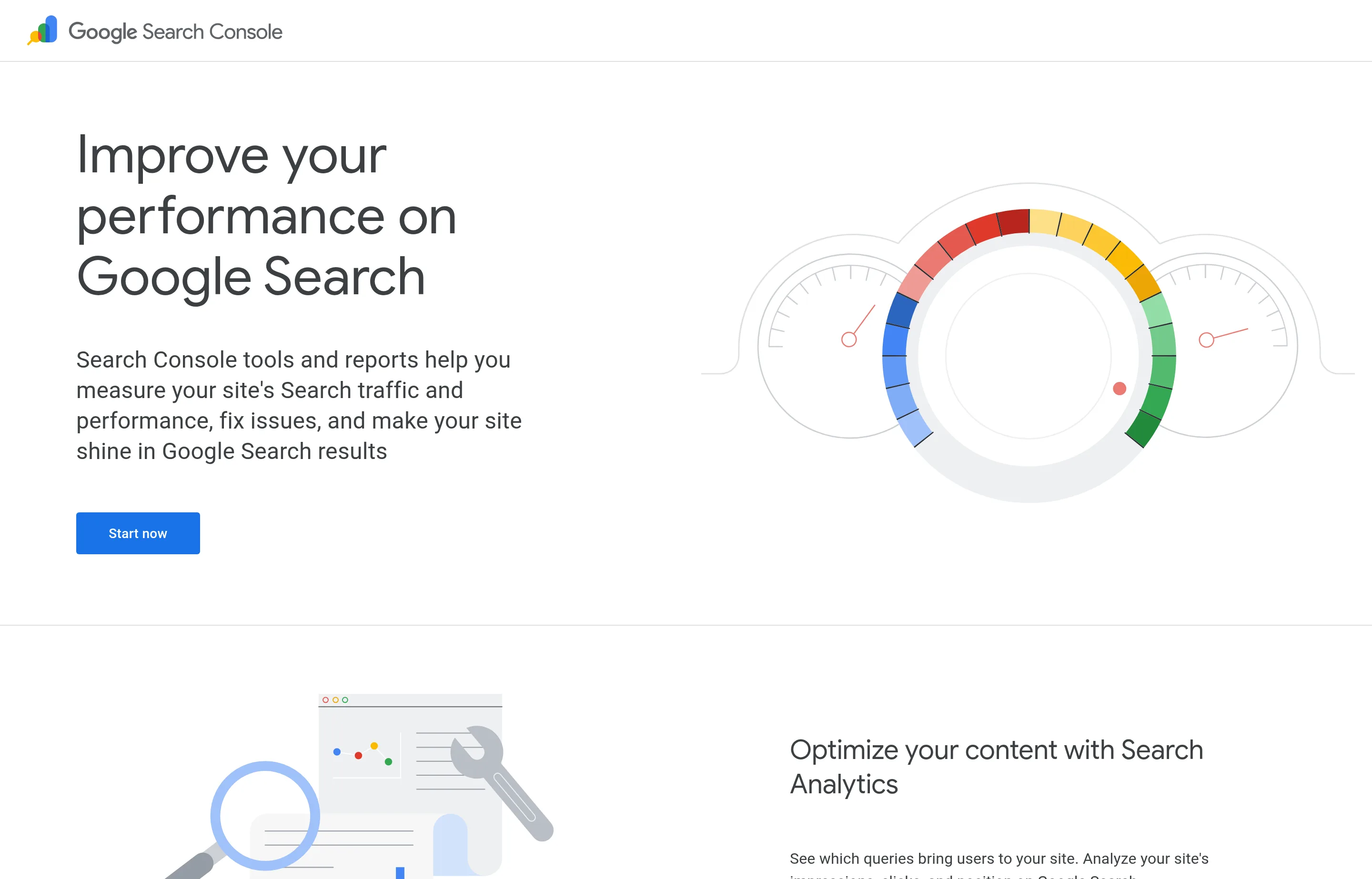
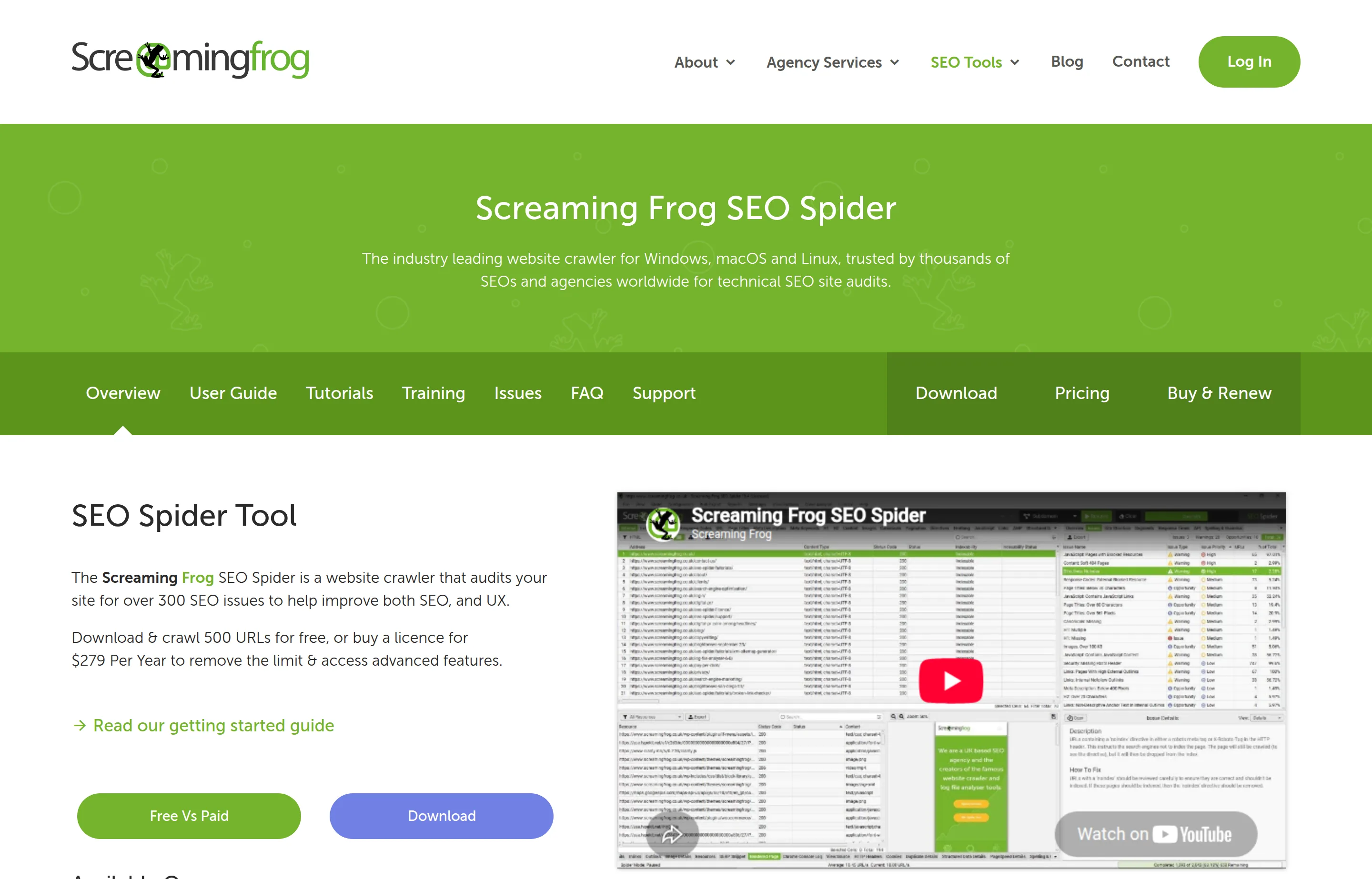
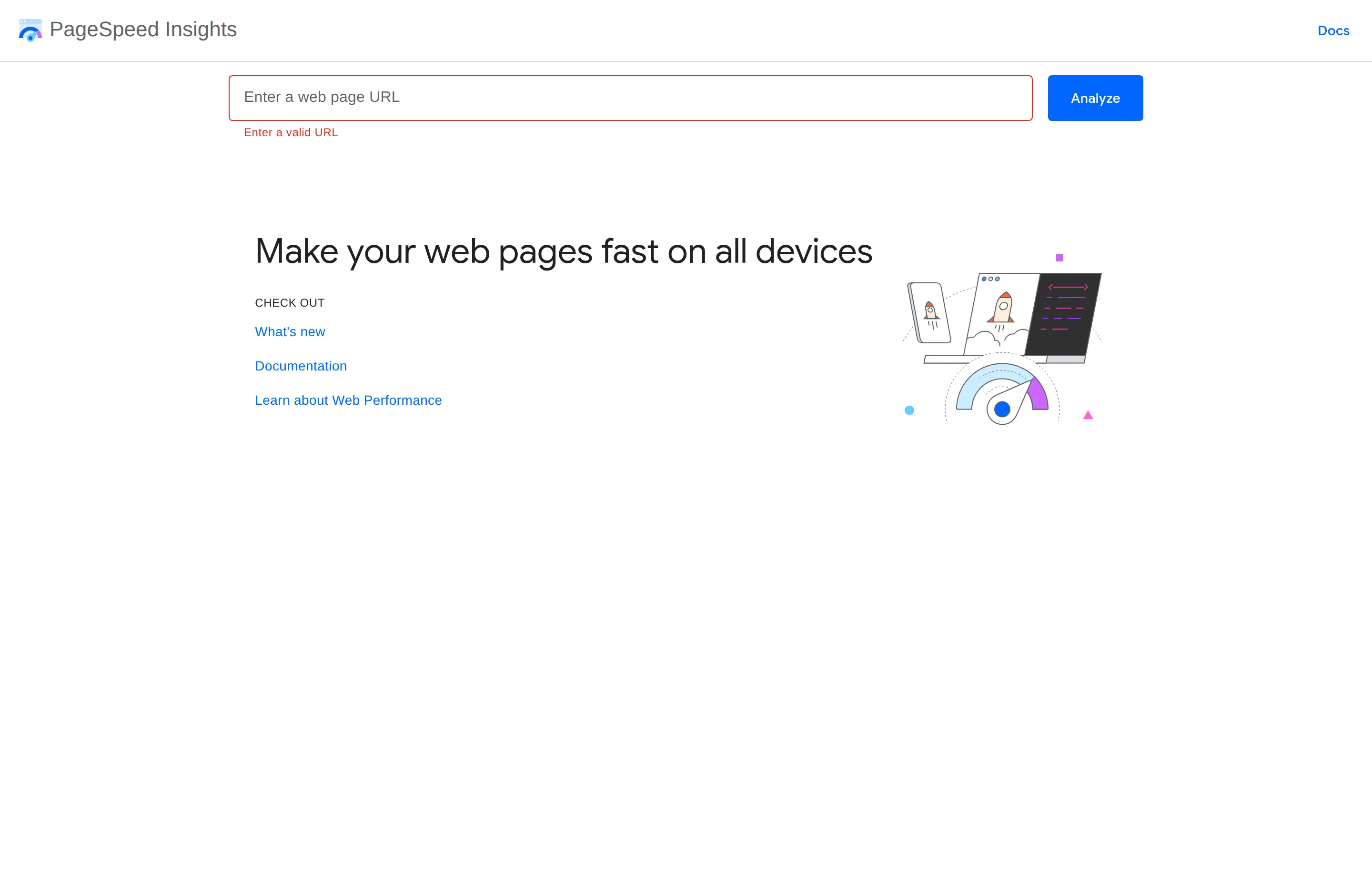
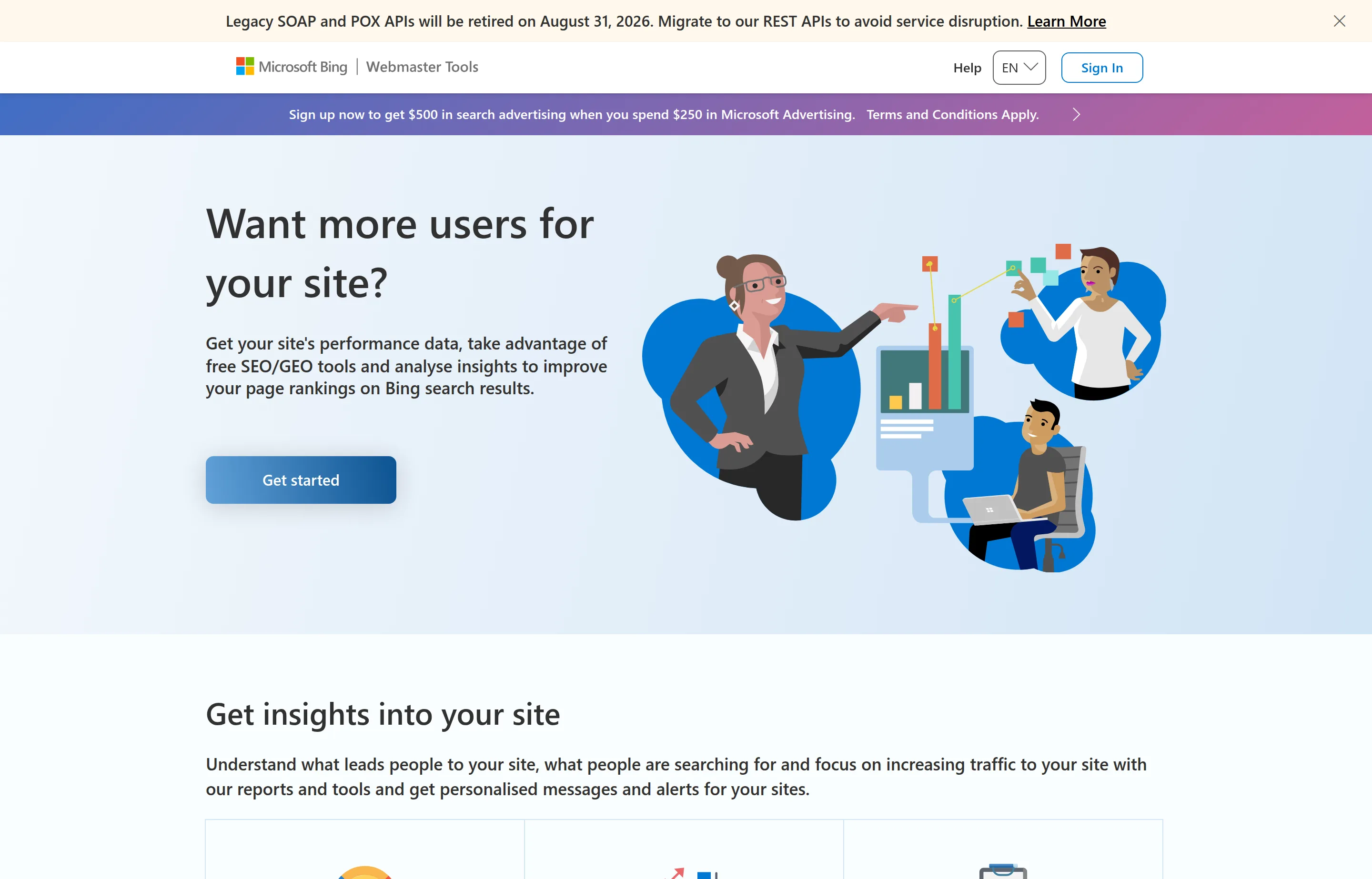
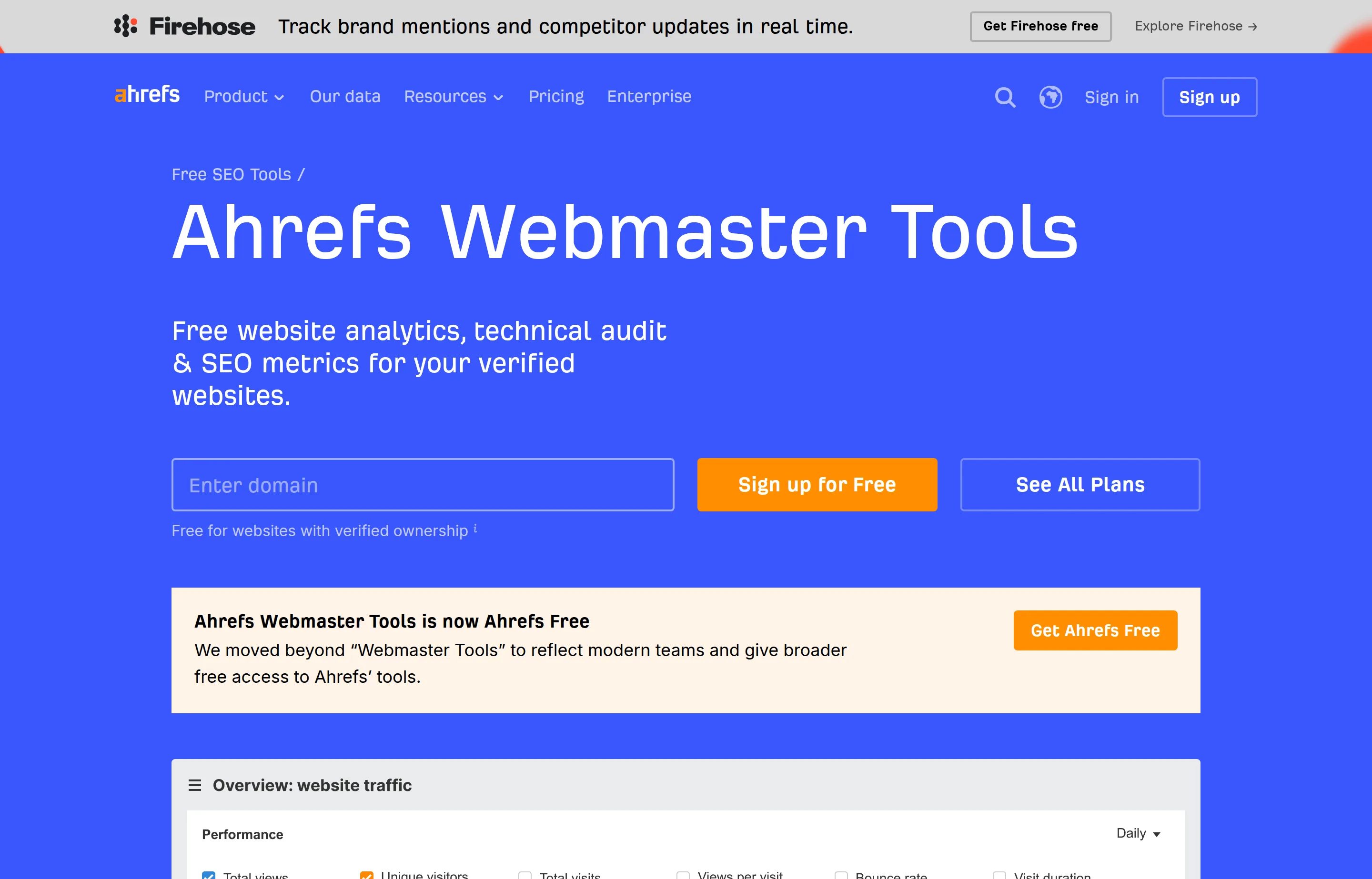
Two specifics worth knowing before you start:
Search Console's 1,000-row limit applies to the interface. The Search Analytics API returns up to 25,000 rows per request and 50,000 per day per site, and BigQuery bulk export bypasses the daily cap entirely. If a query or page report looks suspiciously round at 1,000 rows, that's the ceiling, not your traffic.
Screaming Frog's free tier is narrower than templates imply. Seven features are free — broken links, page titles and metadata, meta robots, hreflang, exact duplicate pages, XML sitemap generation, and visualisations. Twenty-four are paid-only, including JavaScript rendering, structured data validation, and the Search Console and PageSpeed integrations. A licence is £199/$279 a year for 1–4 seats. For a site under 500 pages the free tier is genuinely enough; just don't expect it to check your schema.
The audit template
Copy this, work top to bottom, and fill in the findings. It's ordered by consequence: a page that isn't indexed cannot be fixed by better title tags.
SEO AUDIT — [site]
Auditor: [name]        Date: [YYYY-MM-DD]
Pages on site: [__]    Pages indexed: [__]

═══ 1. INDEXATION ═══════════════════════════
[ ] GSC > Indexing > Pages: indexed count      [__]
[ ] Not-indexed count and top reason           [__]
[ ] Any "Indexed, though blocked by robots.txt" [Y/N]
[ ] Any "Discovered - currently not indexed"    [__]
[ ] Key money pages individually URL-Inspected  [__/__]
[ ] Google-selected canonical == your canonical [Y/N]
    FINDINGS:

═══ 2. CRAWLABILITY ═════════════════════════
[ ] robots.txt reviewed at /robots.txt          [Y/N]
    NOTE: robots.txt is NOT a noindex. A blocked
    page can still be indexed if linked to.
[ ] Nothing important disallowed                [Y/N]
[ ] No page has both noindex AND Disallow       [Y/N]
    (Google must crawl it to see the noindex)
[ ] XML sitemap submitted and status "Success"  [Y/N]
[ ] Sitemap under 50MB / 50,000 URLs            [Y/N]
[ ] Sitemap contains only indexable 200 URLs    [Y/N]
[ ] Crawl run (Screaming Frog free, 500 URLs)   [Y/N]
    FINDINGS:

═══ 3. STATUS CODES & REDIRECTS ═════════════
[ ] 404s found                                  [__]
[ ] 5xx errors found                            [__]
[ ] Soft 404s in GSC                            [__]
[ ] Redirect chains (>1 hop)                    [__]
[ ] Permanent moves use 301/308, not 302        [Y/N]
[ ] http:// redirects to https://               [Y/N]
[ ] One canonical hostname (www OR non-www)     [Y/N]
    FINDINGS:

═══ 4. ON-PAGE ══════════════════════════════
[ ] Every page has a unique title               [__/__]
[ ] Titles roughly under 60 characters          [__/__]
[ ] Every page has a unique meta description    [__/__]
[ ] Descriptions roughly under 155 characters   [__/__]
[ ] Exactly one H1 per page                     [__/__]
[ ] Heading order is logical (no H2 -> H4 jumps) [Y/N]
[ ] Images have descriptive alt text            [__/__]
[ ] Canonical tag present and self-referencing   [Y/N]
[ ] Open Graph / Twitter tags present            [Y/N]
    FINDINGS:

═══ 5. SPEED & CORE WEB VITALS ══════════════
    Thresholds (75th percentile of loads):
    LCP  good <= 2.5s   poor > 4.0s
    INP  good <= 200ms  poor > 500ms
    CLS  good <= 0.1    poor > 0.25
[ ] LCP  mobile [__]  desktop [__]
[ ] INP  mobile [__]  desktop [__]
[ ] CLS  mobile [__]  desktop [__]
[ ] Field data available in PSI                 [Y/N]
[ ] Images sized and modern format              [Y/N]
    FINDINGS:

═══ 6. MOBILE ═══════════════════════════════
    Google indexes the mobile version of your site.
[ ] Mobile and desktop content match            [Y/N]
[ ] Metadata and structured data match          [Y/N]
[ ] Tap targets and text readable at 375px      [Y/N]
    FINDINGS:

═══ 7. STRUCTURED DATA ══════════════════════
[ ] Organization schema on homepage             [Y/N]
[ ] LocalBusiness schema if you serve an area   [Y/N]
[ ] Passes Rich Results Test with no errors     [Y/N]
[ ] Passes validator.schema.org                 [Y/N]
[ ] Markup matches what's visible on the page   [Y/N]
[ ] No self-serving aggregateRating on your own
    LocalBusiness markup                        [Y/N]
    FINDINGS:

═══ 8. INTERNAL LINKS ═══════════════════════
[ ] Every important page reachable in <=3 clicks [Y/N]
[ ] Links are real <a href> elements             [Y/N]
    (Google cannot follow onclick or styled spans)
[ ] Anchor text descriptive, not "click here"    [Y/N]
[ ] Orphan pages identified                      [__]
    FINDINGS:

═══ 9. CONTENT ══════════════════════════════
[ ] Each page has one clear purpose and query   [Y/N]
[ ] No two pages competing for the same term    [Y/N]
[ ] Thin pages listed for merge or removal      [__]
[ ] Contact, about, and policy pages exist      [Y/N]
    FINDINGS:

═══ 10. LOCAL (if applicable) ═══════════════
[ ] Google Business Profile claimed + verified  [Y/N]
[ ] Primary category is the most specific fit   [Y/N]
[ ] Name matches signage, no keywords appended  [Y/N]
[ ] Hours accurate incl. holidays               [Y/N]
[ ] NAP matches the site exactly                [Y/N]
[ ] Bing Places claimed                         [Y/N]
    FINDINGS:

═══ PRIORITISED ACTIONS ═════════════════════
P0 (blocks indexing / breaks pages):
  1. [__]
P1 (costs traffic now):
  1. [__]
P2 (worth doing, not urgent):
  1. [__]
How to run each section
1. Indexation
Start here because nothing else matters if Google doesn't have the page. Open Search Console → Indexing → Pages and compare the indexed count against how many pages you think you have. Then inspect your most important pages individually and check one thing in particular: whether Google's chosen canonical matches yours. A mismatch means Google has decided your page is a duplicate of another one.
The status to look for is "Indexed, though blocked by robots.txt." It means exactly what the next section warns about.
2. Crawlability
The single most useful thing in this whole template is that robots.txt is not a noindex directive. Google states it plainly: a robots.txt file "is not a mechanism for keeping a web page out of Google," and a disallowed page "can still be indexed if linked to from other sites," with its URL and anchor text appearing in results.
Which produces the classic own goal: blocking a page in robots.txt *and* adding a noindex tag. Google can't crawl the page, so it never sees the noindex, so the page stays indexed. Pick one — for removal, use noindex and let Google crawl it.
Sitemaps: keep each file under 50MB uncompressed or 50,000 URLs, split into a sitemap index above that, and include only canonical URLs that return 200. A sitemap full of redirects and 404s is a quality signal you're sending about yourself.
3. Status codes and redirects
Google's guidance is to "use a permanent server-side redirect whenever possible" for permanent moves — 301 or 308, not 302. Check that http:// goes to https://, and that you've settled on one hostname. A site reachable at four URL variations is a site splitting its own signals four ways.
4. On-page
This is where our Website SEO Checker does the work for you — a 20-point audit of a single page covering titles, descriptions, headings, alt text, canonical, Open Graph, schema, robots.txt, and sitemap, with plain-language fixes. It also names its own blind spots rather than pretending to be a full crawler.
For images specifically, the Image Alt Text Checker scans a page and classifies every image as good, weak, decorative, or missing, with a reason for each. For fixing titles and descriptions, the Meta Tags Generator builds the whole block with live length meters, and SERP Snippet Preview shows you where Google will truncate it.
5. Speed and Core Web Vitals
The three metrics and their official thresholds, measured at the 75th percentile of page loads across mobile and desktop:
| Metric | Good | Needs work | Poor |
|---|---|---|---|
| Largest Contentful Paint | ≤ 2.5s | 2.5–4.0s | > 4.0s |
| Interaction to Next Paint | ≤ 200ms | 200–500ms | > 500ms |
| Cumulative Layout Shift | ≤ 0.1 | 0.1–0.25 | > 0.25 |
Note that INP replaced First Input Delay on 12 March 2024. Any template still listing FID is at least two years stale.
PageSpeed Insights gives you two things that are easy to confuse. Field data comes from the Chrome User Experience Report — real visitors over the previous 28 days — and is what Google actually uses. Lab data is a Lighthouse simulation on an emulated mid-range phone. A small site may have no field data at all, simply because not enough people visited. That's not a failure; it just means you're working from the simulation.
Resist over-indexing on the score. Google's own position: "There is no single signal. Our core ranking systems look at a variety of signals that align with overall page experience," and there's "more to great page experience than Core Web Vitals scores alone."
7. Structured data
Run every page type through both validators — they answer different questions. The Rich Results Test tells you whether Google can render a rich result from your markup. validator.schema.org tells you whether your schema.org syntax is valid generally. A page can pass one and fail the other.
Our Schema Markup Generator writes valid Organization, LocalBusiness, FAQ, and Product JSON-LD. Two current notes: Google deprecated FAQ rich results on 7 May 2026, so FAQ markup is valid but no longer changes your listing; and if you're marking up your own business, leave aggregateRating out — Google's documentation says pages where the reviewed entity controls the reviews are ineligible for the star feature anyway.
Three things most audit templates get wrong
"Check your Domain Authority"
Almost every audit template has a DA row. Here is the awkward fact, in the words of the company that invented the metric:
The same applies to Ahrefs' Domain Rating and Semrush's Authority Score — three vendors, three different proprietary scores, none of them a number Google uses. Google's own list of documented ranking systems contains no authority score of any kind.
The honest nuance, since you'll hear it argued: the 2024 Google Content Warehouse API leak — whose authenticity Google confirmed to The Verge — contains an attribute called siteAuthority. So Google plausibly has *some* site-level signal. It just isn't DA, DR, or Authority Score; those are three independent outside guesses at it, computed from public link data. Optimise the inputs — real links from real sites — not somebody's proxy for them.
Keep the score in your audit as a rough trend line if you like. Don't set targets against it.
"Disavow toxic backlinks"
Covered fully in our backlink analysis template, but the headline belongs here too. Google's disavow documentation opens with "Step 0: Decide if this is necessary" and states: *"In most cases, Google can assess which links to trust without additional guidance, so most sites will not need to use this tool."* It also warns the feature "can potentially harm your site's performance in Google Search results" if used incorrectly.
If your audit template has a routine disavow step, it's recommending a risky action Google says most sites should never take.
"Fix duplicate content penalties"
There is no duplicate content penalty. Google's canonicalization documentation frames duplicates purely as a signal-consolidation matter and states: *"While we encourage you to use these methods, none of them are required; your site will likely do just fine without specifying a canonical preference."* Duplicate content doesn't appear anywhere in Google's spam policies. What does appear is scaled content abuse and scraping — both of which require manipulative intent, not an accidentally repeated product description.
Consolidating duplicates is still worth doing, because splitting signals across three URLs helps nobody. Just don't do it in fear of a penalty that doesn't exist.
Turning findings into a plan
An audit that produces 84 issues and no order of operations is a document nobody acts on. Sort everything you found into three buckets:
- P0 — the page can't work. Not indexed, 5xx errors, blocked in robots.txt, wrong canonical, site not on HTTPS. Fix this week.
- P1 — costs traffic now. Missing or duplicate titles, no meta descriptions, LCP over 4 seconds, broken internal links, missing Business Profile. Fix this month.
- P2 — worth doing. Alt text gaps, heading structure, schema additions, internal linking improvements, thin page consolidation. Schedule it.
One rule that saves a lot of wasted effort: fix P0 items before measuring anything else. There is no point optimising a title tag on a page Google has decided not to index.
FAQs
How often should a small business run an SEO audit?+
A full pass twice a year is plenty for a site under a few hundred pages. Check Search Console monthly for new indexing errors and Core Web Vitals changes — those are the two that appear without warning. Run a targeted audit any time you migrate, redesign, or change your URL structure.
Do I need to pay for a tool to do this?+
No. Every check in the template above can be run on free tools, and the honest limits are documented in the table at the top. The paid tiers buy you scale — crawling more than 500 URLs, auditing competitors, historical data — not different answers.
Is a low PageSpeed score hurting my rankings?+
Possibly, but less than most people assume. Core Web Vitals are used by Google's ranking systems, but Google is explicit that there's no single page-experience signal and that vitals are one input among many. A page that's genuinely the best answer will outrank a faster page that isn't. Fix a poor LCP; don't chase a score of 100.
What if my site has no Core Web Vitals field data?+
It means not enough real visitors have loaded the page for Chrome to collect a statistically usable sample. Work from the Lighthouse lab data instead, and revisit once traffic grows. It is not an error and there's nothing to fix.
Should I audit my competitors too?+
You can see their public pages, titles, structure, and schema with any crawler. What you can't get free is their traffic or backlink data — Ahrefs Webmaster Tools only works on sites you've verified you own. For a small business, an hour spent fixing your own P0 issues beats a week of competitor analysis.
My audit found 200 issues. Where do I start?+
With the P0 bucket, and only that. Most audit tools flag every deviation from an ideal, which is why the count is alarming. Indexation and status codes first, on-page second, everything else after.
What to do next
Copy the template, then run the three checks that catch the most damage for the least effort:
- Website SEO Checker on your homepage and your most important service or product page.
- Search Console → Indexing → Pages, and read the not-indexed reasons rather than the total.
- PageSpeed Insights on the same two pages, mobile tab first.
If those three come back clean, your site is in better shape than most. If they don't, you now have your P0 list — and every fix on it has a Google documentation link attached, so you can check the advice rather than trust it.
When you're ready to look at links, the backlink analysis template covers that half — including which of the metrics you'll be sold are real and which ones vendors invented.
Free tools to try
Keep reading
Guide
Backlink Analysis Template (Free, No Signup)
A free backlink analysis template using only free tools: which link metrics are real, which ones vendors invented, and when to ignore a bad link.
Guide
Local SEO for Small Business: Guide + Best Tools
How Google ranks local businesses, the Business Profile rules that get you suspended, and which local SEO tools are worth paying for in 2026.
Guide
How to Get Recommended by ChatGPT & AI Search
What makes AI assistants recommend your business: which crawlers to allow, what the evidence says about schema and llms.txt, and how to measure it.
Guide
Black October 2026: What the Security Incidents Mean for Your Small-Business Website
The October 2026 PHP, Node.js, and certificate flaws that hit small-business websites — what happened, who's affected, and a checklist to run now.
Guide
Best SEO Audit Tools for Small Business (2026)
Compare 10 SEO audit tools by crawl depth, actionability, limits, and current pricing. Find the right check for your site.