Guide
Local SEO for Small Business: Guide + Best Tools
If you run a shop, a van, or a chair that customers come to, local search is the difference between a phone that rings and one that doesn't. It is also the corner of SEO with the most confident bad advice per square inch — much of it built on statistics that are a decade old and rules that Google explicitly prohibits.
Start with the one thing Google states plainly. From its own local ranking documentation: "There's no way to request or pay for a better local ranking on Google. We do our best to keep the search algorithm details confidential to make the ranking system as fair as possible for everyone." Anyone who cold-calls offering to put you at the top of the map is selling something that does not exist.
What *does* exist is a short list of things Google says it weighs, a shorter list of rules that get profiles suspended, and a set of tools that mostly re-sell work you can do yourself for free. This guide covers all three, and ends with an honest ranking of the paid tools — including which ones a solo operator should skip.
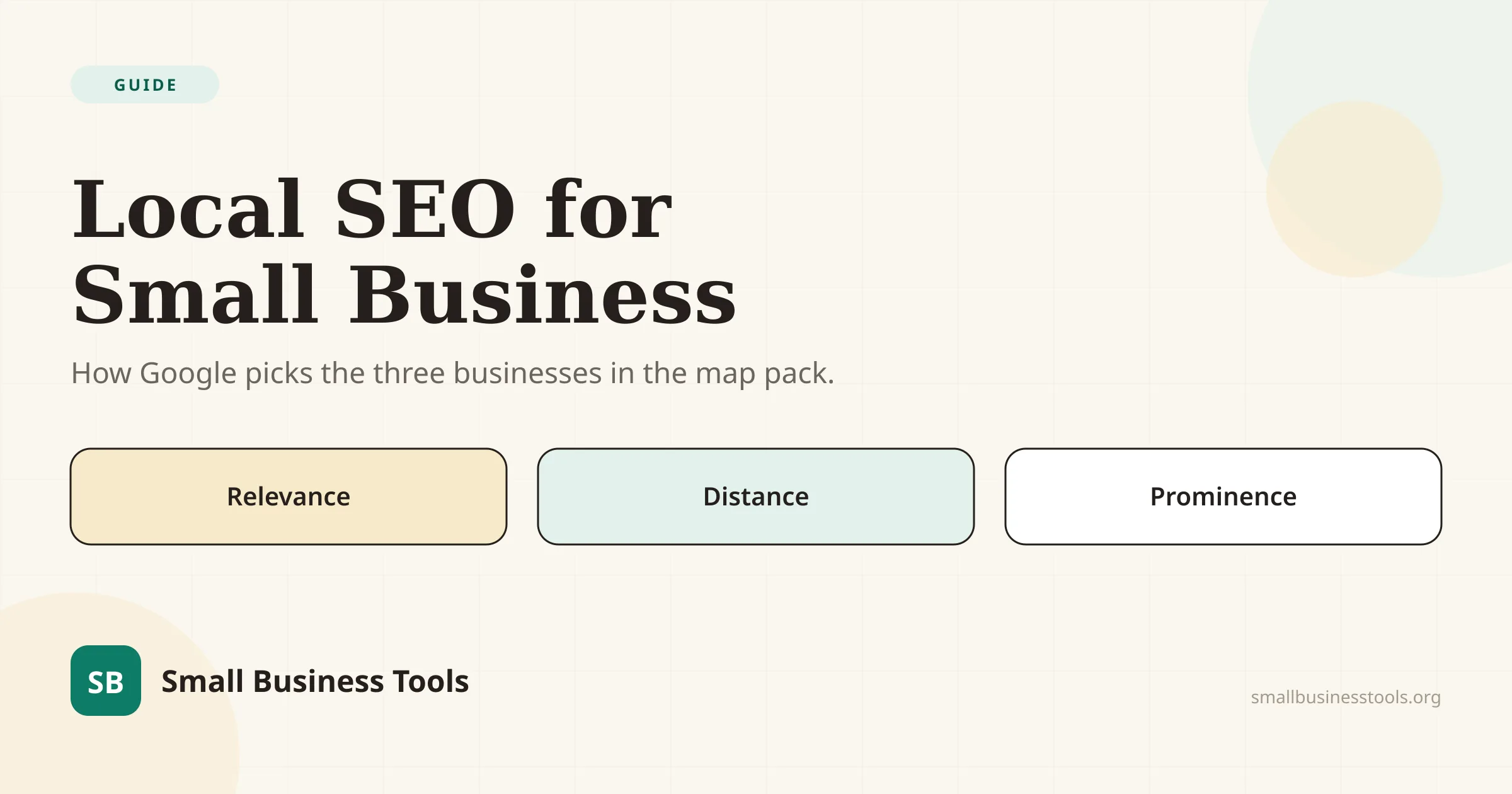
Quick answer: what Google says it weighs
Google's local ranking page names three factors. Quoted exactly, because the wording matters:
A note worth having, because every other guide gets it wrong: the industry universally repeats "relevance, distance, and prominence," and the subheading further down Google's own page still says *Prominence* — but the summary sentence now says *popularity*. The page is internally inconsistent. Nothing turns on which word you use, but if you see a guide quoting "prominence" as verbatim Google, it was copied from another guide rather than the source.
| Factor | Google's definition | What you can actually change |
|---|---|---|
| Relevance | "how well a Business Profile matches what someone is searching for" | Categories, services, description, hours — completeness |
| Distance | "how far each business is from the customer who's searching" | Almost nothing. This is the hard ceiling |
| Prominence / popularity | "how well-known a business is… based on info like how many websites link to your business and how many reviews you have" | Reviews, links, mentions, real-world visibility |
Distance is the factor nobody wants to hear about, and it is the one that decides most searches. You cannot out-optimize being on the wrong side of town. What you can do is win everything within your radius and extend your reach through organic pages rather than the map.
Start with the Google Business Profile
This is the ranking asset. Every paid tool later in this guide is measuring it, syncing to it, or reporting on it — none of them replaces the work.
Google names four levers on its own page: verify your business, keep your business information up to date, respond to reviews, and add photos and videos. In its words, *"Businesses with complete and accurate info are more likely to show up in local search results."*
In practice, in priority order:
- Primary category. In Whitespark's 2026 survey of 47 local search practitioners, primary category ranks as the single strongest local pack factor. Pick the most specific one that describes what you actually do, not the broadest one you might qualify for.
- Secondary categories, but only ones you genuinely serve. They rank eighth in the same survey.
- Hours, kept accurate — including holidays. "Business open at search time" ranks fifth. This has also become more consequential than it used to be, for a reason covered below.
- Services and products, itemized. This is free text that feeds the relevance factor.
- Photos, added regularly rather than once at setup.
- The map pin, placed correctly. Proper pin placement ranks tenth; a pin dropped on the wrong side of a building is a real and fixable problem.
The business name rule that gets profiles suspended
This is the most commonly broken rule among small businesses, and Google's wording leaves no room:
Google publishes its own examples of what is not permitted. Two rows matter most for local businesses:
| Not acceptable | Acceptable |
|---|---|
| Midas Auto Service Experts | Midas |
| Equinox near SOHO | Equinox SOHO |
| Regal Pizzeria Open 24 hours | Regal Pizzeria |
| Airport Direct 1-888-557-8953 | Airport Direct |
So "Rivera Plumbing | Emergency Plumber Denver" is not a clever optimization. It is a suspension risk.
Here is the uncomfortable part, stated honestly because you will hear the opposite: keywords in the business title rank third in Whitespark's practitioner survey. Experts believe it works. It is also explicitly against Google's guidelines and a documented suspension trigger. Both things are true. Our recommendation is to comply — a suspended profile ranks nowhere, and recovering one is a support process measured in weeks — but you should know why you keep seeing competitors do it.
If you have no storefront: service-area businesses
Contractors, plumbers, cleaners, mobile groomers, and anyone working out of a van fall under Google's service-area business (SAB) rules. Google defines an SAB as *"a business that visits or delivers to customers directly but doesn't serve customers at their business address."*
The rules, from Google's own documentation:
- Hide your address. *"If you don't serve customers at your business address, remove your address from your Business Profile."* Running a plumbing business from your house means clearing the address.
- One profile for the whole area. *"Service-area businesses can only have one profile for the whole area that they serve."*
- Up to 20 service areas, set by city, postal code, or region.
- No radius targeting. *"You can't set your service area as a radius distance around your business."* If you set one years ago it still works but can no longer be edited.
- About two hours' driving, maximum. *"The boundaries of your overall area shouldn't be more than about 2 hours of driving time from where your business is based."*
- No permanent signage means no storefront. *"If your business doesn't have permanent on-site signage, it's not eligible as a storefront and should be listed as a service-area business."*
- Virtual offices don't qualify unless staffed during business hours. Co-working addresses need clear signage, staff, and customers received on site.
The service-area myth that costs the most
Declaring 20 service areas does not make you rank in 20 cities.
Proximity is the second-strongest local pack factor. A service-area business ranks approximately where it is *based*, not across the territory it declares. The service area field tells Google where you are willing to travel; it does not relocate you.
This matters because it redirects the whole strategy. If the map pack is proximity-bound and you cannot move, your growth channel is local organic results, not the pack — and the strongest local organic factor in Whitespark's survey is a dedicated page for each service. One substantial page per service, and per city only where you genuinely operate, beats twenty thin doorway pages that Google treats as spam.
One honest trade-off: hiding your address is mandatory for a true SAB, and "address displaying on the profile" ranks seventh for the pack. You lose something real. There is no way to optimize around it without breaking a rule.
Reviews: what Google says, what customers do, and what's against the rules
Google's confirmed position on reviews and ranking is exactly one sentence, in the prominence paragraph: *"More reviews and positive ratings can help your business's local ranking."* That's quantity and rating. Google has not confirmed that review recency, keywords in review text, or your replies affect ranking — those are practitioner inference, and you should treat guides that state them as fact accordingly.
Customer behavior is a different and better-evidenced question. BrightLocal's Local Consumer Review Survey 2026, published 11 February 2026 from a panel of 1,002 US adults, found:
- 97% read reviews for local businesses; 41% always do, up from 29% a year earlier
- 74% only care about reviews from the last three months; 32% look at the last two weeks
- 68% will only use a business rated 4.0 or above — up from 55% in 2025
- 31% now require 4.5 or above, nearly double last year's 17%
- 47% won't use a business with fewer than 20 reviews
- 89% expect owners to respond, and 80% are more likely to use a business that replies to *all* reviews
That recency finding is the operationally important one. A wall of five-star reviews from 2023 reads as a business that stopped caring. Reviews are a cadence, not a project.
Three review tactics that violate Google's policies
Google's prohibited content policy for Maps contributions is specific, and it prohibits things that many local SEO guides actively recommend:
Which rules out:
- Review gating — the "how did we do? happy customers here, unhappy customers to this private form" funnel. Explicitly named and prohibited.
- The QR code on the counter, if you are asking customers to review you before they leave. Soliciting on the premises is prohibited. Ask afterwards, by text or email.
- Staff review quotas, and asking customers to name the employee who served them. Both are called out by name.
Also prohibited: reviews from anyone with a conflict of interest, which includes current and former staff. Discounts for reviews are the most common violation and the easiest to stop.
Your website's half of the job
The map pack is not the whole of local search. The organic results underneath it are winnable by pages, and that is where a service-area business has room to grow.
- One page per service. The top-ranked local organic factor. A page called "Emergency Drain Unblocking in Fremont" with real detail, real photos, and real pricing guidance beats a services list with eight bullet points.
- Geographic relevance in the copy, written for humans. The city name in the title tag and naturally in the body — not stuffed into every heading.
- LocalBusiness structured data. Our Schema Markup Generator emits it, and Google requires only two properties:
addressandname. Everything else —openingHoursSpecification,geo,telephone,priceRange— is recommended. Use the most specific type available (Plumber,Restaurant,DaySpa) rather than the generic one. - Run the page through a technical check. Our Website SEO Checker runs a 20-point audit including title, meta description, headings, canonical, schema, robots.txt, and sitemap, and names its own blind spots rather than pretending to be complete.
LocalBusiness structured data are ineligible for the star review feature — and that this applies whether the rating is in your markup directly or pulled in through an embedded Google or Facebook reviews widget. Putting your own 4.9 stars into your own LocalBusiness markup does not produce stars in search results. Our generator deliberately omits aggregateRating and review for exactly this reason.Structured data is worth adding, but be clear about what it does. Google's own position is that structured data governs eligibility for rich results, not ranking, and that it "does not guarantee" a feature will appear. It is entity hygiene, not a lever.
Citations and NAP: a threshold, not a growth lever
Citations — your name, address, and phone number listed consistently across directories — are the most oversold service in local SEO. The honest 2026 picture is a genuine tension, and Whitespark's own report states both halves of it.
On traditional local ranking, they are fading. Report author Darren Shaw: *"I was surprised to see that citations lost about half a percentage point, continuing the downward trend from previous editions."* NAP consistency ranks around 28th for the local pack; unstructured citations around 64th.
On AI search, they are resurgent. From the same report: *"Citations are back! … 3 of the top 5 AI Search visibility factors are citation factors."* And: *"In AI SEO, mentions (citations) are the new link."*
The practical synthesis is that structured directory citations are a threshold you cross, not a lever you pull. Get the core ten to twenty right — Google, Apple Maps, Bing Places, Facebook, Yelp, your industry's main directory, your chamber of commerce — confirm they're actually indexed, and stop. Nobody needs a 300-directory blast.
The thing that has genuinely grown is unstructured mentions: being named in a local news story, a "best plumbers in Fremont" roundup, a forum thread, a supplier's partner page. Those are what AI systems cite, and they rank first among AI visibility factors. They're also harder to buy, which is precisely why they're worth having.
The local search stats you should stop repeating
This section exists because the local SEO corner of the internet runs on recycled numbers, and a guide that repeats them is telling you it did not check. Every stat below is either ancient, misattributed, or has no traceable source.
| The stat | What's actually true |
|---|---|
| "46% of Google searches have local intent" | Traces to a 2018 tweet by an SEO consultant reporting a remark at a Google event. Never published by Google, no methodology, no sample. The journalist who first reported it headlined his piece with a question mark and wrote "46% does seem super high — don't you think?" |
| "78% of local mobile searches result in an offline purchase" | A December 2013 comScore/Neustar study — twelve years old, and routinely misattributed to Google or Semrush. The source article actually says "nearly 80 percent." |
| "76% of people who search nearby visit a business within a day" | Genuine Google data, but from May 2016, with 634 local searchers in the sample. It predates the modern mobile results page entirely. |
| "88% visit a store within a week after a local search" | No primary source exists. Appears to be a mutation of the 2016 figure above. |
| "'Near me' searches grew 500% / 900% / 200%" | Multiple incompatible figures, all tracing to 2016–2018 posts measuring different query strings over different windows. If you need this, pull a live Google Trends chart — it's free, current, and the reader can reproduce it. |
| "97% of consumers use the internet to find a local business" | A garbled derivative. BrightLocal's actual current finding is that 97% read reviews for local businesses — a different claim. |
The genuinely current numbers worth building on are the BrightLocal 2026 review data above, and Pew Research Center's work on AI search behavior: 49% of US adults now use AI chatbots, up from 33% in 2024, from a survey of 5,119 US adults fielded in February 2026.
Local search is changing under you
Three developments from the last eighteen months that most local SEO advice hasn't caught up with.
Discovery is fragmenting. In BrightLocal's 2026 survey, Google's share of local business discovery fell from 83% to 71% year over year, while consumers using AI tools for local recommendations rose from 6% to 45% — now the third-largest discovery channel. Apple Maps nearly doubled, from 14% to 27%. Being findable in one place is no longer the same as being findable.
Google will call you on a customer's behalf. Announced at Google I/O in May 2026: for categories including home repair, beauty, and pet care, Google can place a call to businesses to check availability on the searcher's behalf, rolling out across the US. Your phone is now part of the search interface, and whoever answers it is part of your conversion path. Accurate hours stop being hygiene and start being the thing that decides whether the call comes at all.
Google Business Profile keeps losing features. Chat, call history, and quote requests were removed on 31 July 2024. The Q&A API was discontinued on 3 November 2025, and Google's help documentation for the public Q&A feature has since been removed, with practitioners reporting it disappearing from profiles — though Google never announced that publicly, so treat it as reported rather than confirmed. If a guide still tells you to seed Q&A entries or use Business Profile chat, it was written years ago.
For the AI half of this specifically — which crawlers to allow, what actually gets you cited, and which schema is worth adding — see our guide on getting recommended by ChatGPT and AI search.
The best local SEO tools
Ranked by what genuinely earns its money for a small business. Prices read from vendor pages on 1 August 2026 — verify before relying on them, since this category reprices often.
A note on the ratings below. G2, Capterra, and Trustpilot all block automated reads, so we could not verify a single score on those platforms first-hand. Every rating we publish comes from GetApp — part of Gartner Digital Markets, the same review network behind Capterra, but with its own separate review pool — read directly on 2 August 2026. Where a G2 figure adds something the GetApp sample can't (usually a much larger pool), it's labelled as *reported by* G2 rather than verified. Two tools are left unrated because their samples are too thin to mean anything, and one because its own source pages disagree with each other. None of that is guesswork you have to take on trust: every number links to the page it came from.
| Tool | What it's for | From | Model | Rating (GetApp) |
|---|---|---|---|---|
| Local Falcon | Grid rank tracking | $24.99/mo | Credits | Sample too small |
| Whitespark | Rank tracking + citations | $14/mo | Per module | No authoritative score |
| BrightLocal | All-round local SEO suite | $39/mo | Per plan | 4.8 (283) |
| Semrush Local | Listings + reviews | $30/mo | Per location | 4.6 (2,324) |
| Moz Local | Listings management | $16/mo annual | Per location | 4.4 (33) |
| Yext | Listings network | $199/yr | Per package | 4.2 (114) |
| Synup | Agency platform | $79/mo | Platform + modules | 4.1 (17) |
| GeoRanker | Grid tracking | $99/mo | Credits | None publishable |
| NiceJob | Review automation | $75/mo | Per plan | 4.9 (203) |
| Birdeye / Podium / Uberall | Multi-location suites | Quote only | Sales-gated | 4.7 / 4.3 / 4.6 |
| Google Business Profile | The actual ranking asset | Free | — | — |
1. Local Falcon — the one measurement tool worth buying
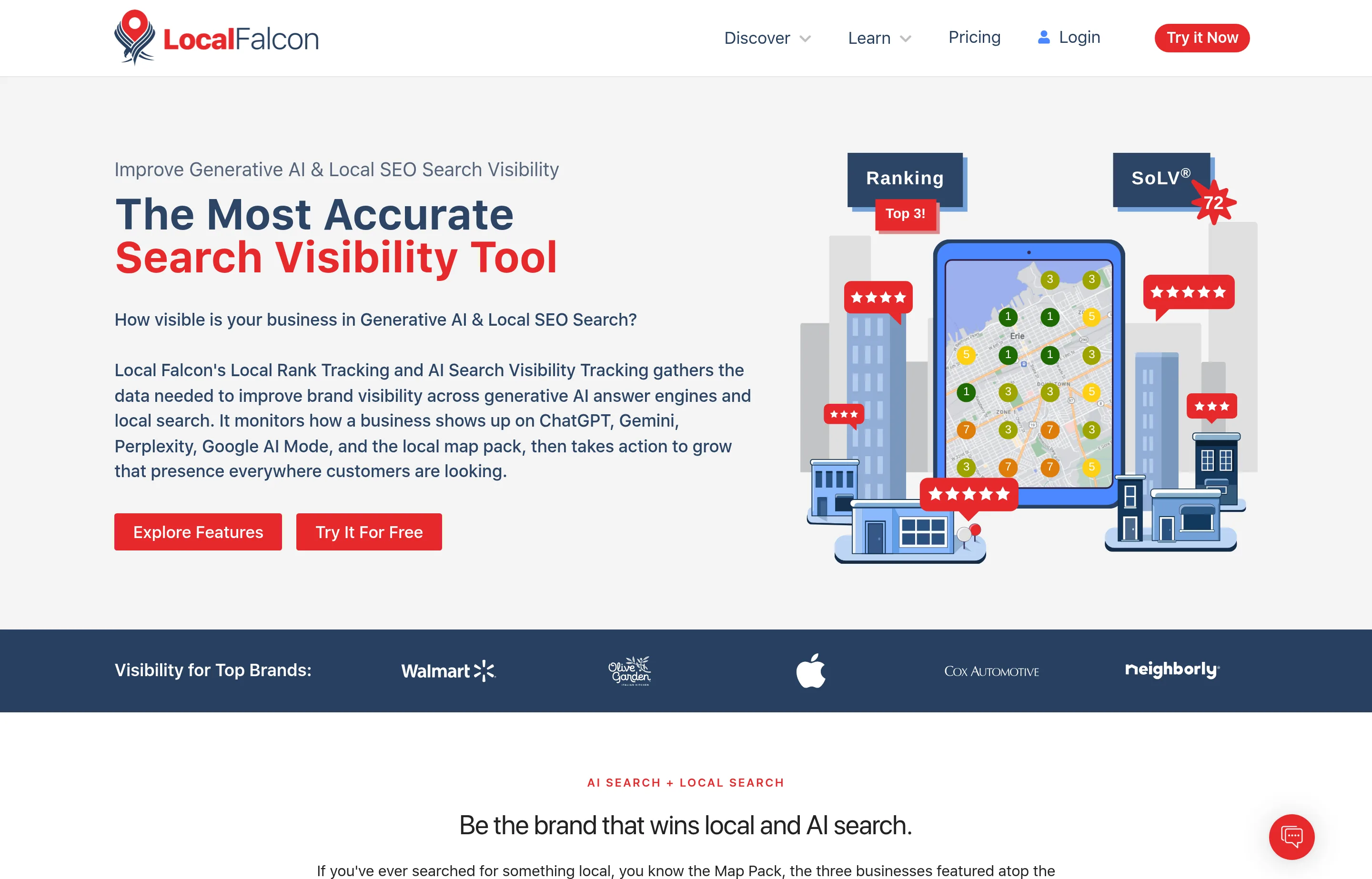
Grid tracking answers the one question free tools cannot: *how far from my pin do I stop ranking?* Local Falcon scans a grid of points around your location and reports your position at each, which turns "we rank third" into a map showing you rank third within four blocks and nowhere at all past the highway.
Pricing: Starter $24.99/mo (7,500 credits), Basic $49.99, Pro $99.99, Premium $199.99. Annual plans cost the same per month but grant credits in a yearly block. A credit is one data point — a 5×5 grid scan costs 25 credits. 100 free credits on signup, no card.
Pros: unlimited keywords and locations on every tier; the cheapest serious entry into grid tracking; tracks Google Maps, Apple Maps and — unusually — ChatGPT, Gemini, AI Overviews, AI Mode and Grok.
Cons: unused credits expire at the end of each billing cycle; costs scale with grid size × keywords × frequency, so budget deliberately; it measures, it doesn't fix anything.
Rating: effectively unrated, and we're saying so rather than picking a number. GetApp shows 5.0/5 but from only 4 reviews. G2 reports 4.7/5, but its own pages disagree on whether that's from 71 or 81 reviews. Neither is something to lean on.
2. Whitespark — the à-la-carte option
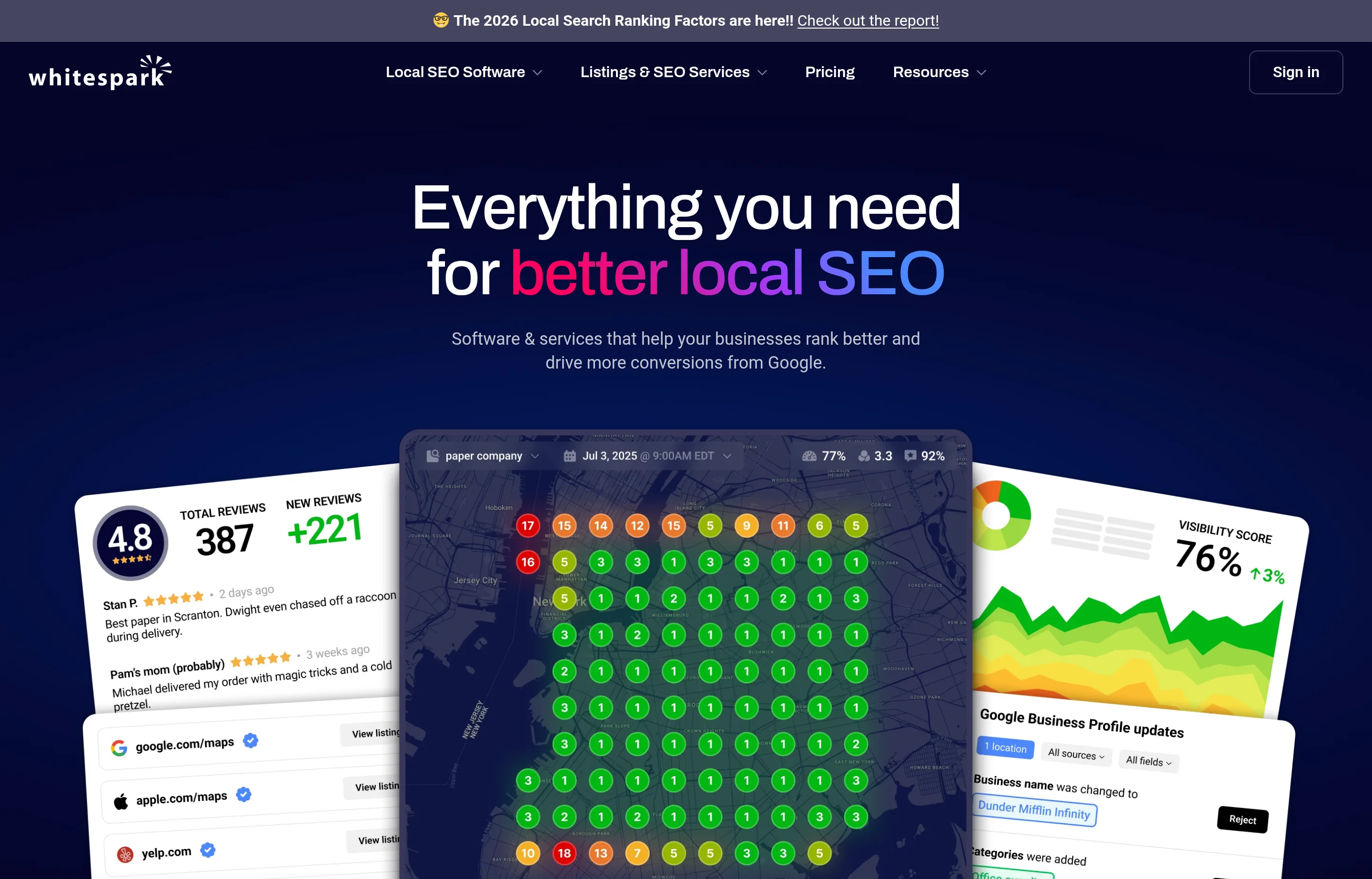
Whitespark publishes the clearest pricing in this category and sells each job separately, which suits a business that needs one thing rather than a suite.
Pricing: Local Rank Tracker from $14/mo (100 keywords, weekly scans, billed annually) up to $200/mo for 2,500 keywords daily. Local Citation Finder from $33/mo annually (5 campaigns, 20 searches/day), with a free tier of 1 campaign and 3 searches a day. Also: Local Platform $1/mo per location, Reputation Builder $79/mo per location, and a Yext Replacement Service at $399 per location, one-time. 14-day free trial.
Pros: cheapest credible ongoing rank tracking anywhere in this list; unlimited domains and locations even on entry tiers; buy only the module you need.
Cons: several modules add up, and they're separate products rather than one dashboard; the $1/location Local Platform pricing is unusual enough to confirm scope before assuming it replaces a listings suite.
Rating: no authoritative score. Whitespark sells each module as a separate product, so the reviews are split across them — G2 shows around 4.6/5 from roughly 20 reviews at seller level, which is too thin to carry weight. Left unrated rather than dressed up.
How to use it cheaply: citation discovery is project work, not a subscription. Buy Local Citation Finder for one month, fix your gaps, cancel, and keep the $14 rank tracker running.
3. BrightLocal — the all-rounder
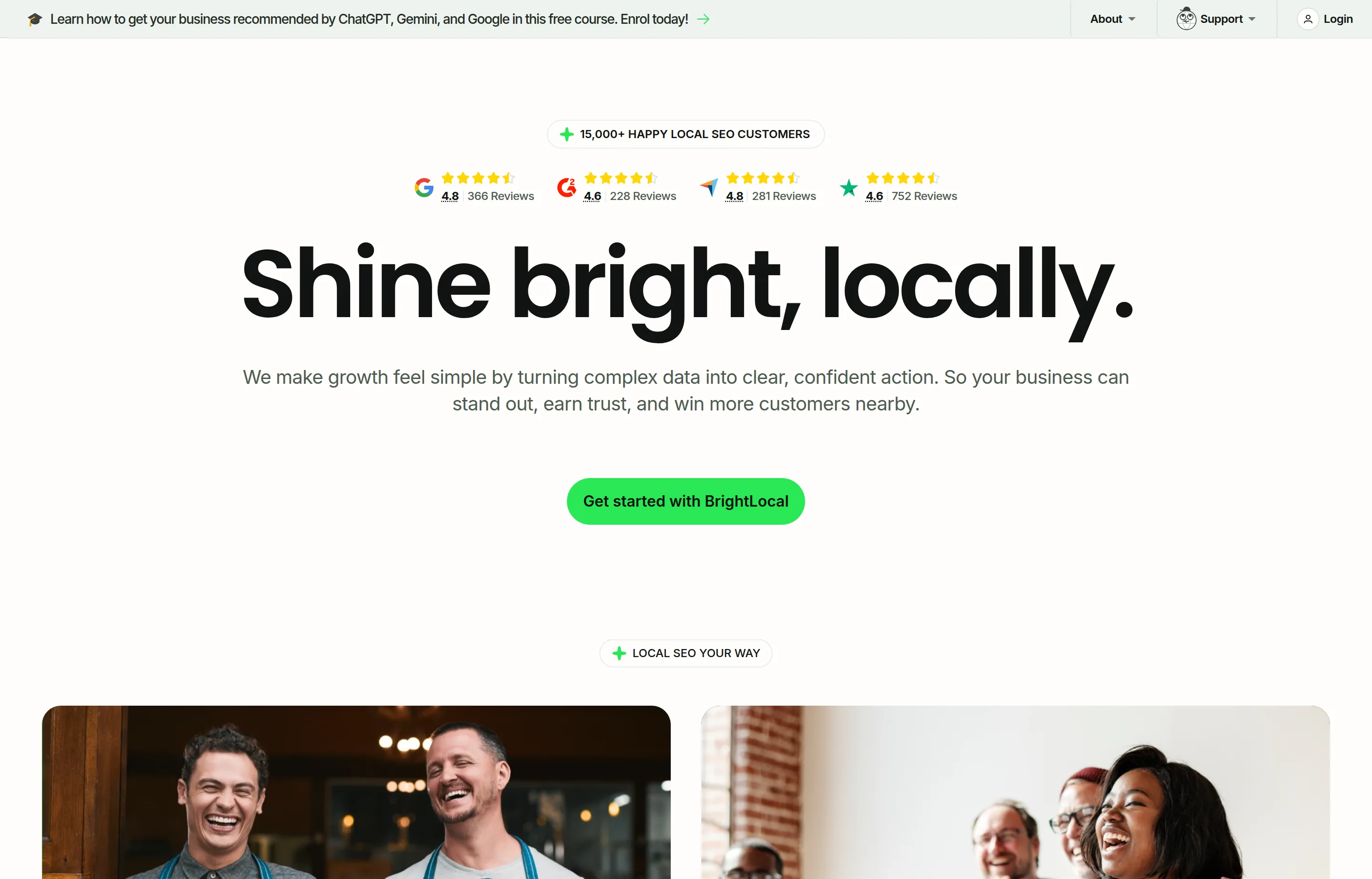
BrightLocal is the best-known local SEO platform and the source of the consumer research cited earlier in this guide. Plans are Track, Manage, and Grow: Track covers local audits, rank tracking (up to 100 keywords, 4 competitors), geo-grid on up to 5 keywords, and citation monitoring; Manage adds listings sync and profile post scheduling; Grow adds reputation management across 80+ sites.
Pricing: from $39/mo, with 25% off annual billing and a 14-day trial with no card. Citation Builder is sold separately from $3.20 per site (as low as $2 with bulk credits), and there's a Yext Replacement Service at $250 per location. Managed local SEO service runs $1,299/mo.
Pros: genuinely SMB-priced entry; citation building decoupled from the subscription, so you pay only for what you use; trial needs no card.
Cons: the per-tier prices aren't published as static figures — the pricing table is driven by a locations slider, so you can't compare tiers without interacting with it, and we could only verify the "from $39" floor. Geo-grid on the entry plan is capped at 5 keywords, which is thin if grid tracking is your main need.
Rating: 4.8/5 from 283 reviews on GetApp, the highest verified score in this list. A useful cross-check: our own reading of G2 returned 4.6/5 from 229 reviews, and the badge BrightLocal displays on its homepage — visible in the screenshot above — shows G2 4.6 from 228. Two independent readings landing one review apart is about as corroborated as this gets.
4. Semrush Local — better value than it looks
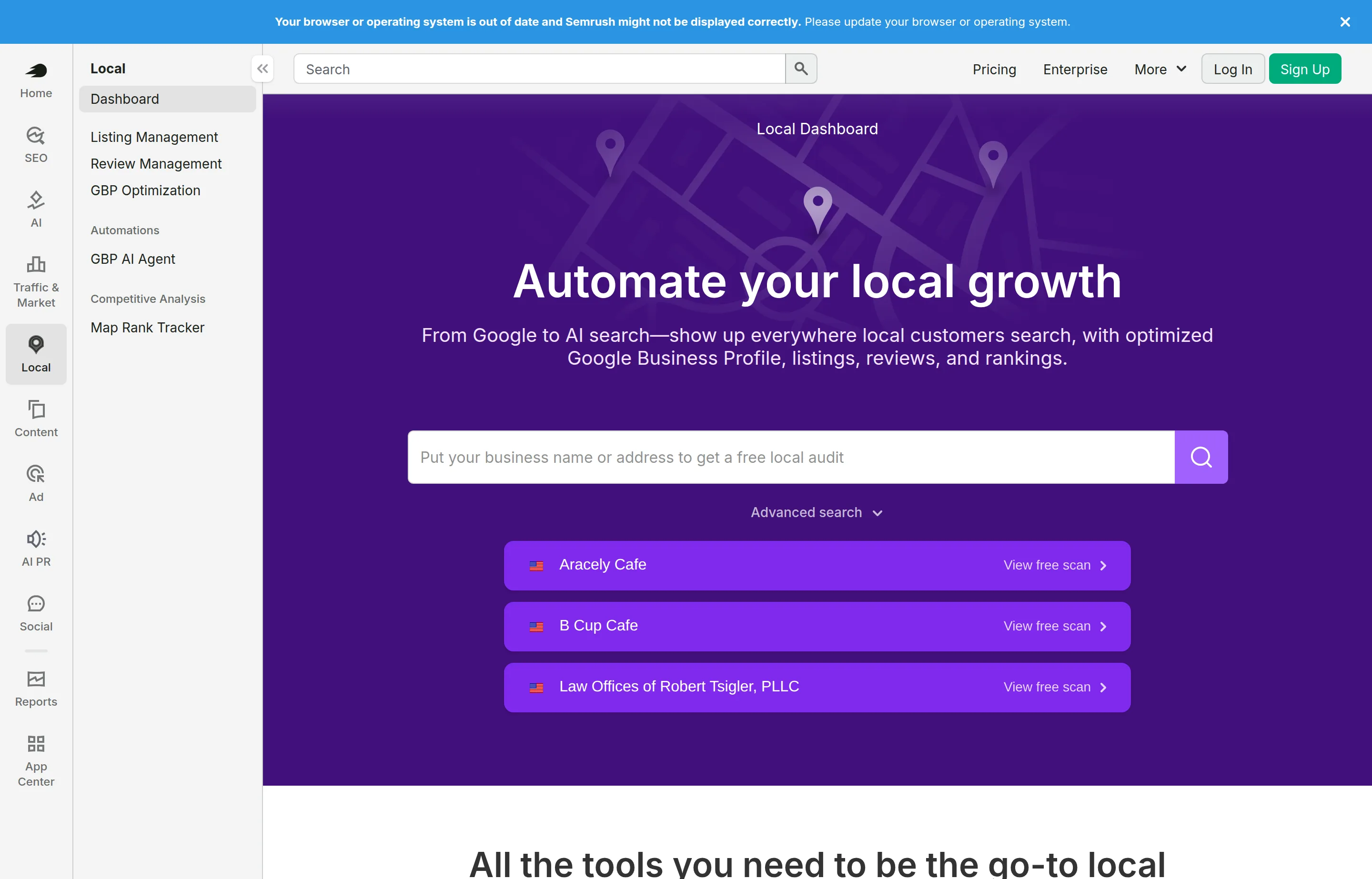
The widely-repeated claim that Semrush Local requires an expensive base subscription is wrong. Semrush's own documentation states that Local *"can be added to your existing Semrush subscription or purchased as a standalone option."* That makes it far more accessible than its reputation suggests.
Pricing: Local Base $30/mo per location, Local Pro $60/mo per location, custom above 20 locations. Seven-day free trial. (Semrush's main base plans run $139–$549/mo, but you don't need one.)
Pros: standalone purchase is a genuinely underused fact; $30 per location is competitive for combined listings and review management.
Cons: per-location pricing scales badly past a handful of sites; for a true single-location business the value overlaps heavily with free Business Profile work. Note also that Adobe completed its acquisition of Semrush on 28 April 2026 (~$1.9bn, $12.00/share), so expect packaging and roadmap movement.
Rating: 4.6/5 from 2,324 reviews on GetApp — for Semrush overall, not the Local module specifically. It's the largest review pool of any tool here.
Beware third-party sources listing "Local Essentials / Local Advanced / Local Light" plans — those names don't exist in Semrush's own pricing documentation.
5. Moz Local — cheapest transparent listings management
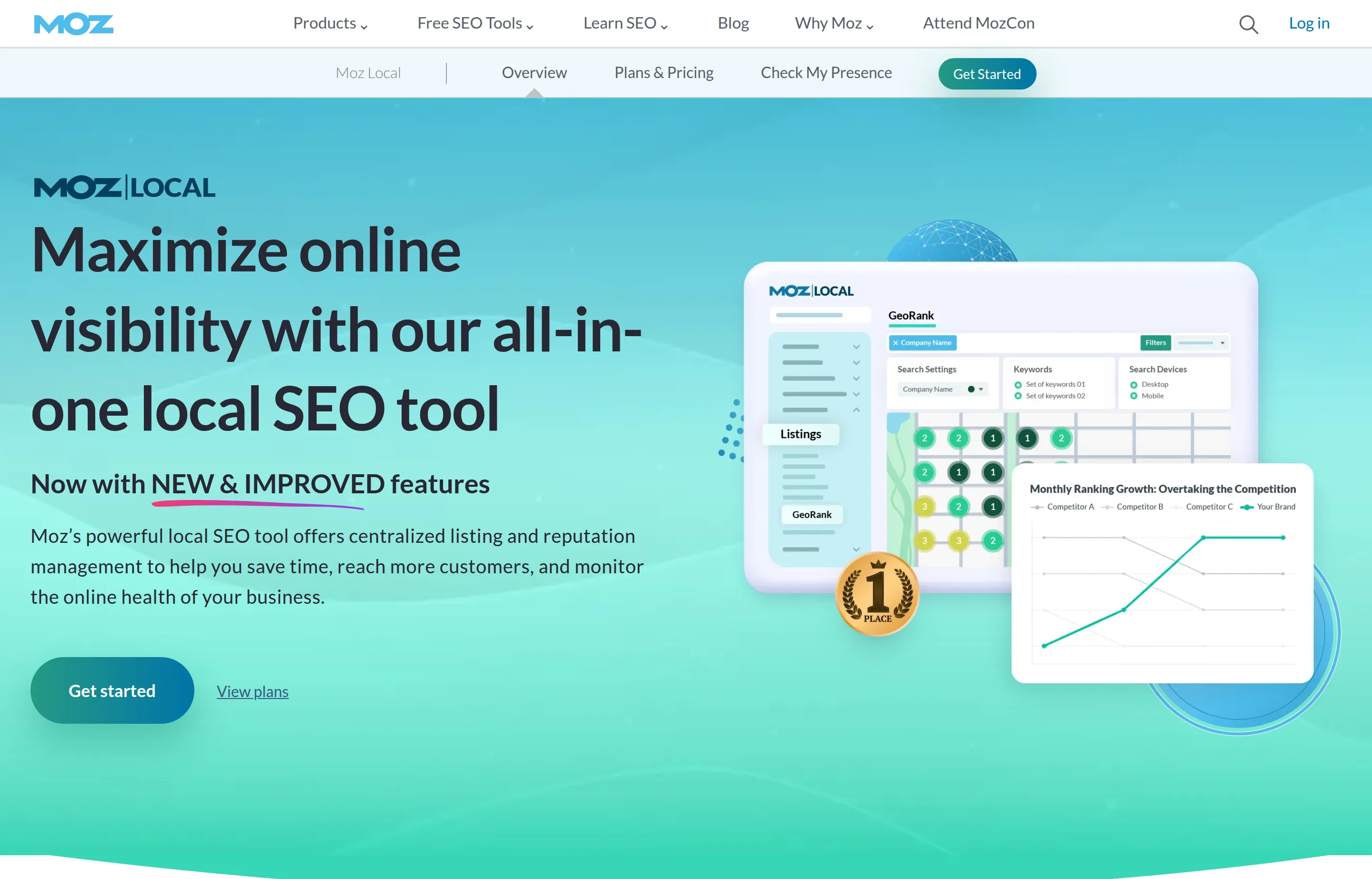
Straightforward listings distribution across 90+ directories, with review monitoring on higher tiers.
Pricing: Lite $16/mo billed annually ($199/yr) or $20 monthly; Preferred $24/mo annually ($299/yr); Elite $33/mo annually ($399/yr). Listings AI add-on $14/mo, Reviews AI $10/mo — both included at Elite. Priced per location: *"Each physical location you need to manage in Moz Local will require its own subscription."* US, UK, and Canada only.
Pros: cheapest transparent per-location listings management here; prices published plainly with no sales call.
Cons: costs multiply fast across locations; core AI features are paid add-ons below Elite; limited country coverage.
Rating: 4.4/5 from 33 reviews on GetApp. Worth knowing that G2 reports a lower 4.2/5 across a far larger pool of 475 reviews — when a big sample sits below a small one, trust the big one.
Only buy this if NAP consistency is genuinely a problem for you. Check first with free tools — if your listings are already clean, this is a solved problem you'd be paying rent on.
6. Yext — read the terms before you sign
Contrary to the usual "quote-only" description, Yext does publish self-serve PowerListings packages: Emerging $199/yr, Essential $449/yr, Complete $499/yr, Premium $999/yr (Premium adds review monitoring). Three of the four show struck-through original prices, so these are promotional and renewal cost is unclear.
Pros: genuine self-serve entry at $199/yr; broad publisher network; the top two packages claim a 100% optimization rate.
Rating: 4.2/5 from 114 reviews on GetApp — the lowest verified score of any paid tool in this list, which is worth weighing against the lock-in below.
Cons: the real issue is the rental model — listings built through Yext generally do not persist if you leave. That is not a theoretical concern: two competitors now sell productized migration services specifically to rescue people from it (Whitespark at $399/location, BrightLocal at $250/location). Two independent vendors building products around one competitor's exit is the clearest signal available about how that renewal conversation goes.
7. Synup — now built for agencies
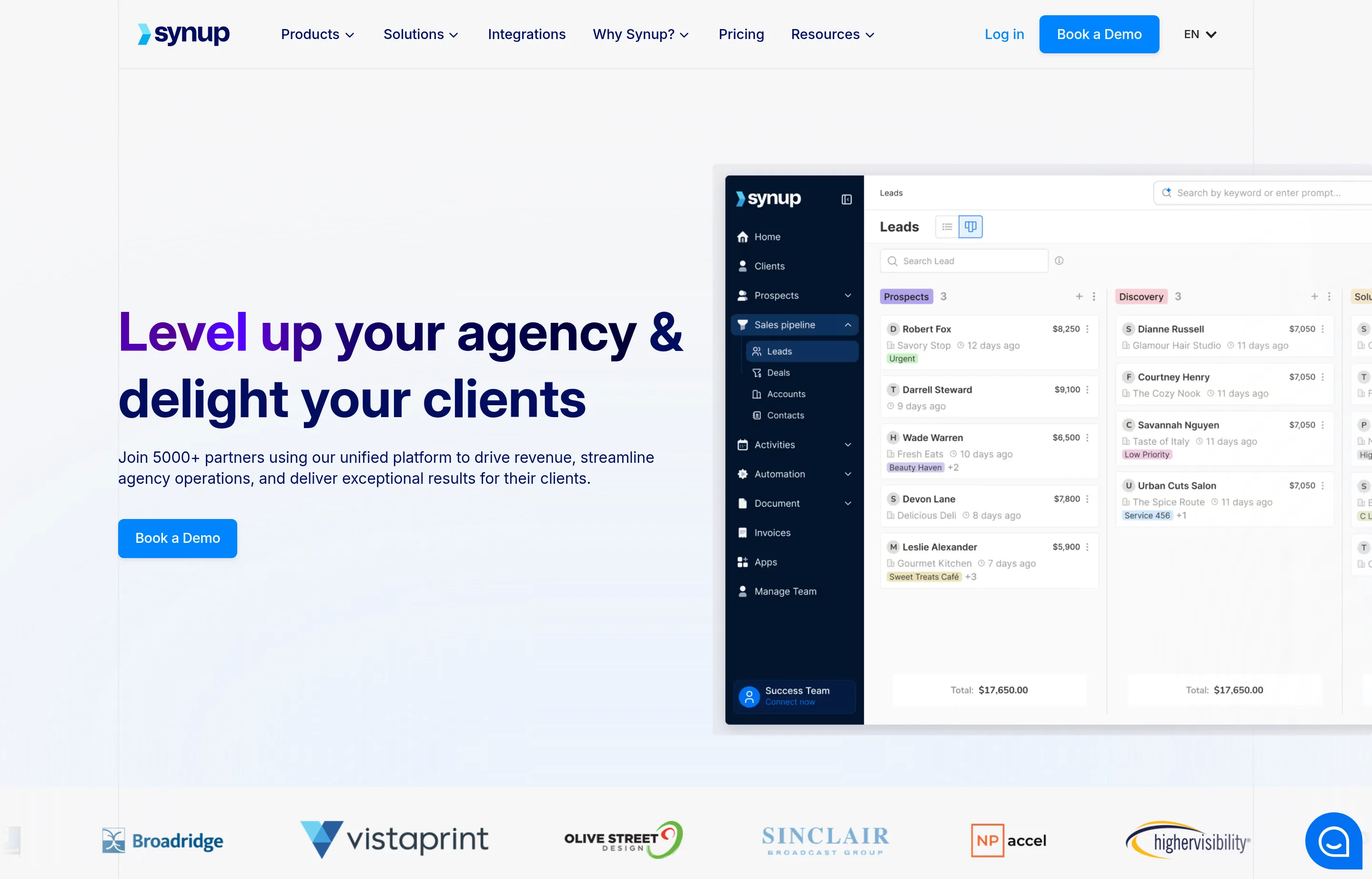
Pricing: platform plans Startup $79/mo annually (25 client accounts, 25 locations), Agency $199/mo, Scale $799/mo. Modules are separate and per-location: Listings Pro $35, Reviews Pro $20, Reviews Gold $50, SEO Pro $5/location/month for grid reports and weekly rank tracking.
Pros: SEO Pro at $5 per location is the cheapest grid tracking found anywhere; genuinely white-label; transparent module pricing.
Cons: the platform is explicitly agency-first — a solo shop pays $79–99/mo for client-account and white-label infrastructure it will never use, *before* adding any modules. Every call to action is "book a demo."
Rating: 4.1/5 from 17 reviews on GetApp — a small sample, so treat it as directional.
8. GeoRanker — grid tracking at four times the price
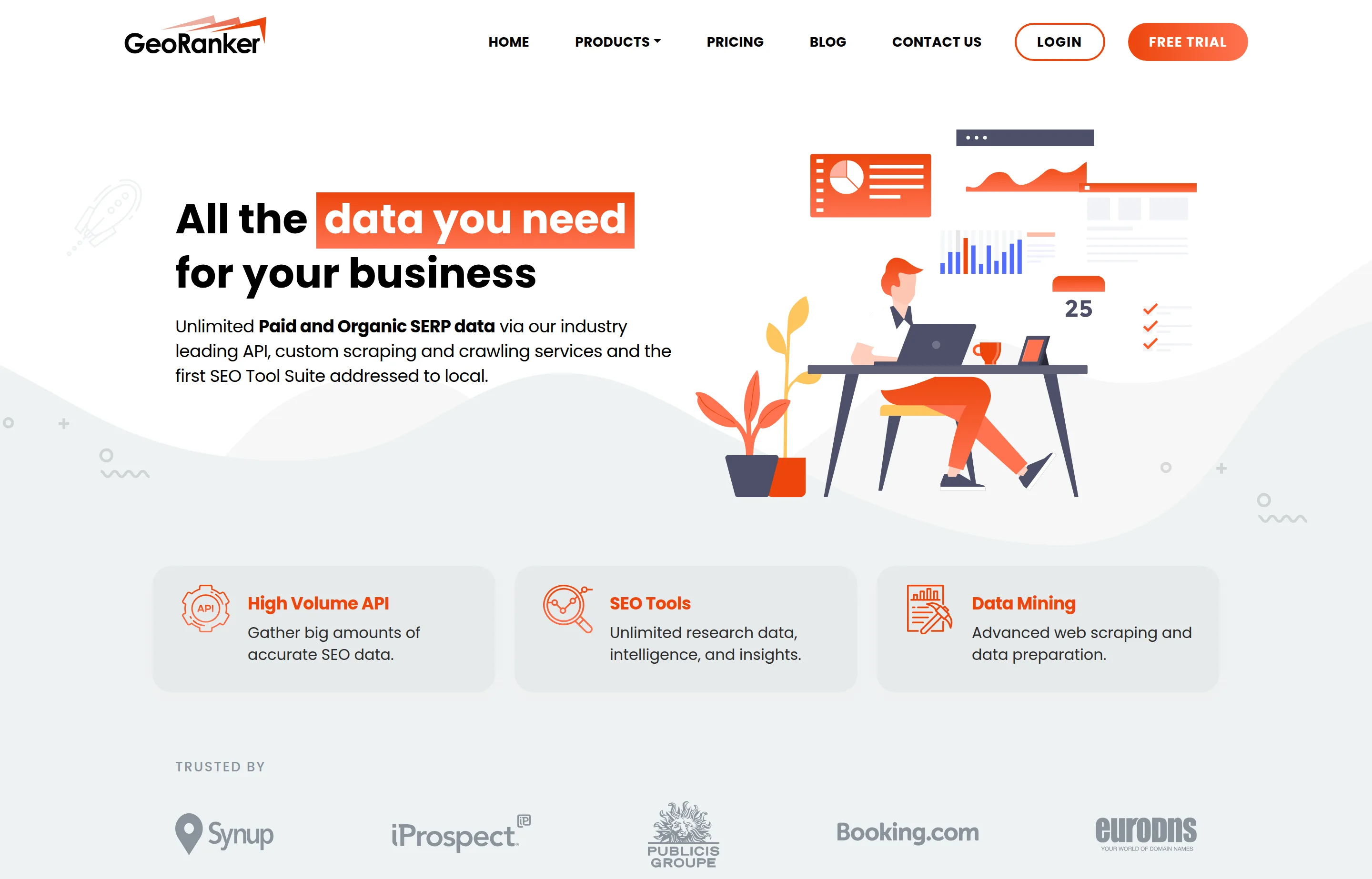
Pricing: Pro $99/mo (10,000 credits, 100 keywords), Agencies $249/mo, Enterprises $490/mo. No contract, free trial available.
Pros: high credit volumes; API and data products alongside the tracking tools; white-label on higher tiers.
Cons: entry price is four times Local Falcon's for a comparable core job, and every tier caps keywords where Local Falcon does not. Worth flagging: GeoRanker's feature list names tools that are Semrush product names, which raises a question about how that list was assembled.
Rating: none we'd publish. The only score we could find was G2's 4.3/5 from three reviews. A third-party blog quotes a Capterra figure with no review count and no source; we're not repeating it.
9. NiceJob — review automation, once you have the volume
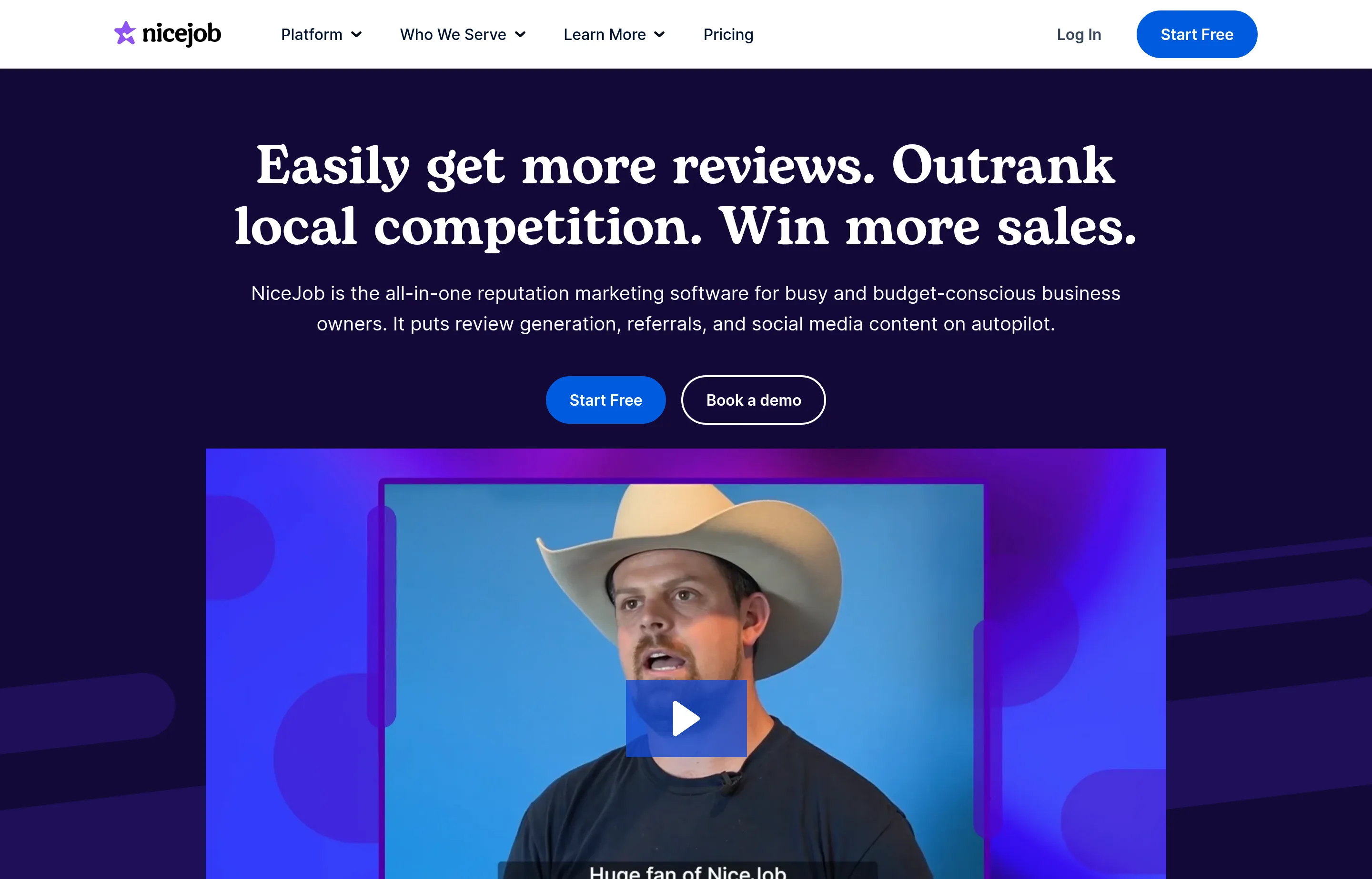
Pricing: Reviews $75/mo, Pro $125/mo, Sites Only $99/mo plus $199 setup, Grow + Sites $174/mo plus setup. 14-day trial, no contract. Annual pricing isn't published.
Pros: clear self-serve pricing and a real trial; automates the review ask, which is the part owners forget; no contract.
Cons: $75/mo is steep for a business generating a handful of reviews a month. Below roughly 10–15 review requests monthly, a text message you send yourself does the same job for nothing.
Rating: 4.9/5 from 203 reviews on GetApp — the highest score in this list, from a solid sample.
10–12. Uberall, Birdeye, Podium — sales-gated, and not for you
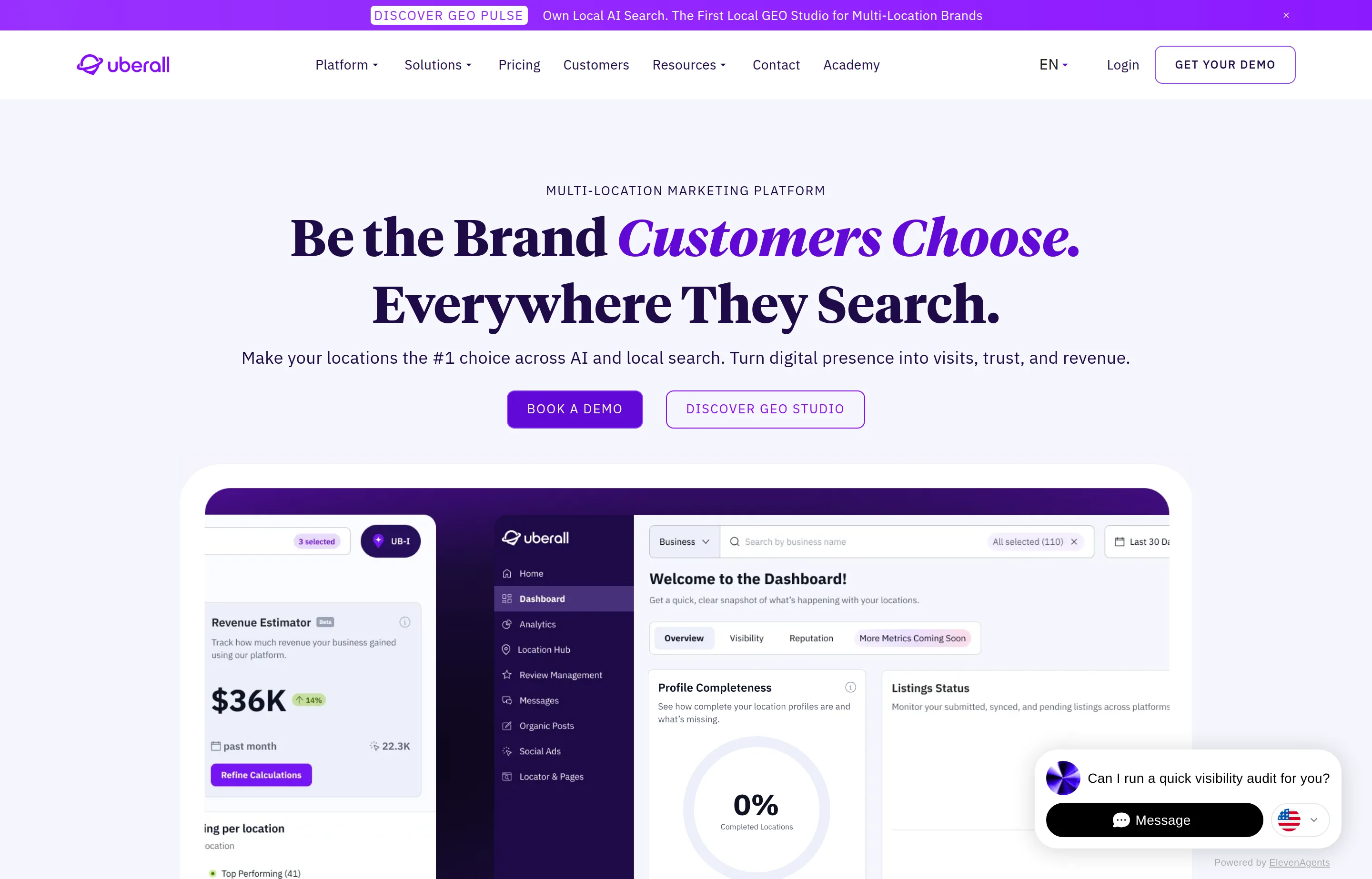
All three are multi-location and enterprise platforms with no published prices. Uberall names its tiers (Show Up, Stand Out, Connect) and publishes a full feature matrix, but every price field says "request pricing" — on a page that also promises "no hidden fees." Birdeye requires your location count and a phone number before showing anything. Podium is entirely quote-based, positioned around messaging and lead conversion more than local SEO.
They are competent products for businesses with dozens of locations, and their ratings say so: Birdeye 4.7/5 from 704 reviews, Uberall 4.6/5 from 37, and Podium 4.3/5 from 525, all on GetApp (Birdeye, Uberall, Podium). Podium is the one worth a second look — G2 reports a notably higher 4.6/5 across a much larger 2,066-review pool, so the two platforms genuinely disagree about it.
None of that changes the recommendation. If you have one location and have to phone someone to learn the price, you are not the customer they built it for.
And the one that actually matters: Google Business Profile
Free, confirmed on Google's own page: *"Yes, creating a Business Profile and listing your business on Google is free."*
It is last in this list only because it isn't a purchase decision. It is first in priority by a wide margin. Categories, services, hours, photos, and review responses are free, they are the levers Google names on its own ranking page, and no tool above substitutes for doing them. Every paid product here either measures your profile, syncs data into it, or reports on it.
The honest rule of thumb: measurement tools — grid and rank tracking at $15–25/mo — repay a solo business, because they tell you something you cannot otherwise see. Management platforms mostly re-sell work you can do free in your Business Profile, and only start earning their keep when you run multiple locations or multiple clients.
Your first 30 days
- Business Profile claimed and verified
- Primary category set to the most specific accurate option
- Business name matches real-world signage exactly, with no keywords appended
- Hours correct, including holiday hours
- Address hidden and service areas set, if you have no staffed storefront
- Services and products itemized in the profile
- 10 photos uploaded, with a recurring reminder to add more
- Core 10–20 citations claimed and confirmed consistent — Apple Maps, Bing Places, Facebook, Yelp, industry and chamber directories
- A review request process that runs after the customer leaves, with no incentive and no gating
- Replies posted to every review, positive and negative
- One dedicated page per service on your own site
- LocalBusiness schema on the site, without self-serving review markup
- Baseline grid scan run on free credits, so you have something to measure progress against
FAQs
How long does local SEO take to work?+
Business Profile changes — categories, hours, services — can move things within days because they feed the relevance factor directly. Review accumulation and organic service pages work on a scale of months. Anyone promising map pack results in a specific week is guessing, and Google's own documentation says rankings cannot be bought or requested.
Do I need a physical address to rank locally?+
No, but you do need to meet one of Google's two conditions: a location customers can visit, or a business that travels to customers. A business with neither is not eligible for a Business Profile at all. If you work from home, hide the address and run as a service-area business.
Can I rank in a city I don't have an address in?+
In the map pack, generally not — proximity is the second-strongest factor and declaring a service area does not relocate you. In organic results, yes: a genuinely substantial page about the work you do in that city can rank, provided you actually serve it. That is the realistic path for contractors and other service-area businesses.
Are citations still worth building in 2026?+
The core ones, yes — as a threshold. Get ten to twenty accurate, confirm they're indexed, then stop. Whitespark's 2026 data shows structured citations continuing to decline for traditional local ranking while unstructured mentions rise sharply for AI search visibility. Bulk directory submissions were never worth much and are worth less now.
Should I put my star rating in my website's schema?+
No. Google's documentation states that when the business being reviewed controls the reviews, pages using LocalBusiness structured data are ineligible for the star review feature — including ratings pulled in via an embedded reviews widget. Many plugins emit it anyway. Our [Schema Markup Generator](/tools/schema-markup-generator) leaves it out deliberately.
Is it against the rules to offer a discount for a review?+
Yes. Google's policy prohibits offering incentives "such as payment, discounts, free goods and/or services" in exchange for a review. It also prohibits selectively soliciting positive reviews and pressuring customers to review you while they're on your premises. Ask everyone, afterwards, with nothing attached.
Which local SEO tool should I buy first?+
If you buy anything, buy grid rank tracking — it shows you something free tools cannot. Start on Local Falcon's 100 free credits, and if it earns its keep, $24.99/mo is the entry price. Do not buy listings management until you have confirmed you actually have a listings problem.
What to do next
Local search rewards a small number of things done consistently: an accurate profile, a steady flow of recent reviews, one real page per service, and a name that matches your sign.
Start with the three that cost nothing:
- Open your Business Profile and fix the primary category, the hours, and the business name.
- Generate LocalBusiness markup with the Schema Markup Generator and add it to your homepage.
- Run your main service page through the Website SEO Checker and fix whatever it flags.
Then set up a review cadence and leave it running. Given that three-quarters of consumers only look at the last three months of reviews, the business that asks every week beats the business that asked brilliantly once.
Free tools to try
Keep reading
Guide
How to Get Recommended by ChatGPT & AI Search
What makes AI assistants recommend your business: which crawlers to allow, what the evidence says about schema and llms.txt, and how to measure it.
Guide
Small Business SEO Audit Template (Free, Copy-Paste)
A free SEO audit template where every check cites Google's own documentation — no signup, no download, and honest limits on every free tool it uses.
Guide
Best AI SEO Tools for Small Businesses in 2026
The SEO tools that give small businesses a real edge in AI search — paid data suites, AI audits like CrawlRaven, PikaSEO's free suite, and the free essentials.
Guide
Best Local SEO Agencies for Small Business (2026)
Compare 10 local SEO agencies by specialty, published pricing, Business Profile ownership, deliverables, and reporting.