Guide
Best AI SEO Tools for Small Businesses in 2026
SEO used to be a game a patient small business could win for free. In the AI era it's faster and far more crowded — competitors are publishing content and clearing technical issues at machine speed, and the search results themselves are increasingly shaped by AI. The fundamentals haven't changed — Google's own SEO Starter Guide still puts helpful, people-first content first — but doing them faster and better than your competitors now takes more than good intentions and a free checklist. It takes better data than your competitors have, and tools that tell you exactly what to do next.
That's why this guide leads with the tools that give a small business a genuine edge — the paid suites, AI audits, and content optimizers that save hours and surface opportunities you'd otherwise miss. For a business competing for customers, the right one or two of these usually pay for themselves in a single ranking you win or a technical problem you catch early. The free essentials still matter, and they're all here — but they come after the tools that actually move you ahead.
Quick comparison
| Tool | Best for | Pricing | The edge it gives |
|---|---|---|---|
| Ahrefs | Backlinks + keyword data | From $129/mo (+ free tier) | The deepest data |
| Semrush | All-in-one command center | From $139.95/mo | Breadth in one place |
| CrawlRaven | AI technical SEO audits | $18/mo, 14-day trial | AI-prioritized fix list |
| Surfer SEO | AI content optimization | From ~$49/mo | Content built to rank |
| Moz Pro | Approachable metrics + tracking | From $99/mo | Easy rank tracking |
| PikaSEO | A free AI tools suite | Free | 40+ AI tools, no signup |
| Google Search Console | Real performance data | Free | The essential foundation |
| Google Keyword Planner | Real search volumes | Free | Real demand data |
| Screaming Frog | Technical crawl | Free / £259/yr | DIY audit depth |
| Yoast / Rank Math | On-page inside WordPress | Free / from $6.99/mo | Guided on-page SEO |
| SBT on-page tools | Meta tags, schema, audits | Free | Fast on-page fixes |
How we chose
For a small business trying to compete, the best SEO tool is the one that changes what you do next — it either reveals an opportunity, saves you real time, or catches a problem before it costs you rankings. We weighed:
- Advantage per dollar — does paying for it genuinely put you ahead, or just produce more dashboards?
- Data quality — real, reliable numbers you can make decisions on.
- AI that does work — insight and prioritization, not just a chatbot bolted on.
- Time saved — hours back every week is worth money to an owner-operator.
- Small-business fit — usable without a dedicated SEO team.
Any ratings and user quotes below are real — pulled from G2 and Capterra, dated, with the source linked — and never invented. Where a durable fact isn't available (like exact per-seat pricing, which shifts) we describe the shape and point you to the source.
The tools that give you a real edge
1. Ahrefs — the data advantage
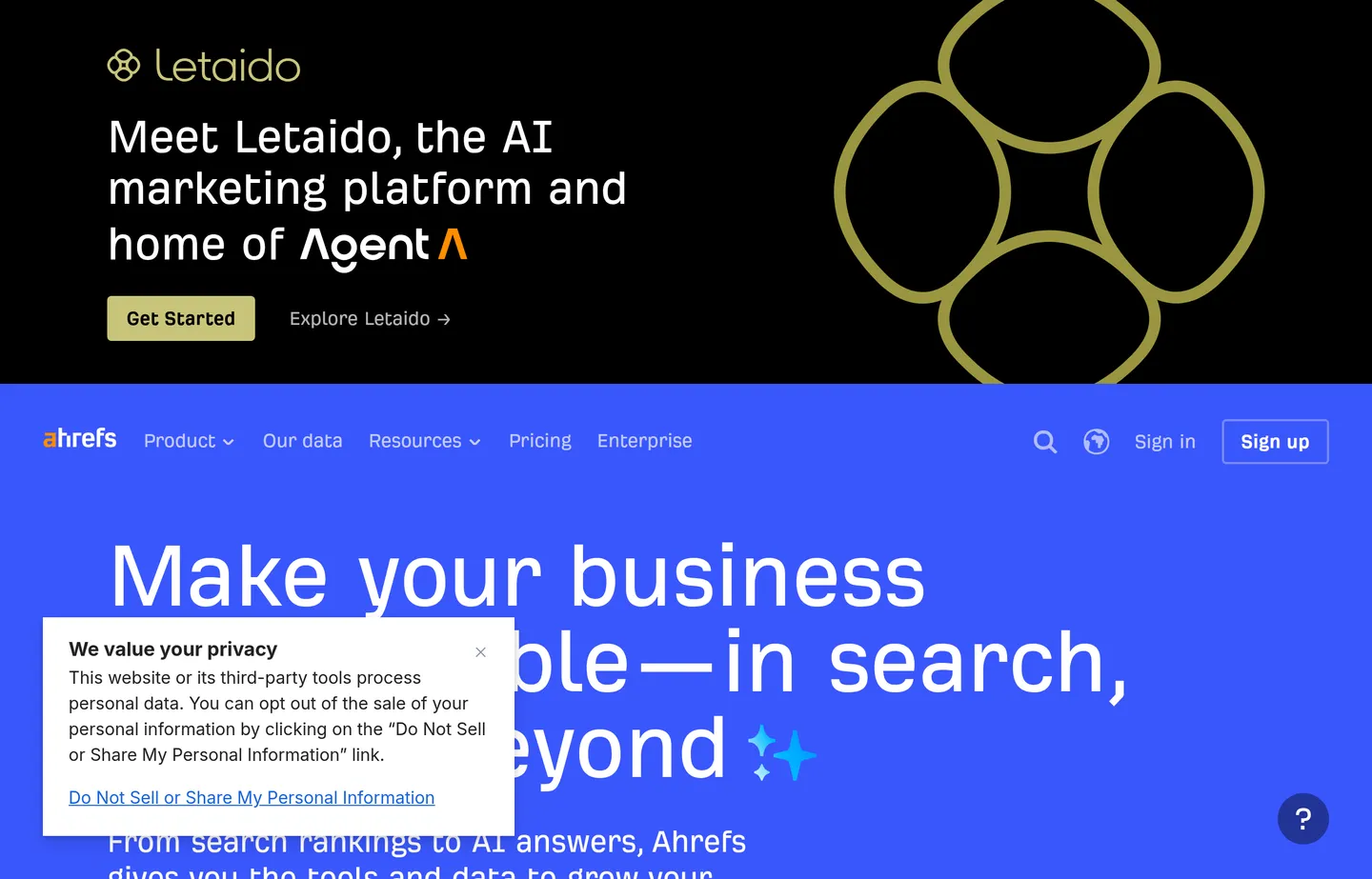
Ahrefs has some of the best backlink and keyword data in the industry, and for competitive SEO, better data is the edge. See exactly what's ranking for your competitors, which keywords are within reach, and where your backlink gaps are.
- Key features: backlink analysis, Keywords Explorer, Site Audit, rank tracking, content gap, a genuinely useful free Webmaster Tools tier.
- Pricing: free Ahrefs Webmaster Tools for your verified site plus free mini-tools. Paid: Lite $129/mo, Standard $249/mo, Advanced $449/mo, Enterprise $1,499/mo; billing annually saves up to 17%, and extra seats run $40–$80/mo.
- Pros: the data depth competitors pay for; excellent for finding winnable keywords and links; free tier is real.
- Cons: full research is premium-priced; more than a tiny brochure site needs day to day.
- Reviews: 4.5/5 on G2 (690+ reviews) — as of July 2026.
2. Semrush — the all-in-one command center
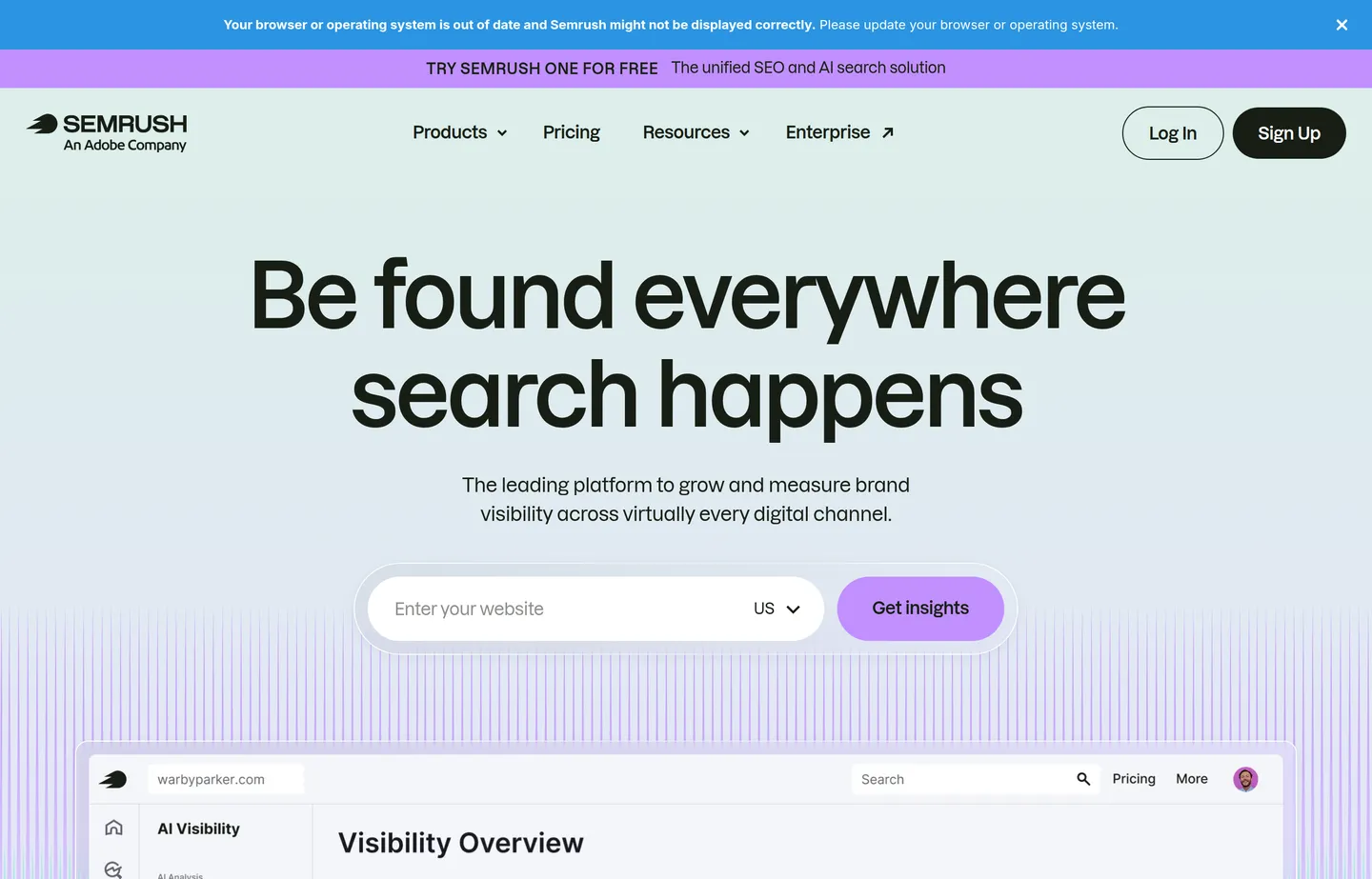
Semrush is the broadest suite here: keyword and competitor research, position tracking, site audits, plus content, PR, and social tools, with AI features throughout. If you want one place to run everything, this is it.
- Key features: keyword and competitor research, position tracking, site audit, content optimization, local and social tools.
- Pricing: limited free account. Paid: Pro $139.95/mo, Guru $249.95/mo, Business $499.95/mo (about 16% cheaper billed annually); 7-day free trial; add-on seats from $45/mo.
- Pros: enormous breadth in one login; strong competitor intelligence; deep local features.
- Cons: expensive; more than most small businesses will fully use.
- Reviews: 4.5/5 on G2 (3,400+) · 4.6/5 on Capterra (2,290+) — as of July 2026.
3. CrawlRaven — AI-prioritized technical audits
CrawlRaven crawls your entire site, uses AI to rank every technical issue by impact, and hands back a prioritized fix list — just the problems actually moving your rankings. For an owner who doesn't have hours to read a 300-row audit, that prioritization *is* the product: it turns a wall of warnings into a short to-do list.
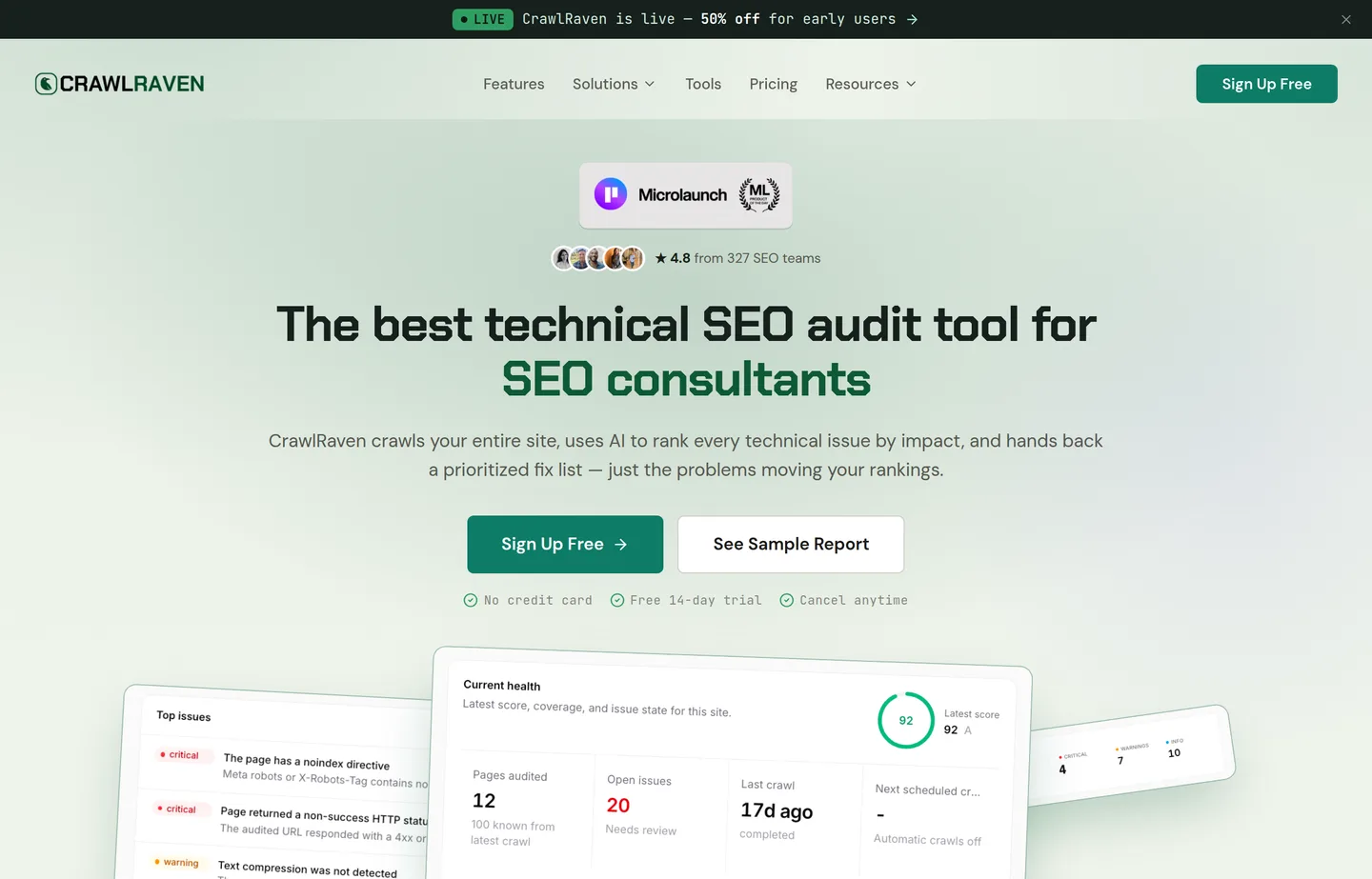
- Key features: full-site crawl, AI impact ranking, prioritized fix list, site health score, scheduled recrawls, sample reports.
- Pricing: free 14-day trial, no credit card. Then Starter $18/mo (100 credits), Pro $58/mo (500 credits), Max $199/mo (2,000 credits) — with an early-user promo currently halving those to $9 / $29 / $99.
- Pros: AI cuts audit noise down to what matters; a ranked fix list saves hours; great for consultants and in-house teams juggling many pages.
- Cons: a focused technical-audit tool, not an all-in-one suite; paid after the trial.
4. Surfer SEO — AI content optimization
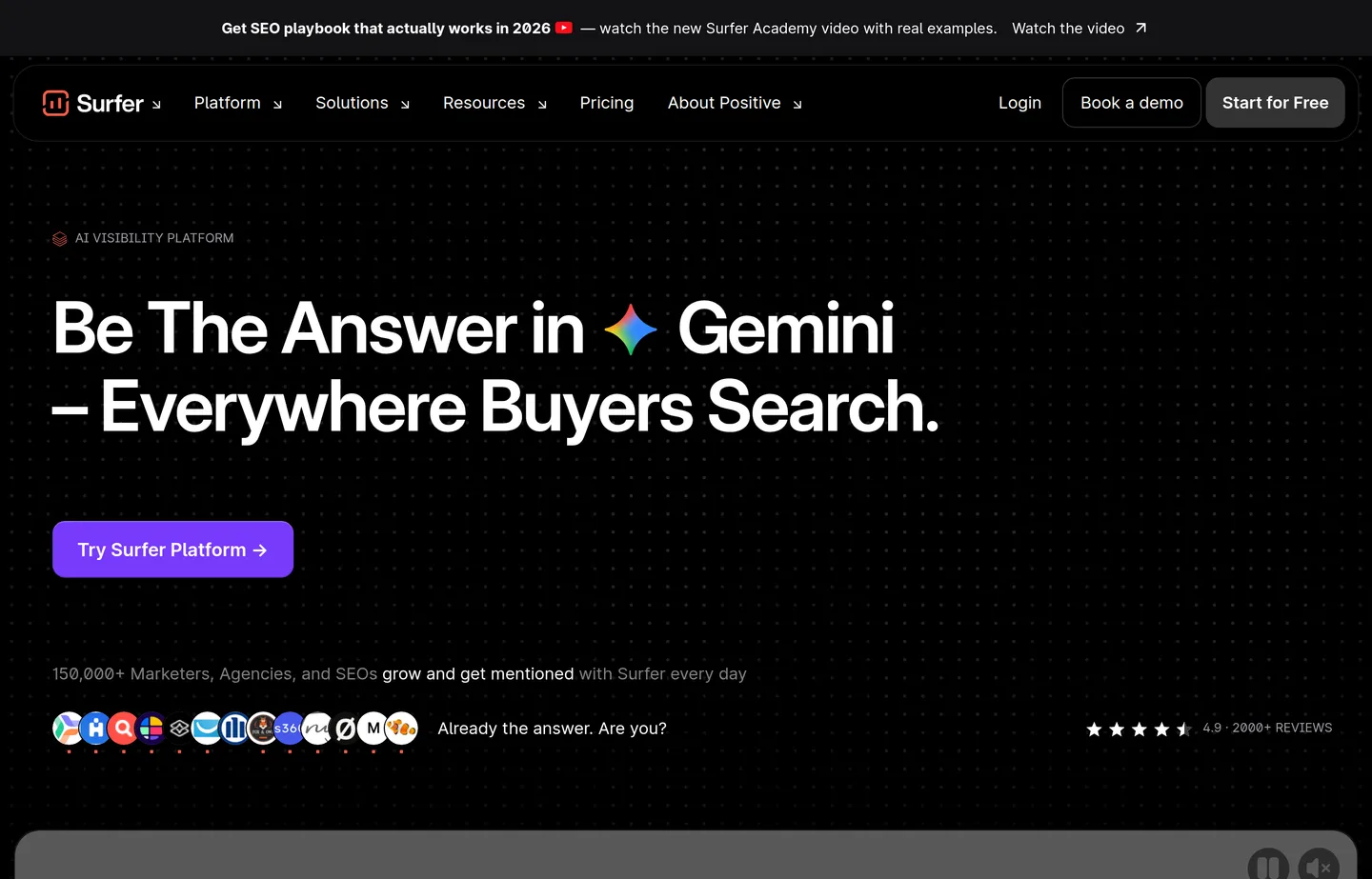
Surfer SEO analyzes the pages already ranking for your target term and guides your content toward the terms, depth, and structure they share. It's the difference between publishing and publishing something built to rank.
- Key features: content editor with real-time scoring, SERP analysis, content audit, keyword clustering, AI drafting.
- Pricing: paid, with a free plan/trial. Billed yearly it runs about $49–$299/month (Essential $99/mo, Pro $182/mo), with an entry tier near $49/mo and Enterprise around $999/mo; month-to-month costs more.
- Pros: genuinely useful for making articles competitive; speeds up briefs; clear, actionable guidance.
- Cons: paid only; easy to over-optimize toward a score instead of the reader — keep judgment in the loop.
- Reviews: 4.8/5 on G2 (530+ reviews) — as of July 2026.
5. Moz Pro — approachable metrics and rank tracking
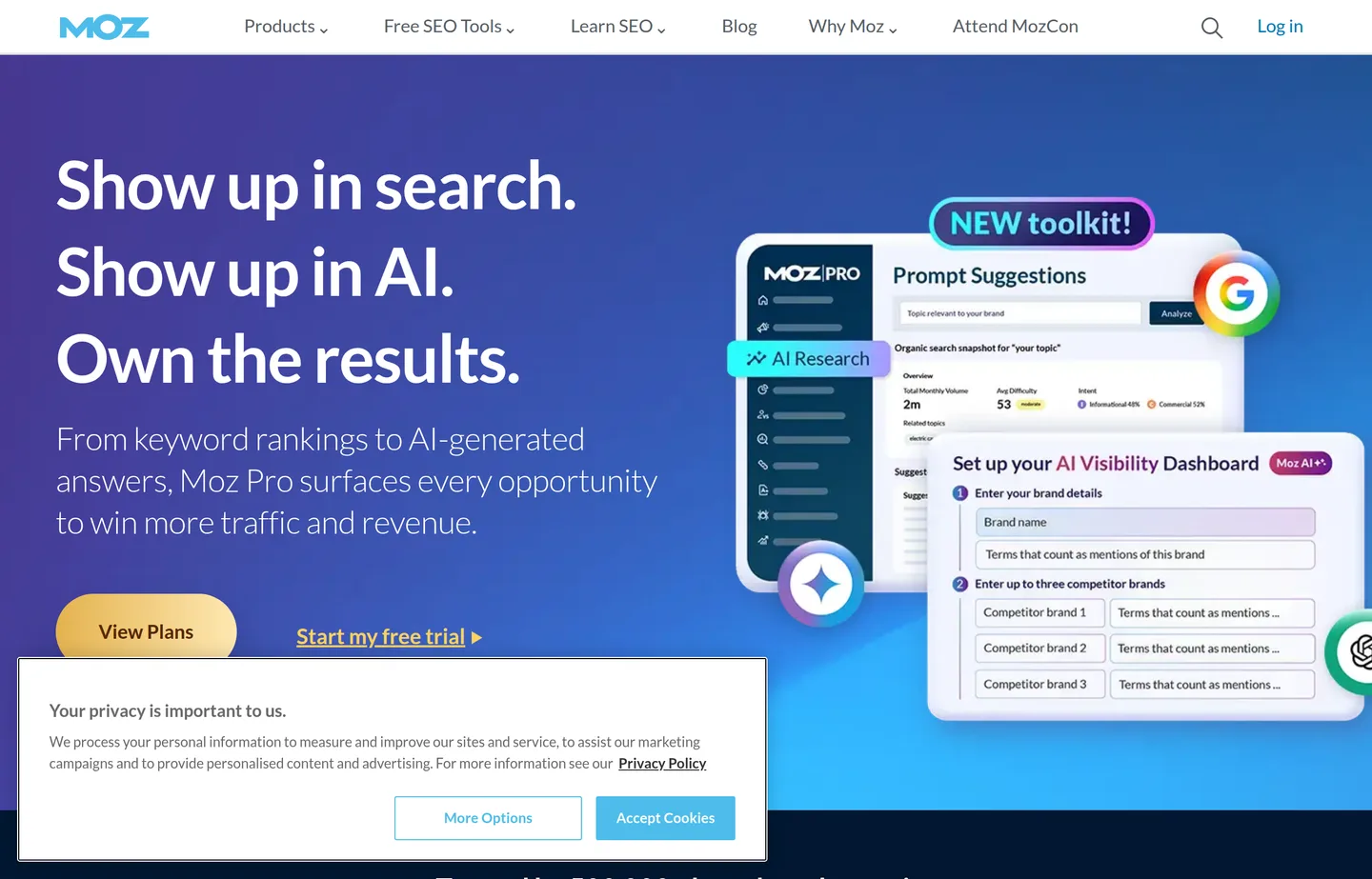
Moz Pro is the friendliest of the big suites. Its Domain Authority metric is an industry shorthand, and its keyword research, rank tracking, and site audits are approachable for someone without an SEO background.
- Key features: Keyword Explorer, Link Explorer + Domain Authority, rank tracking, site crawl and audit, strong learning resources.
- Pricing: free SEO tools plus paid Moz Pro (30-day free trial): Standard $99/mo ($79/mo annual), Medium $179/mo ($143/mo annual), Large $299/mo ($239/mo annual); extra seats $20 each.
- Pros: easy to learn; Domain Authority is a handy competitive shorthand; excellent educational content.
- Cons: data depth trails Ahrefs and Semrush; still a paid commitment.
- Reviews: 4.3/5 on G2 (600+) · 4.5/5 on Capterra (349) — as of July 2026.
6. PikaSEO — a free AI tools suite that still gives you an edge
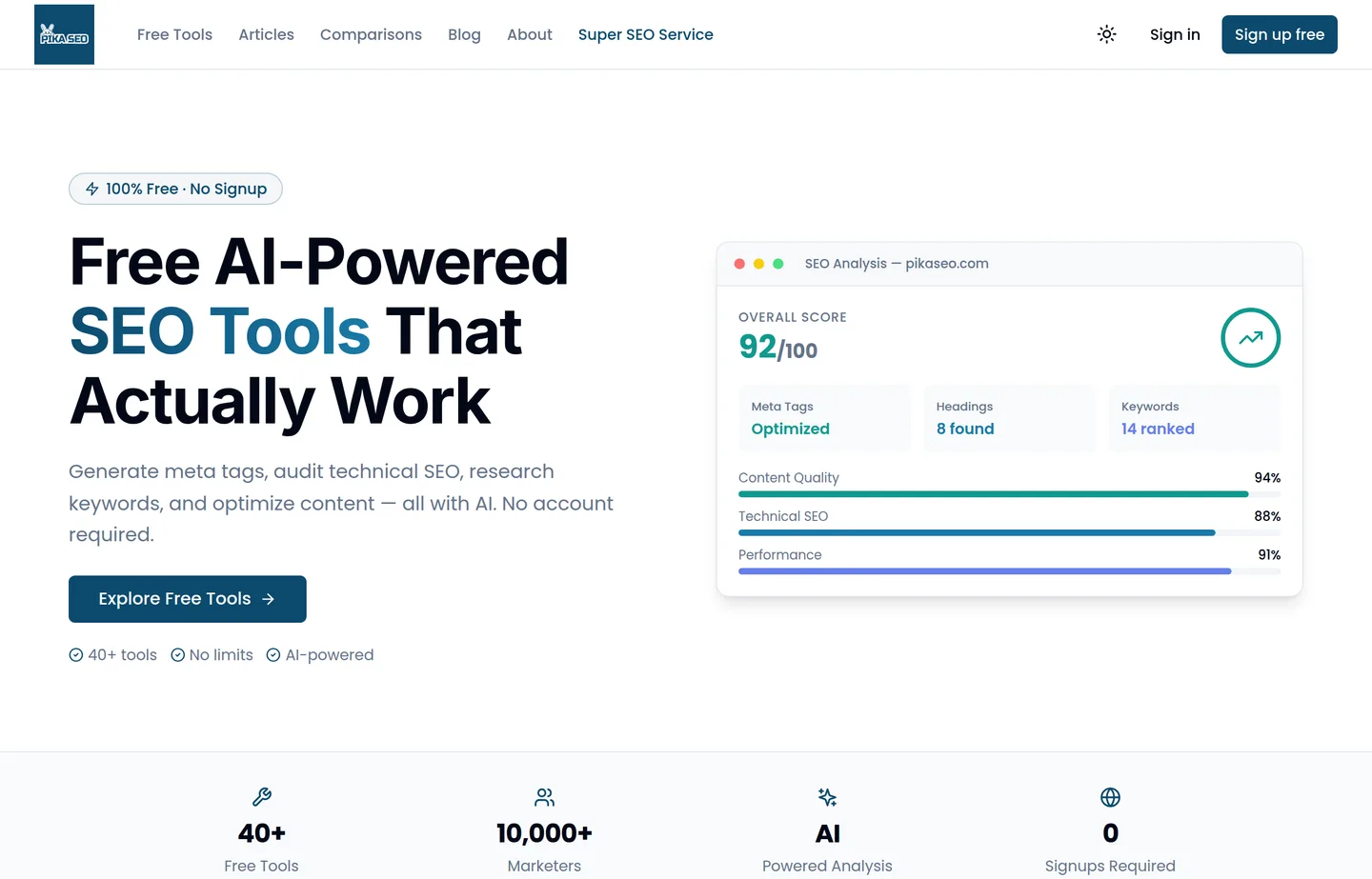
Not every advantage costs money. PikaSEO is a free, no-signup suite of 40+ AI-powered SEO tools — generate meta tags, audit technical SEO, research keywords, and optimize content, all with AI and no account required. For a small business that isn't ready to pay for Ahrefs yet, it's the closest thing to a free head start.
- Key features: 40+ AI tools spanning meta tags, technical SEO analysis, keyword research, and content optimization; no limits; no account.
- Pricing: free.
- Pros: genuinely free and no signup; AI analysis across a wide range of tasks; fast, with an SEO score breakdown.
- Cons: newer than the established suites; not a full crawl-and-track platform for large sites — but hard to beat for the price.
The free foundation you should still have
Paid tools give you an edge, but these free ones are the ground everything stands on. Skipping them to save money is a false economy — set them up first, then layer the advantage tools on top.
7. Google Search Console — non-negotiable, and free
Google Search Console shows the actual searches bringing people to your site, your real impressions, clicks, and position, and which pages Google has indexed. No paid tool substitutes for Google telling you the truth about your own site.
- Key features: real query and click data, index coverage, sitemap submission, Core Web Vitals, manual-action alerts.
- Pricing: free.
- Pros: ground truth from Google; essential; free.
- Cons: reports rather than researches; needs site verification.
8. Google Keyword Planner — real search volumes
Google Keyword Planner gives real search-volume ranges straight from Google — the antidote to tools that invent volume numbers.
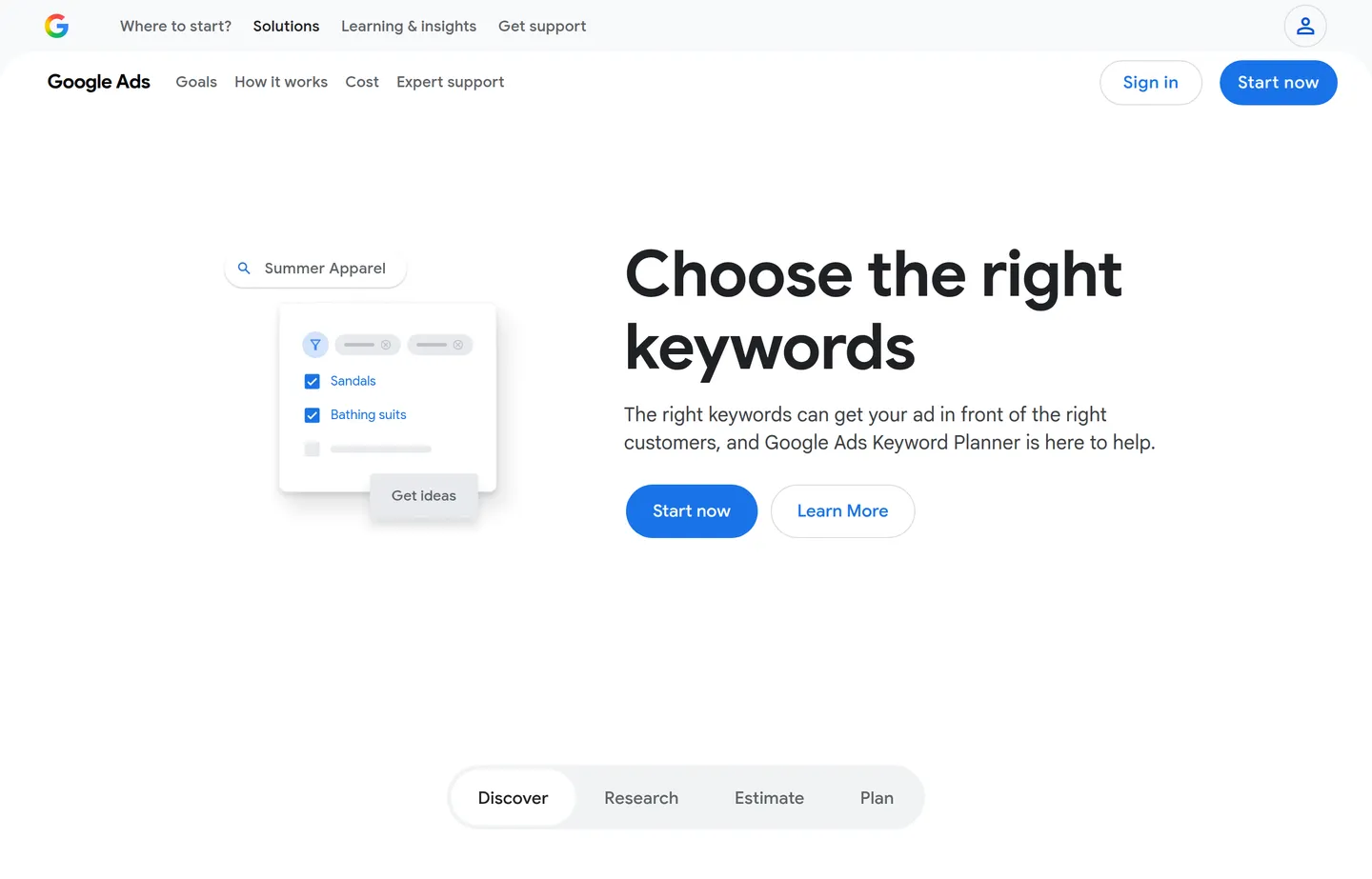
- Key features: search-volume ranges, keyword ideas, seasonal trends, competition signals.
- Pricing: free with a Google Ads account.
- Pros: real Google data for sizing demand before you write.
- Cons: ranges are broad without an active campaign; built for advertisers.
9. Google Business Profile — the local essential
If you serve an area, Google Business Profile powers the map pack, your hours, reviews, and photos — the highest-leverage local asset, free.
- Key features: listing, reviews, posts, Q&A, messaging, performance insights.
- Pricing: free.
- Pros: huge local impact for zero cost.
- Cons: needs ongoing upkeep; local only.
10. Bing Webmaster Tools — the free bonus
Bing Webmaster Tools mirrors Search Console for Bing, whose index increasingly feeds AI assistants.
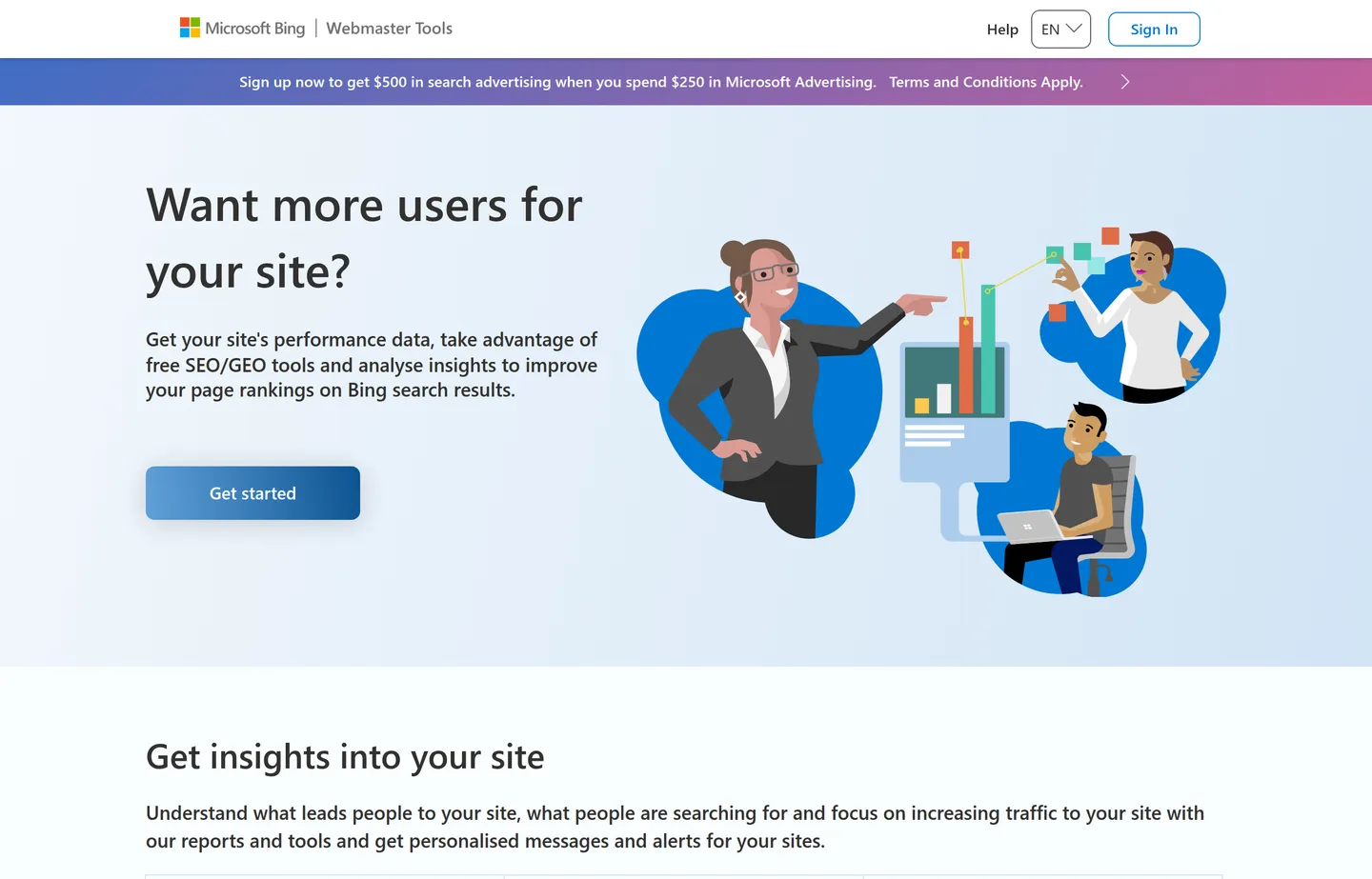
- Key features: index and crawl data, keyword research, site scan, backlink data.
- Pricing: free.
- Pros: free extra visibility; relevant as AI assistants cite Bing.
- Cons: smaller audience; a secondary priority.
11. Screaming Frog — DIY technical crawl
Screaming Frog's SEO Spider crawls your site like a search engine and flags broken links, missing titles, duplicate meta, and redirect chains — free up to 500 URLs, which covers most small sites.
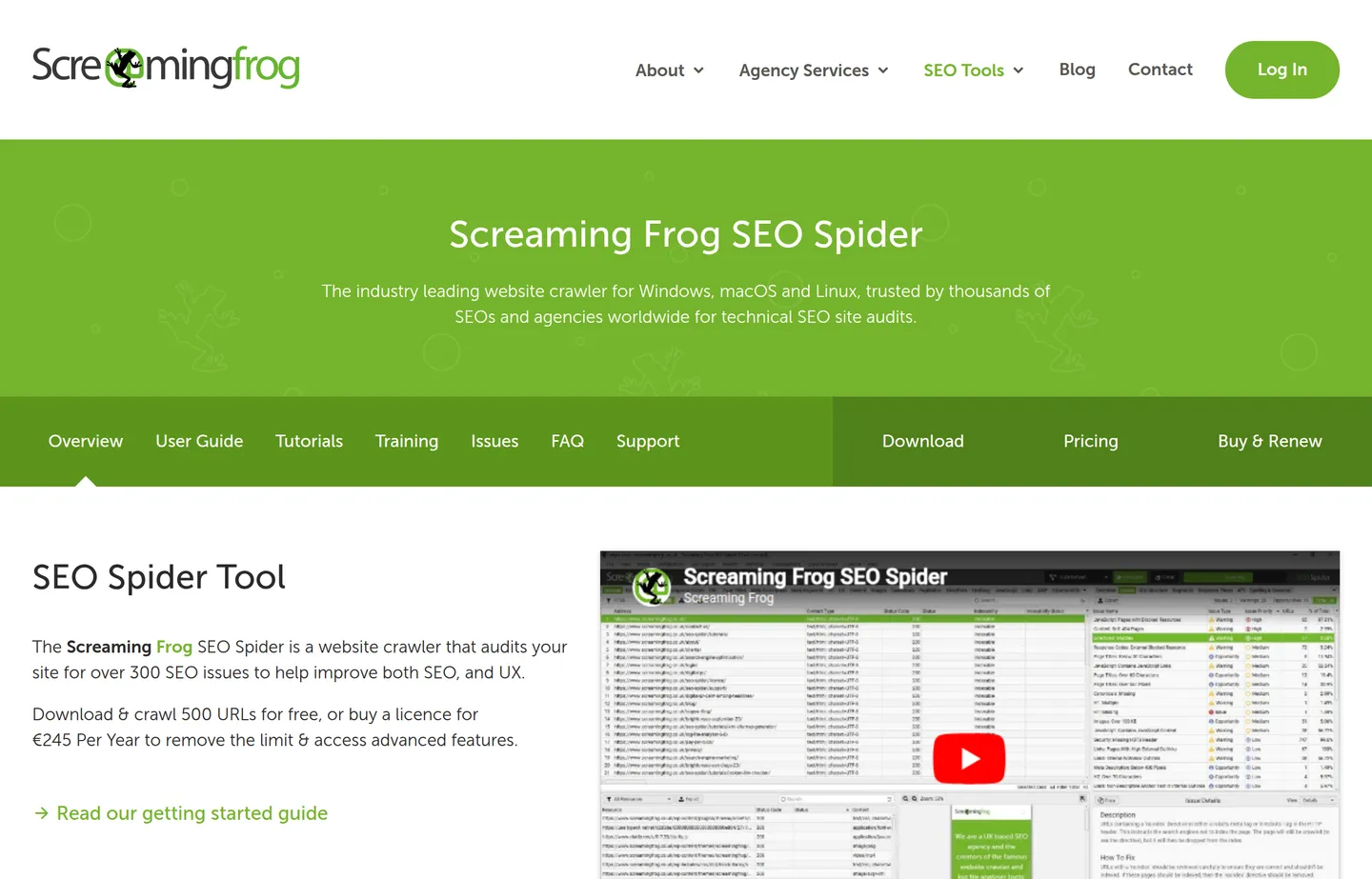
- Key features: broken links, missing/duplicate metadata, redirects, crawl visualization.
- Pricing: free up to 500 URLs; a paid license (about £259/year, ~$330) removes the limit and adds scheduling and integrations.
- Pros: thorough, honest audit; free tier covers small sites.
- Cons: desktop app with a learning curve; no AI prioritization (that's where CrawlRaven earns its keep).
12. Yoast SEO and Rank Math — on-page inside WordPress
On WordPress, Yoast SEO or Rank Math make on-page basics foolproof right in the editor.
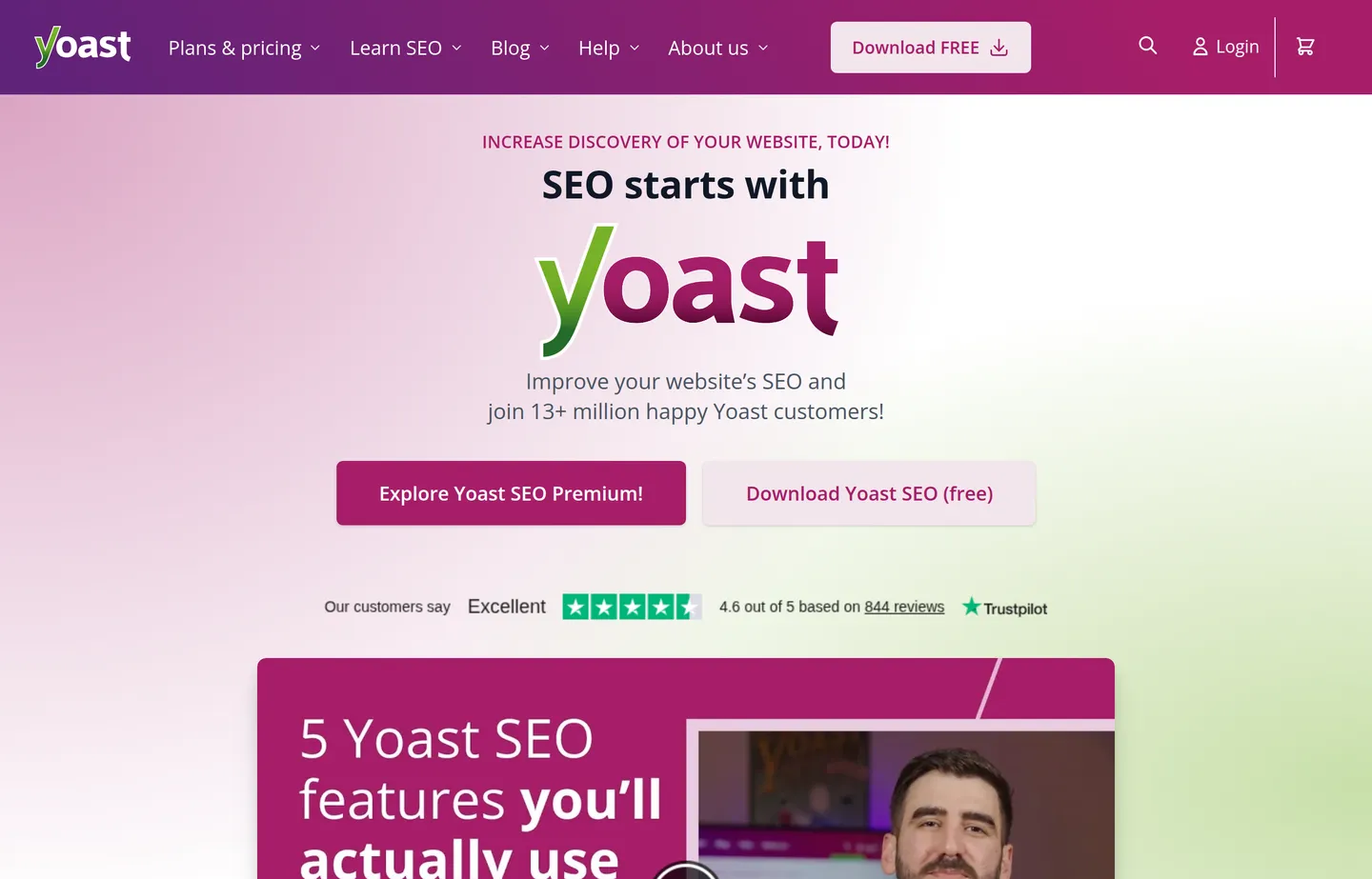
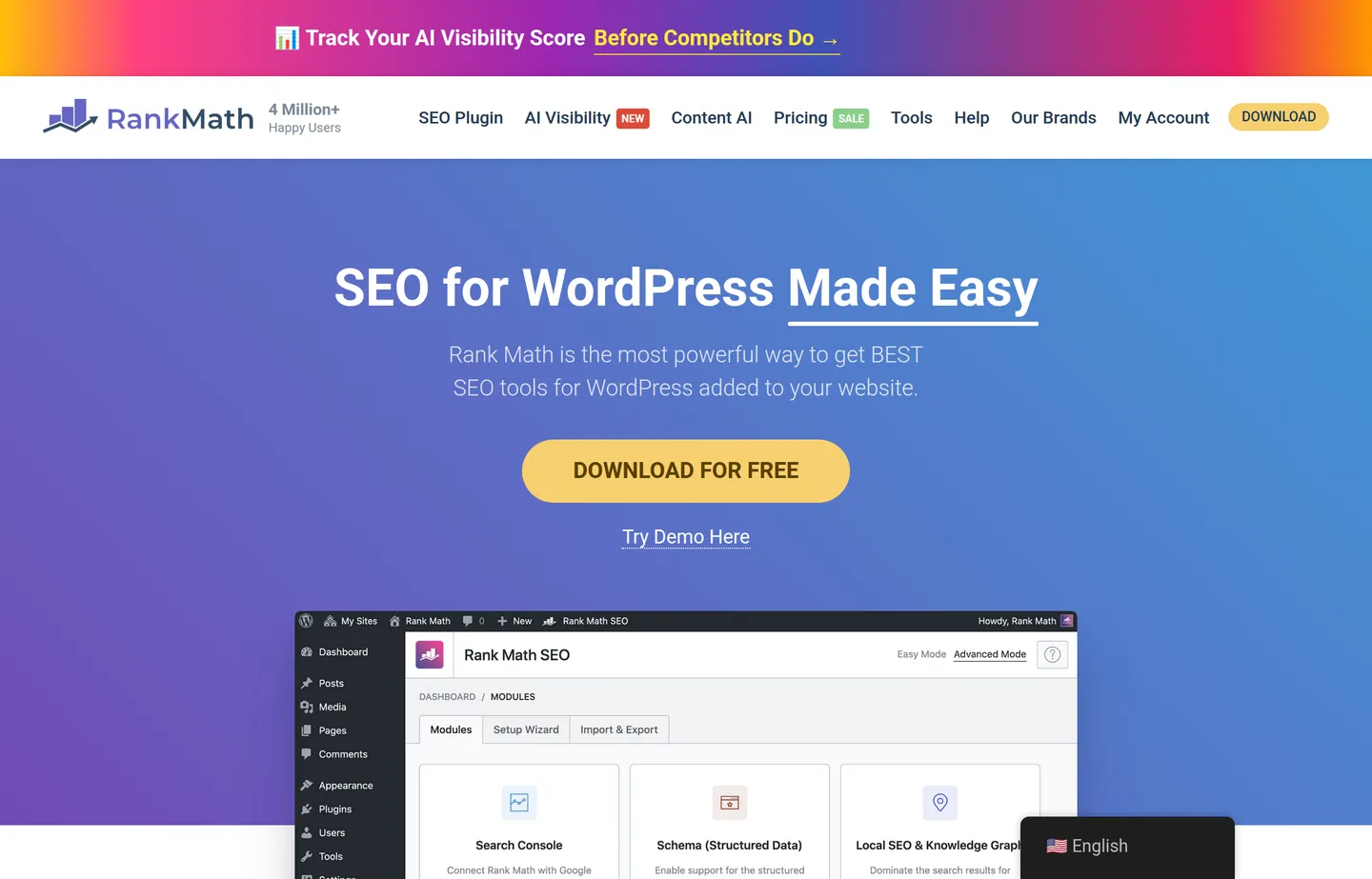
- Key features: title/meta editing, readability and keyword checks, schema, sitemaps, redirects.
- Pricing: capable free versions. Yoast Premium is about $99/year per site; Rank Math Pro starts around $6.99/month billed annually.
- Pros: make on-page SEO foolproof on WordPress.
- Cons: WordPress only; premium upsells.
And for a budget on-ramp: Ubersuggest
Ubersuggest sits between free and paid — keyword ideas, content suggestions, and basic competitor research with a limited number of free searches per day and an affordable paid or lifetime option.
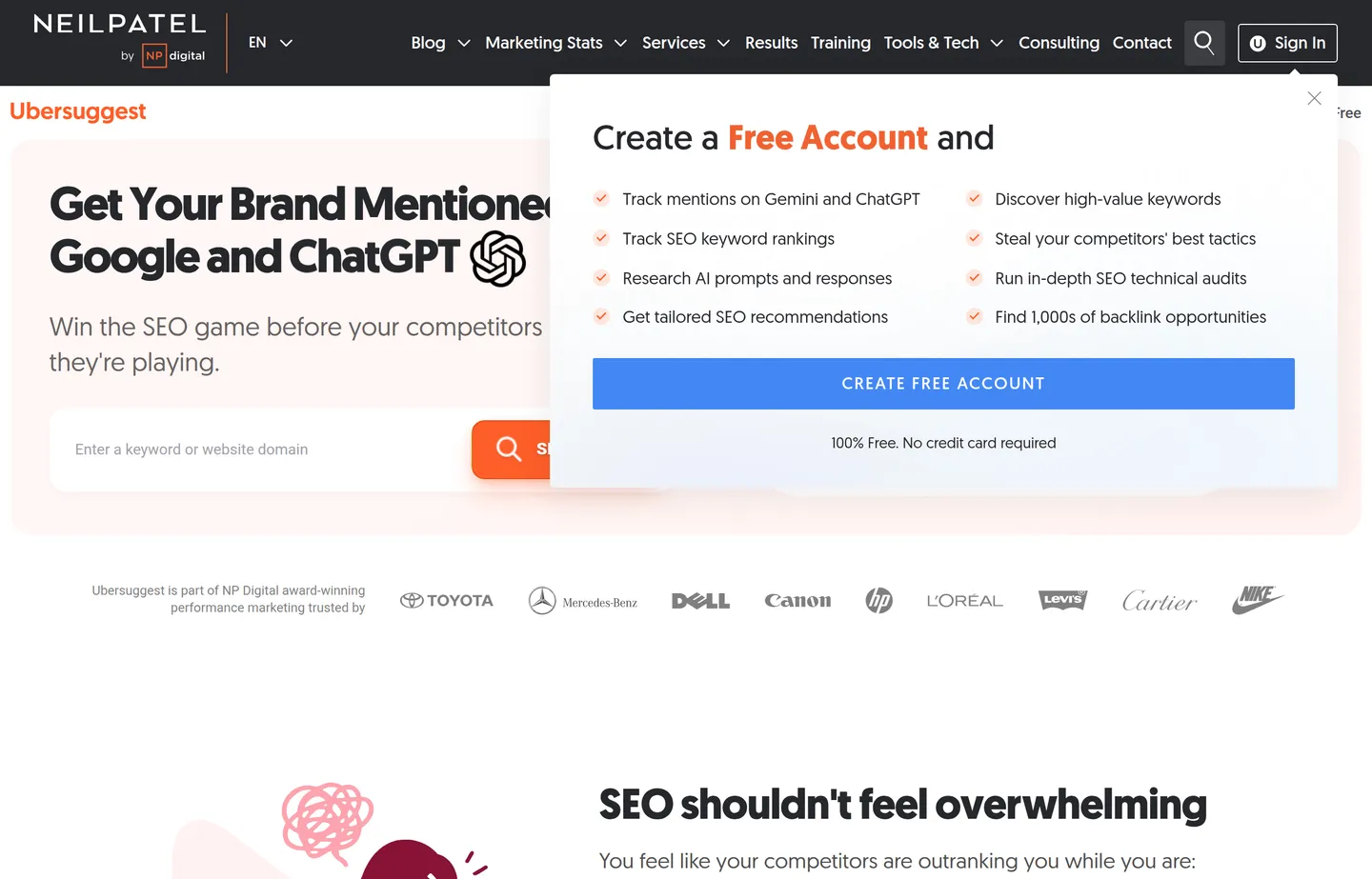
- Key features: keyword and content ideas, rank tracking, basic audit, competitor overview.
- Pricing: a few free searches per day. Monthly plans (Individual/Business/Enterprise) run roughly $12–$40/month, and Ubersuggest's signature one-time lifetime deals run about $120–$400 (pricing has been rising, so check the current page). 7-day free trial.
- Pros: cheap and approachable.
- Cons: data is less deep than the premium suites.
- Reviews: 4.4/5 on Capterra (93 reviews) — as of July 2026.
Free on-page tools from Small Business Tools
AI won't rank your site on its own, but it removes the friction from the on-page work you'd otherwise do by hand. Our own free, no-signup tools handle exactly that — use them alongside whichever advantage tool you pick.
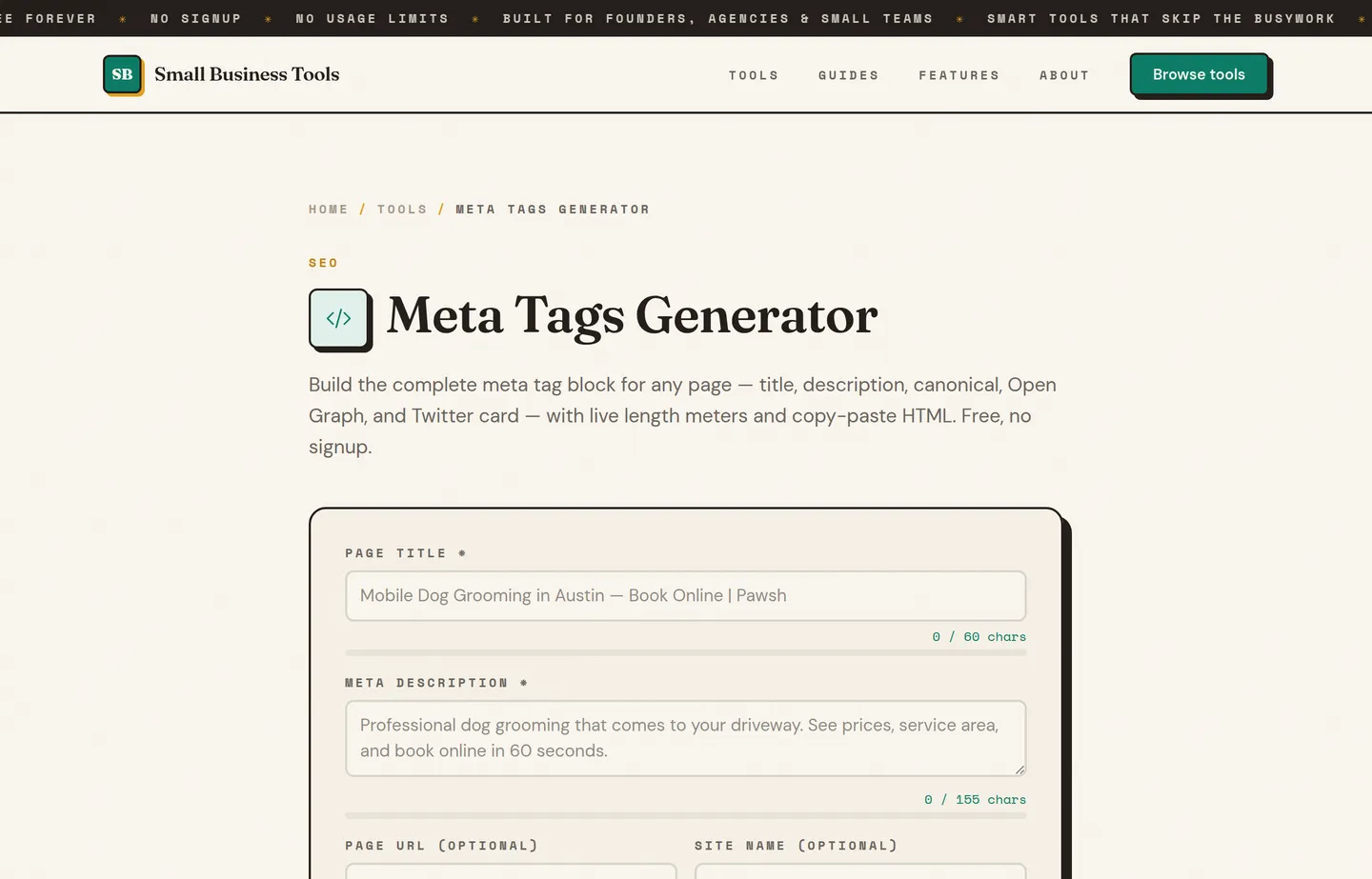
- Write your meta tags — the Meta Tags Generator builds title, description, Open Graph, and Twitter tags with length meters, and the SERP Snippet Preview shows how the page will look before you publish.
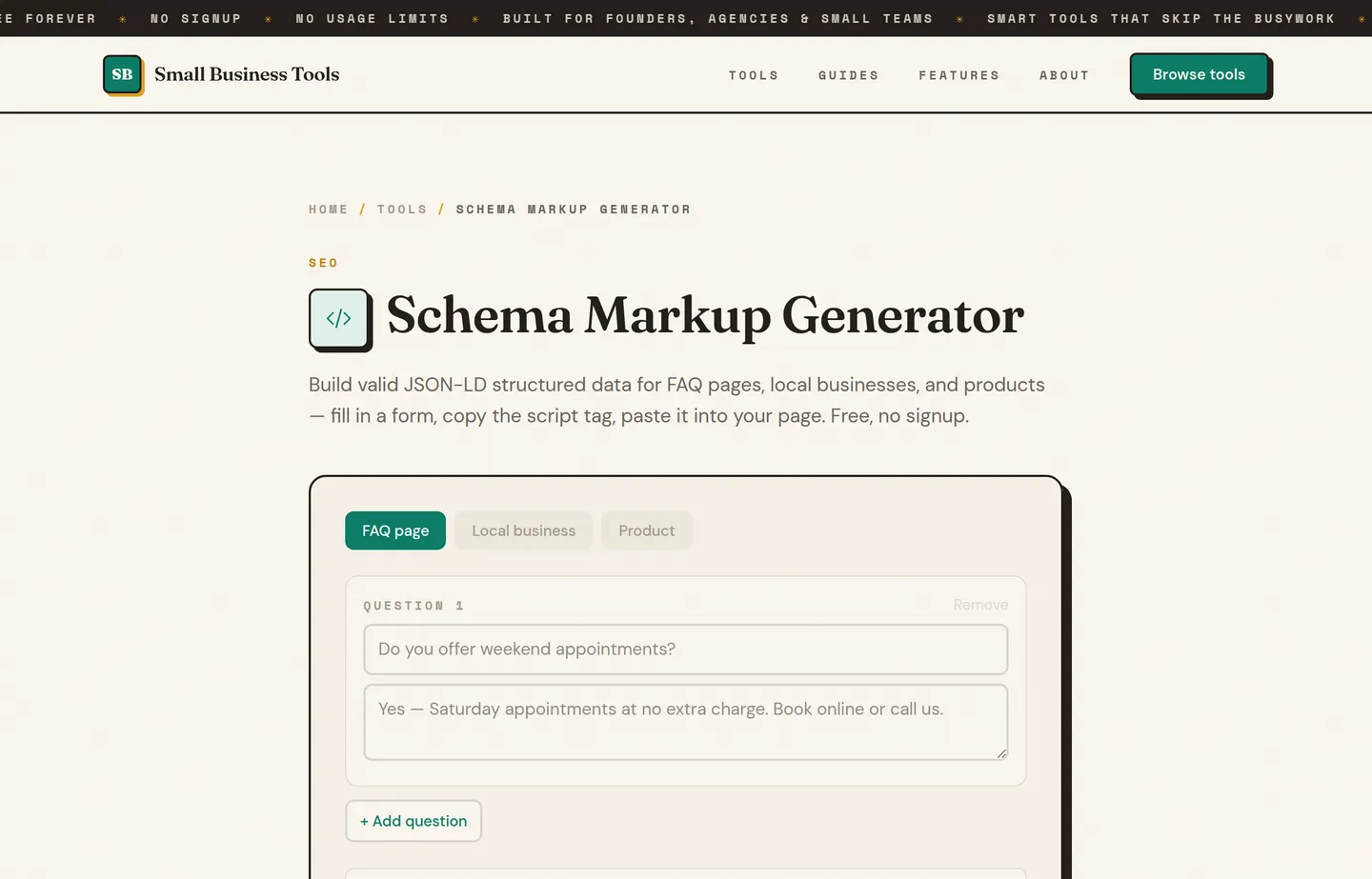
- Add structured data — the Schema Markup Generator creates valid JSON-LD (including LocalBusiness and FAQ schema), one of the highest-value on-page moves for local businesses.
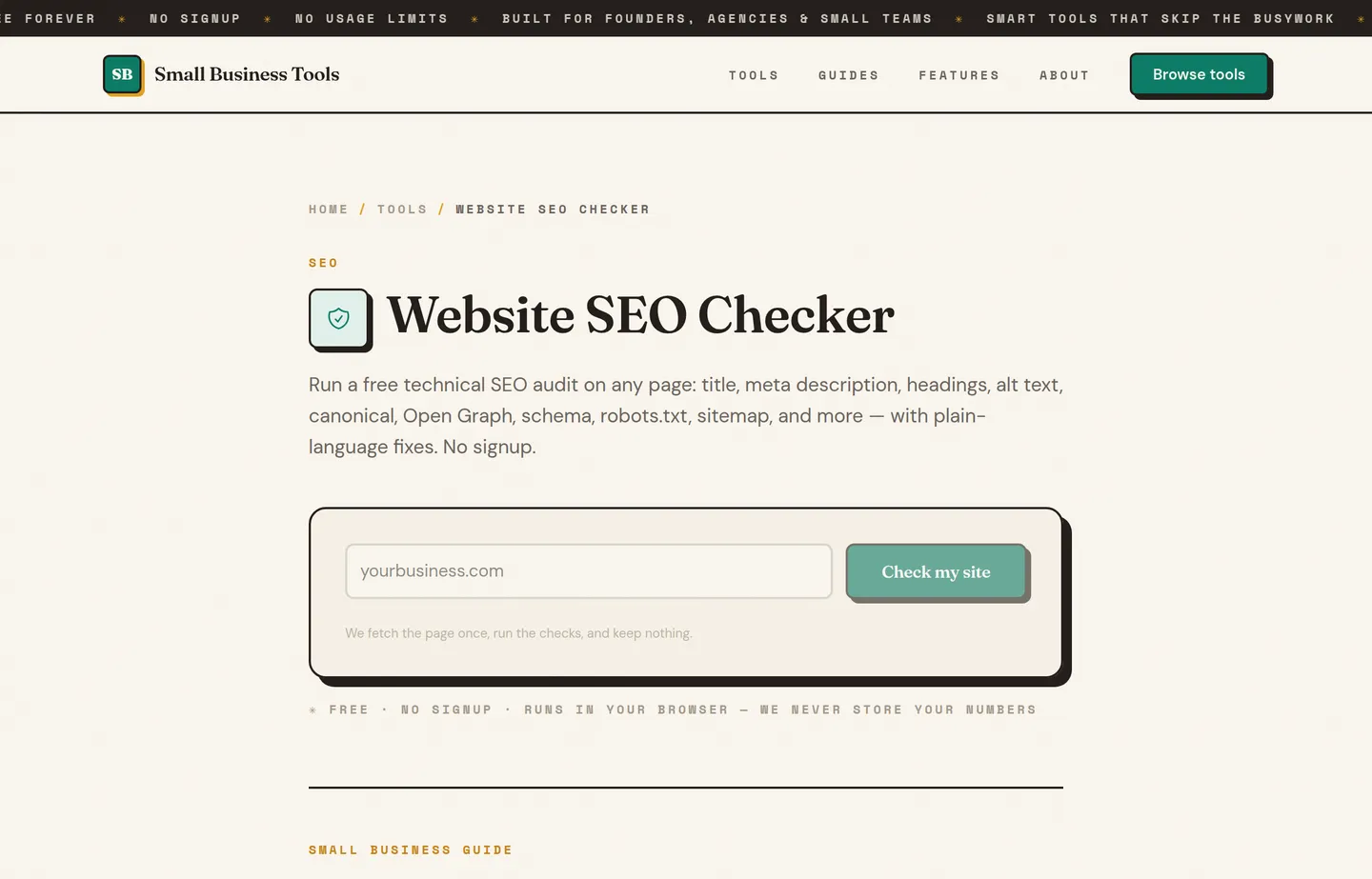
- Audit a page fast — the Website SEO Checker runs a 20-point on-page check and names its own blind spots, and the Image Alt Text Checker flags weak or missing alt text.
- Get unstuck on content — the Keyword Ideas Generator, Blog Title Generator, and Meta Description Generator draft the on-page pieces (ideas to validate, not invented volumes).
Which should you choose?
- You're serious about competing and can invest: start with Ahrefs or Semrush for data, add CrawlRaven for AI-prioritized technical fixes and Surfer for content that ranks.
- You want an approachable paid all-rounder: Moz Pro.
- You're not ready to pay yet: PikaSEO's free AI suite gets you furthest, backed by our free on-page tools.
- Everyone, first: verify Google Search Console and, if you're local, complete your Google Business Profile with LocalBusiness schema from our Schema Markup Generator.
For how these fit alongside AI writing and marketing tools, see The Small Business AI Stack, and browse everything by job on the free small business tools hub.
FAQs
What are the best AI SEO tools for a small business?+
For a business that wants to compete, the tools that give a real edge are paid data suites like Ahrefs and Semrush, AI technical auditors like CrawlRaven that hand you a prioritized fix list, and content optimizers like Surfer. If you're not ready to pay, PikaSEO's free AI suite and our free [on-page tools](/tools/meta-tags-generator) get you a long way. Underneath it all, keep the free foundation — Google Search Console and Keyword Planner.
Is it worth paying for SEO tools, or are free ones enough?+
Free tools cover the foundation, but in a competitive, AI-driven market the paid tools are where the advantage is: better data than your competitors, AI that prioritizes your fixes, and hours saved every week. For most small businesses the right one or two paid tools pay for themselves in a single ranking won or a costly problem caught early. Start free, but don't assume free is enough if you're serious about growth.
What does CrawlRaven do that a free crawler doesn't?+
A free crawler like Screaming Frog gives you every technical issue; CrawlRaven crawls your site and then uses AI to rank those issues by impact and hand back a prioritized fix list. For an owner without hours to triage a giant audit, that prioritization is the value — you fix the handful of things actually affecting rankings instead of guessing.
Can AI SEO tools actually improve my rankings?+
Not by themselves — rankings come from helpful content, a sound technical setup, and relevance. What AI tools do is get you there faster: prioritizing fixes, optimizing content against what already ranks, and surfacing opportunities. Use them to move quicker than competitors who are still doing it by hand.
How much should a small business spend on SEO tools?+
Enough to get an edge where it matters, and no more. Many businesses do well with one paid suite (Ahrefs, Semrush, or Moz), plus a specialized tool like CrawlRaven or Surfer for a specific weakness, on top of the free foundation. Avoid stacking overlapping subscriptions — pick the one or two that address your actual bottleneck.
Are AI-generated meta tags and titles bad for SEO?+
No — search engines don't penalize how text was drafted, only whether it's helpful and accurate. AI-drafted titles and descriptions are fine once you edit them to be true and compelling. Tools like our [Meta Tags Generator](/tools/meta-tags-generator) keep them within the length Google displays.
Final take
Winning SEO as a small business no longer means doing everything free and hoping — the competition is moving too fast for that. Invest in the tools that give you a real edge: strong data from Ahrefs or Semrush, AI-prioritized fixes from CrawlRaven, and content built to rank with Surfer, with PikaSEO's free AI suite as a genuine head start if you're not paying yet. Then keep the free foundation — Search Console, Keyword Planner, your Business Profile, and our free on-page tools — running underneath. The businesses that pair the right paid edge with the free basics are the ones that pull ahead.
Three companion guides go deeper than a tools roundup can: the SEO audit template walks every check with the Google documentation behind it, local SEO for small business covers the map pack and Business Profile rules, and getting recommended by ChatGPT and AI search covers the crawlers and evidence behind AI visibility.
Free tools to try
Website SEO Checker
A 20-point technical SEO check of any page — clear pass/fix results, honest limits.
Meta Tags Generator
Title, description, Open Graph, and Twitter tags as one copy-paste snippet.
Schema Markup Generator
Generate FAQ, Local Business, and Product JSON-LD you can paste into any page.
SERP Snippet Preview
See your title and description exactly as Google shows them — before you publish.
Keyword Ideas Generator
Turn one seed keyword into ideas grouped by search intent.
Keep reading
Guide
The Small Business AI Stack: Tools for Every Job in 2026
A practical AI stack for small businesses — the tools that actually save time on marketing, content, SEO, and admin, organized by the job they do. Free where it counts.
Guide
Free Small Business Tools (No Signup): The Complete List
A directory of free small business tools — pricing calculators, invoicing, marketing, SEO, and writing. No signup, no paywall, and they explain the math.
Guide
Best Free AI Writing Tools for Small Businesses
12 AI writing tools ranked for small businesses — pricing, pros, cons, and features. From ChatGPT and Claude to free, no-signup generators for repeat jobs.