Guide
Best Free AI Writing Tools for Small Businesses
AI writing tools are the fastest way for a small business to stop staring at a blank page — and one of the easiest ways to overspend. Adoption has climbed fast: Stanford's AI Index report tracks how quickly generative AI has moved from novelty to everyday business tool. There are dozens of them, the marketing all sounds identical, and most owners either pay for a tool they barely use or bounce between five free ones with no plan. The truth is simpler than the category makes it look: for open-ended writing, a general AI model is hard to beat, and for the same formatted job you do every week, a specialized generator is faster and often free.
This guide ranks twelve options honestly. The best general-purpose writers here aren't ours — a big model like ChatGPT or Claude will out-write a single-purpose tool on flexible, complex work, and we say so. Where our free tools genuinely win is the repeat, structured jobs: twenty product descriptions in one format, a customer email you send daily, an FAQ block for a new page.
Quick comparison
| Tool | Best for | Free? | Paid from |
|---|---|---|---|
| ChatGPT | Open-ended, complex writing | Free tier | Plus $20/mo |
| Claude | Long-form, careful writing | Free tier | Pro $17/mo |
| Google Gemini | Free general + Google apps | Free tier | AI Pro $19.99/mo |
| Microsoft Copilot | Microsoft 365 users | Free tier | M365 Copilot $30/user/mo |
| Grammarly | Editing what you wrote | Free tier | Pro $12/mo |
| QuillBot | Paraphrasing and rewriting | Free tier | Premium $8.33/mo |
| Jasper | Marketing teams at scale | Trial | Pro $59/mo |
| Copy.ai | Templated marketing copy | Free plan | Starter $29/mo |
| Writesonic | SEO and blog content | Free credits | From $79/mo |
| Rytr | Budget generation | Free tier | Unlimited $9/mo |
| SBT Content Writer | Specialized free drafts | Yes, fully | — |
| SBT Product Description Generator | Repeat formatted jobs | Yes, fully | — |
How we ranked these
The best AI writing tool for a small business is the one that gets a *good enough first draft* into your hands with the least cost and friction — because the real work is editing it into your voice. We weighed output quality, genuinely free usefulness, friction (signup and prompt effort), repeatability, and small-business fit. Any ratings and user quotes are real — sourced from G2 and Capterra, dated, with links — never invented.
The best general-purpose AI writers
1. ChatGPT — the most flexible free AI writer
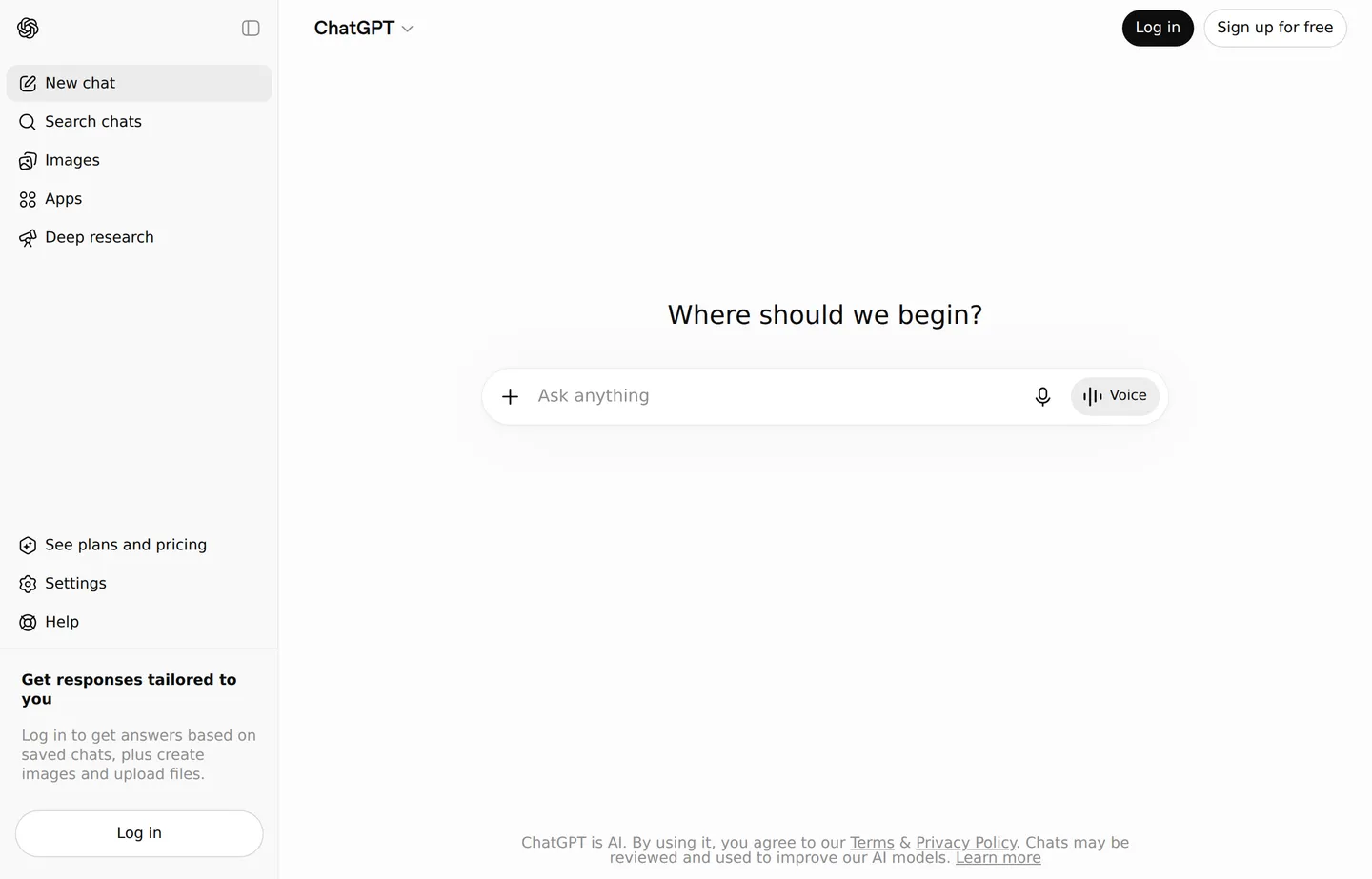
For open-ended writing — a tricky email, a first blog draft, reworking a message five ways — ChatGPT is the honest top pick. Its free tier handles the vast majority of small business writing.
- Key features: flexible general model, brainstorming, drafting and rewriting, image and file input on paid tiers, custom GPTs.
- Pricing: free tier; Go $8/month; Plus $20/month (newest models, higher limits); Pro $200/month for heavy use. Team and Enterprise are billed per user.
- Pros: adapts to any format; excellent quality; huge ecosystem.
- Cons: you supply the structure via prompts; can state wrong facts confidently; free tier has usage limits.
- Reviews: 4.7/5 on G2 (2,000+ reviews), 83% five-star — as of July 2026.
2. Claude — best for long-form and careful drafts
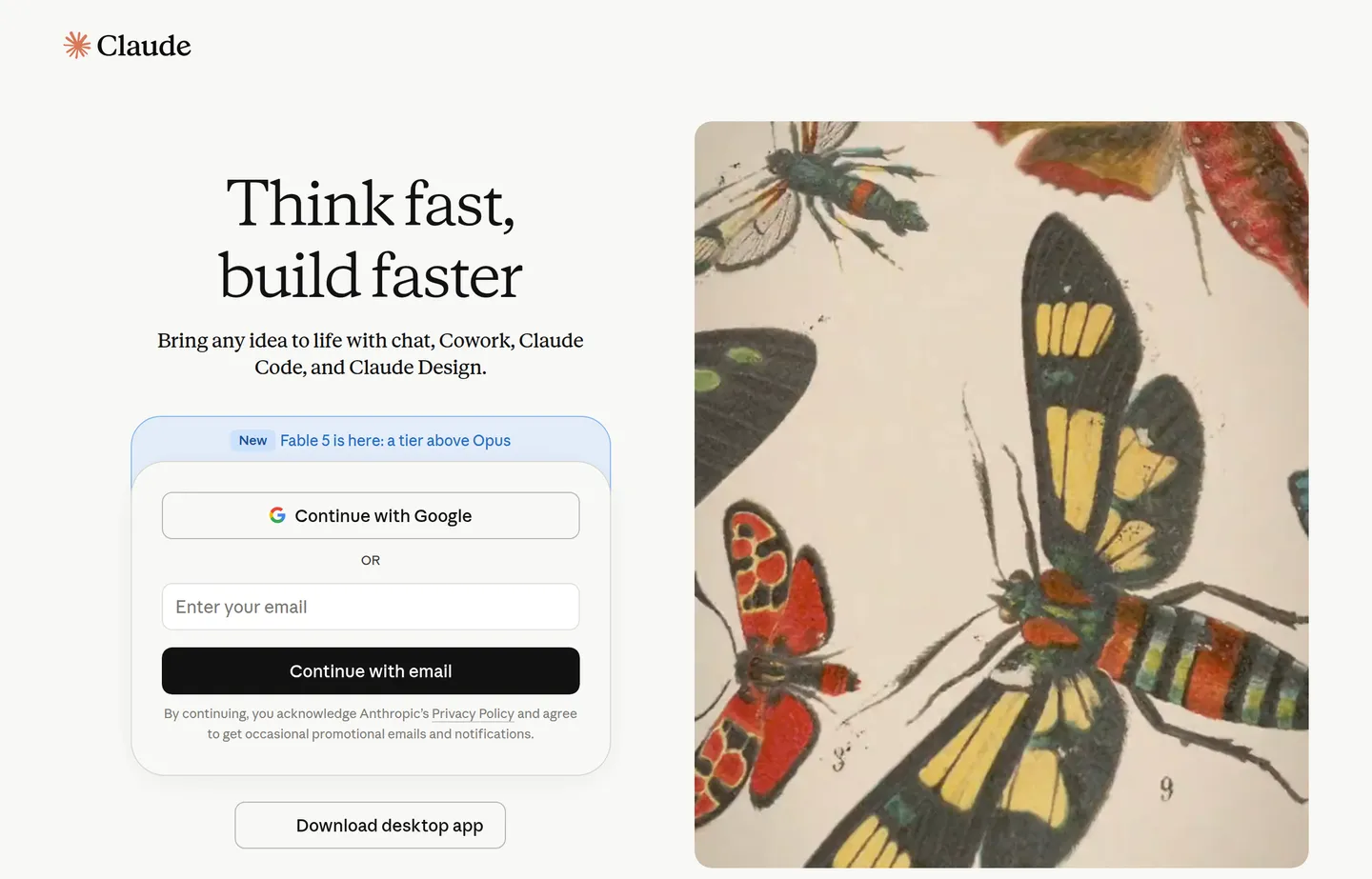
Claude is the other leading general model with a capable free tier, especially strong on longer documents and writing that needs nuance and a natural, consistent tone.
- Key features: long-context drafting, careful reasoning, document analysis, a natural writing voice, projects.
- Pricing: free tier; Pro $17/month billed annually ($200/year) or $20/month month-to-month; Max from $100/month for the highest usage.
- Pros: excellent for proposals, guides, and tone-sensitive work; handles long inputs well.
- Cons: like any model, needs fact-checking; free tier has limits.
- Reviews: Anthropic (Claude's maker) rated 4.6/5 on G2 (280+ reviews) — as of July 2026.
3. Google Gemini — best free general model in the Google world
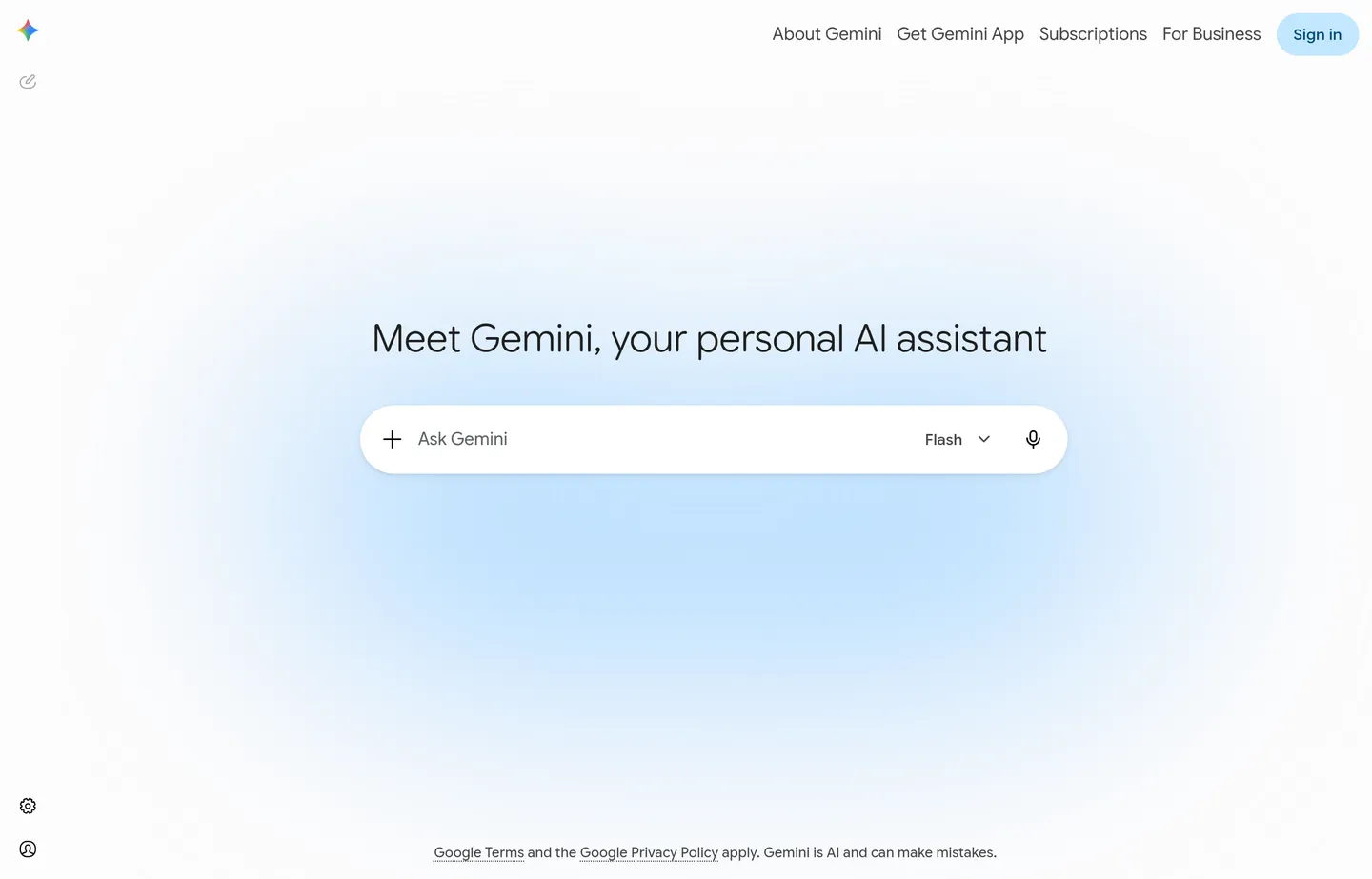
Google Gemini is a strong general model that integrates with Gmail, Docs, and the rest of Google Workspace.
- Key features: general writing, Workspace integration, research help, image input.
- Pricing: free tier. Paid via Google AI plans: Google AI Pro $19.99/month and Google AI Ultra from $99.99/month (each bundles higher Gemini limits plus Google One storage); a lighter AI Plus is $4.99/month.
- Pros: convenient if you live in Google apps; capable free tier; good at research-style tasks.
- Cons: integrations shine mainly inside Google; verify facts as with any model.
4. Microsoft Copilot — best for Microsoft 365 users
Microsoft Copilot brings AI writing into Word, Outlook, and the rest of Microsoft 365.
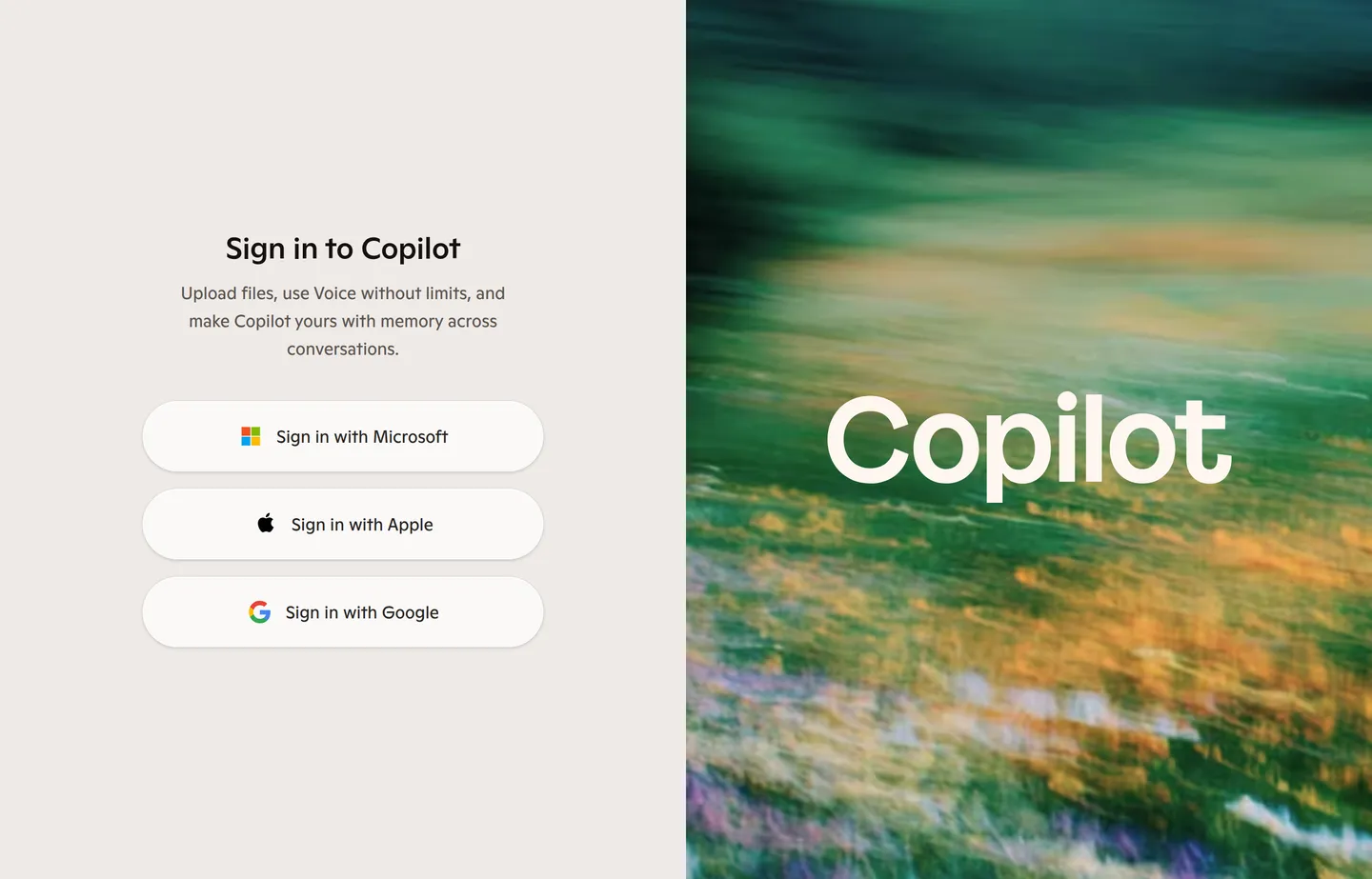
- Key features: in-app drafting across Office, general chat, web grounding.
- Pricing: free Copilot tier. For individuals the paid AI features now come with Microsoft 365 Premium (which absorbed the old $20/month Copilot Pro); for businesses, Microsoft 365 Copilot is $30/user/month on an annual commitment (promo pricing around $18–21/user/month has been available).
- Pros: natural fit if your business runs on Office; drafts right where you work.
- Cons: the best features are paid and aimed at teams; less useful outside Microsoft apps.
Editing and rewriting specialists
5. Grammarly — best for fixing what you already wrote
Sometimes you've written the thing and just need it clearer and error-free. Grammarly is the standby, with a free tier that works across your browser and apps.
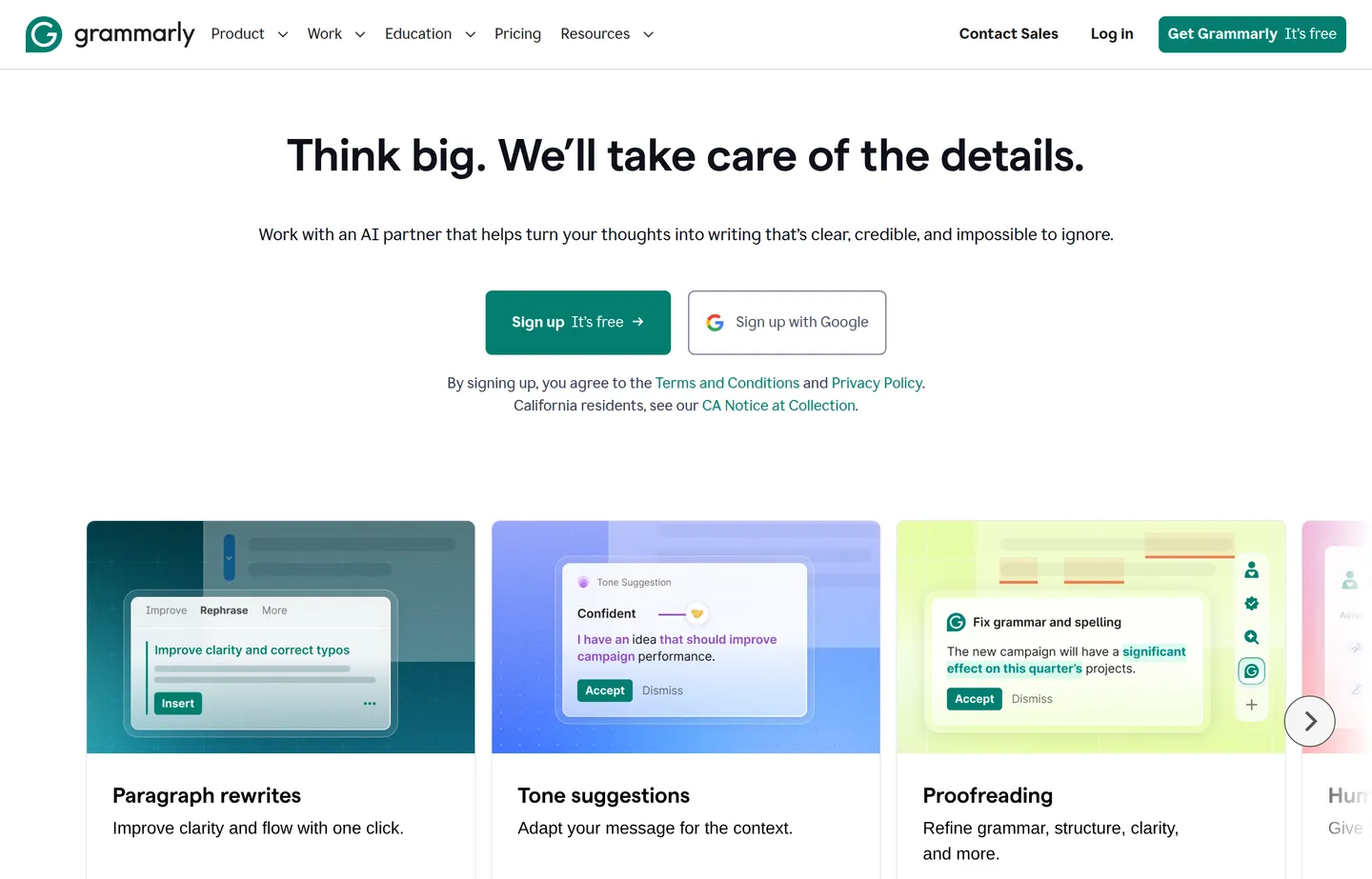
- Key features: grammar, spelling, clarity and tone suggestions, generative rewrite features.
- Pricing: free tier for core corrections; Pro about $12/month billed annually (100 vs 2,000 AI prompts/month); Enterprise is custom.
- Pros: catches errors everywhere you type; low effort; genuinely improves clarity.
- Cons: advanced rewriting is paywalled; suggestions need judgment, not blind acceptance.
- Reviews: 4.7/5 on G2 (12,000+ reviews) — as of July 2026.
6. QuillBot — best for paraphrasing and rewording
QuillBot specializes in rewriting and paraphrasing text into different tones and lengths.
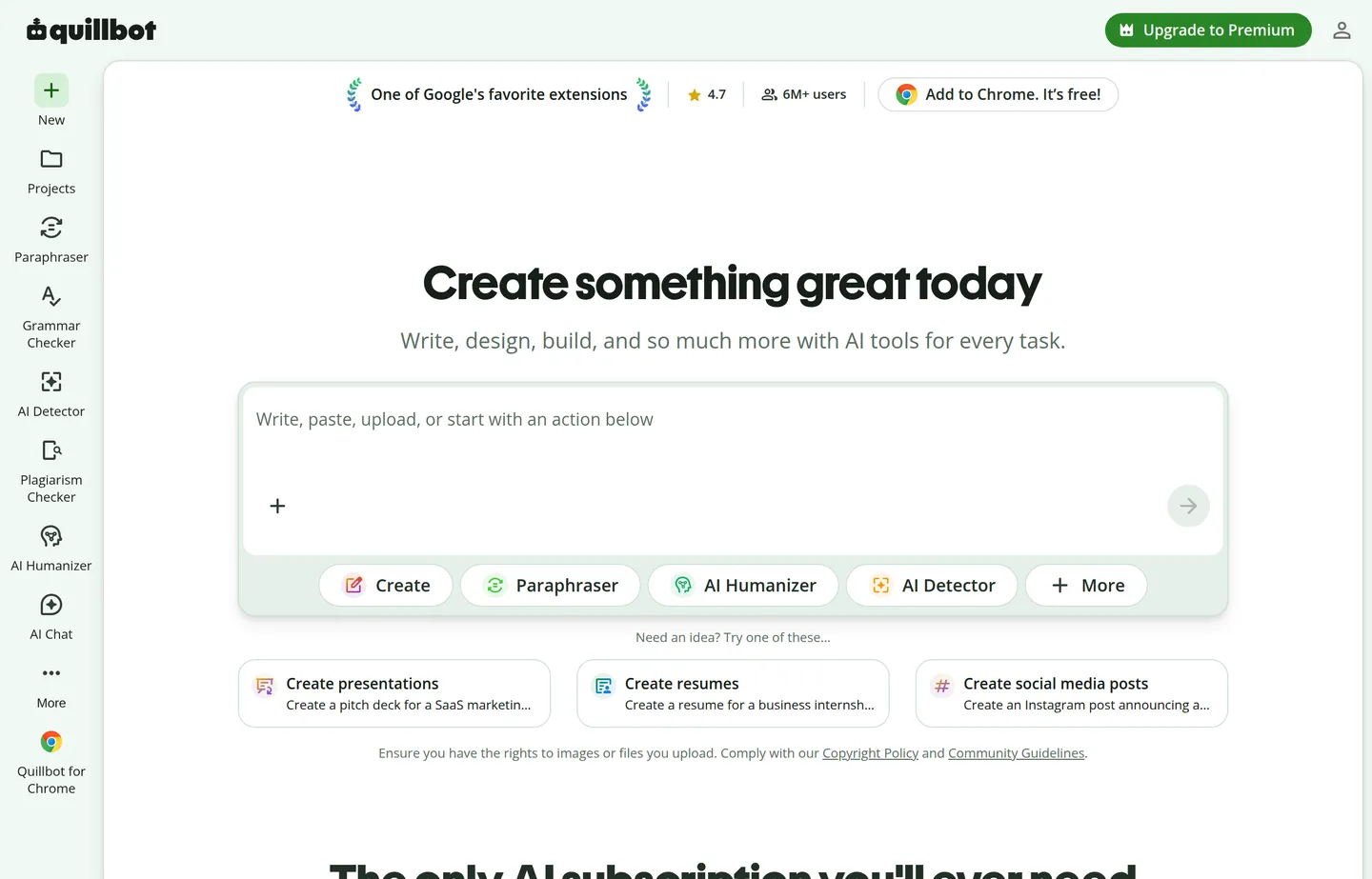
- Key features: paraphraser, summarizer, grammar checker, tone modes.
- Pricing: free tier; Premium $8.33/month billed annually (about $19.95 month-to-month); a Team plan adds seats and management.
- Pros: fast, focused rewriting; handy for tightening or varying copy.
- Cons: narrow purpose; free tier caps length. Our free Paraphrasing Tool covers the same job with no signup.
- Reviews: 4.4/5 on G2 (110+ reviews) — as of July 2026.
Marketing-focused generators
7. Jasper — best for marketing teams at scale
Jasper is built for marketing teams producing high volumes of on-brand copy.
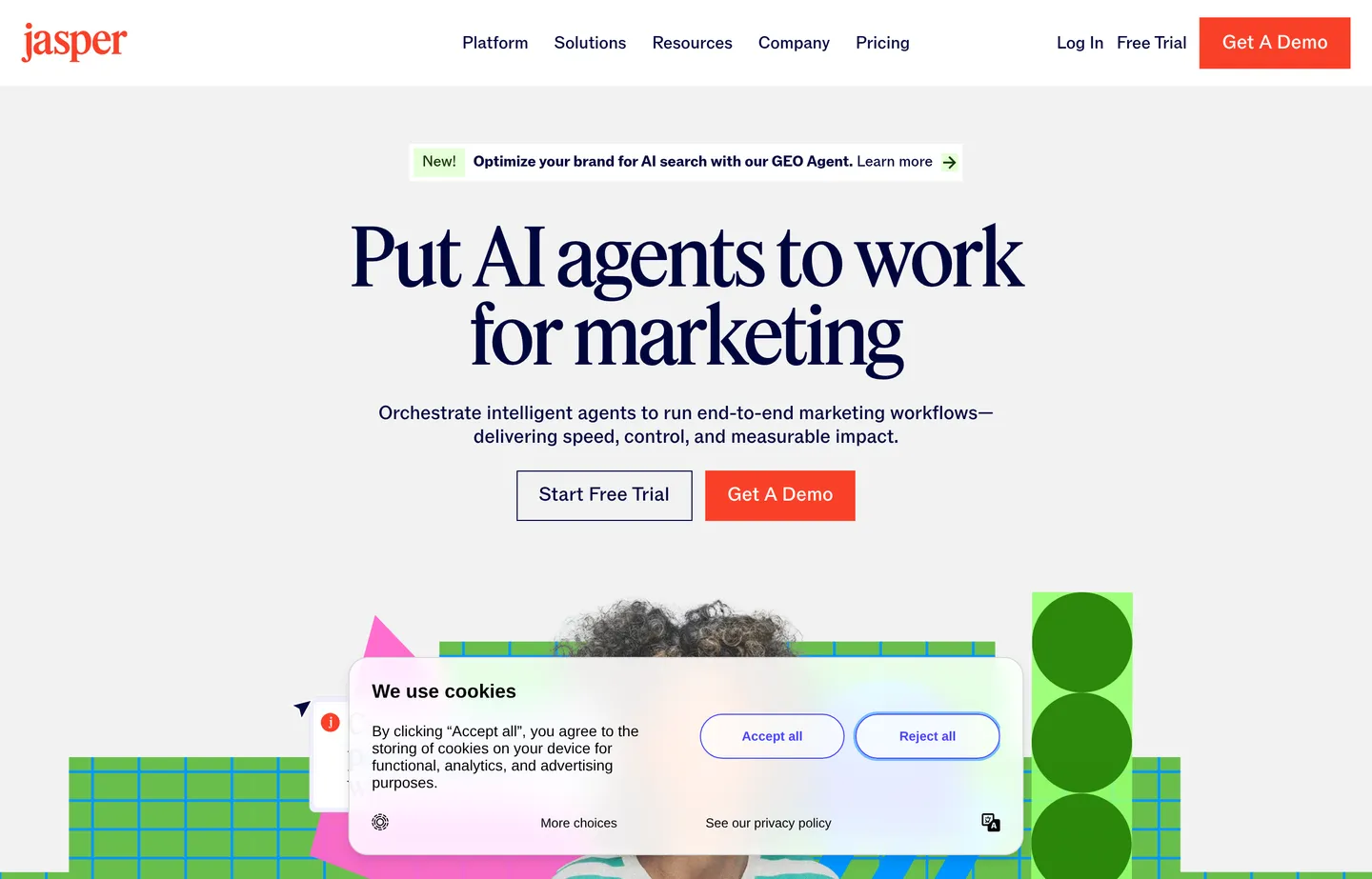
- Key features: brand voice, templates, campaign workflows, team collaboration.
- Pricing: paid (7-day free trial): Pro $59/month billed yearly (about $69 month-to-month); Business and Enterprise are custom.
- Pros: strong for consistent branded copy at volume; team features.
- Cons: overkill and pricey for a solo owner; no permanent free plan.
- Reviews: 4.7/5 on G2 (1,270 reviews) — as of July 2026.
8. Copy.ai — best for templated marketing copy
Copy.ai offers templates for ads, emails, product copy, and more, with a free plan to start.
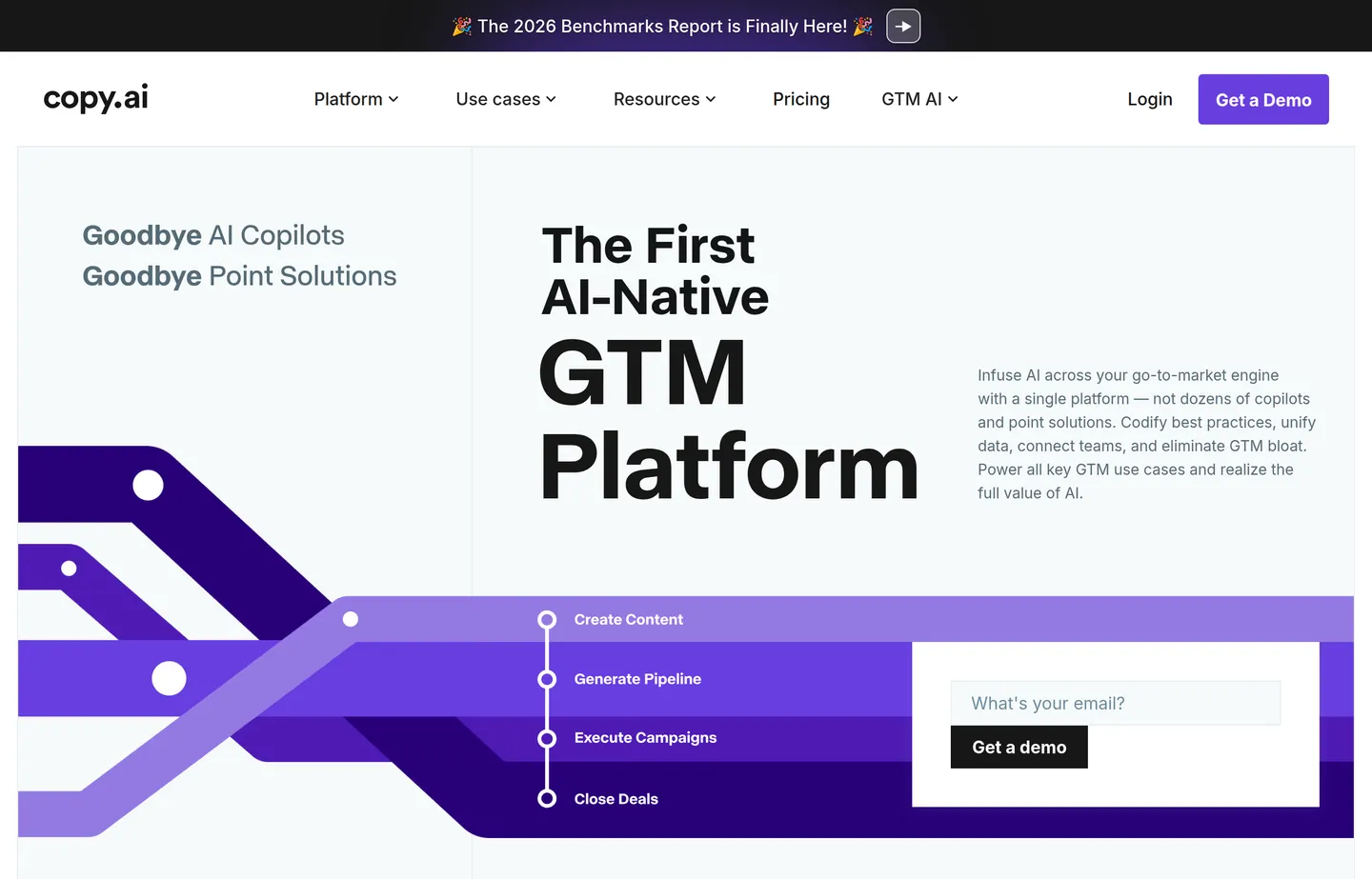
- Key features: copy templates, workflows, brand voice, some automation.
- Pricing: free plan. Paid Starter around $29/month, scaling through Advanced (roughly $249/month) for teams and workflows.
- Pros: quick starts for common marketing formats; approachable.
- Cons: output needs editing; free plan is limited.
- Reviews: 4.7/5 on G2 — as of July 2026.
9. Writesonic — best for SEO and blog content
Writesonic focuses on longer-form and SEO-oriented content with research features.
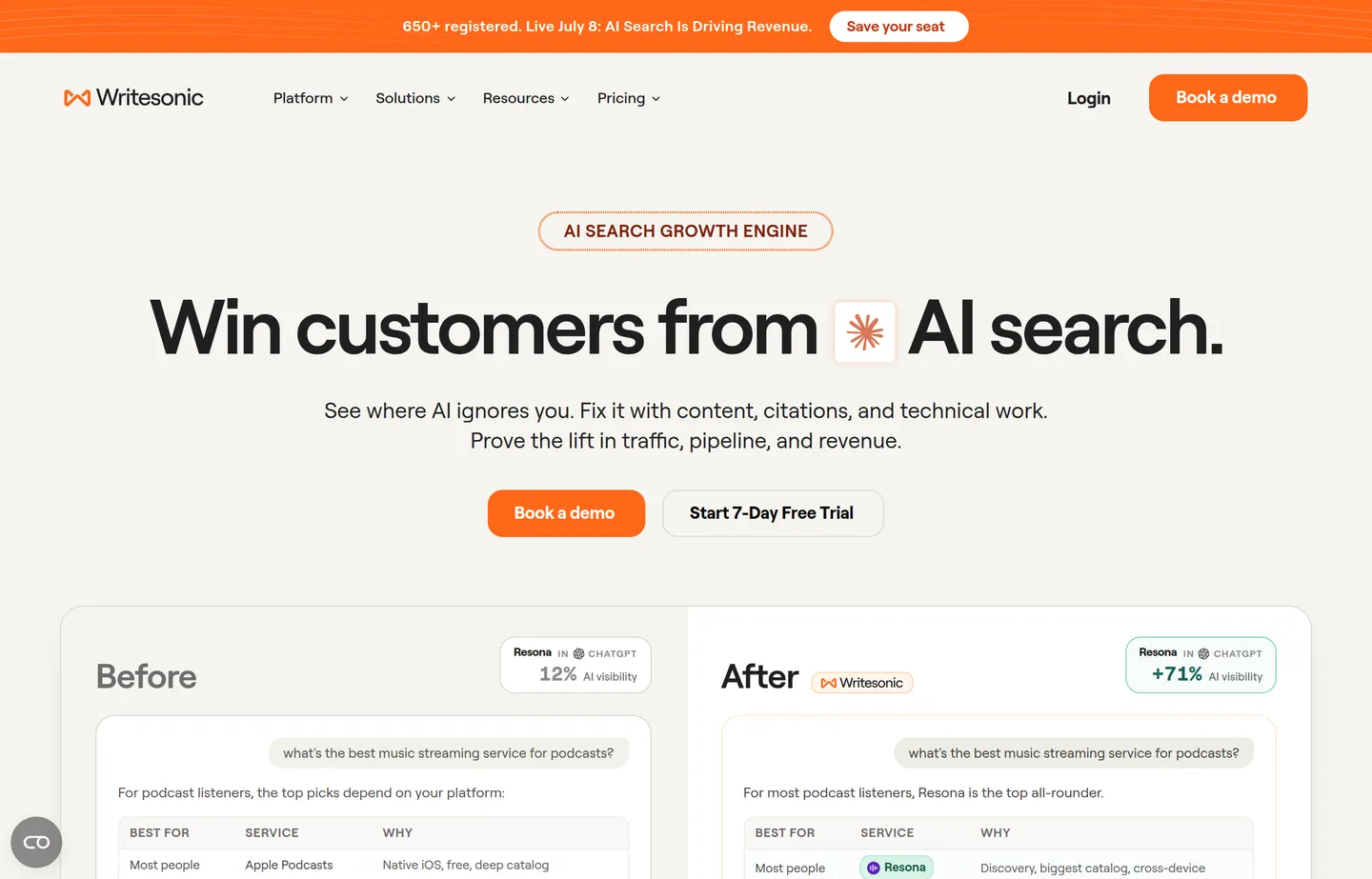
- Key features: article writer, SEO optimization, bulk generation, brand voice.
- Pricing: free trial credits. Paid, billed annually: $79/month, $199/month, and $399/month tiers by article volume and seats; Enterprise is custom.
- Pros: built for blog and SEO workflows; decent long-form.
- Cons: credit systems can be confusing; edit heavily for accuracy.
- Reviews: 4.7/5 on G2 (2,000+ reviews) — as of July 2026.
10. Rytr — best budget generator
Rytr is a low-cost, straightforward generator for short-form copy.
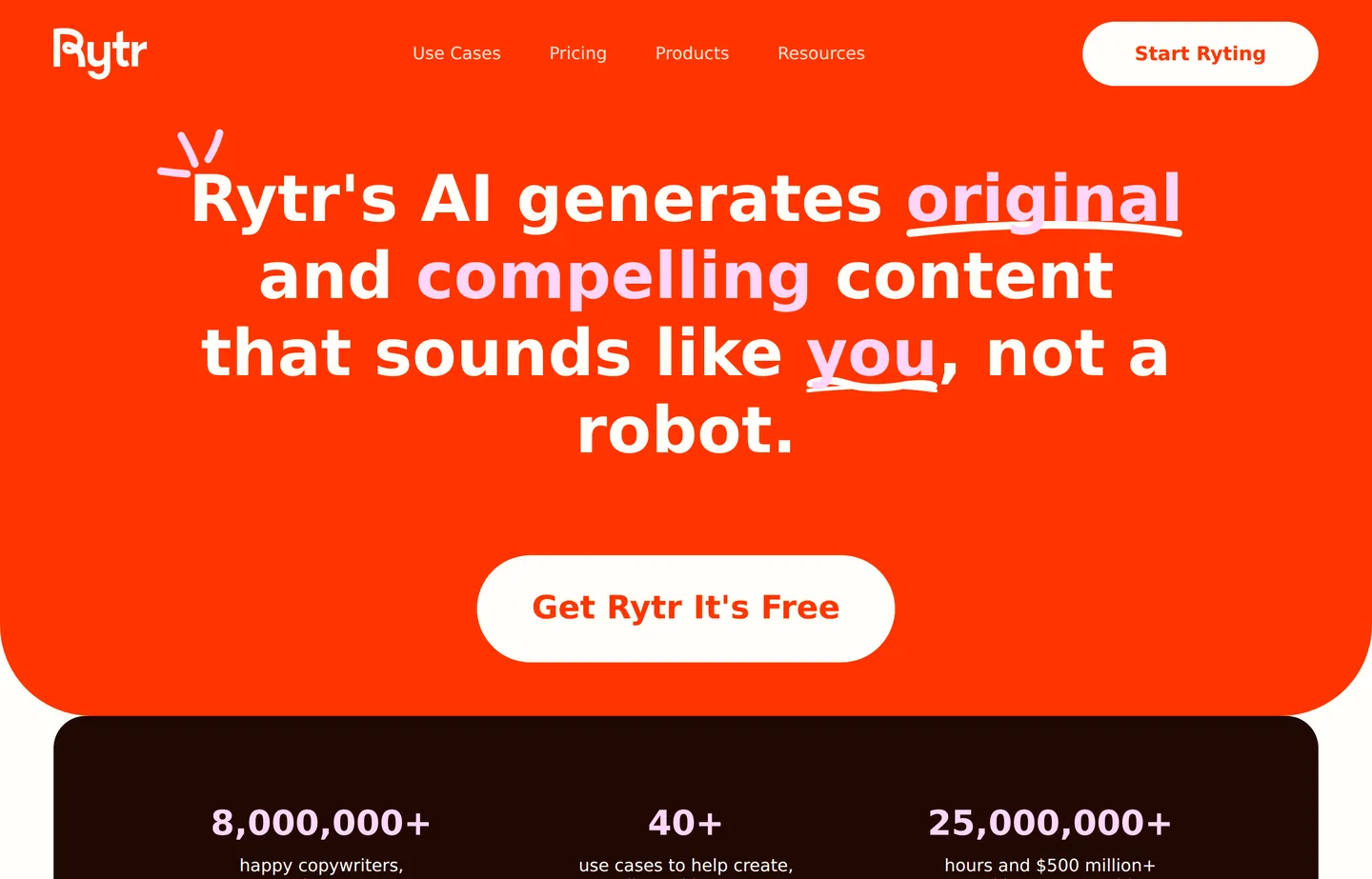
- Key features: many use-case templates, tone options, plagiarism check add-on.
- Pricing: free tier (10,000 characters/month). Unlimited $9/month ($7.50/mo billed annually); Premium $29/month ($24.16/mo annually) adds brand voices and higher limits.
- Pros: genuinely cheap; simple; fine for short copy.
- Cons: less capable than the big models; best for short, simple tasks.
- Reviews: 4.7/5 on G2 (810+ reviews), 85% five-star — as of July 2026.
Where our free tools win: specific, repeat jobs
A general model can write anything, but for a job you do the same way every week, describing the format each time is wasted effort. The free generators on this site bake the format in — no prompt engineering, no signup, no login.
11. SBT Content Writer (plus the writing suite)
The AI Content Writer gives you a structured first draft to edit, and it's part of a suite: the Paraphrasing Tool, AI Humanizer, AI Email Writer, and FAQ Generator.
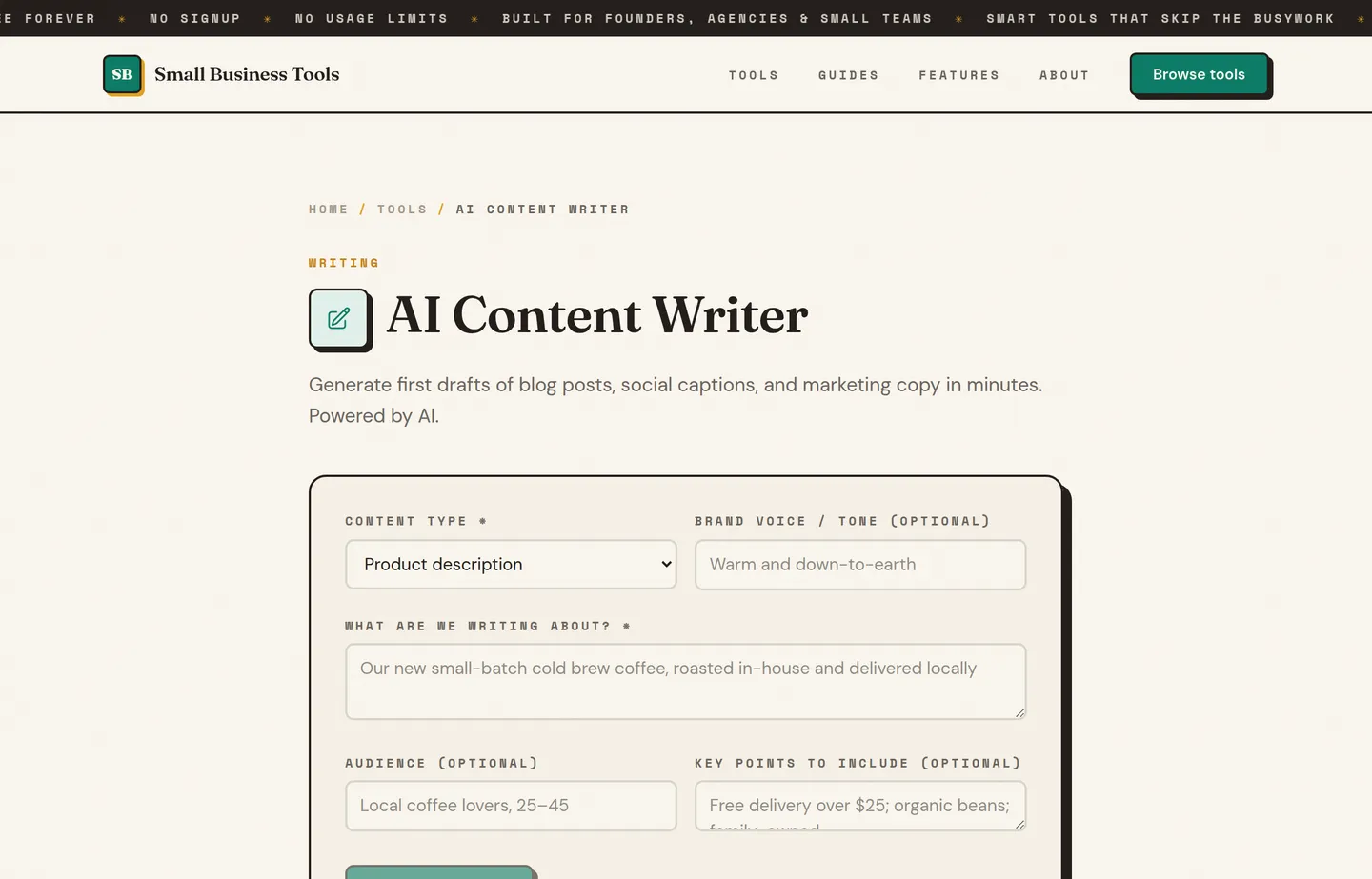
- Key features: topic-to-draft generation, a full free writing suite (rewrite, humanize, email, FAQ).
- Pricing: free, no signup.
- Pros: no login or prompt-crafting; a whole toolkit for common writing jobs; nothing stored.
- Cons: purpose-built, not a general chatbot; for open-ended complex work, reach for ChatGPT or Claude.
12. SBT Product Description Generator
The Product Description Generator is built for exactly one repeated, formatted job — and doing twenty in a row is where it beats a blank chatbot.
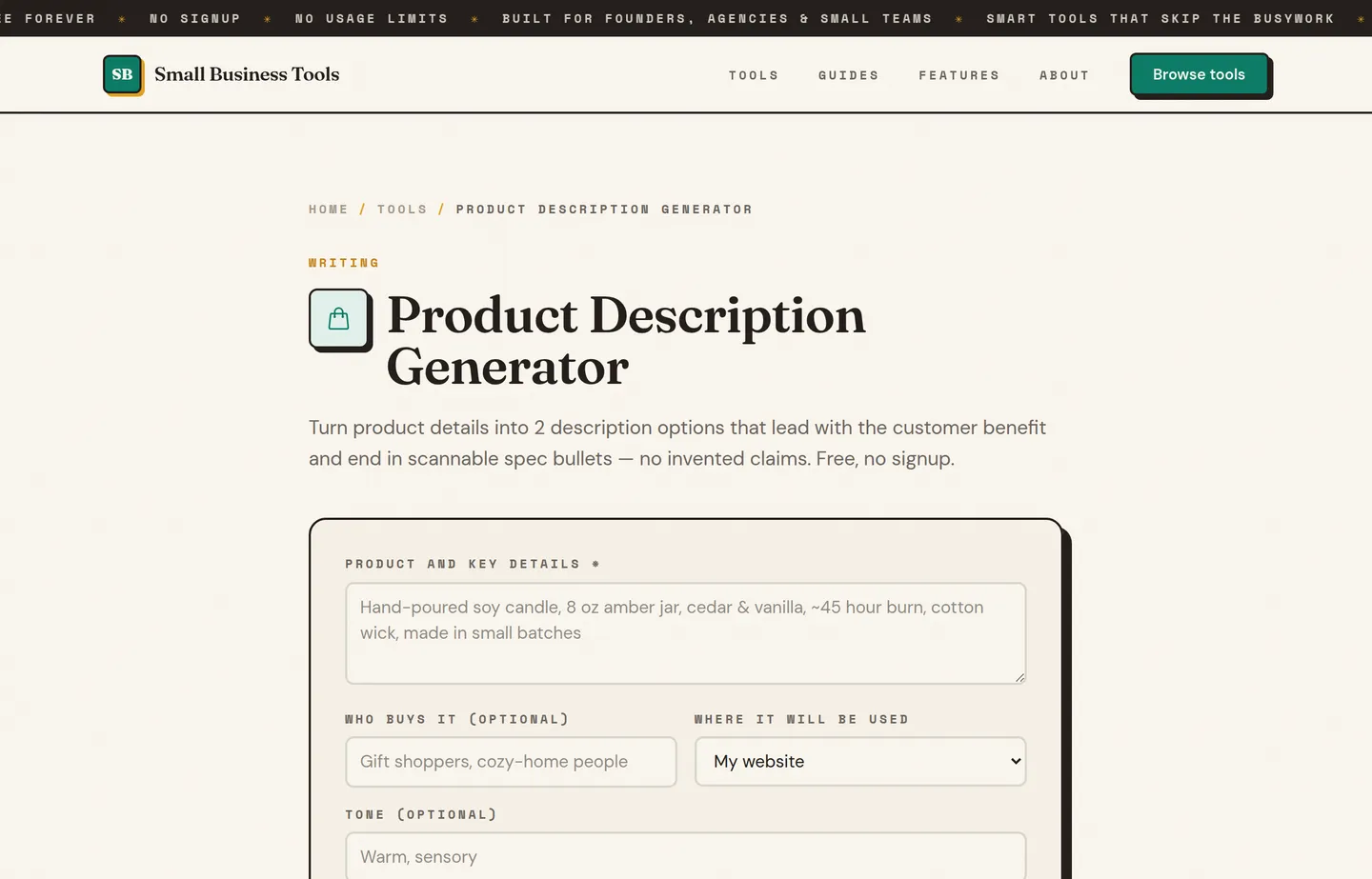
- Key features: product-details-to-copy, consistent format, instant output.
- Pricing: free, no signup.
- Pros: fastest tool for the repeat job; consistent structure; free.
- Cons: single-purpose by design; still edit for brand voice and accuracy.
A time-saving workflow
The setup that saves the most time combines both kinds of tool. Generate a draft with the Content Writer or a big model, tighten it with the Paraphrasing Tool, and finish with the AI Humanizer so it reads naturally. Three quick steps turn a blank page into an edited draft — and your judgment, added on top, is what makes it worth publishing.
Which should you choose?
- You want one tool for everything: ChatGPT or Claude, free tier.
- You live in Google or Microsoft apps: Gemini or Copilot.
- You mostly need to fix your own writing: Grammarly or our free Paraphrasing Tool.
- Marketing copy is your full-time job: Jasper, Copy.ai, or Writesonic.
- You do the same formatted writing job repeatedly: the matching free SBT generator.
- You want a whole small-business toolkit by job: see The Small Business AI Stack.
Common mistakes with AI writing tools
- Publishing the first draft. AI gets you to a draft fast; shipping it unedited is how you end up sounding like everyone else. Edit into your own voice.
- Collecting tools instead of using them. The value is in the repeated job, not the login count. Pick one tool per job and go deep.
- Trusting AI with facts and numbers. Models state wrong things confidently. Verify anything a customer relies on — prices, claims, specs.
- Paying before you've outgrown free. Most owners buy a marketing-suite subscription before exhausting free models and free generators. Start free; upgrade only when a real limit blocks you.
FAQs
What is the best free AI writing tool for a small business?+
For open-ended writing, ChatGPT or Claude on their free tiers are the best all-round choice. For a specific job you repeat — product descriptions, customer emails, FAQ blocks — a free, no-signup generator like the ones on this site is faster because the format is built in. Most small businesses are best served by using both.
Is it better to use ChatGPT or a specialized AI tool?+
It depends on the job. For flexible, one-off, or complex writing, a general model like ChatGPT wins. For a formatted task you do repeatedly, a specialized generator saves the effort of describing the format every time and often runs free with no login. Match the tool to how often you do the job.
Will using AI writing tools hurt my SEO?+
Not on its own — search engines reward helpful, accurate content regardless of how it was drafted. It hurts you when you publish thin, generic, unedited output. Use AI for the draft, then add real expertise, examples, and your voice. See our guide on the [best AI SEO tools](/guides/best-ai-seo-tools-small-business) for how writing fits the bigger picture.
Do I need to pay for an AI writing tool?+
Usually not to start. Free tiers of general models plus free specialized generators cover most small-business writing. Paid marketing suites like Jasper are worth it mainly when producing branded copy is a full-time job. Don't upgrade until a concrete limit is actually blocking you.
How do I make AI writing sound like me and not a robot?+
Edit it — that's the real work. Start from the AI draft, cut the filler, add specifics only you know, and rewrite the opening in your own voice. The [AI Humanizer](/tools/ai-humanizer) helps smooth robotic phrasing, but your edits are what make it genuinely yours.
Can AI replace a copywriter for my small business?+
It replaces the blank page and the busywork, not the judgment. AI drafts fast; deciding what's on-brand, accurate, and worth publishing is still a human job. Treat it as a very fast junior assistant whose work you always review.
Final take
The best free AI writing setup for a small business isn't one tool — it's the right tool for each kind of job. Lean on ChatGPT or Claude for flexible, complex writing, and on free, no-signup generators like the Content Writer, Product Description Generator, and AI Email Writer for the formatted work you repeat. Keep your own hand on the edit, and you'll get most of the speed of a paid suite for none of the cost.
Free tools to try
AI Content Writer
Draft blog posts, captions, and marketing copy in your brand voice.
AI Humanizer
Rewrite stiff, AI-sounding text so it reads like a person wrote it.
Paraphrasing Tool
Reword any text — standard, formal, simple, shorter, or expanded.
AI Email Writer
Draft complete business emails — follow-ups, outreach, reminders — from one line.
Product Description Generator
2 benefit-led descriptions with scannable bullets — sized for your site, Etsy, or Amazon.
Keep reading
Guide
The Small Business AI Stack: Tools for Every Job in 2026
A practical AI stack for small businesses — the tools that actually save time on marketing, content, SEO, and admin, organized by the job they do. Free where it counts.
Guide
Best AI SEO Tools for Small Businesses in 2026
The SEO tools that give small businesses a real edge in AI search — paid data suites, AI audits like CrawlRaven, PikaSEO's free suite, and the free essentials.
Guide
Free Small Business Tools (No Signup): The Complete List
A directory of free small business tools — pricing calculators, invoicing, marketing, SEO, and writing. No signup, no paywall, and they explain the math.
Guide
How to Write Email Subject Lines That Get Opened
Write email subject lines that get opened: the legal rules, length and preview-text mechanics, proven angles, and what to measure besides open rate.