Guide
Best AI Website Builders for Small Business (2026)
An AI website builder can remove the blank-page problem. It cannot remove the job of checking whether your services, photos, claims, contact details, accessibility, and calls to action are true. The W3C's accessibility guidance is a useful reminder: a website must work for people with disabilities as well as everyone else. Treat an AI-generated site as a fast first draft, then review every page before publishing.
For a small business, the real choice is less about which tool creates the prettiest first screen and more about what happens after launch: Can you edit it? Add appointment booking or products? Control titles, redirects, and schema? Leave if the platform stops fitting? This guide ranks ten builders for those operating questions. It is about hosted AI builders, not AI coding tools; a custom-code workflow is a different commitment.
Quick comparison
| Builder | Best for | Entry price | Watch before choosing |
|---|---|---|---|
| Wix | An all-in-one local-service site | From $17/mo annual | Plan and checkout pricing vary by region |
| Squarespace | Design-led service or portfolio sites | From $16/mo annual | Commerce and extensions may add cost |
| Webflow | A marketing site that will grow in complexity | From $15/mo annual | More learning curve than simple builders |
| Framer | Design-forward landing and marketing sites | From $10/mo annual | CMS and collaborator limits |
| Shopify | A business selling products | From $29/mo annual | Payments and app costs matter |
| Hostinger Website Builder | A low-cost first service site | Promotional pricing from $2.99/mo | Renewal and add-ons differ |
| Durable | The fastest basic service-business launch | From $12/mo | Less design and platform depth |
| 10Web | WordPress-based AI site generation | From $10/mo annual | You still own WordPress operations |
| B12 | Professional services with client workflows | $49/mo after intro | Higher base price than a simple brochure site |
| Elementor AI | WordPress users who want editable output | AI from $3.99/mo | Hosting and WordPress maintenance are separate |
How we chose
We judged each product by the work a small owner has to do after the demo:
- Launch speed: can a credible first draft appear quickly?
- Editing control: can you replace generic AI copy, images, layouts, and calls to action without rebuilding?
- Business fit: booking, forms, payments, products, blog/CMS, and basic analytics where they matter.
- SEO hygiene: custom title and description controls, redirects, mobile behavior, performance, and structured-data options—not claims of automatic rankings.
- Exit and operating cost: domains, seat limits, transaction fees, plugins, and what it takes to change later.
The test most AI-builder lists skip: can you operate the finished site?
Current search results for this query heavily reward quick generation, polished templates, and introductory discounts. Those matter, but they describe the first ten minutes—not the next two years. Before choosing a builder, generate the same five-page service site in its trial (Home, Services, About, Reviews, Contact) and score these five checks:
| Check | Pass looks like | Why it matters |
|---|---|---|
| Replaceability | You can rewrite every AI claim, swap photos, and change the page order yourself | Generic copy is not a credible business website |
| Search controls | You can set titles, descriptions, redirects, headings, image alt text, and sitemap settings | AI generation does not equal search readiness |
| Conversion path | A mobile visitor can call, submit a form, book, or buy in under a minute | A beautiful site that cannot convert is a brochure |
| Ownership | You can move the domain and export the content/assets you need | Cancellation should not strand the business |
| Real annual cost | You have added renewal, seats, apps, transactions, and paid AI credits | A promotional monthly price is not the operating price |
No product here automatically passes these checks for your business. The practical edge is not the prompt that makes a site; it is the half hour you spend testing the published result on a phone.
1. Wix — best all-in-one choice for a local service business
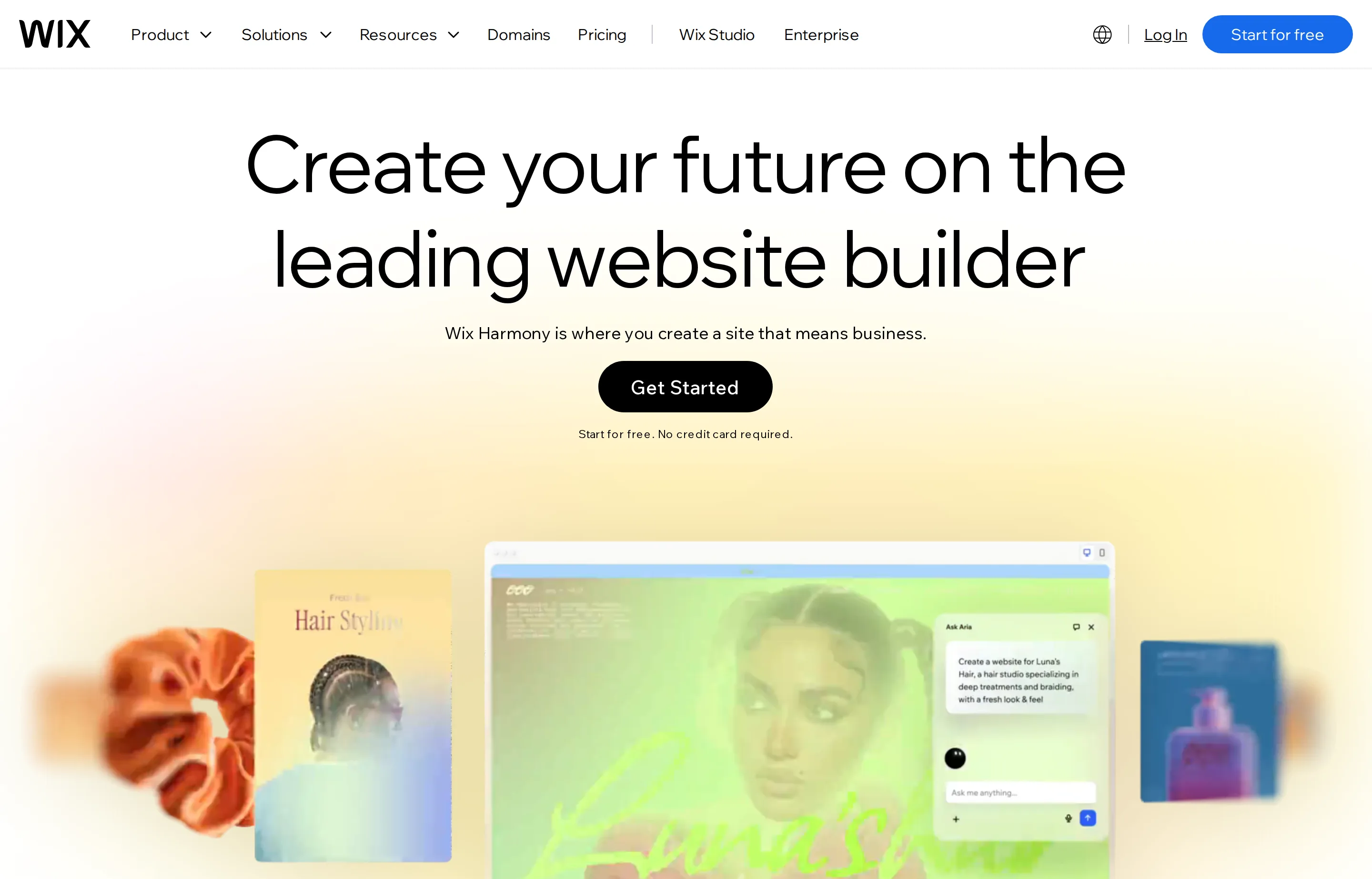
Wix is a strong default for an owner who needs a polished site plus scheduling, service pages, forms, basic marketing, and optional commerce in the same dashboard. Its AI creation flow gets the first draft moving, while the editor gives non-technical owners room to make it sound and look like their actual business.
- Key features: AI site creation, visual editor, booking and service tools, forms, ecommerce, basic SEO controls.
- Pricing: free building mode; US annual website plans are advertised from $17/month. Wix says final prices are shown at checkout and can vary by location.
- Pros: broad business feature set; good fit for service businesses; no-code editing.
- Cons: plan choice can be confusing; moving a finished Wix site to another platform is not a simple export.
2. Squarespace Blueprint AI — best for a design-led service business
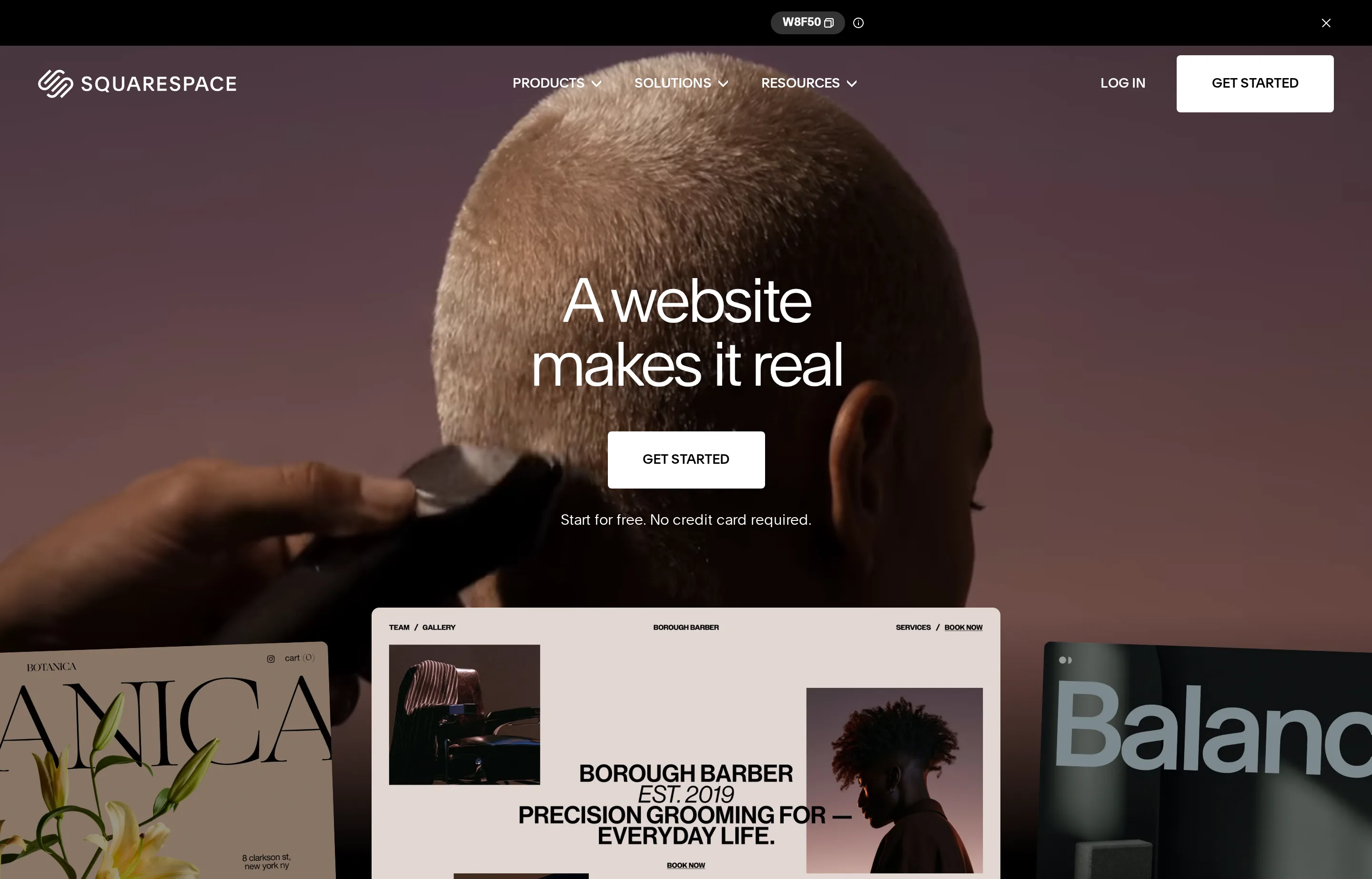
Squarespace Blueprint AI guides you through brand and layout choices instead of generating an uneditable one-shot page. It is especially credible for photographers, consultants, studios, restaurants, and other businesses where presentation matters as much as a contact form.
- Key features: Blueprint AI, templates, visual editing, commerce, scheduling, invoicing and payments, built-in SEO controls.
- Pricing: website plans start at $16/month billed annually; a 14-day trial is available.
- Pros: excellent starting design; cohesive business ecosystem; guided AI setup without giving up choices.
- Cons: less free-form than WordPress; extensions and commerce needs can change the total cost.
3. Webflow — best for a content-rich marketing site with room to grow
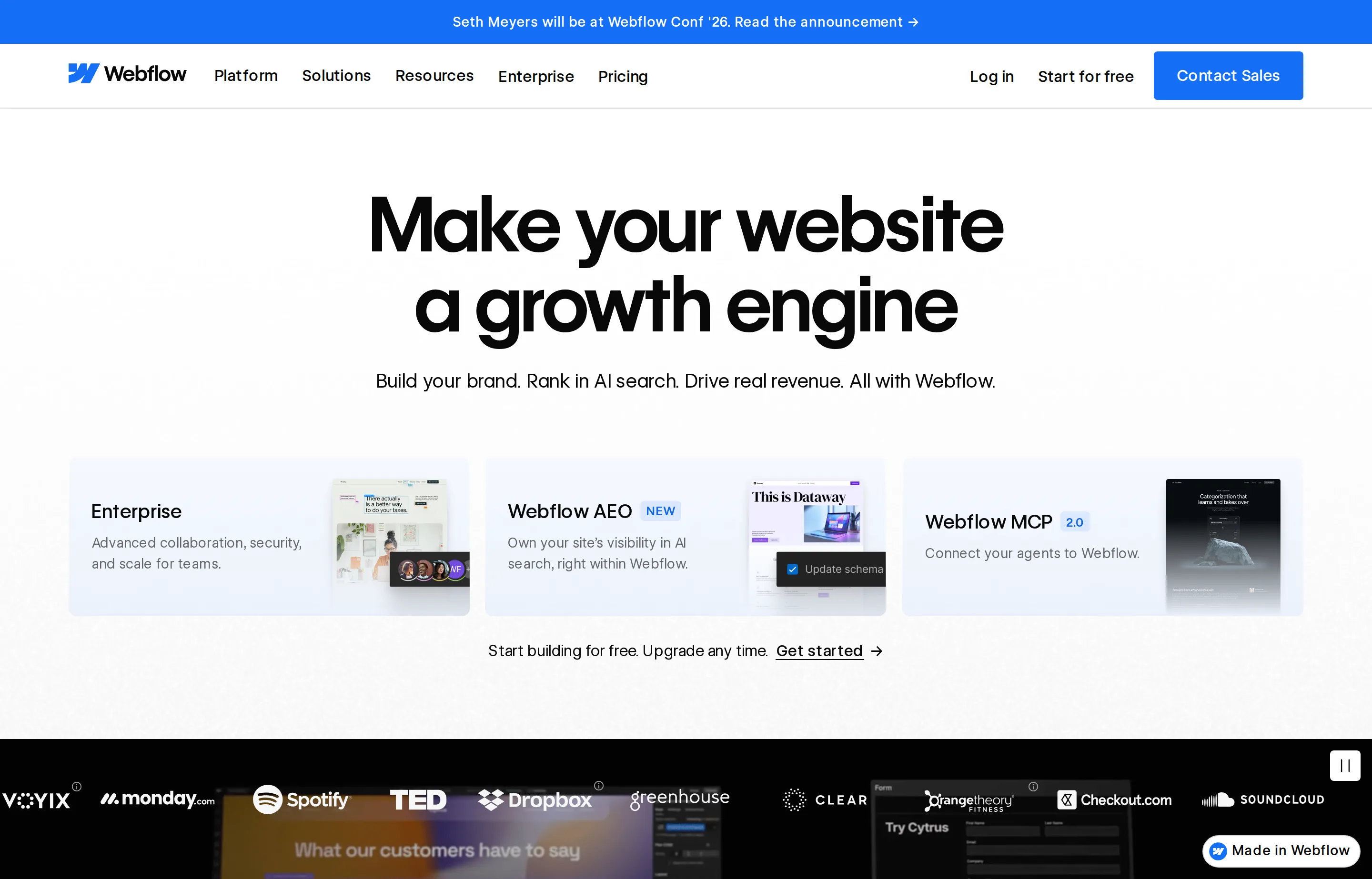
Webflow's AI site builder can generate a multi-page starting site from a business description, then lets a marketer refine the result in a powerful visual system. It is the best choice here when the site itself will become a serious marketing asset—case studies, landing pages, resources, a CMS—not merely a digital business card.
- Key features: AI site builder, visual design system, CMS, hosting, redirects, forms, staged publishing.
- Pricing: Free Starter for experimentation; Basic $15/month and Premium $25/month, billed yearly, on the current site-plan lineup.
- Pros: serious design and CMS control; good for growth content; strong publishing workflow.
- Cons: takes more time to learn; workspace, collaborator, and usage choices need attention.
4. Framer — best for a polished marketing or landing site
Framer combines AI generation with a fast, design-oriented canvas. It is compelling for a consultant, agency, SaaS-adjacent business, or creator who wants a site that feels custom without hiring a developer for every landing page. It is less natural than Shopify for an operation built around a large product catalog.
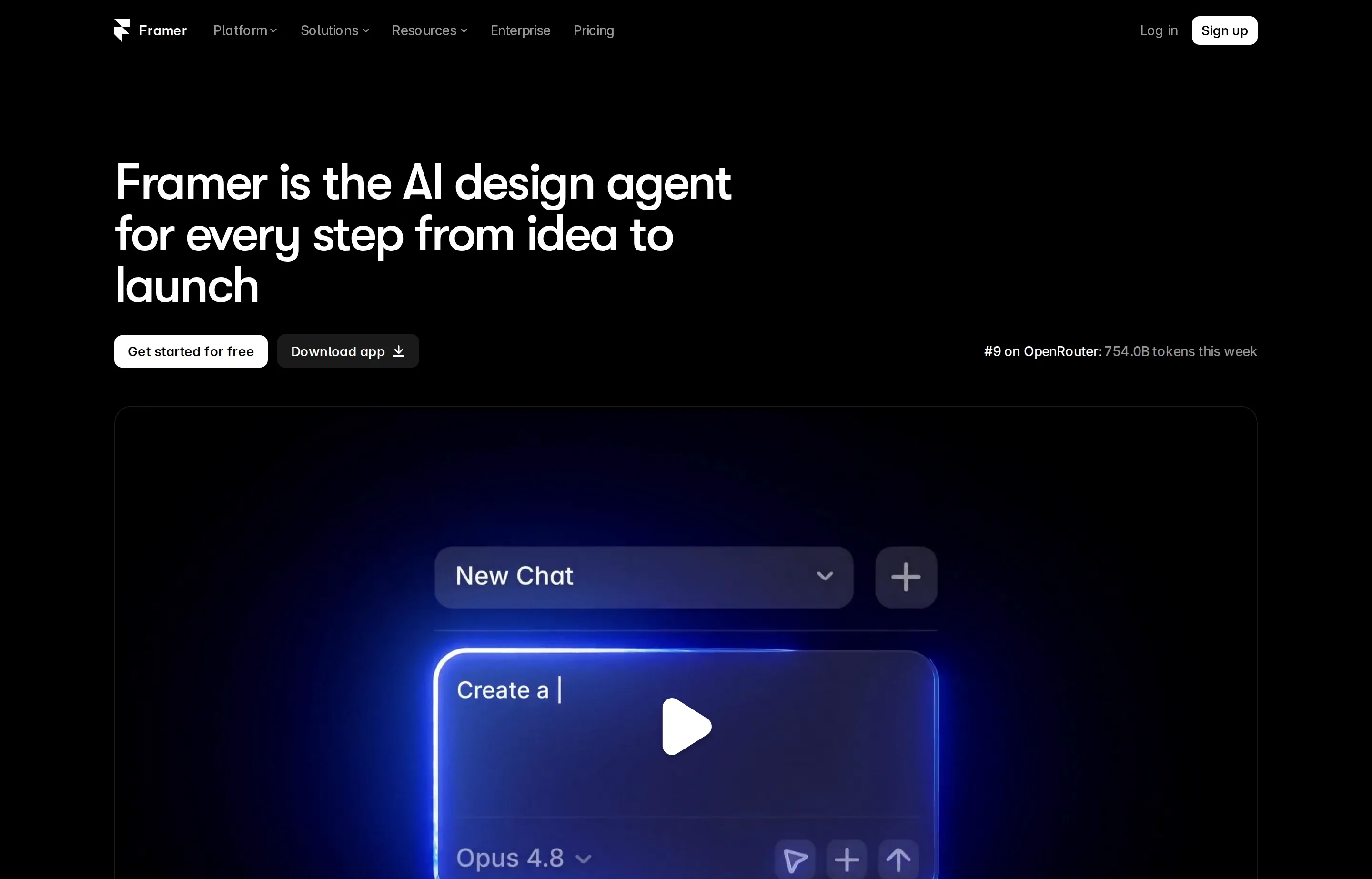
- Key features: AI agents, visual canvas, CMS, built-in SEO, localization, staging, custom-domain hosting.
- Pricing: Free to try; Basic $10/month and Pro $30/month, billed yearly. AI credits and extra editors have separate limits or costs.
- Pros: strong design control; responsive output; good landing-page workflow.
- Cons: collaboration and CMS needs raise the price; not the simplest local-business all-in-one.
5. Shopify — best AI-assisted choice for selling products
Shopify belongs on this list because a store has different needs from a brochure site: catalog management, checkout, payments, inventory, POS, shipping, and product content. Its AI features support the commerce workflow, rather than just producing a home-page mockup. Choose it if products—not appointments—are central to the business.
- Key features: store builder, AI assistant, product and content support, checkout, inventory, POS, app ecosystem.
- Pricing: plans start at $29/month billed annually; online card rates, payment-provider fees, POS, and apps can add cost.
- Pros: the strongest commerce operation here; scales from a few products to a real retail business; useful POS path.
- Cons: overkill for a simple services site; total cost is more than the headline subscription.
6. Hostinger Website Builder — best low-cost first launch
Hostinger Website Builder is a reasonable budget pick when the job is a simple service site with a domain, basic pages, contact details, and AI help getting started. It is not the choice for a complex editorial site, but it can be enough for a new contractor, solo consultant, or side business validating demand.
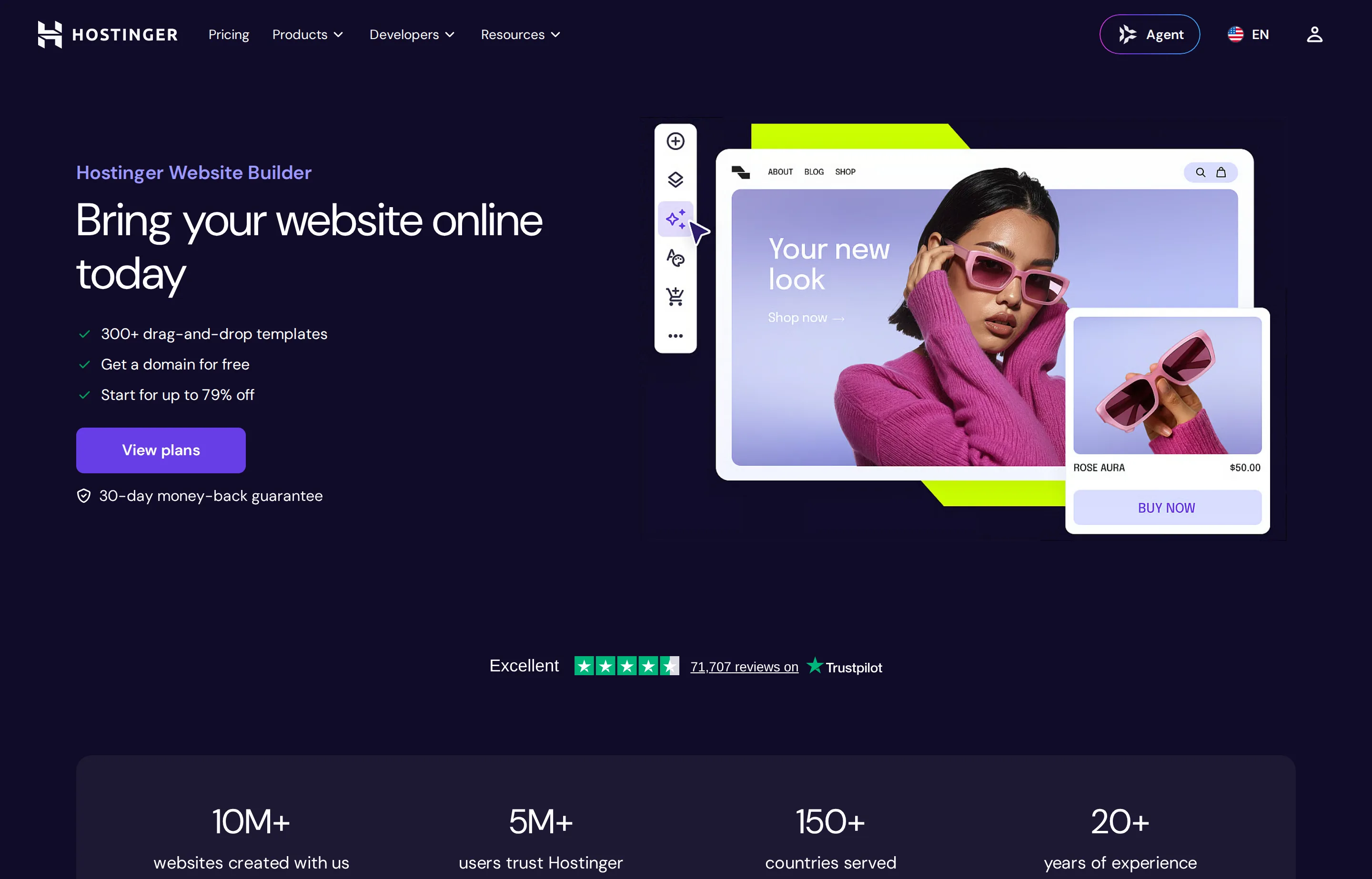
- Key features: AI website generation, drag-and-drop editing, hosting, domain offers, ecommerce option, basic analytics.
- Pricing: long-term introductory offers are advertised from $2.99/month; renewal pricing and term length differ, so check checkout carefully.
- Pros: low entry cost; hosting is bundled; practical for a lightweight first site.
- Cons: promotional price is not the long-term price; fewer deep business workflows than Wix or Shopify.
7. Durable — best when speed beats customization
Durable is designed to produce a basic business site quickly from a business type, location, and name. That makes it useful for a solo operator who has no site at all and needs a credible place to send a customer today. It is a poor fit if your brand, catalog, or content model needs extensive custom work.
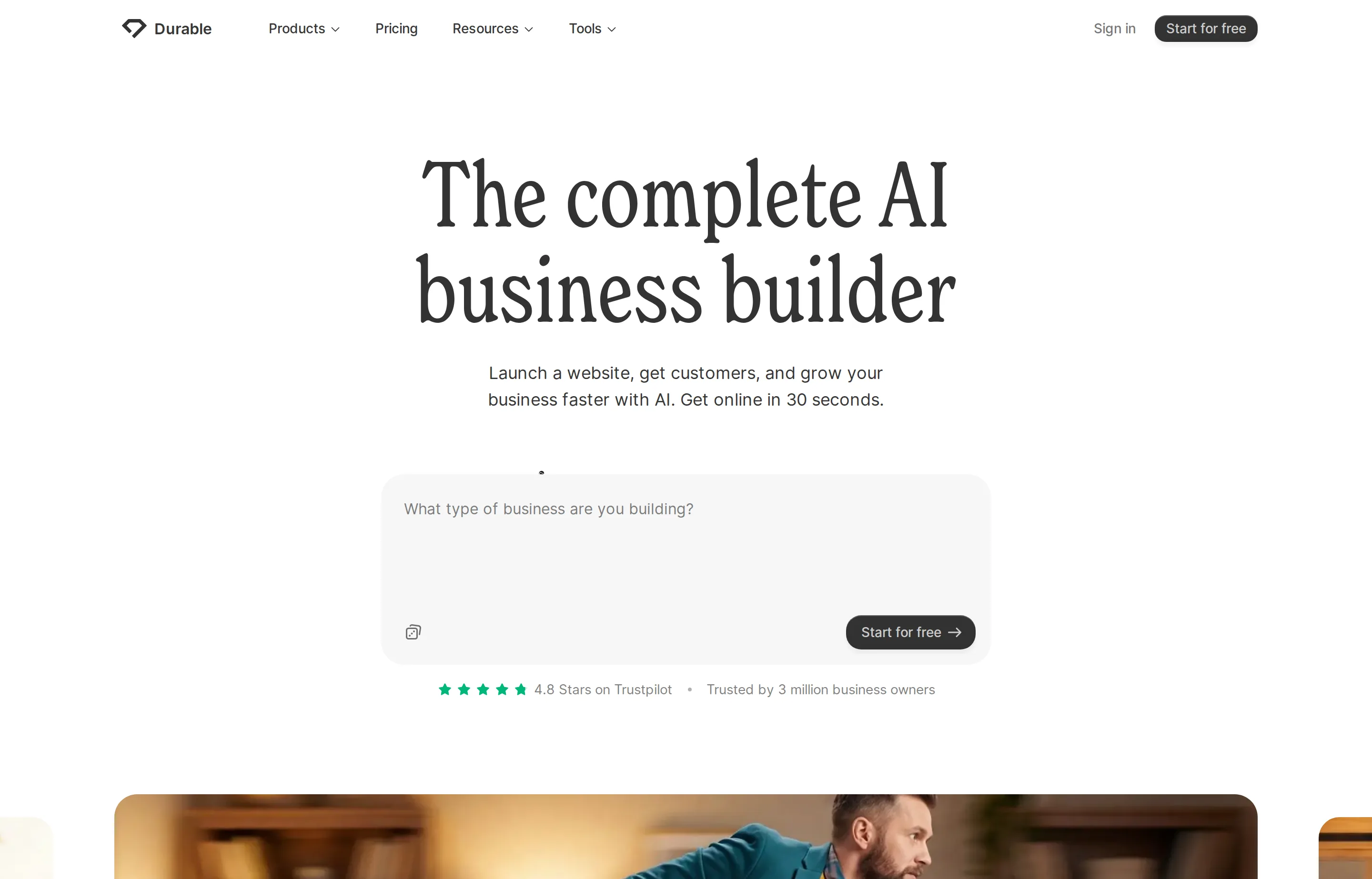
- Key features: AI-generated site, contact forms, basic editing, hosting, analytics, business tools.
- Pricing: a free start is available; paid plans start at $12/month according to Durable's product information.
- Pros: extremely fast first draft; approachable for non-technical owners; geared toward service businesses.
- Cons: less design and CMS flexibility; review generic copy and stock imagery closely before publishing.
8. 10Web — best if you want an AI start on WordPress
10Web generates a WordPress site and gives you a visual editor plus managed hosting. It is a middle ground: faster than assembling WordPress yourself, but closer to the WordPress ecosystem than a closed hosted builder. That can be valuable when plugins, ownership, or future developer flexibility matter.
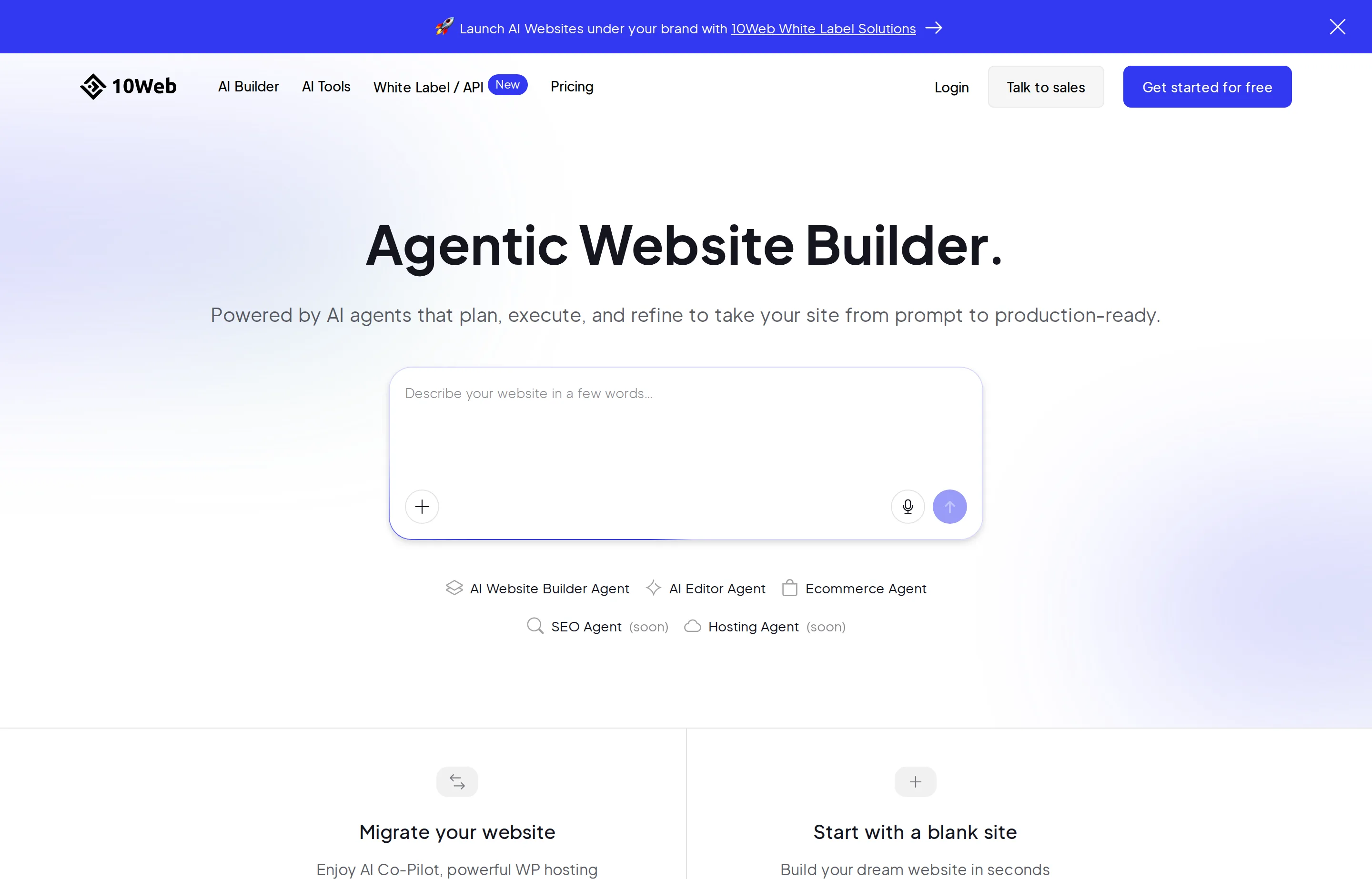
- Key features: AI site generation, WordPress hosting, Elementor-based editing, performance tooling, ecommerce options.
- Pricing: plans are advertised from $10/month billed annually; limits vary by site and hosting tier.
- Pros: WordPress flexibility with a faster setup; good bridge to a more customized future site.
- Cons: WordPress still brings maintenance decisions; platform and hosting limits need careful comparison.
9. B12 — best for professional services that need client workflows
B12 goes beyond a basic website with client intake, email marketing, contracts, e-signatures, payments, and contact management. That makes its higher base price logical for a law firm, consultant, insurance business, or agency that will use those tools. It is poor value if all you need is a five-page brochure site.
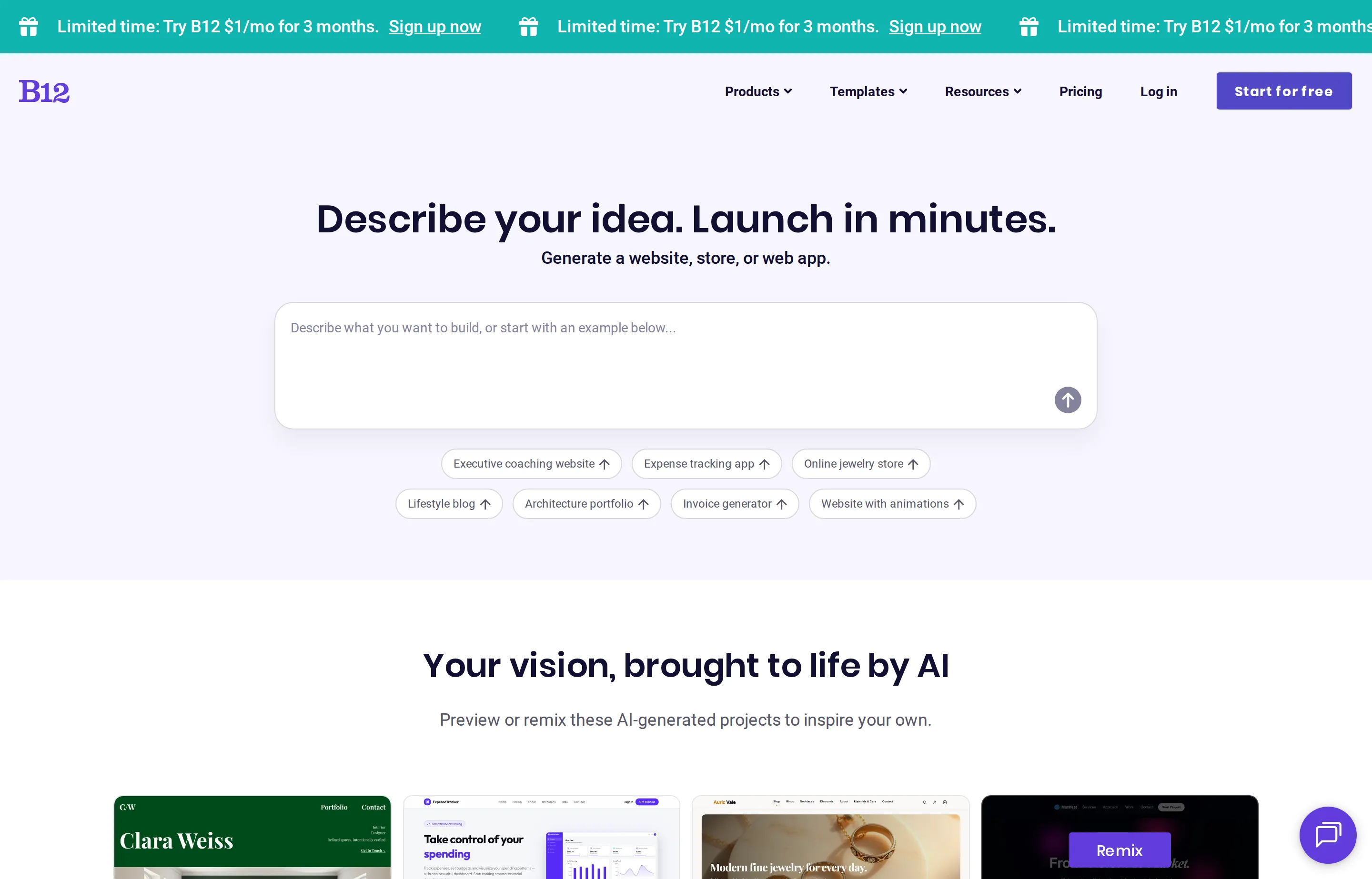
- Key features: AI-generated website, visual editor and AI chat, forms, commerce, client intake, contracts and e-signatures on higher plans.
- Pricing: Free on a B12 subdomain; Website $49/month after a $1/month for three months introductory offer. Website + Client Engagement is $78/month.
- Pros: unusually complete client workflow; clear professional-services fit; support and expert marketplace.
- Cons: high ongoing cost for a simple site; do not pay for client tools you will not use.
10. Elementor AI — best for editable WordPress output
Elementor AI is for owners who want the AI draft but also want to keep the site in WordPress, with a familiar drag-and-drop editor and plugins such as WooCommerce, Yoast, or Rank Math. That flexibility is useful; it also means someone must own hosting, updates, security, and plugin compatibility.
- Key features: AI site generation, editable layouts, AI copy and images, WordPress themes/plugins, WooCommerce compatibility.
- Pricing: Elementor AI is advertised from $3.99/month; Elementor Pro and hosting are separate costs depending on the setup.
- Pros: highly editable output; avoids a single hosted-site ecosystem; works with established WordPress tools.
- Cons: the lowest AI price is not the total website cost; WordPress maintenance remains real work.
Which builder should you choose?
- You run a local service business and need bookings: Wix. Build the service pages, keep your contact details accurate, and use the Local SEO guide to make the site useful in search.
- Your brand and portfolio need to look considered: Squarespace or Framer. Choose Squarespace for the all-in-one business tools and Framer for more design control.
- You publish marketing content and expect complexity: Webflow, or 10Web/Elementor if WordPress is important to you.
- You sell physical products: Shopify. Do not select a general AI builder and bolt on a store unless its commerce workflow is demonstrably enough.
- You need a basic site this week on a tight budget: Hostinger or Durable—then replace the AI filler with your real proof, services, and photos.
- You sell professional services with intake and contracts: B12 may justify its price by removing several other tools.
Whatever you pick, do these four things before launch:
- Replace every generic claim with an accurate service, customer outcome, and location where relevant.
- Run the site through the free Website SEO Checker, then use the SEO audit template to resolve the basics.
- Set a unique title and meta description with the Meta Tags Generator, and add appropriate business schema with the Schema Markup Generator.
- Test the phone version, contact form, booking or checkout path, page speed, keyboard navigation, and all pricing claims yourself.
A 60-minute launch plan for the AI draft
Do not publish the first version the builder gives you. Use the first hour like this:
- 15 minutes — replace the fiction. Put in your real service area, opening hours, contact details, pricing approach, team credentials, and original photos where possible.
- 15 minutes — make one offer obvious. Choose one primary action—call, quote request, booking, or purchase—and make it visible on every important page.
- 15 minutes — add search basics. Give each page a distinct title and description, use a descriptive H1, set image alt text, and make sure the site is indexable.
- 15 minutes — test it as a customer. On a phone, complete the form or booking flow, check the confirmation message, and make sure the business can actually receive the lead.
That workflow is the differentiator most builder comparisons leave to the reader. AI gets the site from zero to draft; the operational review gets it from draft to an asset.
FAQs
Can an AI website builder create a website that ranks on Google?+
It can create a starting structure, but no builder can guarantee rankings. Search performance depends on useful original content, a technically sound site, relevant local information where applicable, and real credibility. Check the generated title tags, headings, copy, images, and internal links before publishing.
What is the best AI website builder for a small service business?+
Wix is the most balanced default when you need a website, forms, booking, and basic marketing in one product. Squarespace is strong when presentation matters most, and Durable is a sensible speed-first choice for a very simple launch.
Which AI website builder is best for ecommerce?+
Shopify is the clearest choice for a business centered on products because the website sits inside a mature store, payment, inventory, shipping, and POS workflow. Compare its total transaction and app costs, not only the subscription price.
Do I own a site made with an AI website builder?+
You generally own your content and domain, but moving the complete design and functionality to another platform ranges from inconvenient to impossible. Before committing, review domain transfer, content export, image download, redirect, and cancellation options—not just the AI demo.
Free tools to try
Website SEO Checker
A 20-point technical SEO check of any page — clear pass/fix results, honest limits.
Meta Tags Generator
Title, description, Open Graph, and Twitter tags as one copy-paste snippet.
Schema Markup Generator
Generate FAQ, Local Business, and Product JSON-LD you can paste into any page.
QR Code Generator
QR codes for links, WiFi, phone, and email — download as PNG or SVG, no expiry.
Product Description Generator
2 benefit-led descriptions with scannable bullets — sized for your site, Etsy, or Amazon.
Keep reading
Guide
Local SEO for Small Business: Guide + Best Tools
How Google ranks local businesses, the Business Profile rules that get you suspended, and which local SEO tools are worth paying for in 2026.
Guide
Small Business SEO Audit Template (Free, Copy-Paste)
A free SEO audit template where every check cites Google's own documentation — no signup, no download, and honest limits on every free tool it uses.
Guide
How to Get Recommended by ChatGPT & AI Search
What makes AI assistants recommend your business: which crawlers to allow, what the evidence says about schema and llms.txt, and how to measure it.
Guide
Best SEO Tools for Small Business (2026)
The SEO tools small businesses should actually use: free Search Console and Bing data, paid research suites, crawlers, WordPress plugins, and fast on-page fixes.