Guide
Best POS Systems for Small Business (2026)
A POS system is where your retail day actually happens — and the market is consolidating around a handful of platforms that bundle payments, so the software price and the processing rate are really one bill. The U.S. Census Bureau's Advance Monthly Retail Trade Survey counted $763.6 billion in July 2026 retail and food-services sales, up 5.0% year over year — that spending is running through counters, handhelds, and terminals whose fees compound with every swipe.
This guide compares ten POS systems across the businesses that actually buy them: storefront retail, full-service restaurants, salons and services, and mobile/pop-up sellers. Every figure is a US list rate as of September 2026, read from the vendor's own pricing page where it was reachable, and from named third-party reviews where it wasn't. The two numbers that matter most are the software fee and the card-present rate — and the one thing almost every vendor hides is the contract behind both.
Quick comparison
| POS system | Best for | Software | In-person rate | Contract |
|---|---|---|---|---|
| Square POS | Retail, services, mobile — best overall | $0 (Plus $49, Premium $149/mo) | 2.6% + 15¢ | None |
| Toast | Full-service restaurants | $0 or $69+/mo | 2.49% + 15¢ (paid tier) | 2–3 years |
| Shopify POS | E-commerce-first retailers | incl. in plan ($39+/mo); Pro +$89 | 2.4–2.6% + 10¢ | None |
| Clover | Hardware-first food & retail | $14.95–$69.95+/mo | from 2.3% + 10¢ | Direct: none; resellers: 36 mo |
| Lightspeed Retail | Inventory-heavy specialty retail | $89–$289/mo | 2.6% + 10¢ | Month-to-month available |
| SpotOn | Toast alternative, no lock-in | $0 or $55/station/mo | 2.45–2.79% + 15–20¢ | Paid: monthly; $0 tier: 2 yrs |
| Vagaro | Salons and spas | $30/mo + $10/provider | 2.6% + 10¢ (entry tier) | None |
| PayPal Point of Sale | Pop-ups and mobile sellers | $0 | 2.29% + 9¢ | None |
| TouchBistro | iPad-native restaurants | from $69/mo | quote-based | Annual reported |
| Revel Systems | Multi-location food & retail groups | ~$99/terminal/mo | quote-based | 3 years |
How we ranked these
POS marketing leans on "$0" and "free POS" while the money is made in processing rates, per-station fees, hardware, and exit costs. We weighed:
- True monthly cost — software plus the processing a typical shop actually pays at its average ticket.
- Business-type fit — a restaurant, a boutique, and a market stall need different things; we ranked each specialist on its own turf.
- Fine print — contract length, early-termination fees, hardware lock-in, inactivity fees, and whether the "free" tier's processing rate is a financing vehicle.
- Ecosystem — inventory depth, e-commerce sync, reservations, loyalty, offline mode, and add-on pricing.
- Track record — 2025–2026 repricing and how visibly each vendor publishes its numbers.
Ratings below are real, sourced from G2, Capterra, Trustpilot, and app stores (linked and dated), shown only where the review base is reliable. Where vendors' own pages blocked our automated checks, we say so and name the source we used instead.
The best POS systems for small business
1. Square POS — best all-round for most small businesses
Square is still the fastest path from "I need a register" to selling — a genuinely free plan, $0-start hardware, and POS software a new hire learns in an afternoon, covering retail, services, and appointments in one dashboard. It earns the top spot on flexibility-per-dollar, with one honest caveat: it got meaningfully more expensive in 2025.
- Key features: inventory with low-stock alerts and purchase orders (paid tiers); staff timecards and scheduling; Square Online and Appointments included; loyalty and marketing; Tap to Pay on iPhone/Android; offline mode (limited — card processing needs connectivity).
- Pricing: read from Square's own pricing page, as of September 2026: Free $0/month, Plus $49/month per location, Premium $149/month per location. Processing on Free: in-person 2.6% + 15¢, online 3.3% + 30¢, keyed 3.5% + 15¢; Plus/Premium lower in-person to 2.5%/2.4% + 15¢. Hardware per NerdWallet's 2026 review: readers from $59, Terminal $299, Register $799+.
- The catch: the 2025 repricing — in-person fixed fee 10¢→15¢, Plus $29→$49, Premium $79→$149 — plus the Free plan's online rate (3.3% + 30¢) is now among the worst flat rates anywhere. Account holds are the recurring complaint in reviews.
- Pros: free tier with no contract; one dashboard for POS, online, and bookings; the biggest app marketplace; next-day transfers at no cost.
- Cons: 2025 price hikes across the board; flat-rate overcharges you as volume grows (see our payment processors guide for the switch point); support hours limited on Free.
- Reviews: 4.6/5 on Capterra (~3,030 reviews) — as of September 2026.
2. Toast — best restaurant POS
Toast is the deepest restaurant system on the market: kitchen displays, handheld tableside ordering, coursing, delivery integrations, and now a retail mode. It also leads with a "$0 software" tier that is really a financing vehicle — the math only works if you understand what you're trading for it.
- Key features: kitchen display system, tableside handhelds, floor plans and coursing, Toast Tables reservations, online ordering with Grubhub/Uber Eats/DoorDash, loyalty, payroll, offline mode.
- Pricing: Toast's pricing page renders dollar figures dynamically (structure verified on the vendor page, August 2026); figures via NerdWallet's 2026 review: Starter Kit $0/month (1–2 terminals, pay-as-you-go processing 3.09–3.69% + 15¢); Point of Sale $69+/month with 2.49% + 15¢ card-present when hardware is bought upfront; custom builds reported at ~$110–$165+/mo/terminal (posadvice.com, Feb 2026).
- The catch: the $0 tier's processing rate is one of the most expensive routes in the industry — the $69 plan is cheaper above roughly $7k/month in card volume. Toast requires Toast Payments (no third-party processor), contracts run 2–3 years with early-termination fees, hardware is proprietary, and the fine print includes an $85/month inactivity fee and possible hardware-return obligations on cancellation.
- Pros: the deepest full-service feature set here; rugged purpose-built hardware; 24/7 support on all plans; a real $0 tier for tiny operations.
- Cons: lock-in (processor + contract + hardware); add-on fees stack; hardware pricing is quote-dependent and volatile across sources — get it in writing.
- Reviews: 4.1/5 on Capterra (~553 reviews) · 4.3/5 on G2 — as of September 2026.
3. Shopify POS — best if you sell online first
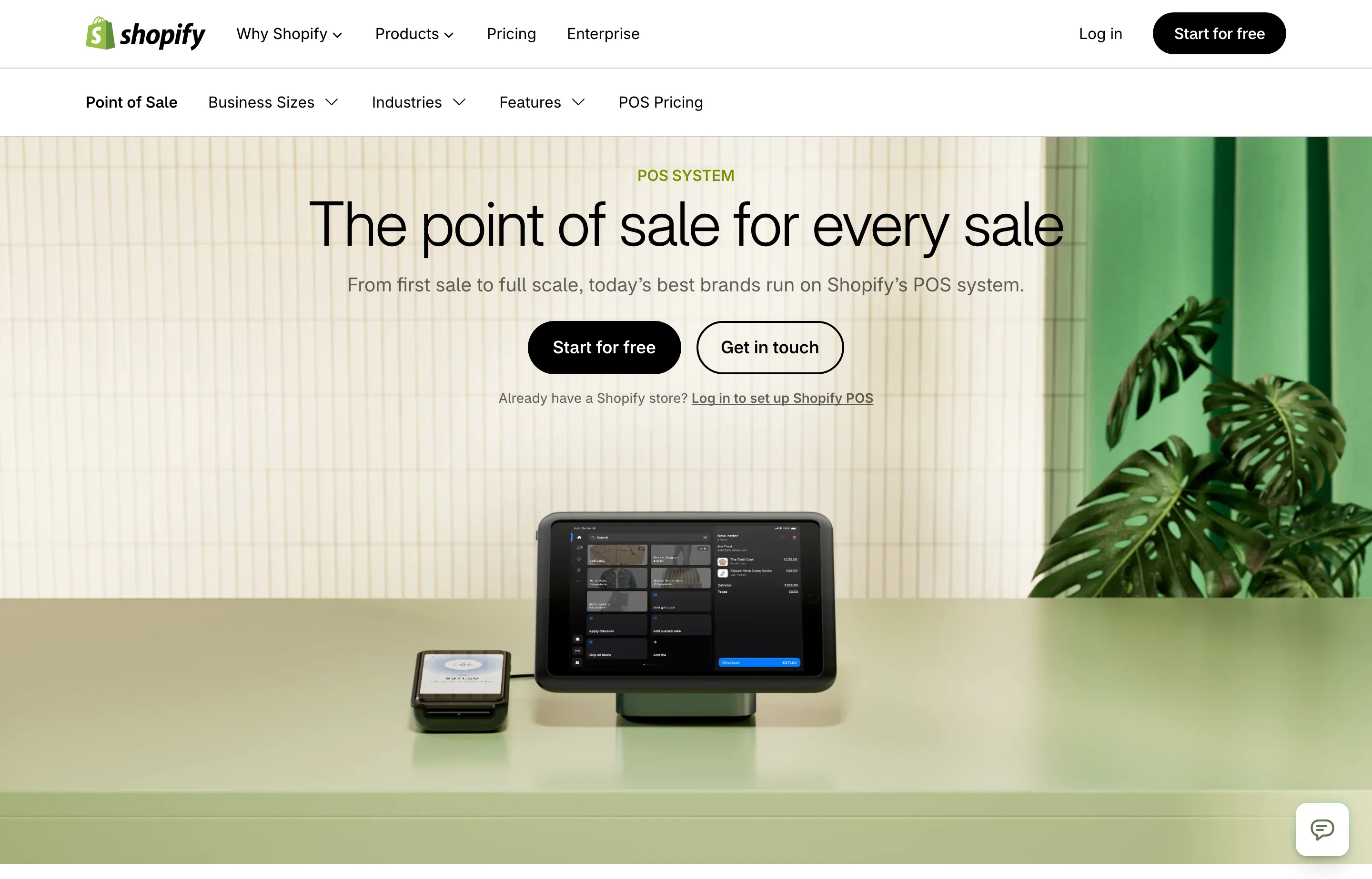
Shopify POS is less a standalone POS than the physical extension of a Shopify store: POS Lite is included with every Shopify plan, and the inventory sync between online and counter is unmatched. If your retail business is e-commerce-first or omni-channel, this is the answer; if it's not, the true floor cost is the Shopify subscription itself.
- Key features: unified online/offline inventory and customer profiles; POS Pro adds staff roles, buy-online-pickup-in-store, ship-from-store, and cross-location exchanges; cheapest in-person card rates of the major flat-rate players.
- Pricing: per Shopify's own pages and App Store listing, as of September 2026: POS Lite included with every plan; POS Pro +$89/month per location ($79 on annual billing). Shopify plans: Basic $39/month ($29 annual) up. In-person processing via Shopify Payments: 2.6% + 10¢ on Basic, 2.5%/2.4% + 10¢ on higher tiers. Hardware: Tap reader from $49, Terminal $349.
- The catch: useless without a Shopify subscription ($39+/month true floor); POS Pro required for any serious retail feature; offline mode is weak — card processing requires internet.
- Pros: best-in-class online/counter sync; the lowest in-person fixed fee (10¢) among flat-rate majors; no POS contract.
- Cons: platform-locked; app-store ratings for POS Pro are poor (see below); overkill for a shop with no online ambitions.
- Reviews: 4.6/5 on Capterra (~240 reviews) but 3.0/5 on the Shopify App Store (~390 ratings, ~28% one-star) — a real split worth knowing before paying for Pro — as of September 2026.
4. Clover — best hardware, if you buy it direct
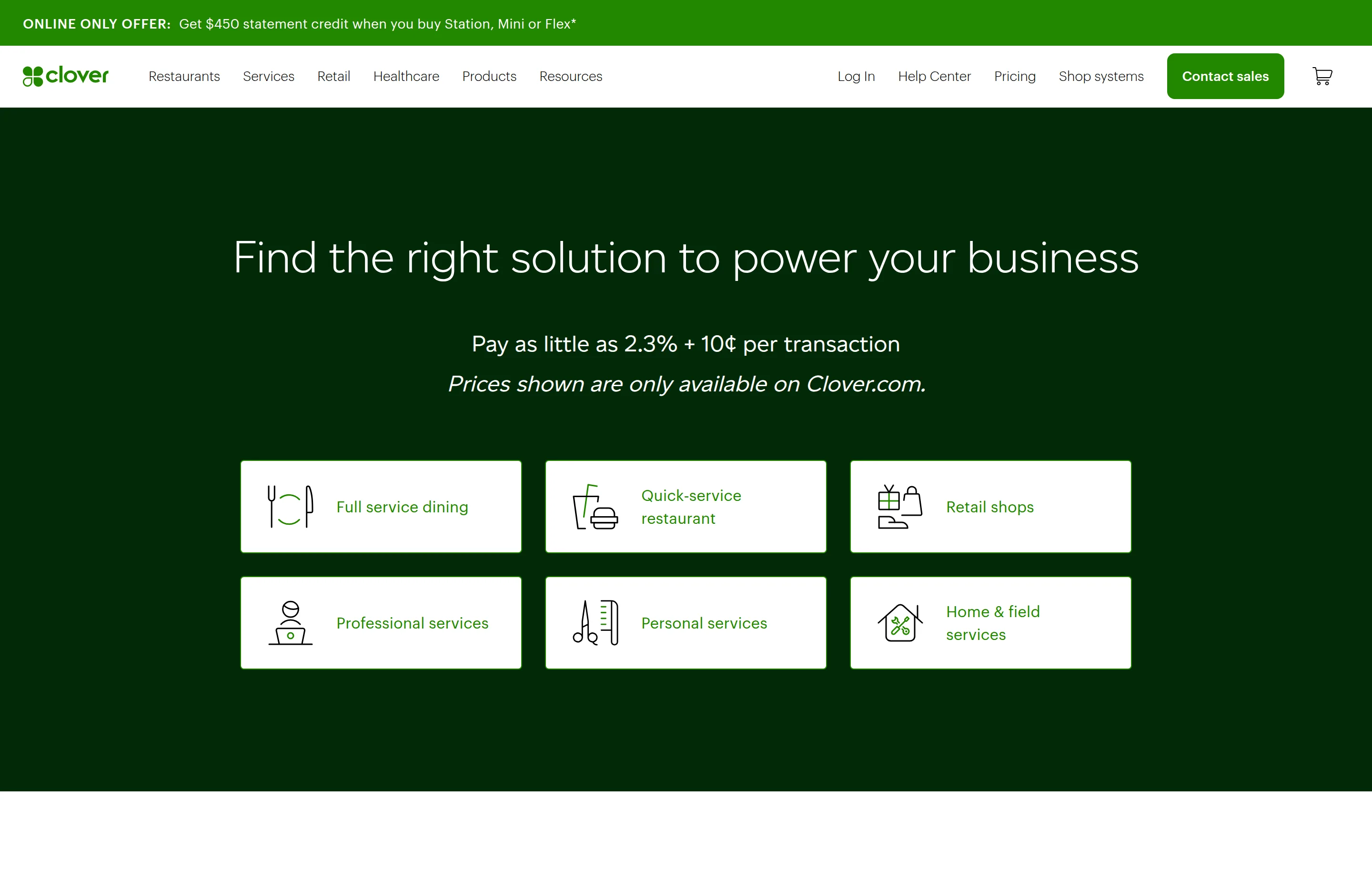
Clover (Fiserv) sells the best purpose-built hardware here — from the $199 Go handheld to the Station Duo register — with vertical software for restaurants, retail, and services. The single biggest cost variable is *where you buy it*: direct from Clover is month-to-month with published rates; through a reseller or your bank, it's 36-month contracts, statement fees, and PCI fees.
- Key features: the strongest hardware lineup in the category; app market; restaurant and retail editions; a genuinely working offline mode; working-capital advances via Fiserv.
- Pricing: Clover's page is JS-rendered (numbers partially unreadable to automated checks); direct software plans per posbull (verified Aug 27, 2026) and posadvice: Starter $14.95/month per device, Standard $49.95, Advanced $69.95; processing direct from 2.3% + 10¢ card-present, keyed 3.5% + 10¢. Hardware+software bundles run to $354/month on 36-month terms.
- The catch: the reseller channel. Bank- and reseller-sold Clover comes with 36-month contracts and early-termination fees of $500–$2,000+ (widely documented in user complaints), statement and PCI fees, and hardware locked to your merchant account — users report bricked devices when accounts close.
- Pros: excellent hardware; competitive direct card-present rate; tiered plans that scale.
- Cons: the purchase-channel minefield; long contracts via resellers; weakest support ratings of the majors here.
- Reviews: 3.8/5 on Capterra (~575 reviews) — as of September 2026.
5. Lightspeed Retail — best for inventory-heavy specialty retail
Lightspeed is the pick when inventory *is* the business — matrix SKUs (size/color variants), purchase orders, vendor catalogs, and multi-location stock across bike shops, apparel, liquor, and outdoors. You pay for that depth: it's the most expensive retail software on this list.
- Key features: matrix inventory, vendor catalogs and purchase orders, multi-location, e-commerce included on Core+, custom workflows, Insights analytics (Plus+).
- Pricing: Lightspeed's pricing page blocks automated checks; figures via the vendor page's published tiers and POSGuys: Basic $89/month, Core $149, Plus $289 (annual billing, per location; month-to-month runs ~20% higher at $109/$179/$339). Lightspeed Payments processes at 2.6% + 10¢ in-person (per posadvice); using a third-party processor adds penalty costs. Restaurant (G-Series) tiers run $69–$399.
- The catch: sales teams push annual billing hard; support quality is polarized in reviews; price increases are a recurring complaint; the restaurant Starter tier's availability is currently disputed between sources.
- Pros: best-in-class inventory and reporting for specialty retail; scales multi-location.
- Cons: most expensive retail software here; month-to-month penalty; third-party-processor penalties.
- Reviews: 4.0/5 on Capterra (~975 reviews) · 4.0/5 on G2 (~294 reviews) — as of September 2026.
6. SpotOn — the strongest Toast alternative
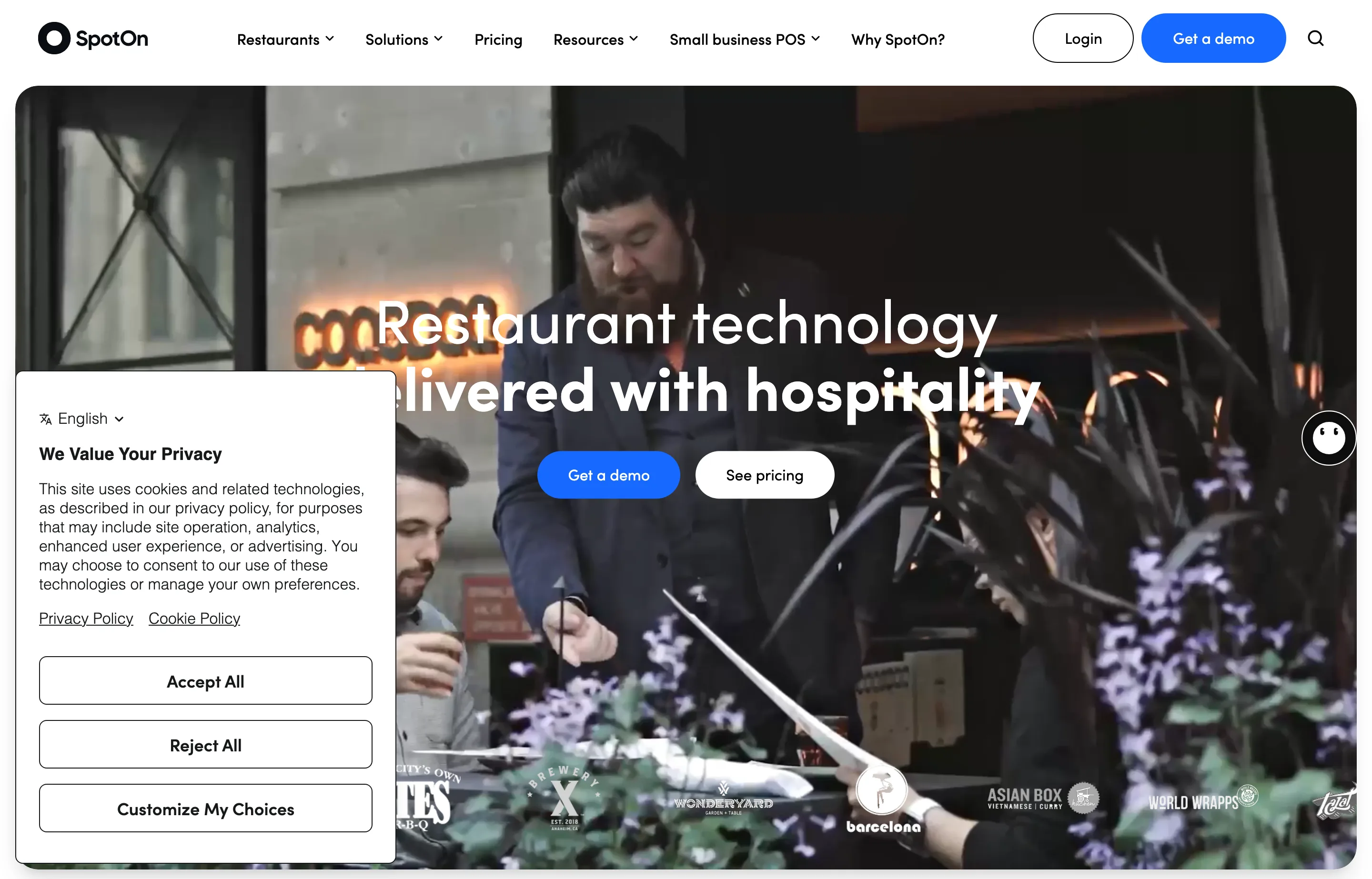
SpotOn is one of the few restaurant vendors that publishes real numbers, and its paid plan is month-to-month — no 2-year lock. Built-in reservations and commission-free online ordering make it a genuine Toast alternative for full-service restaurants; the catch is the exit cost.
- Key features: commission-free online ordering, built-in reservations, loyalty and gift cards, staff management, marketing tools, offline mode, 24/7 support with a dedicated rep.
- Pricing: read from SpotOn's own pricing page, as of September 2026: All-In $0/station/month — software and hardware included, priced into processing at 2.79% + 20¢ (2-year minimum term); POS Essentials $55/station/month, month-to-month, at 2.45% + 15¢. Hardware: Station $995, Handheld $495. A $400 refundable deposit applies.
- The catch: a reported $995 exit/"conversion" fee when switching away (posadvice) effectively recreates lock-in; the $0 tier carries a 2-year term and processing minimums; proprietary hardware only.
- Pros: published pricing (rare in restaurants); month-to-month paid plan; reservations and commission-free ordering included.
- Cons: the switching cost; higher-fee $0 tier with a term; smaller ecosystem than Toast.
- Reviews: 4.3/5 on Capterra (~330 reviews) — as of September 2026.
7. Vagaro — best salon and spa POS
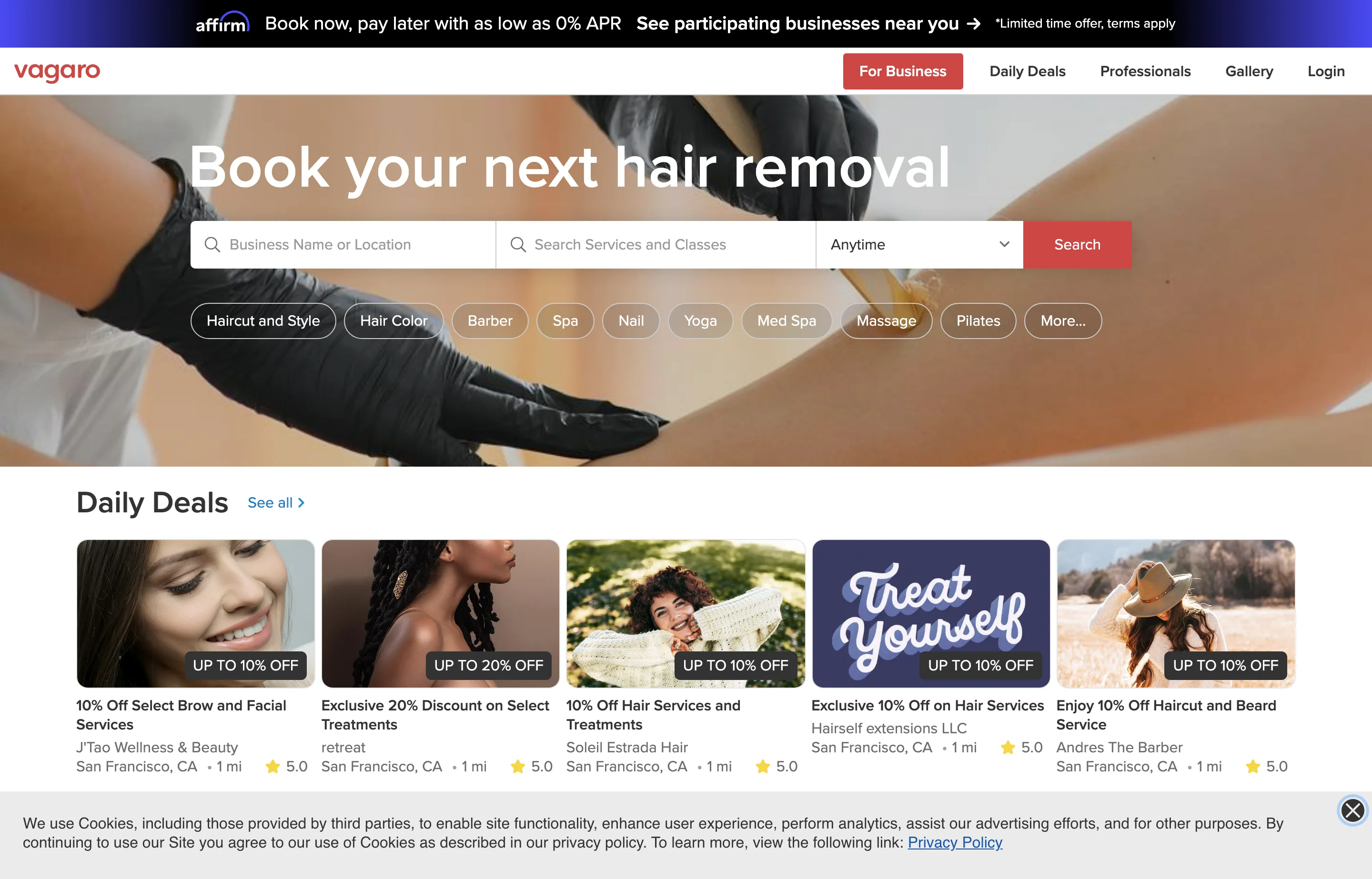
Vagaro is the salon-world pick: booking, reminders, memberships, and retail POS in one $30/month base, with a commission-free marketplace that beats Fresha's ~20% booking commission for shops that get found through it.
- Key features: online booking plus free marketplace listing (no commission); reminders; memberships, packages, and gift cards; POS and retail inventory; payroll add-on; QuickBooks integration; 24/7 support included.
- Pricing: per the vendor's salon-software page, corroborated by Pabau's pricing guide (Dec 2025): $30/month for one bookable calendar (+$10/month per additional provider), +$10/month per extra location. Processing is volume-tiered: 2.6% + 10¢ card-present at entry volume, stepping to 2.29% + 19¢ above ~$4k/month (tier details via a competitor's breakdown — confirm on your quote). Hardware from ~$100 readers to ~$380 terminals.
- The catch: the per-add-on stack — payroll, branded app ($100/month), full marketing — can push a busy shop past $200/month; mid-tier features are thin for med spas.
- Pros: cheapest credible all-in-one for salons; commission-free marketplace bookings; month-to-month with no cancellation fees.
- Cons: add-on costs stack; processing tiers are confusingly documented; useless for retail or restaurants.
- Reviews: 4.7/5 on GetApp (~3,600 reviews) — as of September 2026.
8. PayPal Point of Sale — best for pop-ups and mobile sellers
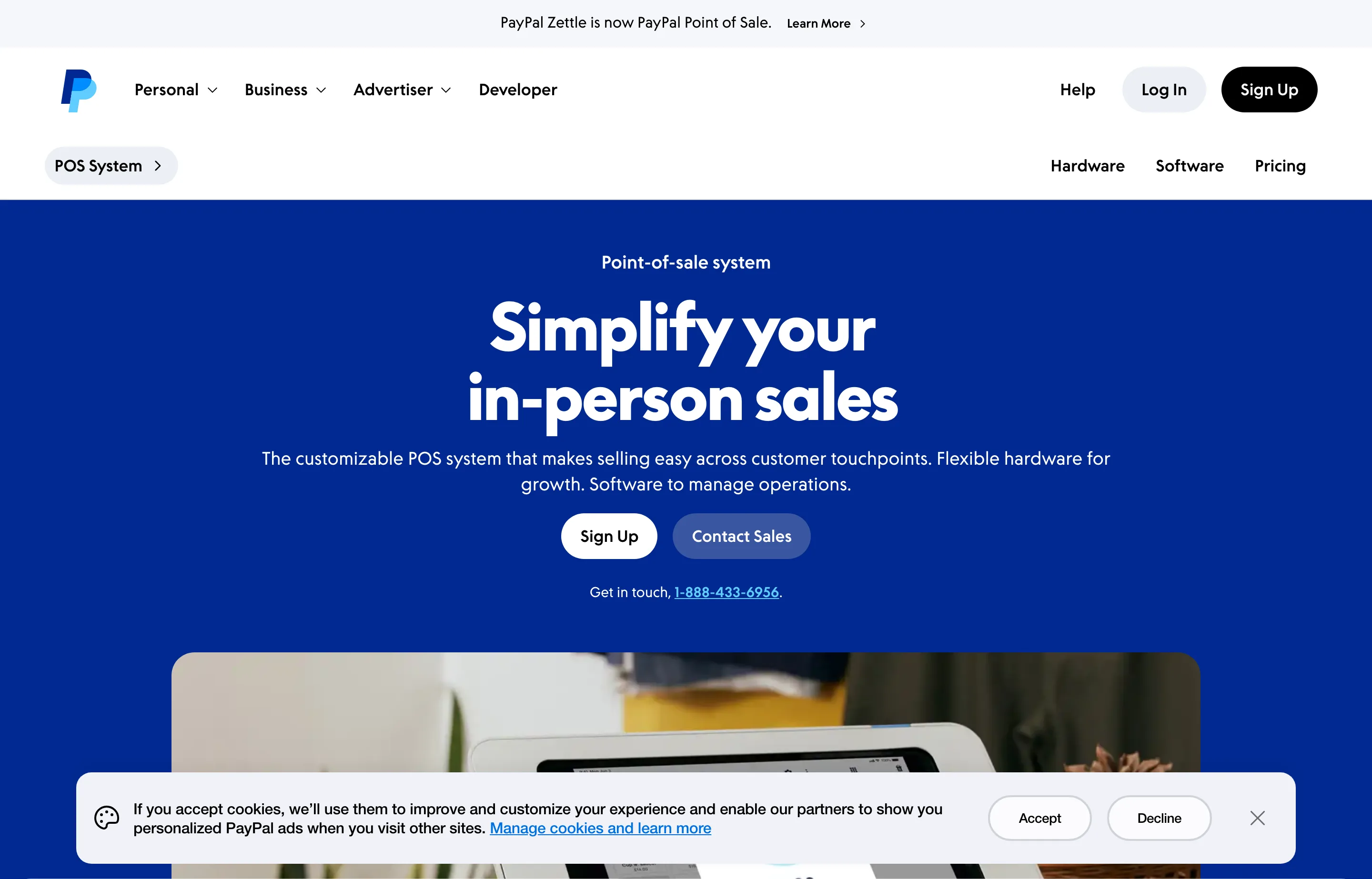
PayPal Zettle was rebranded to PayPal Point of Sale in late 2025, and it remains the cheapest way to start taking cards physically: $0/month, a $29 first reader, and 2.29% + 9¢ in-person — the lowest rate and lowest fixed fee among the flat-rate players.
- Key features: product library, staff management, reporting, Tap to Pay, offline acceptance for some transaction types, funds accessible in minutes via PayPal balance.
- Pricing: per PayPal's own POS fees pages, as of September 2026: $0/month, no contract; in-person 2.29% + 9¢; keyed 3.49% + fixed fee; online 2.89–3.49% + 29–49¢. Hardware: first reader $29 (additional $79), Terminal $199.
- The catch: the feature set is shallow next to Square or Clover (no loyalty or marketing suite), and PayPal's fund-hold reputation is the dominant complaint theme in app-store reviews. Support for POS issues is hard to reach.
- Pros: lowest entry cost and lowest in-person fixed fee here; instant access to funds; no monthly fee.
- Cons: account-hold risk; thin features; 3.49% keyed.
- Reviews: 4.6/5 on Capterra (~2,290 reviews, successor to the PayPal Here listing) but 3.2/5 on the App Store (~1.1K ratings) — the platform-business split again — as of September 2026.
9. TouchBistro — best iPad-native restaurant POS
TouchBistro takes the opposite approach to feature-gating: the full POS suite — tableside ordering, floor plans, menu and staff management, reporting — ships in the base bundle, with reservations, online ordering, and loyalty as separate add-ons.
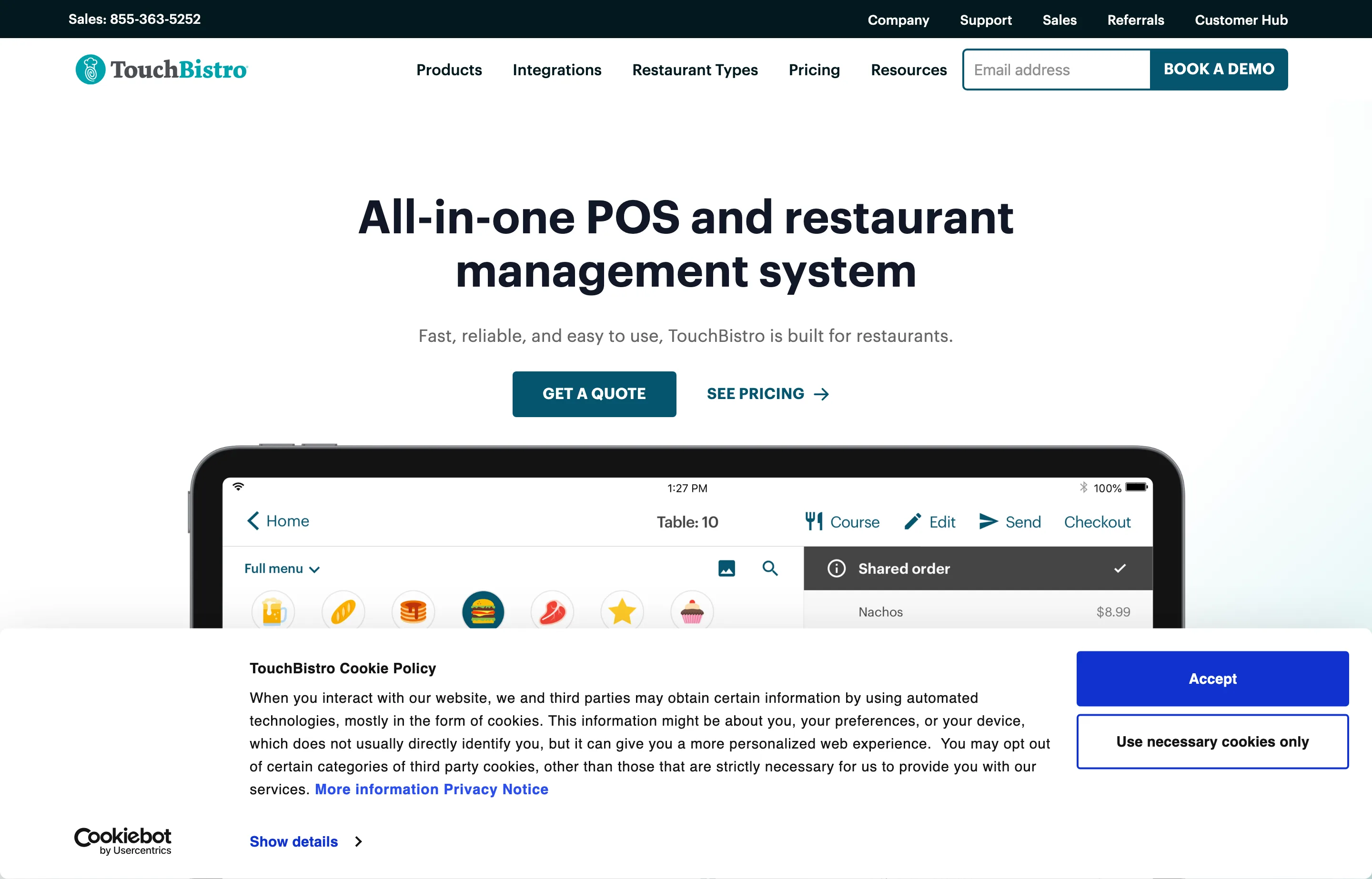
- Key features: floor plans and split bills, tableside upselling, menu management, guest display, TouchBistro One handheld, 24/7 support included.
- Pricing: read from TouchBistro's own pricing page, as of September 2026: Point of Sale bundle from $69/month with no features locked; reservations, online ordering, loyalty, KDS, and marketing are separate add-ons. Payment processing is quote-based, not published. Contract length isn't on the pricing page — third parties report annual commitments with early-termination fees.
- The catch: unpublished processing rates mean you can't comparison-shop the total cost without a quote, and the add-ons stack quickly; support responsiveness is the top complaint in reviews.
- Pros: everything in the base bundle; iPad hardware is cheaper than proprietary systems; built for full-service flow.
- Cons: opaque processing; add-on stack; weaker for retail or omnichannel.
- Reviews: 3.8/5 on Capterra (~412 reviews) · 4.2/5 on G2 (~106 reviews) — as of September 2026.
10. Revel Systems — enterprise power, know what you're signing
Revel lands last for a *small-business* list not because it's weak — its multi-location management and offline reliability are enterprise-grade — but because its commercial terms are the most aggressive here, and its future as a standalone product is now uncertain.
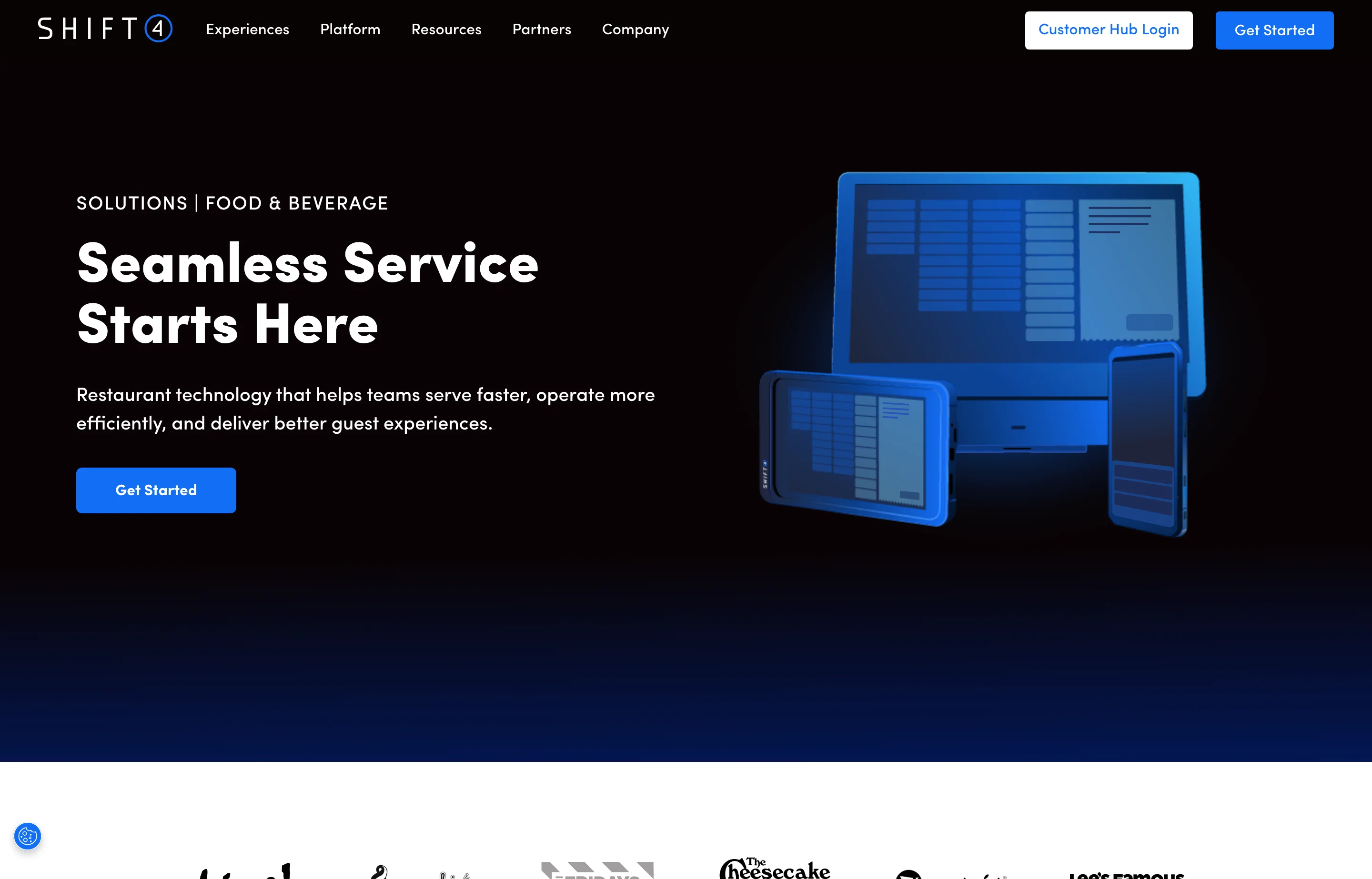
- Key features: iPad-based with strong multi-location management, robust offline mode, extensive customization and API, restaurant, retail, and QSR modes.
- Pricing: Revel no longer publishes public pricing (its pricing pages now redirect toward Shift4); third-party-reported figures: ~$99/month per terminal billed annually, minimum 2 terminals (a ~$198/month software floor), 3-year contracts, implementation fees, and early-termination fees documented in BBB complaints from ~$2,700 to $28,000 (posadvice, Feb 2026; POSUSA, 2026).
- The catch: Shift4 acquired Revel and is folding features into Shift4 Dine (from $29.99/month, also 3-year terms) — a fresh 3-year Revel contract may land on a sunset product. Two-terminal minimums and 3-year terms with those ETFs are simply the wrong shape for most 1–2 register businesses.
- Pros: feature depth and offline reliability; one platform across food and retail.
- Cons: no public pricing; 3-year contract and 2-terminal minimum; consolidation risk.
- Reviews: left unrated — the available third-party ratings we could find are stale (2023-dated); we won't reprint them as current.
The numbers around the sale: free Small Business Tools
A POS moves the money; you still need the paperwork and the math around it. These free tools handle both, in your browser, with no signup:
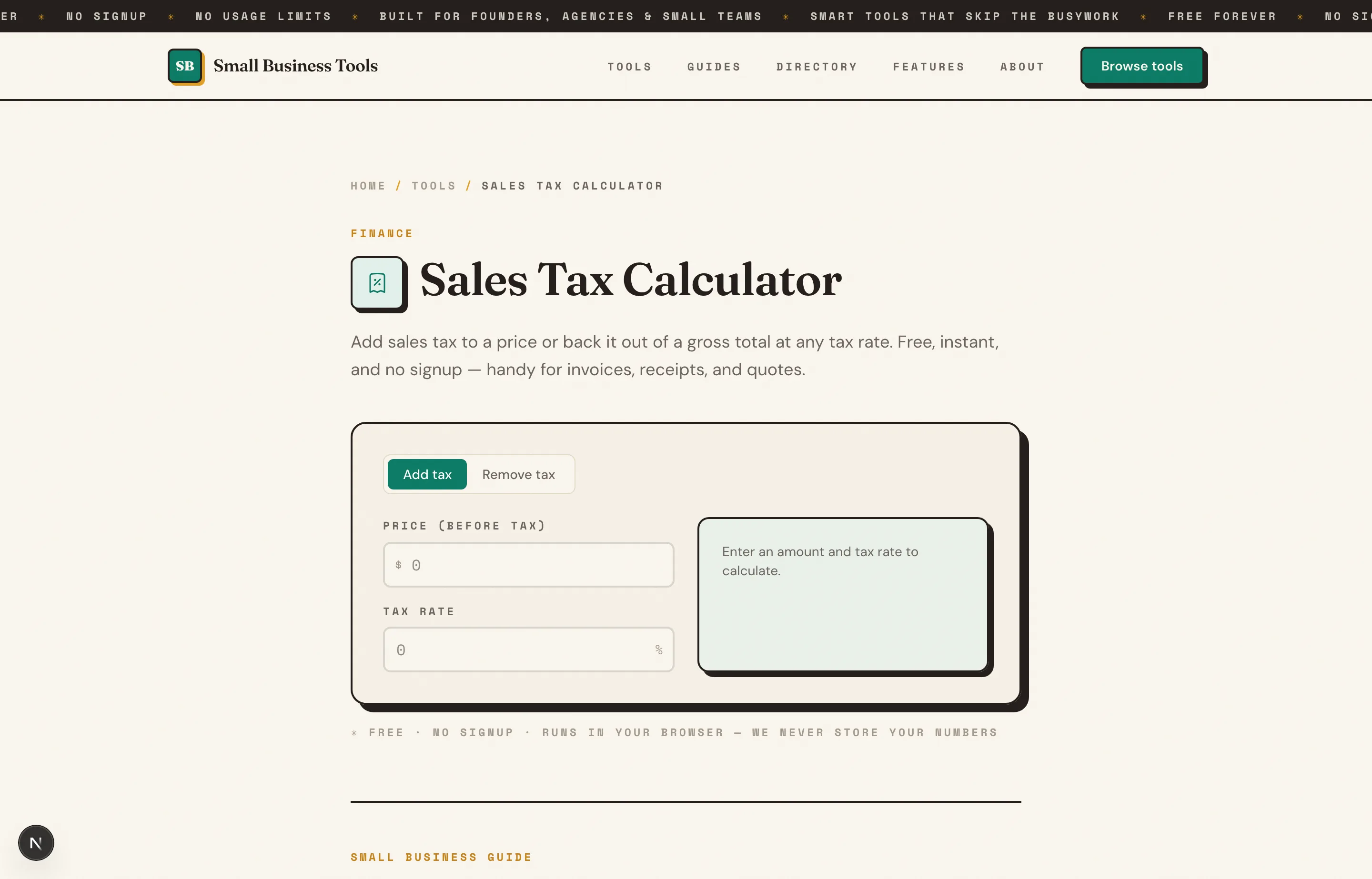
- Sales Tax Calculator — the tax line at the register, add-on or backed-out. The sales tax guide explains the combined-rate stack behind it.
- Profit Margin Calculator — a POS tells you what sold; this tells you what you actually kept after COGS and card fees.
- Percentage Calculator — compute your effective processing rate: one month's total card fees ÷ that month's card volume. If it's far above your quoted rate, small tickets and keyed entries are why.
- Invoice Generator — for the wholesale orders, catering jobs, and corporate clients that don't come through the counter.
The free small business tools hub lists the rest by job. For the processing side of this decision — flat-rate versus interchange-plus, and the volume where switching pays — see our payment processors guide, and for what to charge at the counter in the first place, how to price a product for retail.
Which should you choose?
- You're opening a shop, salon, or market stall and want one system: Square — accept the flat rates until volume argues otherwise.
- You run a full-service restaurant: Toast if you're comfortable with the 2-year commitment and want the deepest tooling; SpotOn for month-to-month with reservations built in; TouchBistro if you prefer iPad hardware and want everything in the base bundle.
- Your retail business lives online and off: Shopify POS — the sync is worth the subscription.
- Your inventory is the hard part (bike shop, liquor, apparel): Lightspeed Retail.
- You want the best counter hardware: Clover — bought direct from clover.com, month-to-month. Never sign a reseller's 36-month bundle without comparing.
- You sell at markets and pop-ups: PayPal Point of State's $29 reader and 2.29% + 9¢ — or Square's free first reader if you want the deeper feature set.
- You run a salon or spa: Vagaro.
- You're a multi-location group with IT support: quote Revel or an enterprise system — read the termination clause twice.
A worked example of why the software fee and the rate are one decision: a restaurant doing $20,000/month in cards with a $50 average ticket (400 transactions) pays roughly $678/month at Toast's $0-tier rate (3.09% + 15¢: $618 + $60), versus $627/month on the $69 Point of Sale plan at 2.49% + 15¢ ($498 + $60 + $69 software) — and if your pay-as-you-go quote lands at the top of the band (3.69% + 15¢), the paid plan saves about $170/month. The "$0 software" tier is a financing vehicle: price both tiers against your own volume and ticket size before choosing.
FAQs
What is the best POS system for a small business?+
For most small businesses — retail, services, mobile — Square is the best starting point: free software, no contract, and one dashboard for counter, online, and bookings. Full-service restaurants should shortlist Toast (deepest features, 2-year commitment), SpotOn (month-to-month, published pricing), or TouchBistro (iPad, everything bundled). Specialty retail with complex inventory should look at Lightspeed.
Is there a genuinely free POS system?+
Yes, three kinds: Square's free plan (free software, you pay 2.6% + 15¢ per swipe, no contract); Toast's Starter Kit ($0 software for 1–2 terminals, but 3.09%+ processing and a 2–3 year contract); and SpotOn's All-In ($0 software with hardware included, 2.79% + 20¢ processing and a 2-year term). The pattern: "free" software is paid for in the processing rate — the first two are free with no lock, the last two trade a higher rate for $0 upfront.
How much does a POS system cost per month?+
Software ranges from $0 (Square Free, Toast Starter, PayPal, SpotOn All-In) through $30 (Vagaro) and $55–$69 per station (SpotOn, Toast, TouchBistro) to $89–$289 per location for retail tiers (Shopify POS Pro, Lightspeed) and $99+ per terminal at enterprise level (Revel). Processing adds 2.29–3.09% + 9–15¢ per in-person transaction on top, and hardware runs $29–$399 for handhelds up to $1,000+ for registers — as of September 2026.
Can I use a POS without committing to a contract?+
Square, Shopify POS, PayPal Point of Sale, Vagaro, and Lightspeed (at ~20% higher month-to-month rates) are all month-to-month. Toast, SpotOn's $0 tier, Revel, and reseller-sold Clover carry multi-year terms with early-termination fees. Month-to-month matters most in year one, while you're still learning what your business actually needs.
Do POS systems handle sales tax?+
All of them calculate it, but the setup is yours: you enter the rates (including county and city add-ons in most states), and the POS applies them by location or item category. Getting the rate right before you load it into the system is on you — our free [Sales Tax Calculator](/tools/sales-tax-calculator) and [sales tax guide](/guides/how-to-calculate-sales-tax) handle that part.
Should I buy the POS hardware or finance it through the vendor?+
As a rule, buy handhelds and readers outright ($29–$599) and only consider financing full register setups. Vendor financing is usually priced into a higher processing rate (Toast's $0-upfront tier is exactly this) or a long contract (Clover bundles) — compute the total cost over the term, not the monthly number, before signing. Our [Percentage Calculator](/tools/percentage-calculator) does the comparison arithmetic in seconds.
Final take
Start with the shape of your business, not the software: Square covers most counters with no contract and no upfront cost; Toast is worth its lock-in for serious restaurants; Shopify POS is the right answer the moment online selling matters; and the specialists (Lightspeed, Vagaro, SpotOn, TouchBistro) win when their vertical is yours. Wherever you land, do two things before signing: compute your effective processing rate on a real month with the Percentage Calculator, and read the termination clause — the exit cost is the part of the price nobody advertises.
Then keep the rest of the numbers clean with free tools: the Sales Tax Calculator for the register's tax line, the Profit Margin Calculator for what the day actually earned, and the Invoice Generator for every sale that doesn't walk through the door — free, no signup, nothing stored.
Free tools to try
Sales Tax Calculator
Add or remove sales tax at any rate — get the net, tax, and gross totals.
Invoice Generator
Create a professional invoice and download it as a PDF in 30 seconds.
Profit Margin Calculator
Find your margin, markup, and profit from cost and revenue — instantly.
Percentage Calculator
What is X% of Y, X is what % of Y, and percent change — answered in plain words.
Keep reading
Guide
Best Payment Processors for Small Business (2026)
11 payment processors compared for small businesses — real 2026 fees for Square, Stripe, PayPal, Helcim and more, plus when interchange-plus saves money.
Guide
How to Price a Product for Retail (Step by Step)
How to price a product for retail: total your true costs, pick a pricing method, and set a price that hits a real profit margin. With a worked example.
Guide
Best Free Invoice Generators for Small Businesses (2026)
12 invoice generators ranked for small businesses — pricing, pros, cons, and key features for Wave, Zoho, PayPal, Square, Stripe and more, plus a no-signup option.
Guide
Free Small Business Tools (No Signup): The Complete List
A directory of free small business tools — pricing calculators, invoicing, marketing, SEO, and writing. No signup, no paywall, and they explain the math.