Guide
Best Free Invoice Generators for Small Businesses (2026)
"Free invoice generator" is one of the most-searched tool queries a small business ever types — usually about ten minutes before a client expects to be billed. Getting paid on time is no small thing: the Federal Reserve's Small Business Credit Survey regularly ranks uneven cash flow among the financial challenges small firms report, and a professional invoice sent promptly is the first step to fixing it. The problem is that "free" hides a lot of range. Some tools are genuinely free forever. Some are free to *make* the invoice but charge when you actually get paid. Some are free until the third invoice, then ask for a card. The right pick depends on one question: do you need a system that tracks every invoice, client, and payment over time, or do you just need one clean, professional PDF right now?
This guide ranks twelve options for a small business or freelancer — not by which has the flashiest marketing, but by what you actually get free, what the paid tiers cost, and who each one genuinely fits. We include our own free Invoice Generator, and we're upfront that it doesn't top the list: for an ongoing billing system, Wave and Zoho beat it.
Quick comparison
| Tool | Best for | Free plan | Paid from | Takes payment? |
|---|---|---|---|---|
| Wave | Free invoicing + accounting | Yes, unlimited | Pro $16/mo | 2.9% + 60¢ |
| Zoho Invoice | Service businesses | Yes, full | Free | Gateway fees |
| PayPal Invoicing | Clients already on PayPal | Yes | Free to send | ~3.49% + 49¢ |
| Square Invoices | Also taking card in person | Yes | Free to send | From 2.6% + 15¢ |
| Stripe Invoicing | Online / recurring billing | Pay-as-you-go | No monthly fee | 2.9% + 30¢ +0.4%/inv |
| Invoice Ninja | Open-source control | Yes | Pro $14/mo | Gateway fees |
| Invoice Simple | Invoicing from a phone | Trial | $6.99/mo | Gateway fees |
| Invoicely | A simple web dashboard | 5/mo free | $9.99/mo | Gateway fees |
| Zervant | EU micro-businesses | Yes | £8.99/mo | 1.9% + €0.25/inv |
| SBT Invoice Generator | A no-signup one-off | Yes, fully | Free | You get paid directly |
| FreshBooks | All-in-one when you scale | 30-day trial | $23/mo | Yes |
| Xero / QuickBooks | Full accounting at scale | Trial | $25 / $38 /mo | Yes |
How we ranked these
A tool topping a "best invoice generator" list should earn it on the things that matter to an owner-operator, not on feature count. We weighed five criteria:
- Genuinely free usefulness — what you can do without ever entering a card, and where the paywall actually sits.
- Time to first invoice — how many steps between opening the tool and sending a professional PDF.
- Getting paid — whether the tool just makes a document or also collects payment, and what that costs.
- Record-keeping — whether it remembers your clients, numbers, and paid/unpaid status.
- Small-business fit — no enterprise bloat, works on a phone, sensible defaults for a one-person or small team.
Ratings and user quotes are real and sourced from G2 and Capterra (linked and dated) — never invented. Where a durable fact isn't available (like exact processing fees, which shift), we describe the pricing shape and tell you to check the source.
The best free invoice generators
1. Wave — best free invoicing for most small businesses
If you want one tool that makes unlimited professional invoices *and* keeps basic books, Wave is the honest top pick. Invoicing and accounting are free with no invoice cap, and everything lives in one dashboard so you can see what's paid and overdue.
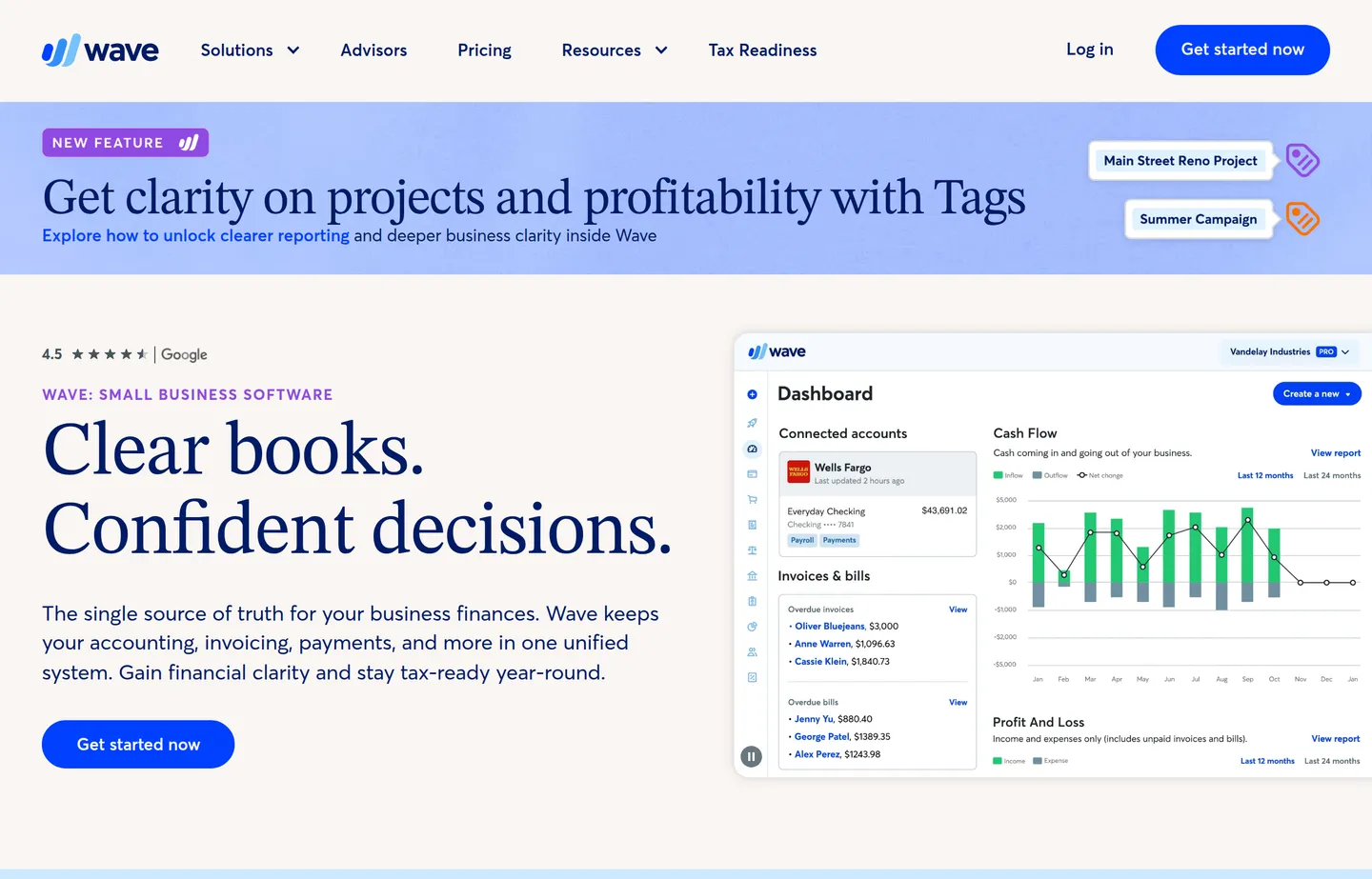
- Key features: unlimited invoices, recurring invoices, basic double-entry accounting, receipt scanning, dashboards.
- Pricing: Starter plan free; Pro $16/month (billed annually, ~$190/year) adds automated bank import, reconciliation, and lower fees. Card payments cost 2.9% + 60¢ (3.4% + 60¢ for Amex); Pro waives the fee on your first 10 transactions each month. A managed bookkeeping service starts at $149/month.
- Pros: genuinely free for the essentials; accounting and invoicing in one place; polished, professional templates.
- Cons: you need an account; getting paid *through* Wave carries processing fees; support is thinner on the free plan.
- Reviews: 4.4/5 on G2 (310+) · 4.4/5 on Capterra (300+) — as of July 2026.
2. Zoho Invoice — best free tool for service businesses
Zoho Invoice is a fully free, standalone invoicing product — Zoho earns from its larger business suite, so the invoicing app itself isn't the upsell. It's especially strong for service businesses.
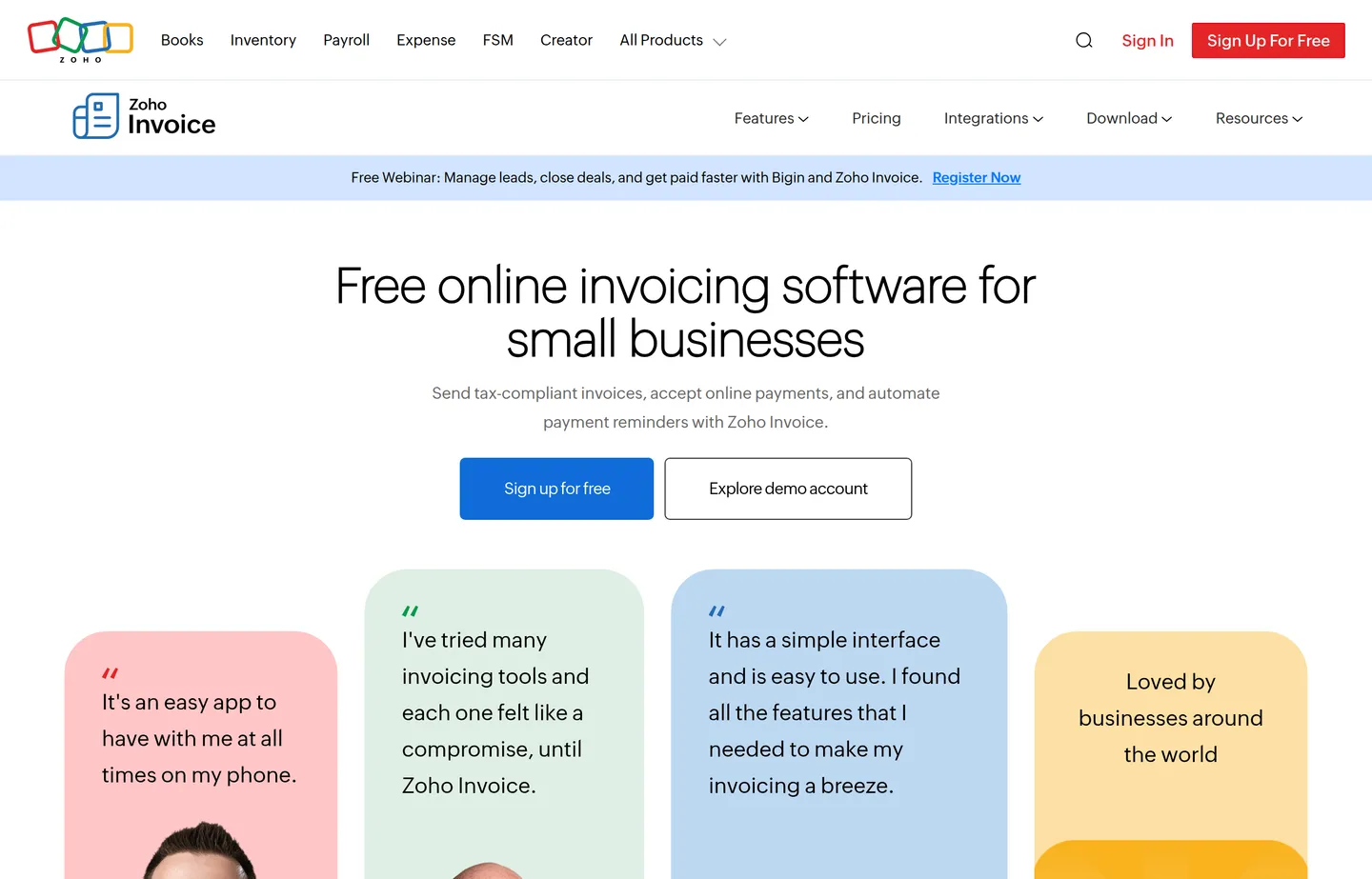
- Key features: time tracking, project billing, a client portal, estimates, multi-currency, expense tracking.
- Pricing: the Zoho Invoice app is 100% free. You only pay your connected gateway's per-transaction fees (Stripe, PayPal, etc.). If you later need full books, Zoho Books starts around $20/month.
- Pros: deep features at zero cost; excellent for billing by the hour; strong mobile apps.
- Cons: more setup than a bare generator; nudges toward the wider paid Zoho ecosystem.
- Reviews: consistently well-reviewed on Capterra.
3. PayPal Invoicing — best if your clients already use PayPal
If your customers already trust and use PayPal, PayPal's invoicing is the path of least resistance. You create an invoice, PayPal emails it, and you pay a per-transaction fee only when you get paid.
- Key features: one-click send, buyer-familiar checkout, partial payments, recurring invoices, wide currency support.
- Pricing: no monthly fee. Invoiced card/PayPal payments run about 3.49% + $0.49 per transaction in the US (rates vary by country and payment type).
- Pros: buyers pay fast on a checkout they recognize; nothing to set up; great for international clients.
- Cons: per-transaction fees are higher than a bank transfer; record-keeping is thin; it's a payments tool first.
4. Square Invoices — best if you also take card in person
Square Invoices is the natural choice for a business that already runs card payments through Square — a café, a barber, a market stall, a mobile service.
- Key features: free unlimited invoices, recurring billing, card-on-file, shared reporting with Square POS, estimates.
- Pricing: free to send. Card fees: 2.6% + 15¢ in person, 2.9% + 30¢ online, 3.3% + 30¢ for card-on-file invoices, 3.5% + 15¢ keyed. An optional Invoices Plus plan (~$20/month) adds custom fields and recurring milestones.
- Pros: in-person and invoiced sales in one system; fast setup; reliable.
- Cons: shines mainly inside the Square ecosystem; payment fees on every card transaction.
- Reviews: 4.7/5 on Capterra (100 reviews) — as of July 2026.
5. Stripe Invoicing — best for online and recurring billing
Stripe Invoicing suits online businesses, SaaS-style billing, and anyone comfortable with a developer-friendly platform.
- Key features: hosted invoice pages, subscriptions, automatic reminders, global payment methods, strong API.
- Pricing: pay-as-you-go, no monthly minimum — 2.9% + 30¢ per successful card charge, plus 0.4% per paid invoice through Stripe Invoicing (your first 25 invoices each month are free).
- Pros: excellent for recurring revenue and online payments; highly reliable; scales with you.
- Cons: more technical than consumer tools; fees add up at volume; overkill for the occasional invoice.
- Reviews: well-reviewed on Capterra.
6. Invoice Ninja — best open-source option
Invoice Ninja is open-source, which means you can self-host it for free and keep full control of your data.
- Key features: self-hosting, invoices and quotes, time tracking, project management, many payment-gateway integrations.
- Pricing: free self-hosted (open source) and a free hosted plan. Ninja Pro is $14/month (or $140/year — two months free); Enterprise runs $18/month for 1–2 users up to $300/month for 51–100 users (pricing updated January 2026).
- Pros: data ownership; generous free tier; no vendor lock-in.
- Cons: self-hosting needs technical setup; the interface is busier than minimalist tools.
7. Invoice Simple — best for invoicing from your phone
Invoice Simple is built mobile-first: create and send a tidy invoice from your phone in a couple of minutes, on the job site or in the van.
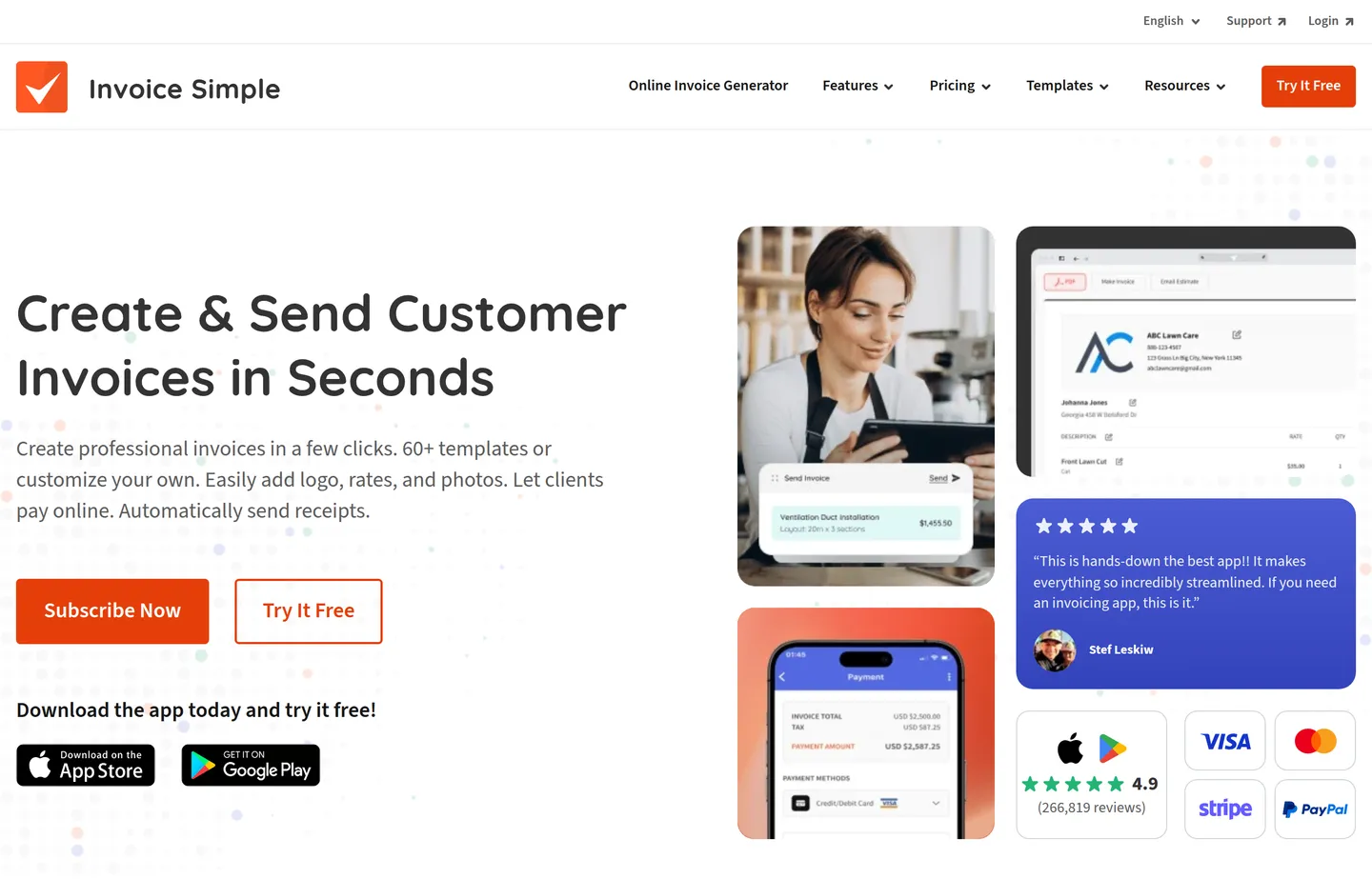
- Key features: phone-first apps, templates, estimates, payment links, read receipts.
- Pricing: free trial, then Essentials $6.99/month (up to 3 invoices/month), $14.99/month (up to 10), or $21.99/month (unlimited). Paying annually gives two months free.
- Pros: fastest path to an invoice on mobile; clean templates; great for trades on the move.
- Cons: the free tier is limited; ongoing use effectively needs a subscription.
8. Invoicely — best simple web dashboard
Invoicely is a straightforward web app for sending invoices and tracking what's paid, without the weight of a full accounting suite.
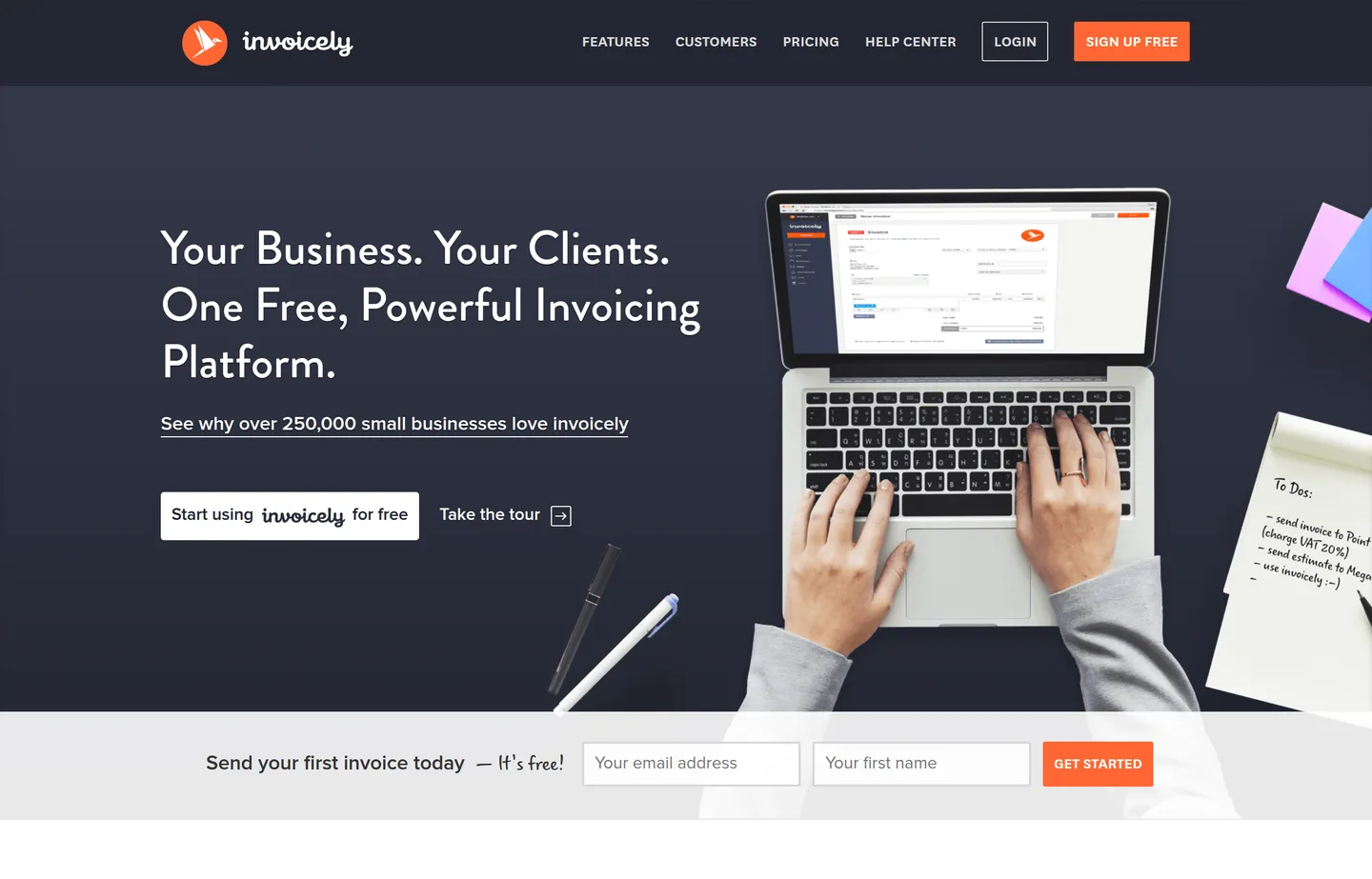
- Key features: unlimited invoices on paid tiers, multi-currency, expense and time logging, payment integrations.
- Pricing: free plan (5 invoices/month). Paid: Basic $9.99/month (100 invoices, 2 members), Professional $19.99/month (250 invoices, 10 members), Enterprise $29.99/month (unlimited, 25 members). Yearly billing is cheaper.
- Pros: clean and easy; good middle ground between a generator and full software.
- Cons: the free plan is quite limited; advanced features are paywalled.
9. Zervant — best for EU micro-businesses
Zervant focuses on small and micro-businesses, particularly in Europe, with VAT-aware invoicing.
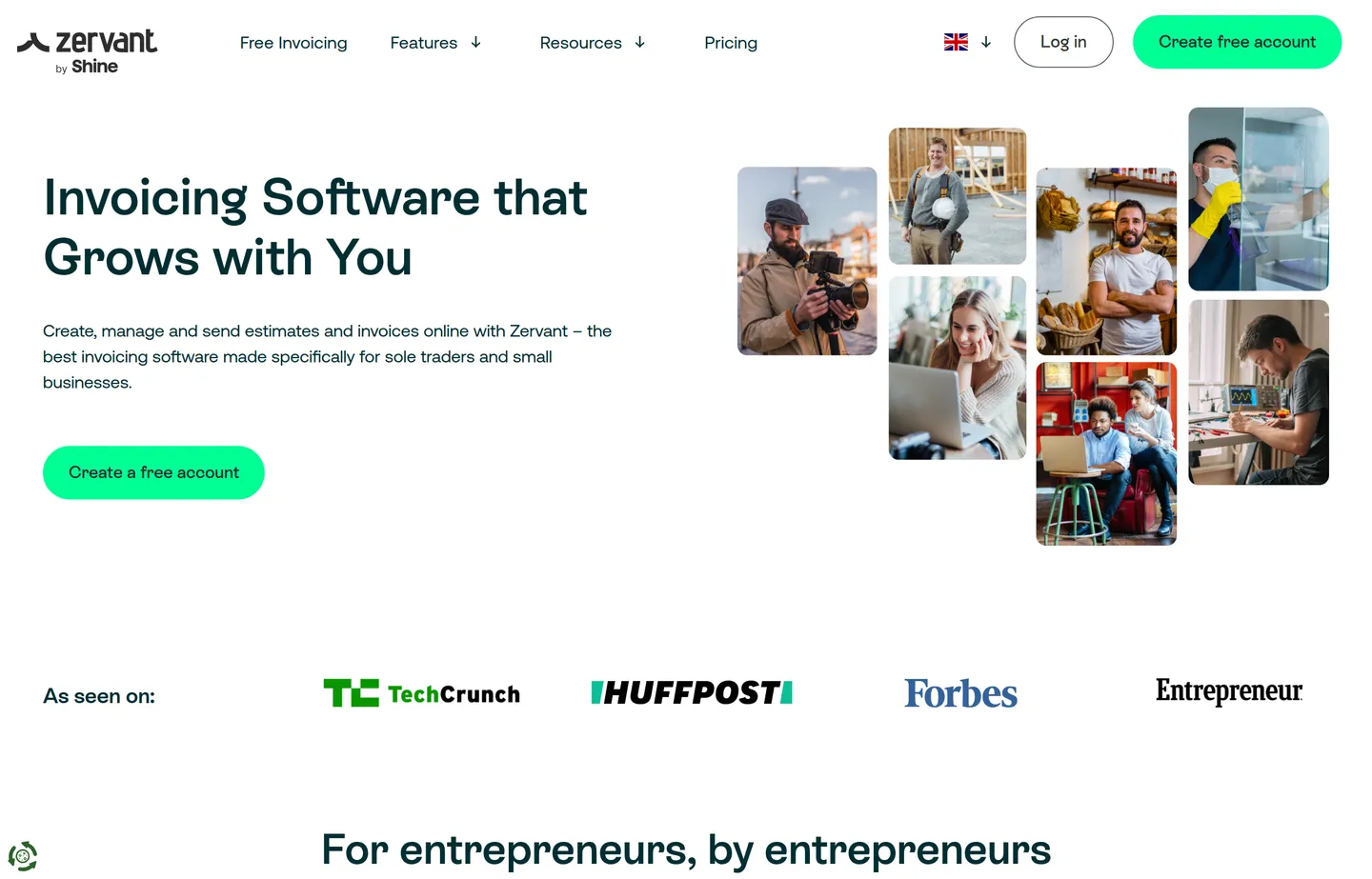
- Key features: VAT handling, recurring invoices, quotes, mobile apps, payment integrations.
- Pricing: free tier for low volume. Paid (GBP/EUR): Starter ~£8.99/month, Pro ~£15.99/month, Growth ~£35.99/month. Card payments cost 1.9% + €0.25 per invoice for European cards.
- Pros: tuned for European tax needs; simple; friendly to sole traders.
- Cons: less relevant outside the EU; free tier is capped.
10. Small Business Tools Invoice Generator — best no-signup one-off
Our own Invoice Generator is deliberately not trying to be Wave. It does one thing: turn line items, your logo, and tax into a clean PDF invoice in your browser — with no account, no email, and nothing stored on a server.
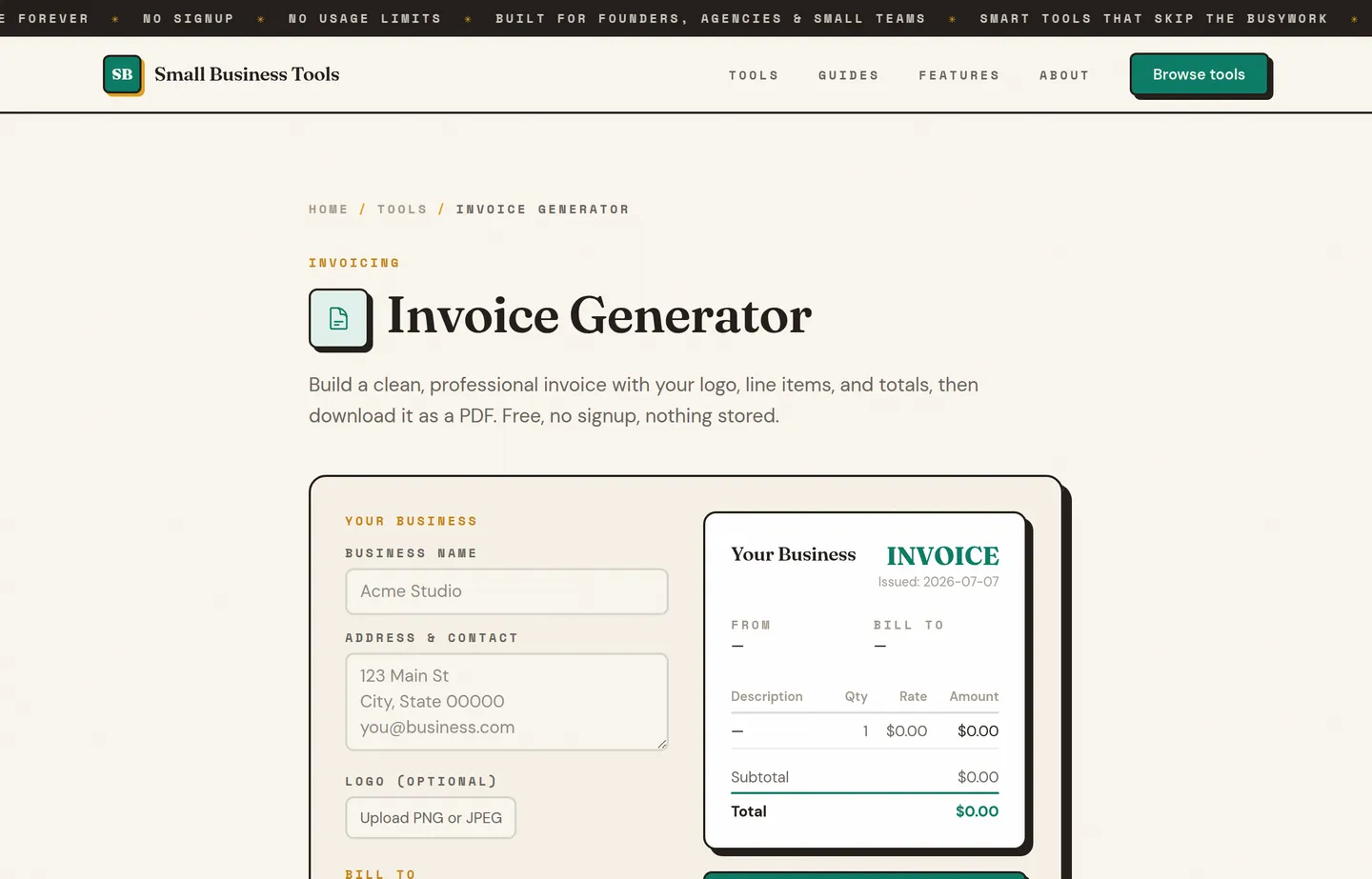
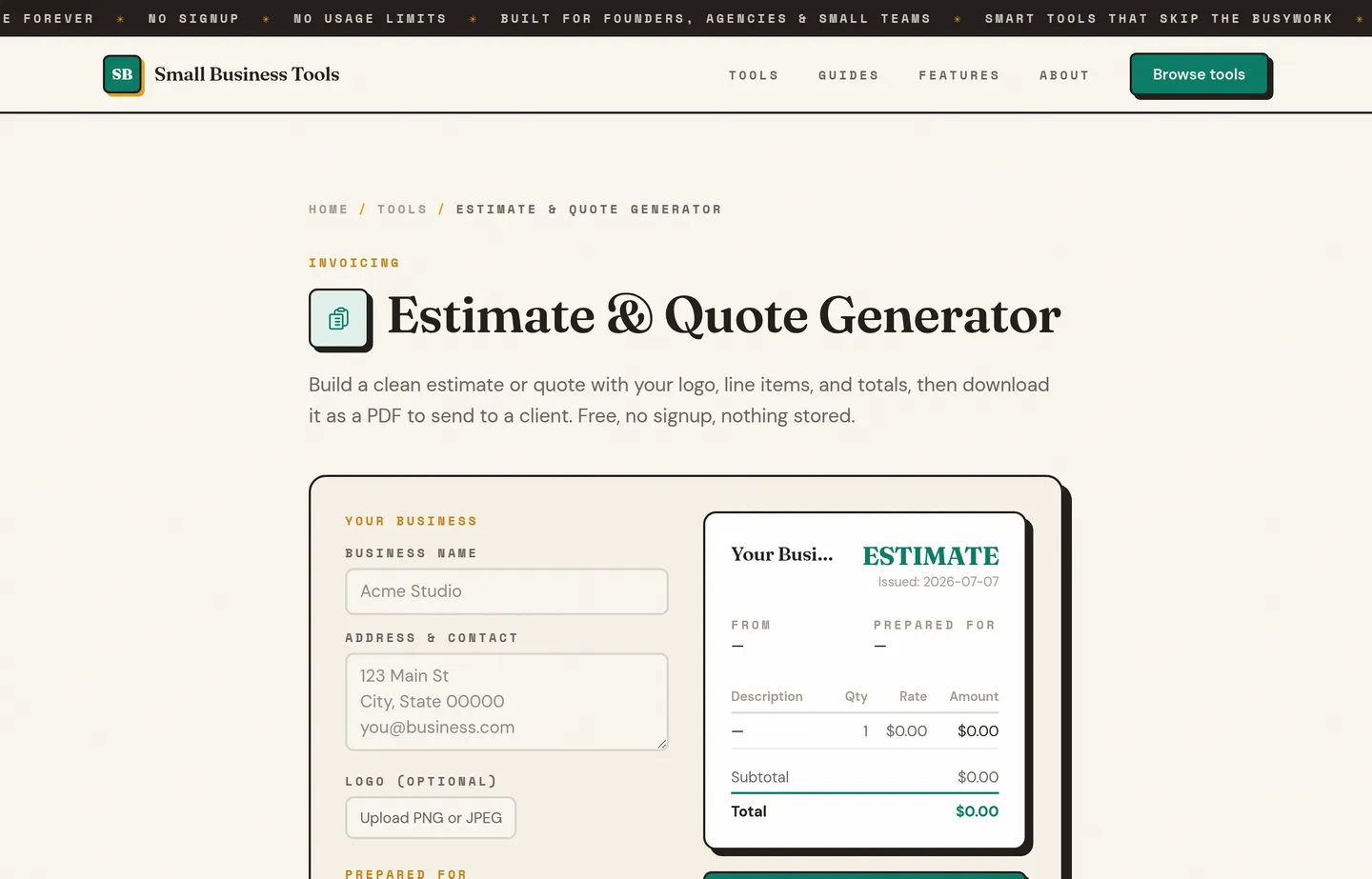
- Key features: logo upload, unlimited line items, tax and discount, live preview, one-click PDF, fully client-side.
- Pricing: free, forever, no account.
- Pros: fastest no-signup path to one professional invoice; your numbers never leave your device; pairs with the Estimate Generator for quotes.
- Cons: it's a generator, not a system — no client records, no paid/unpaid tracking, and it doesn't collect payment (you send the PDF and get paid however you already do).
11. FreshBooks — best all-in-one when you outgrow free
FreshBooks is a paid, polished invoicing-and-accounting platform aimed at service businesses that have outgrown a free tool.
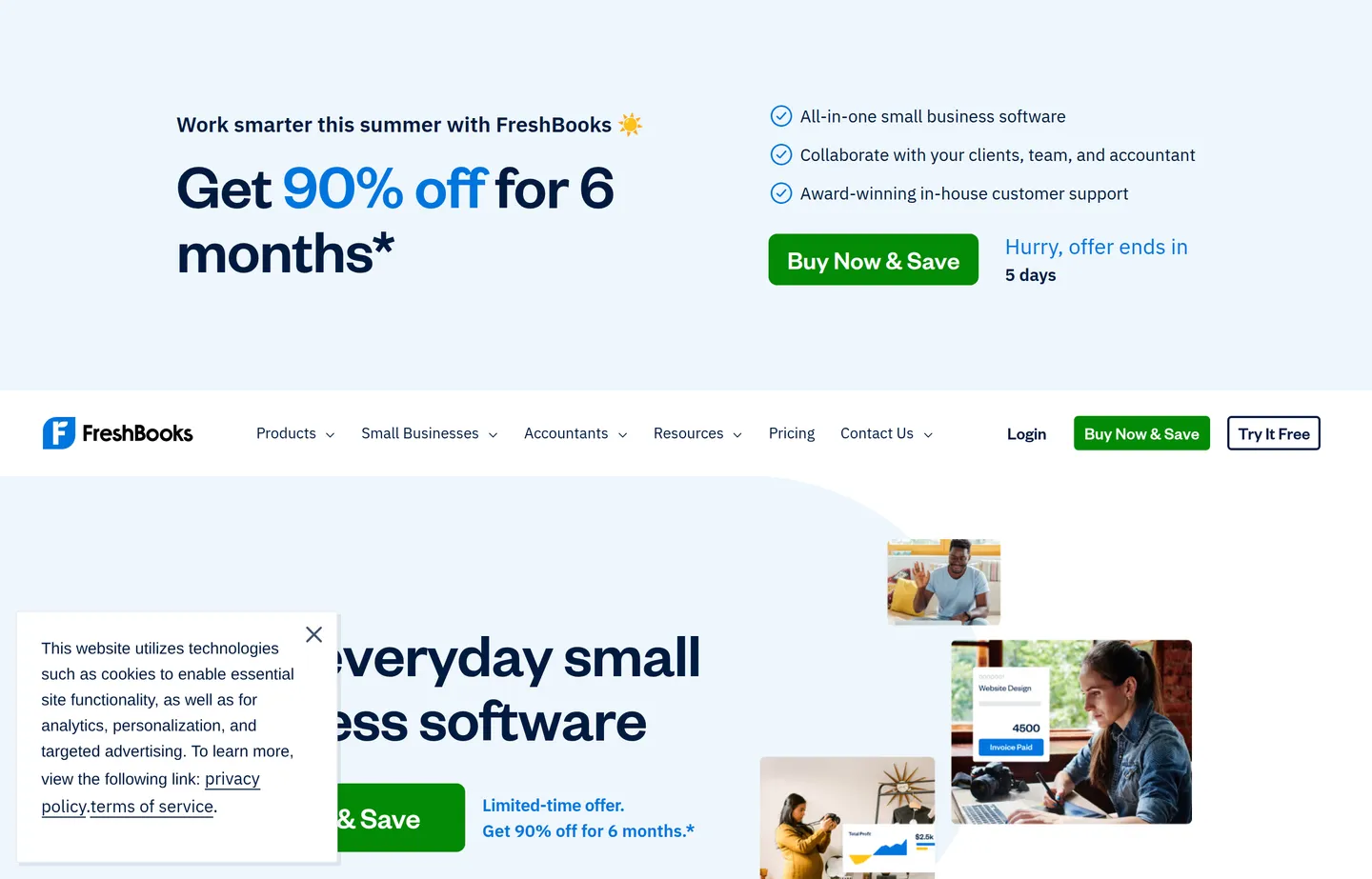
- Key features: invoicing, expense and time tracking, proposals, double-entry accounting, client portal, automations.
- Pricing: paid only (30-day free trial, no permanent free plan): Lite $23/month, Plus $43/month, Premium $70/month, Select custom. Billing annually saves ~10%; extra team members are +$11/month each.
- Pros: genuinely all-in-one; excellent UX; strong automation and reporting.
- Cons: no permanent free tier; client limits on lower plans; more than a simple invoice needs.
- Reviews: 4.5/5 on G2 (730+) · 4.5/5 on Capterra (4,500+) — as of July 2026.
12. Xero and QuickBooks — best full accounting at scale
When invoicing is just one part of real bookkeeping, Xero and QuickBooks are the established full-accounting platforms.
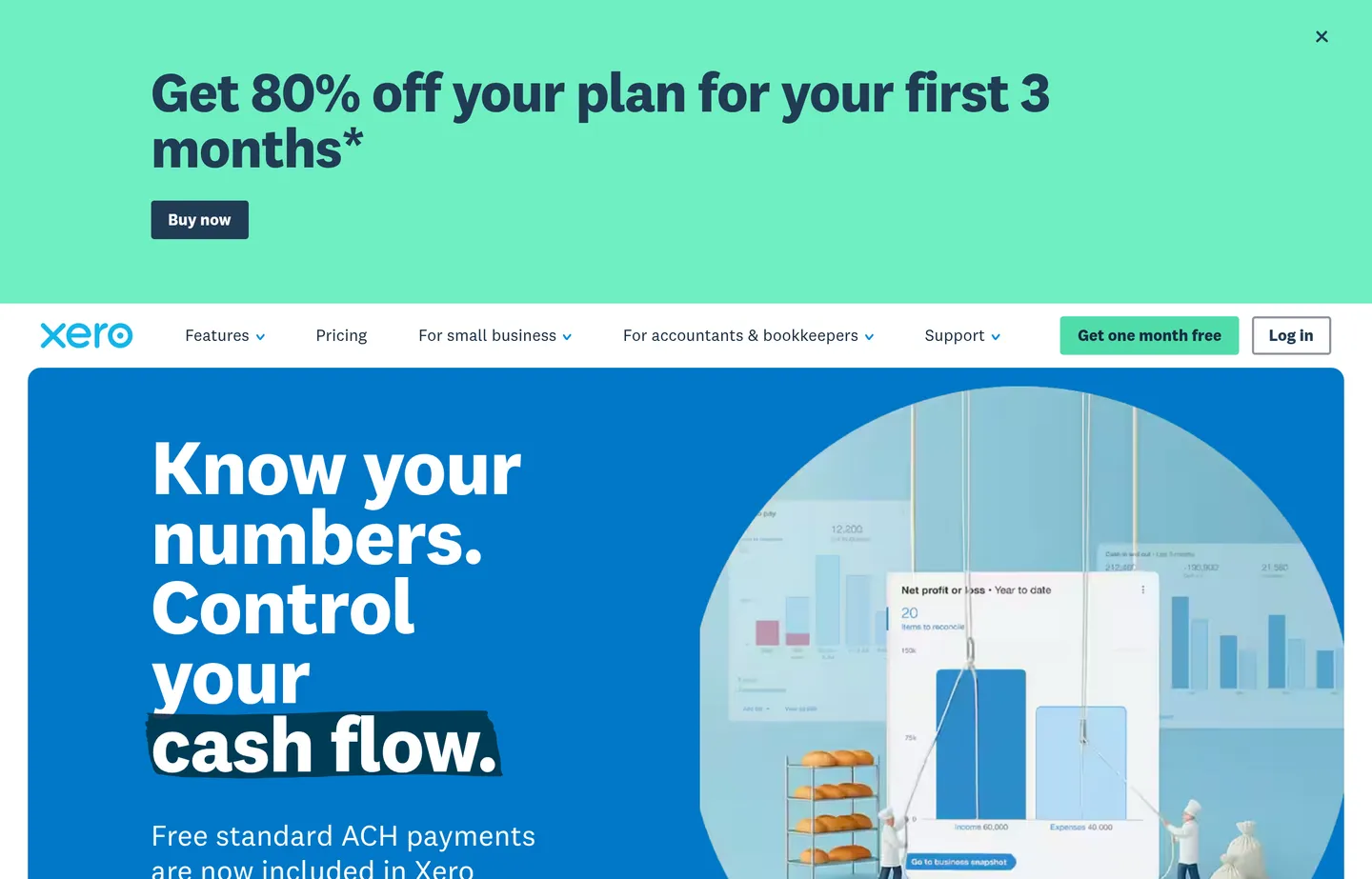
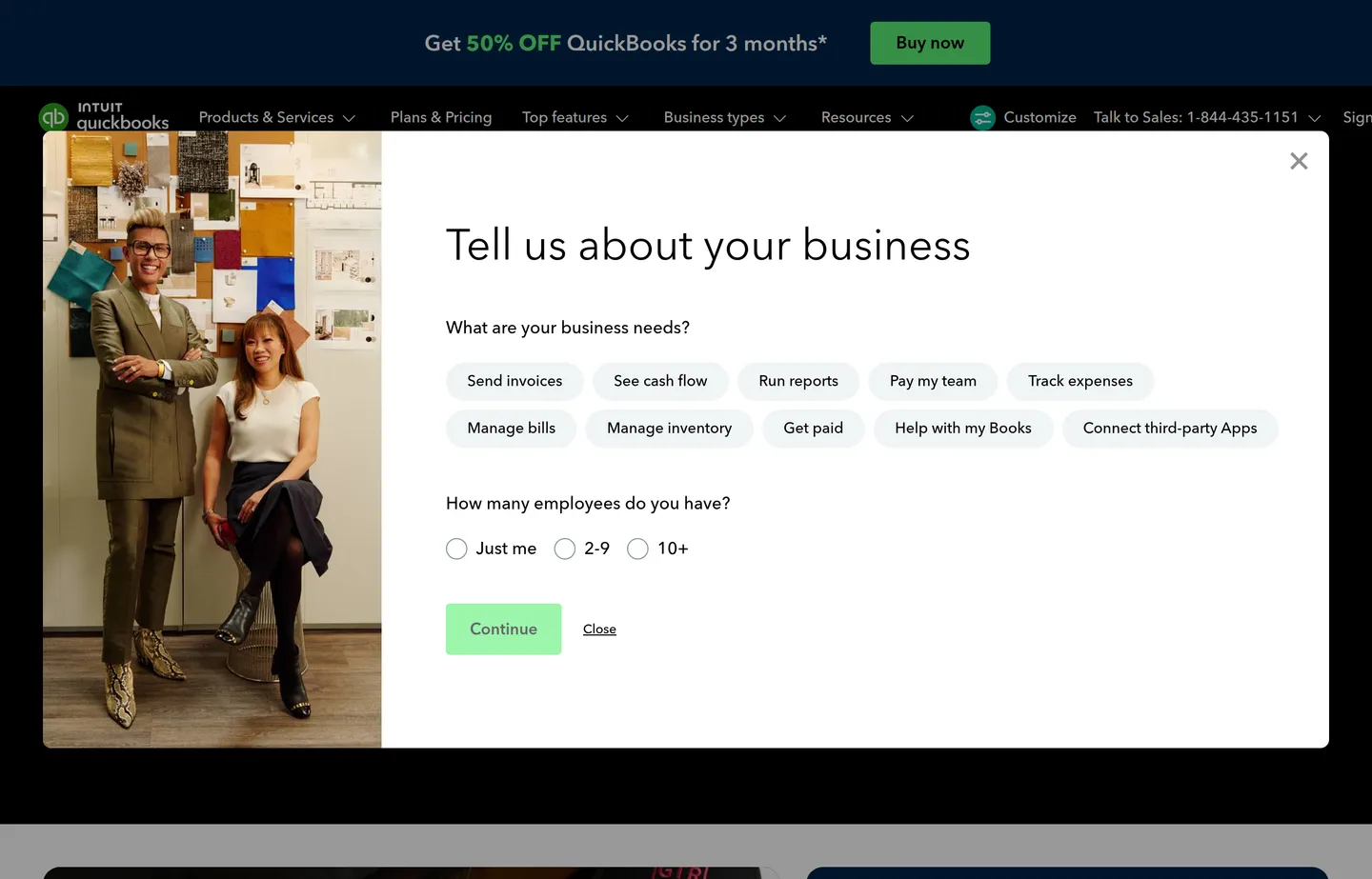
- Key features: complete accounting, invoicing, payroll add-ons, bank reconciliation, apps ecosystem, accountant access.
- Pricing: paid only (US). Xero runs about $25 / $55 / $90 per month across three plans (often 80% off the first three months). QuickBooks Online is Simple Start $38, Essentials $75, Plus $115, Advanced $275 per month (frequently 50% off for three months, or a 30-day free trial).
- Pros: built for growth; accountants know them; deep reporting and integrations.
- Cons: overkill and pricey if you only need to send invoices; a learning curve.
- Reviews: Xero 4.4/5 on G2 (1,600+) · QuickBooks Online 4.3/5 on Capterra (8,000+) — as of July 2026.
Which should you choose?
- You invoice regularly and want records: start with Wave — free, unlimited, with light books built in.
- You bill time or projects: Zoho Invoice and its free client portal.
- Your clients love PayPal, or you sell internationally: PayPal Invoicing.
- You already take card in person: Square Invoices.
- You run online or recurring billing: Stripe Invoicing.
- You want to own your data: Invoice Ninja (self-hosted).
- You bill from your phone on site: Invoice Simple.
- You just need one clean invoice right now, no signup, nothing stored: our Invoice Generator.
- You've outgrown free and want all-in-one: FreshBooks, or Xero/QuickBooks for full accounting.
There's no shame in using two: many owners keep a full platform for regular clients and a no-signup generator for the odd ad-hoc bill.
Getting the numbers right
Whichever tool you pick, an invoice is only as good as its math — and its structure. Two mistakes cost small businesses real money: getting the tax wrong and mispricing the work. Use the Sales Tax Calculator to add or extract tax cleanly, and if you're a service business unsure what to bill, the Hourly Rate Calculator helps you set a rate that covers your costs — our guide to setting your hourly rate walks through the full calculation.
If you're not certain what belongs on the document itself, how to write an invoice covers the ten required elements and includes a copy-paste template. Invoice vs estimate settles which document to send at which point in the job, and payment terms for small business covers how long clients actually get to pay and what a late fee should say. For everything else, our free small business tools hub lists the lot by job.
FAQs
What is the best free invoice generator?+
For most small businesses, Wave is the best genuinely free option — unlimited invoices plus basic accounting, with fees only when you collect card payments. If you just need a single professional invoice with no signup and nothing stored, a client-side generator like ours does that in a couple of minutes.
Are free invoice generators actually free?+
The document is usually free to create and send. The common catch is payment collection: tools like Wave, PayPal, Square, and Stripe let you send for free but charge a per-transaction fee when a client pays by card or bank. If you get paid by direct bank transfer, that fee doesn't apply. Fees and free-tier limits change, so always check current terms.
Do I need an account to make an invoice?+
Not always. Full platforms like Wave and Zoho require an account so they can store and track your invoices. A browser-based generator like our [Invoice Generator](/tools/invoice-generator) needs no account — you make the PDF and download it, and nothing is saved on a server.
What should a professional invoice include?+
A clear header with "Invoice" and a unique number, your business name and contact details, the client's details, an itemized list with quantities and prices, the subtotal, any tax and discount, the total due, the due date, and how to pay. Getting the tax line right matters — use the [Sales Tax Calculator](/tools/sales-tax-calculator) if you're unsure.
Which free invoice tool is best for freelancers?+
Zoho Invoice is a standout for freelancers because time tracking, a client portal, and estimates are all free. Wave is excellent if you also want basic books. For a quick one-off with no account, our [Invoice Generator](/tools/invoice-generator) is fastest.
Is it safe to put my financial details into an online invoice tool?+
With a hosted platform, your data lives on their servers — fine for most businesses, but read their privacy terms. If you'd rather keep your numbers off third-party servers entirely, a client-side generator like ours does all the math in your browser and stores nothing.
Final take
The "best" free invoice generator depends on whether you're building a billing habit or solving a one-time problem. For an ongoing record of who owes you what, Wave and Zoho Invoice are the honest leaders and cost nothing to start. For a fast, private, no-signup invoice you can send in the next five minutes, our Invoice Generator is built for exactly that moment. Pick the one that matches the job in front of you — and don't pay for invoicing software until a free tool genuinely stops keeping up.
Free tools to try
Keep reading
Guide
How to Write an Invoice (With a Free Template)
How to write an invoice that gets paid: the 10 elements every invoice needs, a copy-paste template, numbering and payment terms, and a worked example.
Guide
Invoice vs Estimate: When to Use Each
Invoice vs estimate explained: what each document does, when to send which, how quotes and bids differ, and the mistakes that cost small businesses money.
Guide
Payment Terms for Small Business (Net 15, Net 30, Late Fees)
What Net 30 really means, how to choose payment terms, what early-payment discounts actually cost you, and how to set a late fee that holds up.
Guide
Best Payment Processors for Small Business (2026)
11 payment processors compared for small businesses — real 2026 fees for Square, Stripe, PayPal, Helcim and more, plus when interchange-plus saves money.
Guide
Free Small Business Tools (No Signup): The Complete List
A directory of free small business tools — pricing calculators, invoicing, marketing, SEO, and writing. No signup, no paywall, and they explain the math.