Guide
10 Best Wispr Flow Alternatives in 2026
Wispr Flow proved that modern dictation can be more than a microphone button. Speak naturally in almost any app and AI can remove filler, add punctuation, remember names, and turn the rough thought into readable text. For many knowledge workers, that changes the relationship with the computer: long emails, proposals, notes, and AI prompts begin with speech instead of a blank page.
The productivity case is credible. In controlled mobile tests, a Stanford-led speech-input study found English dictation was three times faster than touchscreen typing under its test conditions. The result does not promise that every desktop user will work three times faster, but it explains why a good dictation layer can feel closer to a keyboard upgrade than another occasional app.
And that is the problem with paying for one forever. Wispr Flow's current pricing is $15 per month or $12 per month billed annually for unlimited use. It provides real ongoing value—cloud models, four-platform access, a meeting notetaker, and team controls—but someone who only needs dependable desktop dictation can spend $432 over three years for a tool that behaves like an input device.
Our best Wispr Flow alternative is Voibe. It is easier to recommend to an individual or small-business owner because it combines a straightforward push-to-talk workflow, zero-retention cloud processing on Mac and Windows, fully offline dictation on M-series Macs, direct support, and a $149 lifetime purchase with future updates. VoiceInk is cheaper for Mac users comfortable with more configuration; Superwhisper offers deeper customization; Aqua Voice is the strongest fast cloud alternative.
Quick comparison
| Alternative | Best for | Private mode | One-time option | Starting price |
|---|---|---|---|---|
| Voibe | Best overall replacement | Zero-retention cloud on Mac and Windows; offline/on-device on M-series Macs | Yes | $149 lifetime |
| VoiceInk | Cheapest polished Mac ownership | Local by default | Yes | $25 lifetime |
| Superwhisper | Custom modes and model control | Local models available | Yes | Free; $249.99 lifetime |
| Aqua Voice | Fast cloud dictation across desktop and iPhone | Cloud; enterprise zero retention | No | 1,000 words free; $8/mo annual |
| Willow | AI cleanup for rough thoughts | Business zero-retention controls | No | Free; $12/mo annual |
| Typeless | Generous free cloud allowance | Zero retention stated | No | 8,000 words/week free |
| Handy | Free offline desktop dictation | Fully local | Free/open source | Free |
| MacWhisper | Dictation plus files and meetings | Local models | Yes | Free; €64 lifetime |
| Apple Dictation | Built-in Apple baseline | Device-dependent on-device mode | Included | Free with device |
| Windows Voice Access | Built-in offline Windows option | On-device | Included | Free with Windows 11 |
What are you replacing?
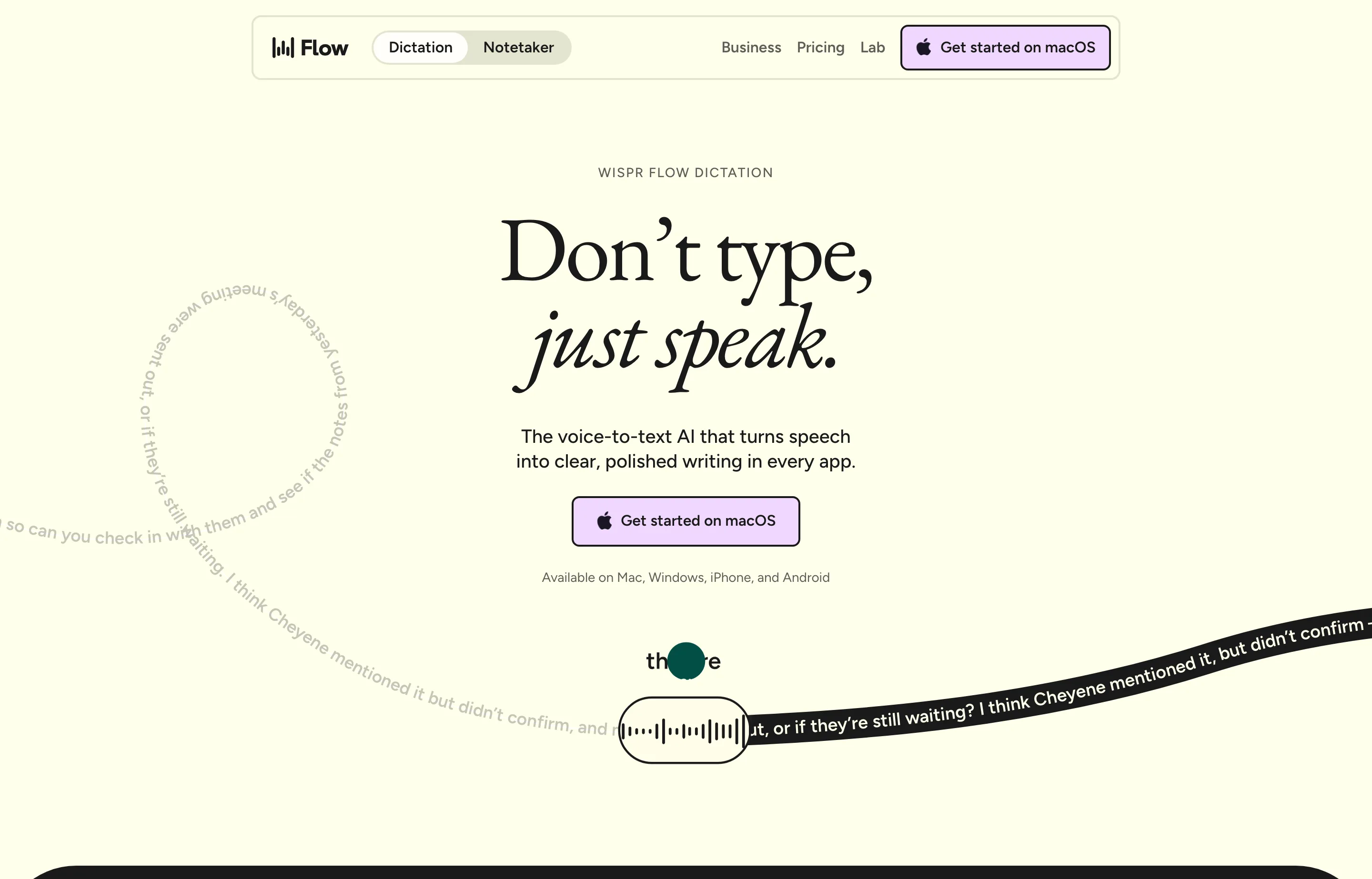
Wispr Flow's strengths should define the comparison. It works on Mac, Windows, iOS, and Android; supports more than 100 languages; learns vocabulary; cleans speech; and includes a Mac meeting notetaker. Its free tier allows 2,000 desktop words each week and 1,000 on iPhone, while Android dictation is listed as unlimited.
The tradeoffs are equally clear:
- No lifetime plan: unlimited dictation costs $144 a year at annual pricing or $180 when paid monthly.
- Cloud dependency: the service needs remote processing rather than offering a simple fully local mode for everyday dictation.
- More product than some people need: mobile apps, meetings, sync, and team administration are valuable, but a single-computer user may only want voice-to-cursor.
- A privacy controversy sits in its history: users reported that an earlier context-awareness implementation captured active-window screenshots and sent the context to the cloud; one developer documented why he cancelled over it. Wispr later changed its controls, and its current help center says Screen Recording is not required for basic dictation.
- Data choices still require attention: Wispr's current security FAQ says Privacy Mode is off by default for trial and standard accounts. In standard mode, audio and transcription data may be used to evaluate, train, and improve its models. Users handling confidential work must enable the relevant privacy settings rather than assume zero retention.
- Quality and reliability have drawn sustained complaints: multiple users report that accuracy fell after upgrading from the free experience to Pro or after an initially excellent trial and early paid period. Wispr acknowledged reliability and accuracy problems in June 2026, including a setting change that may have affected accuracy, while stating that all plans use the same model. That makes the user reports a real buying risk, but not evidence of a deliberate paid-plan downgrade.
An alternative does not need to beat Wispr Flow at everything. It needs to beat it at the thing that caused you to leave: ownership, privacy, offline reliability, price, simplicity, or specialized workflow.
How we ranked the alternatives
We ranked products for individual professionals, owner-operators, and small teams—not enterprise procurement departments. Our criteria were:
- Everyday ease: fast activation and clean text in the apps where work already happens.
- Privacy architecture: local processing ranks above policy promises when confidential work is involved; clear zero-retention cloud documentation gets credit.
- Lifetime value: a one-time license gets a meaningful advantage for a durable input tool, provided the product is maintained and supported.
- Support: direct, responsive help matters when microphone permissions, accessibility access, models, or OS updates break a core workflow.
- Capability fit: platform coverage, languages, custom vocabulary, cleanup, editing, and file transcription count when they solve a real need.
We did not publish made-up accuracy percentages. The only useful accuracy test is your accent, microphone, vocabulary, room, and real documents. Every paid recommendation here should be tested with the same sample before purchase.
1. Voibe — best overall Wispr Flow alternative
Voibe is the closest match for someone who likes the simplicity of Wispr Flow but wants more control over privacy and cost. One shortcut starts dictation in any app; Memory and custom vocabulary handle names and repeated terms; smart punctuation cleans the result; Developer Mode is designed for technical prompts and IDEs.
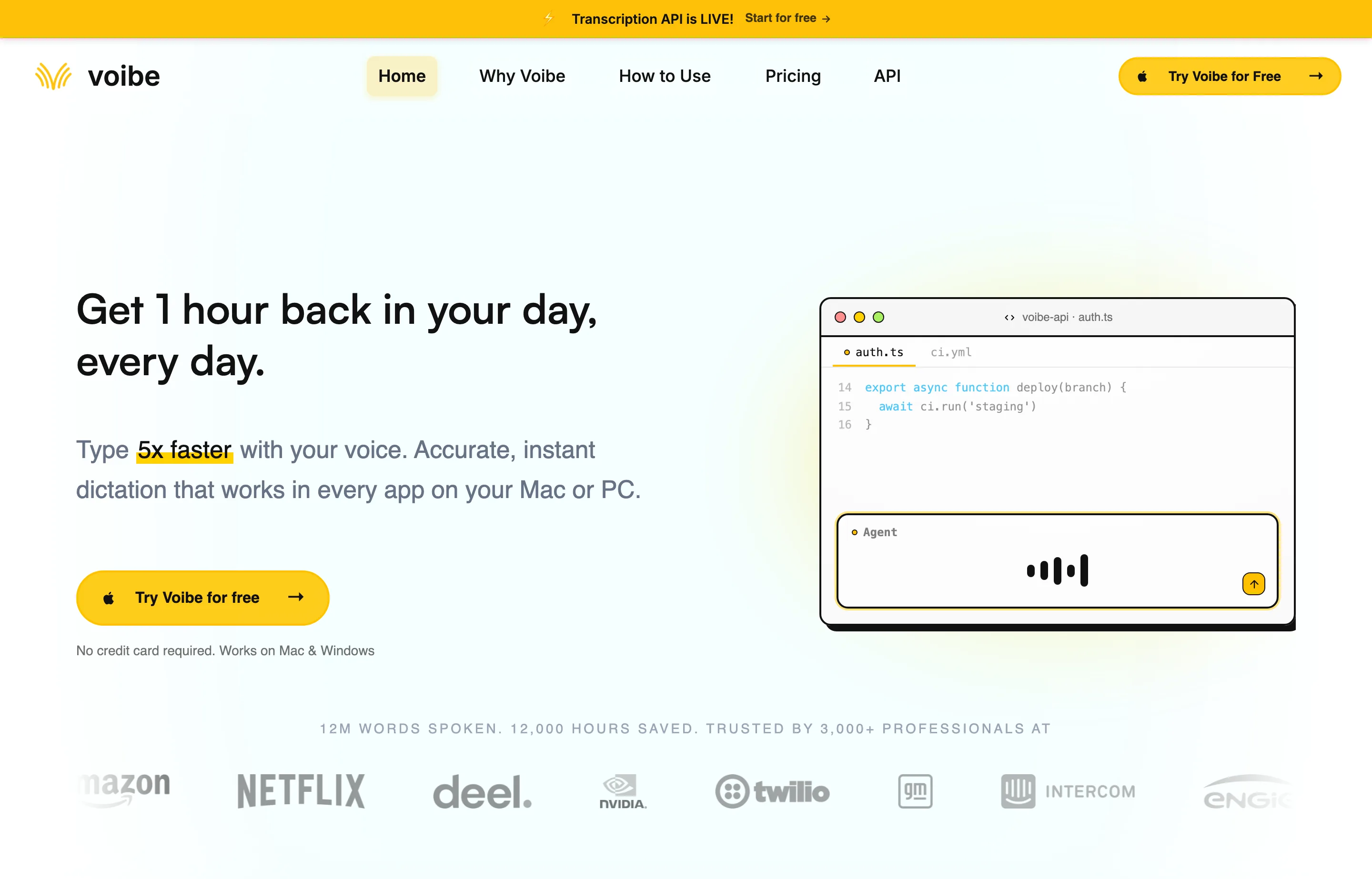
The privacy distinction is worth spelling out. Voibe's security page says zero-retention cloud processing is available on Mac and Windows, including Intel and Apple silicon Macs, with audio deleted after transcription. M-series Mac users can additionally choose On-Device Mode, which keeps dictated audio and transcripts entirely on the Mac. Optional AI formatting sends only transcript text and is off by default.
- Pricing: $7.50/month, $59/year, or $149 lifetime; 7-day trial and 30-day refund guarantee. The lifetime plan includes all future updates.
- Why switch from Wispr Flow: own the product for less than fourteen months of Wispr Flow Pro annual pricing; use zero-retention processing on either desktop platform or fully offline dictation on an M-series Mac; get priority support and direct founder access without an enterprise plan.
- Pros: easiest balance of privacy, polish, support, Mac/Windows coverage, and lifetime value; one seat can cover a Mac and Windows PC.
- Cons: no mobile app; fully offline processing requires an M-series Mac; fewer meeting and organization features than Wispr Flow.
Choose Voibe if: you want dictation to feel like a keyboard you bought, not a cloud utility you keep renting.
2. VoiceInk — best budget lifetime alternative for Mac
VoiceInk is a native Mac app with local transcription as the default and optional cloud services under the user's control. It supports app-specific modes, multiple models, custom prompts, context, and an iOS companion.
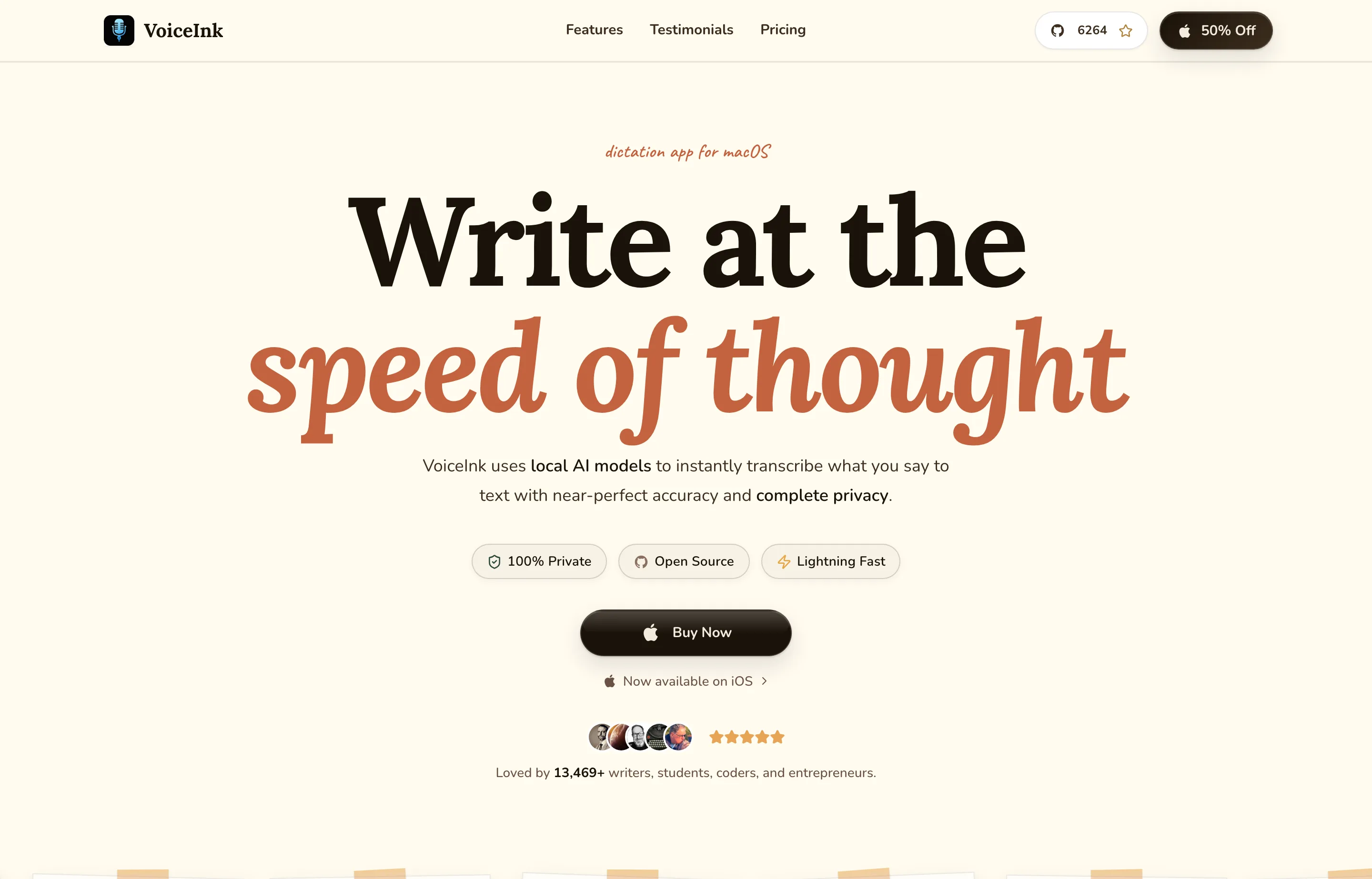
- Pricing: Solo $25 lifetime for one Mac, Personal $39 for two, or Extended $49 for three, with lifetime updates and a 14-day refund.
- Why switch from Wispr Flow: pay once at a fraction of one Wispr Flow year and keep local models as the default.
- Pros: superb ownership value; no VoiceInk-operated cloud storage for dictation data; configurable local and BYO-provider workflow; source code is available.
- Cons: Apple Silicon and macOS 14.4+ only; more setup choices than Voibe; optional cloud features inherit the selected provider's policies and costs.
VoiceInk's privacy policy clearly separates local data from opt-in cloud transcription and AI enhancement. That transparency makes it a strong recommendation for technically comfortable Mac users.
3. Superwhisper — best for custom workflows
Superwhisper is the power user's alternative. It supports local and cloud models, custom prompt control, BYO API keys, translation, meeting recording, and audio/video transcription across Mac, Windows, and iOS.
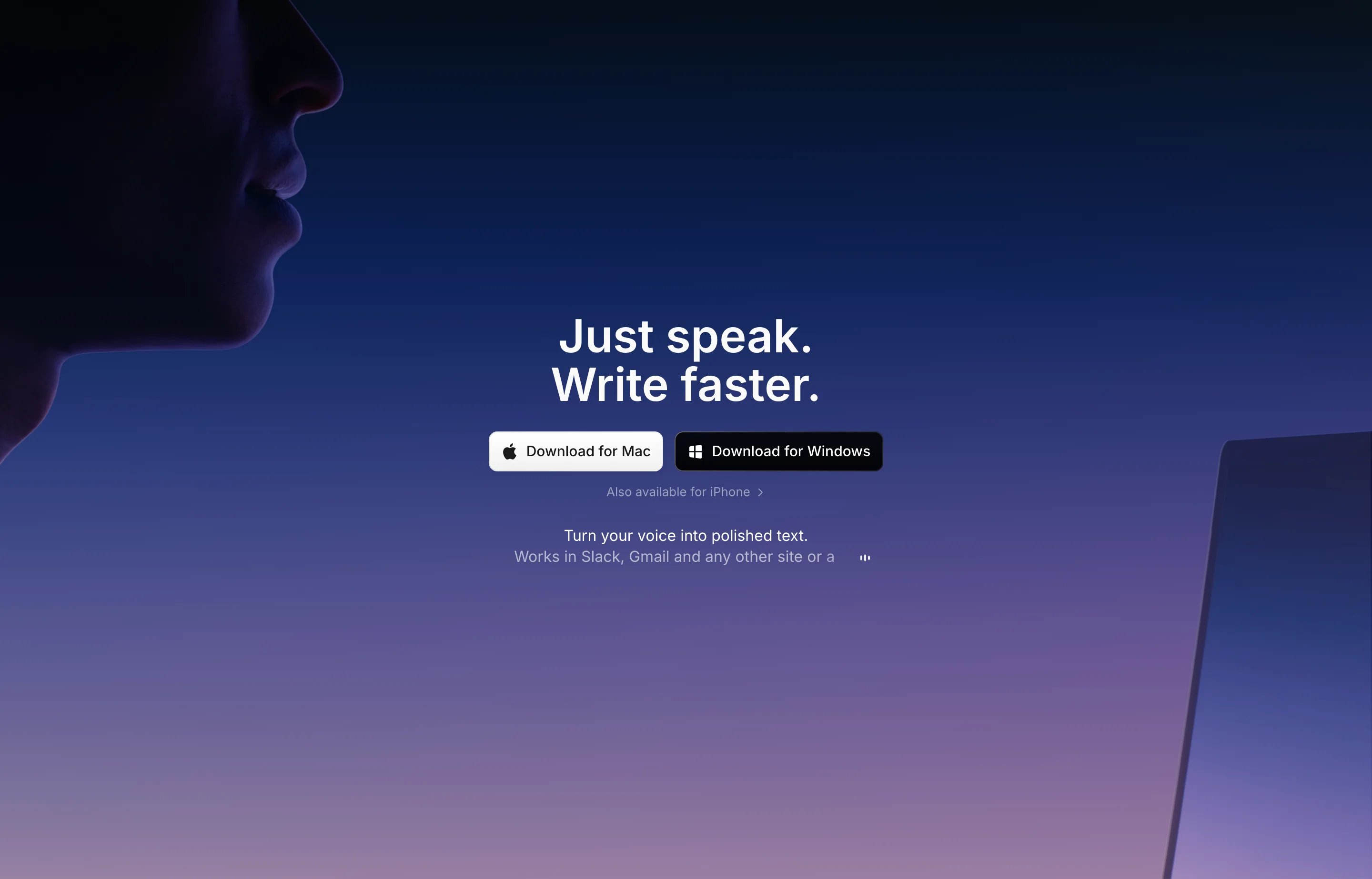
- Pricing: capable free plan; Pro $8.49/month or $249.99 lifetime; 30-day refund.
- Why switch from Wispr Flow: control which models and prompts shape the text, use local processing where suitable, or buy a lifetime license.
- Pros: deepest customization in this list; 100+ languages; works beyond Mac; strong meeting and file features.
- Cons: more complexity; lifetime price is high; cloud models and BYO keys create additional privacy and billing decisions.
Choose Superwhisper if: configuring the input layer is part of the appeal and you will use its modes rather than leave everything at the default.
4. Aqua Voice — best cloud alternative for speed
Aqua Voice focuses on rapid activation, developer vocabulary, live text, voice editing, and commands. Its desktop app runs on Mac and Windows, with an iOS voice keyboard under the same account.
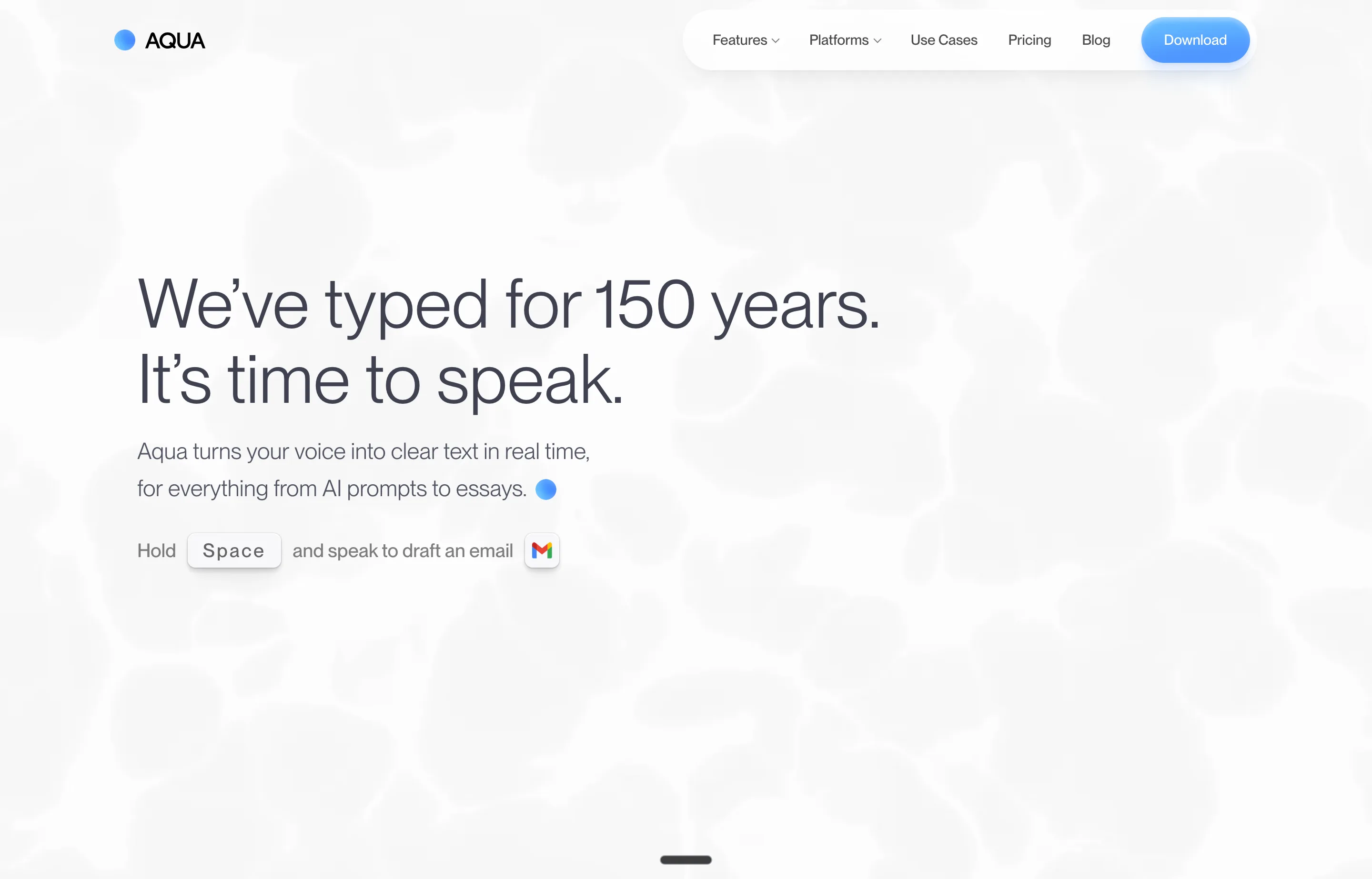
- Pricing: 1,000 words free; Pro $10/month or $8/month annually; Max $30/month or $24/month annually.
- Why switch from Wispr Flow: choose Aqua's fast live experience, Edit Mode, and Avalon model while saving $4 per month on the comparable annual Pro entry price.
- Pros: responsive feedback; good technical-language focus; custom dictionary and instructions; Mac, Windows, and iOS.
- Cons: still a subscription and cloud-dependent; no Android app; Realtime Mode and “send it” commands require Max; no lifetime ownership.
Choose Aqua if: the reason you are leaving is responsiveness or output behavior, not subscriptions or cloud processing.
5. Willow — best for aggressive AI cleanup
Willow is designed for people who speak in rough ideas and want a polished result. Its paid tier adds a stronger transcription model, writing-style memory, longer dictations, and unlimited Scribe usage.
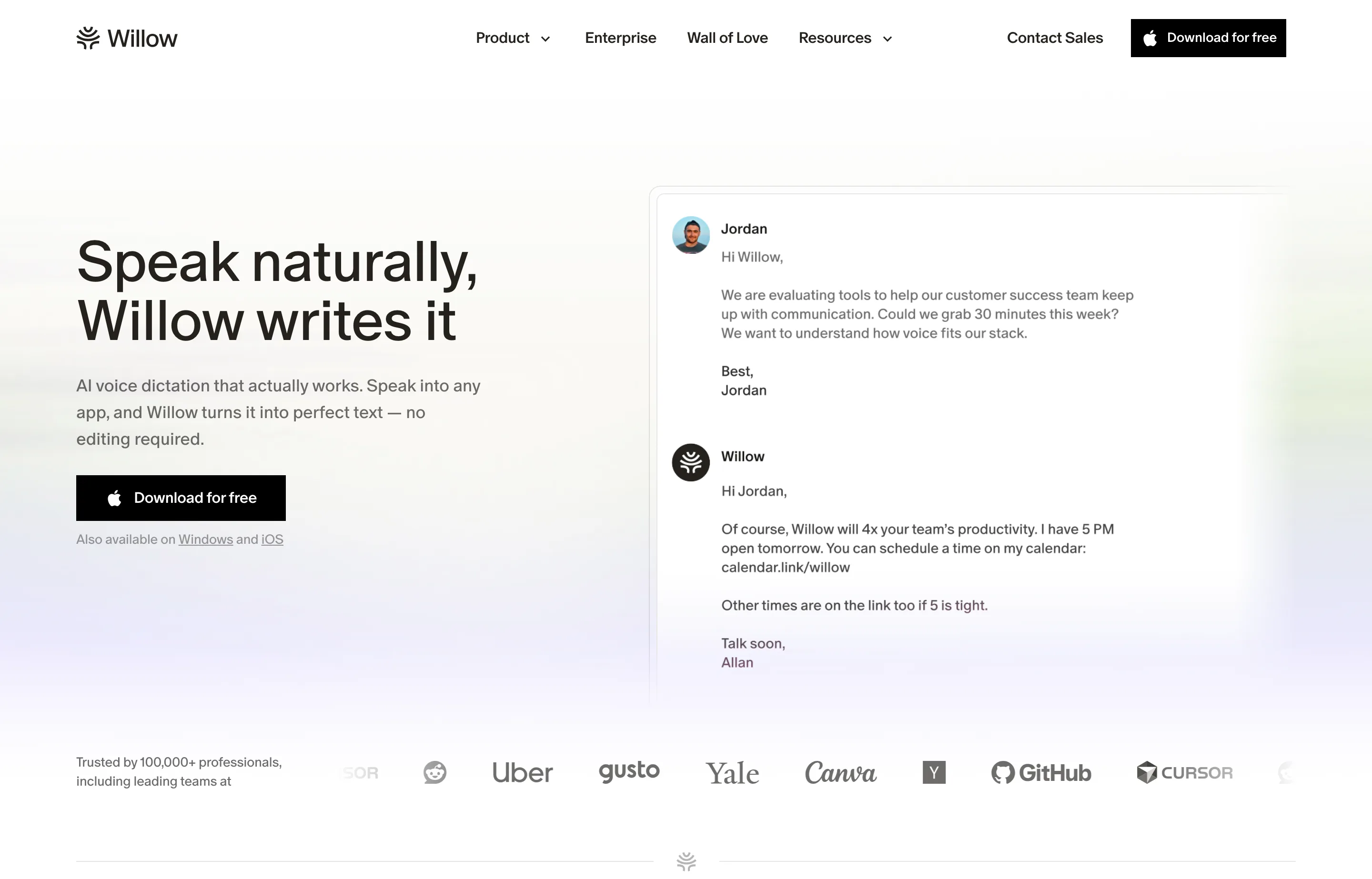
- Pricing: free Basic; Pro $15/month or $12/month annually; Business $35/month or $28/month annually.
- Why switch from Wispr Flow: the free tier offers unlimited use of Willow's weaker model, and Scribe may better fit users who want intent expanded rather than merely transcribed.
- Pros: friendly interface; good transformation of conversational speech; Mac and iPhone support; useful free baseline.
- Cons: Pro costs the same as Wispr Flow; subscription-only; Windows and Android are coming soon; enforced zero-retention is a Business feature.
Choose Willow if: you want an AI writing layer and like its output more in your own side-by-side trial.
6. Typeless — best generous free cloud alternative
Typeless combines cross-app dictation with cleanup, translation, personal tone, a dictionary, and an “Ask anything” AI layer. It advertises desktop and mobile availability and gives free users considerably more weekly volume than Wispr Flow on desktop.
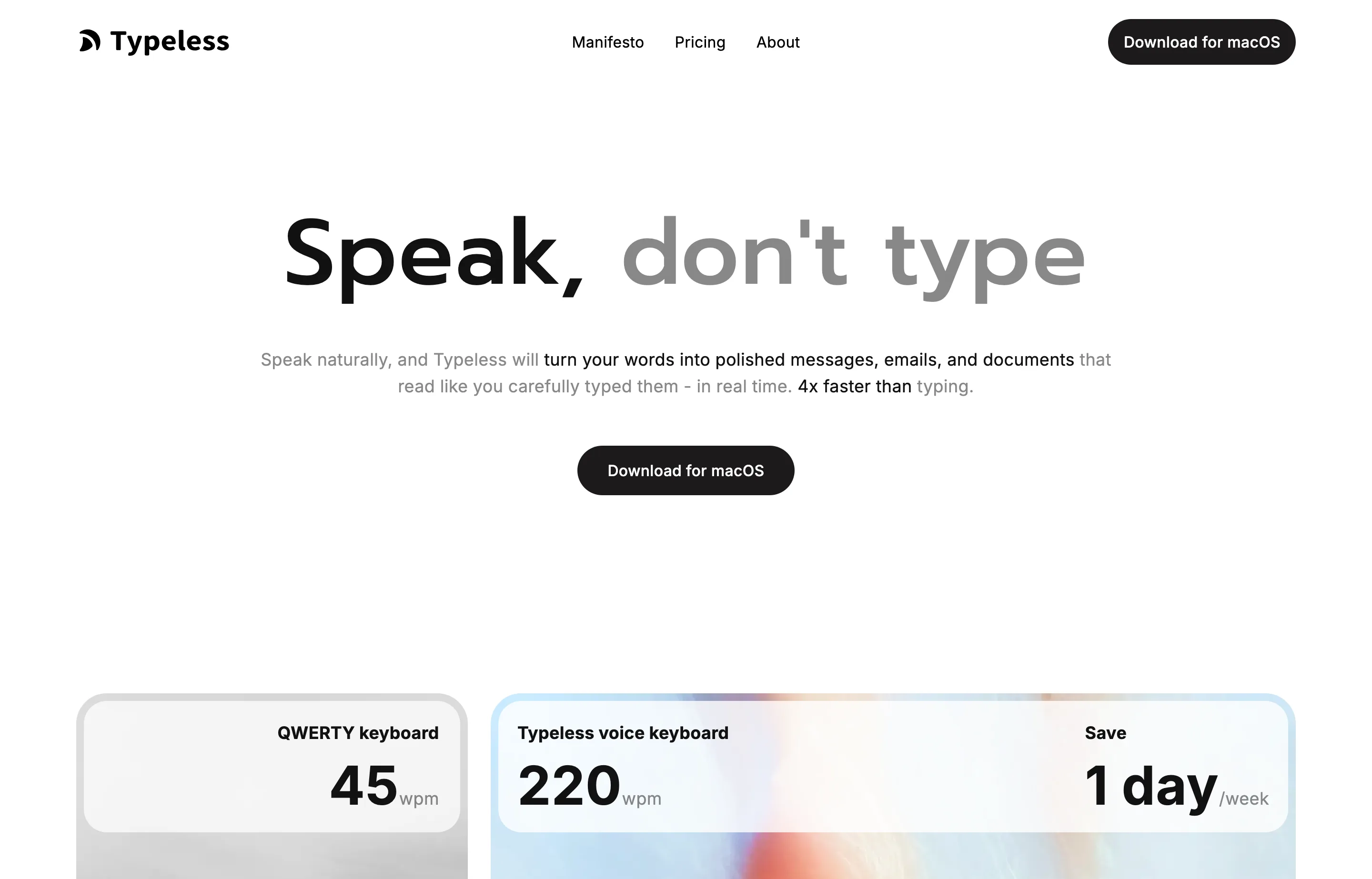
- Pricing: free for 8,000 words per week; Pro $30/month or $12/month billed annually; Enterprise custom.
- Why switch from Wispr Flow: get four times Wispr Flow's desktop weekly word allowance before paying, with zero cloud data retention and no-training commitments listed in its plan comparison.
- Pros: generous free tier; 100+ languages; Mac, Windows, iOS, and Android listed; strong cleanup and personalization.
- Cons: unlimited use is still a subscription; the month-to-month price is double Wispr Flow Pro; cross-device Cloud Sync creates a different data path from purely local tools.
Choose Typeless if: 8,000 words a week covers your usage or you prefer its rewriting enough to commit annually.
7. Handy — best free, open-source, offline alternative
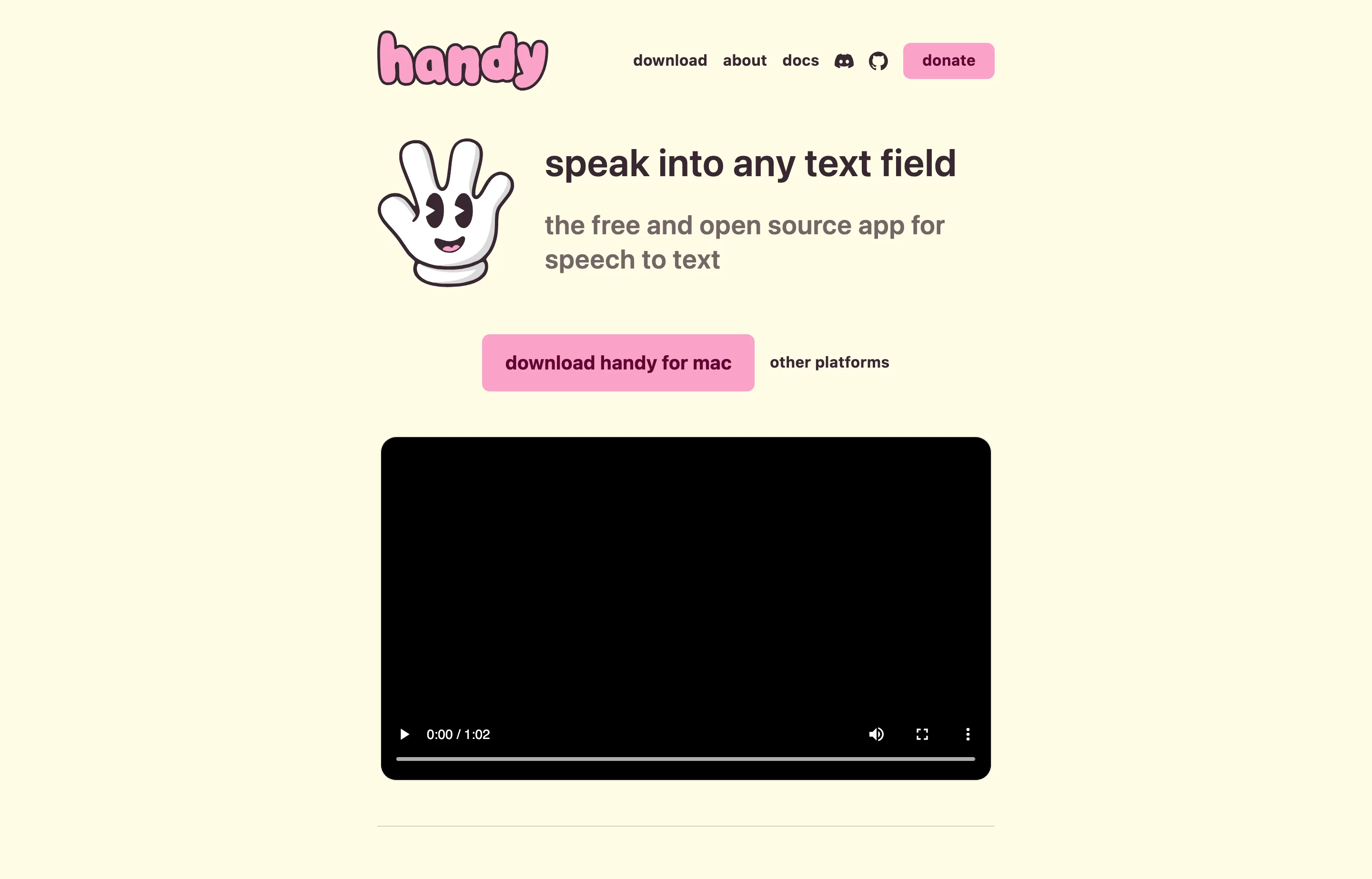
Handy is deliberately simple: hold a shortcut, speak, release, and receive text in the current field. Whisper or Parakeet runs on your own computer, and the app is available for Mac, Windows, and Linux.
- Pricing: free and open source; users can sponsor development.
- Why switch from Wispr Flow: remove both the subscription and the cloud service entirely.
- Pros: fully local; cross-platform desktop support; no account; inspectable and extensible source.
- Cons: basic transcription rather than polished AI rewriting; model setup and computer speed matter; no mobile apps or managed business support; primarily maintained by one developer.
Choose Handy if: privacy and zero cost matter more than automatic cleanup, mobile continuity, or white-glove support.
8. MacWhisper — best for files, meetings, and live dictation
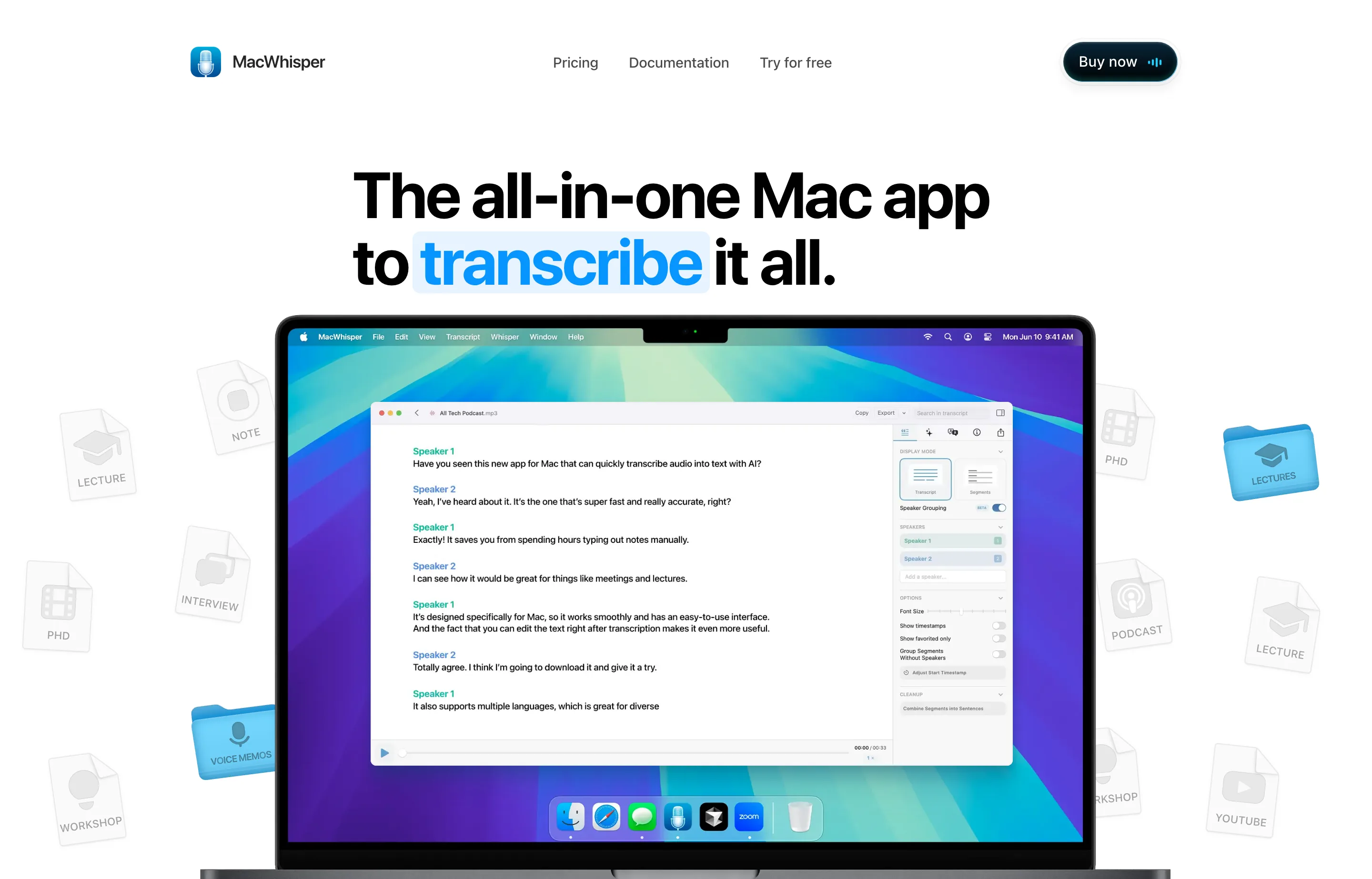
MacWhisper is a broader transcription workstation. It handles private files locally, records and transcribes meetings without a bot, creates subtitles, separates speakers, and now provides dictation in any Mac app.
- Pricing: useful free version; Pro €64 one-time per license with lifetime updates.
- Why switch from Wispr Flow: make one purchase for both everyday dictation and serious file or meeting transcription, with local models for sensitive media.
- Pros: broadest Mac transcription workflow here; 100+ languages; exports, speaker recognition, and batch processing; local models.
- Cons: Mac only; more interface than a voice-to-cursor user needs; optional cloud integrations follow third-party terms.
Choose MacWhisper if: recordings are central to your business and dictation is one part of a larger transcription job.
9. Apple Dictation — best built-in Mac alternative
Apple Dictation costs nothing extra and is already integrated into macOS, iOS, and iPadOS. It is enough for short messages and a useful way to learn whether voice input fits before installing another app.
- Pricing: included with compatible Apple devices.
- Why switch from Wispr Flow: eliminate the account, installation, and bill for casual dictation.
- Pros: instantly available; no separate purchase; familiar system permissions and commands.
- Cons: less cleanup, memory, custom vocabulary, and direct support; not every device/language/request is processed locally. Apple's privacy notice says Keyboard Settings indicates whether audio and transcripts stay on-device.
Choose Apple Dictation if: your sessions are short and a dedicated AI cleanup layer would be overkill.
10. Windows Voice Access — best built-in Windows alternative
Windows Voice Access provides on-device, offline recognition for dictation and full PC control in Windows 11. It can select, correct, spell, navigate, and add difficult words to its vocabulary.
- Pricing: included with Windows 11 version 22H2 and later.
- Why switch from Wispr Flow: gain a no-cost offline mode and deeper hands-free navigation.
- Pros: local recognition; accessibility-first command set; no third-party account or bill; custom vocabulary.
- Cons: less automatic prose polish; fewer supported languages; Fluid Dictation's filler removal and grammar cleanup require a Copilot+ PC and are currently English-only.
Choose Windows Voice Access if: you need offline Windows dictation or computer control more than cross-platform syncing.
One-time cost versus three years of Wispr Flow
The ownership case becomes concrete when the app is used daily:
| Option | Up-front or monthly price | Three-year software cost |
|---|---|---|
| Voibe lifetime | $149 once | $149 |
| VoiceInk Solo | $25 once | $25 |
| MacWhisper Pro | €64 once | €64 |
| Superwhisper lifetime | $249.99 once | $249.99 |
| Wispr Flow Pro, annual | $12/mo billed annually | $432 |
| Wispr Flow Pro, monthly | $15/mo | $540 |
This is price, not a verdict by itself. Wispr Flow keeps providing cloud inference, four-platform apps, meeting features, and service operations. But if those are not the reason you use it, the difference is recurring rent for unused scope.
Voibe is the strongest middle path: it is not the cheapest lifetime license, but the extra money buys a simpler default experience, Mac and Windows coverage, a 30-day guarantee, priority support, and direct access to the team. A core work tool needs somebody accountable when an OS update or permission breaks it.
How to switch without disrupting your workflow
Do not uninstall Wispr Flow first. Run a controlled one-week comparison:
- Pick three real samples: a customer email, an AI prompt, and a document paragraph containing names and numbers.
- Dictate each sample in Wispr Flow and two alternatives using the same microphone and room.
- Count corrections and time from pressing the shortcut to sendable text. Ignore impressive raw speed if cleanup gives the time back.
- Test every app you rely on—browser, email, office suite, chat, notes, CRM, and IDE if relevant.
- Inspect privacy settings. Confirm whether the selected transcription and formatting modes are local, zero-retention cloud, or a third-party API.
- Contact support with one real question. Response quality is part of a long-term purchase.
- Only then cancel the old subscription and remove its accessibility, microphone, startup, and screen permissions.
For a broader category view that includes Wispr Flow itself, see our guide to the best AI dictation tools. For where voice input fits alongside writing, marketing, and operations, use the small-business AI stack.
Which Wispr Flow alternative should you choose?
- Choose Voibe if you want the best balance of easy use, clear privacy modes, human support, Windows plus Mac, and a lifetime license.
- Choose VoiceInk if you use an Apple Silicon Mac, want the lowest polished one-time price, and enjoy configuring local models.
- Choose Superwhisper if custom prompts, model choice, meetings, and BYO keys justify a more complex setup.
- Choose Aqua Voice if low latency and live editing matter more than offline use or lifetime pricing.
- Choose Willow or Typeless if their AI rewriting produces the best result for your particular speaking style—and test the free tier first.
- Choose Handy if free, local, open-source dictation is enough.
- Choose MacWhisper if audio files and meetings are as important as live dictation.
- Use Apple Dictation or Windows Voice Access when built-in software already solves the job.
FAQs
What is the best alternative to Wispr Flow?+
Voibe is our best overall alternative for individual professionals and small-business owners. It is simple to use, supports Mac and Windows, documents zero-retention cloud processing on both platforms and offline dictation on M-series Macs, includes direct support, and offers lifetime access for $149. VoiceInk is the better low-budget Mac choice, while Superwhisper suits power users.
Is there a lifetime alternative to Wispr Flow?+
Yes. As of September 3, 2026, Voibe is $149 lifetime, VoiceInk starts at $25 lifetime, Superwhisper is $249.99 lifetime, and MacWhisper Pro is €64 once. All four include updates according to their current pricing pages. Lifetime offers can change, so verify before buying.
What is the best private Wispr Flow alternative?+
On M-series Macs, Voibe can process transcription fully offline; VoiceInk, Handy, and MacWhisper also offer local Mac workflows with their own hardware requirements. Voibe's zero-retention cloud processing is available to Mac and Windows users, including Intel and Apple silicon Macs. Handy is also available on Windows and Linux. “Private” still depends on the selected mode: optional AI cleanup or cloud providers may send text or audio off-device, so review settings before dictating confidential material.
Is there a free Wispr Flow alternative?+
Handy is free, open source, offline, and works on Mac, Windows, and Linux. Apple Dictation and Windows Voice Access are included with their operating systems. VoiceInk's source can be built by technical users, while Aqua Voice, Willow, Typeless, MacWhisper, and Superwhisper have free tiers or trials with different limits.
Which alternative works on Windows?+
Voibe, Superwhisper, Aqua Voice, Typeless, Handy, and Windows Voice Access support Windows. Voibe is the best supported lifetime-oriented pick, Handy is the best free local app, Aqua is the speed-first cloud option, and Voice Access is the built-in offline baseline.
Why choose lifetime pricing for a dictation app?+
Because dictation is likely to be used like an input device rather than a temporary project tool. A one-time price makes costs predictable and can become cheaper than a $12 monthly plan in about one to two years. The catch is product longevity: favor vendors with active updates, clear refund terms, and reachable support.
Will switching make my dictation less accurate?+
Not necessarily, but accuracy is personal. Run the same samples through each app and include product names, client names, numbers, and the apps you actually use. Compare the final correction burden, not a vendor's headline percentage.
Final take
Wispr Flow remains a capable cloud dictation product, especially for people who genuinely use all four platforms and its meeting tools. The mistake is assuming that every knowledge worker therefore needs an unlimited subscription forever.
If dictation has become as fundamental to your work as a keyboard, buying the tool once is a rational default. Voibe is our top alternative because it makes that ownership choice without giving up ease, documented privacy modes, active support, or cross-desktop coverage. Pay $149 once, use the trial to prove it works with your voice, and keep the tool for the years of writing ahead.
Free tools to try
Keep reading
Guide
10 Best AI Dictation Tools in 2026
The best AI dictation tools ranked for privacy, ease of use, support, and long-term cost — including lifetime, local, and free options.
Guide
8 Best Dragon Legal Alternatives in 2026
Compare Dragon Legal alternatives for small law firms: private dictation, legal vocabulary, assistant workflows, voice control, and current pricing.
Guide
The Small Business AI Stack: Tools for Every Job in 2026
A practical AI stack for small businesses — the tools that actually save time on marketing, content, SEO, and admin, organized by the job they do. Free where it counts.
Guide
Best Free AI Writing Tools for Small Businesses
12 AI writing tools ranked for small businesses — pricing, pros, cons, and features. From ChatGPT and Claude to free, no-signup generators for repeat jobs.