Guide
10 Best AI Dictation Tools in 2026
AI dictation is becoming a new input layer for the computer. Once you can speak a client email into Gmail, a proposal into Word, notes into Notion, or a detailed prompt into an AI assistant, the keyboard stops being the only practical way to turn thought into text. A controlled Stanford, University of Washington, and Baidu study found English speech input was three times faster than smartphone typing under its test conditions. Desktop work is different, and every transcript still needs review, but the size of that gap explains why dictation can change a workday rather than merely shave off a few seconds.
That makes the buying model matter. A knowledge worker may use dictation for thousands of hours, much like a keyboard or mouse. Paying monthly can make sense when the service continuously provides expensive cloud processing, mobile sync, meeting tools, or managed compliance. But if you mainly need a dependable voice-to-text layer on your own computer, a one-time purchase is often the smarter long-term buy.
Our best overall pick is Voibe. It combines an unusually simple everyday workflow with zero-retention cloud processing on Mac and Windows, fully offline dictation on M-series Macs, responsive direct support, and a $149 lifetime option that includes future updates. VoiceInk is the less expensive Mac option for people happy to configure more themselves; Wispr Flow remains strong when four-platform availability matters more than owning the software.
Quick comparison
| Tool | Best for | Platforms | Processing | Price from |
|---|---|---|---|---|
| Voibe | Best overall: easy, private, supported | Mac, Windows | Zero-retention cloud on Mac and Windows; offline/on-device on M-series Macs | $149 lifetime; $7.50/mo |
| Wispr Flow | One account across four platforms | Mac, Windows, iOS, Android | Cloud | Free; $12/mo annual |
| Superwhisper | Custom workflows and model choice | Mac, Windows, iOS | Local and cloud options | Free; $8.49/mo; $249.99 lifetime |
| Aqua Voice | Fast cloud dictation and live editing | Mac, Windows, iOS | Cloud | 1,000 words free; $8/mo annual |
| Willow | Polishing rambling speech | Mac, iOS | Cloud; managed privacy controls | Free; $12/mo annual |
| VoiceInk | Low-cost ownership on Apple Silicon | Mac, iOS | Local by default; optional cloud | $25 lifetime |
| Handy | Free, open-source offline dictation | Mac, Windows, Linux | On-device | Free |
| MacWhisper | Files, meetings, and dictation together | Mac | Local; optional cloud integrations | Free; €64 lifetime |
| Apple Dictation | No-install Mac and iPhone baseline | Apple devices | On-device or server, depending on settings | Included |
| Windows Voice Access | Free offline Windows control | Windows 11 | On-device | Included |
How we ranked the tools
We weighted five things that matter when dictation becomes daily infrastructure:
- Ease of use: can a busy owner install it, hold one shortcut, speak, and get usable text in any app?
- Privacy: can confidential client, financial, product, or staff information stay on the device? When cloud processing is used, is retention explained clearly?
- Output quality: does the app handle punctuation, filler words, names, corrections, and different destinations without creating more cleanup than it saves?
- Support and product upkeep: a lifetime license is not a bargain if installation problems go unanswered or the app stops working after the next OS update.
- Total cost of ownership: we prefer a fair one-time price for a durable input tool, while giving subscription products credit when their cross-device or cloud service genuinely adds value.
We did not turn vendor accuracy claims into a fake universal score. Microphone quality, accent, language, room noise, vocabulary, model, and writing style all change the result. Test the same real email, prompt, and client note in two or three apps before deciding.
Why dictation is becoming a basic work tool
The old version of dictation tried to type exactly what you said. The new version can remove filler, restore punctuation, format a list, remember product names, and adjust the result for Slack, email, or an AI prompt. That matters because modern knowledge work contains more text than ever: messages, proposals, briefs, support replies, CRM notes, documentation, and instructions for AI systems.
The useful mental model is not “dictation replaces the keyboard.” It is “voice handles the first draft; the keyboard handles precision.” Speak the long thought, then type the sensitive number, unusual name, or final edit. The combination is faster and less physically repetitive than forcing one input method to do everything.
The economics follow the same logic. Wispr Flow Pro at $12 per month billed annually costs $432 over three years. Voibe's $149 lifetime plan crosses below that annual-subscription cost after roughly 13 months and is $283 cheaper by year three. The comparison is not perfectly like-for-like—Wispr Flow includes broader mobile coverage and cloud services—but it shows why ownership deserves to be a first-class buying criterion.
1. Voibe — best overall for everyday ownership
Voibe is our top recommendation for the owner-operator who wants dictation to disappear into the workday: press a shortcut, speak naturally, and insert clean text wherever the cursor is. It runs on Mac and Windows, includes custom vocabulary, Memory, smart punctuation, and a Developer Mode for technical prompts and IDEs.
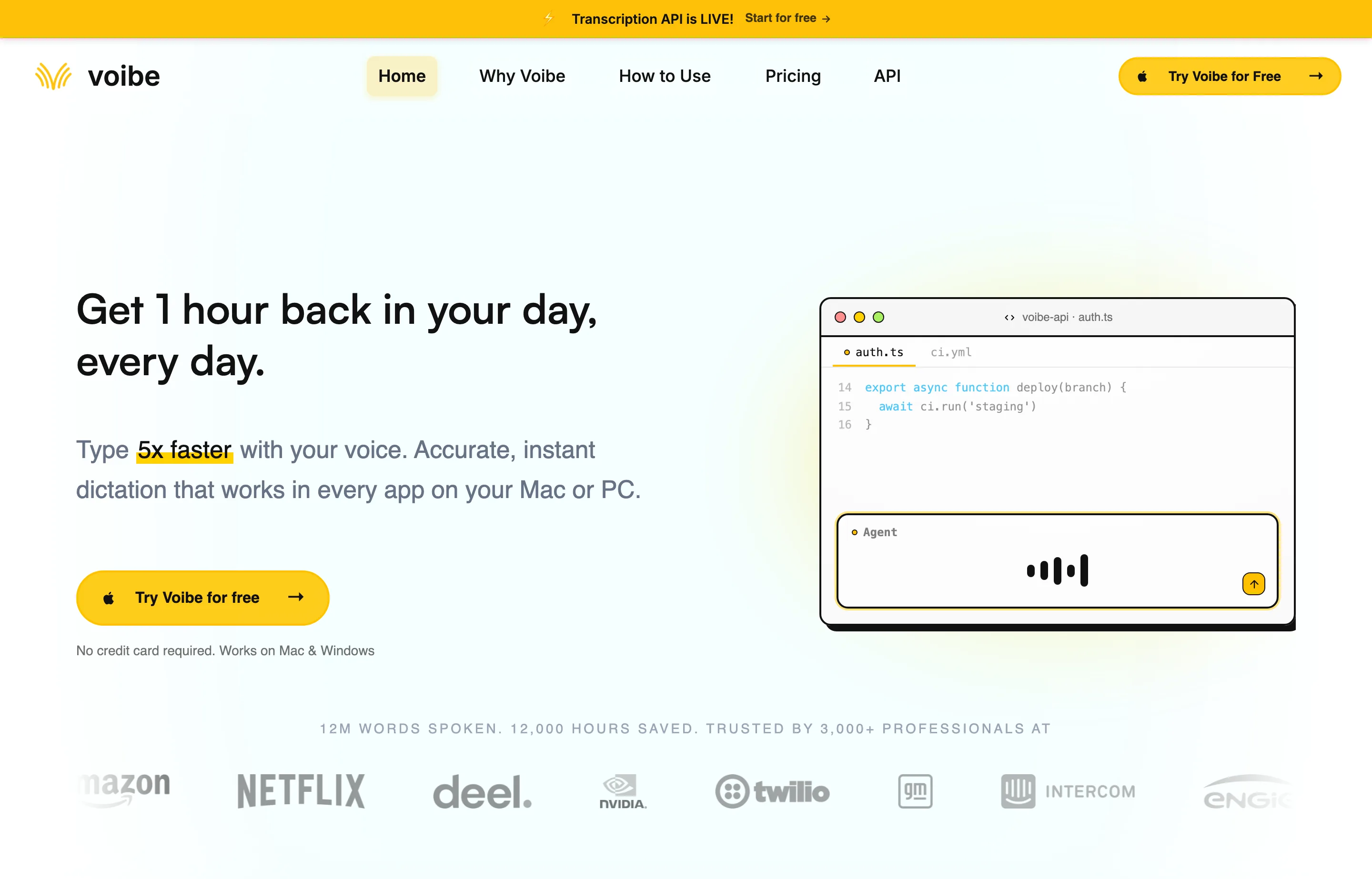
Privacy is specific rather than absolute marketing. Voibe's security documentation says zero-retention cloud processing is available on Mac and Windows, including Intel and Apple silicon Macs, with audio deleted after transcription. M-series Mac users can additionally choose On-Device Mode, which keeps audio and transcripts entirely on the Mac. Optional Live Dictation AI Formatting sends transcript text—not audio—to a processor and is off by default.
- Key features: system-wide push-to-talk; zero-retention cloud processing on Mac and Windows; offline/on-device mode on M-series Macs; custom vocabulary; Memory; smart punctuation; developer-focused formatting.
- Pricing: $7.50/month, $59/year, or $149 lifetime, all with a 7-day trial and 30-day money-back guarantee. The lifetime plan includes future updates.
- Pros: the best balance of low setup friction, privacy controls, direct founder access, priority support, and buy-once value; one seat can cover a Mac and Windows PC.
- Cons: fully offline transcription requires an M-series Mac; no iOS or Android app; cloud mode still requires trust in a remote processor even with zero retention.
Best for: consultants, founders, writers, agencies, developers, and small-business owners who expect to dictate daily and would rather own the input tool than rent it forever.
2. Wispr Flow — best for seamless cross-platform use
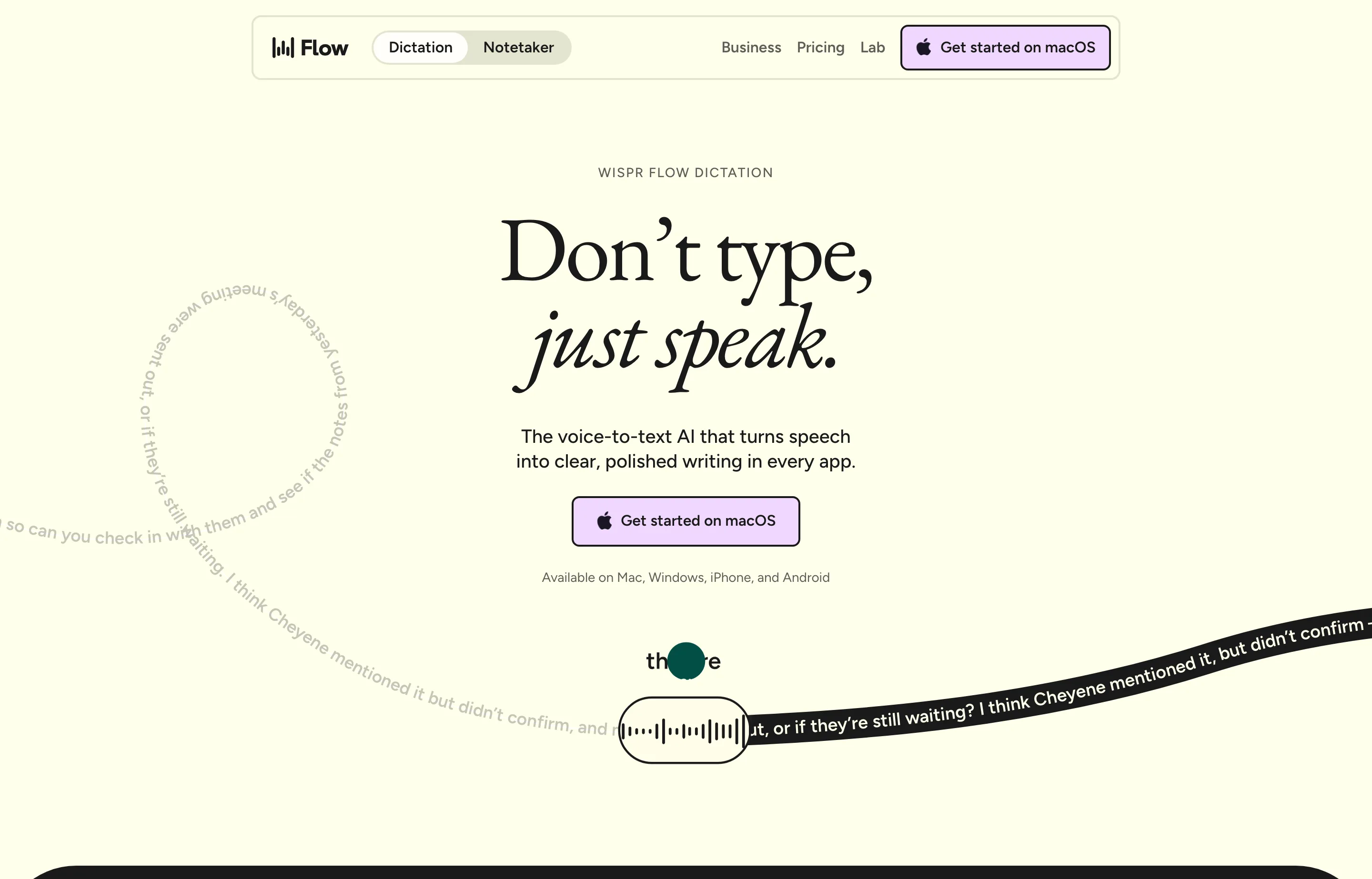
Wispr Flow is the category benchmark for polished cloud dictation. It works across Mac, Windows, iOS, and Android, learns names and jargon, and can turn informal speech into more structured text. That broad platform coverage is its strongest reason to win over a one-time desktop app.
There are important trust and reliability caveats. In 2025, users raised privacy concerns about an earlier context-awareness implementation that captured active-window screenshots and sent that context to the cloud; one developer explained why the behavior led him to cancel. Wispr has since changed its controls, and its current documentation says Screen Recording is not required for basic dictation. However, Wispr's security FAQ says Privacy Mode is off by default for trial and standard accounts, where audio and transcription data may be used to evaluate, train, and improve its models unless the user enables that mode.
Quality complaints also deserve more than a footnote. Multiple users have reported worse accuracy after moving from the free experience to Pro or after an initially strong trial and early paid period. Wispr itself acknowledged reliability and accuracy problems in June 2026, including a setting change that may have affected accuracy, but says every plan uses the same model. The reports are therefore meaningful buyer feedback, not proof that paying triggers a deliberate downgrade. Test long enough to get past the initial experience before committing to an annual subscription.
- Key features: dictation in any app; 100+ languages; personal dictionary; Mac meeting notetaker; cross-device availability; AI cleanup.
- Pricing: free with 2,000 desktop words per week and 1,000 iPhone words per week; Pro $15/month or $12/user/month billed annually; no lifetime plan. See the live Wispr Flow pricing page.
- Pros: easiest answer for someone moving among desktop and mobile devices; generous Android free usage; polished rewriting; established team and compliance options.
- Cons: unlimited use is a perpetual subscription; transcription depends on cloud processing; Privacy Mode is not the standard-account default; past screenshot-context concerns and recent reliability issues merit caution; users report post-trial and post-upgrade quality declines, though Wispr says plans use the same model.
Best for: mobile-heavy professionals and mixed-device teams willing to pay continuously for convenience and sync.
3. Superwhisper — best for power users and custom modes
Superwhisper gives advanced users more control over models and prompts. It can work with local and cloud AI, supports custom modes, handles more than 100 languages, and also transcribes meetings and media files.
- Key features: system-wide dictation; local and cloud models; BYO API keys; custom prompts; translation; meeting and file transcription; Mac, Windows, and iOS apps.
- Pricing: useful free plan; Pro $8.49/month or $249.99 lifetime; 30-day refund window.
- Pros: deep configuration, a true lifetime choice, broad language support, and the ability to keep suitable workflows local.
- Cons: more settings than a simplicity-first buyer needs; lifetime price is $100 above Voibe; some cloud features create separate privacy and API-cost considerations.
Best for: technical users who enjoy tuning models, modes, and prompts rather than accepting one default workflow.
4. Aqua Voice — best for speed and live cloud editing
Aqua Voice emphasizes fast activation, accurate technical language, and seeing text appear while you speak. It runs on macOS, Windows, and iOS, syncs dictionaries and instructions, and supports voice editing and “send it” commands.
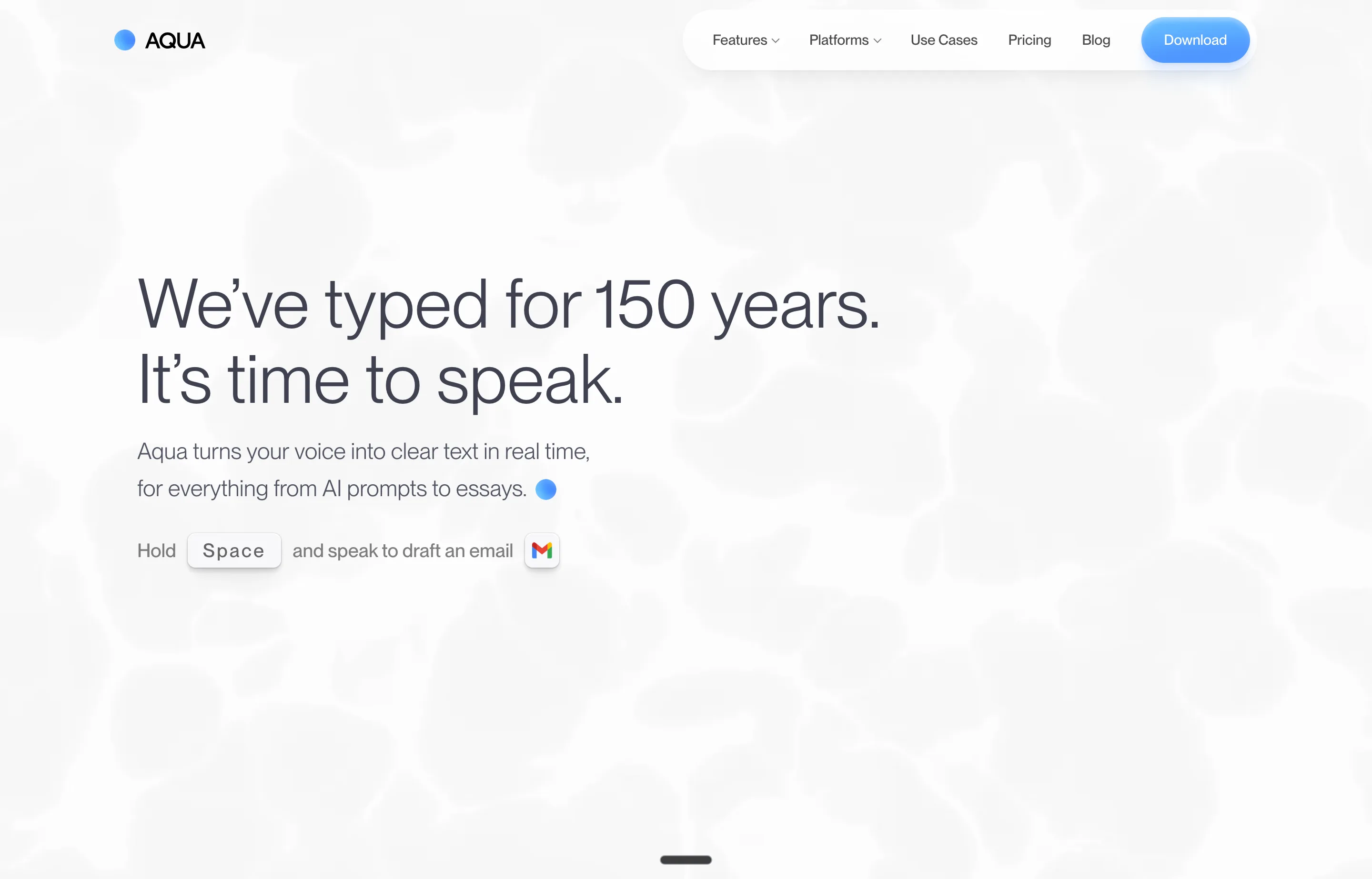
- Key features: custom dictionary and instructions; Edit Mode; live Realtime Mode on Max; Mac, Windows, and iOS; 49 dictation languages.
- Pricing: 1,000 words free; Pro $10/month or $8/month billed annually; Max $30/month or $24/month billed annually.
- Pros: quick feedback, strong developer vocabulary, useful cross-device account, and a no-card trial.
- Cons: requires an internet connection; no lifetime option; unlimited live/command features sit on the expensive Max tier.
Best for: users who prioritize responsive cloud performance and real-time text over offline operation or software ownership.
5. Willow — best for turning rough speech into polished prose
Willow leans into cleanup and personalization. Its paid model remembers writing style, gives priority transcription, and offers a Scribe feature that expands spoken intent into finished writing.
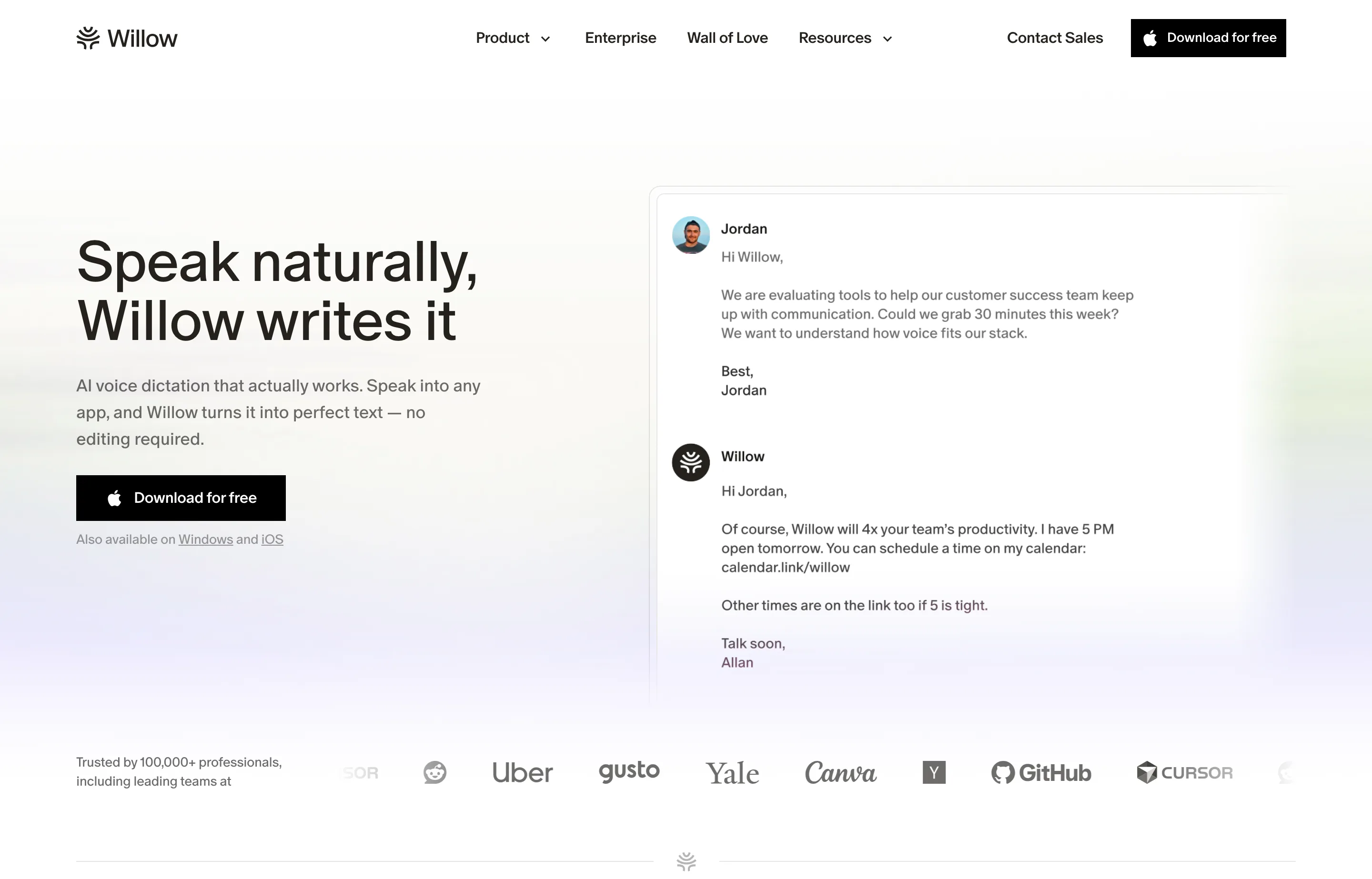
- Key features: system-wide dictation; AI cleanup; writing-style memory; Scribe; Mac and iPhone apps.
- Pricing: free Basic with a weaker unlimited dictation model and 20 Scribe uses weekly; Pro $15/month or $12/month billed annually; Business from $35/month or $28 annually.
- Pros: useful free baseline; strong cleanup for people who think aloud; friendly interface.
- Cons: subscription-only; Windows and Android are listed as coming soon; stricter zero-retention controls are positioned on the Business plan.
Best for: Mac and iPhone users whose first draft is conversational and who value AI rewriting more than local processing.
6. VoiceInk — best low-cost lifetime option for Mac
VoiceInk is a native, source-available Mac dictation app with local processing by default. It supports multiple local speech models, configurable modes, and optional cloud providers that you choose yourself.
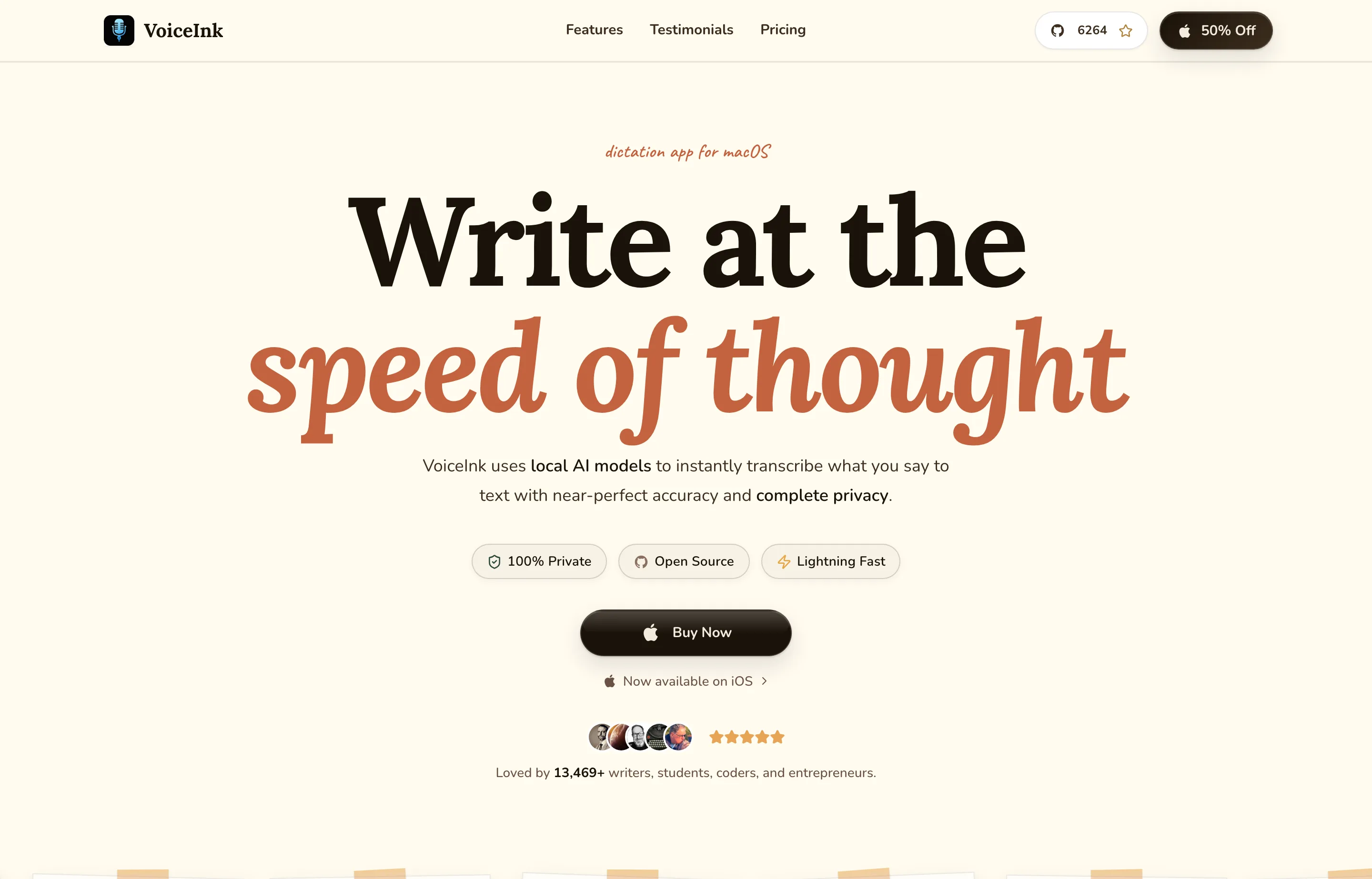
Its privacy policy is unusually clear: local models keep audio and text on the device; optional cloud transcription sends audio to the provider you select; optional AI enhancement sends transcript text. VoiceInk itself says it does not operate servers that store your dictation data.
- Key features: local Whisper, Parakeet, and Apple models; app-specific modes; optional BYO cloud providers; local history controls; macOS and iOS.
- Pricing: Solo $25 lifetime for one Mac, Personal $39 lifetime for two, or Extended $49 lifetime for three; lifetime updates and 14-day refund.
- Pros: exceptional one-time value, strong local privacy, transparent data paths, and plenty of control.
- Cons: Apple Silicon with macOS 14.4+ is required; configuration can be more involved; direct support is a smaller operation than enterprise-oriented competitors.
Best for: privacy-conscious Mac users who want the lowest practical lifetime price and do not mind choosing models and settings.
7. Handy — best free and open-source offline option
Handy does one job: hold a shortcut, speak, and paste the transcript into the current text field. It is free, open source, cross-platform, and entirely local.
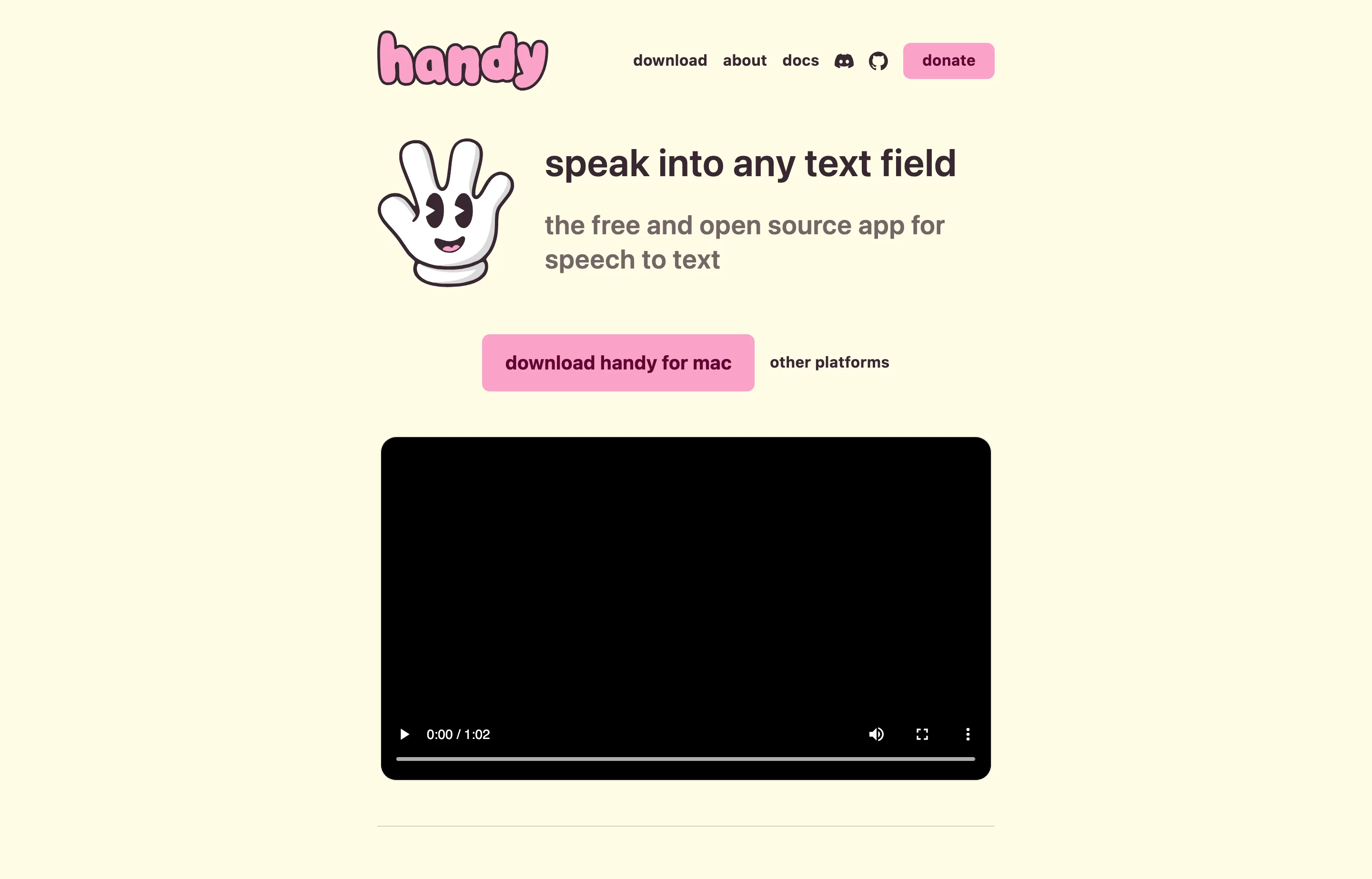
- Key features: local Whisper or Parakeet models; push-to-talk or toggle mode; GPU acceleration where available; Mac, Windows, and Linux.
- Pricing: free, with optional sponsorship.
- Pros: no account, subscription, or cloud service; inspectable source; broad desktop support.
- Cons: intentionally basic; limited AI rewriting and spoken editing; model downloads and hardware performance affect the experience; maintained primarily by one developer.
Best for: budget-conscious users, Linux users, privacy purists, and anyone willing to trade polish for genuine ownership and openness.
8. MacWhisper — best for dictation plus recorded files
MacWhisper began as a private file-transcription tool and now includes system-wide dictation, meeting capture, speaker recognition, subtitles, and integrations. It is the strongest choice here when recorded interviews, calls, lectures, or podcasts matter as much as live writing.
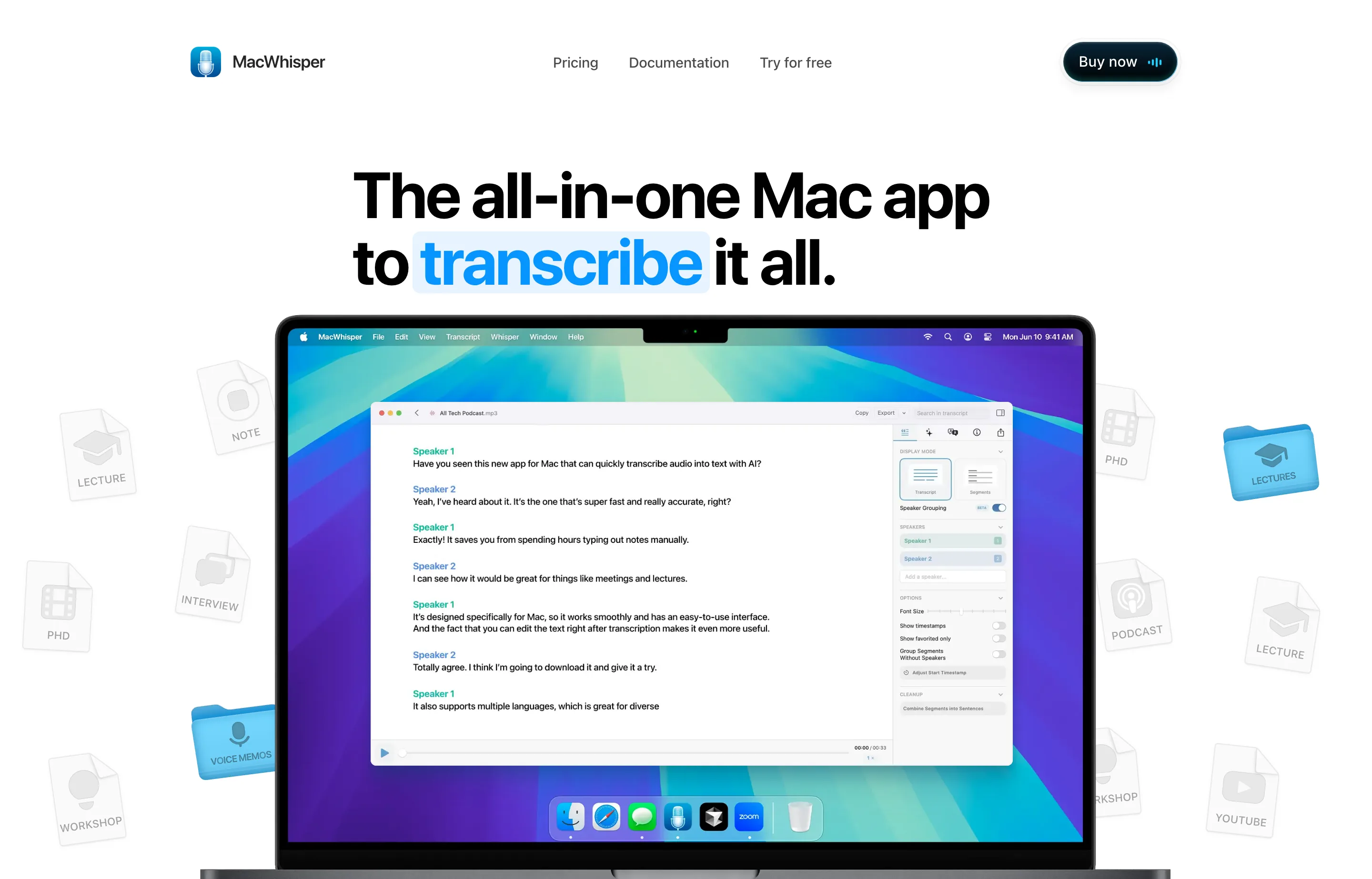
- Key features: local file transcription; live dictation; meeting and app-audio capture; speaker recognition; 100+ languages; export and batch tools.
- Pricing: capable free version; Pro €64 one-time with lifetime updates. Currency conversion at checkout varies.
- Pros: one purchase covers a broad transcription toolbox; local models handle sensitive files; mature export workflow.
- Cons: Mac only; broader interface than someone wanting only push-to-talk needs; optional cloud and AI integrations follow their providers' privacy rules.
Best for: podcasters, researchers, journalists, and consultants who need both live dictation and recorded-media transcription.
9. Apple Dictation — best zero-install Mac and iPhone baseline
Apple Dictation is already available on Macs, iPhones, and iPads. It is fast to enable, works in normal text fields, and costs nothing beyond the device.
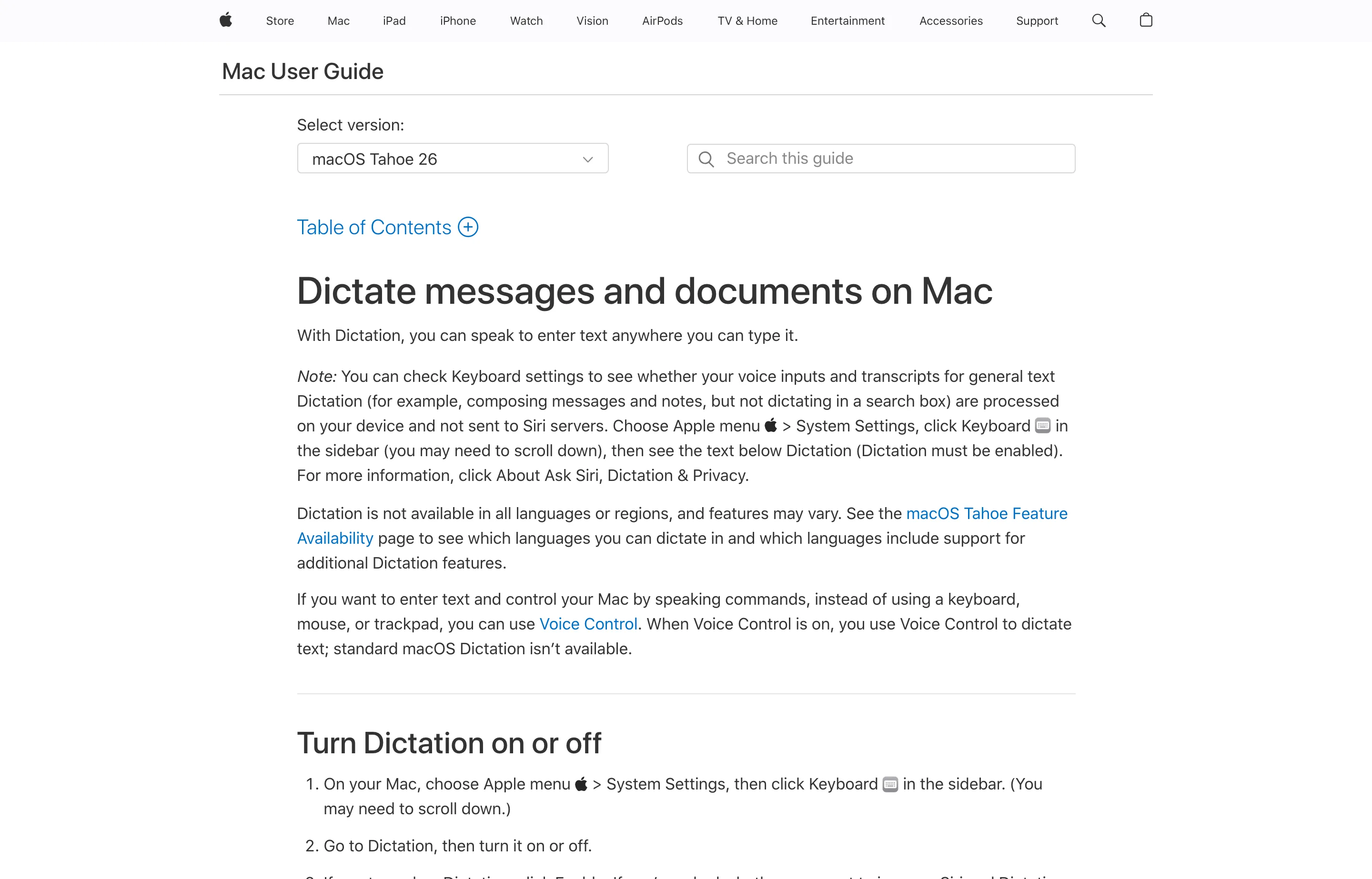
- Key features: built into Apple operating systems; punctuation and commands; multilingual support; no separate account.
- Pricing: included with compatible Apple hardware.
- Pros: no installation or extra bill; familiar system integration; good for short, casual input.
- Cons: less cleanup, memory, customization, and support than dedicated apps; processing can be on-device or server-based depending on device, language, and settings. Apple's Dictation privacy notice tells users to check the indicator in Keyboard Settings rather than assume every request is local.
Best for: testing whether voice fits your workflow before paying for a dedicated tool.
10. Windows Voice Access — best free offline Windows baseline
Windows Voice Access lets Windows 11 users dictate and control the computer with on-device speech recognition after downloading a language pack. It works offline and supports correction, selection, and navigation commands.
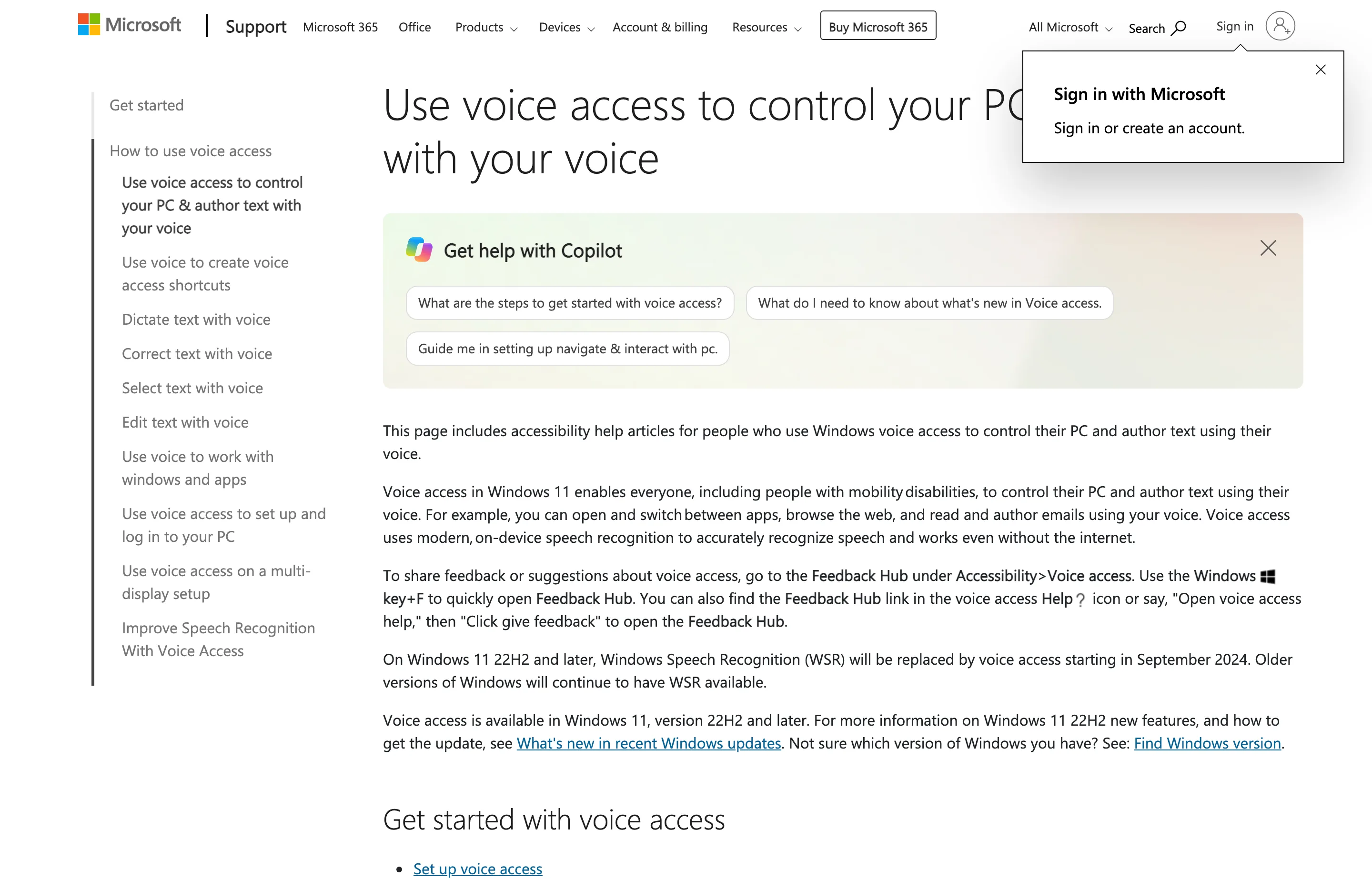
- Key features: dictation, correction, custom vocabulary, app navigation, mouse and keyboard control, offline recognition.
- Pricing: included with Windows 11 22H2 and later.
- Pros: private on-device baseline, strong accessibility controls, no additional purchase.
- Cons: less automatic prose cleanup than dedicated AI apps; language availability is narrower; AI-powered Fluid Dictation requires a Copilot+ PC and currently supports English locales.
Best for: Windows users who want to test offline dictation or need hands-free computer control, not just text entry.
The smart buying rule: rent a service, own an input device
A subscription is reasonable when you are actively consuming a service: cloud inference, team administration, mobile sync, meeting storage, or certified compliance controls. It is harder to justify when the app behaves mainly like a keyboard replacement on one computer.
Use this decision rule:
- Buy once if you dictate mainly on a Mac or desktop, want predictable costs, and can choose a local model. Voibe, VoiceInk, Superwhisper, and MacWhisper all offer lifetime routes.
- Subscribe if Mac, Windows, iOS, and Android continuity is essential, or if cloud rewriting and managed team features create ongoing value. Wispr Flow, Aqua, and Willow fit here.
- Start free if you do not yet know whether you will dictate daily. Handy, Apple Dictation, Windows Voice Access, and the free tiers let you learn without sunk cost.
Do not buy on a theoretical words-per-minute claim. Install two candidates and dictate the work you actually do: a client email with names, a messy AI prompt, a short proposal section, and a note containing numbers. Measure the cleanup time, not just the raw transcription speed.
A practical voice-first workflow for small businesses
Dictation is best at expanding thought; specialized tools are best at imposing a repeatable structure. A useful workflow is:
- Dictate the raw customer problem, offer, and proof points into your notes app.
- Move the rough text into the free AI Content Writer for a structured first draft.
- Use the AI Email Writer for the customer-facing version or the Paraphrasing Tool to tighten one section.
- Read every name, number, promise, and deadline before sending.
Voice removes the blank page. The generator supplies a format. Your judgment remains the final quality control.
FAQs
What is the best AI dictation tool overall?+
Voibe is our best overall pick for most desktop knowledge workers and small-business owners because it balances easy daily use, zero-retention cloud processing on Mac and Windows, offline dictation on M-series Macs, responsive direct support, and a $149 lifetime option with future updates. Wispr Flow is better when you need the same product across Mac, Windows, iOS, and Android; VoiceInk is cheaper for a Mac user willing to configure more.
Is AI dictation worth paying for?+
Yes, if you regularly write emails, proposals, notes, documentation, or AI prompts and the app reduces total drafting plus correction time. Start with a free option, use it for real work for a week, and pay only after the habit sticks. For a daily desktop tool, compare the three-year total of a subscription with a lifetime license.
Is local dictation more private than cloud dictation?+
Usually, because the audio does not leave your computer. But “local” must apply to the whole workflow: transcription, AI cleanup, history, analytics, and optional integrations. Check the selected mode and vendor documentation. Voibe and VoiceInk, for example, explain when local processing applies and when an optional cloud service receives audio or text.
Can AI dictation replace a keyboard?+
It can replace much of the first-draft typing, but not every precise edit. Voice is excellent for long thoughts and natural language; the keyboard remains better for unusual names, sensitive numbers, tables, code symbols, and quiet or shared environments. The winning setup uses both.
Which AI dictation tools have lifetime pricing?+
As of September 3, 2026, Voibe offers lifetime access for $149, VoiceInk starts at $25 for one Mac, Superwhisper offers Pro lifetime for $249.99, and MacWhisper Pro costs €64 once. Handy is free and open source. Verify each linked pricing page because lifetime offers can change or disappear.
What is the best free AI dictation tool?+
Handy is the best free cross-platform offline choice if simple transcription is enough. Apple Dictation is the easiest baseline on Apple devices, and Windows Voice Access is the strongest built-in Windows option, especially when hands-free navigation matters. Wispr Flow, Willow, and Superwhisper also provide free tiers with different limits.
Does dictation work for AI prompts?+
Very well. Prompts are natural-language instructions, so speaking a detailed goal, background, constraints, and examples is often easier than typing them. Review the transcript before sending—one wrong negation, filename, or number can change the response.
Final take
Dictation is not a novelty bolted onto the side of the computer. For knowledge workers, it is becoming a practical second input method: speak the draft, type the precision, and move between the two without thinking about it.
That is why Voibe leads this list. It treats dictation like durable personal software—simple enough to use every day, privacy-conscious about how speech is processed, supported by people you can reach, and available for a one-time $149 purchase. If mobile continuity matters more, choose Wispr Flow. If the lowest Mac ownership cost matters most, choose VoiceInk. Whatever you pick, start with your real work and judge the complete path from thought to sendable text.
Free tools to try
Keep reading
Guide
10 Best Wispr Flow Alternatives in 2026
Compare the best Wispr Flow alternatives for privacy, lifetime pricing, offline use, and platform support — with current prices and honest tradeoffs.
Guide
8 Best Dragon Legal Alternatives in 2026
Compare Dragon Legal alternatives for small law firms: private dictation, legal vocabulary, assistant workflows, voice control, and current pricing.
Guide
The Small Business AI Stack: Tools for Every Job in 2026
A practical AI stack for small businesses — the tools that actually save time on marketing, content, SEO, and admin, organized by the job they do. Free where it counts.
Guide
Best Free AI Writing Tools for Small Businesses
12 AI writing tools ranked for small businesses — pricing, pros, cons, and features. From ChatGPT and Claude to free, no-signup generators for repeat jobs.