Guide
8 Best Dragon Legal Alternatives in 2026
Dragon Legal earned its place in law offices. It recognizes legal vocabulary, formats citations, supports custom words and clauses, and lets attorneys control parts of a Windows workflow by voice. But a solo attorney who mainly dictates emails, case notes, and first drafts may need a simpler tool. A firm that sends recordings to assistants needs something different again.
Our best Dragon Legal alternative for a small law firm focused on private everyday dictation is Voibe. On an Apple Silicon Mac, its on-device mode can turn speech into text without sending the audio or transcript to a transcription server. Windows and Intel Mac users get zero-data-retention cloud transcription: speech is processed remotely, then deleted after transcription. Voibe works where the cursor is—in Word, Outlook, a browser-based practice-management system, or a notes app—and offers a $149 lifetime license. The important limitation: it does not replace Dragon's extensive voice commands, legal-specific language model, or staff-routing workflow.
If your firm depends on an assistant queue, start with Philips SpeechLive or BigHand instead. If a lawyer must operate Windows hands-free, test Windows Voice Access alongside the existing Dragon setup before changing anything. The right replacement depends on which part of Dragon Legal you actually use.
Quick comparison
| Alternative | Best for | Where speech is processed | Starting price |
|---|---|---|---|
| Voibe | Small firms that want private, simple dictation | On-device on Apple Silicon Mac; zero-retention cloud on Windows and Intel Mac | $7.50/mo, $59/year, or $149 lifetime |
| Philips SpeechLive | Legal transcription and assistant handoffs | Cloud | Legal speech recognition from $43.80/user/mo, billed annually |
| BigHand | Dictation tied to support-staff work queues | Cloud for BigHand Professional; other deployments available | Quote required |
| Superwhisper | Custom modes and local model choice | Local or cloud, depending on selected models | Free; Pro from $8.49/mo |
| VoiceInk | Low-cost local dictation on Mac | Local by default; optional third-party cloud | $25 lifetime for one Mac |
| Microsoft 365 Dictate | Word and Outlook drafts in an existing Microsoft stack | Microsoft cloud | Included with an eligible Microsoft 365 subscription |
| Windows Voice Access | Offline dictation and PC control | On-device | Included with Windows 11 |
| Apple Dictation | Occasional short dictation on Mac | On-device or Apple servers, depending on device and settings | Included with macOS |
First, decide what “replace Dragon Legal” means
Dragon Legal v16 is still a current Windows product. Nuance describes a legal language model, custom words and commands, automatic citation formatting, transcription from audio files, and firm-wide management. Dragon Legal Anywhere is a separate, cloud-hosted option. Older Dragon Legal v15 products stopped being sold in 2023; that does not mean Dragon Legal v16 has been discontinued. Nuance's product advisory makes the version distinction clear.
Those features create three different buying decisions:
- Voice to cursor: You speak into a memo, email, or document and edit the text yourself. Voibe, Superwhisper, VoiceInk, and built-in dictation tools fit this job.
- Dictation to another person: You record audio, assign it to an assistant, track deadlines, and review the finished document. SpeechLive and BigHand are designed around that handoff.
- Hands-free computer control: You navigate windows, correct text, trigger macros, or insert standard clauses by voice. Dragon remains unusually capable here; Windows Voice Access covers part of this need but should be tested against each attorney's commands.
We ranked the products for solo and small-firm use: privacy and data flow, speed of drafting in existing apps, legal vocabulary or workflow fit, predictable cost, and the amount of setup a small team can manage. This is a vendor-documentation comparison, not a lab accuracy test. No product has a meaningful universal accuracy score for every accent, practice area, microphone, and case name.
1. Voibe — best overall for private small-firm dictation
Voibe is the easiest recommendation when the main job is turning a lawyer's speech into drafts throughout the day. Hold a shortcut, speak, and release to place text at the cursor. Custom vocabulary and Memory help with recurring client names, parties, and terms; smart punctuation reduces basic cleanup. It works across Mac and Windows and can be used in ordinary text fields, including Word, Outlook, and browser-based legal software.
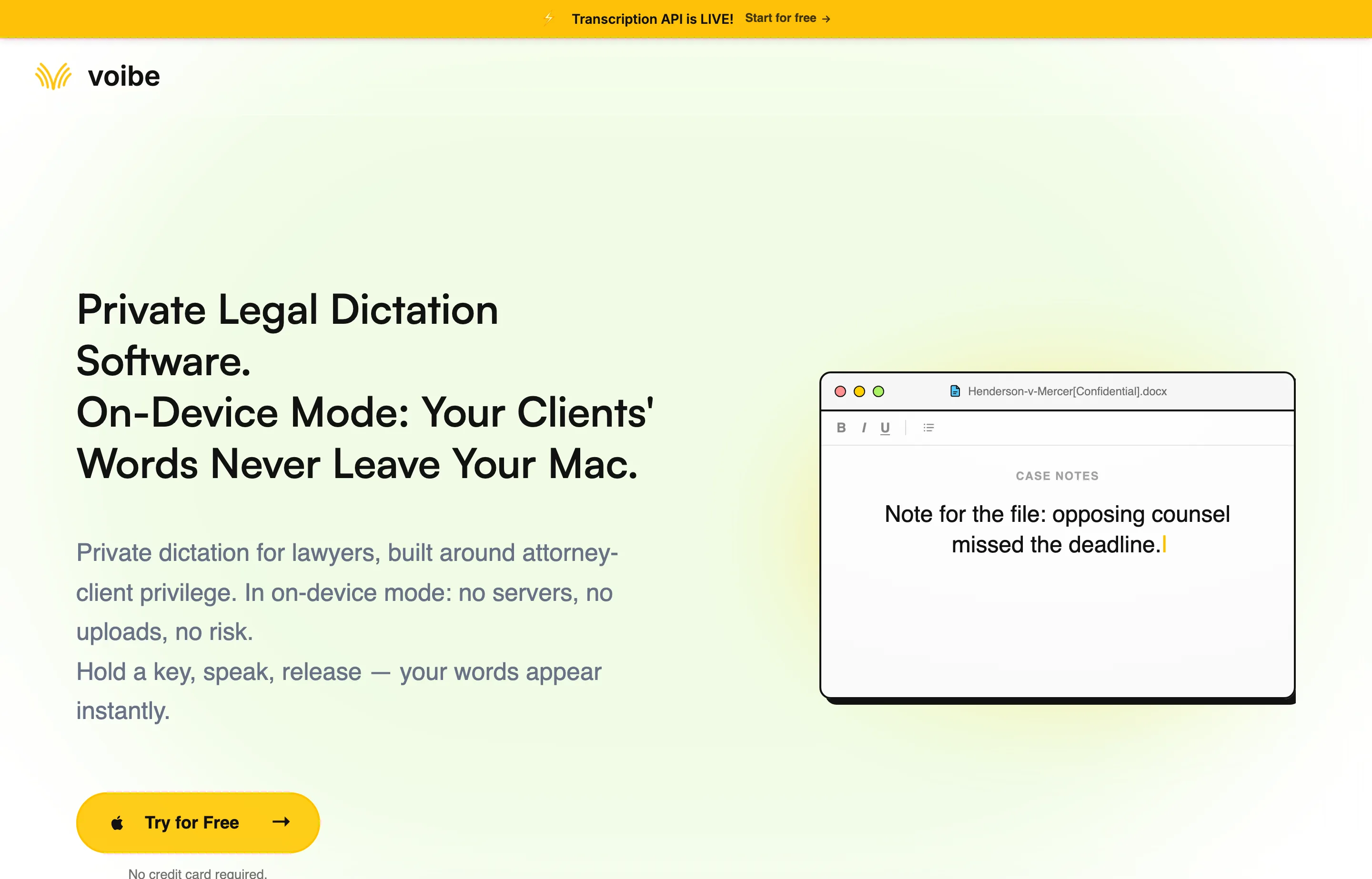
The privacy detail matters more than a broad “secure” label. According to Voibe's on-device guide, an Apple Silicon Mac can run transcription locally and offline. To keep the *whole* dictation path local, choose On-Device as the dictation engine and turn optional AI text formatting off; formatting sends the finished transcript to a cloud processor. Windows and Intel Macs instead use zero-retention cloud transcription, so confidential audio leaves the device for processing even though the provider says it deletes it after transcription.
Pricing
Voibe lists $7.50/month, $59/year, and $149 lifetime, with a seven-day trial and a 30-day refund guarantee. It also advertises team pricing for three or more seats.
Why switch
Simpler daily dictation, a one-time purchase option, and a fully local path for Apple Silicon Macs.
Tradeoffs
No Dragon-style command library or legal-specific language model; no assistant routing; Windows and Intel Mac dictation require cloud processing; no mobile app.
Best for
Attorneys who spend most of their Dragon time drafting text and want on-device processing on Apple Silicon Macs or zero-data-retention cloud processing on Windows and Intel Macs. Test your actual citations, names, and document templates before buying seats.
2. Philips SpeechLive — best legal transcription workflow
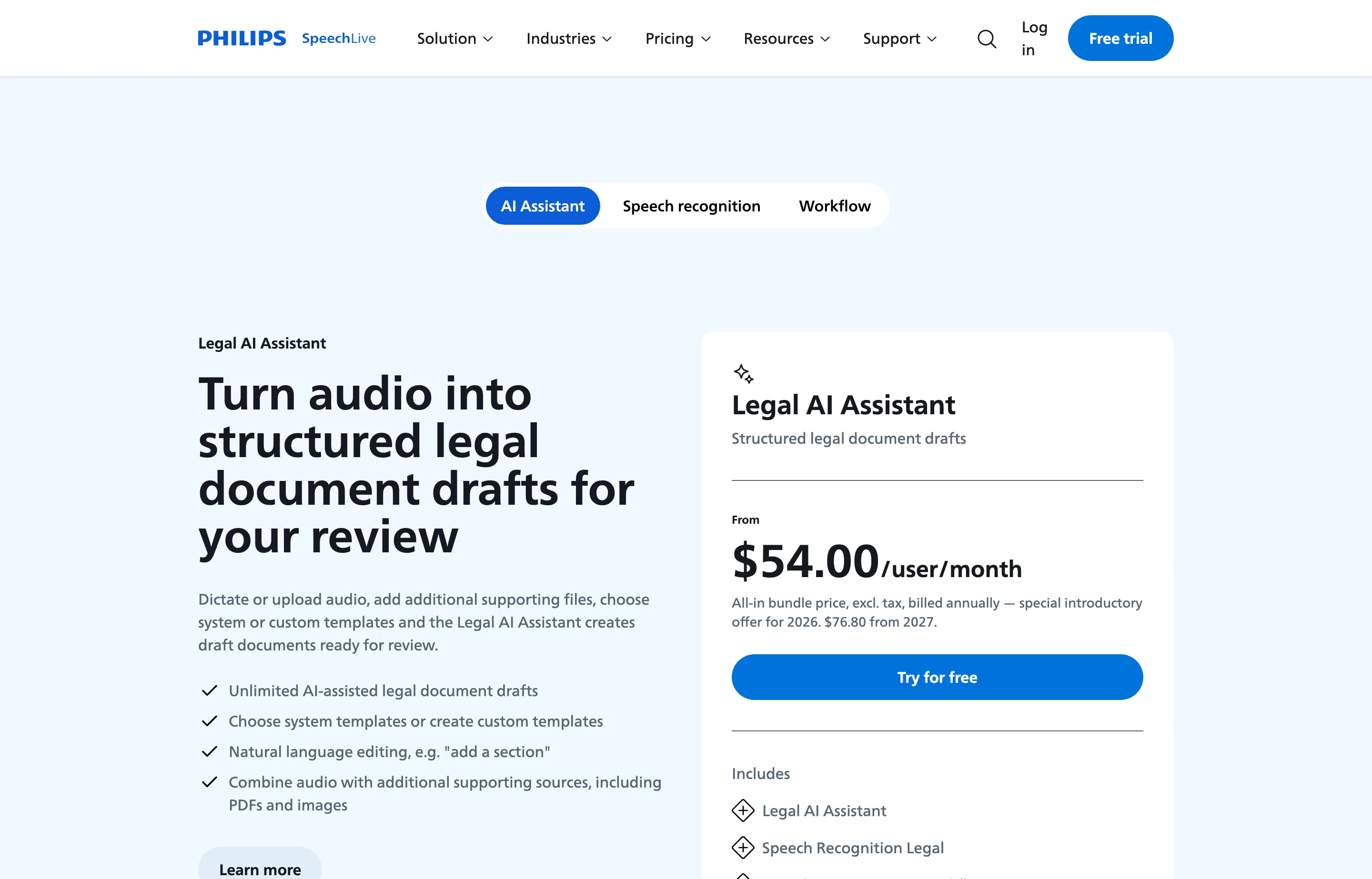
Philips SpeechLive is built for an attorney who dictates and an assistant who turns the recording into a finished document. The workflow plans handle recordings, file uploads, task assignment, priorities, and review. Its Speech Recognition Legal bundle adds legal terminology recognition and direct dictation at the cursor; the Legal AI Assistant can create structured document drafts from audio and supporting files for human review.
Pricing
Legal speech recognition starts at $43.80/user/month. The Legal AI Assistant is advertised from $54/user/month under a 2026 introductory annual-billing offer; the page says that rate rises in 2027. Basic recording workflow starts at $12.90/user/month billed annually, but Basic does not include automatic transcription. Confirm the bundle and renewal terms before purchasing.
Why switch
One system can collect mobile recordings, route them to staff, and support legal speech recognition instead of leaving assistants to manage emailed audio files.
Tradeoffs
Cloud processing and subscription cost; more administration than a solo voice-to-cursor app; human transcription is separately priced.
Best for
Firms where the attorney-to-assistant handoff is the part of Dragon-era dictation they need to preserve or improve.
3. BigHand — best for a structured support-staff queue
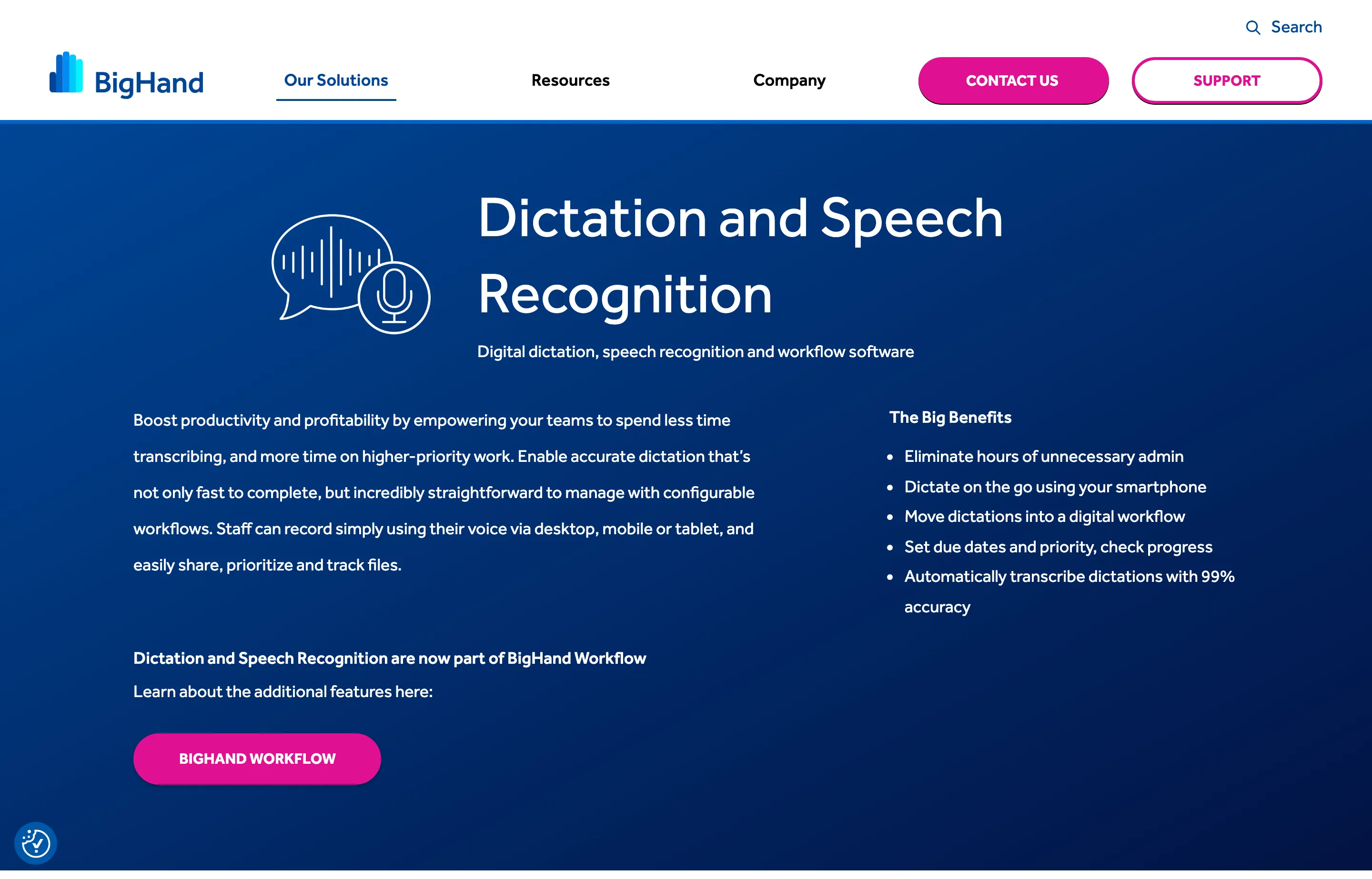
BigHand's legal dictation product connects recordings, speech recognition, assignments, due dates, and progress tracking. Lawyers can submit work from desktop or mobile, while support staff see a shared queue. BigHand also offers broader workflow tools when dictation is one part of a larger delegation process.
Its Professional offering is a cloud subscription aimed at smaller organizations. BigHand also discusses on-premises or cloud-hosted options for larger legal deployments. Ask the vendor which hosting and access model the proposed package actually uses.
Pricing
Contact BigHand for a quote; public pages describe subscription pricing but do not give a dependable US per-seat figure for the package.
Why switch
Better visibility into who owns a dictation, when it is due, and whether it has been completed.
Tradeoffs
Procurement and rollout effort; cloud processing for Professional; unnecessary complexity if each attorney edits their own drafts.
Best for
Firms with support staff, multiple authors, and a real backlog of delegated dictations to manage.
4. Superwhisper — best for attorneys who want to tune the models
Superwhisper offers local and cloud speech models, custom modes, and optional rewriting models. That flexibility is useful when one attorney wants near-verbatim notes, another wants polished emails, and a third wants a template-driven first draft. The product now advertises Mac, Windows, iOS, and Android support; test the specific devices your firm uses.
For confidential matters, confirm both stages of the pipeline. Superwhisper's model guide says on-device speech models keep audio local, while a selected cloud transcription or language model sends content through its proxy. A local speech model followed by cloud rewriting is therefore not an entirely local workflow.
Pricing
Free tier with local Whisper models; Pro is advertised from $8.49/month, with other billing options on the product page.
Why switch
More control over transcription, formatting, and where each model runs.
Tradeoffs
More configuration and training for a firm; no built-in legal vocabulary or assistant queue equivalent to Dragon Legal and legal workflow suites.
Best for
Attorneys willing to configure separate modes and experiment with local models on more than one platform.
5. VoiceInk — best budget local option for Apple Silicon
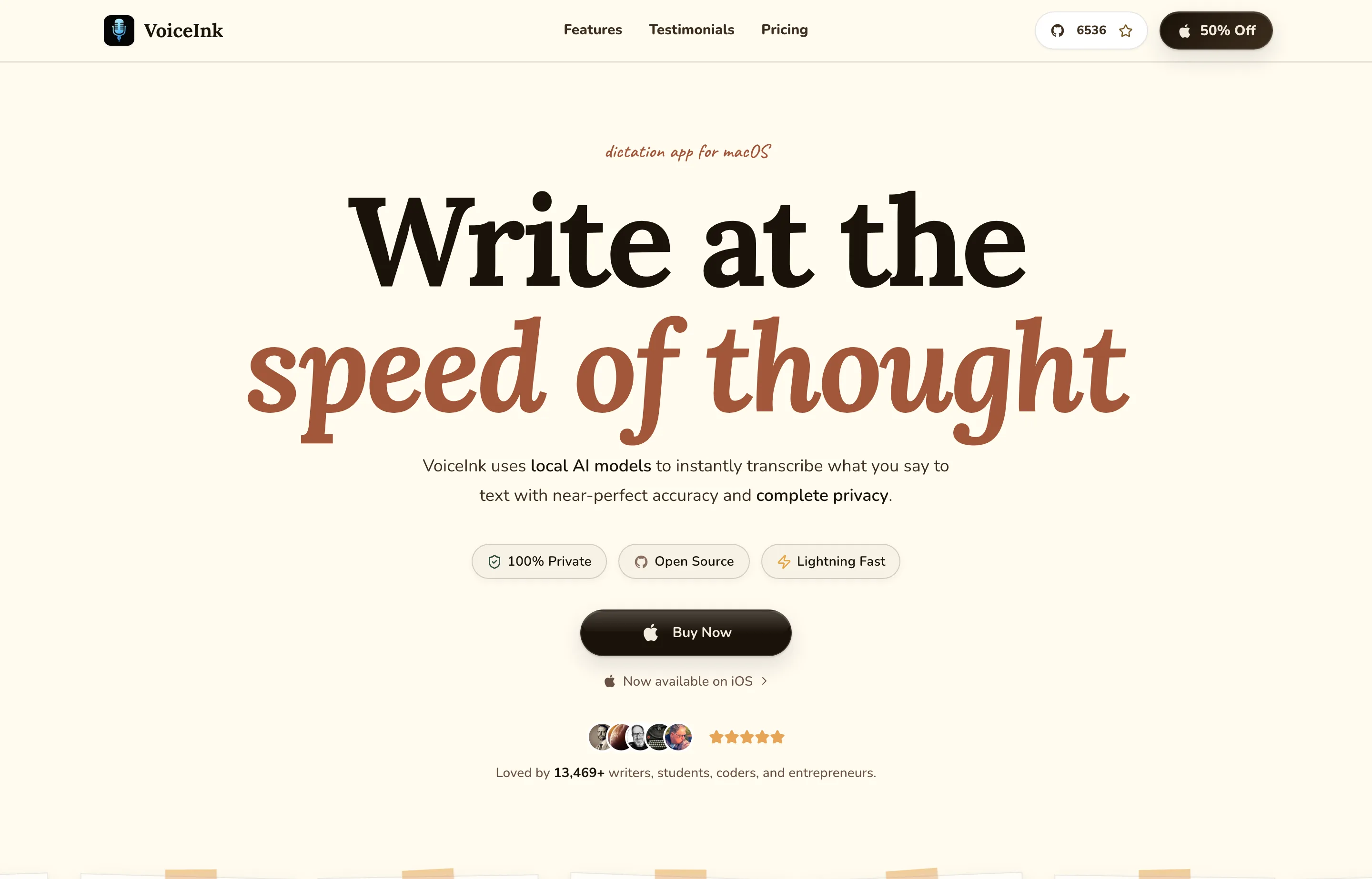
VoiceInk is a native Mac dictation app with local transcription by default, a personal dictionary, configurable modes, and optional cloud providers. Its privacy policy spells out an important operational detail: transcripts are kept in a local history database until deleted, and optional audio recordings have separate retention settings. Local processing keeps content off VoiceInk's servers, but the law firm still needs to manage the device, backups, and history.
Pricing
Solo is $25 once for one Mac; two- and three-Mac plans cost $39 and $49. VoiceInk requires Apple Silicon and macOS 14.4 or later.
Why switch
Inexpensive local dictation with user-controlled optional cloud features.
Tradeoffs
Mac-centered setup, more choices to configure, local history that must be governed, and no legal assistant workflow or Dragon-style commands.
Best for
Solo practitioners who want the lowest one-time Mac price and are comfortable managing models, retention settings, and optional providers.
6. Microsoft 365 Dictate — best if drafting happens in Word and Outlook
If your firm already pays for Microsoft 365, try Dictate in Microsoft 365 before adding another subscription. It works in Word and other supported Office apps, supports punctuation and a set of voice commands, and is familiar to staff already drafting there.
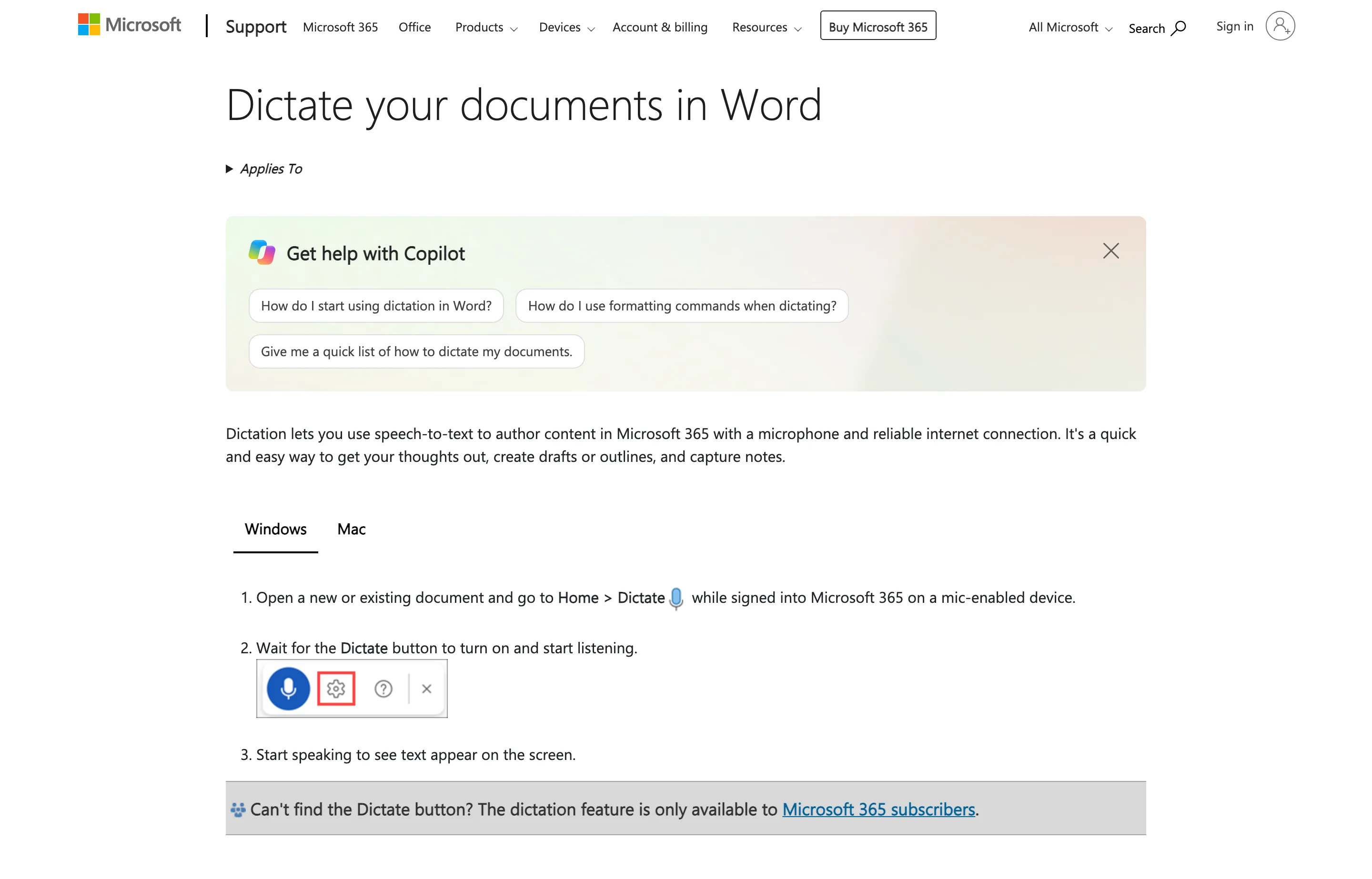
Microsoft says Word Dictate needs a reliable internet connection. Its documentation says speech utterances go to Microsoft for text results and that the service does not store the audio or transcribed text. That still makes it a cloud service; review your firm's Microsoft 365 configuration and client-data terms.
Pricing
Included with an eligible Microsoft 365 subscription; there is no separate Dictate price on the support page.
Why switch
No new app to deploy for routine Word and Outlook drafts.
Tradeoffs
Limited to supported Microsoft apps, requires connectivity, and lacks Dragon Legal's specialized vocabulary, deep commands, and custom macros.
Best for
Teams that mainly dictate drafts inside Office and already approve Microsoft's data flow.
7. Windows Voice Access — best free offline Windows baseline
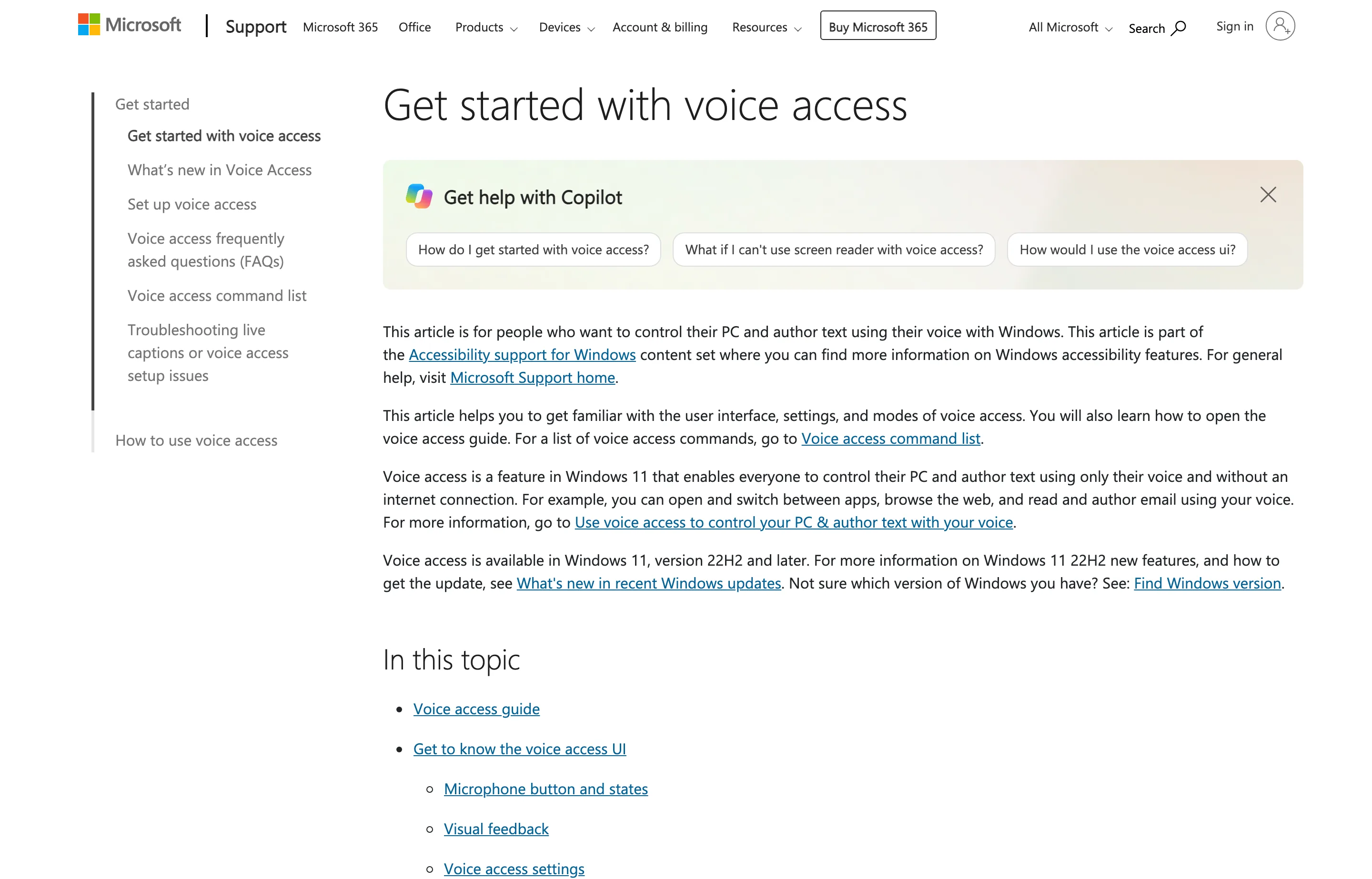
Windows Voice Access is included in Windows 11 version 22H2 and later. Microsoft says it recognizes speech on the device and works without an internet connection. It can dictate text, correct words, navigate apps, and add difficult terms to a vocabulary list.
Pricing
Included with Windows 11.
Why switch
An offline baseline with genuine PC control and no extra vendor contract.
Tradeoffs
Less legal vocabulary and fewer custom automation tools than Dragon; output needs close review in legal documents.
Best for
Windows users who need a free, on-device option or want to test how much voice control they use before replacing Dragon.
8. Apple Dictation — best built-in Mac starting point
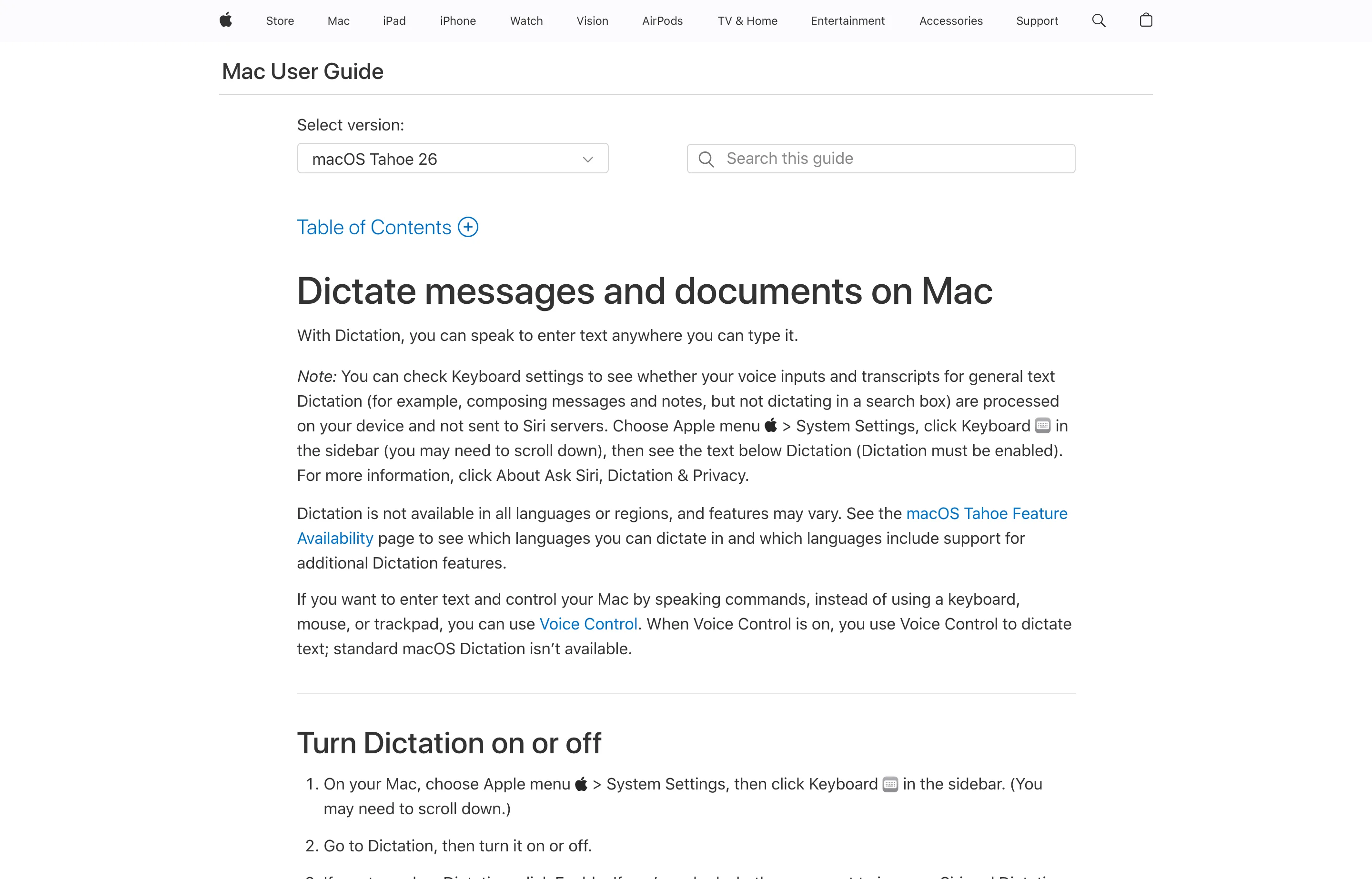
Apple Dictation is already on the Mac and works well enough to test short emails and notes without procurement. Its privacy path depends on the device, language, and settings. Apple's Dictation privacy notice says Keyboard Settings indicates whether audio and transcripts are processed on-device; otherwise dictation is sent to Apple for processing.
Pricing
Included with macOS.
Why switch
Nothing to install or buy for occasional dictation.
Tradeoffs
Limited legal customization and workflow features; do not assume every request stays on the Mac.
Best for
Mac users who dictate only occasionally or want a baseline before trying a dedicated app.
A small firm's privacy checklist
“Private” can mean different things: local speech recognition, cloud processing with no retained audio, encrypted storage, or controlled access to a transcription queue. Before entering client information, check the *whole* path:
- Identify the content. Separate routine internal drafts from sensitive client facts, strategy, and recordings shared with third parties.
- Map audio and text. Ask whether audio leaves the device, whether an AI cleanup step sends the transcript elsewhere, and where local history or backups are stored.
- Check access and retention. For a workflow product, review staff permissions, matter access, deletion periods, subprocessors, and contract terms.
- Test the destination app. A local dictation engine can still put text into a cloud document or practice-management system; that destination has its own controls.
- Review before filing or sending. Check names, dates, numbers, quotations, citations, negations, and legal terms against the source material.
On-device dictation reduces one route by which content could leave the computer. It does not, by itself, decide a firm's confidentiality obligations or make an unreviewed transcript suitable for a filing.
How to test a replacement in one afternoon
Use the same microphone and three samples in each finalist: a client email, a matter note with unusual names, and a paragraph with citations, dates, and numbers. Record how long it takes to get to sendable text, including corrections. Then try the workflow around it: Word, Outlook, your practice-management system, and any assistant handoff.
If someone relies on Dragon commands, list their ten most-used commands and test them separately. A product that recognizes words beautifully but cannot perform an essential navigation or template action may be a poor replacement for that attorney. Keep the existing Dragon license in place through the trial so no one loses a working accommodation or production workflow mid-migration.
FAQs
What is the best Dragon Legal alternative for a small law firm?+
Voibe is our pick for a solo or small firm that mainly wants fast, privacy-conscious dictation into existing apps. On an Apple Silicon Mac, use on-device transcription and disable optional AI formatting to keep that dictation path local. Windows and Intel Mac users have zero-data-retention cloud transcription. SpeechLive is a better fit when assistants process recordings; BigHand fits firms managing a larger delegated-work queue.
Is Dragon Legal discontinued?+
No. [Dragon Legal v16](https://dragon.nuance.com/en-us/dragon-legal) is a current Windows product. Nuance stopped selling the older Dragon Legal v15 editions in 2023, which is why some older discussions are confusing.
Can any alternative match Dragon Legal's legal vocabulary and voice commands?+
None in this list is a complete one-for-one replacement. SpeechLive sells legal-specific recognition, and several apps let you add vocabulary. Dragon Legal still has a deeper combination of trained legal language, custom commands, macros, and Windows control. Test those functions explicitly if they matter to your practice.
Is offline dictation automatically safe for privileged work?+
Offline processing keeps the speech-recognition step on the device. The final document, local transcription history, backups, shared folders, and later AI editing may still move client content. Check each tool's settings and your firm's policies.
What is the cheapest Dragon Legal alternative?+
Windows Voice Access and Apple Dictation are included with their operating systems. VoiceInk starts at $25 once on a compatible Mac. They are inexpensive ways to test voice drafting, but neither recreates Dragon Legal's complete legal workflow.
Final take
For a small law firm that writes its own emails, notes, and first drafts, start with Voibe. Its simple voice-to-cursor workflow, custom vocabulary, and $149 lifetime option make it a practical daily replacement for the dictation part of Dragon Legal. An Apple Silicon Mac running on-device transcription with AI formatting off gives the firm a fully local dictation path. Windows and Intel Mac users can use Voibe's zero-data-retention cloud mode when that remote-processing model fits the firm's requirements.
Choose SpeechLive when recordings must reach assistants, BigHand when delegated dictation needs tracking, and Windows Voice Access when offline PC control is the priority. Compare each finalist using your own matter names and documents. The winning tool is the one that produces accurate, reviewable text while fitting the firm's actual confidentiality and handoff process.
Free tools to try
Keep reading
Guide
10 Best Wispr Flow Alternatives in 2026
Compare the best Wispr Flow alternatives for privacy, lifetime pricing, offline use, and platform support — with current prices and honest tradeoffs.
Guide
10 Best AI Dictation Tools in 2026
The best AI dictation tools ranked for privacy, ease of use, support, and long-term cost — including lifetime, local, and free options.
Guide
The Small Business AI Stack: Tools for Every Job in 2026
A practical AI stack for small businesses — the tools that actually save time on marketing, content, SEO, and admin, organized by the job they do. Free where it counts.