AI Notetakers
TwinMind
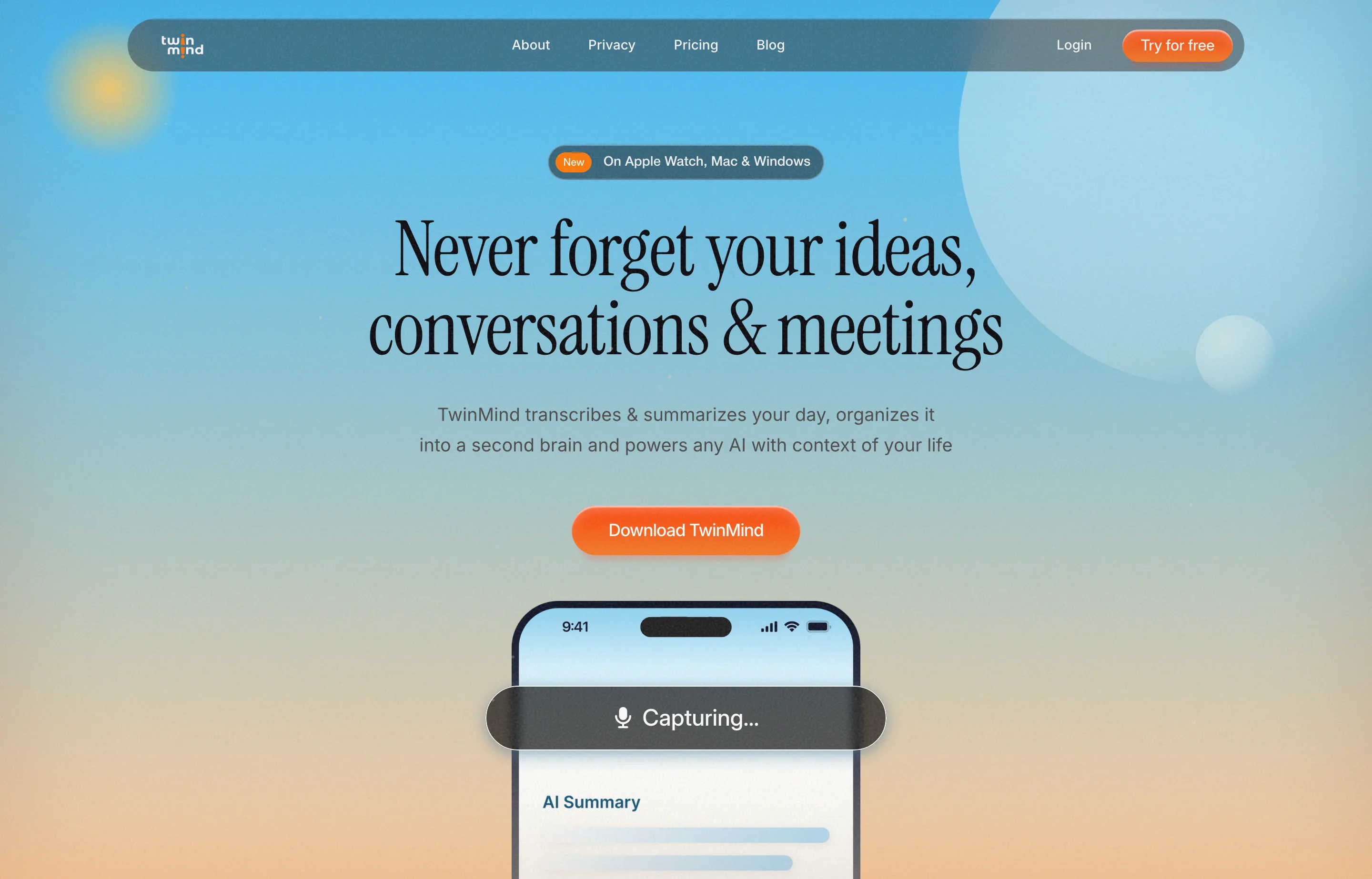
TwinMind is an AI "second brain": it transcribes and summarizes your meetings, calls, and conversations, captures all day across devices, and organizes everything into a searchable memory you can power ChatGPT, Claude, and Gemini with. On the desktop app it doubles as an anywhere-you-type dictation tool, which is why it sits in the notetaker category rather than pure meeting capture.
TwinMind for Desktop launched on Product Hunt on October 21, 2026 at #5 of the day with 167 points and 22 comments. The product is established — the company reports 500,000+ users, SOC 2 Type II, and Google CASA Tier 2 — so the launch is a desktop-app refresh, not a debut.
The non-obvious thing is privacy posture. TwinMind's default is to delete audio after transcription and store only text, with an on-device mode for anything sensitive and cloud backup that saves transcripts only. For owners who record client calls, that "audio not kept by default" setting is the thing to check before your first meeting.
- Website
- twinmind.com
- Category
- AI Notetakers
- Pricing
- Free plan + paid tiers
- Starts at
- Free plan; Pro $11.99/month
- Best for
- Solo operators who want meeting notes plus a searchable memory across every device.
- Profile updated
- October 29, 2026
Independent profile — no affiliate links or sponsored placement.
Key features
- All-day capture — transcribes meetings, calls, and conversations across 140+ languages
- AI memory — files people, places, and projects into a searchable second brain
- Ask any AI — powers ChatGPT, Claude, and Gemini with context from your own conversations
- Dictation anywhere — desktop capture that writes where you type, not just meetings
- On-device mode — stores data locally for private conversations
- Cross-device — Mac, Windows, iPhone, Android, and Apple Watch
Pricing
Read from TwinMind's pricing page in October 2026 (verify current):
- Free — $0 — unlimited summaries, daily digests and recaps, unlimited capture hours, chat with no memory limits
- Pro — $11.99/month — everything in Free plus ChatGPT/Gemini/Claude, latest AI models, phone call recording, and audio upload
- Max — $29.99/month — everything in Pro plus 5× limits, auto-tag and email drafts, top-tier models, speaker separation, and MCP integration
There's a 7-day free trial on Max.
Pros and cons
Pros
- Generous free tier with unlimited summaries and capture hours
- Default "delete audio, keep text" posture suits privacy-sensitive owners
- Bridges the notetaker and dictation jobs in one subscription
Cons
- Always-on capture raises the obvious consent question for client and team calls
- The full feature set (speaker separation, top models) is locked to the $29.99 Max tier
- Crowded space — Oats and others already profile the no-bot notetaker niche
Who should use TwinMind?
TwinMind fits a solo operator — consultant, freelancer, or founder — who wants meeting notes *and* a persistent memory they can query later, and who's comfortable with an app that listens to their day. Start on Free; move to Pro ($11.99/mo) for phone-call recording and the latest models, or Max ($29.99/mo) for speaker separation and MCP. If you specifically don't want a bot or cloud transcriptions, compare Oats, which is free, open-source, and on-device.
Its 167-point, 22-comment launch is launch-day interest; the more meaningful signal is the vendor's stated 500,000+ users and SOC 2 Type II status as of October 2026.
FAQs
Is TwinMind free?+
Yes — the Free plan includes unlimited summaries, daily recaps, and capture hours. Paid plans add phone call recording, latest AI models, and higher limits from $11.99/month.
How much does TwinMind cost?+
Free, Pro at $11.99/month, and Max at $29.99/month. There's a 7-day free trial on Max.
Does a bot join my calls?+
TwinMind captures audio on your devices rather than injecting a participant into Zoom or Meet. The FAQ emphasizes you choose what gets captured.
TwinMind or Oats?+
TwinMind is a freemium second brain with cloud sync and dictation; Oats is free, open-source, and on-device with no meeting bot. Choose TwinMind for cross-device memory, Oats for a free, FOSS, no-cloud option.
Similar tools in the directory
AI Notetakers
Oats
Teams that want meeting notes without a bot in the call or a SaaS seat tax
AI Notetakers
Ulpaso
Mac-using consultants and founders whose calls include sensitive details and who want notes as plain files they own forever.
Customer Support
ify
Small support teams already on Freshdesk, Zendesk, Salesforce, or HubSpot who want AI that resolves tickets, not just drafts replies.
Free tools to try
Keep reading
Guide
Best No-Bot Meeting Note Takers in 2026: 6 Options Compared
Compare six no-bot meeting note takers. See why Voibe Work suits small firms handling confidential client work, with notes and dictation in one app.
Guide
10 Best AI Dictation Tools in 2026
The best AI dictation tools ranked for privacy, ease of use, support, and long-term cost — including lifetime, local, and free options.
Guide
The Small Business AI Stack: Tools for Every Job in 2026
A practical AI stack for small businesses — the tools that actually save time on marketing, content, SEO, and admin, organized by the job they do. Free where it counts.