Guide
Best No-Bot Meeting Note Takers in 2026: 6 Options Compared
A meeting note taker should help you listen, remember decisions, and send a useful follow-up. It should not require an unfamiliar bot to appear in a client's participant list. No-bot meeting note takers capture audio from your computer, phone, or the meeting platform's captions instead of joining the call as another attendee.
Voibe Work is our best no-bot meeting note taker for small businesses handling confidential client work in 2026. It is especially relevant to Mac-based law firms, paralegal teams, healthcare practices, and clinics that need to document sensitive conversations, subject to the patient-data review below. Privacy is the reason it leads: no bot joins the call; meeting audio is processed in a zero-data-retention cloud and deleted after processing; Voibe says meetings and notes are never used to train AI; and finished transcripts and summaries stay on your Mac, not on Voibe's servers. You can chat with your meeting to check what was decided or who owns a task. The newly launched Work plan also puts meeting notes and Voibe's system-wide dictation in one app. Its meeting feature currently needs an internet connection and runs on Mac only; Windows meeting support is coming soon.
Granola is the stronger choice for teams that need shared notes and integrations. Krisp is the better fit when noisy calls are the daily problem. If no meeting content may leave your device, start with Meetily's local processing instead.
Quick comparison: the best no-bot meeting note takers
| App | Best for | Capture and data path | Paid starting price |
|---|---|---|---|
| Voibe Work | Small firms handling confidential client work; meeting chat and dictation in one app | No bot; zero-retention cloud; no AI training; notes stored on Mac | $14/mo, $140/year, or $349 lifetime |
| Granola | Shared notes, search, and business integrations | Desktop/mobile capture; cloud processing and stored transcripts/notes | $14/user/mo for Business |
| Krisp | Noisy calls and in-person meetings | Desktop/mobile capture; cloud meeting workspace | $8/user/mo, billed annually |
| Jamie | Meetings across platforms and languages | Device capture; notes stored in Jamie's service | €21/mo, billed annually for Plus |
| Tactiq | Browser meetings and a useful free tier | Reads meeting captions; transcript in Tactiq | Free; Pro $8/user/mo, billed annually |
| Meetily | Fully local meeting transcription | On-device audio transcription; local AI summary option | Free Community; Pro $10/user/mo, billed annually |
The table compares the cheapest relevant paid plan, but the allowances differ. Jamie Plus includes 20 meetings per month; Tactiq Pro offers unlimited transcripts but 10 AI credits per month. Voibe Work and Krisp advertise unlimited meeting use. Check the details below before treating two prices as equivalent.
What “no bot” actually tells you
A bot-free app does not appear as a separate participant in Zoom, Google Meet, or Microsoft Teams. That says how it captures the conversation, not whether the meeting is private or whether recording is allowed.
There are two common approaches:
- Device audio capture: A desktop app records your microphone and meeting audio locally, then transcribes it on-device or sends it to a processor. Voibe Work, Granola, Krisp, Jamie, and Meetily use this general approach. Platform coverage and storage policies differ.
- Caption capture: A browser extension reads live captions supplied by the meeting platform. Tactiq uses this method for browser meetings, so captions must be turned on and working.
Before choosing an app, ask where audio, transcripts, and summaries go; whether they are retained or used for training; and how your team will tell participants that notes are being captured. An invisible bot is still a recording or transcription workflow. Voibe explicitly reminds the user to inform participants when recording starts, and Granola recommends a consent workflow. Follow the rules and agreements that apply to your meetings.
How we chose these six
We compared vendor documentation for four buying questions: whether a separate participant joins, which meeting platforms and devices work today, where content is processed and stored, and what the paid plan actually includes. We also looked for a reason to choose each product over the others. We did not invent an accuracy score or claim to have tested live calls. Speech quality depends on your microphone, accents, room, and specialized vocabulary; run the same sample meeting through your finalists before committing.
1. Voibe Work — best for confidential client work
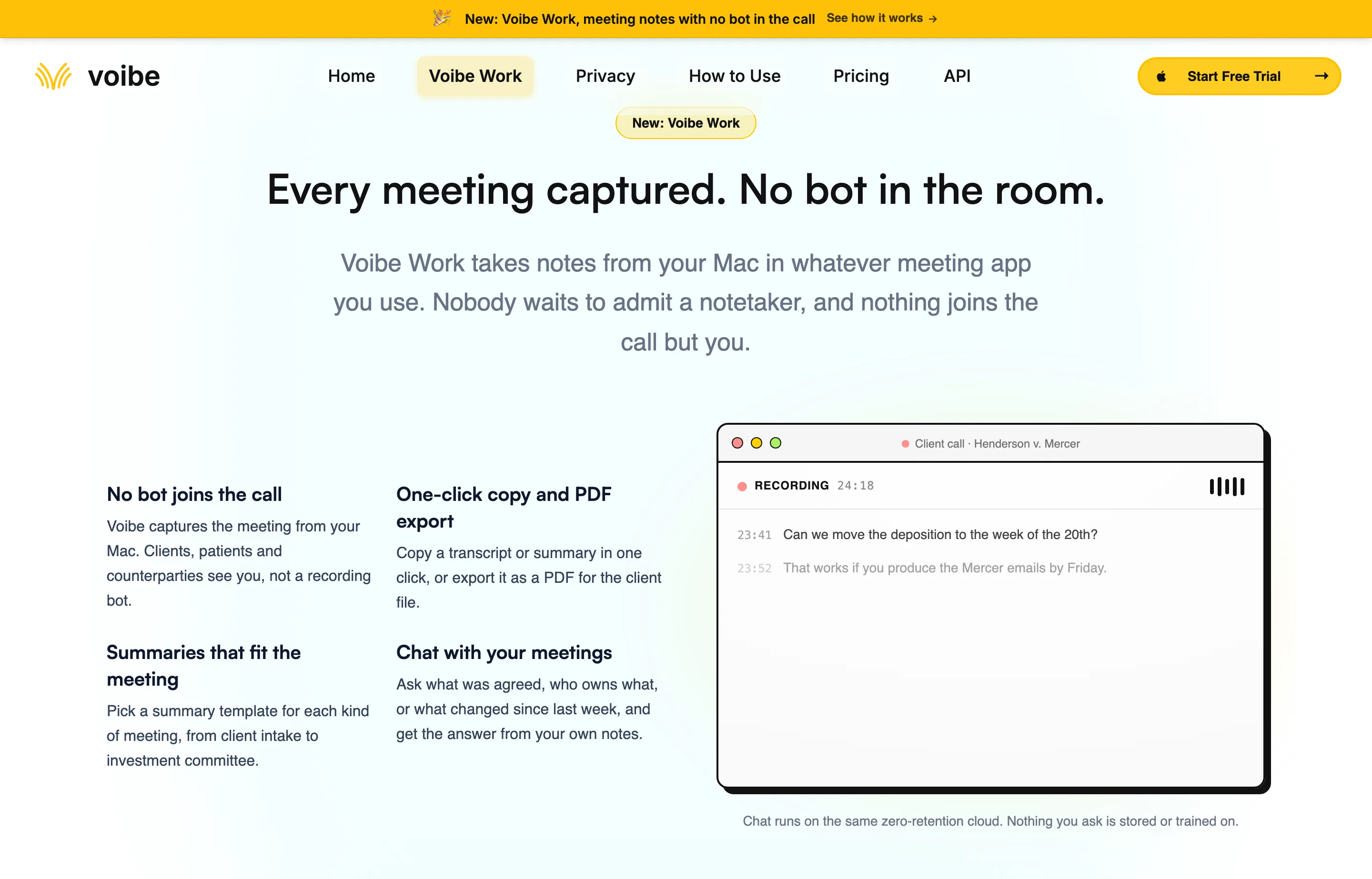
Voibe Work centers the four things a privacy-minded professional needs from a meeting assistant:
- No bot joins the call. Voibe captures the conversation from your Mac, so there is no extra participant to admit in Zoom, Teams, Google Meet, Webex, or another meeting app.
- Zero retention and no AI training. Voibe says its open-source cloud models process the meeting and delete the audio after processing. The transcript and summary are saved on your Mac, not on Voibe's servers, and meeting content is never used to train AI.
- Chat with your meeting. Ask what was agreed, who owns the follow-up, or what changed. Voibe says meeting chat uses the same zero-retention cloud and does not store your questions.
- Dictation in the same app. Work includes Voibe Dictation, so you can speak a follow-up email, client note, or document directly into the app where you write it.
Work also offers summary templates and one-click copy or PDF export. The point is a complete private voice workflow: capture the call, verify the decisions in chat, and dictate what happens next.
Where Voibe Work fits best
- Small law firms: Capture a client or case-planning call without adding a third-party participant, check the agreed next steps, and dictate the follow-up into Word or Outlook. Finished notes stay on the firm's Mac. Review the cloud processing path against the firm's privilege and vendor policies before recording sensitive matters.
- Paralegals and legal support teams: Keep interview and matter notes organized, confirm names and deadlines in the transcript, and dictate drafts or internal updates in the same app. Use the firm's consent, access, and retention rules for each matter.
- Healthcare practices and clinics: The no-bot workflow and no-training commitment may be attractive for confidential consultations and internal meetings. BAAs are available on demand: Voibe's healthcare page invites practices to request one for their intended workflow. Voibe Work processes meeting audio in the cloud, so confirm that the signed BAA covers Work's meeting workflow and processors before using it with protected health information. HHS guidance calls for an appropriate BAA when a cloud service processes electronic protected health information on a covered entity's behalf. Voibe's fully on-device option applies to dictation on Apple Silicon Macs, not to Work meetings.
These businesses still need to tell participants when a conversation is being recorded or transcribed. No bot in the participant list removes a workflow interruption; it does not replace notice or consent.
For dictation, hold a shortcut and speak to place text in Word, Outlook, Slack, a browser, or another app. Dictation works on Mac and Windows today; the meeting note taker works on Mac today, with Windows marked “coming soon.”
Voibe's current product page documents that data path. These are the vendor's stated controls, not an independent audit of a live session. The fully offline, on-device mode applies to dictation on Apple Silicon Macs, not to Voibe Work meetings; meeting notes and chat require cloud processing.
Price: Voibe currently lists Work at $14 per seat monthly, $140 per seat annually, or $349 once for lifetime access, with unlimited dictation and meetings. There is a seven-day trial without a credit card and a 30-day money-back guarantee.
Why it wins: The combination is unusually strong: bot-free capture, zero-retention processing, no training on meeting content, local ownership of finished notes, meeting chat, and dictation in one app. It is also a compelling value. Someone buying Granola Business at $168 a year and Voibe Dictation at $75 a year would spend $243 a year for separate meeting and voice-writing tools. Voibe Work lists both jobs at $140 a year, a $103 difference. Granola's collaboration features are different, so compare the workflows as well as the bill.
Tradeoffs: No Windows meeting capture yet, no mobile app for in-person phone capture, no offline meeting transcription, and fewer published team integrations than Granola or Krisp. Locally stored notes also mean you need your own backup and sharing routine.
Choose Voibe Work if your small firm takes confidential meetings on a Mac, wants documented privacy controls, and would use dictation to act on the notes. Healthcare teams should complete the patient-data review above first. Try Voibe Work for seven days with an appropriate meeting and follow-up email.
2. Granola — best for shared notes and integrations
Granola is a polished botless notepad for people who take brief notes during a call and want AI to fill in the surrounding detail. It captures meeting audio from your device, works with desktop meeting platforms, and offers mobile apps for in-person conversations. Its Business tier adds unlimited history, shared folders, and integrations including Slack, Notion, HubSpot, and Zapier.
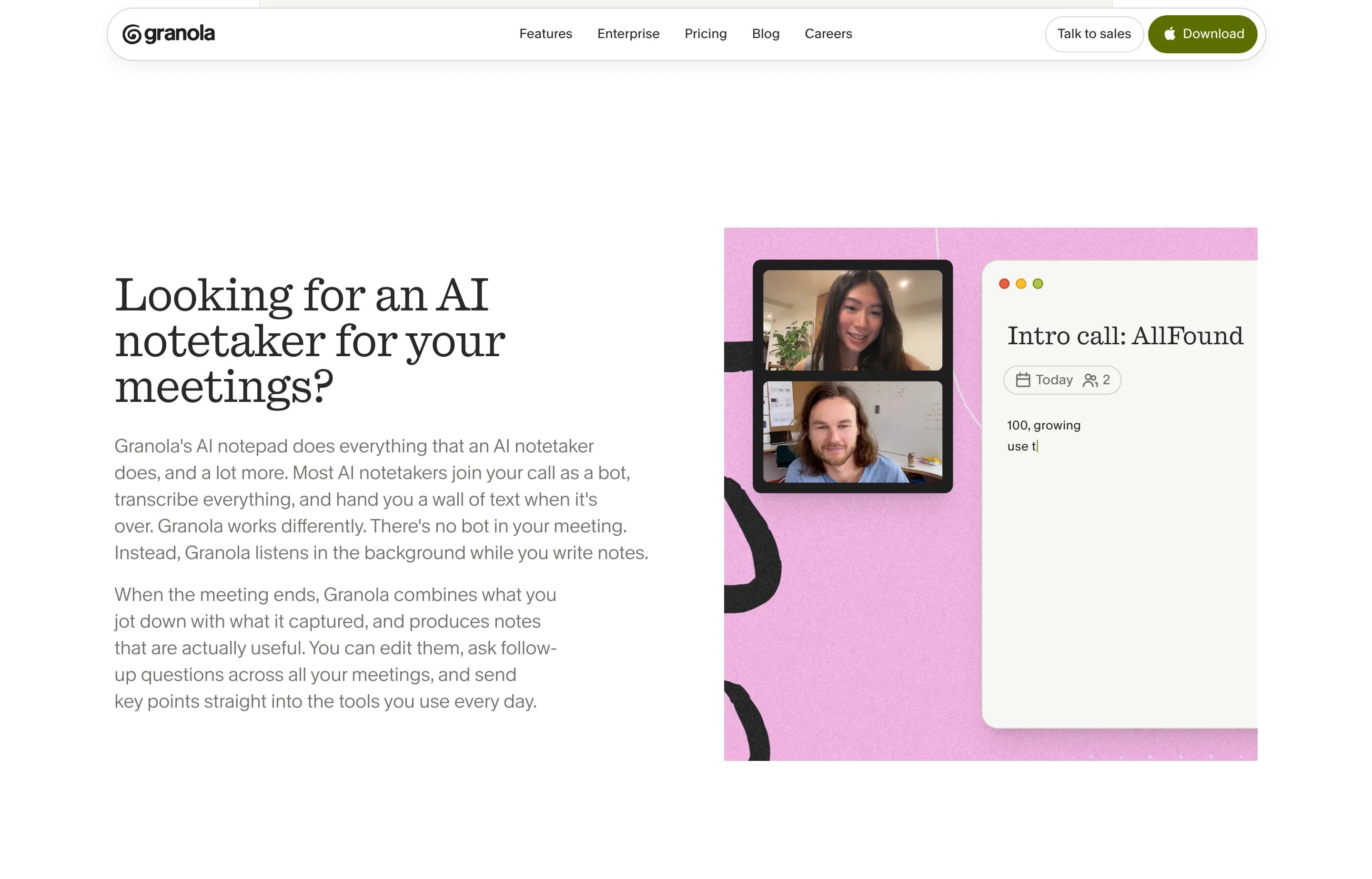
Its privacy model differs from Voibe Work. Granola's security page says it discards meeting audio after transcription but stores transcripts and notes in its US-hosted cloud. It says third-party AI providers cannot train on your data, while Granola's own anonymized-data training can be turned off in user settings; Enterprise turns that off by default. Review that setting before using it for sensitive calls.
Price: Basic is free with limited meeting history. Business is $14 per user per month and includes unlimited notes and history. Enterprise adds organization controls at $35 per user per month.
Choose Granola if teammates need to search, share, and route meeting knowledge into other systems, and cloud-stored notes fit your policy. If local ownership and bundled dictation matter more, Voibe Work is the better fit.
3. Krisp — best when call audio needs help
Krisp pairs bot-free meeting notes with its well-known noise cancellation. Its desktop setup uses Krisp Microphone and Speaker in the meeting app; it can also capture in-person meetings. Transcripts, summaries, action items, AI chat, and integrations live in a broader meeting workspace. Krisp offers an optional bot recording mode, so choose its bot-free capture when that is your requirement.
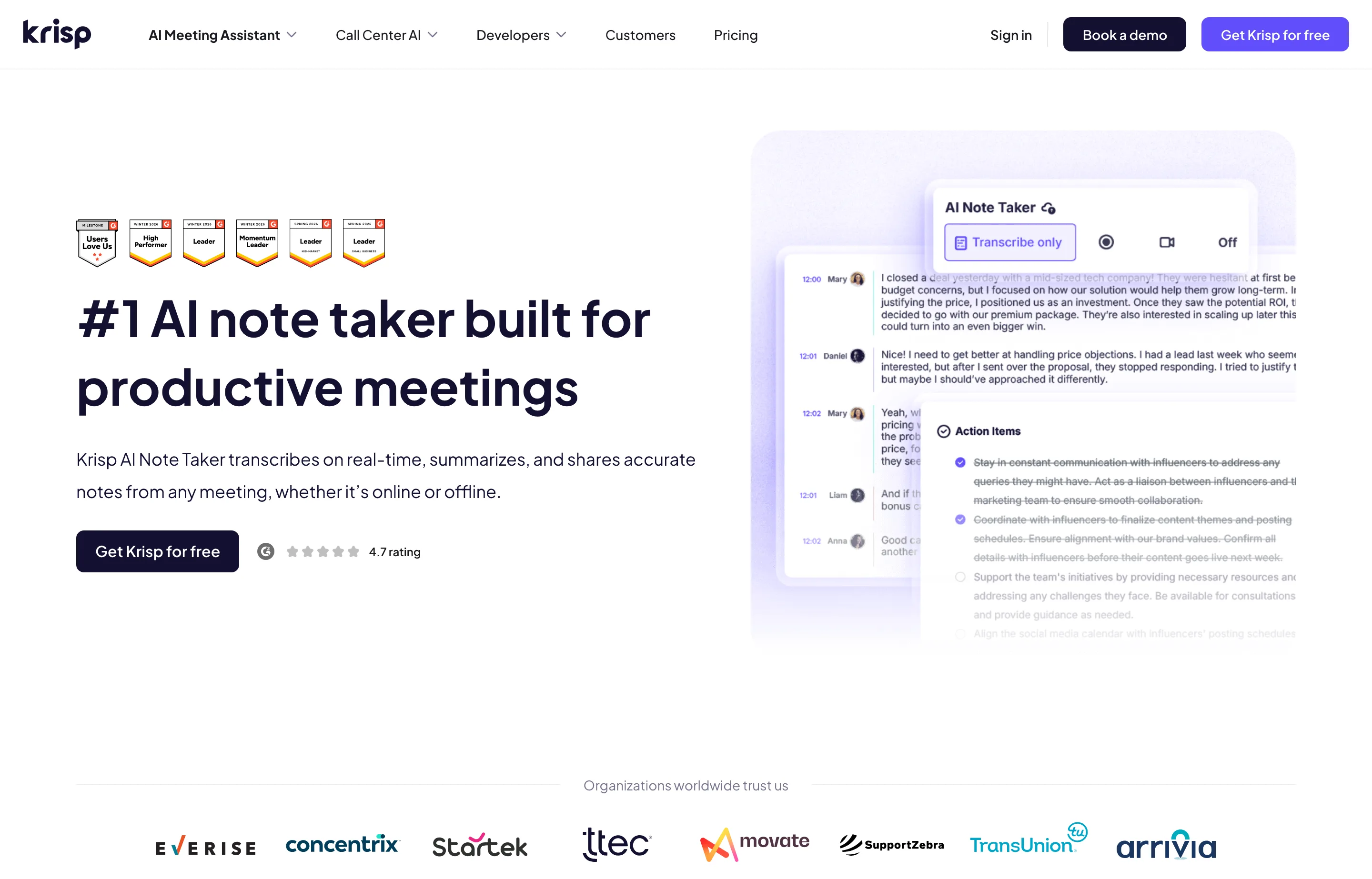
Price: The Core plan is $8 per user per month billed annually, or $16 on monthly billing, following a seven-day trial. Krisp advertises unlimited AI notes and transcription on Core, along with 10 GB of storage. Its pricing page says meeting data is not used to train Krisp's models; private on-device transcription and recordings are listed under Enterprise, so do not assume Core is fully local.
Choose Krisp if background noise hurts the conversation itself, or you need mobile capture and a shared meeting workspace. Voibe Work is simpler for Mac users who want their finished notes saved locally and a dictation app included.
4. Jamie — best for multilingual meetings across devices
Jamie takes notes without a visible meeting bot and supports online and in-person meetings. Its current plans list notes and transcripts in more than 99 languages, speaker recognition, task detection, and integrations. That breadth is useful if your meetings cross languages, devices, and conferencing platforms.
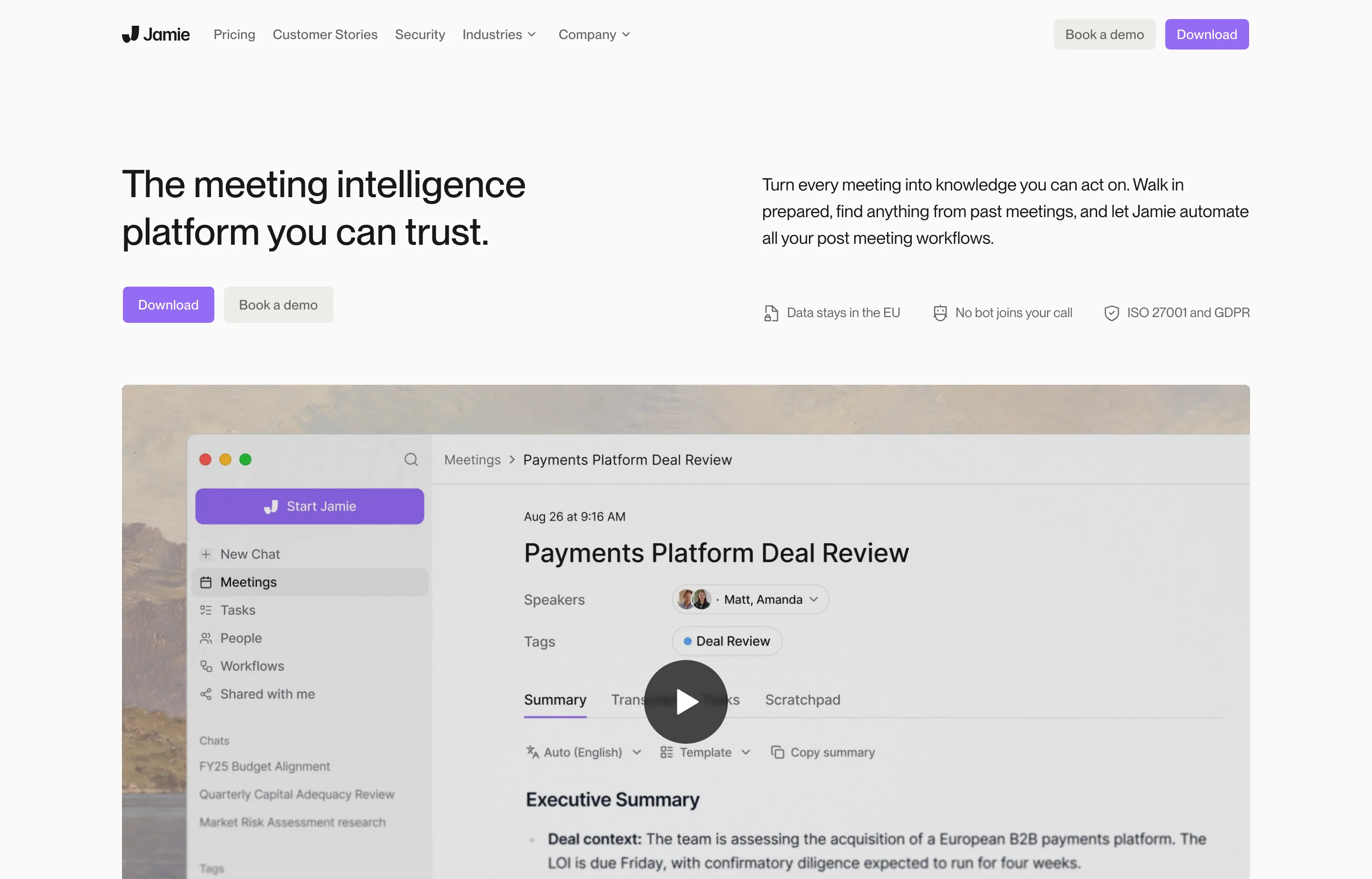
Price: The free plan allows 10 meetings a month, each up to 30 minutes. Plus is €21 per month billed annually, for 20 meetings a month of up to two hours. Pro is €39 per month billed annually for unlimited meetings with a five-hour duration limit. Jamie lists EU hosting and says it does not train on customer data.
Choose Jamie if multilingual notes and in-person capture matter more than a low annual price. Its Plus cap makes a direct price comparison with unlimited plans misleading.
5. Tactiq — best free option for browser meetings
Tactiq is a low-friction way to start when your calls run in a browser. Its extension reads the meeting platform's captions rather than recording meeting audio. Tactiq's setup guide says to turn on captions in Google Meet, Teams, or Zoom and keep them on while the meeting runs. That also means missing or inaccurate captions can limit the transcript.
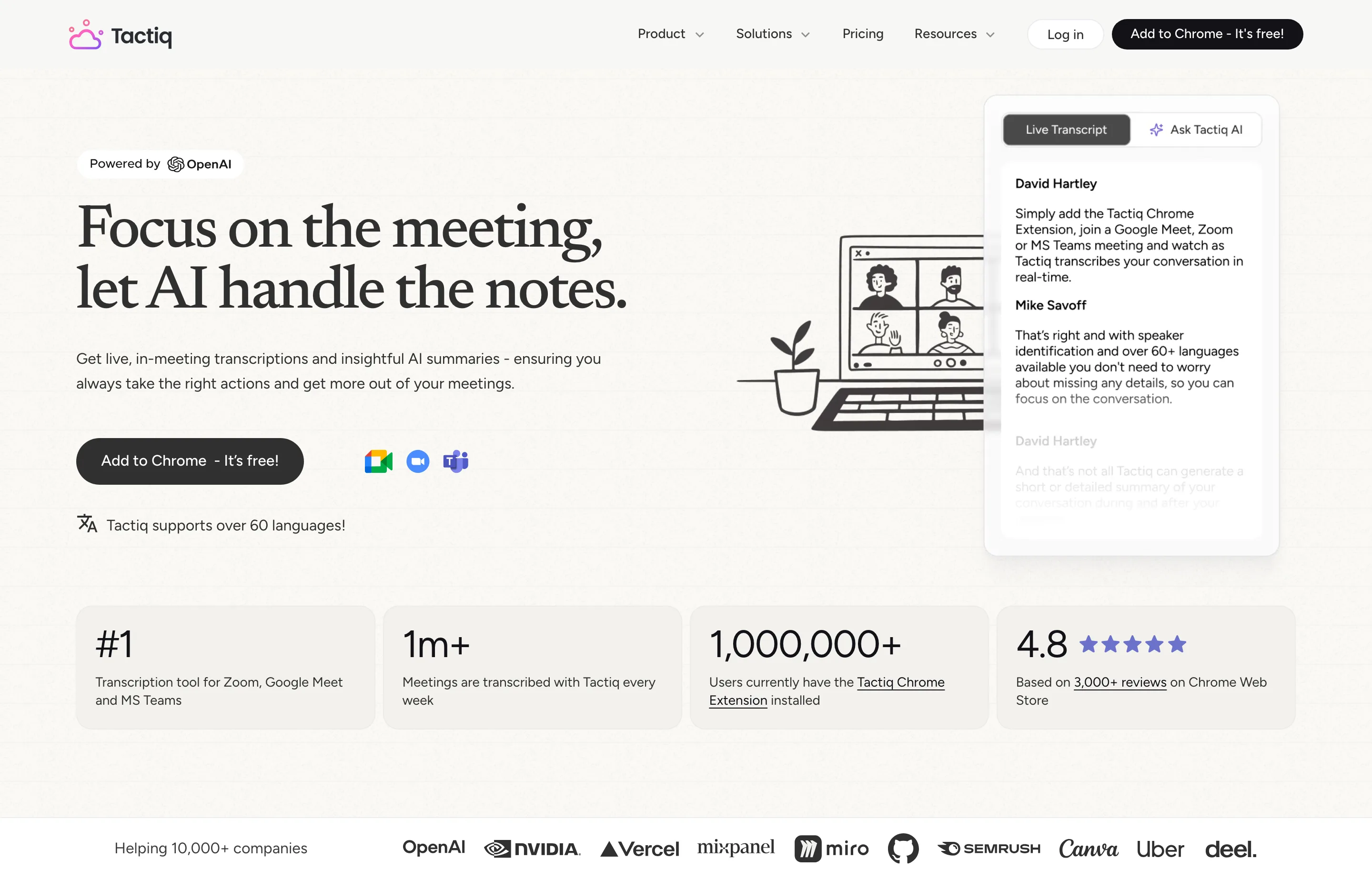
Price: Free includes 10 transcripts and five AI credits per month. Pro is $8 per user per month billed annually for unlimited transcripts and 10 AI credits per month. A Mac app for Zoom Desktop is in beta, but Google Meet and Teams still use the browser extension. On Free, an automatic transcription notice in meeting chat cannot be turned off; that is separate from whether a bot joins.
Choose Tactiq if you want to test no-bot notes at no cost and most meetings already run with browser captions. It is less flexible than device-audio tools for calls outside those supported routes.
6. Meetily — best when meeting processing must stay local
Meetily is the privacy-first option for people who want to control the entire processing path. Its desktop app transcribes on your Mac or Windows computer without a meeting bot. For summaries, you can run a local model or bring your own cloud AI key. If you choose a cloud provider, transcript text goes to that provider, although Meetily says the audio remains on your device. Choose local AI to keep the meeting workflow on-device.
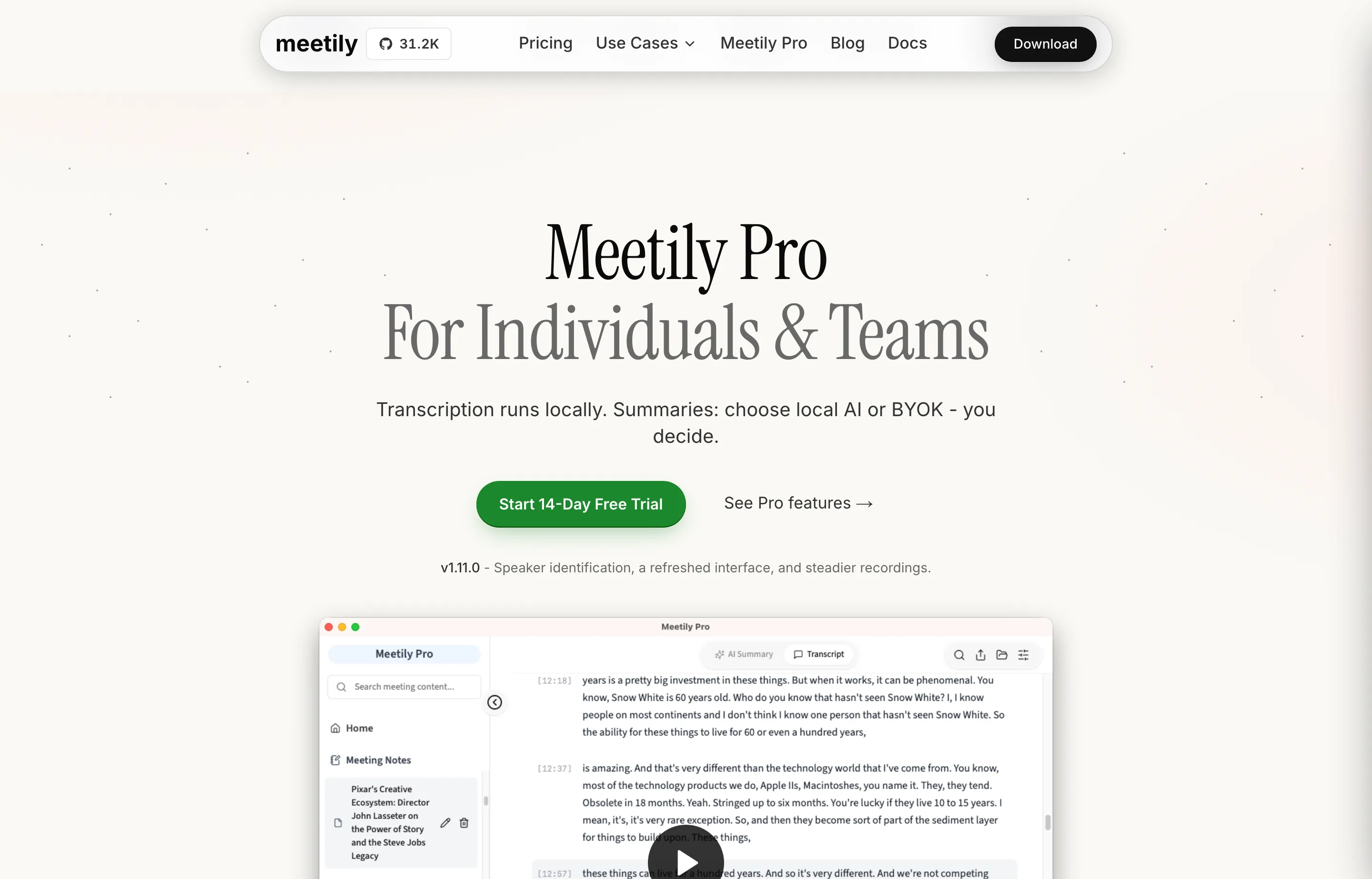
Price: Community is free and open source, with local transcription and a local-summary path. Pro costs $10 per user per month billed annually and adds speaker identification, custom templates, advanced exports, and other controls. A 14-day Pro trial is available without a card.
Choose Meetily if local processing is a firm requirement and you can manage the local AI setup and hardware needs. Voibe Work provides a more packaged notes-plus-dictation workflow but processes meetings in a zero-retention cloud.
Which one should you buy?
- Mac-based law firm, paralegal practice, confidential advisor, or owner-operator: Start with Voibe Work. Test the meeting summary and dictate the actual follow-up; that is where the one-app workflow earns its price.
- Healthcare practice or clinic: Consider Voibe Work after confirming the agreement and cloud data path for patient information with your privacy team. For patient dictation that must stay fully on-device, use Voibe's Apple Silicon on-device mode and review the downstream app separately.
- Sales or operations team sharing notes across tools: Start with Granola. Check its training opt-out and cloud retention against your policy.
- Frequent noisy or in-person calls: Start with Krisp for its audio tools and mobile support.
- Strictly local meeting processing: Start with Meetily and select its local summary option.
- Mostly browser calls and a tight budget: Start with Tactiq Free and check that captions capture names and decisions correctly.
- Multilingual meetings with phone capture: Start with Jamie, while checking its meeting allowance against your calendar.
For a fair trial, use the same 20-minute call with multiple speakers, a date change, an unusual name, and two action items. Afterward, check whether the summary identifies the final decision, assigns the right owner, and lets you correct mistakes before you share it. That will tell you more than a generic accuracy claim.
FAQs
What is the best no-bot meeting note taker in 2026?+
For Mac-based small firms handling confidential client work, our pick is Voibe Work. It combines no-bot capture, zero-retention cloud processing, no AI training on meeting content, meeting chat, and dictation in one app. Clinics should confirm a suitable agreement and approve the cloud meeting workflow before using it with patient information. Granola is better for cloud collaboration and integrations; Meetily is better when meeting processing must stay local.
Does Voibe Work send a bot into Zoom, Google Meet, or Teams?+
No. According to [Voibe's product page](https://www.getvoibe.com/), Work captures the call from your Mac. It currently supports Mac meeting capture; Windows meeting support is coming soon.
Are Voibe Work meetings processed offline?+
No. Voibe says meeting audio goes to zero-retention cloud processors and is deleted after processing, while transcripts and summaries are saved on your Mac. Its fully offline on-device option is for **dictation** on Apple Silicon Macs.
Does Voibe use meeting content to train AI?+
[Voibe says](https://www.getvoibe.com/) it does not use meeting audio, transcripts, summaries, or meeting-chat questions to train AI. It says meeting audio is deleted after processing, meeting chat runs on the same zero-retention cloud, and finished notes stay on your Mac.
Is Voibe Work suitable for confidential legal or healthcare meetings?+
Its no-bot capture, zero-retention processing, no-training commitment, and locally saved notes make it a strong candidate for small law firms and other confidentiality-focused businesses. Review the meeting's cloud data path, participant notice, and your firm's policies first. For patient information, [Voibe offers BAAs on demand](https://www.getvoibe.com/for/healthcare/); confirm the signed agreement covers Work meetings and approve the workflow before capturing patient data.
Does “no bot” mean I can record without telling anyone?+
No. The absence of a visible bot does not remove consent, workplace-policy, or customer-contract obligations. Tell participants when you are recording or transcribing and follow the requirements that apply to that meeting.
Which no-bot meeting note taker is free?+
Tactiq has a free tier with 10 transcripts per month; Granola has a free plan with limited history; Jamie allows 10 short meetings monthly; and Meetily Community is free with local transcription. Check AI-summary limits and platform support before choosing on price alone.
Final take
Voibe Work is the best buy for a Mac-based small business that handles confidential client conversations and wants meeting notes and dictation in one app. The combination of zero-retention cloud processing, no AI training on meeting content, meeting chat, and locally saved notes is the reason to choose it. Small law firms and paralegal teams can test it on an appropriate client-style call, verify the owners and decisions, then dictate the follow-up. Healthcare practices should complete the patient-data review before recording clinical conversations. If your team needs shared cloud workflows, choose Granola; if your meetings must never leave your computer for processing, choose Meetily.
Free tools to try
Keep reading
Guide
10 Best AI Dictation Tools in 2026
The best AI dictation tools ranked for privacy, ease of use, support, and long-term cost — including lifetime, local, and free options.
Guide
10 Best Wispr Flow Alternatives in 2026
Compare the best Wispr Flow alternatives for privacy, lifetime pricing, offline use, and platform support — with current prices and honest tradeoffs.
Guide
The Small Business AI Stack: Tools for Every Job in 2026
A practical AI stack for small businesses — the tools that actually save time on marketing, content, SEO, and admin, organized by the job they do. Free where it counts.