Guide
Best Payroll Software for Small Business (2026)
Running payroll is one of the few business jobs where the law has no patience for mistakes: the IRS's understanding employment taxes page lays out what you're on the hook for — withheld income tax, Social Security and Medicare, FUTA, monthly or semiweekly deposit schedules, and Forms 941 and W-2 — and the Failure to Deposit penalty runs from 2% to 15% of the undeposited tax depending on how late you are. Payroll software exists to make that machinery someone else's bug list.
This guide compares twelve payroll platforms for 1–50 person businesses, from $6/month contractor plans to the quote-based incumbents your accountant might recommend. Every price is a US list rate as of September 2026, read from the vendor's own pricing page where reachable. The two things most comparison tables miss: what the base price *excludes* (year-end forms are the classic gotcha) and what happens when you hire your first employee in a second state.
Quick comparison
| Payroll | Best for | Base + per person | Year-end forms |
|---|---|---|---|
| Gusto | Best all-round | $49 + $6 (Simple) | Included |
| OnPay | Best value, multi-state included | $49 + $6 | Included |
| QuickBooks Workforce | QuickBooks Online users | $50 + $7 | Included |
| Square Payroll | Square POS users, tipped staff | $35 + $6 | Included |
| Patriot | Best budget | $37 + $5 (Full Service) | Included |
| ADP RUN | Compliance-heavy, scaling | quote (~$79 + $4 reported) | Extra fee |
| Rippling | HR + IT + payroll in one | quote (~$35 + $8 reported) | Included |
| SurePayroll | Cheapest sticker, nanny payroll | $29 + $7 | $50 + $5/form |
| Paychex Flex | Dedicated-rep service | quote (~$44 + $1.44 reported) | Extra on lower tiers |
| Paycor | Bundled HR + recruiting | $99 + $5 | Included |
| Heartland Payroll+ | Tipped service industries | from $89/mo (1–5 employees) | Included |
| BambooHR | Companies already on BambooHR | $250/mo minimum (≤25) | Included |
How we ranked these
Payroll pricing looks simple — a base plus a per-person fee — until the add-ons land. We weighed:
- True cost of a full year — base + per-person + year-end W-2/1099 forms + state filings, not the sticker.
- Multi-state behavior — whether one remote hire in a second state doubles your price (it shouldn't, but at two vendors here it does).
- Full-service completeness — federal, state, and local filing; new-hire reporting; tax-deposit handling; what happens when a notice arrives.
- Support reality — whether a solo owner can reach a human in January.
- Track record — 2025–2026 repricing (Gusto, QuickBooks), ownership changes (Paychex now owns Paycor and SurePayroll), and review-base reliability.
Ratings below are real, sourced from G2, Capterra, and Trustpilot (linked and dated). Where an admin-facing rating and a consumer-facing rating disagree sharply, we show both — that split is information. Quote-based products are labeled as such; reported figures are attributed, never presented as official.
The best payroll software for small business
1. Gusto — best all-round
Gusto is the default for a reason: the cleanest onboarding in the category, full-service filing at every level, benefits brokerage licensed in all 50 states, and pricing published plainly — a rarity here. It got pricier this year, and its Trustpilot page is rough, but no competitor matches its completeness-per-dollar for a 1–50 person company.
- Key features: unlimited pay runs; full federal/state/local filing; W-2/1099 filing included; employee self-service and onboarding; benefits and 401(k); QuickBooks/Xero sync.
- Pricing: Gusto's page blocks automated reads; figures corroborated across multiple third-party sources that verified the live page (incl. PayrollDetective, Aug 2026), as of September 2026: Simple $49/month + $6/person (single-state), Plus $80 + $12 (multi-state, next-day deposit), Premium $180 + $22, contractor-only $35 + $6/contractor. A 10-person team on Simple pays $109/month.
- The catch: the March 1, 2026 Simple base increase from $40 to $49 was the second hike in about a year, and Simple is single-state — your first remote employee in another state forces the Plus tier ($80 base, $12/head). Support complaints are growing; there's no phone support on lower tiers.
- Pros: best onboarding and UX; everything included at the sticker price; the largest verified review base in the category.
- Cons: 2026 repricing; single-state Simple; Trustpilot (~2.1/5 on ~2,200 reviews) is markedly worse than its G2/Capterra scores — the admin-versus-employee split.
- Reviews: 4.6/5 on G2 (~8,300+ reviews) · 4.6/5 on Capterra (~4,200 reviews) — as of September 2026.
2. OnPay — best value, and multi-state is included
OnPay is the "no surprises" pick: one tier, $49/month + $6/worker, with everything Gusto charges more for — multi-state filing, W-2s and 1099s, HR tools, benefits administration — included. It's the highest-rated small-business payroll on G2, and the reason it isn't #1 for everyone is interface polish, not substance.
- Key features: full-service filing at every level; pay W-2 and 1099 workers together; e-signed onboarding; health, dental, and 401(k) administration with licensed in-house agents; QuickBooks/Xero sync; free white-glove migration.
- Pricing: read from OnPay's own pricing page, as of September 2026: Payroll Essentials $49/month + $6/worker — multi-state at no extra charge, year-end forms included. Optional add-ons: HR +$15 base, Live HR Support +$75 base. First month free.
- The catch: the interface is dated, there's no native mobile app, and report customization is limited. Trustpilot (3.9 on ~295 reviews) reflects post-onboarding support frustrations.
- Pros: genuinely all-inclusive pricing — the multi-state and forms-included parts alone beat most rivals' real cost; support that reviewers call "actually helpful."
- Cons: dated UI; no mobile app; thin advanced reporting.
- Reviews: 4.8/5 on G2 (~409 reviews) · 4.8/5 on Capterra (~465 reviews) — as of September 2026.
3. QuickBooks Workforce Payroll — best if you run QuickBooks Online
Intuit rebranded QBO Payroll as QuickBooks Workforce on July 1, 2026 — and raised the per-employee fees at every tier while doing it. It's still the right answer inside QuickBooks Online, because payroll that posts itself to the right GL accounts is worth real reconciliation hours; it's the wrong answer anywhere else.
- Key features: full-service filing; automatic posting to the correct QuickBooks GL accounts; 1099 e-file included; next-day direct deposit (same-day on top tiers); QuickBooks Time on Premium/Elite; HR advisor and penalty protection on Elite.
- Pricing: Intuit's pricing page renders dynamically; figures from Intuit's own full-service page corroborated by third-party trackers, as of September 2026 (after the July 1 repricing): Workforce Payroll $50/month + $7/employee (was $6.50), Premium $88 + $13 (was $10), Elite $134 + $17 (was $12). A 50%-off base promo was visible at the time of writing. Note: some third-party comparisons still list the old fees — the July increase is the current reality.
- The catch: per-employee increases of 8–42% by tier with the rebrand, on top of roughly 30% cumulative increases over three years (per editorial tracking); support quality declining; standalone (non-QBO) use is weak.
- Pros: the native GL sync is the whole point — zero reconciliation between payroll and books; familiar UI; published pricing.
- Cons: July 2026 repricing; thin HR features vs. Gusto/OnPay; you're locked to the QuickBooks ecosystem for the value to make sense.
- Reviews: 4.5/5 on Capterra (~989 reviews); G2 listings conflict (Intuit's own product page shows 3.8/5 on 65 reviews) — reported rather than picked — as of September 2026.
4. Square Payroll — best for Square shops and the best contractor plan
Square Payroll is the cheapest credible full-service payroll at $35/month + $6/person — and its contractor-only plan at $6/contractor with no base fee is the best in the category, full stop. For restaurants and salons on Square POS, the direct tip and timecard import closes the deal.
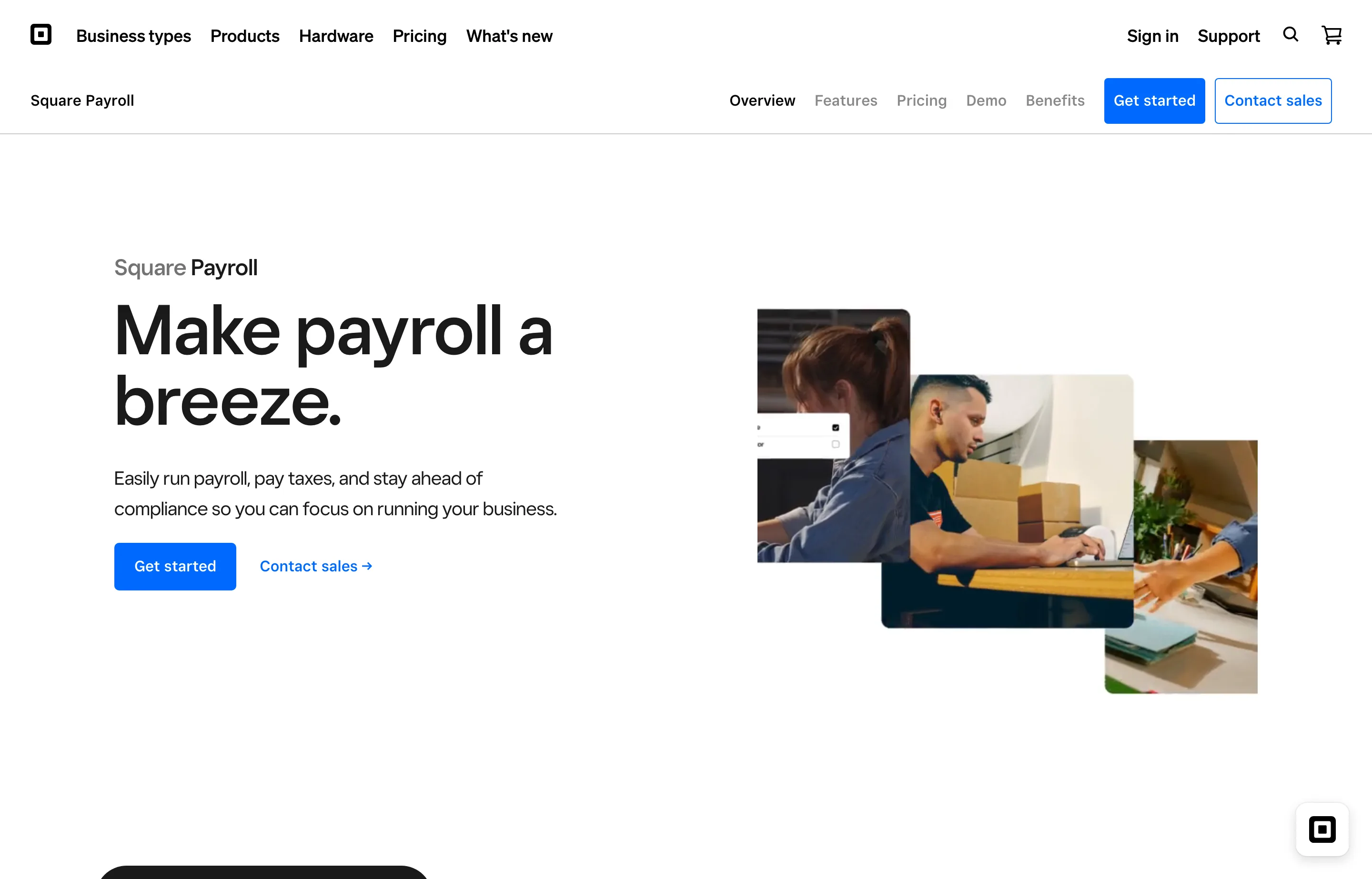
- Key features: full federal/state/local filing; W-2 and 1099-NEC filing included; tip and timecard import from Square POS; multi-state locations; workers' comp pay-as-you-go; QuickBooks sync; benefits and 401(k).
- Pricing: read from Square's own payroll page, as of September 2026: $35/month + $6/person paid (unlimited runs, no commitment); contractor-only $6/month per contractor, no base.
- The catch: reporting and customization are shallow (PCMag rates it 3.5); it's best inside the Square ecosystem — stand-alone use gains little over OnPay; the G2 review base is tiny.
- Pros: cheapest transparent full-service base; year-end forms included; direct tip import from Square POS; month-to-month.
- Cons: shallow reporting; ecosystem-dependent; some reviewers report slow-to-resolve tax-filing errors.
- Reviews: 4.7/5 on Capterra (~611 reviews) · 4.2/5 on G2 (31 reviews — a small base) — as of September 2026.
5. Patriot Software — best budget full-service
Patriot is the cheapest genuinely full-service payroll: $37/month + $5/worker with federal, state, and local filing *and* year-end forms included — and it charges the per-worker fee only in months someone is actually paid. US-based support is its reputation.
- Key features: unlimited runs; free direct deposit; employee portal; auto payroll; contractors in payroll; optional accounting and time add-ons; US-based support.
- Pricing: Patriot's page blocks automated reads; figures are the vendor's own published tiers (retrieved via search index, as of September 2026): Basic $17/month + $4/worker (you file the taxes) or Full Service $37/month + $5/worker (they file everything, forms included). Multi-state is +$12/month per additional state. 50% off the first three months at the time of writing.
- The catch: Basic leaves the filing to you — the Full Service tier is the one that competes; multi-state adds a per-state fee; no native mobile app; thin benefits administration.
- Pros: lowest real cost of full-service filed payroll; year-end forms included (vs. SurePayroll's $50 + $5/form); pay-only-when-paid pricing; strong support ratings.
- Cons: per-state multi-state fees; fewer integrations; no mobile app.
- Reviews: 4.8/5 on G2 (~556 reviews) · 4.8/5 on Capterra (~3,285 reviews) — as of September 2026.
6. ADP RUN — best for compliance-heavy businesses that plan to scale
ADP RUN is the small-business arm of the biggest name in payroll: deep compliance infrastructure, 24/7 support, and a growth path into ADP Workforce Now without a forced migration. It's also quote-only, and "hidden fees" is the most-cited complaint category in its reviews.
- Key features: full-service filing with penalty coverage; 24/7 live support on all plans; next-day direct deposit; ZipRecruiter credits; contractor payments; a mobile app PCMag rates Outstanding.
- Pricing: not published — quote-only (confirmed on ADP's own site). Third-party figures: an ADP rep confirmed ~$79/month + $4/employee for Essential to PCMag (May 2026); higher tiers reported at ~$115–$175 base. Year-end W-2/1099 creation and delivery carry an additional fee (confirmed on ADP's own packages page). ADP's one published price: Roll by ADP app at $39 + $5/worker. Three months free for new RUN customers at the time of writing (offer end date 9/24/2026 per ADP's page).
- The catch: renewal pricing — users report intro pricing resetting 30–50% at renewal; year-end and off-cycle fees; and complaint threads cite 36-month contracts with auto-renewal and early-termination fees (user-reported, not published terms — read your contract).
- Pros: the deepest compliance bench; 24/7 support; scales without replatforming; strong mobile apps.
- Cons: no public pricing; year-end fees; contract and renewal complaints.
- Reviews: 4.6/5 on Capterra (1,447 reviews) · 4.5/5 on G2 (1,758 reviews) — as of September 2026.
7. Rippling — best for tech-forward teams consolidating HR + IT
Rippling isn't really payroll software — it's a unified HR/IT/payroll platform where onboarding a hire provisions their laptop, apps, and accounts automatically. It earns the highest ratings in the category; you pay for it in opaque, modular pricing that escalates quickly past the base quote.
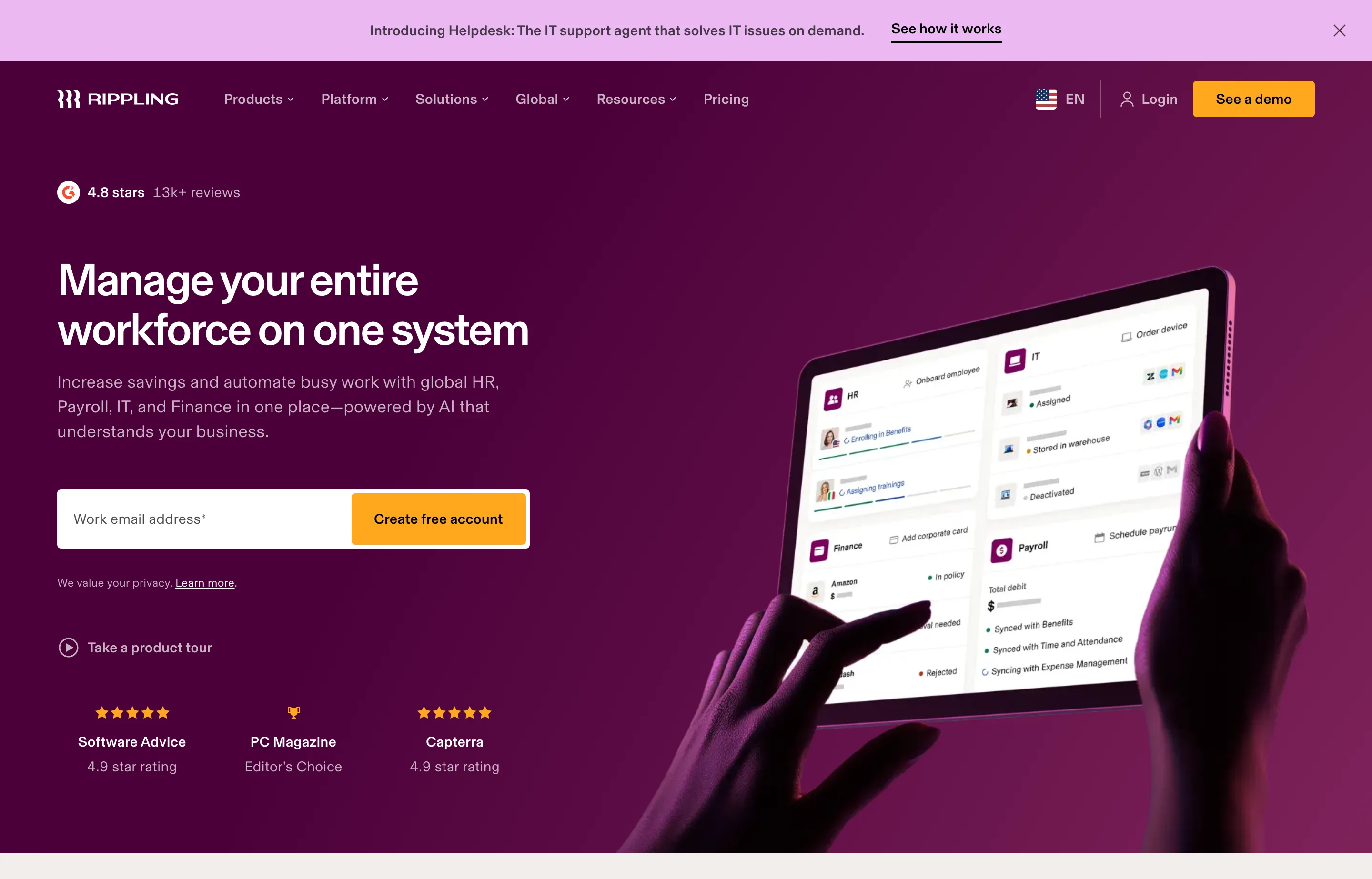
- Key features: US and global payroll; full filing; onboarding automation across devices and apps; time, benefits, PEO, and expense cards; strong API.
- Pricing: quote-only — Rippling's pricing page is a form (as of September 2026). Third-party estimates conflict: ~$35/month + $8/user reported by one tracker, $0 base + $16 PEPM by another; effective full-stack costs of $34–57 per employee per month once HR/IT modules are added, per buyer-data aggregators. Treat every figure as directional and get the quote in writing.
- The catch: modular pricing means the sticker shock arrives after the first quote; annual contracts with seats and modules that are hard to reduce mid-term; overkill under ~20 employees; support is chat-first with mixed resolution reports.
- Pros: the best product experience in the category (G2 4.8 across ~11,900 reviews); genuine automation savings; one system for everything people-related.
- Cons: opaque and escalating pricing; implementation complexity; wrong size for most sub-20-employee shops.
- Reviews: 4.8/5 on G2 (~11,877 reviews) · 4.9/5 on Capterra (4,830 reviews) · 4.6/5 on Trustpilot (~2,000 reviews) — as of September 2026.
8. SurePayroll — cheapest sticker price, budget the year-end bill
SurePayroll (a Paychex company) wins the sticker-price game at $29/month + $7/worker — then bills W-2s and 1099s at $50 base + $5 per form every January, which quietly hands back the savings. It's also the household-employer leader: its nanny payroll plan is the category standard.
- Key features: unlimited runs; 2-day direct deposit; auto-scheduled payroll; full filing; new-hire reporting; mobile apps; the household/nanny Schedule H niche.
- Pricing: read from SurePayroll's own pricing page, as of September 2026: Small business $29/month + $7/worker; multi-state a flat $9.99/month; household/nanny $39/month including one employee; year-end W-2/1099-NEC $50 + $5 per form billed annually. A first-year "run free on alternate months" promo (effectively six months free) was showing at the time of writing.
- The catch: the year-end bill — a 10-person firm pays ~$100+ every January on top of the monthly fees; and support has deteriorated badly (hour-plus hold times and unresolved filing errors are a consistent 2024–2026 pattern in reviews).
- Pros: lowest sticker for full service; flat-fee multi-state; the nanny-payroll niche; month-to-month with no cancellation fee.
- Cons: per-form year-end fees erode the price advantage; support quality; thin HR tools.
- Reviews: 4.4/5 on G2 (~523 reviews) · 4.1/5 on Capterra (~305 reviews) — as of September 2026.
9. Paychex Flex — the dedicated-rep service model
Paychex sells what the software-first vendors struggle with: a dedicated human who knows your account, plus the largest small-business 401(k) operation in the country. It's quote-based, and 2025–26 has been rough — a support-hours cut, documented termination-fee complaints, and the sister brand's data-breach history.
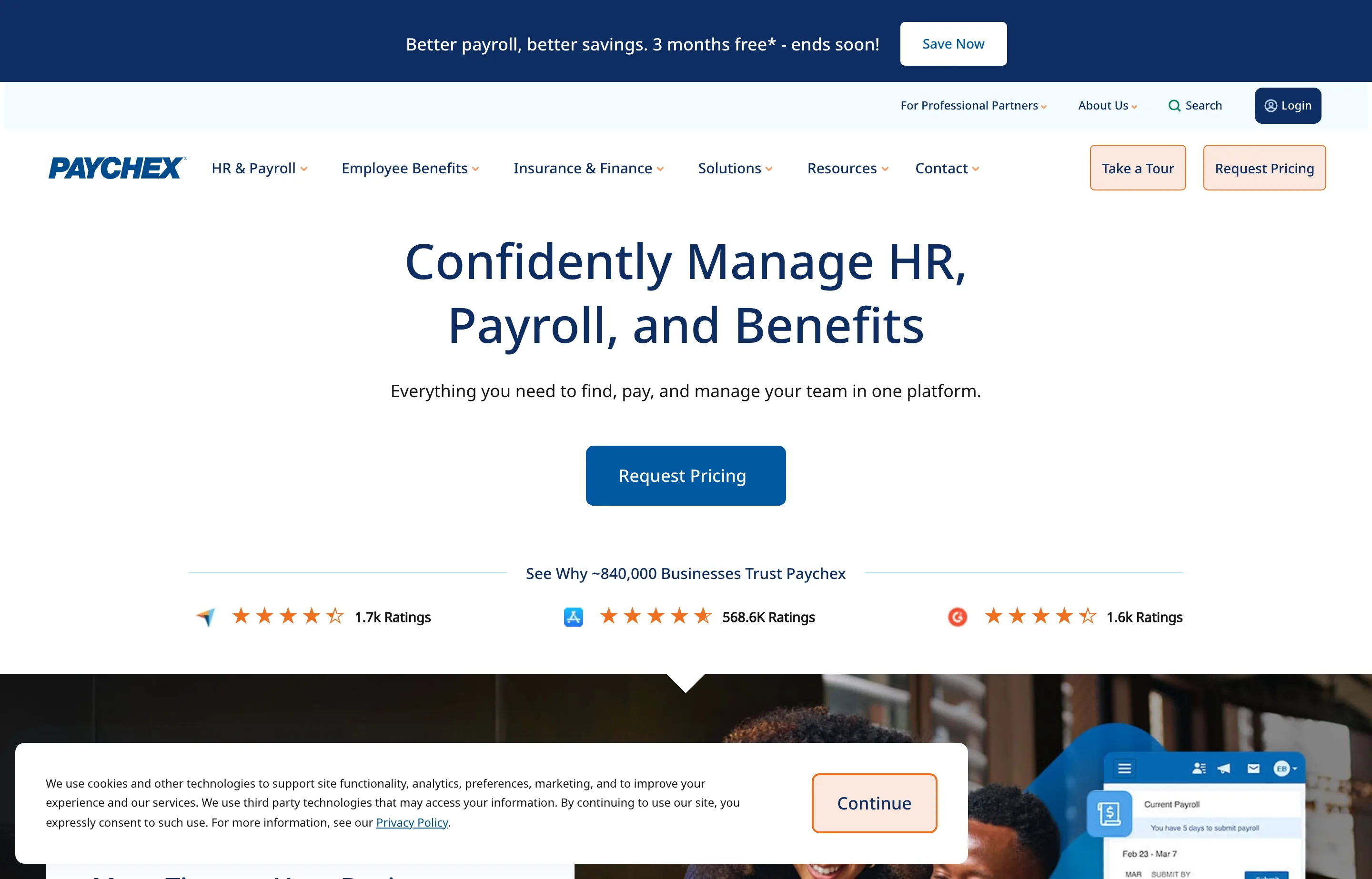
- Key features: Taxpay automatic filing; a dedicated payroll specialist (Select tier and up); ~300 integrations; a top-rated mobile app; PEO option.
- Pricing: quote-only — no public pricing (as of September 2026). A Forbes Advisor mystery-shop (Aug 13, 2026, 10-employee team) quoted Select $43.93/month + $1.44/user, Pro $77.18 + $1.77, Enterprise $113 + $2.92. W-2/1099 filing is an extra fee on lower tiers.
- The catch: February 2026 support hours cut from 24/7 to 8am–8pm ET; BBB complaints document $1,500–$3,000 early-termination fees plus post-cancellation billing; invoices routinely exceed quotes via add-ons; and the company absorbed a 2024 data breach (SSNs) at its Paycor sibling's earlier incarnation and a February 2026 outage.
- Pros: a real specialist who knows your account; reliable core payroll; 401(k) depth; strong admin-facing ratings.
- Cons: quote creep; termination fees; the Trustpilot split (1.2/5 — end-users in disputes) vs. G2/Capterra (4.2 — admins) tells you who it serves well.
- Reviews: 4.2/5 on G2 (2,247 reviews) · 4.2/5 on Capterra (1,805 reviews) — as of September 2026.
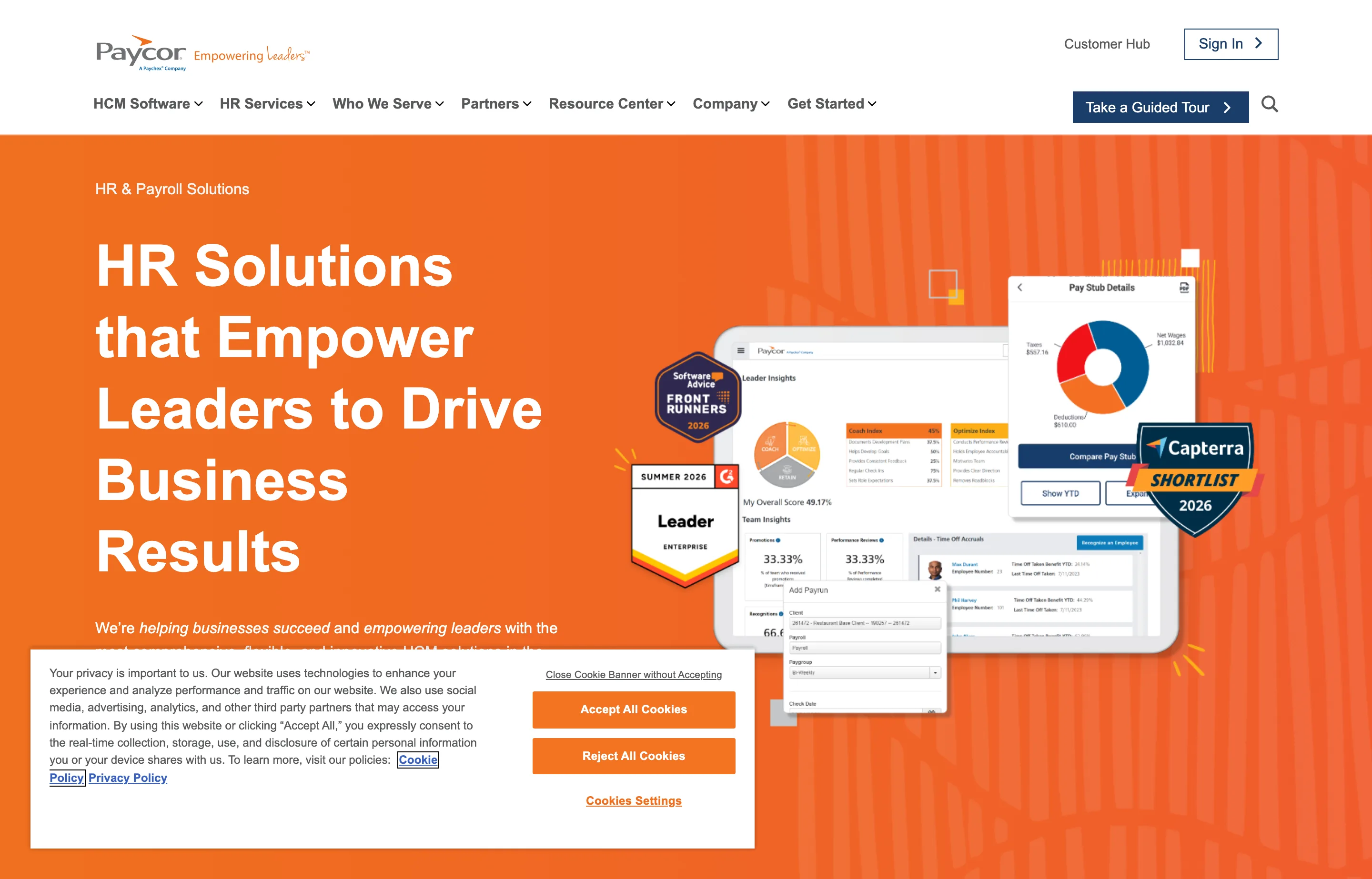
10. Paycor — bundled HR + recruiting under one price
Paycor (a Paychex company since April 2025) is the mid-market bundler coming downstream: published under-50 pricing with onboarding, ATS, and HR analytics in the tiers. The bundle is decent value at Essential; the support scores are the worst among the majors here.
- Key features: payroll and tax filing; onboarding and time-off; applicant tracking and hiring; HR analytics and handbook tools; no employee minimum.
- Pricing: read from Paycor's own small-business pricing page (as of September 2026): Basic $99/month + $5/employee, Essential $149 + $6, Complete $199 + $7 (setup fees $59–$199). One month free at the time of writing. Above 50 employees it's quote-only.
- The catch: G2's support-quality score (7.6/10) is the lowest among comparable vendors, and Trustpilot sits at 1.8/5 — the same admin/end-user split as Paychex; implementation complexity is under-reported in sales.
- Pros: published pricing (rare for its class); a genuinely useful recruiting bundle; good value at Essential.
- Cons: weakest support reputation of the majors; cost jumps at 50 employees.
- Reviews: 4.0/5 on G2 (~1,238 reviews) · 4.3/5 on Capterra (3,038 reviews) — as of September 2026.
11. Heartland Payroll+ — the tipped-workforce niche
Heartland (Global Payments) is the payroll arm of a payments company — which shows in its strengths: tip reporting, prevailing-wage reporting, and a phone-based specialist for restaurants, hospitality, and construction. It's the least-verifiable reputation on this list, and priced accordingly.
- Key features: full federal/state/local filing; pay cards and checks; new-hire reporting; tip and prevailing-wage reporting; pay-as-you-go workers' comp; a dedicated specialist.
- Pricing: "Starting at $89/month for 1–5 employees" per Heartland's own pricing page, as of September 2026; Advanced and Complete tiers are quote-only.
- The catch: above-average entry pricing, opaque beyond the first tier, and a thin public review base (134 G2 reviews) — we're flagging it as the least-verifiable pick rather than pretending otherwise.
- Pros: tip-reporting workflows that score very well in reviews; the specialist model; natural fit if you already process on Heartland.
- Cons: price; opacity; thin review base.
- Reviews: 4.2/5 on G2 (134 reviews — a small base) — as of September 2026.
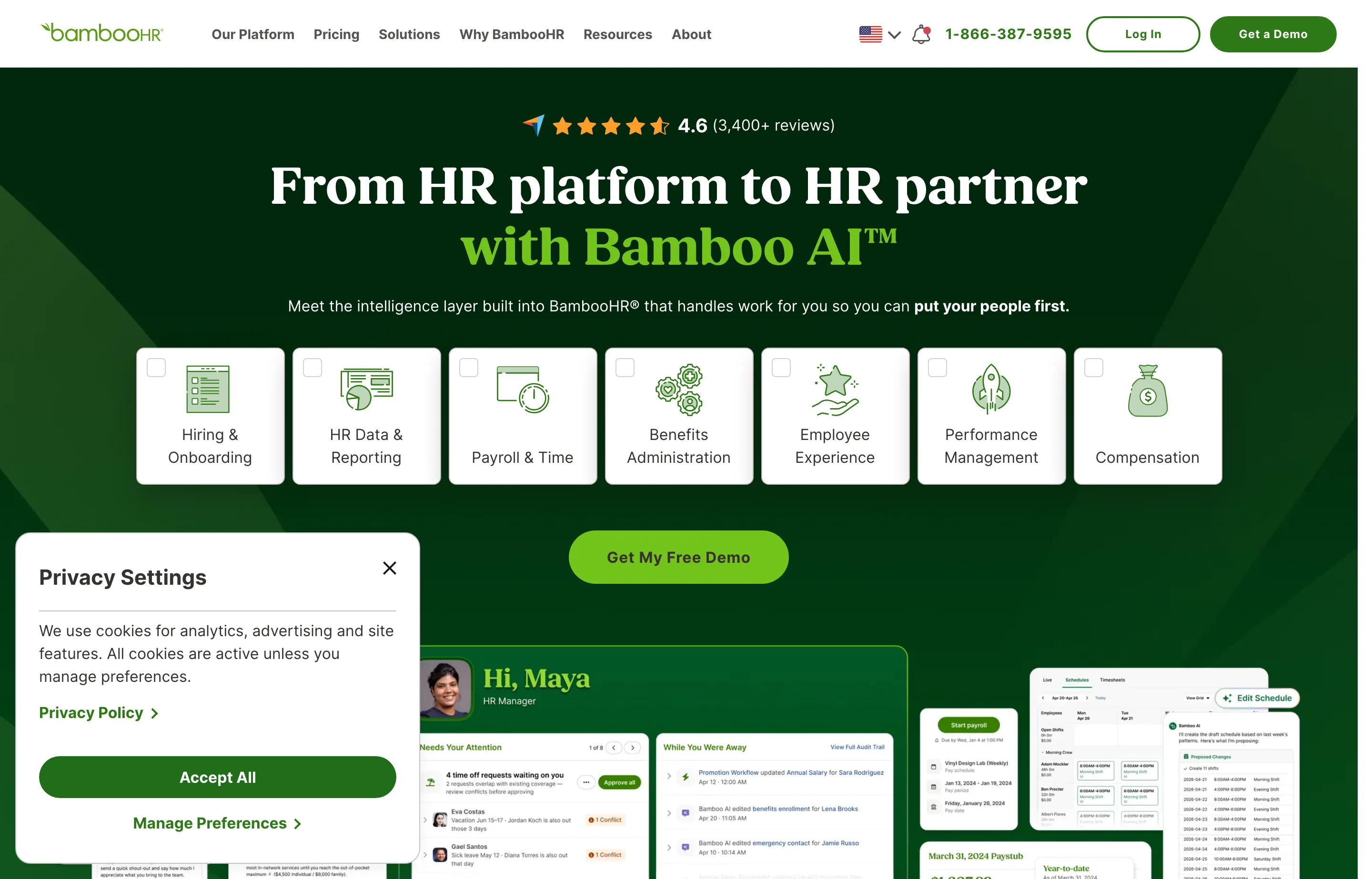
12. BambooHR Payroll — only if you already run HR on BambooHR
BambooHR is the best HR system in the small-business class — and payroll is a separate, quote-only add-on on top of a $250/month minimum for teams of 25 or fewer. For a 10-person team that's ~$25/head before the payroll add-on. Included here so you don't buy the HR suite expecting payroll in the box.
- Key features: superb HRIS, onboarding, and ATS; US-only payroll (all 50 states) with filing and W-2/1099s; PTO integration; garnishments.
- Pricing: per BambooHR's own pricing page, as of September 2026: Core $10, Pro $17, Elite $25 per employee per month, with a flat $250/month minimum for teams of 25 or fewer; payroll is a separate quote-only add-on (third-party buyer reports put it around $6–8 PEPM). A 15% bundle discount applies when payroll and benefits admin are taken together.
- The catch: the minimum — under ~25 employees it's simply the wrong economics for payroll; renewal increases of 15–30% are widely reported; US-only with weak contractor handling.
- Pros: the best HR UX in the class; one system for people data.
- Cons: payroll never included; the $250 floor; renewal creep.
- Reviews: 4.4/5 on G2 (~2,480 reviews) · 4.6/5 on Capterra (~3,108 reviews) — as of September 2026.
The rate math payroll assumes: free Small Business Tools
Payroll software computes withholding; it doesn't tell you what to pay people or how to bill for your own time. These free tools handle the owner's side of the math:
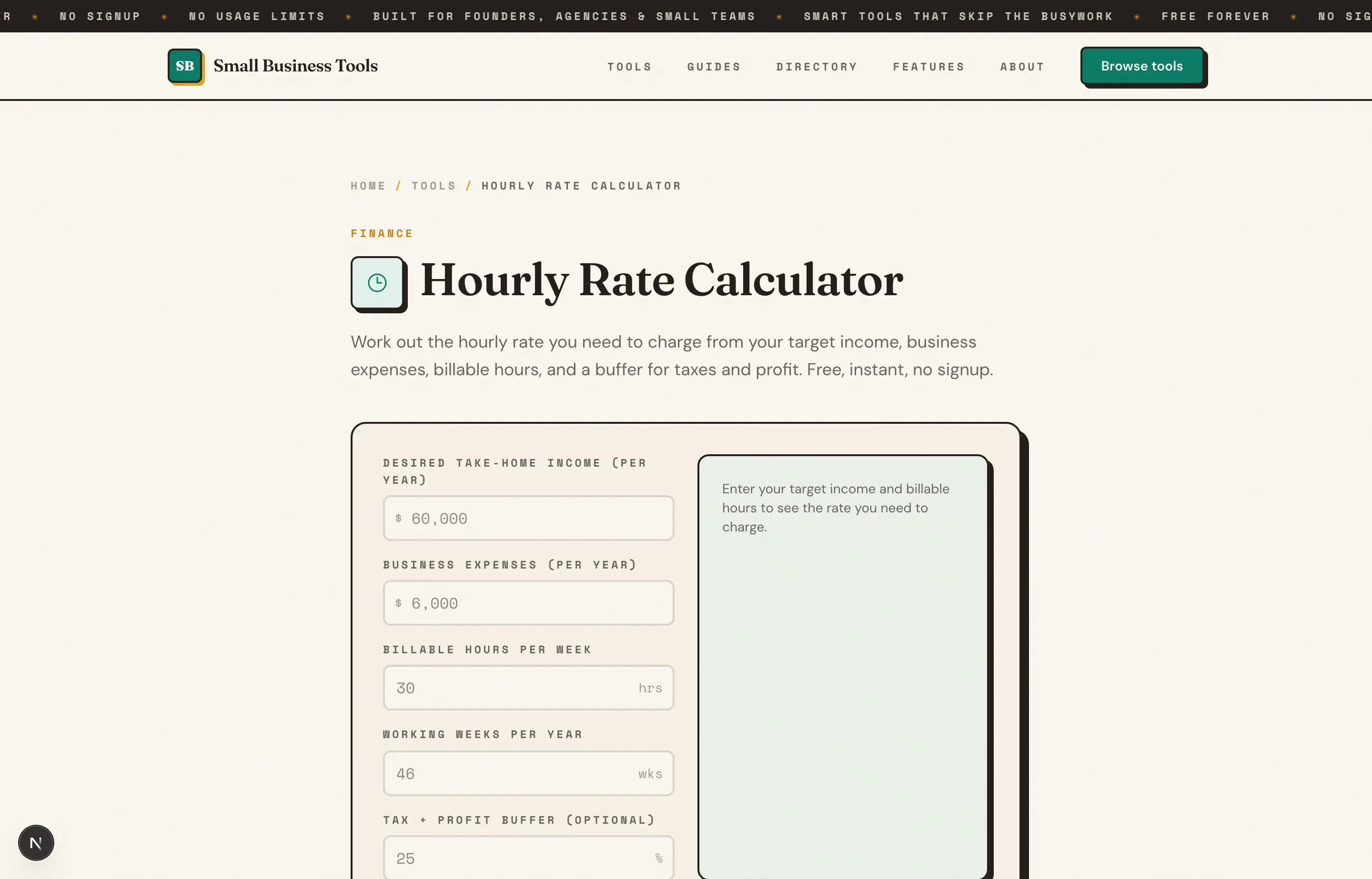
- Hourly Rate Calculator — set your own rate with the billable-hours funnel and tax correction, before you write anyone else's paycheck. The setting your hourly rate guide walks the full math.
- Percentage Calculator — the working-hours math behind payroll costs: employer FICA (7.65%), workers' comp rates, benefits load as a percentage of wages.
- Invoice Generator — the other side of meeting payroll: get paid on time with clean, numbered invoices. Nothing stored, no account.
The free small business tools hub lists the rest by job. Payroll pairs with the rest of your back office: the accounting software guide for the books it posts into, and the POS systems guide for the counter your tips and timecards flow from.
Which should you choose?
- You want the best all-round and don't mind paying for it: Gusto — especially with benefits or multi-state teams (Plus tier).
- You want the best value and hate surprise fees: OnPay — one price, everything included, multi-state free.
- Your books live in QuickBooks Online: QuickBooks Workforce — the GL sync is worth the July price increase.
- You pay mostly contractors: Square Payroll at $6/contractor with no base — or Gusto's $35 + $6 if you want the fuller feature set.
- You're a restaurant or salon on Square POS: Square Payroll — the tip import alone.
- Budget is the constraint: Patriot Full Service at $37 + $5, forms included.
- You're compliance-heavy, multi-state, or expect to grow past 50: ADP RUN (or Paychex) — quote-based, so negotiate everything and read the termination clause.
- You're a tech-forward 20+ person team: Rippling — get the full-stack quote in writing.
- You employ a nanny or household helper: SurePayroll's $39/month household plan.
- You already run HR on BambooHR with 25+ people: its payroll add-on — otherwise skip.
A worked example of why the sticker tells you almost nothing: a 10-employee, one-state business pays ~$1,288/year at SurePayroll ($99/month × 12, plus the ~$100 January W-2 bill), $1,308 at Gusto Simple and at OnPay ($109/month × 12, forms included) — and $1,044 at Patriot Full Service ($87/month × 12) for the same filed taxes. The $29 sticker, the $49 sticker, and the $37 sticker land within $264 of each other, in an order the stickers don't predict. Always price a full calendar year, including January.
FAQs
What is the best payroll software for a small business?+
For most 1–50 person businesses it's Gusto (best overall experience and completeness) or OnPay (best value — $49 + $6 with multi-state and year-end forms included). QuickBooks Workforce is best if your books run on QuickBooks Online, Square Payroll if your sales run on Square POS or you only pay contractors ($6/contractor, no base), and Patriot Full Service ($37 + $5) if budget leads.
How much does payroll software cost per month in 2026?+
Published list prices run from **$29 + $7/worker** (SurePayroll) and **$35 + $6** (Square) through **$49 + $6** (Gusto Simple, OnPay) to **$50 + $7** (QuickBooks Workforce) — with quote-based incumbents (ADP RUN, Paychex, Rippling) reported in the same band before add-ons. A 10-employee single-state team should budget roughly **$85–115/month** at the transparent vendors. Watch the extras: SurePayroll bills $50 + $5/form at year-end, ADP charges for W-2 delivery, and QuickBooks raised per-employee fees 8–42% in July 2026.
Is there a free payroll software?+
Not a credible full-service one. The closest are Square Payroll's contractor-only plan ($6/contractor, no base fee — effectively free in months you pay no one) and Patriot's Basic tier ($17 + $4, but you file the taxes yourself, which is the risky part). Wave's payroll still exists but has been troubled since its 2025 migration to a third-party processor — reviewers report missed payments — so we've left it off the ranked list.
Do I need payroll software if I only pay contractors?+
Not full payroll — you avoid withholding and W-2s entirely. You do need to collect W-9s, track payments, and issue 1099-NECs by the January deadline (over $600 per contractor per year). Square's contractor plan ($6/contractor) or Gusto's ($35 base + $6) files the 1099s for you; our free [Invoice Generator](/tools/invoice-generator) handles the payment records.
What happens to my payroll costs when I hire in another state?+
It depends on the vendor, and it's the most common multi-state trap: OnPay includes multi-state at no charge; SurePayroll adds a flat $9.99/month; Patriot adds $12/month per extra state; Gusto's Simple plan doesn't cover it at all — one out-of-state employee forces the Plus tier ($80 base, $12/employee). If remote hires are in your future, price this before signing.
Can payroll software handle tips for my restaurant?+
Square Payroll imports tips directly from Square POS timecards — the smoothest path if you're already on Square. Heartland Payroll+ has dedicated tip and prevailing-wage reporting for service industries. Gusto and OnPay both support tipped employees with tip reporting against minimum wage, but without the direct POS import.
Final take
The payroll market splits into two honest groups: transparent software (Gusto, OnPay, Square, Patriot, SurePayroll) where you can compute the full year's cost in a minute, and quote-based incumbents (ADP, Paychex, Rippling, Paycor) where the negotiation is the product. For a typical small business, start with OnPay if you want the lowest all-in cost and Gusto if you want the best experience — and either way, price a full calendar year including the January forms bill, because that's where the sticker price goes to die.
Whatever runs the paychecks, the owner's math still matters: set a rate that survives the billable-hours funnel with the Hourly Rate Calculator, keep the money coming in with the Invoice Generator, and check the total cost percentages with the Percentage Calculator — free, no signup, nothing stored.
Free tools to try
Keep reading
Guide
How to Set Your Hourly Rate (What to Charge)
Work out what to charge per hour: target income, real expenses, self-employment tax, and billable hours — with a formula and a full worked example.
Guide
Best Free Accounting Software for Small Business (2026)
12 accounting tools ranked for small businesses — real free-tier caps, current pricing, pros and cons for Wave, Zoho Books, GnuCash, QuickBooks, Xero and more.
Guide
Best POS Systems for Small Business (2026)
10 POS systems compared for small businesses — real 2026 pricing for Square, Toast, Clover, Lightspeed and more, plus the rates that actually matter.
Guide
Free Small Business Tools (No Signup): The Complete List
A directory of free small business tools — pricing calculators, invoicing, marketing, SEO, and writing. No signup, no paywall, and they explain the math.