Guide
Best Free CRM for Small Business (2026)
Most of America's businesses run without a sales team: the SBA's Office of Advocacy counts 36.2 million small businesses — 99.9% of all US firms — and in the typical one, the owner is the pipeline. A CRM's job at that scale isn't "sales enablement"; it's remembering who asked for a quote last Tuesday and making sure somebody follows up. Harvard Business Review's research on inbound leads found most companies don't respond nearly fast enough — and a spreadsheet doesn't nag you.
The good news is that real CRMs have real free plans. The catch is that the famous ones quietly shrank: HubSpot's free tier now caps at 2 users and 1,000 contacts, Bitrix24's "unlimited users free" era appears to be ending, and Streak's free CRM plan is gone entirely. So a position up front: free CRM tiers are on-ramps, and the edge is usually paying the $9–$15 a month that makes the caps, branding, and tier-anxiety disappear — if losing one follow-up costs you more than that, the decision makes itself. This guide ranks twelve free options by what each plan actually does for a 1–10 person business as of July 2026 (every cap checked against the vendor's own pages), and tells you which paid tier is the one worth graduating into. No Small Business Tools product competes here — our stake is simply that whichever CRM you pick, our free CAC Calculator tells you what those contacts cost to win.
Quick comparison
| CRM | Free users | Free contacts/records | Standout on free | Paid from |
|---|---|---|---|---|
| Zoho CRM | 3 | 5,000 records | Workflows + reports | $14/user/mo (annual) |
| Freshsales | 3 | No contact cap | Built-in phone + chat | $9/user/mo (annual) |
| HubSpot | 2 | 1,000 contacts | Marketing + sales + service in one | $20/seat/mo (list) |
| Vtiger | 10 | 3,000 records | Help desk included | $12/user/mo |
| EngageBay | 15 | 250 contacts | All-in-one incl. automation | $14.99/user/mo |
| Bitrix24 | 1–2 (in flux) | Unlimited deals | Projects + chat + site builder | $49/mo flat (5 users) |
| Attio | 3 | 50,000 records | Email sync + enrichment | $29/user/mo (annual) |
| Capsule | 2 | 250 contacts | Easiest real CRM | $18/user/mo |
| Airtable | 5 editors | 1,000 records/base | Total flexibility | $20/seat/mo (annual) |
| Notion | Solo unlimited | 1,000 blocks if 2+ members | CRM + docs + wiki | $10/member/mo (annual) |
| Streak | Email tools only | — (free CRM discontinued) | Gmail-native | $49/user/mo (annual) |
| Less Annoying CRM | None (30-day trial) | Unlimited | Everything, one price | $15/user/mo flat |
How we ranked these
- What the free plan does for a real business — user seats, contact/record caps, and whether pipelines, email sync, and reports work without paying.
- Ease for a non-technical owner — you should be following up with customers an hour after signup.
- Upgrade shock — the gap between free and the first paid tier, because you'll probably cross it eventually.
- Honesty of the free tier — branding, feature gates, and any data-loss fine print (one tool here deletes idle free accounts).
All limits and prices were read from vendor pricing and help pages in July 2026 (exceptions flagged inline). Ratings are linked and dated. Quotes are verbatim from Capterra review pages.
The $15 shortcut, before the list: if tier-shopping itself is what you hate, the leverage move is to skip it — Less Annoying CRM (entry #12) charges $15/user/month flat for unlimited contacts, unlimited pipelines, and human phone support, and carries the highest ratings in this entire roundup. Every free tier below is a fine on-ramp; that's the destination many owners should just drive to.
The best free CRMs
1. Zoho CRM — the most complete honest free CRM
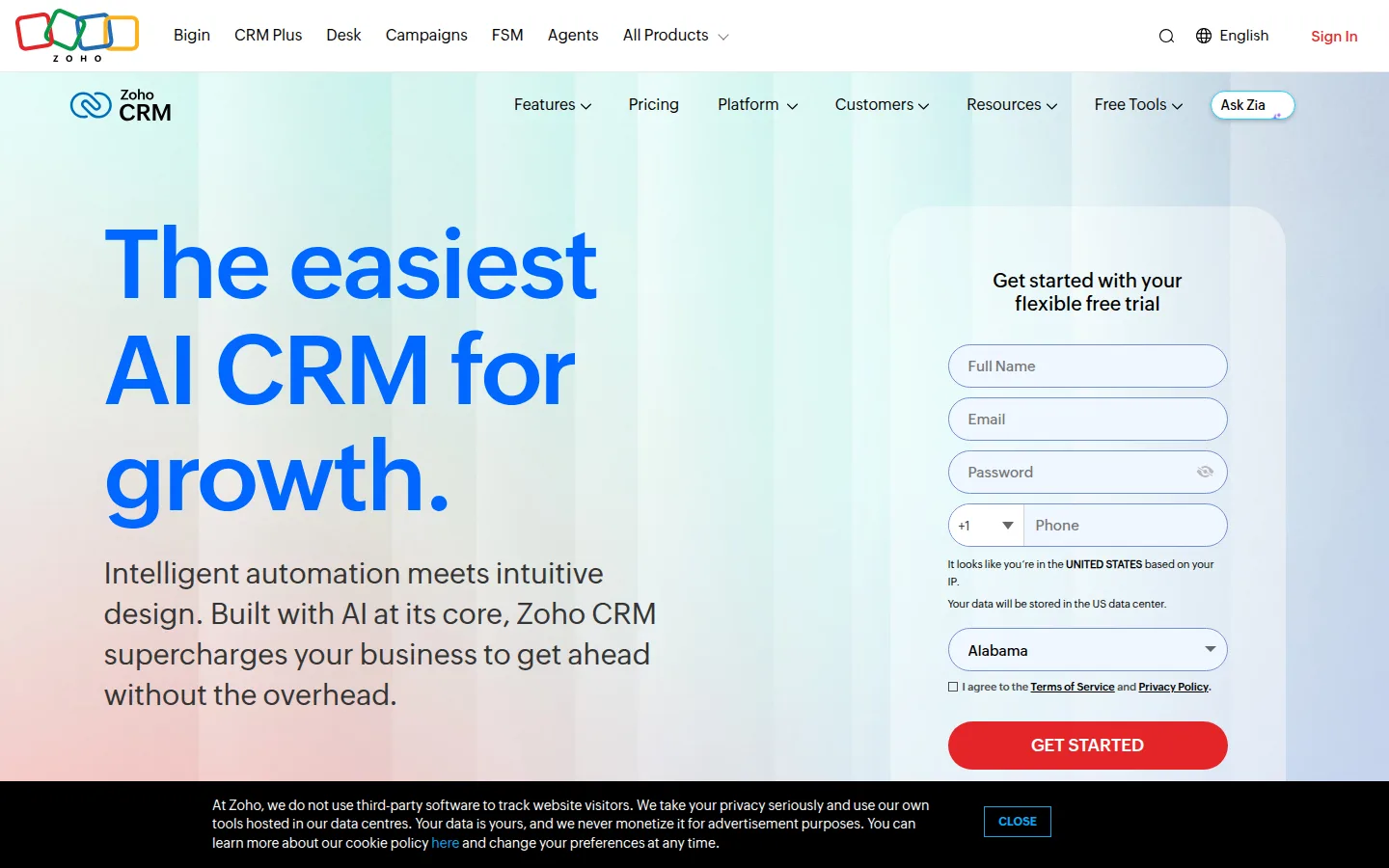
Zoho CRM's free edition is the fullest true CRM you can run at $0: 3 users, 5,000 records, a real pipeline, limited workflow automation, standard reports, and API access — with no vendor branding on your customer-facing communication and a gentle upgrade path when you outgrow it.
- Key features: leads/contacts/deals pipeline, workflow automation (limited on free), standard reports and dashboards, email templates, strong mobile apps, Zoho ecosystem hooks (Books, Campaigns, Desk).
- Pricing: free for 3 users. Standard is $14/user/month billed annually ($20 monthly); Professional $23 and Enterprise $40 follow (annual rates). Zoho localizes its pricing page by region, so confirm USD figures at checkout.
- Pros: the free tier is a complete working CRM, not a demo; cheap, predictable scaling; forever-free with no card required.
- Cons: 3 users and 5,000 records arrive fast for a growing team; free-plan data exports are limited (worth knowing before you commit); the UI is functional rather than delightful.
- Reviews: 4.3/5 on Capterra (6,980+ reviews) · 4.1/5 on G2 — as of July 2026.
2. Freshsales — friendliest free CRM, cheapest real upgrade
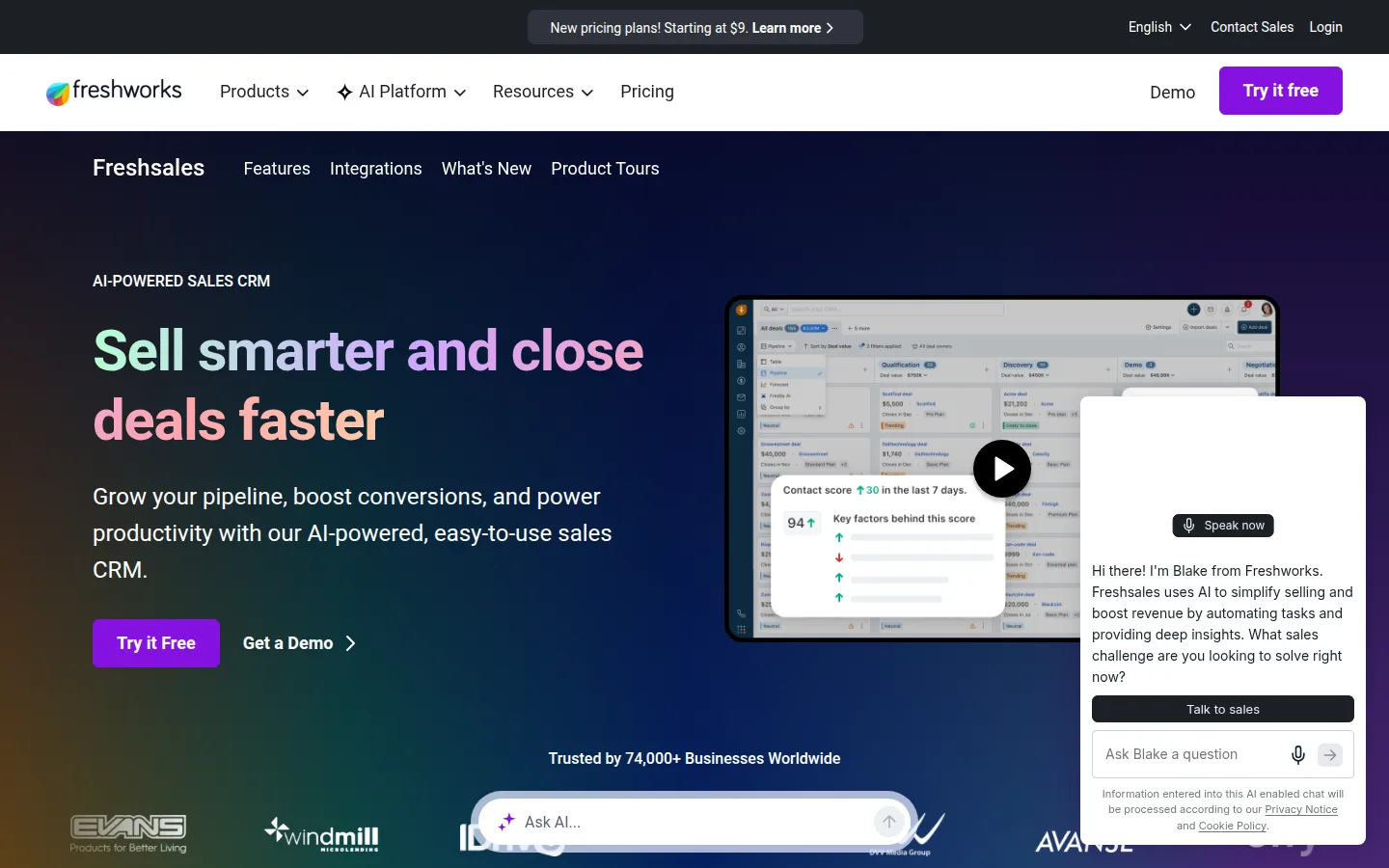
Freshsales (from Freshworks) pairs the most modern interface of the big free CRMs with an unusual perk: the free plan for 3 users has no contact cap, and includes a built-in phone dialer and live chat. The trade is that automation and custom reports wait for paid tiers.
- Key features: Kanban pipeline, contact lifecycle stages, built-in telephone (buy numbers, call from the CRM), live chat, email templates, Freddy AI scoring on paid tiers.
- Pricing: free for 3 users. Growth is $9/user/month billed annually ($11 monthly) — the cheapest first paid tier of any major CRM here; the jump to Pro ($39) is where advanced automation lives.
- Pros: no contact limit free; the gentlest paid entry price in the roundup; phone and chat included where rivals charge.
- Cons: no workflow automation or custom reports on free; a big functional gap between the $9 and $39 tiers; fewer integrations than HubSpot.
- Reviews: 4.5/5 on Capterra (620+ reviews) · 4.5/5 on G2 — as of July 2026.
3. HubSpot — broadest free toolkit, tightest new limits
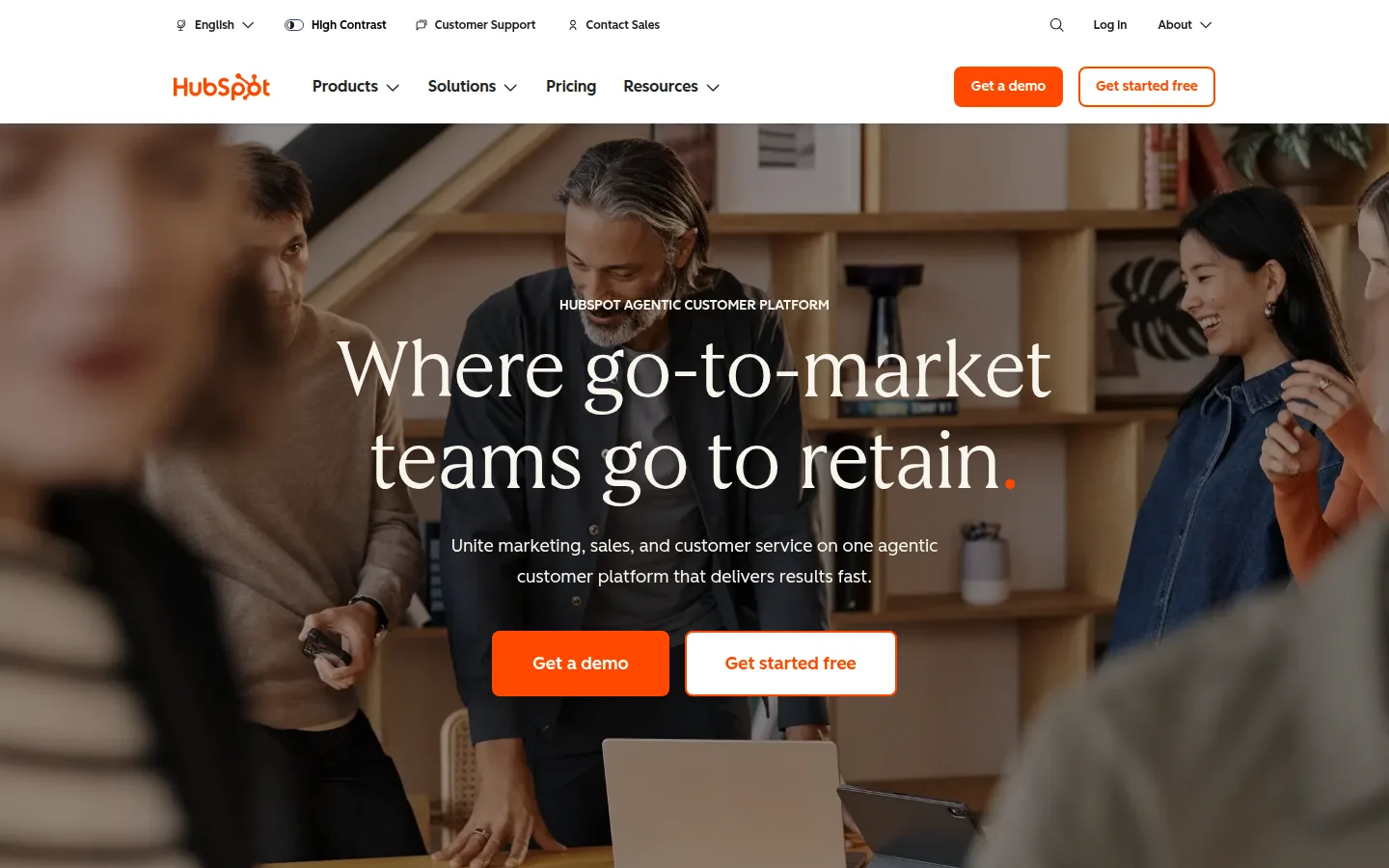
HubSpot's free tools remain the most polished bundle in the category — CRM plus email marketing, forms, live chat, and meeting links in one login. But the free tier's famous generosity has been trimmed: it's now 2 users and 1,000 contacts (a 2024 change most roundups still miss), one pipeline, and "Powered by HubSpot" branding on everything customer-facing.
- Key features: contact/company/deal database, 2,000 marketing emails/month, forms and landing pages, live chat and chatbot, meeting scheduling link, Gmail/Outlook sync, reporting dashboards.
- Pricing: free as above. Starter lists at $20/seat/month (heavily promo'd for new customers — the intro price you see steps up at renewal) and removes branding. The real cliff is later: Professional tiers run roughly $90+/seat/month, which is where growing teams feel it.
- Pros: easiest polished start for a non-technical owner; marketing, sales, and service tools in one place; a giant integration ecosystem.
- Cons: 2 users and 1,000 contacts are now among the tightest core caps here; HubSpot branding on free forms, chat, and emails; the post-Starter price jump is the steepest in this list.
- Reviews: 4.5/5 on Capterra (4,470+ reviews) · 4.4/5 on G2 — as of July 2026.
4. Vtiger — most free seats in a real CRM
Vtiger's One Pilot plan is forever-free for 10 users and 3,000 records — the most seats of any genuine CRM here — and unusually spans sales and support: pipeline, cases/help desk, and even 1,000 emails a month. The interface shows its age; the capacity doesn't.
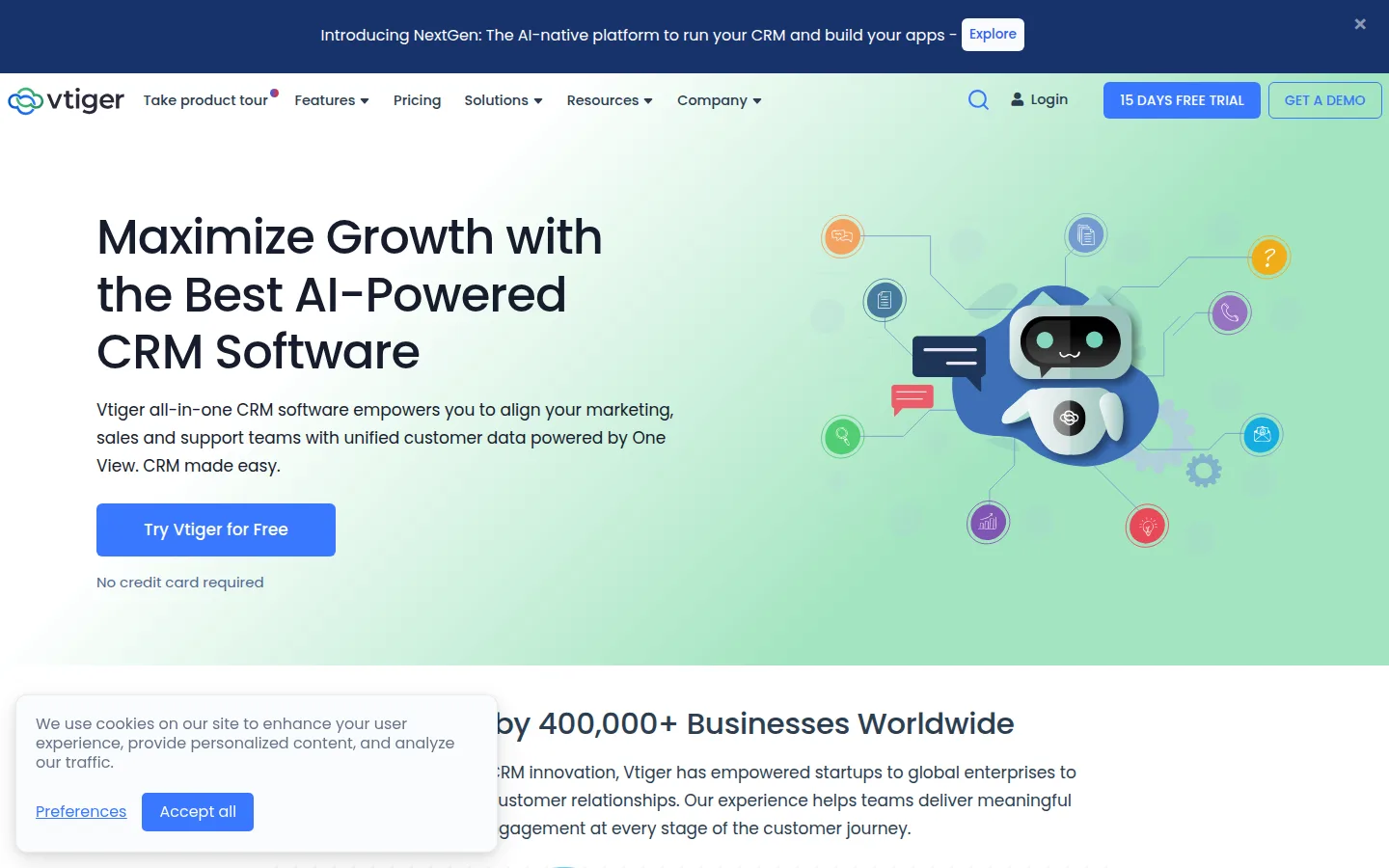
- Key features: deals pipeline, help desk cases on free, light email campaigns, "One View" unified customer record, tasks, 3 GB storage; a separate self-hosted open-source edition exists for technical readers.
- Pricing: free as above. One Growth is $12/user/month (annual billing saves up to 34%), lifting caps to 15 users and 100,000 records.
- Pros: 10 free seats; sales plus support in one free tool; modest upgrade pricing.
- Cons: 3,000 records total counts contacts, deals, and tickets — it fills faster than it sounds; dated UI; smaller integration marketplace.
- Reviews: 4.3/5 on Capterra (330+ reviews) · 4.3/5 on G2 — as of July 2026.
5. EngageBay — all-in-one free for 15 users
EngageBay bundles CRM, marketing automation, helpdesk, and live chat, and its free plan seats 15 users — the highest count in this roundup. The constraint is contacts: 250 free, and the first paid tier only doubles that, so it suits teams that are people-heavy and list-light.
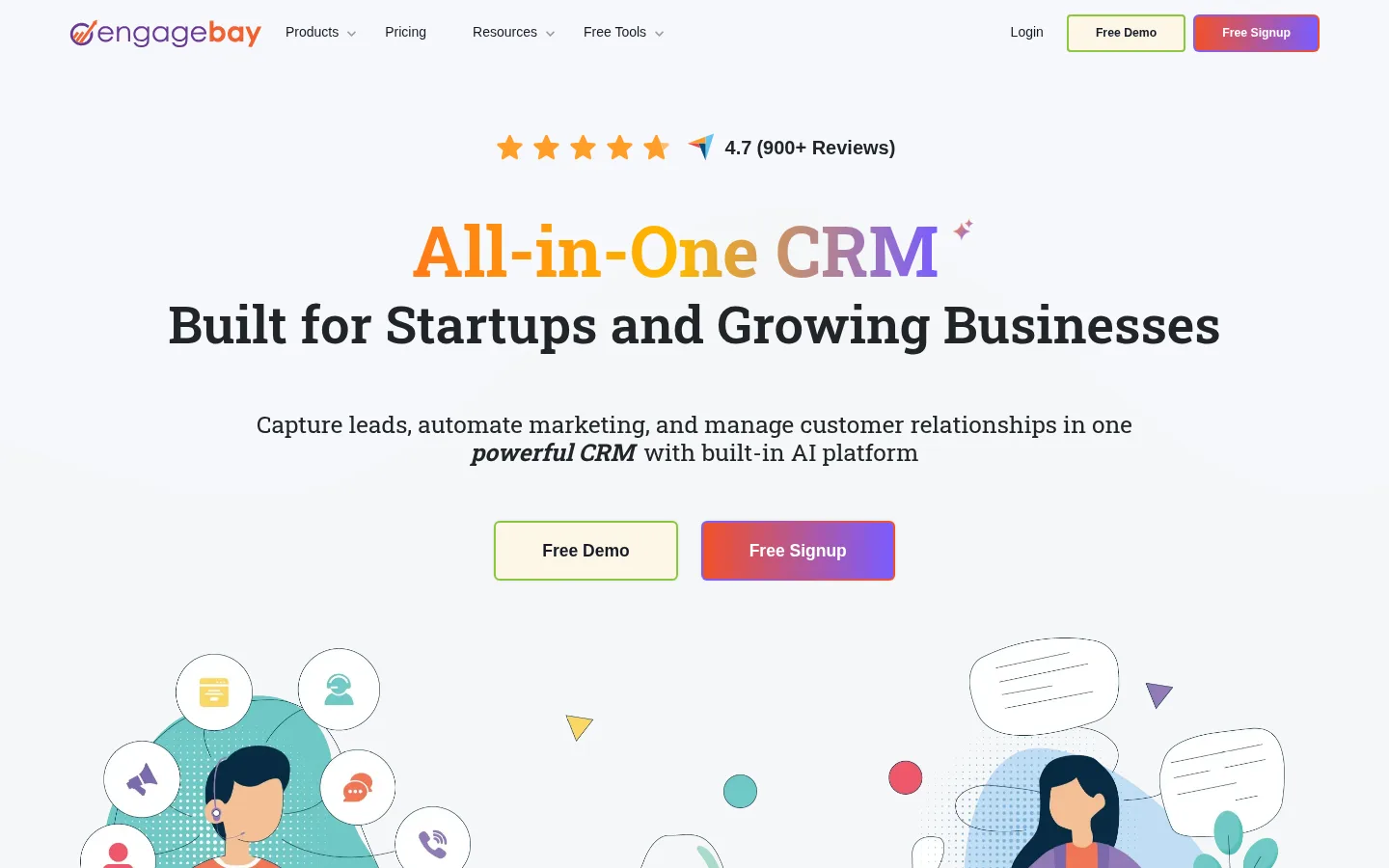
- Key features: email sequences and autoresponders on free, lead capture forms and popups, landing pages, helpdesk and live chat, appointment scheduling.
- Pricing: free as above (emails carry EngageBay branding). Basic is $14.99/user/month ($13.79 annual; 500 contacts); the real scaling tier, Growth, jumps to $64.99/user/month.
- Pros: an entire go-to-market stack free; unmatched free seat count; strong support reputation for its size.
- Cons: 250 contacts makes free a trial for anyone with an existing customer list; branded emails until you pay; contact-tier pricing climbs steeply past Basic.
- Reviews: 4.7/5 on Capterra (900+ reviews) — as of July 2026.
6. Bitrix24 — the biggest free toolset, with fine print
Bitrix24 crams a CRM with unlimited deals, project management, team chat, video calls, and even a website builder into one free account. Two pieces of fine print earn its mid-table rank: its famous unlimited-users free plan appears to be ending — the pricing page now says free is for 1–2 users while older help docs still say unlimited — and free accounts inactive for 50 consecutive days are deleted without restoration.
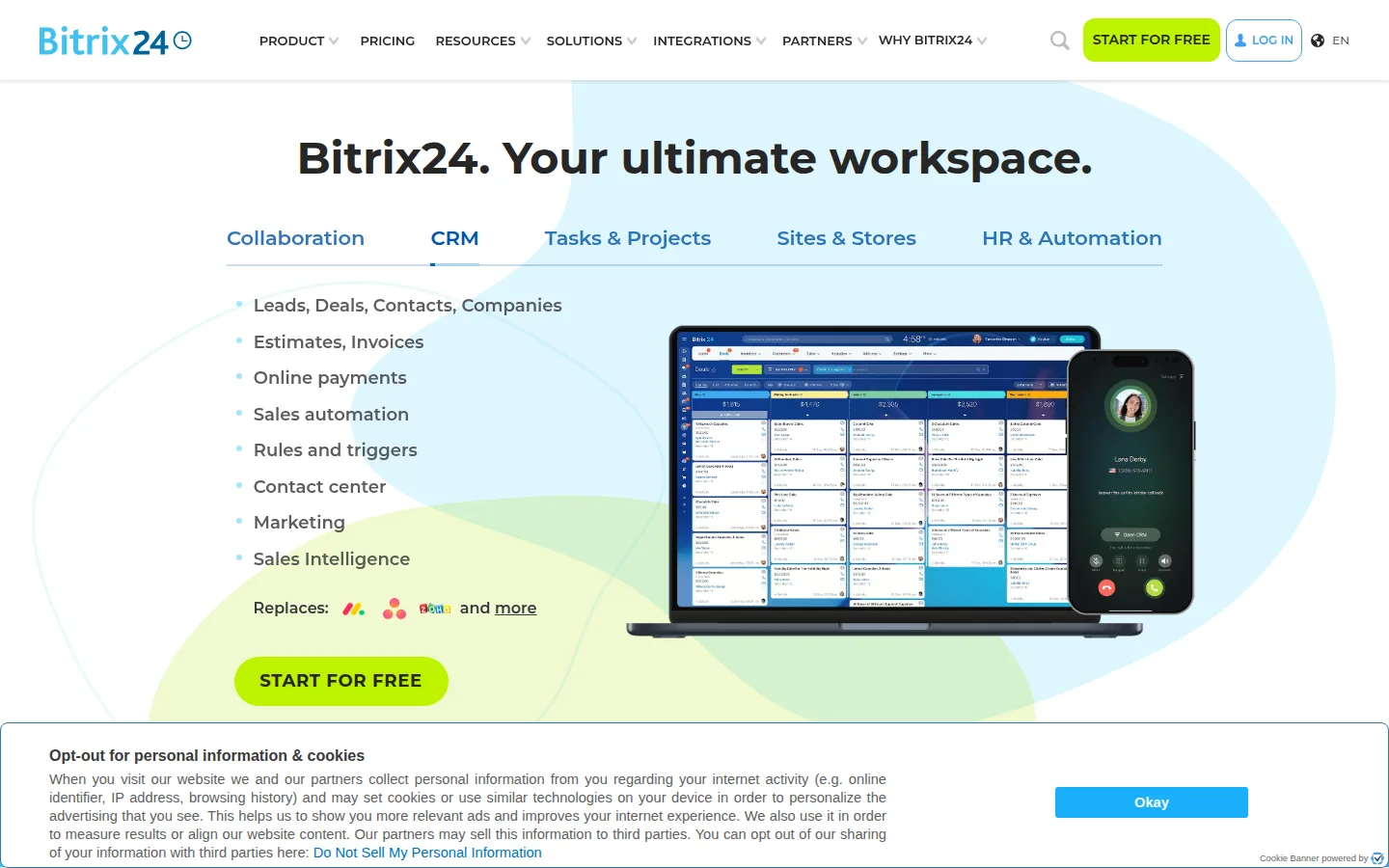
- Key features: CRM with unlimited deals and invoices, Kanban/Gantt projects, chat and video, website/landing builder with hosting, e-signatures, CoPilot AI assistant, 5 GB storage.
- Pricing: free as above. Basic is a flat $49/month billed annually ($69 monthly) *including 5 users* — effectively ~$10/user, exceptional for teams; Standard covers 50 users at $99/month.
- Pros: the widest free feature set anywhere; flat-rate paid plans are the best team value in this list; unlimited deals even on free.
- Cons: the free user allowance is in flux (verify before committing a team); the 50-day inactivity deletion is a genuine data-loss risk for a side business; it's the most complex tool here to learn.
- Reviews: 4.2/5 on Capterra (990+ reviews) · 4.1/5 on G2 — as of July 2026.
7. Attio — the modern pick, with sync and enrichment free
Attio is the CRM the startup crowd switched to, and its free plan is quietly excellent: 3 seats, 50,000 records, real-time Gmail/Calendar contact syncing, and automatic data enrichment — capabilities the incumbents gate behind paid tiers. The catch is the upgrade: paid starts at $29/user/month.
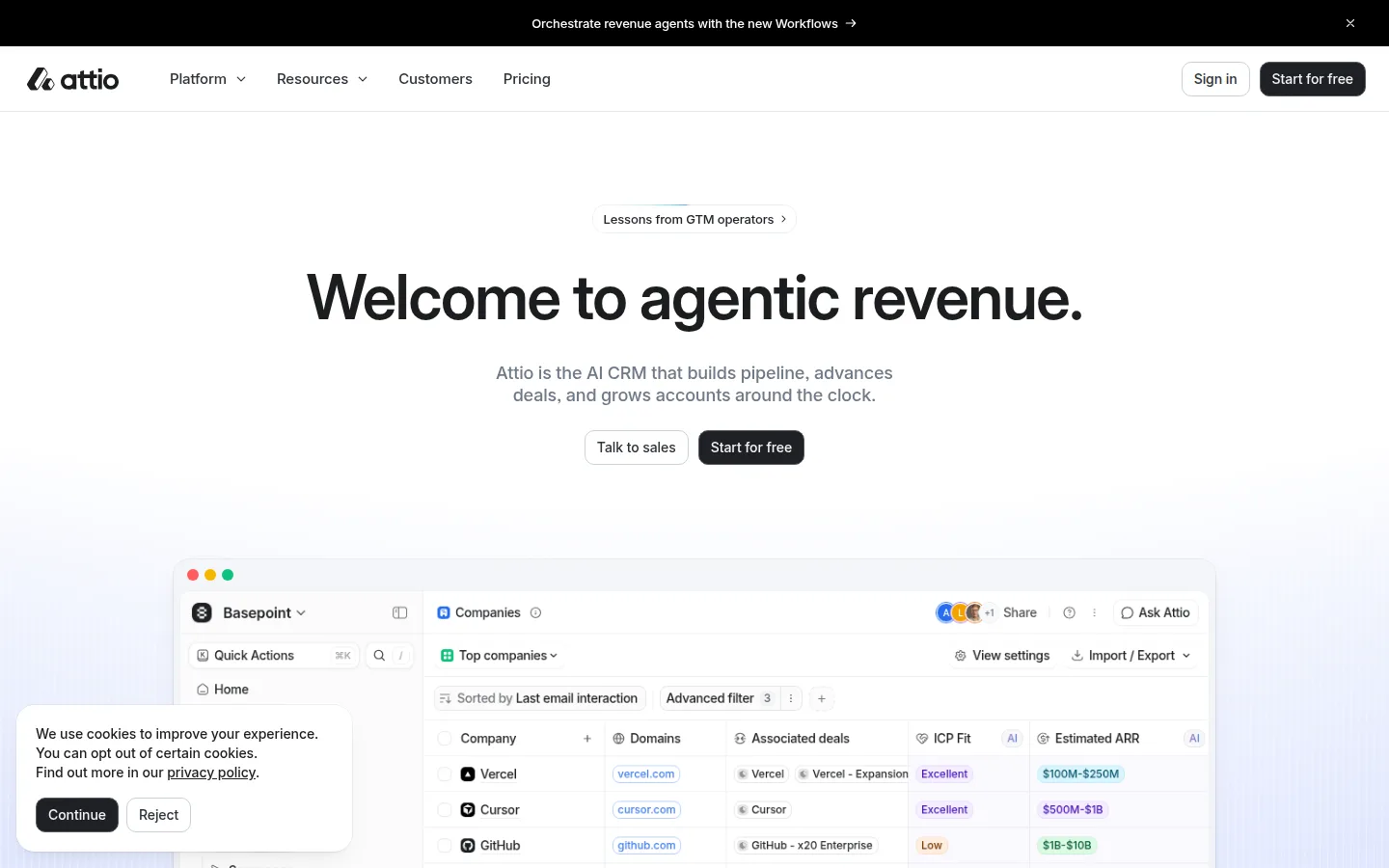
- Key features: auto-building CRM from your email and calendar, enrichment, flexible custom objects and list views, fast modern UI, collaborative notes.
- Pricing: free as above. Plus is $29/user/month billed annually ($36 monthly); Pro at $69 adds call intelligence and sequences.
- Pros: free email sync + enrichment is unique at this tier; a 50,000-record cap you won't hit; genuinely pleasant to use daily.
- Cons: the paid jump is 2–3× rivals' entry tiers; young product with thin review coverage on mainstream SMB sites; assumes a Google/Microsoft-centric, data-model-comfortable user.
- Reviews: ≈4.4–4.7/5 on G2 (200–300 reviews; counts vary by page) — as of July 2026. Its Capterra listing has too few reviews to cite meaningfully.
8. Capsule — the easiest real CRM to learn
Capsule is what "simple CRM" should mean: contacts with a clean timeline, one visual pipeline, tasks, and nothing you have to configure. The free plan (2 users, 250 contacts) is honestly more of an extended trial — but the product it trials is the gentlest on-ramp in this list.
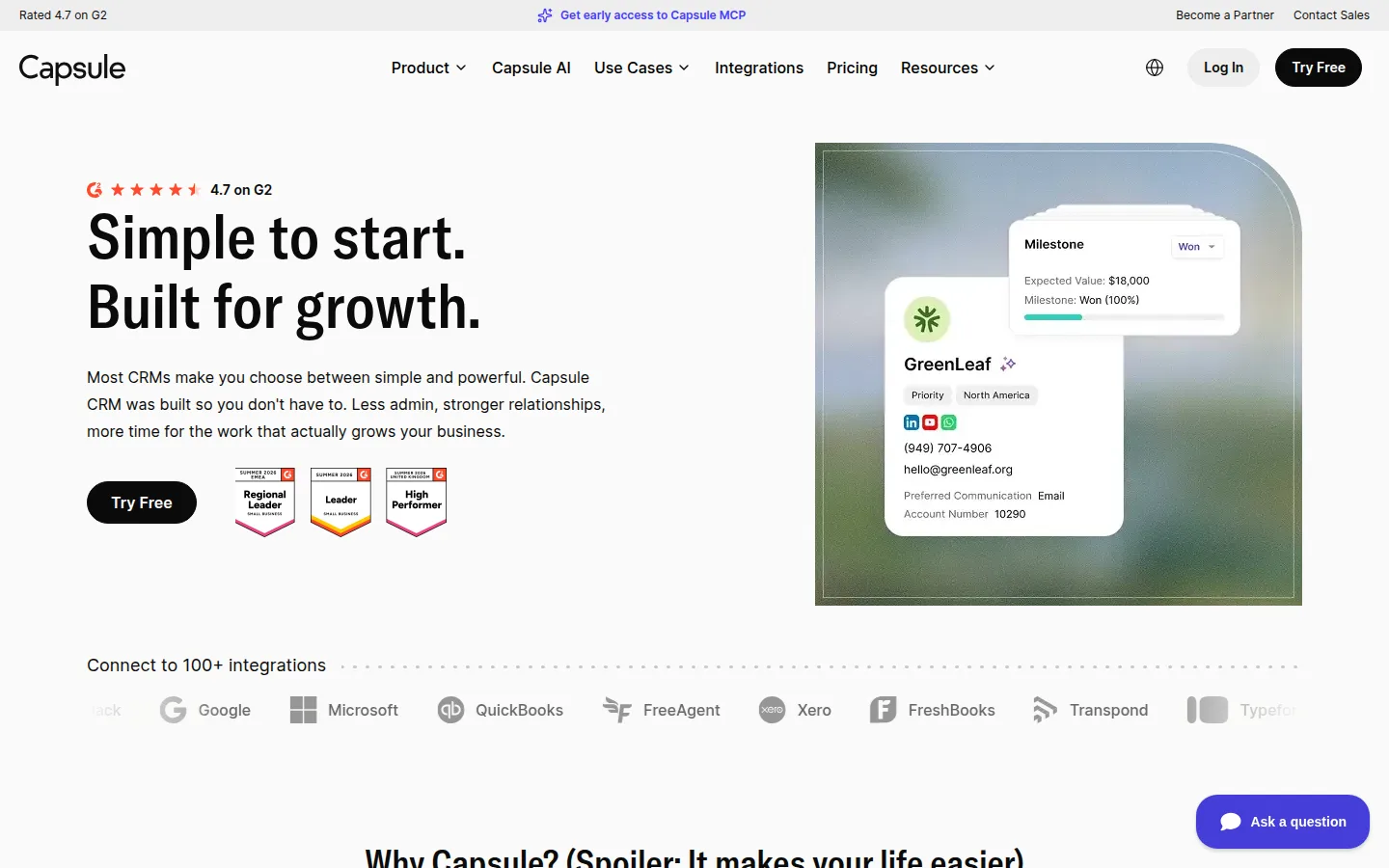
- Key features: contact timelines, visual pipeline, tasks and calendar, solid mobile apps, Xero/QuickBooks/Mailchimp integrations, email templates on paid tiers.
- Pricing: free as above. Starter is $18/user/month and lifts contacts from 250 to 30,000; Growth ($36) adds automation and multiple pipelines. Annual billing saves ~15%.
- Pros: repeatedly the easiest real CRM for non-technical owners; clean upgrade math; quality mobile experience.
- Cons: the free tier's 250 contacts and single pipeline run out quickly; no automation until the $36 tier; light reporting.
- Reviews: 4.5/5 on Capterra (165+ reviews) · 4.7/5 on G2 (470+ reviews) — as of July 2026.
9. Airtable — best DIY CRM if you love spreadsheets
Airtable isn't a CRM — it's a database that becomes your CRM, shaped exactly to your process. The free plan allows 5 editors and unlimited bases, but each base caps at 1,000 records (trimmed from 1,200 in February 2026), and there's no native email sync — you build and maintain the system yourself.
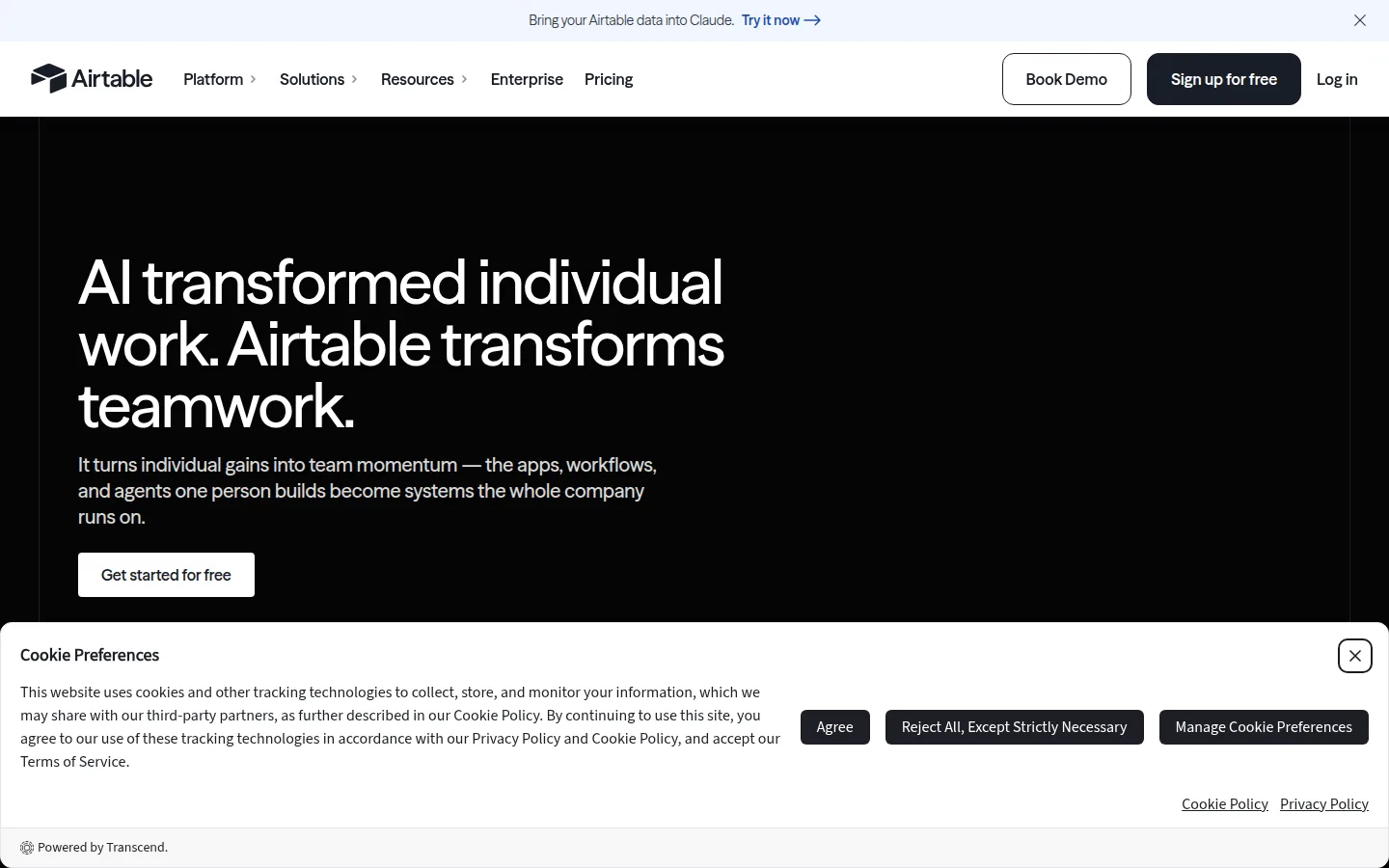
- Key features: linked records (contacts ↔ deals), Kanban/calendar/gallery views, form-based lead capture, automations (limited runs on free), CRM templates, interface designer.
- Pricing: free as above. Team is $20/seat/month billed annually ($24 monthly) for 50,000 records per base — and note billing counts every editor.
- Pros: total flexibility; 5 free editors beats most CRM seat counts; unlimited read-only viewers.
- Cons: no email logging, dedupe, or CRM guardrails unless you build them; the record cap was just cut, a sign free limits are tightening; easy to break your own system.
- Reviews: 4.6/5 on Capterra (2,230+ reviews) · 4.6/5 on G2 — as of July 2026.
10. Notion — fine solo CRM, poor free team CRM
Notion can host a perfectly good lightweight CRM — a database of contacts and deals living next to your notes and docs. Solo, the free plan is effectively unlimited. Add a second member, though, and the workspace drops to a 1,000-block trial (every page, row, and paragraph is a block), which makes free team CRM use impractical.
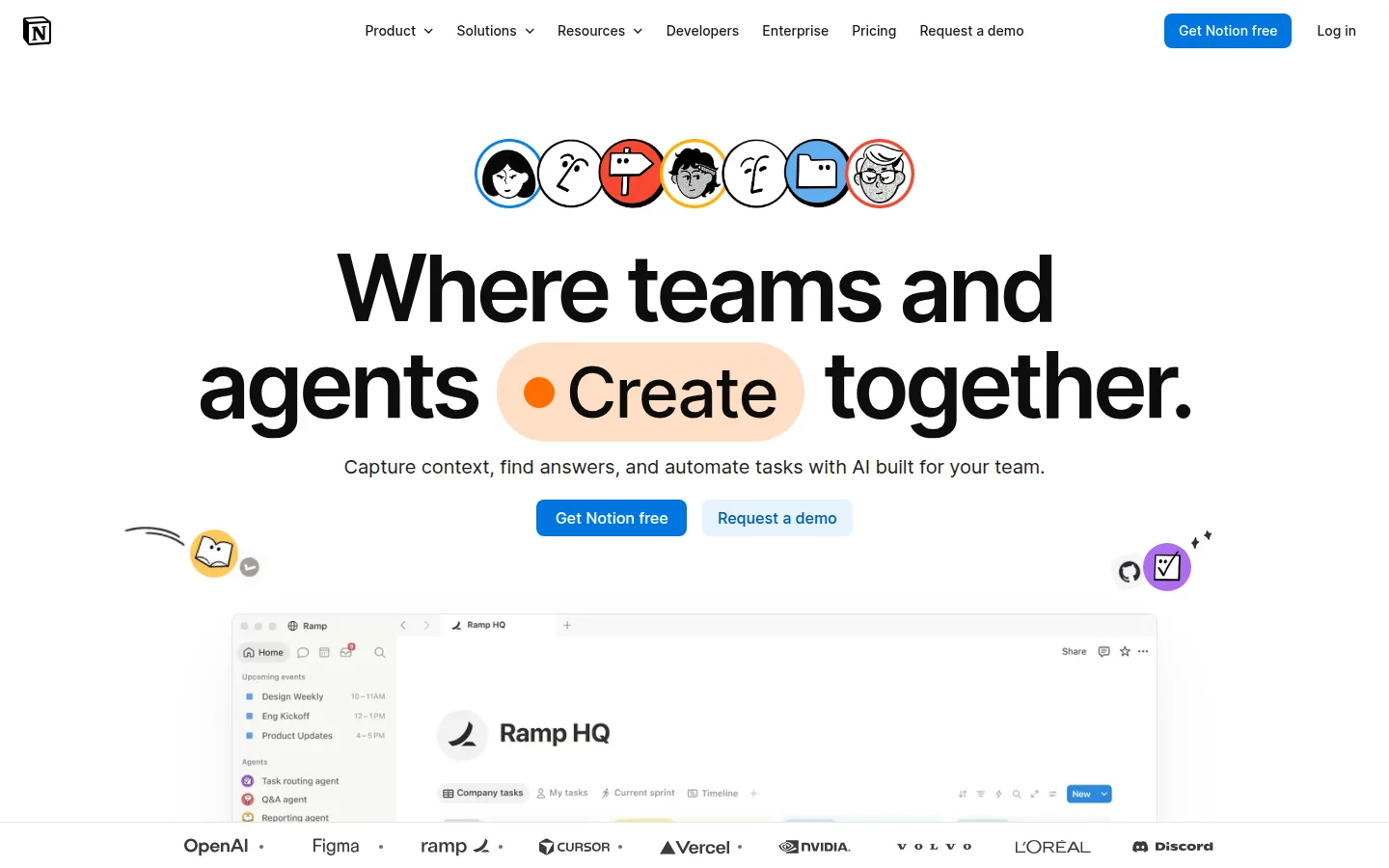
- Key features: databases with table/board/calendar views, CRM templates, notes and docs attached to each deal, linked databases, automations and charts on paid tiers.
- Pricing: free as above (plus 10 guests, 5 MB upload cap). Plus is $10/member/month billed annually ($12 monthly) — cheap once a team forms.
- Pros: genuinely unlimited free for a solo founder; one tool for CRM, wiki, and tasks; inexpensive paid tier.
- Cons: the 1,000-block cap on multi-member workspaces; no email integration at all — the biggest functional gap versus real CRMs; you maintain the structure yourself.
- Reviews: 4.7/5 on Capterra (2,770+ reviews) · 4.6/5 on G2 — as of July 2026.
11. Streak — heads-up: the free CRM plan is gone
Streak pioneered the CRM-inside-Gmail, and countless articles still call it a great free CRM. As of July 2026 that's outdated: Streak's free tier now includes only email power tools (tracking, snippets, 50 mail merges/day) — pipelines require a paid plan starting at $49/user/month. We keep it listed so Gmail-first readers aren't surprised.
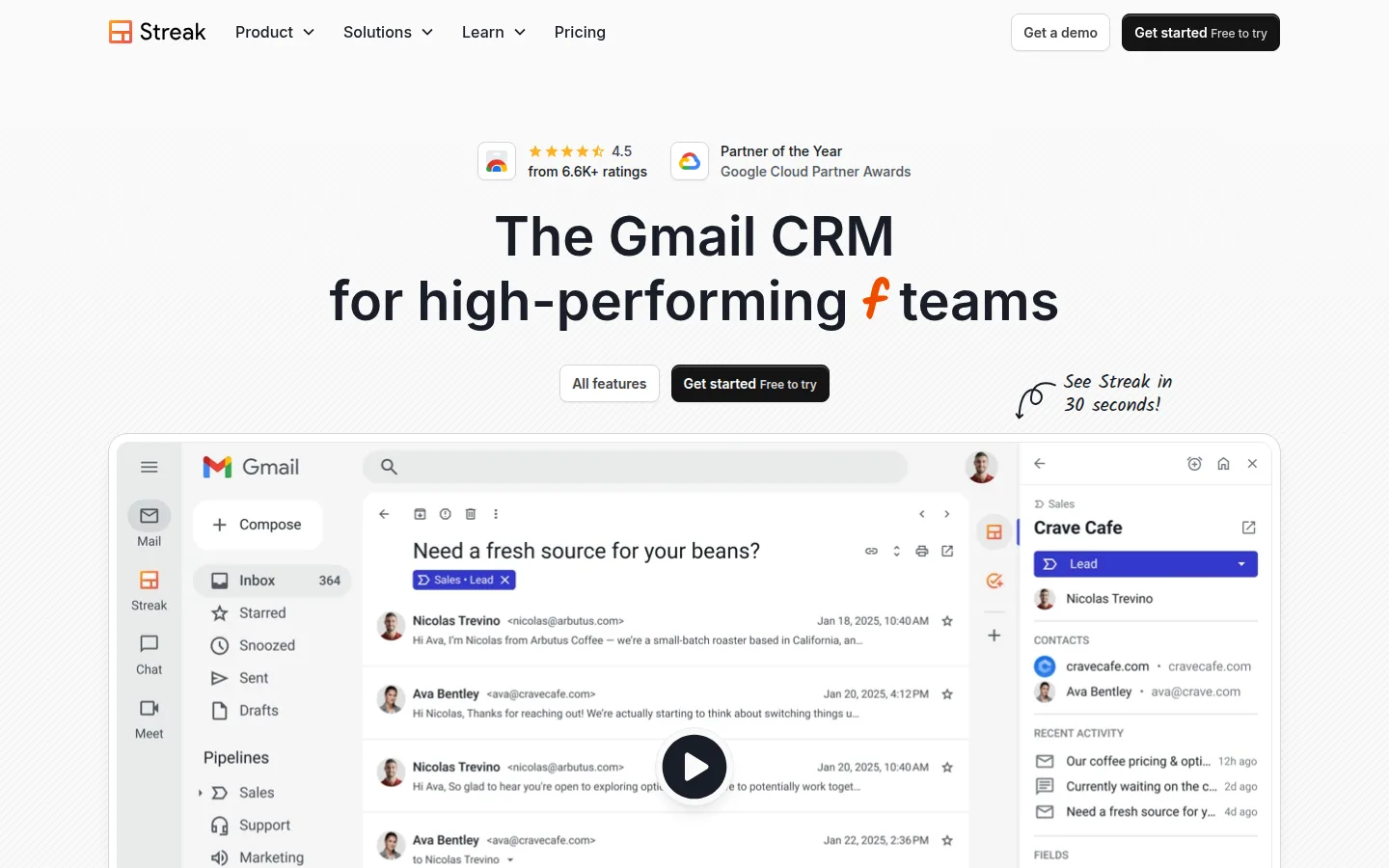
- Key features: pipelines as Gmail inbox views, email open/link tracking, mail merge from Gmail, auto-updating "magic columns," shared pipelines on paid tiers.
- Pricing: free email tools as above. Pro is $49/user/month billed annually ($59 monthly); Pro+ at $69 adds automations and reports. The whole team must be on the same plan.
- Pros: zero-friction for a Gmail-first solo operator; the free email tools are genuinely useful on their own; nothing else to log into.
- Cons: no free CRM anymore; the harshest paid entry price in this roundup; Gmail-only by design.
- Reviews: 4.5/5 on Capterra (475+ reviews) · 4.5/5 on G2 — as of July 2026.
12. Less Annoying CRM — the honest paid pick
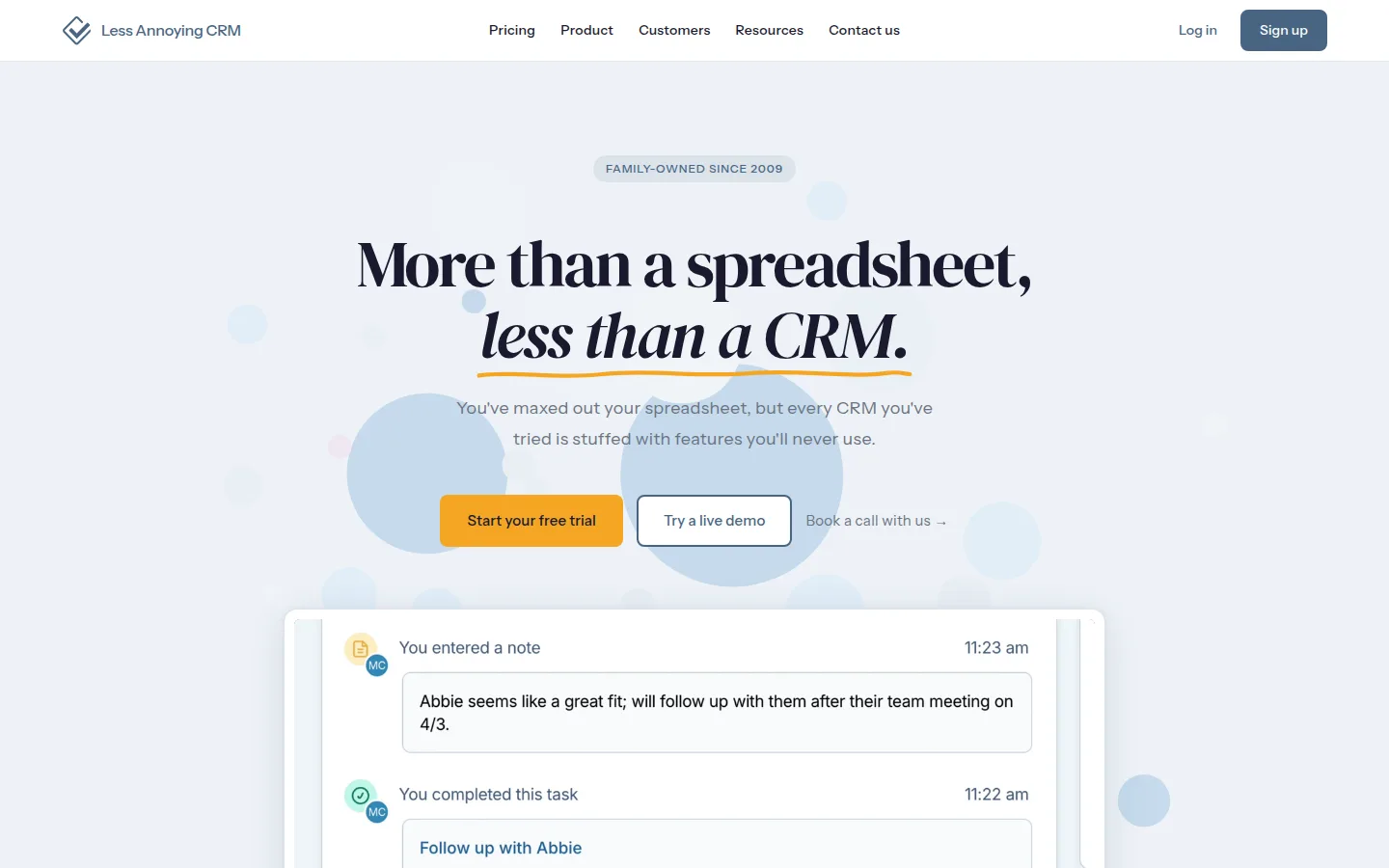
Less Annoying CRM has no free plan, and we include it anyway because it's the cleanest answer to upgrade shock: $15/user/month, one plan, everything included — unlimited contacts, unlimited pipelines, phone support from humans — with a 30-day trial and no card required. It is also, not coincidentally, the highest-rated product in this entire roundup.
- Key features: contact and company records with full history, unlimited custom pipelines, calendar and tasks with a daily agenda email, email logging via BCC, simple permissions, free phone/email support.
- Pricing: $15/user/month flat, month-to-month; 30-day free trial.
- Pros: zero upgrade shock, ever; built and priced specifically for 1–10 person businesses; extraordinary ratings (4.9/5 on G2 across 650+ reviews).
- Cons: not free; deliberately basic — no marketing automation suite; email logging is BCC-based rather than full two-way sync.
- Reviews: 4.8/5 on Capterra (650+ reviews) · 4.9/5 on G2 (650+ reviews) — as of July 2026.
Which should you choose?
- The leverage answer — you'd rather pay a fair price than manage caps: Less Annoying CRM at $15/user/month, everything included, no tier game ever.
- You want the fullest free CRM and a cheap future: Zoho CRM free, upgrading at $14.
- You want the friendliest modern tool and might pay $9 later: Freshsales.
- You want marketing tools (emails, forms, chat) in the same free login: HubSpot — accepting the 2-user/1,000-contact caps — or EngageBay for more seats.
- You have 5–10 people and no budget: Vtiger (10 real CRM seats) or Bitrix24 (if the current free user cap fits and you'll log in more than every 50 days).
- You're a startup-ish team living in Gmail: Attio free; Streak only if you'll pay $49.
- You'd rather build it yourself: Airtable (team) or Notion (solo).
Know what a customer costs you
A CRM tells you who your customers are; it doesn't tell you whether you can afford to win more of them. Our free CAC Calculator turns your marketing spend and new-customer count into a cost-per-customer you can sanity-check against margins. When you're writing the follow-ups your new CRM reminds you about, the AI Email Writer drafts them and the Email Subject Line Generator gets them opened — and if you're picking an email platform to pair with your CRM, our free email marketing tools guide ranks those the same way.
FAQs
What is the best free CRM for a small business?+
Zoho CRM's free edition is the most complete: 3 users, 5,000 records, pipeline, workflows, and reports with no branding. Freshsales is close behind with no contact cap and a friendlier interface. HubSpot remains the most polished bundle but now caps free at 2 users and 1,000 contacts — smaller than its reputation suggests.
Is HubSpot's free CRM still unlimited?+
No. For accounts created since late 2024, HubSpot's free tools cap at 2 users and 1,000 contacts, with one pipeline and HubSpot branding on customer-facing assets. It's still an excellent free start for a solo owner or duo — just not the "unlimited free CRM" older articles describe.
When does a small business actually need a CRM instead of a spreadsheet?+
When follow-up starts slipping: more than a handful of open conversations, more than one person touching customers, or leads arriving faster than you reply. A spreadsheet stores contacts; a CRM sequences the work — reminders, pipelines, and email history in one place. The free tiers above make the switch cost nothing but an afternoon.
Can I get my data out later?+
Mostly yes — HubSpot exports records to CSV on every plan including free, and Airtable downloads any view as CSV. Check limits before committing: Zoho's free edition caps exports, and Bitrix24 deletes free accounts left inactive for 50 consecutive days — the sharpest data-loss rule we found.
What does a paid CRM cost a small team?+
Entry tiers cluster between $9 and $29 per user per month (Freshsales $9, Vtiger $12, Zoho $14, Less Annoying $15, Capsule $18, HubSpot Starter $20 list, Attio $29, all as of July 2026), with Bitrix24 flat at $49/month for five users. A five-person team should budget roughly $45–$100/month — and watch the second jump: HubSpot Professional and similar mid-tiers run several times the entry price.
Are free CRMs safe for customer data?+
The mainstream vendors here run standard cloud security, but free tiers can carry operational risks: idle-account deletion (Bitrix24), export limits (Zoho free), and vendor branding that exposes which tool you use. Read the free-plan terms, export a backup monthly, and you'll be fine.
Final take
The free CRM landscape rewards reading the fine print in 2026: the famous names tightened (HubSpot, Bitrix24, Streak) while the workmanlike ones — Zoho, Freshsales, Vtiger — quietly offer more real capacity for nothing. But the sharper lesson of the year's cuts is that free tiers move under your feet and paid terms don't: if the CRM is holding real revenue, pay Less Annoying CRM $15 and be done, or graduate into Freshsales at $9 or Zoho at $14 the month the caps first pinch. Then let the tool do its one crucial job: make sure nobody who wanted to pay you gets forgotten.
Free tools to try
Keep reading
Guide
Best Free Email Marketing Tools for Small Business (2026)
13 free email marketing tools ranked by what you really get free after 2026's big plan cuts — PosterMyWall, Kit, Sender, Brevo and more, with real limits.
Guide
Best Appointment Scheduling Software (2026)
12 booking tools ranked for owner-operators — Acuity, Square, Calendly, Vagaro and more, with real costs, SMS reminder pricing, and HIPAA notes.
Guide
Free Small Business Tools (No Signup): The Complete List
A directory of free small business tools — pricing calculators, invoicing, marketing, SEO, and writing. No signup, no paywall, and they explain the math.
Guide
How to Calculate Customer Acquisition Cost (CAC)
Calculate customer acquisition cost: what counts as spend, matching the period, per-channel CAC, and the LTV:CAC and payback checks that make it useful.