Social Media Management
PostBox
PostBox is a Mac-only app that turns the MacBook notch into a drag-and-drop poster. You drag an export into the notch, write one caption, pick destinations, and it posts—shaped for each network—without opening nine browser tabs. On Product Hunt it earned #7 launch-day community interest on 2026-09-05 with 116 points and 12 comments—launch-day interest, not a review.
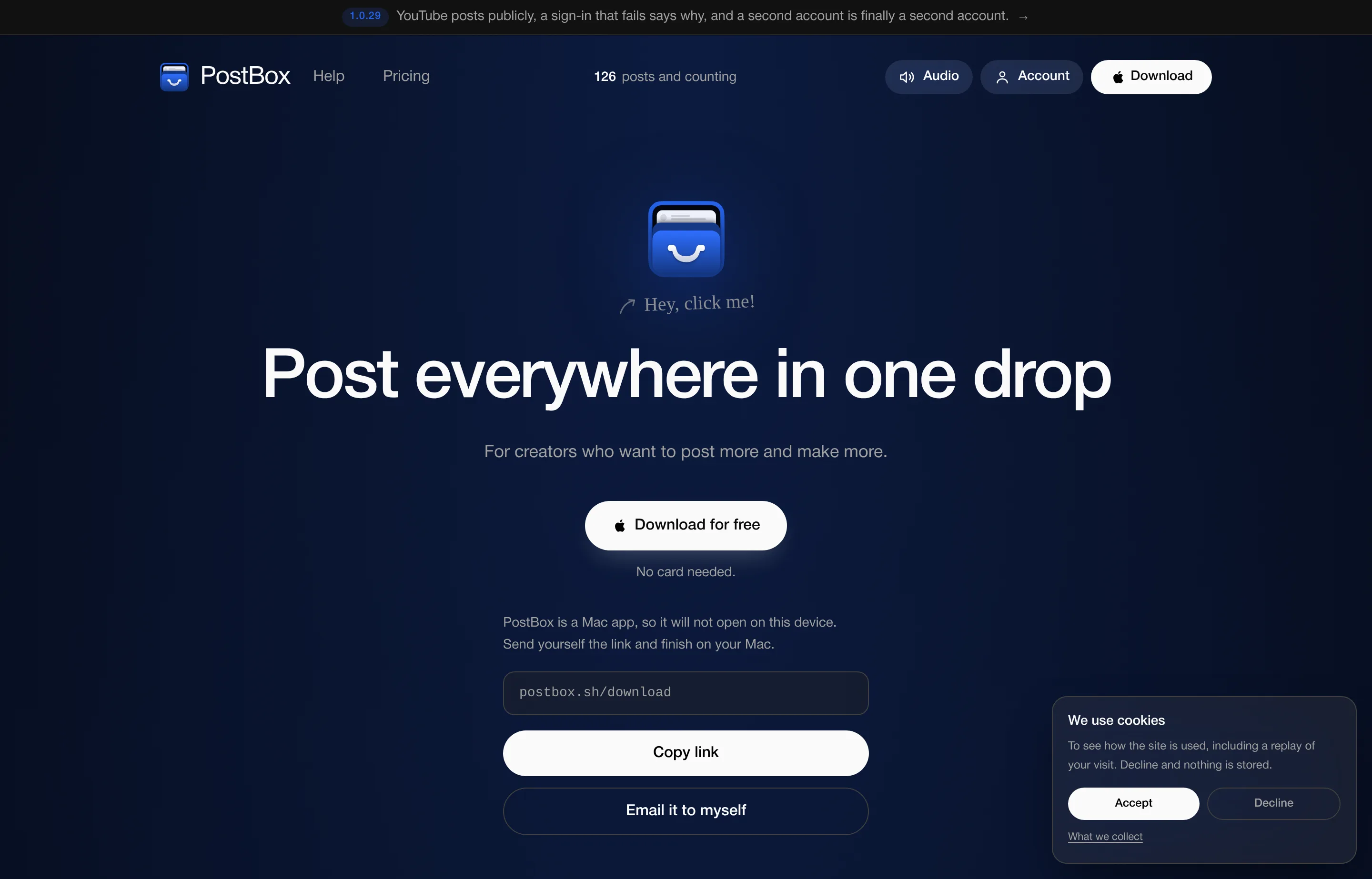
Honest platform note: PostBox runs as a macOS app (schema lists macOS 15 or later). It will not run on Windows, Linux, or the web. Sessions stay on your Mac; you sign in on each platform’s own page, and tokens PostBox keeps are revocable.
As of the September 2026 homepage, live destinations include YouTube, Bluesky, Dribbble, LinkedIn, X, and TikTok. Threads, Instagram, and Pinterest are marked coming soon. Free covers unlimited posting on every live platform except X (X is Pro-only because X charges for API posts). That makes PostBox closer to a fast local publisher than a full Buffer/Hootsuite team suite.
If you already export frames from Figma or finished clips from Final Cut, PostBox is meant to erase the “nine tabs of re-cropping” hour that comes after creative work. Caption once, let the app pad to a shape that survives every selected destination, and post. Failed destinations keep the draft instead of silently dropping a channel—useful when LinkedIn tokens expire or a design network rate-limits. Version 1.0.29 (banner on the site) called out public YouTube posts and clearer multi-account behavior, which signals an active solo-maintained product rather than a frozen launch page.
- Website
- postbox.sh
- Category
- Social Media Management
- Pricing
- Free plan + paid tiers
- Starts at
- Free plan; Pro $14.99/month
- Best for
- Mac creators who finish assets locally and want fast multi-network posting.
- Profile updated
- September 15, 2026
Independent profile — no affiliate links or sponsored placement.
Key features
- Notch drag-and-drop: Drop a finished file into the MacBook notch UI, caption once, post to multiple networks in one action.
- Per-destination shaping: PostBox pads/crops so the same asset survives each selected platform’s aspect needs—no separate export per network.
- Multi-account per platform: Free includes 2 accounts per platform; Pro removes the cap so one drop can hit several brand accounts.
- Immediate post by default: Press Post and it goes live—no required “best time” queue. Scheduling is a Pro feature.
- Failure-safe drafts: If a platform fails, the draft is kept and you see which destination failed and why.
- Local-first account handling: Sign-in happens on the platform’s own page; credentials are not meant to live as a shared cloud team inbox like classic social suites.
Pricing
Read from postbox.sh (FAQ + schema.org SoftwareApplication offers) in September 2026 (verify current):
There is no separate /pricing page.
| Plan | Price | Includes |
|---|---|---|
| PostBox (Free) | $0 | Unlimited posting; every live platform except X; 2 accounts per platform; every Mac you own; no card required |
| PostBox Pro | $14.99/mo | X posting, unlimited accounts per platform, scheduling |
X sits behind Pro because it is the only destination that bills PostBox per API post; other networks stay free to publish on Free.
Pros and cons
Pros
- Fastest path from finished file → multi-network post if you already work on a Mac
- Generous free tier (unlimited posts on non-X networks)
- Local session model appeals if you dislike handing accounts to a cloud scheduler
- Clear pricing: one Pro price for X + unlimited accounts + scheduling
Cons
- Mac-only—non-starters for Windows/Linux teams
- Instagram / Threads / Pinterest still “soon,” so creator stacks centered on IG are incomplete
- Not a team calendar, inbox, or analytics suite like Buffer or Hootsuite
- Free users who need X must upgrade
Who should use PostBox?
Use PostBox if you design or create on a Mac, finish assets locally, and want them on YouTube, Bluesky, Dribbble, LinkedIn, TikTok (and X on Pro) without browser tab hell. Skip it if your team needs Windows support, deep Instagram scheduling today, approval workflows, or agency-level reporting—stick with Buffer/Hootsuite (or wait for Instagram to land).
FAQs
Is PostBox only for Mac?+
Yes. It is a macOS download (macOS 15+ per site schema). Send yourself the download link and finish setup on a Mac.
What does the free plan include?+
Unlimited posting to live platforms except X, two accounts per platform, and use on every Mac you own. No credit card required.
Why is X paid?+
X charges for API posts. PostBox keeps other networks free and puts the API cost behind Pro ($14.99/mo) instead of paywalling the whole app.
Is it a scheduler?+
Not by default—posts go out when you hit Post. Pro adds scheduling if you want a queue.
Similar tools in the directory
Social Media Management
Buffer
Solopreneurs and small teams that want simple scheduling with pricing that scales per channel, not per seat.
Social Media Management
Hootsuite
Businesses with a real social budget managing many accounts — listening, inbox, and reporting in one dashboard.
Social Media Management
VIDEO AI ME
Ecommerce and agency teams already buying paid social who want AI video creation and multi-platform scheduling on one bill.
Free tools to try
Keep reading
Guide
14 Best Social Media Scheduling Tools for Small Business (2026)
14 social media schedulers ranked for small businesses — real 2026 pricing, free-plan caps, and X support for PosterMyWall, Buffer, Statusbrew, Metricool and more.
Guide
What Outbid.lol Teaches Small Businesses About Viral Growth
Outbid.lol's reported $178k-in-77-hours launch shows small businesses how to create viral opportunities without mistaking one spike for a strategy.
Guide
Free Small Business Tools (No Signup): The Complete List
A directory of free small business tools — pricing calculators, invoicing, marketing, SEO, and writing. No signup, no paywall, and they explain the math.