Social Media Management
Buffer
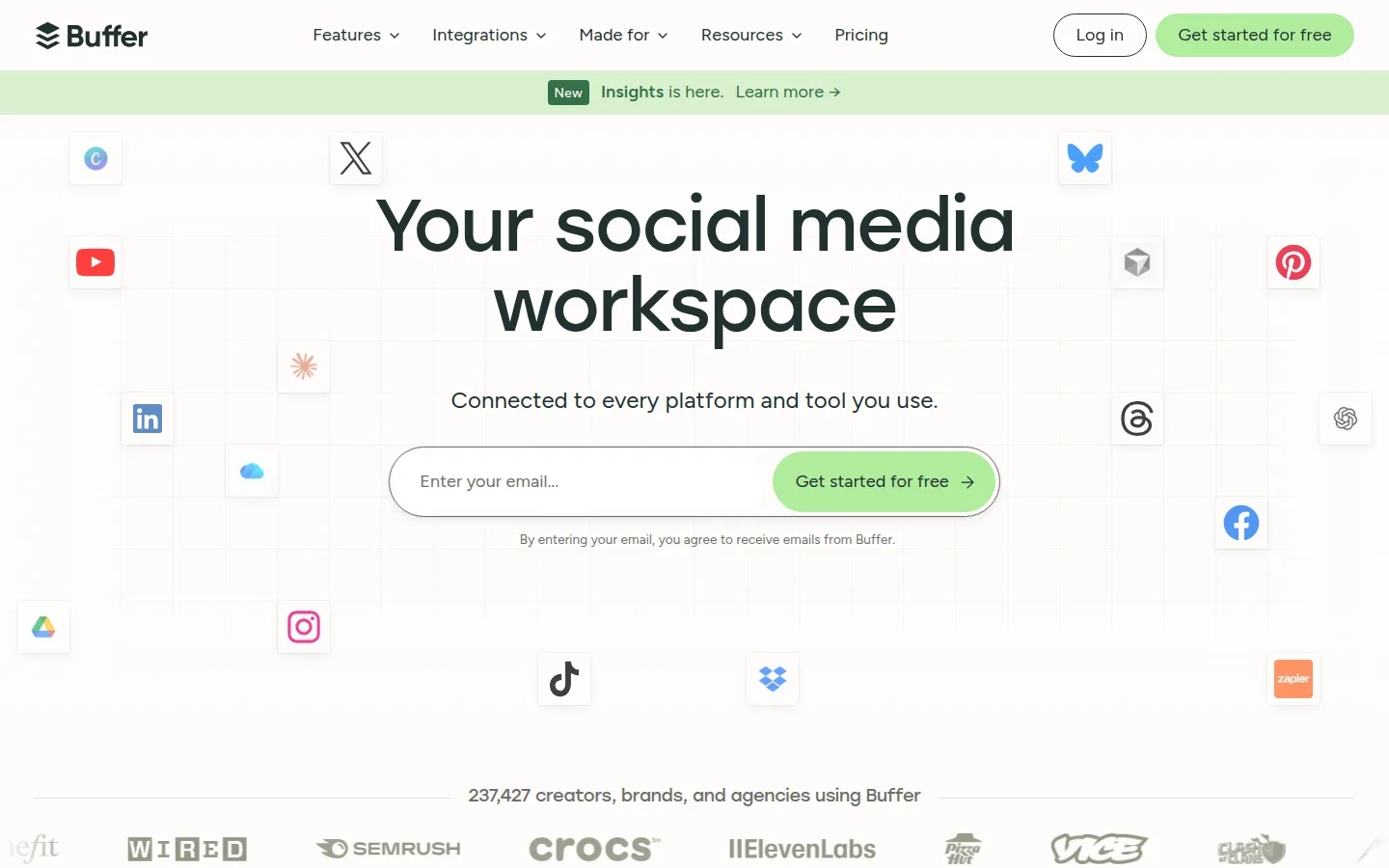
Buffer is the scheduler most small businesses actually stick with: pick your channels, queue your posts, glance at analytics. It covers 11 networks — Instagram, Facebook, TikTok, LinkedIn, X, YouTube, Threads, Pinterest, Google Business Profile, Bluesky, and Mastodon — and it's one of the few tools in the category whose free plan still does a real job.
Pricing is per channel, not per user, which is the quiet reason it fits small teams: adding a teammate costs nothing on the Team plan; adding another Instagram account costs $5–$10 a month.
- Website
- buffer.com
- Category
- Social Media Management
- Pricing
- Free plan + paid tiers
- Starts at
- Free plan; paid from $5/channel/month (annual)
- Best for
- Solopreneurs and small teams that want simple scheduling with pricing that scales per channel, not per seat.
- Profile updated
- July 16, 2026
Independent profile — no affiliate links or sponsored placement.
Key features
- Scheduling and publishing across 11 channels, including Threads, Bluesky, and Mastodon
- AI Assistant for drafting and repurposing posts — included on the free plan
- Ideas space, template library, and RSS feeds for content curation
- "Community" unified comments inbox across major networks (launched 2025)
- Analytics: basics on free; advanced reports and branded exports on paid
- Team plan: unlimited users, approval flows, custom permissions
Pricing
Read from Buffer's pricing page in July 2026 (verify current):
- Free — up to 3 channels, 10 scheduled posts per channel (refillable), 1 user, AI Assistant included
- Essentials — $60/year per channel ($5/channel/month annual; ~$6 monthly billing) — unlimited posts and advanced analytics
- Team — $120/year per channel ($10/channel/month annual; ~$12 monthly) — unlimited users, approvals, branded reports
Channels above 10 get volume discounts. Annual billing works out to roughly two months free. A late-2025 restructure folded the old Agency tier into Team.
Pros and cons
Pros
- The best genuinely-free plan in mainstream social scheduling
- Per-channel pricing: unlimited teammates on Team, no per-seat tax
- Early support for newer networks (Bluesky, Threads, Mastodon)
Cons
- 10-posts-per-channel queue cap on free means weekly refilling for active accounts
- No social listening or brand monitoring at any tier
- The inbox ("Community") is newer and thinner than Hootsuite's
Who should use Buffer?
Buffer is the default answer for a solopreneur or small team that wants posts to go out on time without a marketing-ops project. Start free on your three core channels; graduate to Essentials when the queue cap chafes. Choose something heavier only when you need listening, deep inbox workflows, or client management.
Rating, for context: 4.5/5 on Capterra (1,400+ reviews) — as of July 2026.
FAQs
Is Buffer still free?+
Yes — 3 channels, 10 queued posts per channel, one user, with the AI Assistant included. The cap is on queued posts at a time, not monthly volume: you can refill whenever.
How much does Buffer cost per month?+
Essentials is $5 per channel per month billed annually ($6 monthly); Team is $10 per channel annually ($12 monthly) with unlimited users. Five channels on Essentials ≈ $25/month.
Buffer or Hootsuite?+
Buffer for scheduling-first simplicity and price; Hootsuite for unified inbox, listening, and multi-team workflows at 10–20× the cost. Most businesses under ~10 accounts are better served by Buffer.
Similar tools in the directory
Social Media Management
PostSider
Creators and small agencies that want a social calendar their own automations or AI agents can also use.
Social Media Management
Hootsuite
Businesses with a real social budget managing many accounts — listening, inbox, and reporting in one dashboard.
Social Media Management
VIDEO AI ME
Ecommerce and agency teams already buying paid social who want AI video creation and multi-platform scheduling on one bill.
Free tools to try
Keep reading
Guide
The Small Business AI Stack: Tools for Every Job in 2026
A practical AI stack for small businesses — the tools that actually save time on marketing, content, SEO, and admin, organized by the job they do. Free where it counts.
Guide
Free Small Business Tools (No Signup): The Complete List
A directory of free small business tools — pricing calculators, invoicing, marketing, SEO, and writing. No signup, no paywall, and they explain the math.