AI Notetakers
Klang
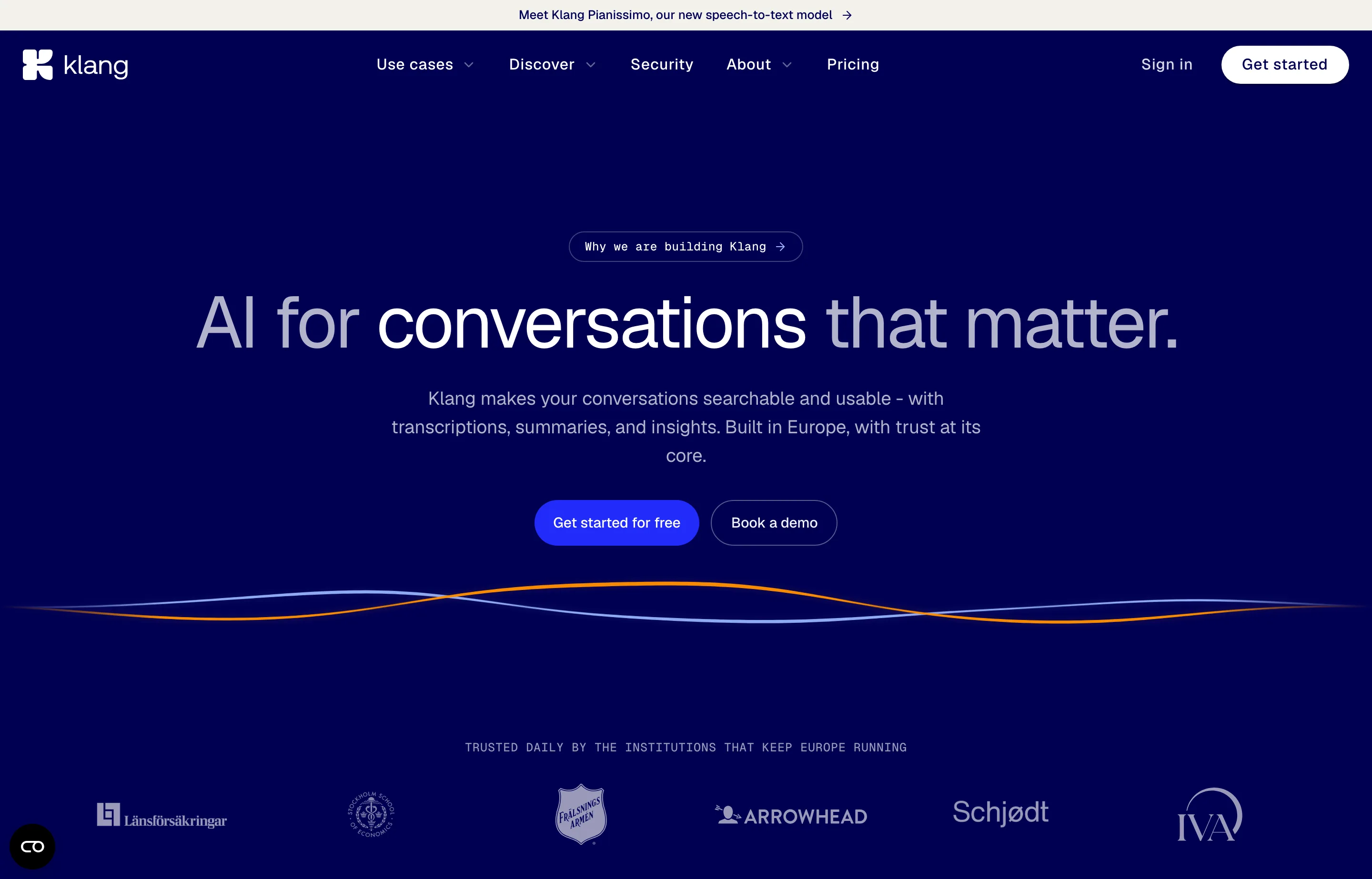
Klang records, transcribes, summarizes, and indexes meetings and calls, then lets you search and query the result — either in its own app or through MCP, its API, or a CLI. It is built by a Swedish team that trains its own speech models, including Pianissimo, an open Swedish speech-to-text model, and it runs on European infrastructure.
The difference from a simple notetaker is scope: Klang is trying to be the memory of every conversation in a small organisation, with daily briefings, cross-meeting search, and agent access. That makes it a better fit for a consultancy or five-person team with recurring clients than for someone who just wants notes from today's call.
Klang listed on Product Hunt on 10 November 2026. Rank and points could not be verified this run because Product Hunt's leaderboards were unreachable; the listing is launch-day attention, not a review score. The company itself is established, with named founders and EU public-sector-style customers shown on its site.
- Website
- klang.ai
- Category
- AI Notetakers
- Pricing
- Free plan + paid tiers
- Starts at
- Free (30-day history); Pro €16/person/month
- Best for
- Small teams and consultants who want searchable conversation memory with EU hosting and per-seat pricing they can predict.
- Profile updated
- November 12, 2026
Independent profile — no affiliate links or sponsored placement.
Key features
- Meeting and call recording with transcription, summaries, and speaker identification
- Cross-meeting search and chat: ask what a client said about pricing, or what your team decided last month
- Daily and weekly briefings that surface patterns, churn signals, objections, and open decisions
- Desktop and mobile apps for macOS, Windows, iOS, and Android, including in-person recording
- MCP server, API, and CLI so Claude, Gemini, or your own agents can search conversations and act on them
- 50+ integrations with the tools a small team already uses
- Dictation and reusable snippets alongside meeting capture
- EU hosting, two-factor authentication, SSO (SAML, OpenID Connect, BankID), and an optional BYOK "Klang Vault" for customer-managed encryption
Pricing
Read from Klang's pricing page on 12 November 2026 (verify current):
- Free — €0 forever. Transcription of meetings and calls, meeting assistant, mobile and desktop apps, summaries and chat, the last 30 days of history, and MCP access at 30 calls per day.
- Pro — €16 per person per month, billed monthly, excluding VAT. Adds full searchable history, speaker identification across the whole transcript, integrations, automations, more export formats (Word, Excel, SRT, VTT), scheduled analyses, word lists, translation, and 1,000 MCP calls per day. Seven-day free trial.
- Business — €30 per person per month, billed monthly, excluding VAT. Adds custom assistant name and picture, meeting video recording, self-serve SSO, a DPA in the account, workspace statistics, hybrid meeting support, audit logs, verified domains, and 5,000 MCP calls per day.
- Enterprise — custom pricing.
Yearly billing saves up to 16%. Pricing is per seat and in euros, with VAT added at checkout where it applies, so a US buyer should budget for card fees and currency conversion on top.
Pros and cons
Pros
- EU hosting and Swedish ownership are a genuine differentiator for privacy-sensitive clients
- Own speech models, including an open Swedish model, rather than a thin wrapper on someone else's API
- Cross-meeting search and agent access make it team memory, not just a transcript
- Free tier is real: no card, unlimited meetings, 30 days of history
Cons
- Free history is capped at 30 days, and the cap is the main reason to pay
- Per-seat pricing in euros plus VAT is harder to forecast than a flat plan
- Video recording and compliance features only arrive on the Business tier
- Recording conversations carries consent obligations that vary by country; Klang gives you the tools, not the legal advice
Who should use Klang?
Klang fits a small European team or consultant with recurring client conversations who needs to find what was said weeks ago, and who values EU data residency enough to pay for it. It is also a sensible choice if you want your AI assistant to query meeting history through MCP without exporting transcripts by hand.
Choose Granola if you want the lightest possible bot-free notepad and do not need shared history. Choose Otter or Fireflies if you need US-centric integrations and video-first meeting records. Klang's edge is European hosting plus search across the whole conversation history.
Evidence, for context: Klang is an established Swedish company with named founders and institutional customers displayed on its site. Its Product Hunt listing dates to 10 November 2026, with no rank or points verified this run; we did not read a G2 or Capterra rating.
FAQs
Is Klang free?+
Yes, with a limit. The free plan includes unlimited meeting transcription, summaries, chat, mobile and desktop apps, and the last 30 days of history. Older conversations require Pro at €16 per person per month.
How much does Klang cost per month?+
Pro is €16 per person per month and Business is €30 per person per month, both billed monthly and excluding VAT. Yearly billing saves up to 16%. A three-person team on Pro is roughly €48/month before tax.
Is Klang GDPR-friendly?+
It is designed around EU requirements: data is hosted in Europe, the company is Swedish, and the Business plan includes a DPA, SSO, audit logs, and optional customer-managed encryption. You still need a lawful basis and, in many jurisdictions, consent from people you record.
Klang or Granola?+
Klang for team-wide, searchable history with EU hosting and agent access. Granola for a lighter bot-free notepad with a stronger personal free tier. If one person takes notes, Granola is simpler; if the team needs to search everything, Klang is the better shape.
Similar tools in the directory
AI Notetakers
Granola
Consultants, founders, and small teams in back-to-back calls who want notes without a bot joining the meeting.
AI Notetakers
Oats
Teams that want meeting notes without a bot in the call or a SaaS seat tax
AI Notetakers
Ulpaso
Mac-using consultants and founders whose calls include sensitive details and who want notes as plain files they own forever.
Free tools to try
Keep reading
Guide
The Small Business AI Stack: Tools for Every Job in 2026
A practical AI stack for small businesses — the tools that actually save time on marketing, content, SEO, and admin, organized by the job they do. Free where it counts.
Guide
10 Best AI Dictation Tools in 2026
The best AI dictation tools ranked for privacy, ease of use, support, and long-term cost — including lifetime, local, and free options.