Video Marketing
CutBay
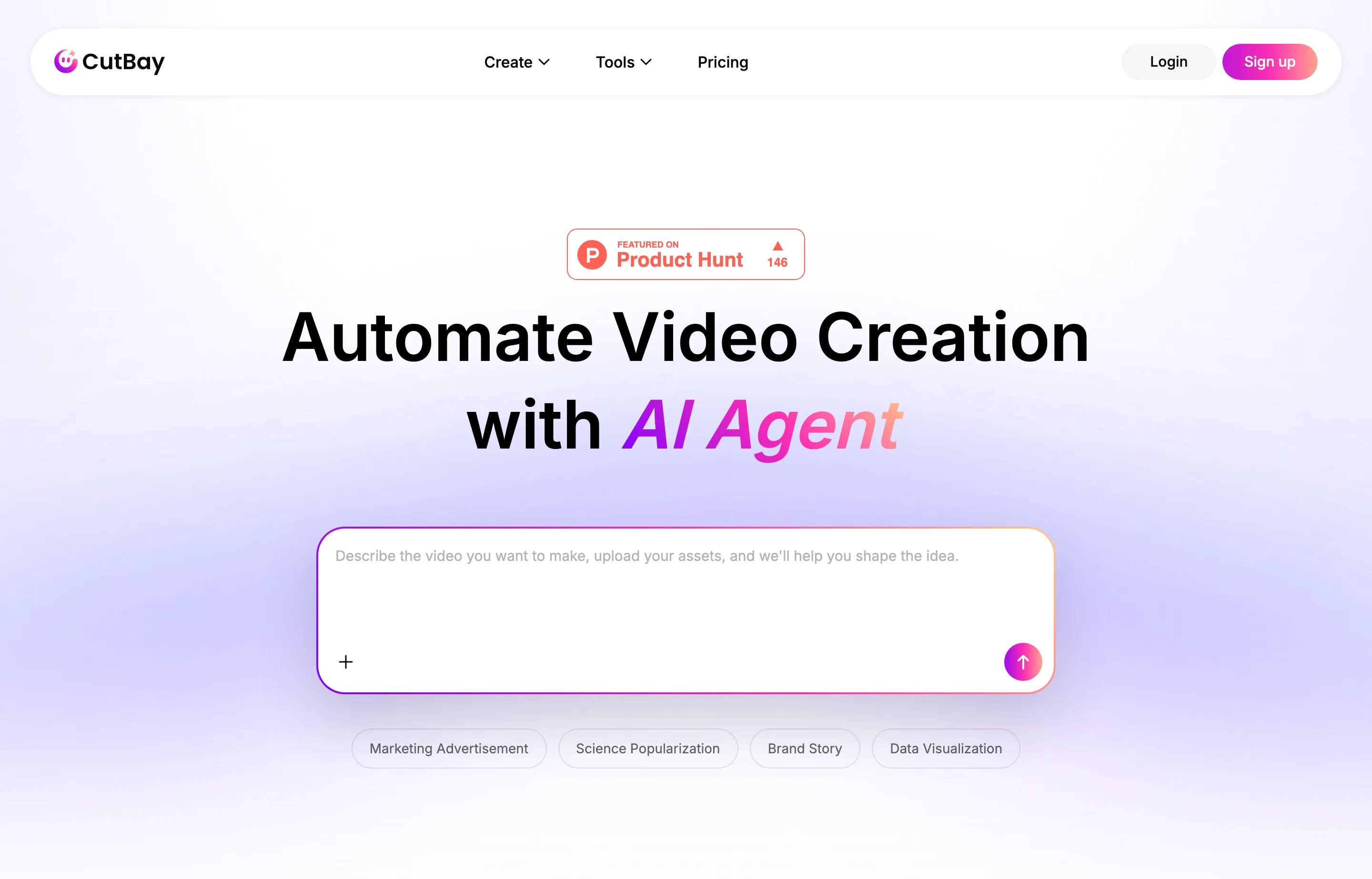
CutBay is an AI video agent from PearlMountain that turns almost anything — a prompt, a document, a PDF, a blog link, a spreadsheet, or your own clips — into a share-ready video by chatting rather than editing timelines. It plans, scripts, adds visuals, voiceovers, subtitles, and motion graphics, then lets you refine through natural-language edits.
It launched on Product Hunt on October 22, 2026 at #8 of the day with 146 points and 27 comments. It is backed by PearlMountain, an established maker of design and collage software, which gives it more of a track record than a first-launch product.
The useful distinction is its input-first approach: where most AI video tools start from a text prompt, CutBay is strongest repurposing what you already have — a deck into an explainer, a blog or Amazon URL into a product clip, a report into animated charts. That maps cleanly onto the "turn existing content into video" job most small businesses actually have.
- Website
- cutbay.ai
- Category
- Video Marketing
- Pricing
- Free plan + paid tiers
- Starts at
- Free plan; paid from $29/month
- Best for
- Marketers turning written content, decks, and product pages into share-ready video.
- Profile updated
- October 29, 2026
Independent profile — no affiliate links or sponsored placement.
Key features
- Start from anything — prompts, PPT, documents, PDFs, URLs, spreadsheets, or your own assets
- Chat-based editing — describe the change and the video updates, no timeline work
- Talking-head cleanup — removes filler words, silences, and retakes, then adds captions and B-roll
- Animated charts and infographics — for data and report-to-video jobs
- Auto subtitles and voiceovers — included in generation
- Template library — presentation, explainer, marketing, education, product demo, YouTube Shorts
Pricing
Read from CutBay's pricing page in October 2026 (verify current):
- Free — $0, limited credits to start
- Basic — $29/month (or ~$21/month billed annually) — 500 credits/month
- Pro — $69/month (or ~$49/month annual) — 1,400 credits/month
- Higher tiers extend to roughly $89/month for 2,400 credits/month
Annual billing saves about 30%. Credits are the meter — video length, resolution, and features like voiceovers consume them at different rates.
Pros and cons
Pros
- Repurposes documents and links you already have, not just prompts
- Public pricing and a real free tier — easy to evaluate without committing
- Established parent company (PearlMountain) rather than a launch-week experiment
Cons
- Credit costs for longer videos are opaque until you're generating
- Short-clip and repurposing focus — not built for long-form narrative like a dedicated agent
- Crowded category; several of the tools already profiled here overlap on "text to video"
Who should use CutBay?
CutBay fits a marketer or owner who already has decks, blog posts, product pages, or reports and wants to turn them into social clips, explainers, or ads without learning an editor. Start on the free plan to test quality, then move to Basic ($29/mo) once you're producing weekly. If you need long-form, character-consistent storytelling, look at MOVO AI or a longer-form agent instead.
Its 146-point, 27-comment launch is launch-day interest rather than a review score; PearlMountain's longer history is the more meaningful signal as of October 2026.
FAQs
Is CutBay free?+
Yes — there's a free plan with limited credits. Paid plans start at $29/month (500 credits), with a roughly 30% discount on annual billing.
How much does CutBay cost per month?+
$0 free, $29/month (500 credits), $69/month (1,400 credits), up to about $89/month for 2,400 credits. Annual billing is cheaper per month.
What can CutBay turn into video?+
Prompts, presentations, documents, PDFs, spreadsheets, blog and product URLs, and your own uploaded clips and images — plus a talking-head editor that cleans up recorded footage.
CutBay or MOVO AI?+
CutBay is for turning existing content into shorter share-ready clips, with public pricing and a free tier. MOVO AI is a long-form production agent with consistent characters but no public pricing page. Pick by length and by whether you want to see pricing before signup.
Similar tools in the directory
Video Marketing
MOVO AI
Creators and small teams producing long-form video without a professional editor.
Video Marketing
Kling AI
Creators and studios wanting cinema-grade AI video and image generation.
Video Marketing
Clueso
Software founders and small teams making repeatable product demos, onboarding videos, and tutorials.
Free tools to try
Keep reading
Guide
The Small Business AI Stack: Tools for Every Job in 2026
A practical AI stack for small businesses — the tools that actually save time on marketing, content, SEO, and admin, organized by the job they do. Free where it counts.
Guide
Best Free AI Writing Tools for Small Businesses
12 AI writing tools ranked for small businesses — pricing, pros, cons, and features. From ChatGPT and Claude to free, no-signup generators for repeat jobs.
Guide
What Outbid.lol Teaches Small Businesses About Viral Growth
Outbid.lol's reported $178k-in-77-hours launch shows small businesses how to create viral opportunities without mistaking one spike for a strategy.