Website Builders
Webflow
Webflow is a visual website-development platform with managed hosting, a CMS, forms, SEO controls, and client collaboration. Its 2026 plans position the platform as AI-native, adding prompt-built sites, generated sections and CMS content, code components, and SEO/AEO suggestions. This is a research-based profile using Webflow's current pricing and help pages.
Webflow has two bills to understand: the plan attached to each published site and the workspace seats used to build it. A $15 Basic site can therefore cost more when an agency adds paid designers, bandwidth, localization, analytics, or optimization.
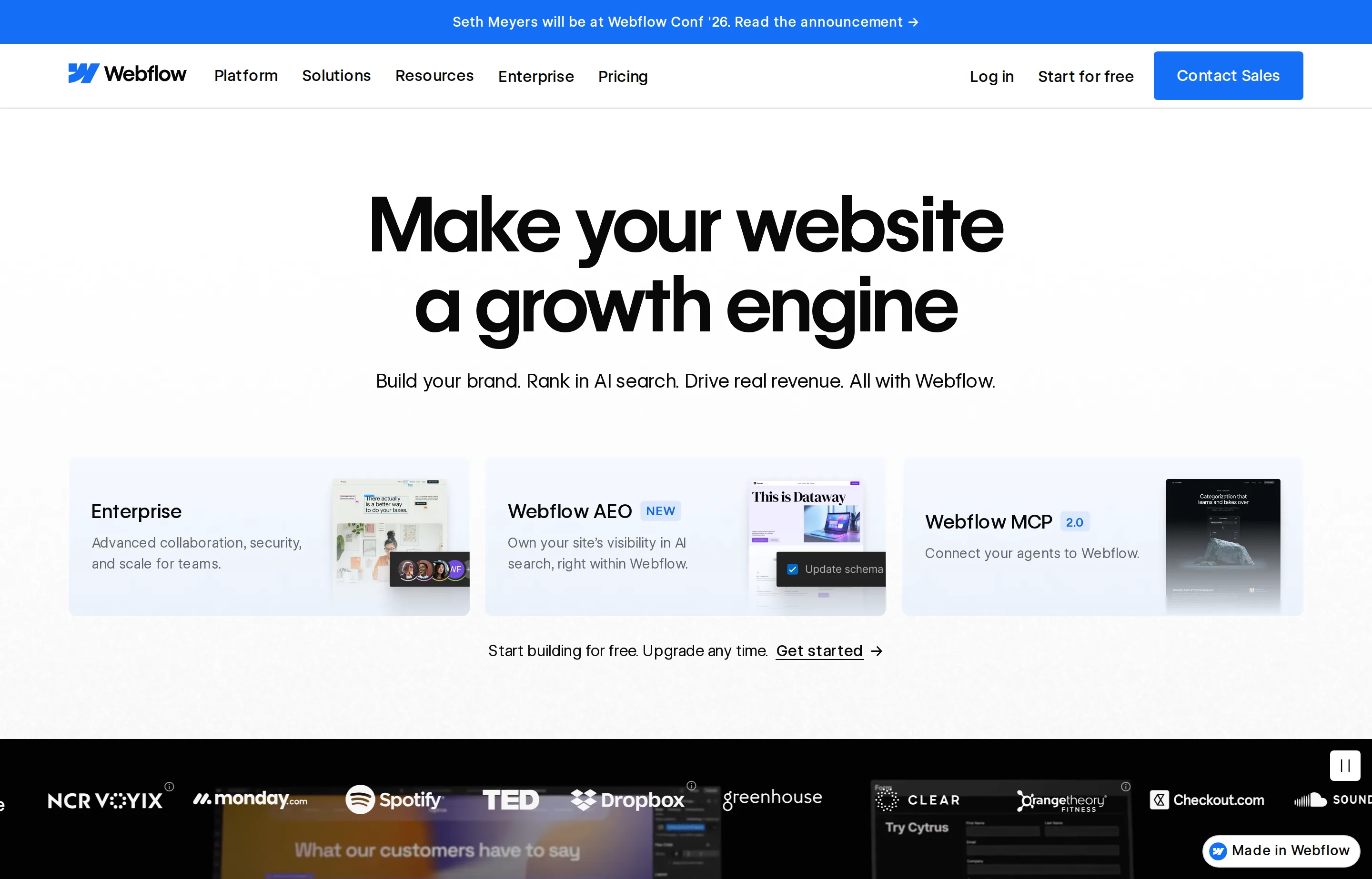
- Website
- webflow.com
- Category
- Website Builders
- Pricing
- Free plan + paid tiers
- Starts at
- Free plan; Basic from $15/month (annual)
- Best for
- Freelancers and digital agencies building structured, custom client sites without maintaining a conventional codebase.
- Profile updated
- August 22, 2026
Independent profile — no affiliate links or sponsored placement.
Key features
- Visual HTML/CSS layout system with responsive breakpoints and interactions
- Managed hosting, custom domains, SSL, forms, and password protection
- CMS collections, site search, and content workflows on qualifying plans
- AI site, section, copy, CMS-item, and code-component generation
- Built-in SEO/AEO audits and suggestions on eligible paid setups
- Free reviewers, plus paid full and limited workspace seats
- Optional localization, analytics, optimization, and Cloud app hosting
Pricing
Read from Webflow's pricing page and its August 2026 help documentation (verify current). Site prices below are monthly equivalents billed annually:
- Starter site — free: Webflow.io domain, 2 static pages, limited CMS, 1 GB bandwidth, 50 form submissions, and access to Webflow AI for experimentation.
- Basic site — $15/month: custom domain, 300 static pages, 10 GB bandwidth, unlimited form submissions, and no CMS requirement.
- Premium site — from $25/month: CMS, site search, file-upload forms, code components, and selectable bandwidth limits.
- Team platform — $2,500/month: annual contract, 10 seats, expanded CMS, localization, publishing workflows, AEO agents, and governance.
- Enterprise — quote-based: custom capacity, controls, support, and service terms.
Workspace billing is separate: current annual rates list full seats at $39/month and limited seats at $15/month, while reviewers are free. Bandwidth add-ons begin at $20/month annually for 50 GB. Existing legacy sites may move to the new pricing on renewal, so confirm both the Site and Workspace tabs.
Pros and cons
Pros
- Fine visual control without personally maintaining deployment infrastructure
- Strong fit for repeatable agency delivery and content-driven sites
- CMS, forms, hosting, AI assistance, and production controls are integrated
Cons
- Site plans, workspace seats, and add-ons make the bill hard to predict
- The designer has a steeper learning curve than Carrd or Framer
- Team pricing jumps sharply beyond the self-serve tiers
Who should use Webflow?
Webflow fits a freelancer or small agency that builds marketing sites repeatedly and needs more structure than a one-page builder. It also suits an internet business with a serious CMS that wants visual ownership without maintaining a custom frontend.
Choose Framer when speed and design iteration dominate, or Carrd when the job is one focused landing page. Webflow is established software; its longevity and vendor documentation are stronger evidence than launch-week attention, but they do not remove the need to test the editor against your own workflow.
FAQs
Is Webflow free?+
Yes. You can build and publish a small test site on a Webflow.io domain for free. A custom domain requires a paid Site plan.
How much does Webflow cost for one business website?+
Basic starts at $15/month annually for a non-CMS site. Premium starts at $25/month annually for CMS needs, before workspace seats and add-ons.
Why does Webflow have both Site and Workspace plans?+
A Site plan pays for one site's hosting and production features. A Workspace plan controls who can build sites and how teams collaborate. Agencies commonly need both.
Webflow or Framer?+
Pick Webflow for structured CMS work and deeper visual-development control. Pick Framer for a faster, design-first marketing workflow with simpler entry pricing.
Similar tools in the directory
Website Builders
Framer
Design-led founders, creators, and small agencies that want to publish polished marketing sites without a developer handoff.
Website Builders
Carrd
Indie hackers, creators, and freelancers validating an idea or publishing a focused one-page site on a tiny budget.
Marketing Automation
ActiveCampaign
Small businesses that have outgrown newsletter tools and want deep, trigger-based automation without enterprise complexity.
Free tools to try
Keep reading
Guide
Small Business SEO Audit Template (Free, Copy-Paste)
A free SEO audit template where every check cites Google's own documentation — no signup, no download, and honest limits on every free tool it uses.
Guide
Local SEO for Small Business: Guide + Best Tools
How Google ranks local businesses, the Business Profile rules that get you suspended, and which local SEO tools are worth paying for in 2026.