Website Builders
Framer
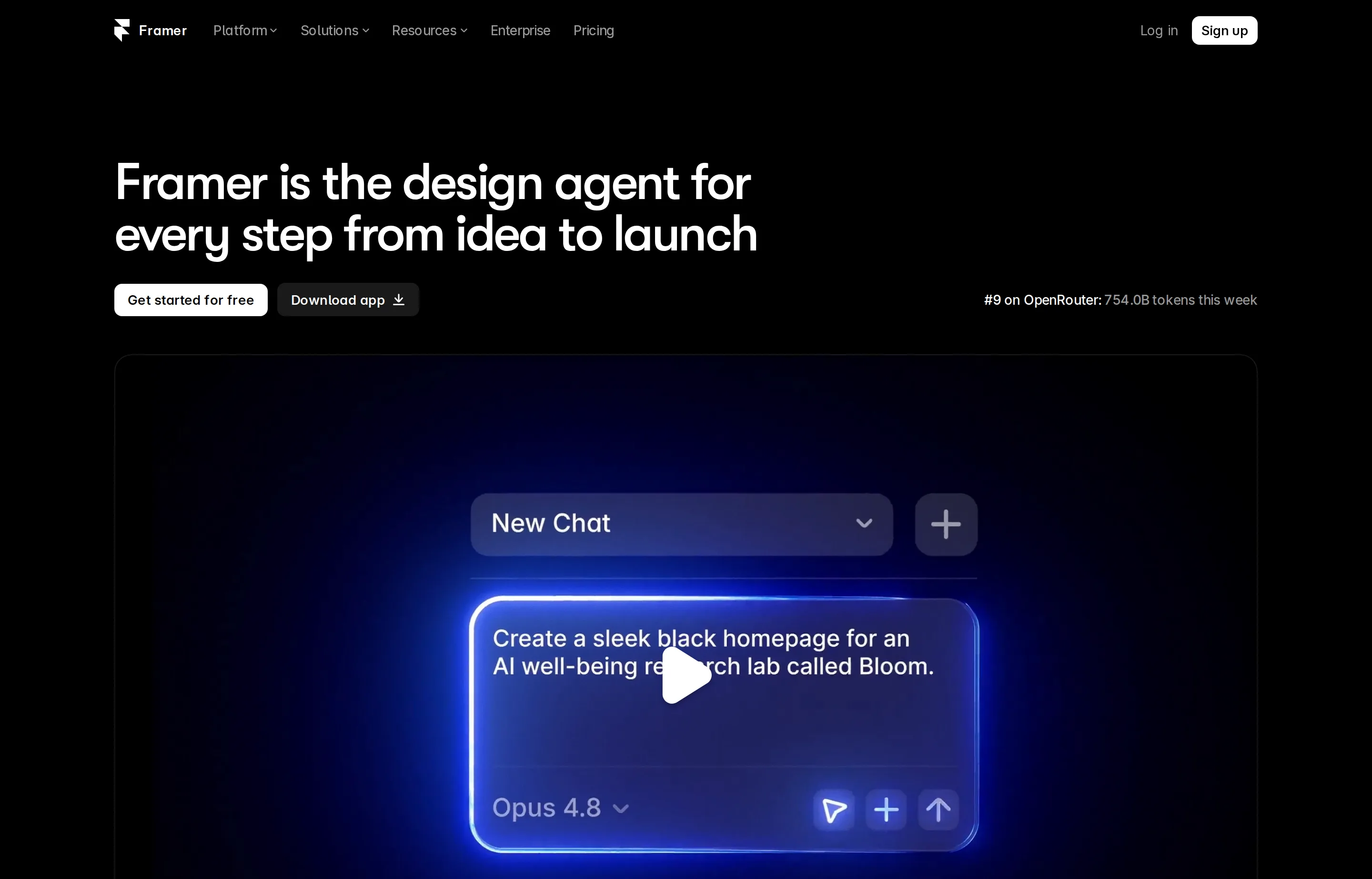
Framer is a visual website builder and hosted CMS aimed at designers, founders, and marketing teams. Its 3.0 release added agents that can design, write, analyze, and organize a site on the canvas. This profile is based on Framer's current product and help pages rather than hands-on testing.
The deciding cost is not only the site plan. Basic and Pro include one workspace owner, while extra full editors cost $20 each per month and content editors cost $10. Localization, A/B testing, extra bandwidth, and advanced hosting are separate add-ons.
- Website
- framer.com
- Category
- Website Builders
- Pricing
- Free plan + paid tiers
- Starts at
- Free plan; Basic from $10/month (annual)
- Best for
- Design-led founders, creators, and small agencies that want to publish polished marketing sites without a developer handoff.
- Profile updated
- August 22, 2026
Independent profile — no affiliate links or sponsored placement.
Key features
- Visual canvas for responsive marketing sites, portfolios, and landing pages
- Hosted CMS with 2 collections on Basic and 10 on Pro
- AI agents for layout, copy, analysis, and site organization, metered with credits
- Built-in hosting, SSL, custom domains, forms, analytics, and SEO controls
- Staging, redirects, and branching with previews on Pro
- Paid localization, A/B testing, and advanced-hosting add-ons
- Live collaboration with viewer, full-editor, and content-editor roles
Pricing
Read from Framer's pricing page in August 2026 (verify current). Listed figures below use annual billing:
- Free — $0: Framer subdomain, 1 GB bandwidth, design pages, and trial AI credits. A custom domain requires paid hosting.
- Basic — $10/month: custom domain, 30 pages, 2 CMS collections, 1,000 CMS items, 50 GB bandwidth, and 1,000 monthly credits.
- Pro — $30/month: 150 pages, 10 CMS collections, 2,500 CMS items, 100 GB bandwidth, staging, redirects, branching, and 3,000 monthly credits.
- Enterprise — custom: negotiated limits, support, security, and billing.
Additional full editors are $20/month and content editors $10/month. Translation locales are $20 each; Convert starts at $50 per 500,000 events; Advanced Hosting is $200/month. Framer says monthly billing is also available, so confirm the checkout total before committing.
Pros and cons
Pros
- Faster design-to-publish workflow than handing a mockup to a developer
- Basic plan is accessible for a professional founder or portfolio site
- CMS, hosting, responsive layout, and AI assistance live in one workspace
Cons
- Seat charges and add-ons can make an agency workspace far costlier than $10–$30
- AI credits are a moving usage allowance, not unlimited generation
- Ecommerce and complex application logic are not Framer's core strength
Who should use Framer?
Choose Framer when visual quality and publishing speed matter more than deep application logic: a SaaS launch, creator portfolio, studio site, or campaign landing page. A solo operator can stay on Basic; a small agency benefits from Pro's staging and previews but should price editor seats into client retainers.
Choose Carrd for a cheap one-page validation site, or Webflow when a larger CMS and more structured visual-development workflow justify additional complexity. Framer is established software, and this profile uses vendor documentation and current pricing—not a Product Hunt score or an implied user review.
FAQs
Is Framer free?+
Yes. The free plan is useful for designing and testing on a Framer domain. Publishing to your own domain requires Basic or higher.
How much does a professional Framer site cost?+
Basic starts at $10/month and Pro at $30/month with annual billing as of August 2026. Extra editors and add-ons are separate.
Framer or Webflow?+
Framer is usually faster for design-led marketing sites. Webflow offers a more mature structured CMS and visual-development ecosystem but has more billing and workspace complexity.
Can an agency use Framer for client sites?+
Yes. Pro adds staging and branching, while viewers can comment for free. Budget for paid editors and any localization, testing, or hosting add-ons.
Similar tools in the directory
Website Builders
Webflow
Freelancers and digital agencies building structured, custom client sites without maintaining a conventional codebase.
Website Builders
Carrd
Indie hackers, creators, and freelancers validating an idea or publishing a focused one-page site on a tiny budget.
Marketing Automation
ActiveCampaign
Small businesses that have outgrown newsletter tools and want deep, trigger-based automation without enterprise complexity.
Free tools to try
Keep reading
Guide
The Small Business AI Stack: Tools for Every Job in 2026
A practical AI stack for small businesses — the tools that actually save time on marketing, content, SEO, and admin, organized by the job they do. Free where it counts.
Guide
Small Business SEO Audit Template (Free, Copy-Paste)
A free SEO audit template where every check cites Google's own documentation — no signup, no download, and honest limits on every free tool it uses.