Forms & Surveys
Tally
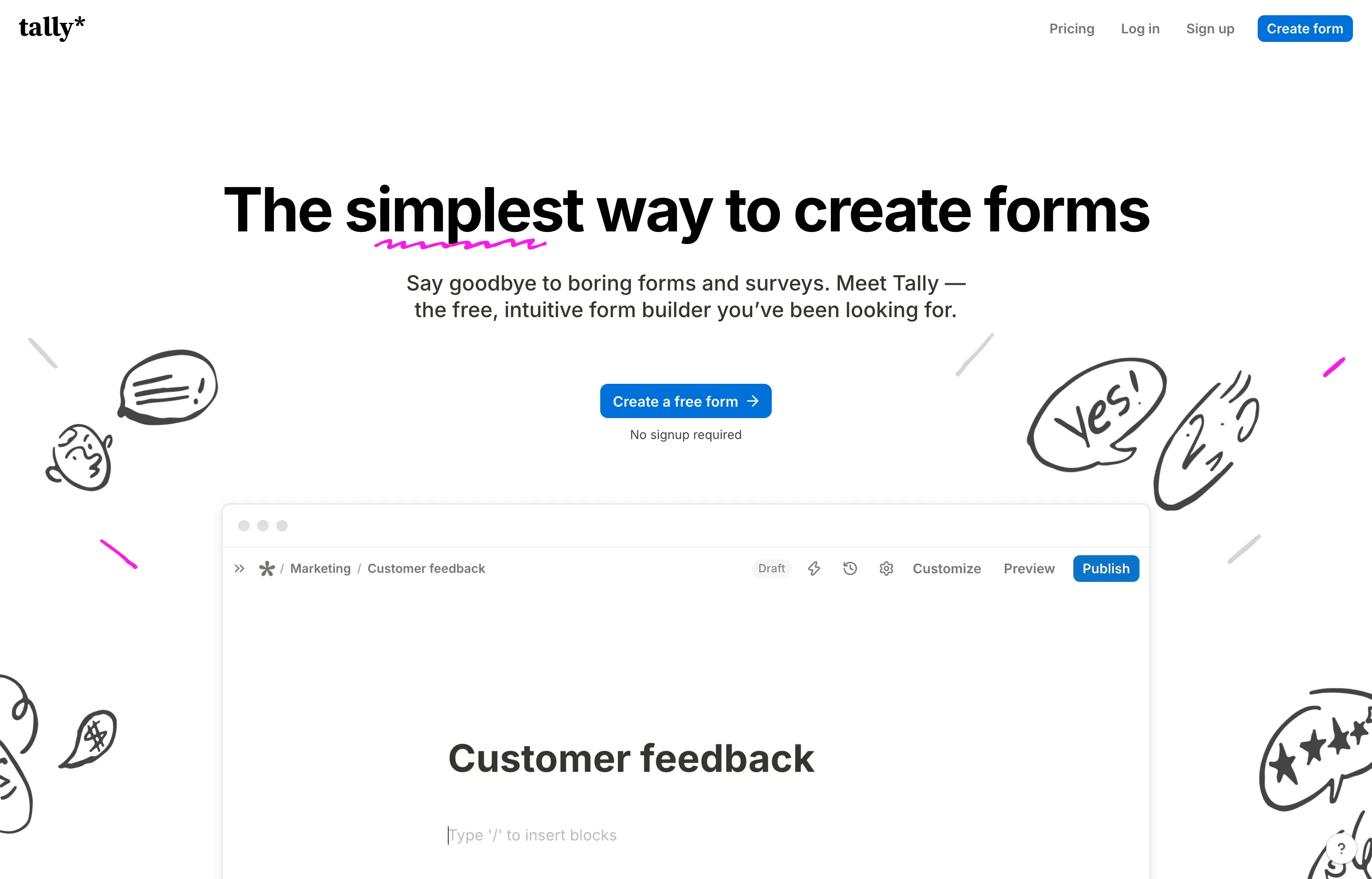
Tally is a form builder that behaves like a document: you type a question, hit enter, insert a block, and publish. No drag-and-drop canvas, no template maze. It is the closest thing to Notion for forms, and it covers the jobs a small business actually needs — contact forms, lead capture, surveys, applications, order forms, and payment collection.
The free tier is the reason to look at it. Unlimited forms and unlimited responses, with conditional logic, calculations, signatures, file uploads, answer piping, and 45+ languages included. What free does not include is polish and plumbing: forms carry Tally branding, live on tally.so links, cap file uploads at 10 MB each, and hide partial submissions, drop-off analytics, custom CSS, and custom domains behind Pro.
This profile is based on Tally's website and pricing page, read in November 2026, not on hands-on testing. Tally is an established, Belgium-based company (Tally BV) that hosts form data in the EU — it is not a launch-week product, so the durability question is less about whether it will exist and more about whether its paid tier is worth it for you.
- Website
- tally.so
- Category
- Forms & Surveys
- Pricing
- Free plan + paid tiers
- Starts at
- Free (unlimited forms and responses); Pro $29/month, $290/year
- Best for
- Solo owners and small teams who need lead, booking, and payment forms without a submission cap.
- Profile updated
- November 12, 2026
Independent profile — no affiliate links or sponsored placement.
Key features
- Unlimited forms and submissions on the free plan, subject to a fair-use policy
- Block types for contact details, payments, e-signatures, ratings, rankings, file uploads, and date/time selection
- Conditional logic, calculated variables, hidden fields, answer piping, and pre-filled fields
- Multi-page forms, column layouts, custom themes, images, and embedded YouTube, Calendly, or Maps blocks
- Integrations with Google Sheets, Notion, Airtable, Slack, Zapier, Make, n8n, Google Analytics, and Meta Pixel (the last two on paid plans)
- AI form building through ChatGPT and Claude, plus an MCP server and a documented API
- Custom domains, custom CSS, and partial-submission capture on Pro
- EU data hosting, GDPR compliance, encryption in transit and at rest
Pricing
Read from Tally's pricing page on 12 November 2026 (verify current):
- Free — $0. Unlimited forms and responses within fair-use limits; payments, signatures, file uploads (10 MB per file), conditional logic, calculations, answer piping, 45+ languages, and standard integrations.
- Pro — $29/month, or $290/year (about $24/month). Removes Tally branding, adds custom domains, unlimited team members, partial submissions, custom CSS, branded email notifications, workspaces, unlimited upload size, form and drop-off analytics, 30-day version history, and Google Analytics/Meta Pixel.
- Business — $89/month, or $890/year (about $74/month). Adds data-retention controls, email verification for respondents, and 90-day version history.
Pricing is per workspace, not per form or per response; the only volume constraint is the fair-use policy on the free plan. Annual billing is roughly two months cheaper than paying monthly.
Pros and cons
Pros
- The free plan is genuinely usable for a business, not a demo — most competitors cap responses
- Document-style editing is faster than dragging blocks around a canvas
- EU hosting and GDPR posture suit consultants handling client data
Cons
- Branding and
tally.solinks on free forms are visible to customers - File uploads are capped at 10 MB per file until you pay
- Not a CRM or booking system — it collects data and hands it to Sheets, Notion, or Zapier
- Support is documentation and email; there is no phone line
Who should use Tally?
Use Tally if you are a solo owner, creator, or small team collecting structured information — client intake, quote requests, applications, feedback, event RSVPs — and you want that to cost nothing until the form is customer-facing enough to need your logo and domain. The upgrade case is usually a single branded form on your own domain, which makes Pro a $29/month decision rather than a platform migration.
Choose Jotform instead if you need hundreds of ready-made templates, payment gateways beyond Stripe, or a approvals workflow. Choose a real booking tool if the form's job is scheduling appointments with availability rules.
Evidence, honestly: Tally is long-established and widely used, but we did not read a G2 or Capterra rating this run. Treat the vendor's "2,500,000+ teams" figure as a marketing claim, not a review score.
FAQs
Is Tally really free?+
Yes — unlimited forms and unlimited responses within Tally's fair-use policy, including payments, signatures, conditional logic, and file uploads. The free plan adds Tally branding to forms, uses tally.so links, caps uploads at 10 MB per file, and reserves analytics and custom domains for Pro.
How much does Tally cost per month?+
Pro is $29/month or $290/year (about $24/month); Business is $89/month or $890/year (about $74/month). Pricing is per workspace, not per form or response, as read from Tally's pricing page in November 2026.
Tally or Jotform?+
Tally wins on free limits and editing speed; Jotform wins on template volume, payment gateway choice, and workflow features. If your forms are simple and you resent response caps, Tally is the better default. If you need a form to run a process — approvals, conditional emails, dozens of integrations — pay for Jotform.
Can I take payments with Tally?+
Yes. Tally's payment block collects payments on free and paid plans, but check the supported currencies and provider in your account before building a checkout around it; Tally is a form builder, not a merchant of record.
Similar tools in the directory
Forms & Surveys
Jotform
Small businesses that need more than Google Forms — payments, signatures, approvals, and AI agents that answer from what customers submit.
Email Marketing
GetResponse
Creators and small businesses that want email plus webinars, landing pages, and online-course tools in one subscription.
Marketing Automation
ActiveCampaign
Small businesses that have outgrown newsletter tools and want deep, trigger-based automation without enterprise complexity.
Free tools to try
Keep reading
Guide
Free Small Business Tools (No Signup): The Complete List
A directory of free small business tools — pricing calculators, invoicing, marketing, SEO, and writing. No signup, no paywall, and they explain the math.
Guide
Best Free CRM for Small Business (2026)
12 free CRMs ranked by real limits — Zoho, Freshsales, HubSpot, Bitrix24 and more, with true user caps, contact caps, and upgrade costs as of July 2026.